Page 91 of 324
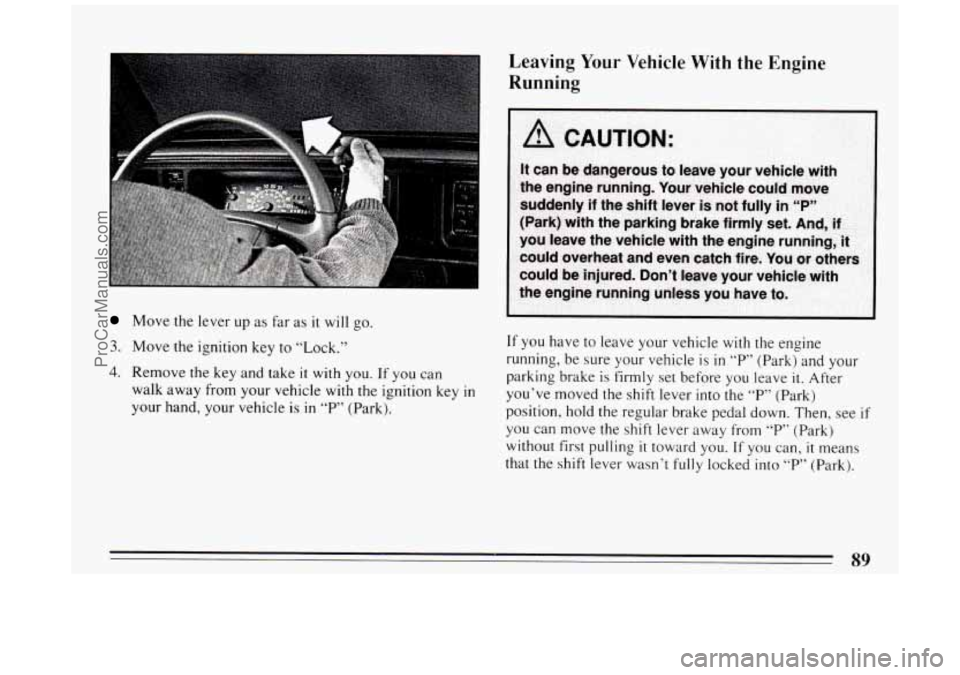
Move the lever up as far as it will go.
3. Move the ignition key to “Lock.”
4. Remove the key and take it with you. If you can
walk away from
your vehicle with the ignition key in
your hand, your vehicle is in “P” (Park).
Leaving Your Vehicle With the Engine
Running
If you have to leave your vehicle with the engine
running, be sure your vehicle
is in “P” (Park) and your
parking brake
is firmly set before you leave it. After
you’ve moved the shift lever into the
“P” (Park)
position, hold the regular brake pedal down. Then, see
if
you can move the shift lever away from “P” (Park)
without first pulling
it toward you. If you can, it means
that the
shift lever wasn’t fully locked into “P” (Park).
89
ProCarManuals.com
Page 92 of 324
Torque Lock
If you are parking on a hill and you don’t shift your
transaxle into
“P’ (Park) properly, the weight of the
vehicle may put too much force on the parking pawl
in
the transaxle. You may find it difficult to pull the shift
lever out of
“P’ (Park). This is called “torque lock.” To
prevent torque lock, set the parking brake and then shift
into “P” (Park) properly before you leave the driver’s
seat.
To find out how, see “Shifting Into ‘P’ (Park)” in
the Index.
When
you are ready to drive, move the shift lever out of
“P” (Park) BEFORE you release the parking brake.
If “torque lock” does occur, you may need
to have
another vehicle push yours
a little uphill to take some of
the pressure from the transaxle,
so you can pull the shift
lever out of “P’ (Park).
Shifting Out of P (Park) 66 99
Your hick has a brake-transaxle shift interlock. You
have
to fully apply your regular brake before you can
shift from
“P’ (Park) when the ignition is in the “Run”
position. See “Automatic Transaxle”
in the Index.
If you cannot shift
out of T“ (Park), ease pressure on
the shift lever
-- push the shift lever all the way into “P”
(Park) as you maintain brake application.
Then move the
shift lever into the gear you want. If
you ever hold the
brake pedal down but still can’t shift out of
“P” (Park),
try this:
1, Turn the key to “Off.” Open and close the driver’s
door
to turn off the Retained Accessory Power
feature,
if you have it.
2. Apply and hold the brake until the end of Step 4.
3. Shift to “N” (Neutral).
4. Start the vehicle and then shift to the drive gear you
5. Have the vehicle fixed as soon as you can.
want.
ProCarManuals.com
Page 95 of 324

Power Windows
Your power window controls are on the armrest. The
switch for the driver’s window has an express-down
feature. Pull
the switch back all the way, release it and
the window will lower automatically.
To stop the
window from lowering, push the switch forward.
To
partially open the window, pull the switch back and
quickly release it.
You may also have a lock out button. Push
LOCK to
disable the power window switches. This
will prevent
passengers from opening and closing the windows. The driver
can still control all the windows
with the switch
in
the locked position. Push UNLOCK to allow your
passengers to use their window switches again.
Horn
To sound the horn, press a pad with the horn symbol on
either side of the steering wheel.
Tilt Wheel
A tilt steering wheel allows
you to adjust the steering
wheel before you drive.
You can also raise
it to the
highest level to give your
legs more room
when you
exit and enter
the vehicle.
To tilt the wheel, hold the steering wheel and pull the
lever toward
you. Move the steering wheel to a
comfortable position, then release the lever to lock the
wheel
in place.
93
ProCarManuals.com
Page 99 of 324
Windshield Washer
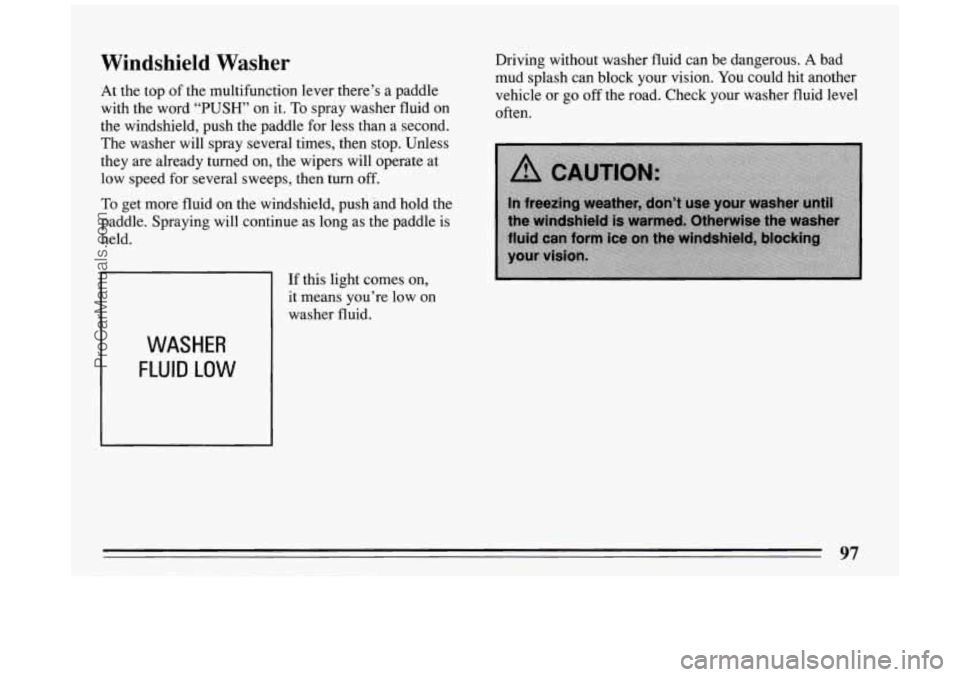
At the top of the multifunction lever there’s a paddle
with the word “PUSH” on it. To spray washer fluid on
the windshield, push the paddle for less than a second.
The washer will spray several times, then stop. Unless
they are already turned
on, the wipers will operate at
low speed for several sweeps, then turn
off.
To get more fluid on the windshield, push .and hold the
paddle. Spraying will continue as long as the paddle is
held.
WASHER
FLUID LOW
If this light comes on,
it means you’re low on
washer fluid. Driving
without washer fluid can be dangerous.
A bad
mud splash can block your vision.
You could hit another
vehicle or go
off the road. Check your washer fluid level
often.
97
ProCarManuals.com
Page 125 of 324
Anti-Lock Brake System Warning Light
ANT‘ LOCK (a)
ANTI
LOCK
J
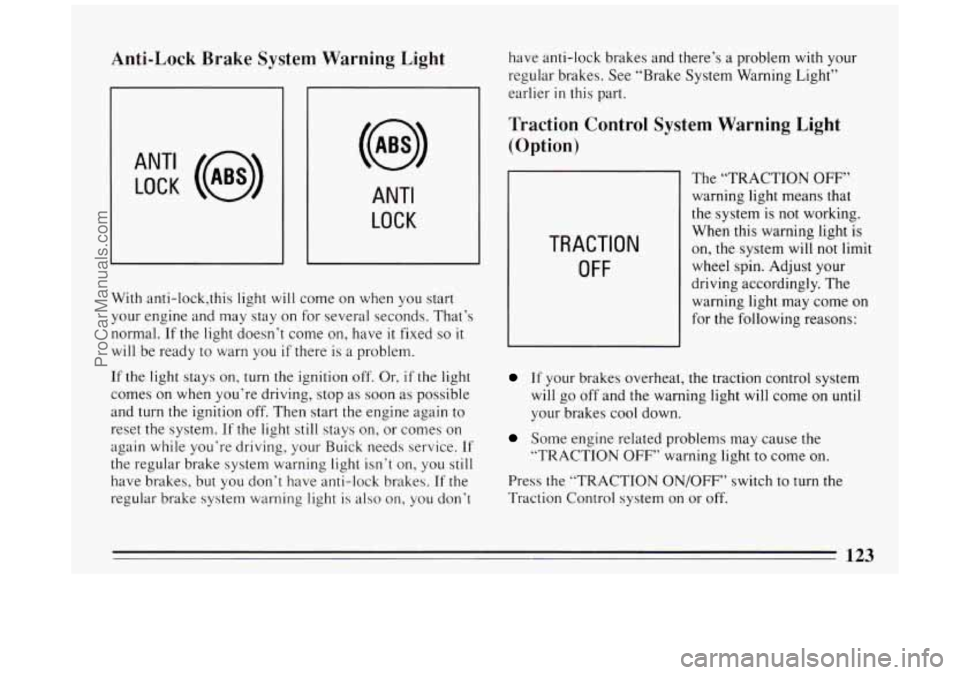
With anti-lock,this light will come on when you start
your engine and may stay on for several seconds. That’s
normal.
If the light doesn’t come on, have it fixed so it
will be ready to warn you if there is a problem.
If the light stays on, turn the ignition
off, Or, if the light
comes on when you’re driving, stop as soon as possible
and
turn the ignition off. Then start the engine again to
reset the system.
If the light still stays on, or comes on
again while you’re driving, your Buick needs service.
If
the regular brake system warning light isn’t on, you still
have brakes, but you don’t have anti-lock brakes. If the
regular brake system warning light is also on, you don’t have
anti-lock brakes and there’s a problem
with your
regular brakes. See “Brake System Warning Light”
earlier
in this part.
Traction Control System Warning Light
(Option)
TRACTION
OFF
The “TRACTION OFF”
warning light means that
the system is not working.
When this warning light is
on, the system will not limit
wheel spin. Adjust your
driving accordingly. The
warning light may come on
for the following reasons:
If your brakes overheat, the traction control system
will go off and the warning light will come on
until
your brakes cool down.
Some engine related problems may cause the
“TRACTION
OFF’’ warning light to come on.
Press the “TRACTION ON/OFF” switch to turn the
Traction Control system on or off.
123
ProCarManuals.com
Page 133 of 324

@ Part 3 Comfort Controls and Audio Systems
In this part you’ll find out how to operate the comfort control systems and audio systems offered with your Buick .
Be sure to read about the particular system supplied with your vehicle .
Part 3 includes:
Comfort Control System ............................................................ 132
Heater and Defroster
....................................................... 137. 138
Airconditioner
........................................................... 134. 140
Rear Window Defogger
.................................................... 139. 140
Ventilation
................................................................... 141
Steering Wheel Controls
........................................................ 155
Audiosystems
.................................................................... 143
Understanding Radio Reception
.................................................. 143
Radio Controls
....................................................... 144. 147. 151
Settingtheclock
.................................................... 146.149. 152
Tape Player Controls
.................................... ................. 146. 149
CD Player Controls
................................... ..................... 153
Steering Wheel Controls
............................. ....................... 155
Care of Cassette Tape Player and Tapes
............................................ 157
CareofCompactDiscs
......................................................... 158
Antennacare ................................................................ 158
131
ProCarManuals.com
Page 148 of 324

Clock To Play A Cassette
To set the clock:
0 Press the SET button.
0 Within 5 seconds, press and hold SCAN until the
correct hour appears on the display.
0 Press and hold SEEK until the correct minute
appears on the display.
Treble
Slide the TREBLE lever up to increase the treble
response.
If the station is weak or noisy, slide the
TREBLE lever down to reduce the noise.
Bass
Slide the BASS lever up to increase the bass response.
Adjust the BASS lever to give a pleasing sound to your
ear.
DNR@
This is the Dynamic Noise Reduction button. DNR@
helps remove background hiss from the radio or tape
player.
You may want to leave it pushed in all the time.
Your tape player is built to work best with tapes that are
30 to 45 minutes long on each side. Tapes longer than
that are
so thin they may not work well in this player.
With the radio on, press a tape into the slot marked
AUTO REVERSE (the tape side goes in first).
Once
the tape is playing, use the upper and lower knobs
for volume, balance, and fade just as you did for radio.
The arrows indicate which side
of the tape is being
played.
When the end
of the tape is reached, it will
automatically reverse and play the other side
of the tape.
Forward
To rapidly advance the tape, press and the tape will
rapidly
go forward until you press the 4 button or
STOP-EJECT lightly.
146
ProCarManuals.com
Page 151 of 324

Pushbuttons Treble
The five pushbuttons let you return to favorite stations.
You can set the pushbuttons for up to fifteen stations
(5 AM and 10 FM).
Tune in the desired station.
Push the SET button.
Within 5 seconds, push one of the five pushbuttons.
SET will disappear from the display when the station
is set.
Whenever you press that button, the preset station
will
return.
Clock
To set the clock:
0 Press the SET button.
0 Within 5 seconds, press and hold SCAN until the
correct hour appears on the display.
appears on the display.
0 Press and hold SEEK until the correct minute Adjust the treble response
up or down.
If the station is
weak or noisy, adjust the treble down to reduce the noise.
Bass
Adjust the bass response up or down. Pressing the
button
in the center will set the bass level to a factory
preset level.
To Play a Cassette
Your tape player is built to work best with tapes that are
30 to 45 minutes long on each side. Tapes longer than
that are
so thin they may not work well in this player.
With the radio
on, press a tape into the slot marked
AUTO REVERSE (the tape side goes in first).
Once the tape is playing, use the upper and lower knobs
for volume, balance, and fade just as
you did for the
radio. The arrow
in the graphic display above the word
TAPE indicates which side of the tape is being played.
When the end
of the tape is reached, it will
automatically reverse and play the other side of the tape.
149
ProCarManuals.com