1994 BUICK PARK AVENUE turn signal
[x] Cancel search: turn signalPage 65 of 324

Part 2 Features and Controls
Here you can learn about the many standard and optional features on your Buick. and information on starting. shifting
and braking
. Also explained are the instrument panel and the warning systems that tell you if everything is working
properly
.. and what to do if you have a problem .
Part 2 includes:
Keys ........................................................................\
.... 64
DoorLocks
....................................................................... \
65
NewVehicleBreak-In
.............................................................. 79
StartingtheEngine
................................................................. 81
Shifting the Transaxle .............................................................. 83
Windows ........................................................................\
. 93
93
Turn Signal/Headlight Beam Lever
.................................................... 94
Headlight High-Low Beam Changer
.............................................. 96
Windshield Wipermasher
...................................................... 96
Cruisecontrol
................................................................ 98
Headlights
........................................................................\
103
Mirrors
........................................................................\
.. 108
Instrumentpanel ................................................................... 119
Speedometer and Odometer ..................................................... 119
Warning Lights, Gages and Indicators ............................................. 120
TiltSteeringWheel ................................................................
. . 63
ProCarManuals.com
Page 96 of 324
The Turn SignallHeadlight Beam
Lever
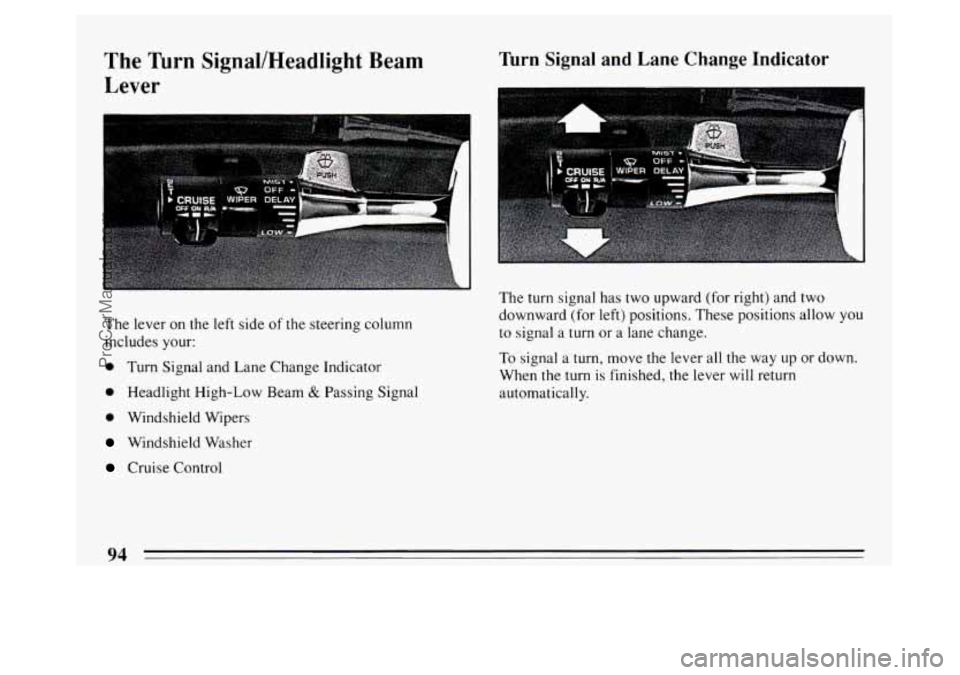
The lever on the left side of the steering column
includes your:
0 Turn Signal and Lane Change Indicator
0 Headlight High-Low Beam & Passing Signal
0 Windshield Wipers
Windshield Washer
Cruise Control
Turn Signal and Lane Change Indicator
I'
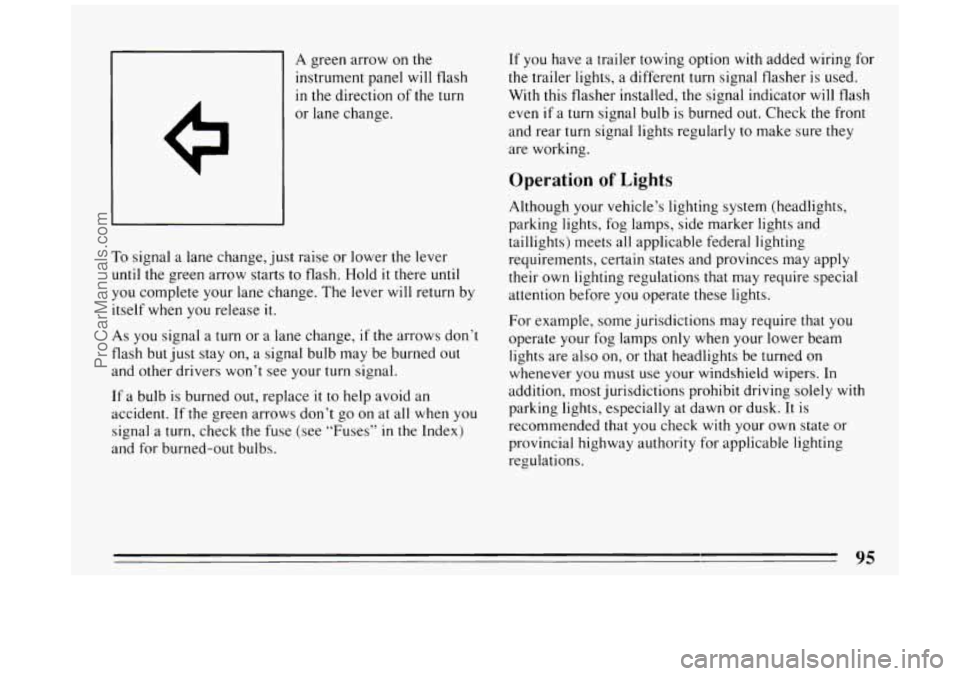
The turn signal has two upward (for right) and two
downward (for left) positions. These positions allow
you
to signal a turn or a lane change.
To signal a turn, move the lever all the way
up or down.
When the turn
is finished, the lever will return
automatically.
94
ProCarManuals.com
Page 97 of 324
A green arrow on the
instrument panel will flash
in the direction of the turn
To signal a lane change, just raise or lower the lever
until the green arrow starts to flash. Hold it there until
you complete your lane change. The lever will return by
itself when you release
it.
As you signal a turn or a lane change, if the arrows don’t
flash but just stay on, a signal bulb may be burned out
and other drivers won’t see your turn signal.
If a bulb is burned out, replace it to help avoid an
accident. If the green arrows don’t go on at all when you
signal a
turn, check the fuse (see “Fuses” in the Index)
and for burned-out bulbs. If you
have a trailer towing option
with added wiring for
the trailer lights, a different turn signal flasher is used.
With this flasher installed, the signal indicator
will flash
even
if a turn signal bulb is burned out. Check the front
and rear turn signal lights regularly to make sure they
are working.
Operation of Lights
Although your vehicle’s lighting system (headlights,
parking lights, fog lamps, side marker lights and
taillights) meets all applicable federal lighting
requirements, certain states and provinces may apply
their own lighting regulations that may require special
attention before you operate these lights.
For example, some jurisdictions may require that you
operate your fog lamps only when your lower beam
lights are also on, or that headlights be turned on
whenever you must
use your windshield wipers. In
addition, most jurisdictions prohibit driving solely
with
parking lights, especially at dawn or dusk. It is
recommended that you check with your own state or
provincial highway authority for applicable lighting
regulations.
95
ProCarManuals.com
Page 98 of 324
Headlight High-Low Beam
BRIGHT
Windshield Wipers
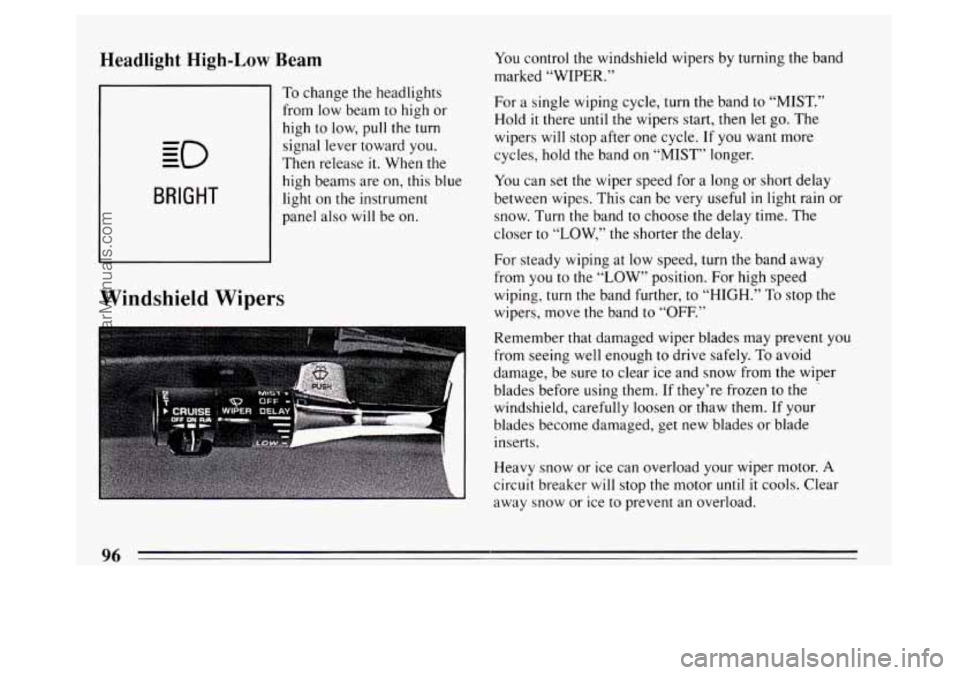
To change the headlights
from low beam to high or
high to low,
pull the turn
signal lever toward you.
Then release
it. When the
high beams are on, this blue
light on the instrument
panel also will be on. You
control the windshield wipers by turning the band
marked
“WIPER.”
For a single wiping cycle, turn the band to “MIST.”
Hold
it there until the wipers start, then let go. The
wipers will stop after one cycle. If you want more
cycles, hold the band on “MIST” longer.
You can set the wiper speed for a long or short delay
between wipes. This can be very useful
in light rain or
snow. Turn the band to choose the delay time. The
closer to
“LOW,” the shorter the delay.
For steady wiping at low speed, turn the band away
from you to the
“LOW” position. For high speed
wiping, turn the band further,
to “HIGH.” To stop the
wipers, move the band to “OFF.”
Remember that damaged wiper blades may prevent you
from seeing well enough to drive safely.
To avoid
damage, be sure to clear ice and snow from the wiper
blades before using them. If they’re frozen to
the .
windshield, carefully loosen or thaw them. If your
blades become damaged, get new blades or blade
inserts.
Heavy snow or ice can overload your wiper motor.
A
circuit breaker will stop the motor until it cools. Clear
away snow or ice to prevent an overload.
96
ProCarManuals.com
Page 122 of 324
Trip Odometer
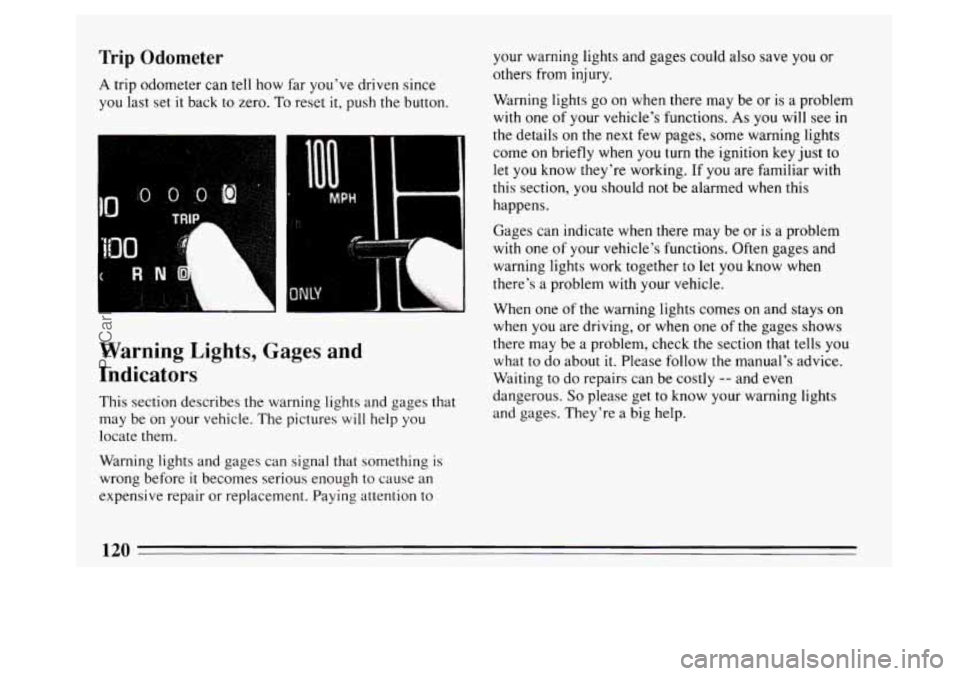
A trip odometer can tell how far you've driven since
you last set
it back to zero. To reset it, push the button.
R N ''. 7
I I ......A# L
Warning Lights, Gages and
Indicators
This section describes the warning lights and gages that
may be on your vehicle. The pictures
will help you
locate them.
Warning lights and gages can signal that something is
wrong before
it becomes serious enough to cause an
expensive repair or replacement. Paying attention to your warning lights and gages could
also save you
or
others from injury.
Warning lights
go on when there may be or is a problem
with one of your vehicle's functions. As you will see in
the details on
the next few pages, some warning lights
come on briefly when you
turn the ignition key just to
let you know they're working. If you are familiar with
this section, you
should not be alarmed when this
happens.
Gages can indicate when there may be or is a problem
with one
of your vehicle's functions. Often gages and
warning lights work together to let you know when
there's a problem
with your vehicle.
When one
of the warning lights comes on and stays on
when you are driving, or when one of the gages shows
there may be a problem, check the section that tells
you
what to do about it. Please follow the manual's advice.
Waiting to do repairs can be costly
-- and even
dangerous.
So please get to know your warning lights
and gages. They're a big help.
120
ProCarManuals.com
Page 157 of 324

Steering Wheel Controls
t‘
If your car has this feature, you can control certain radio
and comfort control functions using the pads on the
steering wheel.
You can select radio stations by pressing the pad marked
SEEK A or v.
Press PROG A to hear the stations preset on your radio
pushbuttons.
Press
BAND v to receive AM, FM 1 or FM2 radio
signals. To
increase or decrease the volume, press the pad
marked
VOL A or v.
The pad marked TEMP A or allows you to select
higher or lower temperature for the climate control
system.
Anti-Theft Feature
Delco-Loc I1 is a security feature for the compact disc
player. It can be used or ignored. If ignored, the system
plays normally. If security system
is used, your player
won’t be usable
if it’s ever stolen, because it won’t turn
on.
The instructions below tell you how to enter your
personal secret code into the system. If your vehicle
loses battery power
for any reason, you must unlock
the system
with the secret code again before the system
will turn on.
Be sure to read through the entire procedure and become
familiar
with the appropriate buttons and knobs before
starting.
1. Write down any &digit number and keep it in a safe
place.
2. Turn the ignition to the ACC or RUN position.
3. Press PWR to turn the radio off.
155
ProCarManuals.com
Page 160 of 324
Your tape player should be cleaned regularly each
month or after every
15 hours of use. If you notice a
reduction
in sound quality, try a known good cassette to
see
if the tape or the tape player is at fault. If this other
cassette has no improvement
in sound quality, clean the
tape player.
Clean your tape player with a wiping-action,
non-abrasive cleaning cassette, and follow the directions
provided with
it.
Cassettes are subject to wear and the sound quality may
degrade over time. Always make sure that the cassette
tape is
in good condition before you have your tape
player serviced.
Care of Your Compact Discs
Handle discs carefully. Store them in their original cases
or other protective cases and away from direct sunlight
and dust. If the surface of a disc is soiled, dampen a
clean, soft cloth
in a mild, neutral detergent solution and
clean
it, wiping only from the center to the edge. Be
sure
never to touch the signal surface when handling
discs. Pick up discs by grasping the outer edges or the
edge
of the hole and the outer edge.
Fixed Mast Antenna
The fixed mast antenna can withstand most car washes
without being damaged.
If the mast should ever become
slightly bent, you can straighten it out by hand. If the
mast is badly bent, as
it might be by vandals, you should
replace
it.
Check every once in a while to be sure the mast is still
tightened to the fender.
Power Antenna Mast Care
Your power antenna will look its best and work well if
it’s cleaned from time to time.
To Clean the Antenna Mast:
1. Turn on the ignition and radio to raise the antenna to
full mast extension.
158
ProCarManuals.com
Page 175 of 324
0 Do not get too close to the vehicle you want to pass
while you’re awaiting an opportunity. For one thing,
following too closely reduces your area of vision,
especially if you’re following a larger vehicle. Also,
you won’t have adequate space if the vehicle ahead
suddenly slows or stops. Keep back a reasonable
distance.
0 When it looks like a chance to pass is coming up,
start to accelerate but stay in the right lane and don’t
get too close. Time your move
so you will be
increasing speed as the time comes to move into the
other lane. If the way is clear to pass, you will have a
“running start” that more than makes up for the
distance you would lose by dropping back. And if
something happens to cause you to cancel your pass,
you need only slow down and drop back again and
wait for another opportunity.
If other cars are lined up to pass a slow vehicle, wait
your turn. But take care that someone isn’t trying to
pass you as you pull out
to pass the slow vehicle.
Remember
to glance ov’er your shoulder and check
the blind spot.
0
0
0
ahead of the passed vehicle to see its front in your
inside mirror, activate your right lane change signal
and move back into the right lane. (Remember that
your right outside mirror
is convex. The vehicle you
just passed may seem to be farther away from you
than
it really is.)
Try not to pass more man one vehicle at a time on
two-lane roads. Reconsider before passing the next
vehicle.
Don’t overtake
a slowly moving vehicle too rapidly.
Even though the brake lights are not flashing,
it may
be slowing down or starting to
turn.
If you’re being passed, make it easy for the
following driver to get ahead
of you. Perhaps you
can ease a little
to the right.
Loss of Control
Let’s review what driving experts say about what
happens when the three control systems (brakes, steering
and acceleration) don’t have enough friction where the
tires meet the road to do what the driver has asked.
0 Check your mirrors, glance over your shoulder, and
start your left lane change signal before moving out
of the right lane to pass. When you are far enough In
any emergency, don’t give up. Keep trying to steer
and constantly seek an escape route or area of less
danger.
173
ProCarManuals.com