Page 142 of 345
Downloaded from www.Manualslib.com manuals search engine Comfort Controls & Audio Sysfems
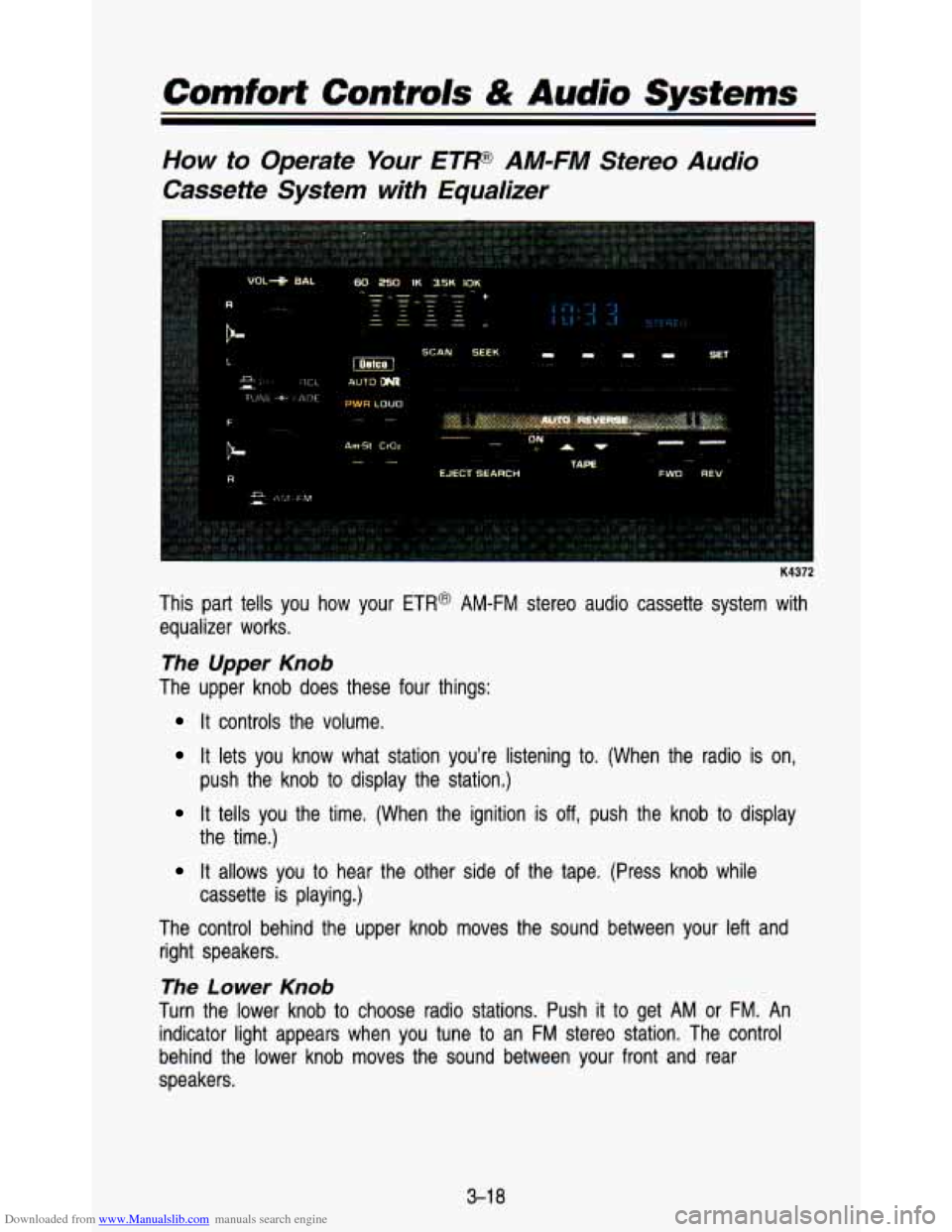
How to Operate Your ETF AM-FM Stereo Audio
Cassette System with Equalizer
K4372
This part tells you how your ETR@ AM-FM stereo audio cassette system with
equalizer works.
The Upper Knob
The upper knob does these four things:
It controls the volume.
It lets you know what station you’re listening to. (When the \
radio is on,
It tells you the time. (When the ignition is off, push the knob to display
It allows you to hear the other side of the tape. (Press knob while
The control behind the upper knob moves the sound between your left and
right speakers.
The Lower Knob
Turn the lower knob to choose radio stations. Push it to get AM or FM. An
indicator light appears when you tune to an
FM stereo station. The control
behind the lower knob moves the sound between your front and \
rear
speakers. push the knob to display the station.)
the time.)
cassette is playing.)
3-1 8
Page 145 of 345
Downloaded from www.Manualslib.com manuals search engine Cassette Tape Player
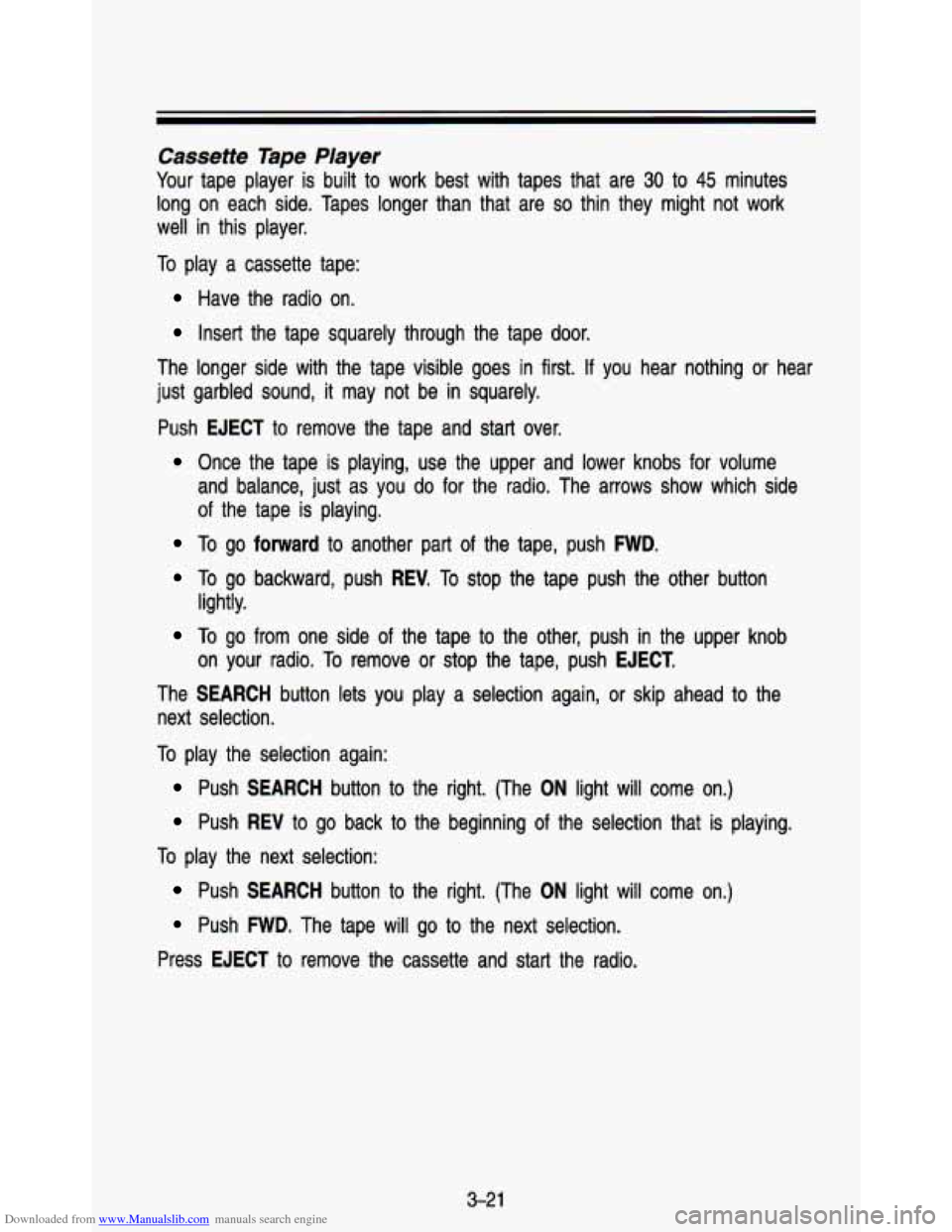
Your tape player is built to work best with tapes that are 30 to 45 minutes
long on each side. Tapes longer than that are
so thin they might not work
well in this player.
To play a cassette tape:
Have the radio on.
Insert the tape squarely through the tape door.
The longer side with the tape visible goes in first. If you hear nothing or hear
just garbled sound,
it may not be in squarely.
Push
EJECT to remove the tape and start over.
Once the tape is playing, use the upper and lower knobs for volume
and balance, just as you
do for the radio. The arrows show which side
of the tape is playing.
To go forward to another part of the tape, push FWD.
To go backward, push REV. To stop the tape push the other button
To go from one side of the tape to the other, push in the upper knob
The
SEARCH button lets you play a selection again, or skip ahead to the
next selection. lightly.
on your radio. To remove or stop the tape, push
EJECT.
To play the selection again:
Push SEARCH button to the right. (The ON light will come on.)
Push REV to go back to the beginning of the selection that is playing.
To play the next selection:
Push SEARCH button to the right. (The ON light will come on.)
Push FWD. The tape will go to the next selection.
Press
EJECT to remove the cassette and start the radio.
3-21
Page 146 of 345
Downloaded from www.Manualslib.com manuals search engine Comforf Controls & Audio Systems
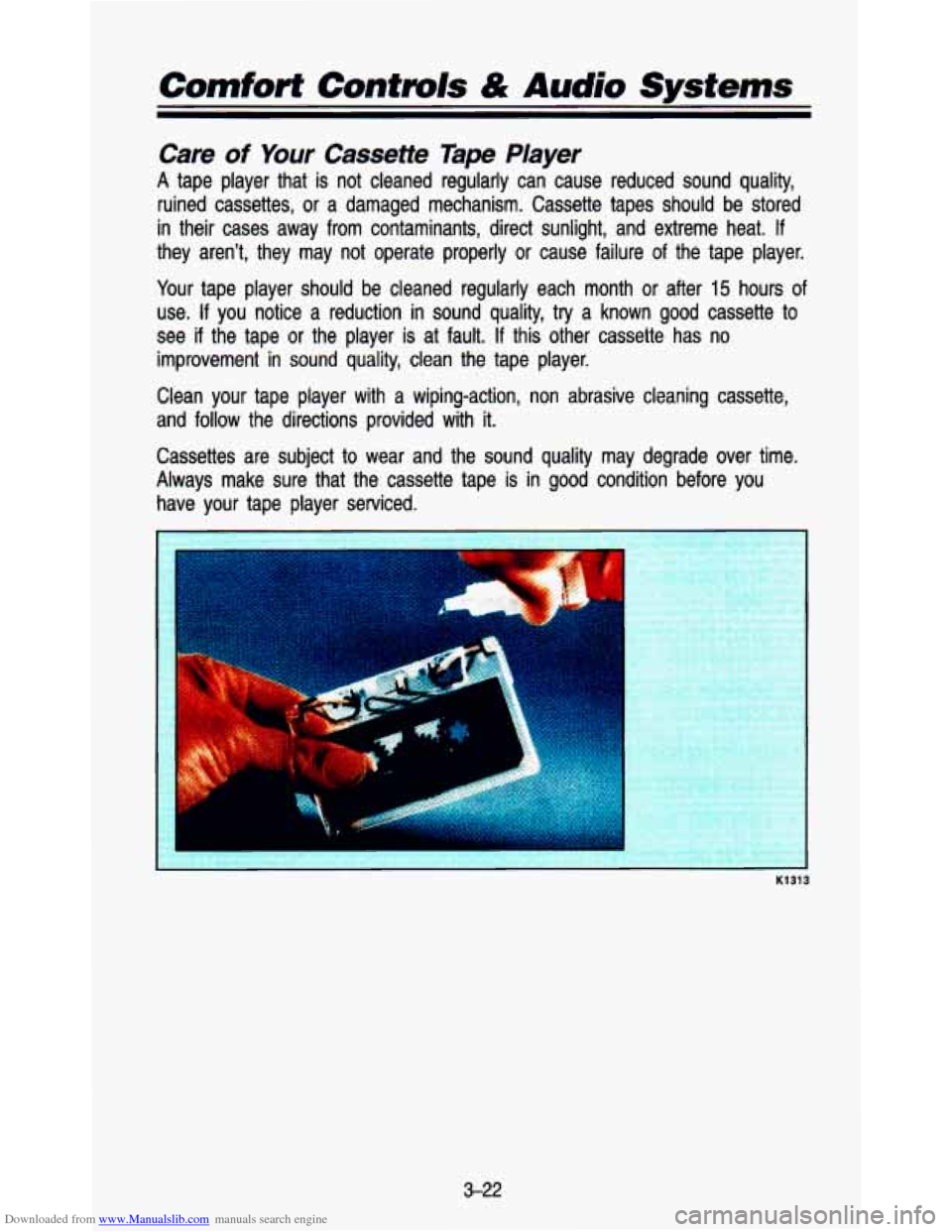
Care of Your Cassette Tape Player
A tape player that is not cleaned regularly can cause reduced so\
und quality,
ruined cassettes, or a damaged mechanism. Cassette tapes should \
be stored
in their cases away from contaminants, direct sunlight, and extreme\
heat.
If
they aren’t, they may not operate properly or cause failure of the tape player.
Your tape player should be cleaned regularly each month
or after 15 hours of
use. If you notice a reduction in sound quality, try a known good cassette to
see if the tape or the player is at fault. If this other cassette has no
improvement in sound quality, clean the tape player.
Clean your tape player with a wiping-action, non abrasive clean\
ing cassette,
and follow the directions provided with it.
Cassettes are subject to wear and the sound quality may degrad\
e over time.
Always make sure that the cassette tape is in good condition before you
have your tape player serviced.
I
K1313
3-22
Page 152 of 345
Downloaded from www.Manualslib.com manuals search engine Comfort Contmls & Audio Systems
~~ ~ ~ ~~~
4. Depress the BAND knob. The radio will display 000.
5. Enter the second three digits of the code. The display will show the
6. Depress the BAND knob. If the display shows “1 1 1’’ I the disabling
numbers
as entered.
sequence was successful. The numbers matched the user-selected c\
ode
or the factory back-up code and the unit is in the UNSECURED mode. If
the display shows SEC, the disabling sequence was unsuccessful and
the numbers did not match either
of the codes and the unit will remain
in the
SECURED mode.
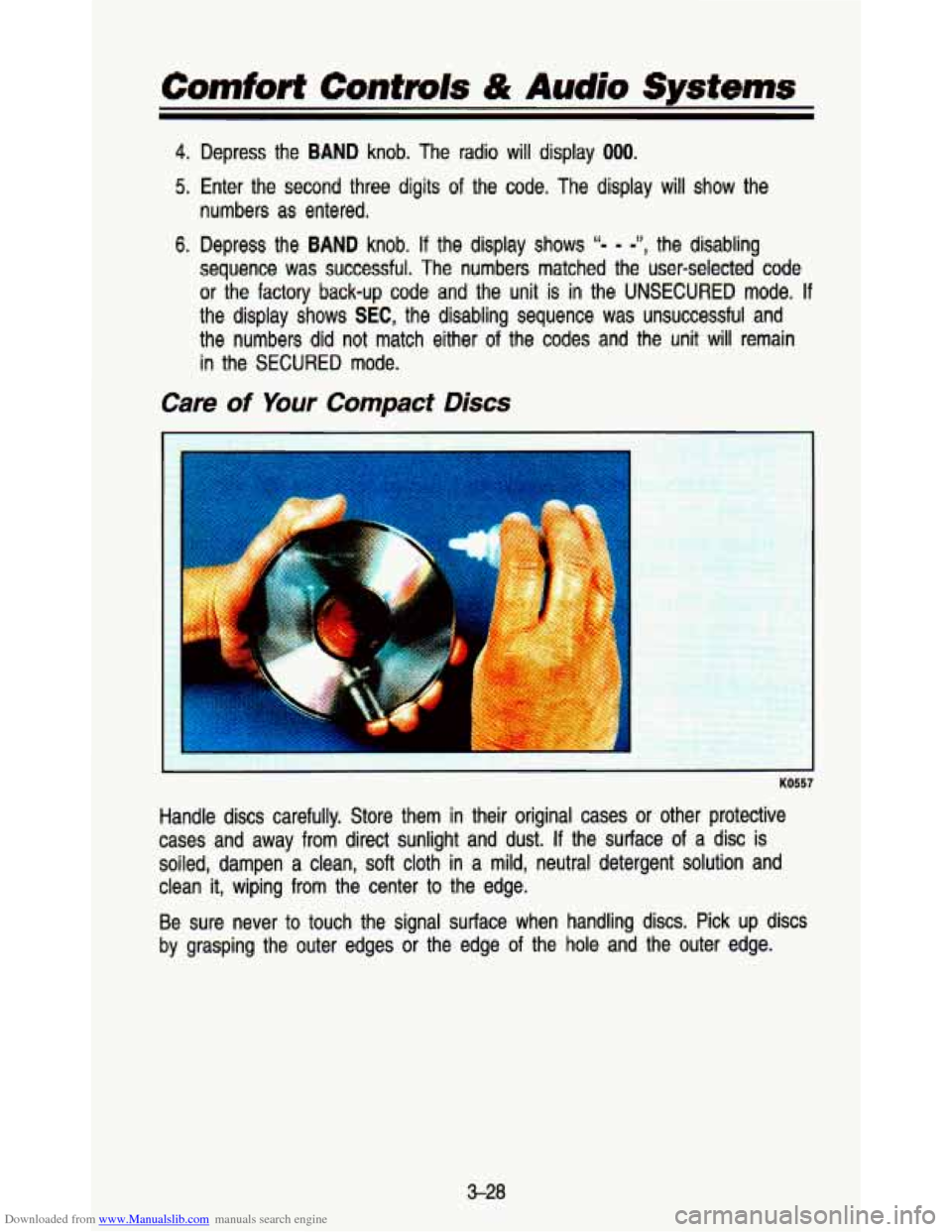
Care of Your Compact Discs
KO557
Handle discs carefully. Store them in their original cases or other protective
cases and away
from direct sunlight and dust. If the surface of a disc is
soiled, dampen a clean,
soft cloth in a mild, neutral detergent solution and
clean
it, wiping from the center to the edge.
Be sure never to touch the signal surface when handling discs. Pick up discs
by grasping the outer edges
or the edge of the hole and the outer edge.
3-28
Page 153 of 345
Downloaded from www.Manualslib.com manuals search engine Fixed Mast Antenna
The fixed mast antenna can withstand most car washes without b\
eing damaged.
If the mast should ever become slightly bent, you can straighten \
it
out by hand.
If the mast is badly bent, as it might be by vandals, you shoul\
d
replace
it.
Check every once in a while to be sure the mast is still tightened to the
fender.
3-29
Page 160 of 345
Downloaded from www.Manualslib.com manuals search engine Your Driving and the Road
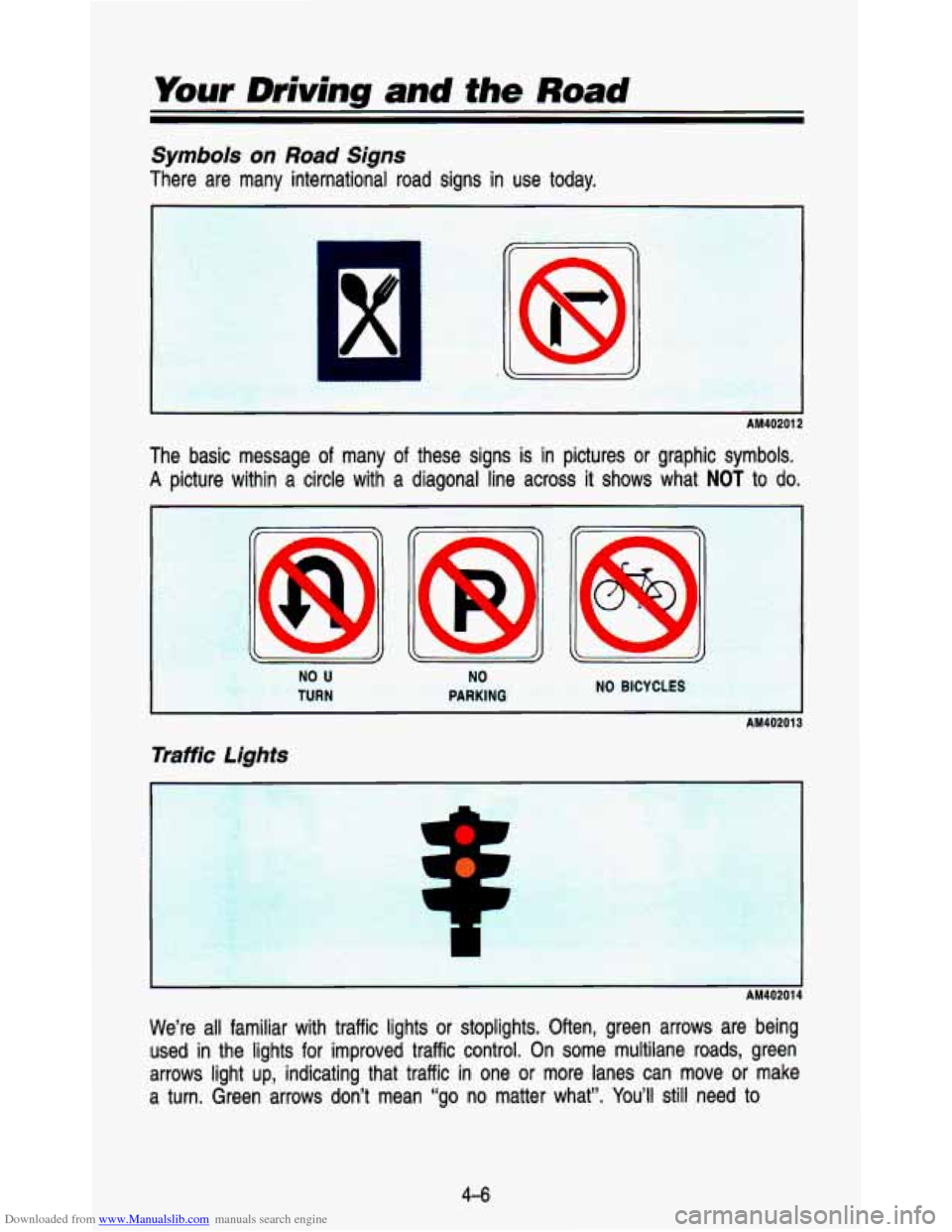
Symbols on Road Signs
There are many international road signs in use today.
AM40201 2
The basic message of many of these signs is in pictures or graphic symbols.
A picture within a circle with a diagonal line across it shows what NOT to do.
I AM40201
Traffic Lights
We’re all familiar with traffic lights or stoplights. Often, green arrows \
are being
used in the lights for improved traffic control. On some multilane road\
s, green
arrows light up, indicating that traffic in one or more lanes can move or make
a turn. Green arrows don’t mean “go no matter what”.
You’ll still need to
4-6
Page 161 of 345
Downloaded from www.Manualslib.com manuals search engine proceed with caution, yielding the right of way to pedestrians and sometimes
to other vehicles.
Some traffic lights also use red arrows
to signify that you must stop before
turning on red.
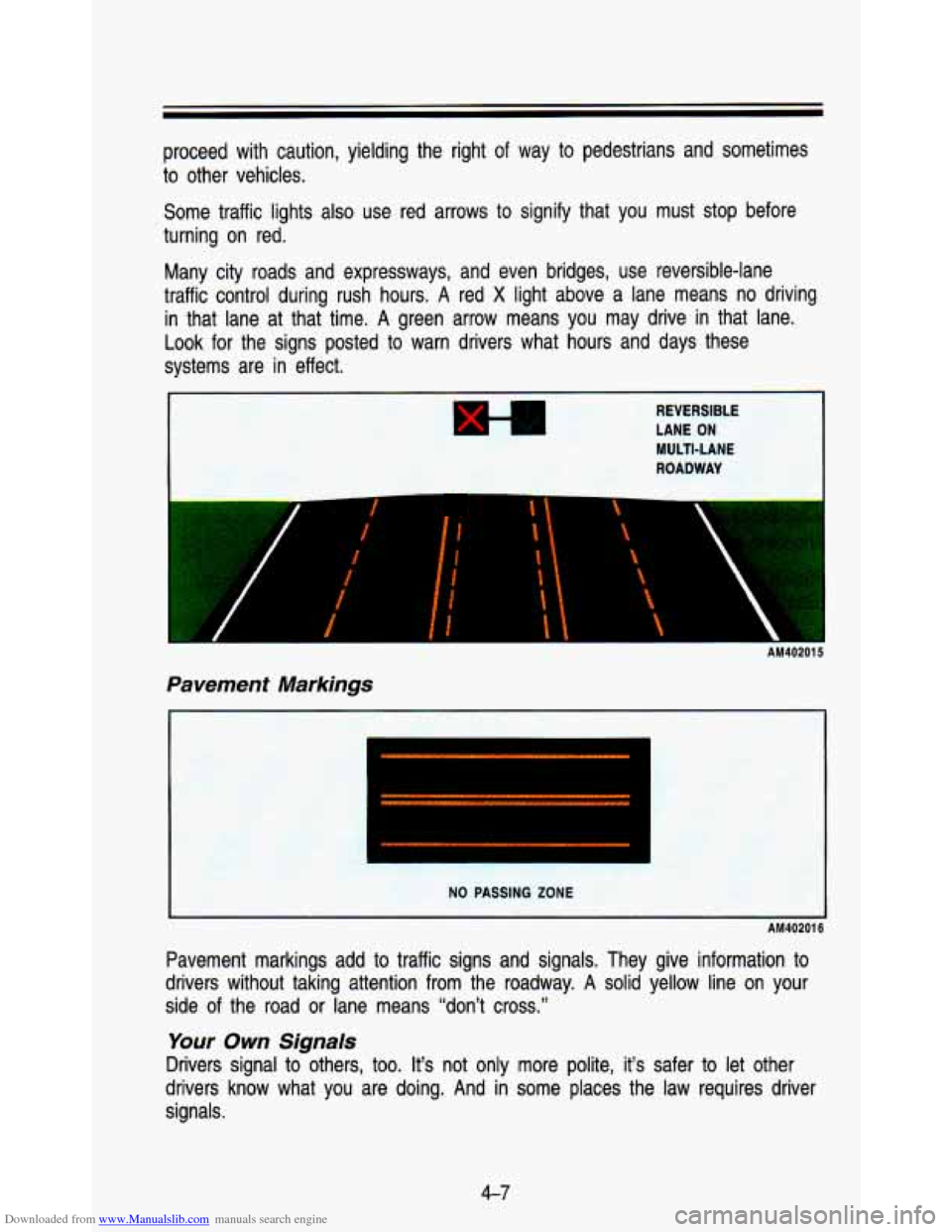
Many city roads and expressways, and even bridges, use reversible-lane
traffic control during rush hours.
A red X light above a lane means no driving
in that lane at that time.
A green arrow means you may drive in that lane.
Look for the signs posted to warn drivers what hours and days thes\
e
systems are in effect.
REVERSlbLE
LANE ON
MULTI-LANE
ROADWAY
VP AM402015
Pavement Markings
I
I AM402011
Pavement markings add to traffic signs and signals. They give \
information to
drivers without taking attention from the roadway.
A solid yellow line on your
side of the road or lane means “don’t cross.”
Your Own Signals
Drivers signal to others, too. It’s not only more polite, i\
t’s safer to let other
drivers know what you are doing. And in some places the law requires driver
signals.
4-7
Page 162 of 345
Downloaded from www.Manualslib.com manuals search engine Your Driving and the Road
Turn and lane change signals: Always signal when you plan to turn or
change lanes.
If necessary, you can use hand signals out the window: Left arm \
straight out
for a left turn, down for slow or about-to-stop, and up for \
a right turn.
Slowing down: If time allows, tap the brake pedal once or twice in advance
of slowing or stopping. This warns the driver behind you.
Disabled: Your four-way flashers signal that your vehicle is disabled or is a\
hazard. See “Hazard Warning Flashers” in the Index.
Traffic Officer
The traffic police officer is also a source of important information. The officer’s
signals govern, no matter what the traffic lights or other sig\
ns say.
The next part discusses some of the road conditions you may encounter.
Defensive Driving
The best advice anyone can give about driving is: Drive defens\
ively.
Please start with a very important safety device in your vehic\
le: Buckle up.
(See “Safety Belts in the Index.”)
Defensive driving really means “be ready for anything.’’\
On city streets, rural
roads, or freeways, it means “always expect the unexpected.”
Assume that pedestrians or other drivers are going to be carel\
ess and make mistakes. Anticipate what they might
do. Be ready for their mistakes.
Expect children
to dash out from behind parked cars, often followed by other
children. Expect occupants in parked cars
to open doors into traffic. Watch for
movement in parked cars-someone may be about
to open a door.
Expect other drivers
to run stop signs when you are on a through street. Be
ready to brake if necessary as you go through intersections. You may not
have to use the brake, but
if you do, you will be ready.
If you’re driving through a shopping center parking lot where t\
here are
well-marked lanes, directional arrows, and designated parking are\
as, expect
some drivers to ignore all these markings and dash straight to\
ward one part
of the lot.
Pedestrians can be careless. Watch for them. In general, you m\
ust give way
to pedestrians even
if you know you have the right of way.
Rear-end collisions are about the most preventable of accidents. Yet they are
common. Allow enough following distance.
It’s the best defensive driving
4-0