2023 FORD EXPLORER display
[x] Cancel search: displayPage 118 of 573
Phone
Phone
Menu options covered in the SYNC chapter. See General Information (page 427).
Settings
Settings
Brake Coach
Percent Oil Life Indication XXX%Hold Ok to ResetOil Life
Hold Ok to ResetTire Monitor
Hold Ok to InitializeNeutral Tow
Note:Additional vehicle settings areavailable through your touchscreen. SeeSettings (page 458).
Display Setup
Display Setup
Add Tachometer to View
Speedometer units
Hold Ok to ResetDriving History1
1 Hybrid only
Note:Additional display settings areavailable through your touchscreen. SeeSettings (page 458).
Hybrid Display Information (If
Equipped)
Unique hybrid vehicle information displayson your instrument cluster display whenyou shut off your vehicle or come to a stop.
Brake Coach
Appears after the vehicle has come to astop. It coaches you to brake in a mannerthat maximizes the amount of energyreturned through the regenerative brakingsystem.
The percent displayed indicates theregenerative braking efficiency, with 100%representing the maximum amount ofenergy recovery.
114
2023 Explorer (CTW) Canada/United States of America, enUSA, Edition date: 202209, First-PrintingInformation Displays
Page 119 of 573

Note:While regenerative braking works inall drive modes, the brake coach displaymay not be available in all drive modes.
Brake coach can be turned on or off in thesettings menu.
Trip Summary
Displays upon shutting off your vehicle.The values are cumulative since you laststarted your vehicle.
The information shown is the same as theThis Trip on demand screen. SeePersonalized Settings (page 117).
GENERAL INFORMATION -
VEHICLES WITH: 4.2 INCH
INSTRUMENT CLUSTER
DISPLAY SCREEN
WARNING: Driving while distractedcan result in loss of vehicle control, crashand injury. We strongly recommend thatyou use extreme caution when using anydevice that may take your focus off theroad. Your primary responsibility is thesafe operation of your vehicle. Werecommend against the use of anyhand-held device while driving andencourage the use of voice-operatedsystems when possible. Make sure youare aware of all applicable local lawsthat may affect the use of electronicdevices while driving.
You can control various systems on yourvehicle using the quick action menu (QAM)buttons on the right-hand side of thesteering wheel. The information displayprovides the corresponding information.
Information Display Controls
Return button.A
OK button.B
Menu button.C
Return Button
Use the return button to go back or to exit.
OK Button
Use the OK button to make a selection.You can also use it to scroll through amenu.
Menu Button
Use the menu button on the main screento display the submenu.
4 Inch Display Menu
This icon shows the features onor off status. A check in the boxindicates the feature is on, andunchecked indicates the feature is off.
Note:Some options may appear differentor not at all if the items are optional.
Note:Some MyKey menu options onlyappear if MyKey is enabled and at least oneMyKey is programmed.
115
2023 Explorer (CTW) Canada/United States of America, enUSA, Edition date: 202209, First-PrintingInformation DisplaysE250032 E204495
Page 120 of 573
Trip Menu
Trip Menu
Trip 1
Trip 2
Select Your SettingReset Individual Values
Select Your SettingConfigure View
•Trip Odometer - Registers the distance traveled of individual journeys or the totaldistance since the function was last reset.
•Trip Timer - Registers the elapsed time of individual journeys or the total time sincethe function was last reset.
•Average Fuel - Indicates the average fuel consumption of individual journeys or theaverage fuel consumption since the function was last reset.
•Average Speed - Indicates the average vehicle speed of individual journeys or theaverage vehicle speed since the function was last reset.
•Distance to Empty - Indicates the approximate distance your vehicle can travel onthe fuel remaining in the tank. Changes in driving pattern can cause the value to notonly decrease but also increase or stay constant for periods of time.
Note:Hold OK to reset fuel history and average fuel economy.
MyView
MyView
Digital Speedometer
Fuel Economy
Trip/Audio
Calm Screen
Navigation
Navigation
Menu options covered in the SYNC chapter. See General Information (page 427).
116
2023 Explorer (CTW) Canada/United States of America, enUSA, Edition date: 202209, First-PrintingInformation Displays
Page 121 of 573
Audio
Audio
Menu options covered in the SYNC chapter. See General Information (page 427).
Phone
Phone
Menu options covered in the SYNC chapter. See General Information (page 427).
Settings
Settings
Contains vehicle status information.Select Your Setting.Information
Select Your SettingLanguageDisplay
Measure unit
Temperature unit
Tire Pressure
Select Your SettingDriver Assistance
Select Your SettingOil LevelVehicle Maintenance
Oil Life
Brake Fluid Life
Tire Pressure
MyKey InfoMyKey
Create MyKey
Note:Additional vehicle settings areavailable through your touchscreen. SeeSettings (page 458).PERSONALIZED SETTINGS
Select one of these options to display onyour main screen.
117
2023 Explorer (CTW) Canada/United States of America, enUSA, Edition date: 202209, First-PrintingInformation Displays
Page 122 of 573

Note:Some options may appear slightlydifferent or not at all if the items areoptional.
Select Screens
Calm Screen
Fuel Economy
Trip 1
Trip 2
This Trip1
EV Coach1
Tire Pressure
Intelligent AWD
Off Road
Trailer Light Check
Seatbelts
Auto StartStop2
Now Playing
1 Hybrid only2 Non-hybrid only
After making your selection:
1.Select a setting and press the OKbutton. This can offer moreinformation on some features.
Note:Hold OK to reset fuel history andaverage fuel economy.
Fuel Economy
An Instant Fuel Economy gauge is providedalong with average fuel economy. Averagefuel economy is continuously averagedsince the last reset.
Hybrid features:
•When the gasoline engine is off theinstant fuel economy gauge is replacedwith an electric driving message.
Note:Hold OK to reset fuel history andaverage fuel economy.
Trip 1 and 2
Provides trip timer, trip average fueleconomy and total trip distance traveled.For hybrid vehicles, the trip also shows thedistance traveled on electric power only.
118
2023 Explorer (CTW) Canada/United States of America, enUSA, Edition date: 202209, First-PrintingInformation Displays
Page 123 of 573
Hybrid Information (If Equipped)
This Trip
Provides trip timer, trip average fueleconomy, total trip distance traveled, anddistance traveled on electric power onlywith the engine off. If the gasoline enginehas not turned on during the trip then tripaverage fuel economy is not shown. ThisTrip automatically resets each time youstart your vehicle.
EV Coach
EV Coach can help you to get the most outof your vehicle’s electric driving andregenerative braking capabilities.
When you are accelerating or maintainingspeed you will see a blue or white solid barindicating vehicle power. You may also seea blue rectangular box which shows thepower level at which the engine will turnon.
•When your power level is within the boxthe color of the bar will be blue. Thismeans you are in Electric operation andthe engine is off.
•When your power level is outside of thebox the color of the bar will be white.This means you are in Hybrid operationwith a combination of the electricmotor and the engine providing vehiclepower.
When you are decelerating with either yourfoot off the accelerator pedal or on thebrake pedal you will see a green or whitesolid bar indicating the power being usedto slow down the vehicle. You may alsosee a green rectangular box which showsthe amount of power that can berecaptured by the regenerative brakingsystem and returned to the high voltagebattery.
•When your power level is completelywithin the box the color of the bar willbe all green. This means that theregenerative braking system is beingused to efficiently slow the vehicledown and return the maximumpercentage of energy to the highvoltage battery.
•When your power level is outside of thegreen box then the bar will be white.This means that both the regenerativebraking system and conventionalbraking system are being used.
INFORMATION MESSAGES
Note: Depending on your vehicle optionsand instrument cluster type, not all of themessages display or are available. Certainmessages may be abbreviated or shorteneddepending upon which cluster type youhave.
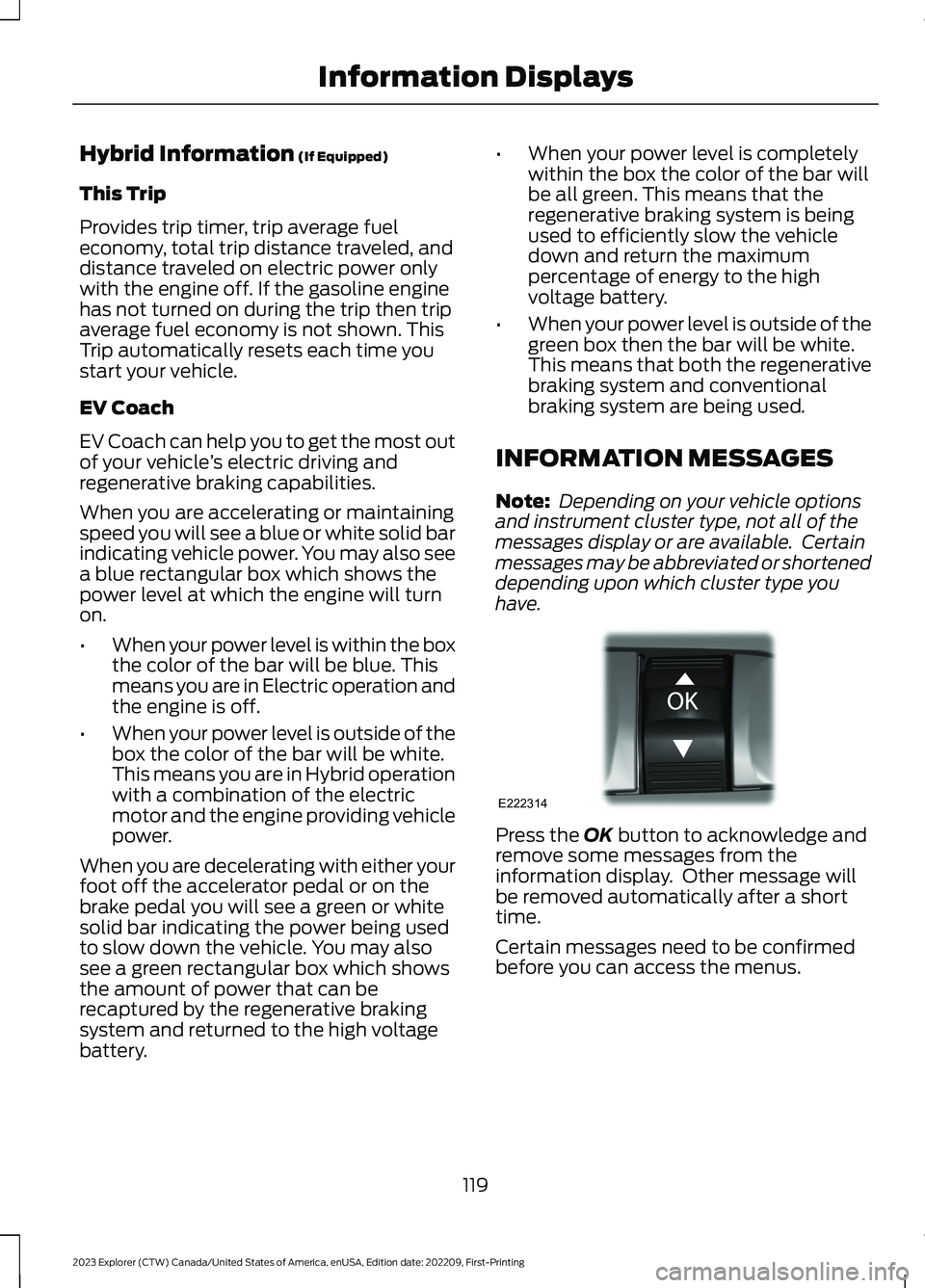
Press the OK button to acknowledge andremove some messages from theinformation display. Other message willbe removed automatically after a shorttime.
Certain messages need to be confirmedbefore you can access the menus.
119
2023 Explorer (CTW) Canada/United States of America, enUSA, Edition date: 202209, First-PrintingInformation DisplaysE222314
Page 124 of 573

Active Park
ActionMessage
The system requires service. Have the system checked as soon aspossible.Active Park Fault
Adaptive Cruise Control
ActionMessage
A radar concern is preventing the adaptive cruise from engaging.See How Does Adaptive Cruise Control With Stop and Go Work(page 241).
Adaptive CruiseMalfunction
Front Sensor NotAligned
Conditions exist such that the adaptive cruise cannot functionproperly. See How Does Adaptive Cruise Control With Stopand Go Work (page 241).
Adaptive CruiseNot Available
The radar is blocked because of poor radar visibility due to inclementweather, ice, mud or water in front of radar. You can typically cleanthe sensor to resolve. See How Does Adaptive Cruise ControlWith Stop and Go Work (page 241).
Adaptive CruiseNot AvailableSensor BlockedSee Manual
Displays when the system disables automatic braking.Normal CruiseActive AdaptiveBraking Off
Displays when the system reinstates adaptive cruise control to you.Adaptive Cruise -Driver ResumeControl
Displays when the vehicle speed is too slow to activate the adaptivecruise.Adaptive CruiseSpeed Too Low toActivate
Adaptive Headlamps
ActionMessage
Displays when the system detects a concern. Have the systemchecked as soon as possible.Check HeadlampSystem SeeManual
120
2023 Explorer (CTW) Canada/United States of America, enUSA, Edition date: 202209, First-PrintingInformation Displays
Page 125 of 573

AdvanceTrac™ and Traction Control
ActionMessage
The system detects a condition that requires service. Have thesystem checked as soon as possible.Service Advan-ceTrac
The status of the AdvanceTrac system after you switch it off.AdvanceTrac Off
The status of the AdvanceTrac system after you switch it on.AdvanceTrac On
The system is off while the vehicle is in 4x4 low.AdvanceTrac OFFin 4x4 LOW
The status of the AdvanceTrac sport mode after you switch it on.AdvanceTracSPORT MODE
The status of the traction control system after you switch it off.Traction ControlOff
The status of the traction control system after you switch it on.Traction ControlOn
Alarm
ActionMessage
Alarm triggered due to unauthorized entry. See Anti-Theft Alarm(page 77).Vehicle Alarm ToStop Alarm, StartVehicle.
Battery and Charging System (12 volt)
ActionMessage
The charging system needs servicing. If the warning stays on orcontinues to come on, have the system checked as soon as possible.Check ChargingSystem
The charging system needs servicing. If the warning stays on orcontinues to come on have the system checked as soon as possible.Charging SystemService Soon
The charging system needs servicing. Have the system checked assoon as possible.Charging SystemService Now
121
2023 Explorer (CTW) Canada/United States of America, enUSA, Edition date: 202209, First-PrintingInformation Displays