2022 TOYOTA YARIS CROSS Locks
[x] Cancel search: LocksPage 39 of 618

37
1
CV Owner's Manual_Europe_M52N20_en
1-1. For safe use
For safety and security
2To release the seat belt, press
the release button .
■Emergency locking retractor (ELR)
The retractor will lock the belt during a sudden stop or on impact. It may also lock if you lean forward too quickly.
When the seat belt locks, pull the belt strongly and then release the belt, then a slow and easy pulling will allow the
belt to extend.
■After using the rear center seat belt
Stow seat belt buckle in the pocket.
The pretensioners help the seat
belts to quickly restrain the occu-
pants by retracting the seat belts
when the vehicle is subjected to
certain types of severe frontal or
side collision.
The pretensioners do not activate in the
event of a minor frontal impact, a minor
side impact, a rear impact or a vehicle
rollover.
■Replacing the belt after the pretensioner has been activated
If the vehicle is involved in multiple colli-
sions, the pretensioner will activate for the first collision, but will not activate for the second or subsequent collisions.
■PCS-linked seat belt pretensioner
control (vehicles with Toyota Safety Sense)
If the PCS (Pre-Collision System) deter-
mines that the possibility of a collision with a vehicle is high, the seat belt pretensioners will be prepared to oper-
ate.
Seat belt pretensioners
(front and outboard rear
seats)
WARNING
■Seat belt pretensioners
If the pretensioner has activated, the SRS warning light will come on. In that case, the seat belt cannot be
used again and must be replaced at any authorized Toyota retailer or Toyota authorized repairer, or any reli-
able repairer. Failure to do so may cause death or serious injury.
Page 80 of 618
78
CV Owner's Manual_Europe_M52N20_en
1-4. Theft deterrent system
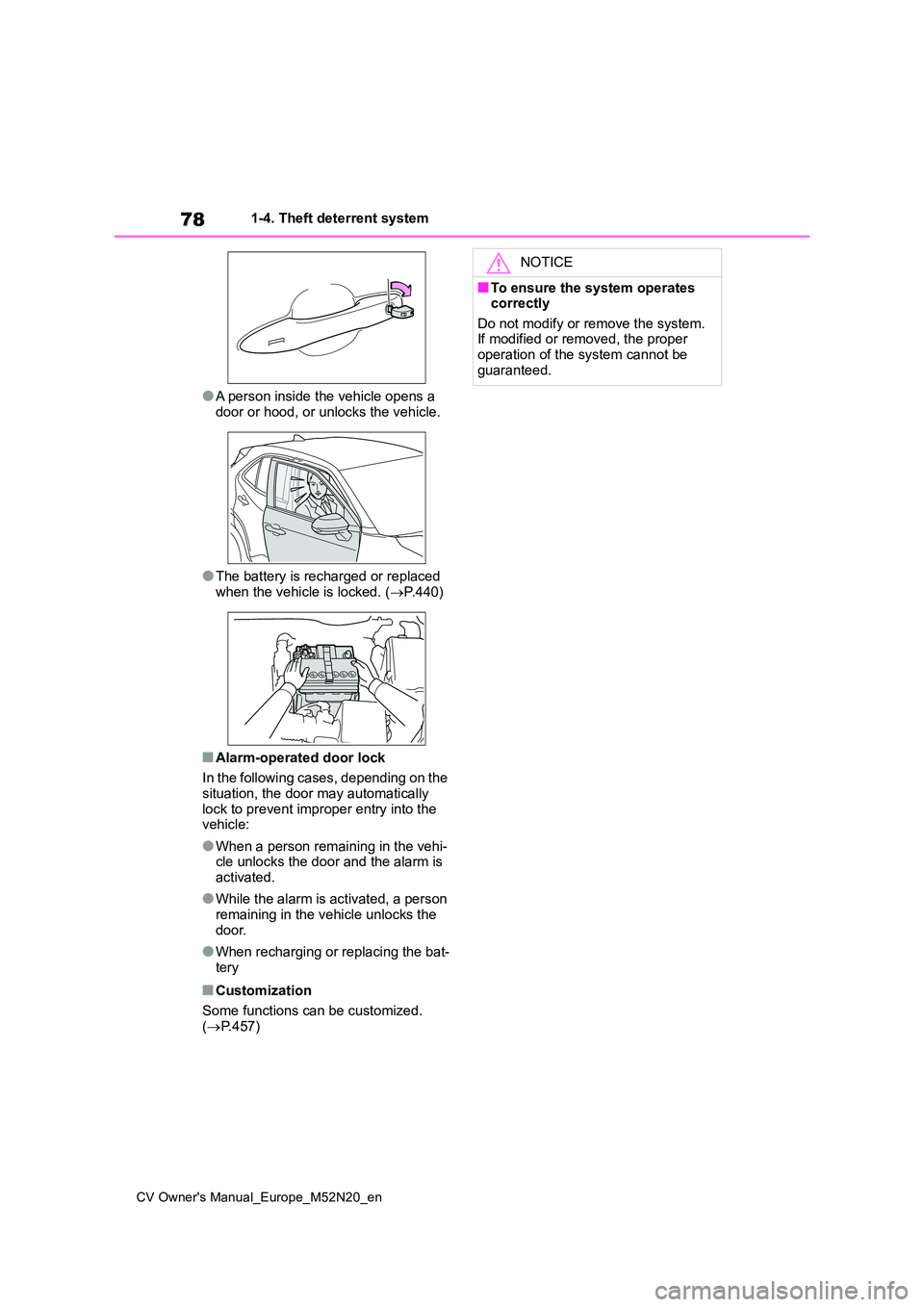
●A person inside the vehicle opens a
door or hood, or unlocks the vehicle.
●The battery is recharged or replaced
when the vehicle is locked. ( P.440)
■Alarm-operated door lock
In the following cases, depending on the situation, the door may automatically
lock to prevent improper entry into the vehicle:
●When a person remaining in the vehi-cle unlocks the door and the alarm is activated.
●While the alarm is activated, a person remaining in the vehicle unlocks the
door.
●When recharging or replacing the bat-
tery
■Customization
Some functions can be customized. ( P.457)
NOTICE
■To ensure the system operates correctly
Do not modify or remove the system. If modified or removed, the proper operation of the system cannot be
guaranteed.
Page 90 of 618

88
CV Owner's Manual_Europe_M52N20_en
2-1. Instrument cluster
2Press or to select .
3 Press and hold the .
4 Press or to select an
item to be changed.
5 Press or to change the
setting.
The following can be changed:
12-hour/24-hour format
Hour
Minute
The clocks on the following can be
adjusted on the multimedia system
screen.
Multi-information display
Multimedia system screen
For details, refer to “Navigation and
multimedia system Owner’s man-
ual”.
■Clock settings screen (vehicles
with 7-inch/8-inch display multime- dia system)
If is displayed when is
selected on the multi-information dis-
play, the system may be malfunctioning.
Have the vehicle inspected by any
authorized Toyota retailer or Toyota
authorized repairer, or any reliable
repairer.
The brightness of the instrument
panel lights can be adjusted on
select to the multi-information
display.
The brightness of the instrument panel
lights can be adjusted separately for
when the tail lights are on and off.
1 Press or to select of
the multi-information display.
2 Press or to select ,
and then press and hold the
.
3 Press or to change the
brightness.
■Instrument cluster brightness adjustment
The instrument cluster brightness levels when the tail lights are on and off can be adjusted individually.
However, when the surroundings are bright (daytime, etc.), turning on the tail lights will not change the instrument
cluster brightness.
Adjusting the clock (vehi-
cles with 7-inch/8-inch dis-
play multimedia system)
Adjusting the instrument
panel light control
Page 95 of 618

93
2
CV Owner's Manual_Europe_M52N20_en
2-1. Instrument cluster
Vehicle status information and indicators
■Adjusting the minute to “00”
1 Press or to select of
the multi-information display.
2 Press or to select “Clock
: 00”.
Press the to set the clock to the
beginning of the nearest hour.
e.g.
1:00 to 1:29 1:00
1:30 to 1:59 2:00
■Changing the clock
1 Press or to select of
the multi-information display.
2 Press or to select “Clock
: 00”.
3 Press and hold the .
4 Press or to select an
item to be changed.
5 Press or to change the
setting.
The following can be changed:
12-hour/24-hour format
Hour
Minute
The clocks on the following can be
adjusted on the multimedia system
screen.
Multi-information display
Multimedia system screen
For details, refer to “Navigation and
multimedia system Owner’s man-
ual”.
■Clock settings screen (vehicles with 7-inch/8-inch display multime-
dia system)
If “Clock : 00” is displayed when is
selected on the multi-information dis-
play, the system may be malfunctioning.
Have the vehicle inspected by any
authorized Toyota retailer or Toyota
authorized repairer, or any reliable
repairer.
The brightness of the instrument
panel lights can be adjusted on
select to the multi-information
display.
The brightness of the instrument panel
lights can be adjusted separately for
when the tail lights are on and off.
1 Press or to select of
the multi-information display.
Adjusting the clock (vehi-
cles without 7-inch/8-inch
display multimedia system)
Adjusting the clock (vehi-
cles with 7-inch/8-inch dis-
play multimedia system)
Adjusting the instrument
panel light control
Page 118 of 618

116
CV Owner's Manual_Europe_M52N20_en
3-1. Key information
The keys are equipped with the fol-
lowing wireless remote control:
Vehicles without a smart entry &
start system
Locks the doors ( P. 1 1 9 )
Closes the windows*1 ( P. 1 1 9 )
Unlocks the doors ( P. 1 1 9 )
Opens the windows*1 ( P. 1 1 9 )
Vehicles with a smart entry &
start system
Locks the doors ( P. 1 1 9 )
Closes the windows*1 ( P. 1 1 9 )
Unlocks the doors ( P. 1 1 9 )
Opens the windows*1 ( P. 1 1 9 )
Opens and closes the power
back door*2 ( P.126)
*1: This setting must be customized at
any authorized Toyota retailer or
NOTICE
●Vehicles with a smart entry & start system: Do not place the keys near
objects that produce magnetic fields, such as TVs, audio systems and induction cookers, or medical
electrical equipment, such as low- frequency therapy equipment.
■Carrying the electronic key on your person (vehicles with a smart entry & start system)
Carry the electronic key 10 cm (3.9 in.) or more away from electric appli-ances that are turned on. Radio
waves emitted from electric appli- ances within 10 cm (3.9 in.) of the electronic key may interfere with the
key, causing the key to not function properly.
■In case of a smart entry & start system malfunction or other key-related problems (vehicles with a
smart entry & start system)
P. 4 3 7
■When an electronic key is lost (vehicles with a smart entry & start system)
P. 4 3 6
Wireless remote control
Page 121 of 618

119
3
CV Owner's Manual_Europe_M52N20_en
3-2. Opening, closing and locking the doors
Before driving
3-2.Opening, closing and lo cking th e d oors
■Using the entry function (vehi-
cles with a smart entry & start
system)
Carry the electronic key to enable
this function.
1 Grip the front door handle to
unlock all the doors.
Make sure to touch the sensor on the
back of the handle.
The doors cannot be unlocked for 3
seconds after the doors are locked.
2 Touch the lock sensor (the
indentation on the side of the
front door handle) to lock all the
doors.
Check that the door is securely locked.
■Wireless remote control
Vehicles without a smart entry &
start system
1 Locks all the doors
Check that the door is securely locked.
Press and hold to close the windows.*
2 Unlocks all the doors
Press and hold to open the windows.*
Vehicles with a smart entry &
start system
1 Locks all the doors
Check that the door is securely locked.
Press and hold to close the windows.*
2 Unlocks all the doors
Press and hold to open the windows.*
*: This setting must be customized at
any authorized Toyota retailer or
Toyota authorized repairer, or any
reliable repairer.
Side doors
Unlocking and locking the
doors from the outside
Page 122 of 618

120
CV Owner's Manual_Europe_M52N20_en
3-2. Opening, closing and locking the doors
■Key
Turning the key operates the doors
as follows:
Vehicles without a smart entry &
start system
1 Locks all the doors
Turn and hold to close the windows.*
2Unlocks all the doors
Turn and hold to open the windows.*
*: This setting must be customized at
any authorized Toyota retailer or
Toyota authorized repairer, or any
reliable repairer.
Vehicles with a smart entry &
start system
The doors can also be locked and
unlocked with the mechanical key.
( P.437)
■Operation signals
Vehicles without a smart entry & start system
The emergency flashers flash to indicate
that the doors have been
locked/unlocked using the wireless
remote control. (Locked: Once;
Unlocked: Twice)
Vehicles with a smart entry & start system
The emergency flashers flash to indicate
that the doors have been
locked/unlocked using the entry function
or wireless remote control. (Locked:
Once; Unlocked: Twice)
A buzzer sounds to indicate that the win-
dows are operating.
■Security feature
Vehicles without a smart entry & start
system
If a door is not opened within approxi- mately 30 seconds after the vehicle is
unlocked using the wireless remote con- trol, the security feature automatically locks the vehicle again.
Vehicles with a smart entry & start system
If a door is not opened within approxi-
mately 30 seconds after the vehicle is unlocked using the entry function or wireless remote control, the security fea-
ture automatically locks the vehicle again. (However, depending on the loca-tion of the electronic key, the key may
be detected as being in the vehicle. In this case, vehicle may remain unlocked.)
■When the door cannot be locked by
the lock sensor on the surface of the front door handle (vehicles with a smart entry & start system)
If the doors cannot be locked by touch- ing the lock sensor with a finger, touch the lock sensor with the palm of your
hand.
If you are wearing gloves, remove them.
■Door lock buzzer (vehicles with a smart entry & start system)
If an attempt to lock the doors using the
Page 123 of 618

121
3
CV Owner's Manual_Europe_M52N20_en
3-2. Opening, closing and locking the doors
Before driving
entry function or wireless remote control
is made when a door is not fully closed, a buzzer will sound continuously for 5 seconds. Fully close the door to stop the
buzzer, and lock the doors again.
■Alarm (if equipped)
Locking the doors will set the alarm sys- tem. ( P.77)
■Conditions affecting the operation
of the smart entry & start system or wireless remote control
Vehicles without a smart entry & start
system
P. 1 1 7
Vehicles with a smart entry & start
system
P. 1 3 8
■If the smart entry & start system or the wireless remote control does
not operate properly
Vehicles without a smart entry & start system
Replace the key battery with a new one
if it is depleted. ( P.378)
Vehicles with a smart entry & start system
Use the mechanical key to lock and
unlock the doors. ( P.437)
Replace the key battery with a new one
if it is depleted. ( P.378)
■If the battery is discharged (vehi- cles with a smart entry & start sys-
tem)
The doors cannot be locked and unlocked using the entry function or
wireless remote control. Lock or unlock the doors using the mechanical key. ( P.437)
■Rear seat reminder function
●In order to remind you not to forget luggage, etc., in the rear seat, when
the engine switch is turned to OFF after any of the following conditions are met, a buzzer will sound and a
message will be displayed on the
multi-information display for approxi-
mately 6 seconds. • The engine is started within 10 min-utes after opening and closing a rear
door. • A rear door has been opened and closed after the engine was started.
However, if a rear door is opened and
then closed within approximately 2 sec-
onds, the rear seat reminder function
may not operate.
●The rear seat reminder function deter- mines that luggage, etc., has been
placed in a rear seat based on open- ing and closing of a rear door. There-fore, depending on the situation, the
rear seat reminder function may not operate and you may still forget lug-gage, etc., in the rear seat, or it may
operate unnecessarily.
●The rear seat reminder function can
be enabled/disabled. ( P.457)
■Customization
Some functions can be customized. ( P.457)
WARNING
■To prevent an accident
Observe the following precautions while driving the vehicle.
Failure to do so may result in a door opening and an occupant being thrown out of the vehicle, resulting in
death or serious injury.
●Ensure that all doors are properly
closed and locked.
●Do not pull the inside door handle
while driving. Be especially careful of the front doors, as the doors may be opened
even if the inside lock buttons are in the locked position.
●Set the rear door child-protector locks when children are seated in the rear seats.