2022 TOYOTA SUPRA light
[x] Cancel search: lightPage 171 of 498

169
3
3-1. CONTROLS
CONTROLS
• Orange segments lighting up
successively indicate when an
upshift is due.
• Segments illuminate red. Latest
point to upshift.
When the maximum permissible
engine speed is reached, the entire
display flashes red and the fuel
supply is limited to protect the
engine.
For more informat ion, see Idle
state, standby state and
drive-ready state, see page 53.
If the display drops to +3 °C/+37 °F
or lower, a signal sounds.
A vehicle message is shown.
Display
Standby state and
drive-ready state
OFF in the instrument
cluster indicates that the
drive-ready state is
switched off and the
standby state is switched
on.
The letters READY in the
instrument cluster indi-
cate that the Auto
Start/Stop function is
ready for automatic
engine starting.
Engine coolant temperature
Display
When the engine tem-
perature is low: Only the
segments in the low
temperature range will
be illuminated. Drive
with moderate engine
speed and vehicle
speed.
When the engine tem-
perature is normal: All
segments to the middle
temperature range will
be illuminated.
When the engine tem-
perature is high: All seg-
ments to the high
temperature range will
be illuminated. A warn-
ing message will also be
displayed.
To check the coolant level,
see page 327.
Indicator lamp in the instru-
ment cluster
A red indicator lamp is dis-
played.
Outside temperature
General
Page 178 of 498
1763-1. CONTROLS
Via Toyota Supra Command:
1 "My vehicle"
2 "System settings"
3 "Displays"
4 "Instrument cluster"
5 Select the desired setting:
"Warning when speeding": acti-
vate or deactivate the flashing of
the Speed Limit Info display in
the instrument cluster and the
Head-Up Display when the cur-
rently applicable speed limit is
exceeded.
"Show speeding": the speed limit
detected by the Speed Limit Info
is indicated by a mark in the
speedometer in the instrument
cluster.
The function may be restricted and
may display incorrec t information in
the following situations, for exam-
ple:
In thick fog, wet conditions or
snow.
If signs are fully or partially
obscured by objects, stickers or
paint.
If the vehicle is too close to the
vehicle ahead.
In the case of bright oncoming
light or strong reflections.
When the windscreen in front of
the rear-view mirror is covered
with condensation, dirt, stickers,
etc.
If the camera has overheated
due to excessively high tempera-
tures and has been temporarily
deactivated.
As a result of incorrect detection
by the camera.
If the speed limits stored in the
navigation system or road data
are incorrect.
In the case of speed limits that
depend or the time of day or day
of the week.
In areas not covered by the navi-
gation system.
If there are deviations in relation
to navigation, for example due to
changes in road routing.
In the case of electronic road
signs.
When overtaking buses or trucks
with road sign stickers.
If traffic signs do not correspond
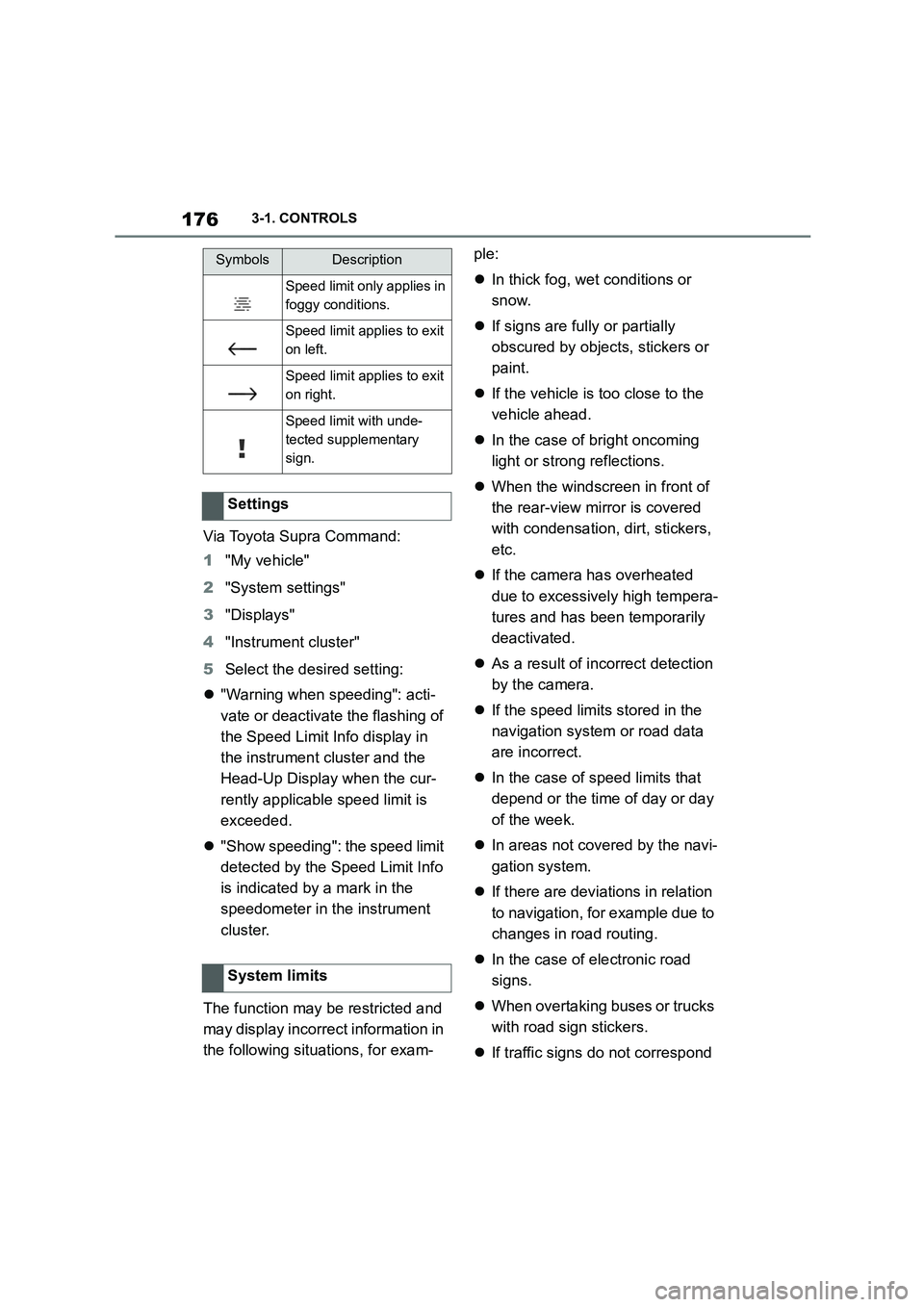
Speed limit only applies in
foggy conditions.
Speed limit applies to exit
on left.
Speed limit applies to exit
on right.
Speed limit with unde-
tected supplementary
sign.
Settings
System limits
SymbolsDescription
Page 185 of 498
183
3
3-1. CONTROLS
CONTROLS
Various views are available in the
Head-Up Display.
Via Toyota Supra Command:
1 "My vehicle"
2 "System settings"
3 "Displays"
4 "Head-up display"
5 Select the desired setting.
The brightness is automatically
adapted to the ambient light.
The dafault setting can be adjusted
manually.
Via Toyota Supra Command:
1 "My vehicle"
2 "System settings"
3 "Displays"
4 "Head-up display"
5 "Brightness"
6 Turn the Controller until the
desired brightness is obtained.
7 Press the Controller.
The brightness of the Head-Up Dis-
play can also be adjusted with the
instrument lighting if the low-beam
headlights are switched on.
Via Toyota Supra Command:
1 "My vehicle"
2 "System settings"
3 "Displays"
4 "Head-up display"
5 "Height"
6 Turn the Controller until the
desired height is obtained.
7 Press the Controller.
The height of the Head-Up Display
can also be saved with the memory
function, see page 119.
The Head-Up Display view can be
rotated.
Via Toyota Supra Command:
1 "My vehicle"
2 "System settings"
3 "Displays"
4 "Head-up display"
5 "Rotation"
6 Turn the Controller until the
desired setting is reached.
7 Press the Controller.
The visibility of the display on the
Head-Up Display can be affected
by the following:
Seat position.
Objects on the protective glass
of the Head-Up Display cover.
Dust or dirt on the protective
glass of the Head-Up Display
Selecting the view
Adjusting the brightness
Adjusting the height
Adjusting the rotation
Visibility of the display
Page 186 of 498
1843-1. CONTROLS
cover.
Dirt on the inside or outside of
the windscreen.
Sunglasses with certain polarisa-
tion filters.
Wet road.
Unfavourable lighting conditions.
If the image is di storted, have the
default settings checked by any
authorized Toyota retailer or Toyota
authorized repairer, or any reliable
repairer.
The windscreen is an integral part
of the system.
The shape of the windscreen ena-
bles a sharp image to be projected.
A film in the windscreen prevents
double images occurring.
Therefore if the special windscreen
needs to be replaced, it is strongly
recommended that this be carried
out by any authorized Toyota
retailer or Toyota authorized
repairer, or any reliable repairer if
required.
This chapter describes all standard,
country-specific and special equip-
ment available for the model series.
It may therefore describe equip-
ment and functions which are not
installed in your vehicle, for exam-
ple on account of the special equip-
ment selected or the country
specification. This also applies to
safety-relevant functions and sys-
tems. Please comply with the rele-
vant laws and regulations when
using the corresponding functions
and systems.
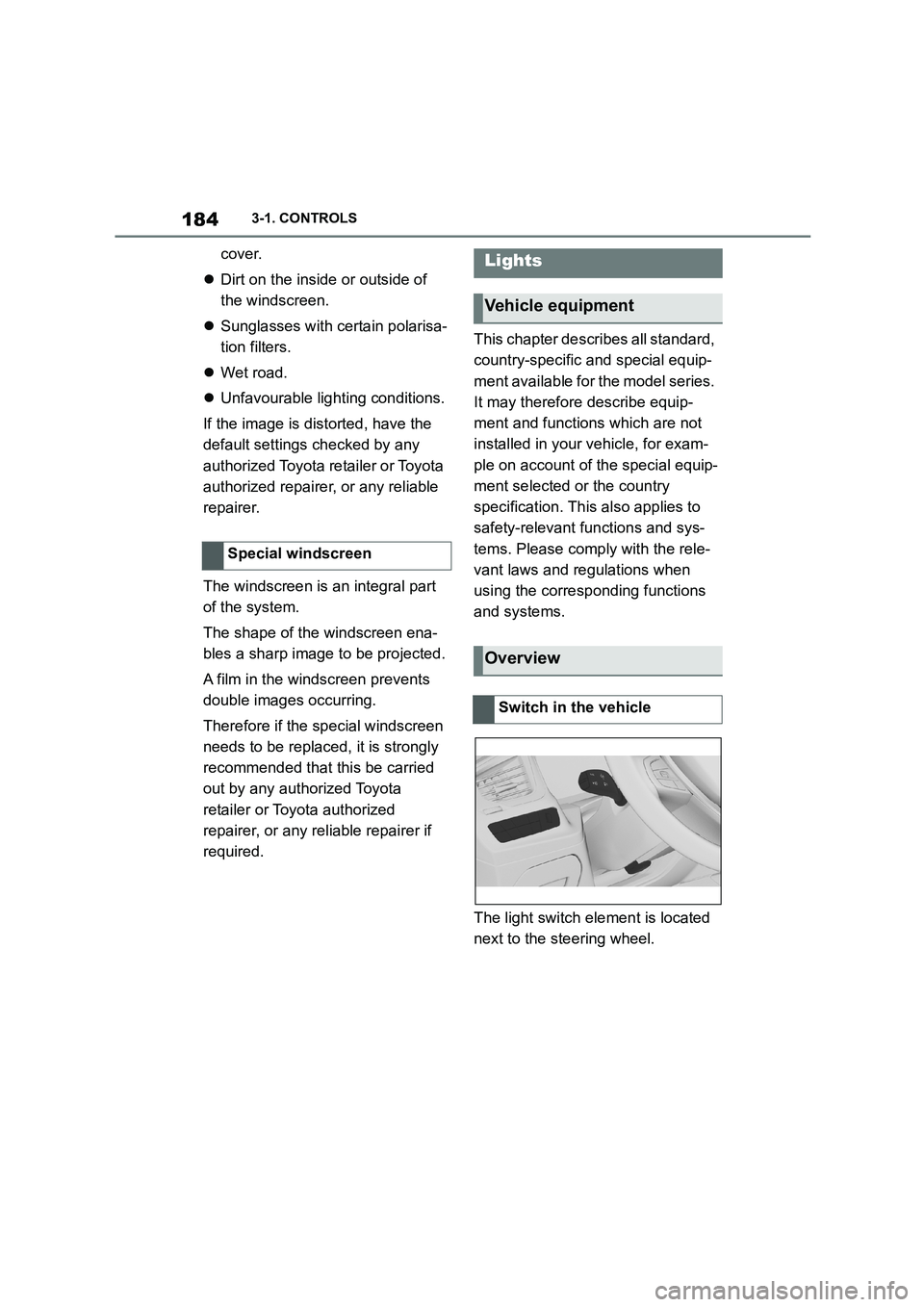
The light switch element is located
next to the steering wheel.
Special windscreen
Lights
Vehicle equipment
Overview
Switch in the vehicle
Page 187 of 498

185
3
3-1. CONTROLS
CONTROLS
Depending on the ambient bright-
ness, the system switches the
low-beam headlights on or off auto-
matically, for example in a tunnel, at
twilight and in rain or snow.
The headlights may also come on
when the sun is low against a blue
sky.
If the low-beam headlights are
switched on manually, the auto-
matic driving lights control is deacti-
vated.
The LED in the button illuminates.
The automatic driving lights control
is no substitute for using your own
judgement to assess the light con-
ditions.
The sensors are unable, for exam-
ple, to recognise fog or hazy
weather. In such situations, switch
on the light manually.
If the driver's door is opened when
SymbolFunction
Rear fog light.
Lights off.
Daytime driving lights.
Side lights.
Automatic driving lights
control.
Adaptive light functions.
Low-beam headlights.
Instrument lighting.
Parking light, right.
Parking light, left.
Automatic driving lights
control
Principle
General
Activating
Press the button on the
light switch element.
The indicator lamp in the
instrument cluster is illumi-
nated when the low-beam
headlights are switched
on.
System limits
Side lights, low-beam head-
lights and parking light
General
Page 188 of 498
1863-1. CONTROLS
drive-ready state is switched off,
the exterior lights are switched off
automatically after a given time.
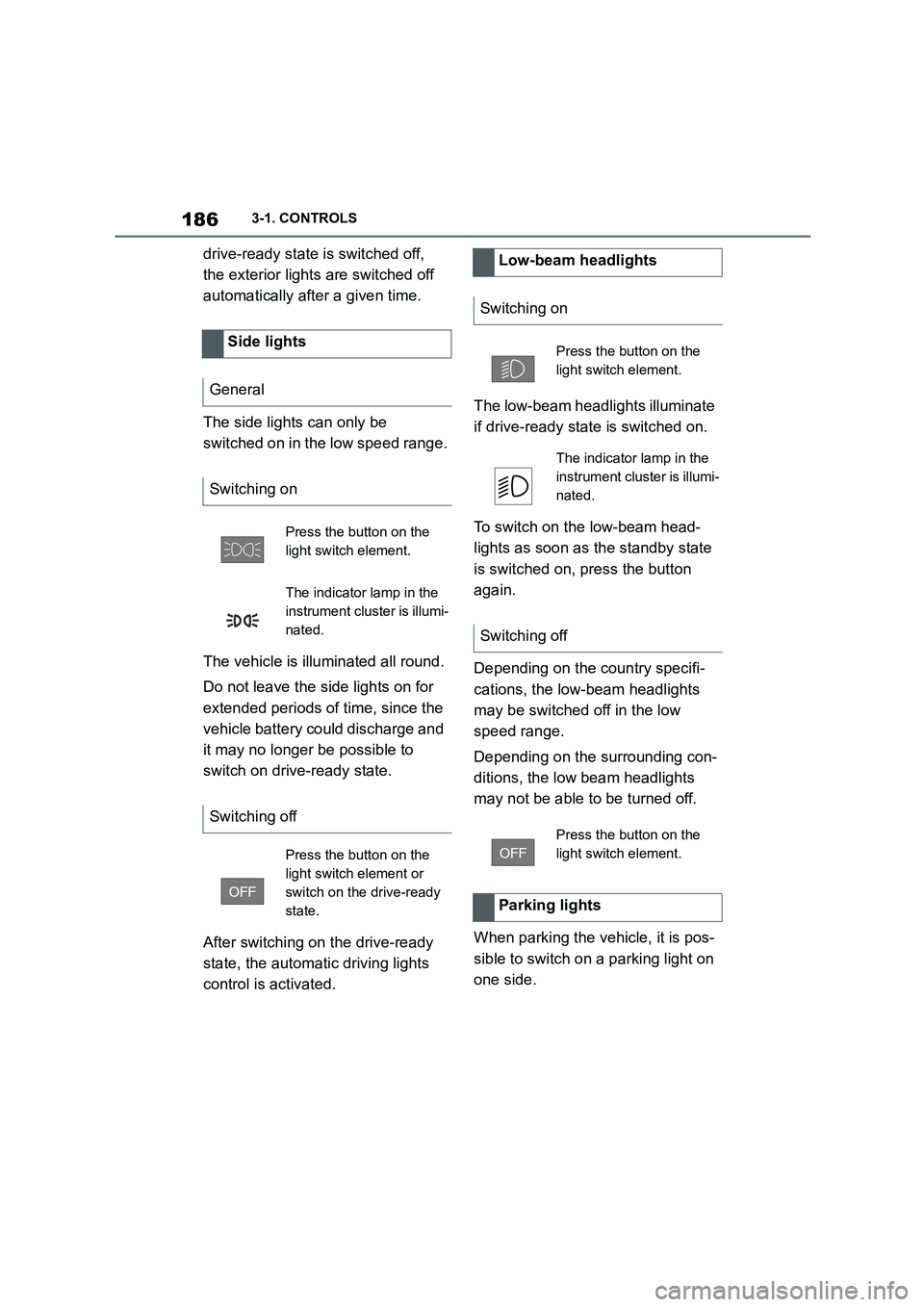
The side lights can only be
switched on in the low speed range.
The vehicle is illuminated all round.
Do not leave the side lights on for
extended periods of time, since the
vehicle battery could discharge and
it may no longer be possible to
switch on drive-ready state.
After switching on the drive-ready
state, the automat ic driving lights
control is activated.
The low-beam head lights illuminate
if drive-ready state is switched on.
To switch on the low-beam head-
lights as soon as the standby state
is switched on, press the button
again.
Depending on the country specifi-
cations, the low-beam headlights
may be switched off in the low
speed range.
Depending on the surrounding con-
ditions, the low beam headlights
may not be able to be turned off.
When parking the vehicle, it is pos-
sible to switch on a parking light on
one side.
Side lights
General
Switching on
Press the button on the
light switch element.
The indicator lamp in the
instrument cluster is illumi-
nated.
Switching off
Press the button on the
light switch element or
switch on the drive-ready
state.
Low-beam headlights
Switching on
Press the button on the
light switch element.
The indicator lamp in the
instrument cluster is illumi-
nated.
Switching off
Press the button on the
light switch element.
Parking lights
Page 189 of 498
187
3
3-1. CONTROLS
CONTROLS
Switch off parking lights:
Depending on the equipment ver-
sion, the exterior lights of the vehi-
cle can be individually adjusted.
Via Toyota Supra Command:
1 "My Vehicle"
2 "Vehicle settings"
3 "Exterior lighting"
4 Select the desired setting:
"Welcome lights"
Individual light functions are switched
on for a limited time.
If the high-beam headlights are
activated after switching off
drive-ready state, the low-beam
headlights stay illuminated for a
certain amount of time.
Via Toyota Supra Command:
1 "My Vehicle"
2 "Vehicle settings"
3 "Exterior lighting"
4 "Home lights"
5 Select the desired setting.
The daytime drivin g lights illuminate
if drive-ready state is switched on.
In some countries daytime driving
lights are compulsory, in which
case the daytime driving lights can-
not be deactivated.
Via Toyota Supra Command:
1 "My Vehicle"
2 "Vehicle settings"
3 "Exterior lighting"
ButtonFunction
Parking light, right
on/off.
Parking light, left
on/off.
Press the button on the
light switch element or
switch on the drive-ready
state.
Welcome lights and head-
light courtesy delay feature
Welcome lights
General
Activating/deactivating
Headlight courtesy delay fea-
ture
General
Setting the duration
Daytime driving lights
General
Activating/deactivating
Page 190 of 498
1883-1. CONTROLS
4"Daytime driving lights"
Variable light distribution enables
even better illumination of the car-
riageway.
The light distribution is automati-
cally adapted to the speed.
If equipment includes a navigation
system, the light distribution is
automatically adapted depending
on the navigation data and speed.
The illuminated area of the
low-beam headlights is extended at
the sides.
The range of the low-beam head-
lights is increased.
In sharp turns up to a specified
speed, for example in hairpin bends
or when turning off, a cornering
light is added to illuminate the
inside area of the bend.
The cornering light is activated
automatically depending on the
steering angle or use of the turn
indicators.
The cornering light may be acti-
vated automatically when driving in
reverse, irrespective of the steer-
ing angle.
Automatic high-beam detects other
road users in good time and acti-
vates or deactivates the high beam
depending on the traffic situation.
Automatic high-beam ensures that
the high-beam headlights are
switched on when the traffic situa-
tion allows. The high-beam head-
lights are not switched on by the
system in the low speed range.
The system responds to the lights
from oncoming traffic and traffic
driving ahead of you, and to ambi-
ent lighting, for example in built-up
areas.
The high-beam headlights can be
switched on and off manually at any
time.
If the vehicle is equipped with daz-
zle-free Automatic high-beam, the
high-beam headlights are not
switched off for oncoming vehicles
or vehicles driving ahead of you;
instead, the system masks those
Variable light distribution
Principle
General
City light
Motorway beam pattern
Cornering light
Automatic high-beam
Principle
General