2022 TOYOTA SUPRA warning
[x] Cancel search: warningPage 118 of 498
1163-1. CONTROLS
buckle has locked correctly, pull
upwards on the shoulder strap
until the lap belt fits tightly.
• The length of the diagonal shoul-
der strap adjusts itself automati-
cally to allow freedom of
movement.
• To release the seat belt, press
the button on the buckle catch
unit.
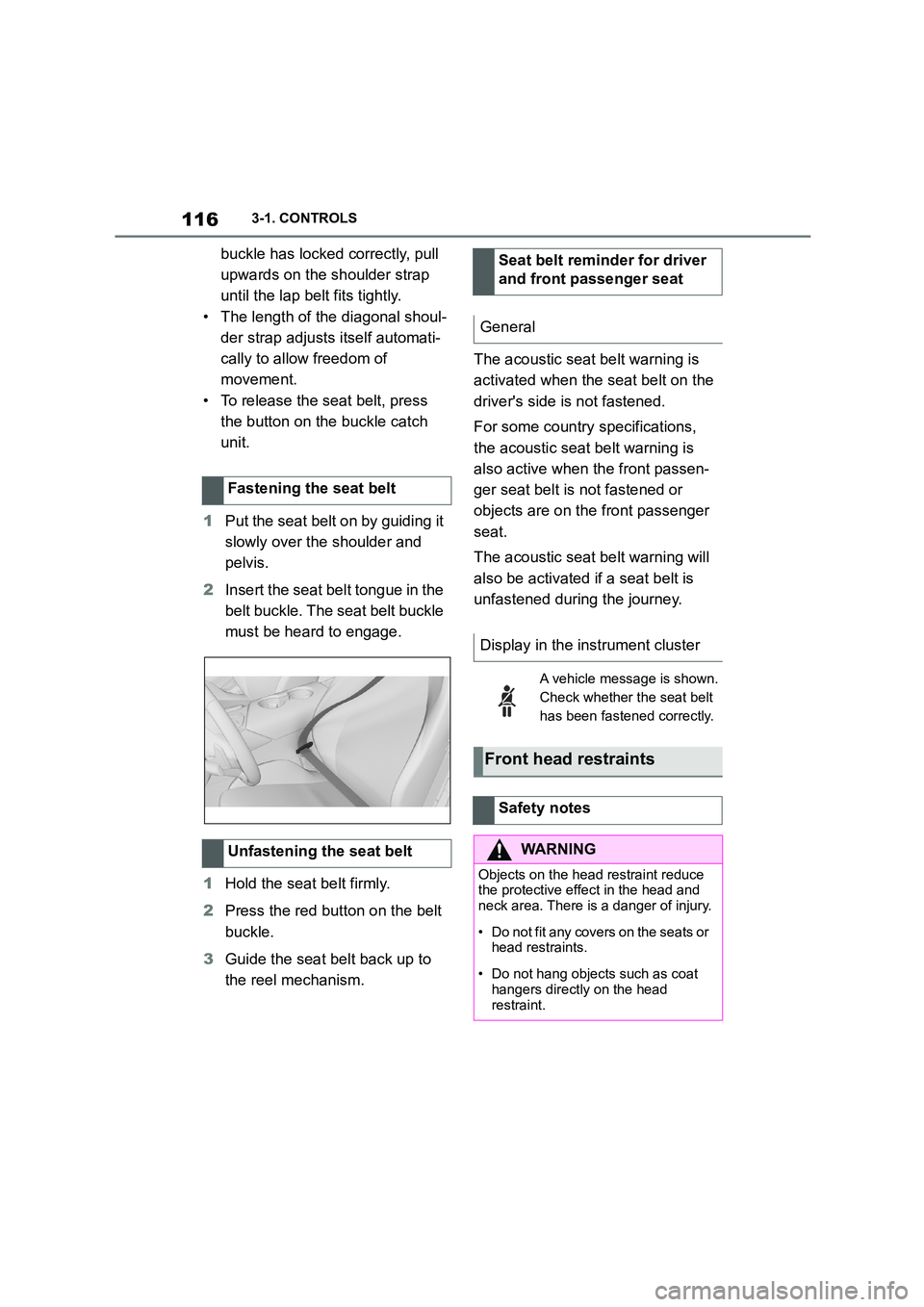
1 Put the seat belt on by guiding it
slowly over the shoulder and
pelvis.
2 Insert the seat belt tongue in the
belt buckle. The seat belt buckle
must be heard to engage.
1 Hold the seat belt firmly.
2 Press the red button on the belt
buckle.
3 Guide the seat belt back up to
the reel mechanism.
The acoustic seat belt warning is
activated when the seat belt on the
driver's side is not fastened.
For some country specifications,
the acoustic seat belt warning is
also active when the front passen-
ger seat belt is not fastened or
objects are on the front passenger
seat.
The acoustic seat belt warning will
also be activated if a seat belt is
unfastened during the journey.
Fastening the seat belt
Unfastening the seat belt
Seat belt reminder for driver
and front passenger seat
General
Display in the instrument cluster
A vehicle message is shown.
Check whether the seat belt
has been fastened correctly.
Front head restraints
Safety notes
WA R N I N G
Objects on the head restraint reduce the protective effect in the head and
neck area. There is a danger of injury.
• Do not fit any covers on the seats or
head restraints.
• Do not hang objects such as coat
hangers directly on the head
restraint.
Page 126 of 498
1243-1. CONTROLS
Please note the following warning
because your vehicle has been
equipped with a front airbag for the
front passenger’s seat that cannot
be deactivated:
Before fitting a child restraint on the
front passenger seat, make sure
that the front and side airbags on
the passenger side are disabled. If
the airbag cannot be deactivated,
do not fit child restraint systems.
Deactivating the front passenger
airbags with key switch, see page
202.
Safety notes
WA R N I N G
If child restraint systems and their
attachment system s have been dam- aged or subjected to stresses in an
accident, their protective function may
be limited or may fail completely. A child might not be adequately
restrained, for example in the event of
an accident, braking or evasive
manoeuvres. There is a risk of injury or even death. Child restraint systems
that are damaged or have been sub-
jected to stresses in an accident must not be used further. If attachment sys-
tems have been damaged or sub-
jected to stresses in an accident, have them checked and replaced by
any authorized Toyota retailer or
Toyota authorized repairer, or any reli- able repairer and renewed if neces-
sary.
WA R N I N G
If the seat is not adjusted properly or the child seat has been installed
incorrectly, the chil d restraint system
may have limited stability or may not be stable at all. There is a risk of
injury or even death. Make sure that
the child restraint system rests firmly against the backrest. Wherever possi-
ble, adapt the backrest angle of all the
relevant seat backrests and adjust the seats correctly. Make sure that the
seats and their backrests are correctly
engaged or locked. If possible, adjust the height of the head restraints, or
remove them.
For Australia: In stallation of
child restraints
It is recommended not to
use any kind of child
restraint system on the
front passenger’s seat.
WA R N I N G
Extreme hazard:
Do not use a rearward facing child
restraint on a seat protected by an airbag in front of it.
Not for Australia and Taiwan:
On the front passenger seat
Deactivating airbags
WA R N I N G
Active front passenger airbags can
injure a child in a child restraint sys-
tem if they are deployed. There is a
risk of injury. Make sure that the front passenger airbags are deactivated
and the PASSENGER AIRBAG OFF
indicator lamp is illuminated.
Page 152 of 498
1503-1. CONTROLS
tor lever position P engaged and
then press it.
The procedure can take a few sec-
onds. Any sounds that occur are
normal.
Do not fold in the exterior mirrors
while driving or while operating the
turn indicators or hazard warning
lights to ensure that the turn indica-
tors in the exterior mirrors are well
recognisable.
Press the lever beyond the resist-
ance point.
Briefly press the lever up or down.
The duration of the triple turn signal
can be set.
Via Toyota Supra Command:
1 "My Vehicle"
2 "Vehicle settings"
3 "Exterior lighting"
4 "One-touch turn signal"
5 Select the desired setting.
Press the lever as far as the resist-
ance point and hold it there for as
long as you wish to indicate a turn.
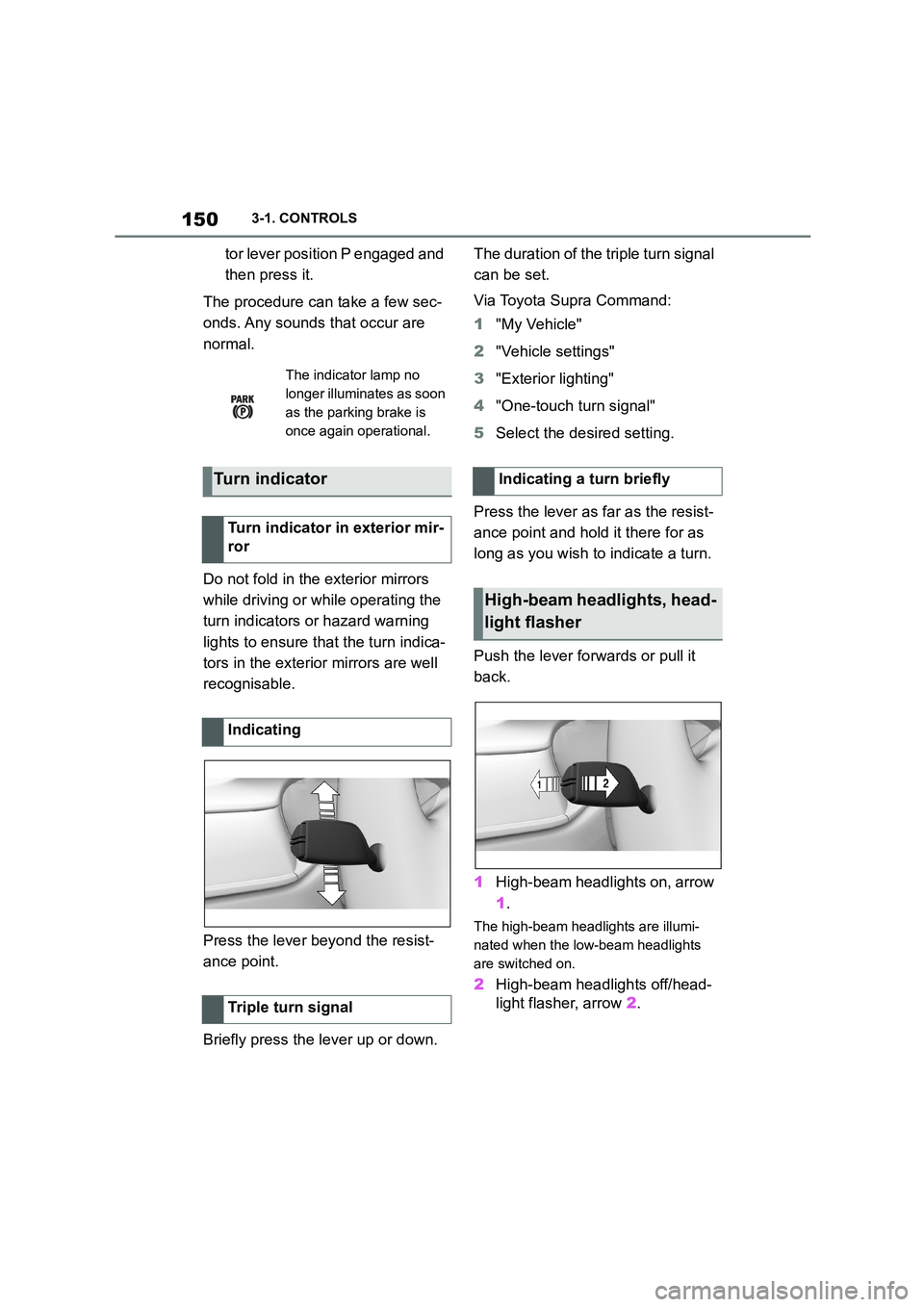
Push the lever forwards or pull it
back.
1 High-beam headlights on, arrow
1 .
The high-beam headlights are illumi-
nated when the low-beam headlights
are switched on.
2 High-beam headlights off/head-
light flasher, arrow 2.
The indicator lamp no
longer illuminates as soon
as the parking brake is
once again operational.
Turn indicator
Turn indicator in exterior mir-
ror
Indicating
Triple turn signal
Indicating a turn briefly
High-beam headlights, head-
light flasher
Page 166 of 498
1643-1. CONTROLS
3"Vehicle messages"
4 Select a text message.
Text messages and symbols in the
instrument cluster explain the
meaning of a vehicle message and
the indicator and warning lamps.
You can call up additional informa-
tion via vehicle messages, for
example the cause of the fault and
any action required.
If the message is urgent, the sup-
plementary text is shown in the
Control Display automatically.
It is possible to select additional
assistance depending on the vehi-
cle message.
Via Toyota Supra Command:
1 "My vehicle"
2 "Vehicle status"
3 "Vehicle messages"
4 Select the required text mes-
sage.
5 Select the desired setting
Certain messages displayed when
driving are displayed again when
drive-ready state is switched off.
Indicator and warning lamps in the
instrument cluster show the status
of some functions in the vehicle and
indicate any malfunctions in moni-
tored systems.
Indicator and warning lamps can
illuminate in a variety of combina-
tions and colours.
When drive-ready state is switched
on, the functionality of some lights
is checked and they illuminate
briefly.
Display
Vehicle messages
At least one vehicle mes-
sage is displayed or
saved.
Text messages
Supplementary text messages
Messages displayed at the end of
a journey
Indicator and warning lamps
Principle
General
Page 169 of 498

167
3
3-1. CONTROLS
CONTROLS
Steering system
The steering system may
be faulty.
Have the system checked
by any authorized Toyota
retailer or Toyota author-
ized repairer, or any relia-
ble repairer.
Emissions
Engine malfunction.
Have the vehicle checked
by any authorized Toyota
retailer or Toyota author-
ized repairer, or any relia-
ble repairer.
Socket for on-board diag-
nosis, see page 332.
Rear fog light
Rear fog light is switched
on.
Rear fog light, see page
190.
Green lights
Turn indicator
The turn indicator is
switched on.
If the indicator lamp
flashes more rapidly than
usual, a turn signal light
has failed.
Turn indicators, see page
150.
Side lights
The side lights are
switched on.
Side lights/low-beam
headlights, see page 185.
Low-beam headlights
Low-beam headlights are
switched on.
Side lights/low-beam
headlights, see page 185.
Lane Departure Warning
If the indicator lamp is illu-
minated: the system is
switched on. At least one
lane marking has been
detected and warnings
can be issued on at least
one side of the vehicle.
Lane Departure Warning,
see page 216.
Page 170 of 498
1683-1. CONTROLS
The current fill level of the fuel tank
is displayed.
The angle of the vehicle may cause
the display to fluctuate.
For notes on refuelling, see page
290.
It is vital to avoid engine speeds in
the red warning zone. In this zone,
the fuel supply is interrupted to pro-
tect the engine.
Depending on the equipment, the
shift lights on the revolution counter
indicate the maximum shift point at
which the best possible accelera-
tion can be achieved.
When the selected driving mode is
sport mode, a shift light will be dis-
played.
1 Select SPORT using the sport
mode switch.
2 Activate manual mode of the
transmission.
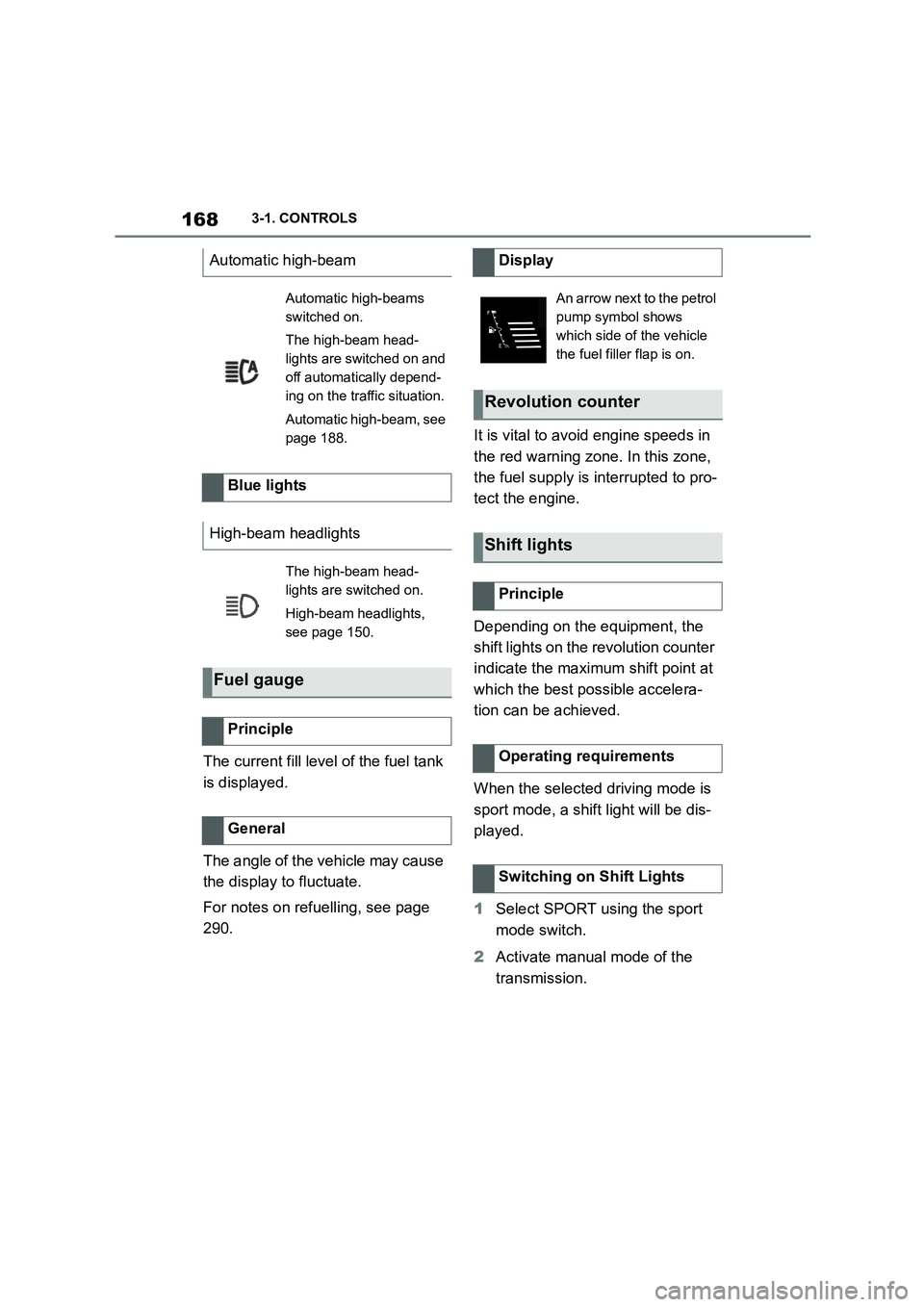
Automatic high-beam
Automatic high-beams
switched on.
The high-beam head-
lights are switched on and
off automatically depend-
ing on the traffic situation.
Automatic high-beam, see
page 188.
Blue lights
High-beam headlights
The high-beam head-
lights are switched on.
High-beam headlights,
see page 150.
Fuel gauge
Principle
General
Display
An arrow next to the petrol
pump symbol shows
which side of the vehicle
the fuel filler flap is on.
Revolution counter
Shift lights
Principle
Operating requirements
Switching on Shift Lights
Page 175 of 498

173
3
3-1. CONTROLS
CONTROLS
Via Toyota Supra Command:
1 "My vehicle"
2 "System settings"
3 "Displays"
4 "Instrument cluster"
5 Select the desired setting:
"Warning when speeding": acti-
vate or deactivate the flashing of
the Speed Limit Info display in
the instrument cluster and the
Head-Up Display when the cur-
rently applicable speed limit is
exceeded.
"Show speeding": the speed limit
detected by the Speed Limit Info
is indicated by a mark in the
speedometer in the instrument
cluster.
For further information:
• Cameras, see page P.50.
Functionality may be limited or
incorrect information may be dis-
played in some situations such as:
If road signs are fully or partially
obscured by objects, stickers or
paint.
If the vehicle is too close to the
vehicle ahead.
If the speed limits stored in the
navigation system or road data
are incorrect.
In the case of speed limits that
depend or the time of day or day
of the week.
In areas not covered by the navi-
gation system.
If there are navigation discrepan-
cies, for example due to changes
in road layout.
In the case of electronic road
signs.
When overtaking buses or trucks
with roadsign stickers.
If traffic signs do not correspond
to the standard.
If signs are detected that apply to
a parallel road.
In the case of country-specific
signs or road layouts.
Speed Limit Info shows the cur-
rently applicable speed limit in the
instrument cluster and the Head-Up
Display, as well as additional signs
where applicable, for example in
wet conditions.
Settings
System limits
System limits of the sensors
Functional limitations
Speed Limit Info with over-
taking restriction display
Speed Limit Info
Principle
Page 178 of 498
1763-1. CONTROLS
Via Toyota Supra Command:
1 "My vehicle"
2 "System settings"
3 "Displays"
4 "Instrument cluster"
5 Select the desired setting:
"Warning when speeding": acti-
vate or deactivate the flashing of
the Speed Limit Info display in
the instrument cluster and the
Head-Up Display when the cur-
rently applicable speed limit is
exceeded.
"Show speeding": the speed limit
detected by the Speed Limit Info
is indicated by a mark in the
speedometer in the instrument
cluster.
The function may be restricted and
may display incorrec t information in
the following situations, for exam-
ple:
In thick fog, wet conditions or
snow.
If signs are fully or partially
obscured by objects, stickers or
paint.
If the vehicle is too close to the
vehicle ahead.
In the case of bright oncoming
light or strong reflections.
When the windscreen in front of
the rear-view mirror is covered
with condensation, dirt, stickers,
etc.
If the camera has overheated
due to excessively high tempera-
tures and has been temporarily
deactivated.
As a result of incorrect detection
by the camera.
If the speed limits stored in the
navigation system or road data
are incorrect.
In the case of speed limits that
depend or the time of day or day
of the week.
In areas not covered by the navi-
gation system.
If there are deviations in relation
to navigation, for example due to
changes in road routing.
In the case of electronic road
signs.
When overtaking buses or trucks
with road sign stickers.
If traffic signs do not correspond
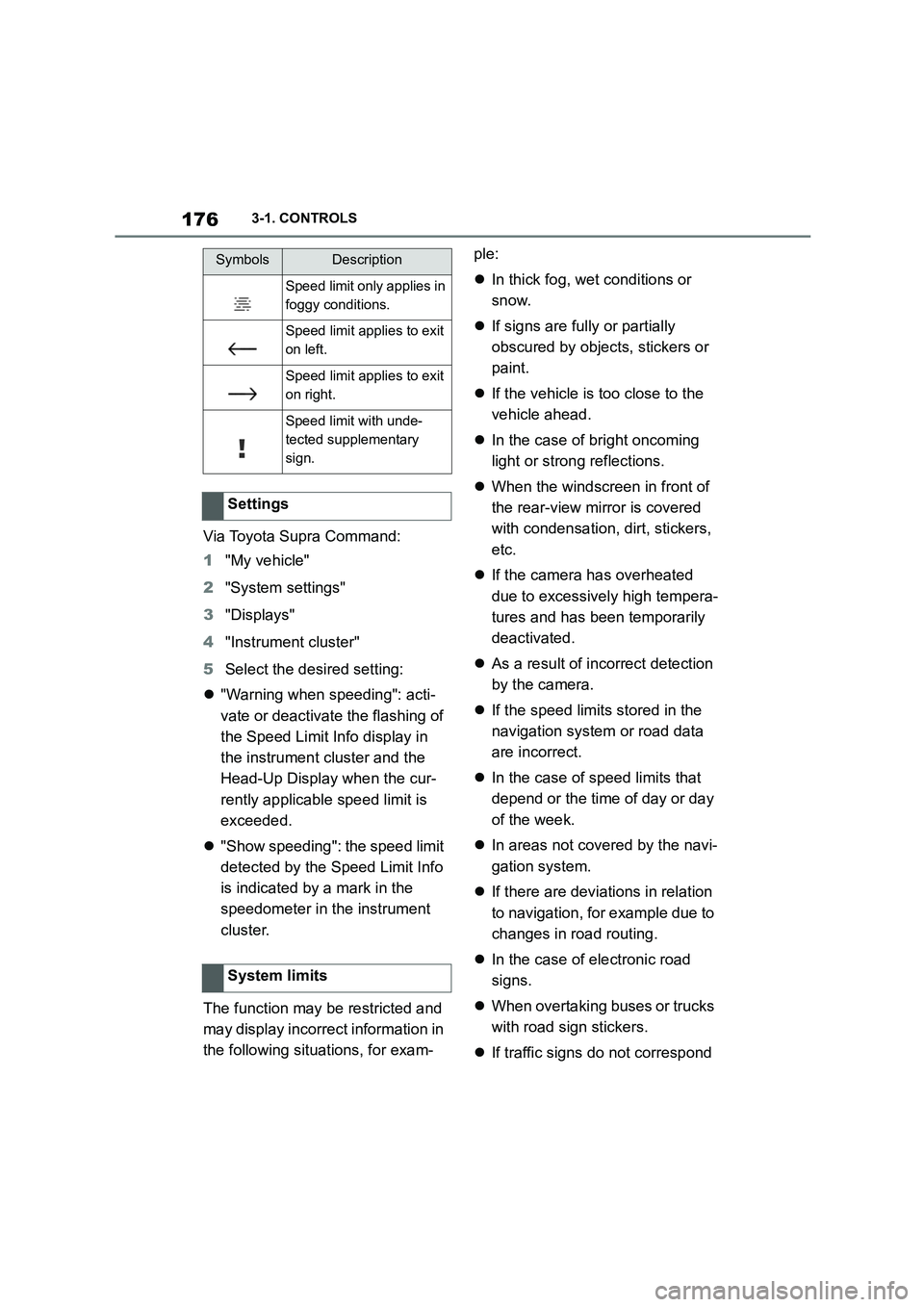
Speed limit only applies in
foggy conditions.
Speed limit applies to exit
on left.
Speed limit applies to exit
on right.
Speed limit with unde-
tected supplementary
sign.
Settings
System limits
SymbolsDescription