Page 77 of 498
75
3
3-1. CONTROLS
CONTROLS
This chapter describes all standard,
country-specific and special equip-
ment available for the model series.
It may therefore describe equip-
ment which is not installed in your
vehicle, for exampl e on account of
the special equipment selected or
the country specific ation. This also
applies to safety-relevant functions
and systems. Please comply with
the relevant laws and regulations
when using the corresponding func-
tions and systems.
The vehicle offers various functions
which require data to be transferred
to Toyota or a service provider. The
transfer of data can be deactivated
for some functions.
If data transfer has been deacti-
vated for a function, then that func-
tion cannot be used.
Only perform settings with the vehi-
cle at a standstill.
Follow the instruct ions on the Con-
trol Display.
Via Toyota Supra Command:
1 "My Vehicle"
2 "System settings"
3 "Data privacy"
4 Select the desired setting.
Depending on use, the vehicle
stores personal data such as saved
radio stations. This personal data
can be permanently deleted using
Toyota Supra Command.
Depending on the equipment in
your vehicle, the following data can
be deleted:
• Driver profile settings.
• Saved radio stations.
• Saved Favourites buttons.
• Trip and on-board computer val-
ues.
• Music hard disc.
• Navigation, for example saved
destinations.
• Phone book.
• Online data, for example Favour-
ites, cookies.
• Office data, for example voice
Personal settings
Vehicle equipment
Data protection
Data transfer
Principle
General
Activating/deactivating
Deleting persona l data in the
vehicle
Principle
General
Page 180 of 498
1783-1. CONTROLS
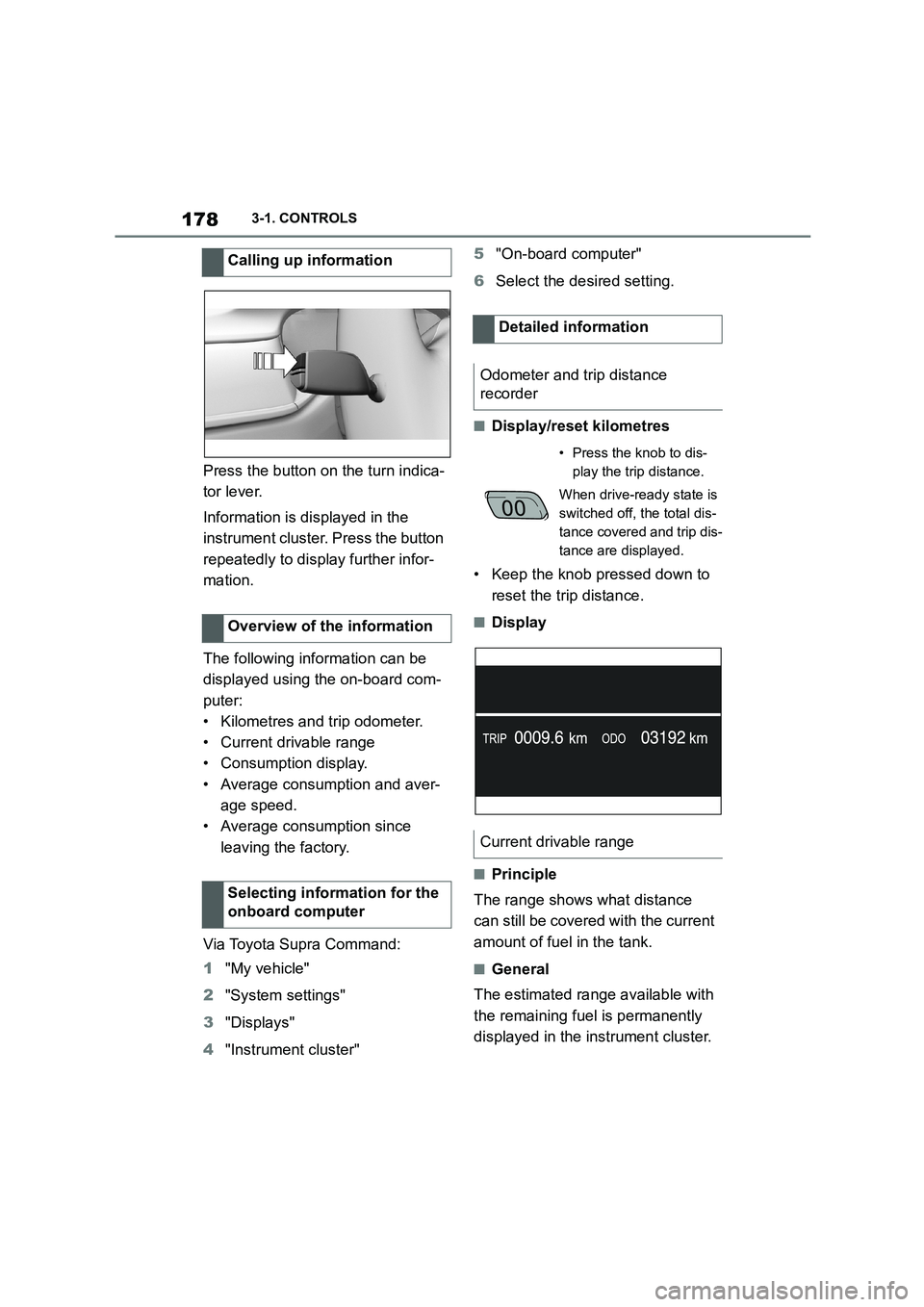
Press the button on the turn indica-
tor lever.
Information is displayed in the
instrument cluster. Press the button
repeatedly to display further infor-
mation.
The following information can be
displayed using the on-board com-
puter:
• Kilometres and trip odometer.
• Current drivable range
• Consumption display.
• Average consumption and aver-
age speed.
• Average consumption since
leaving the factory.
Via Toyota Supra Command:
1 "My vehicle"
2 "System settings"
3 "Displays"
4 "Instrument cluster"
5 "On-board computer"
6 Select the desired setting.
■Display/reset kilometres
• Keep the knob pressed down to
reset the trip distance.
■Display
■Principle
The range shows what distance
can still be covered with the current
amount of fuel in the tank.
■General
The estimated range available with
the remaining fuel is permanently
displayed in the instrument cluster.
Calling up information
Overview of the information
Selecting information for the
onboard computer
Detailed information
Odometer and trip distance
recorder
• Press the knob to dis-
play the trip distance.
When drive-ready state is
switched off, the total dis-
tance covered and trip dis-
tance are displayed.
Current drivable range
Page 182 of 498
1803-1. CONTROLS
■Display
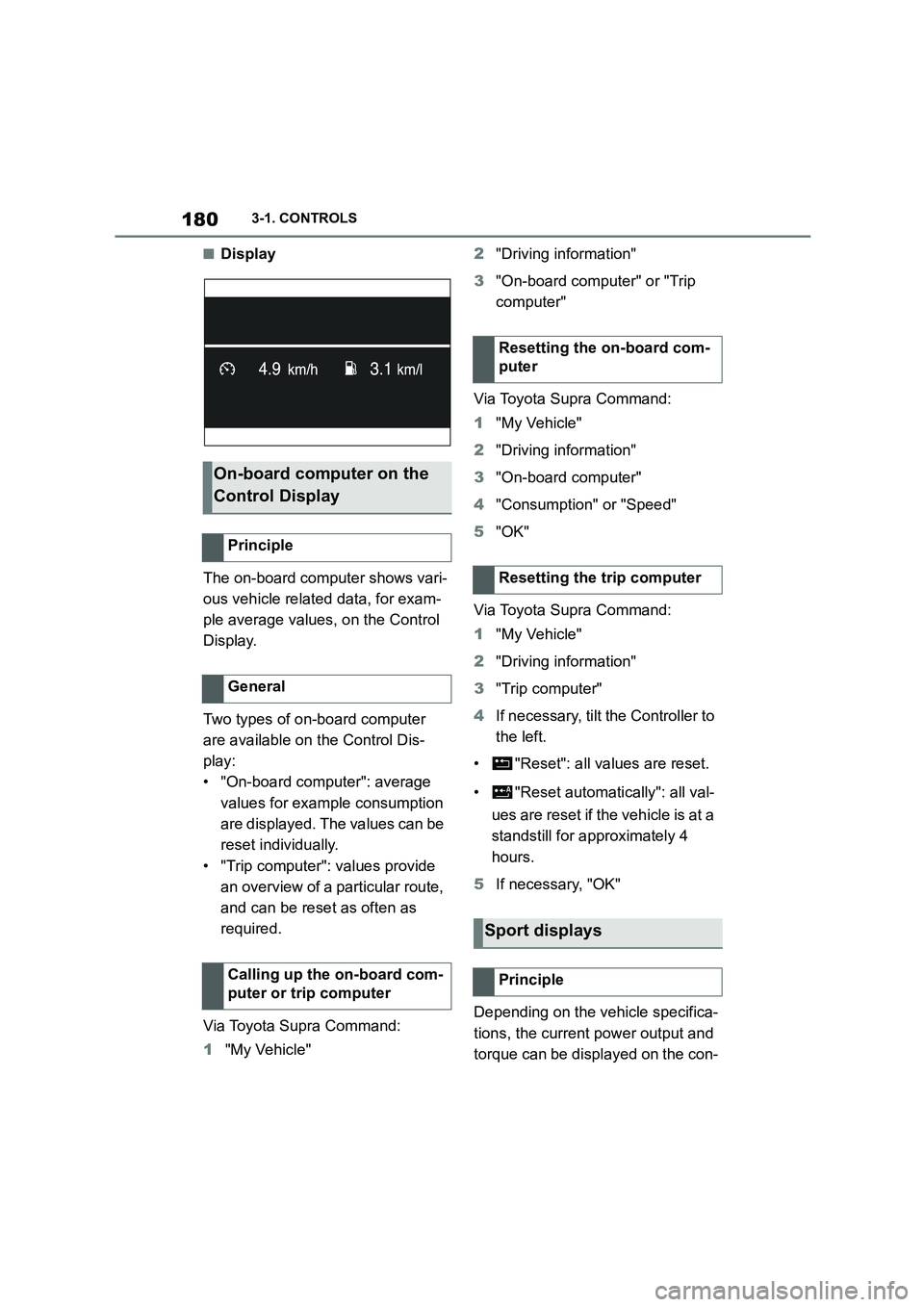
The on-board computer shows vari-
ous vehicle related data, for exam-
ple average values, on the Control
Display.
Two types of on-board computer
are available on the Control Dis-
play:
• "On-board computer": average
values for example consumption
are displayed. The values can be
reset individually.
• "Trip computer": values provide
an overview of a pa rticular route,
and can be reset as often as
required.
Via Toyota Supra Command:
1 "My Vehicle"
2 "Driving information"
3 "On-board computer" or "Trip
computer"
Via Toyota Supra Command:
1 "My Vehicle"
2 "Driving information"
3 "On-board computer"
4 "Consumption" or "Speed"
5 "OK"
Via Toyota Supra Command:
1 "My Vehicle"
2 "Driving information"
3 "Trip computer"
4 If necessary, tilt the Controller to
the left.
• "Reset": all va lues are reset.
• "Reset automatically": all val-
ues are reset if the vehicle is at a
standstill for ap proximately 4
hours.
5 If necessary, "OK"
Depending on the vehicle specifica-
tions, the current power output and
torque can be displayed on the con-
On-board computer on the
Control Display
Principle
General
Calling up the on-board com-
puter or trip computer
Resetting the on-board com-
puter
Resetting the trip computer
Sport displays
Principle