2022 TOYOTA COROLLA CROSS maintenance
[x] Cancel search: maintenancePage 1 of 612

1
2
3
4
5
6
COROLLA CROSS_MTMUS_U
7
8
9
10
Pictorial indexSearch by illustration
For safety
and securityMake sure to read through them
(Main topics: Child seat, theft deterrent system)
Vehicle status
information and
indicatorsReading driving-related information
(Main topics: Meters, multi-information display)
Before driving
Opening and closing the doors and windows,
adjustment before driving
(Main topics: Keys, doors, seats)
Driving
Operations and advice which are necessary for
driving
(Main topics: Starting engine, refueling)
AudioOperating the Audio
(Main topics: Audio/visual, phone)
Interior featuresUsage of the interior features
(Main topics: Air conditioner, storage features)
Maintenance
and careCaring for your vehicle and maintenance
procedures
(Main topics: Interior and exterior, light bulbs)
When trouble
arisesWhat to do in case of malfunction and emergency
(Main topics: Battery discharge, flat tire)
Vehicle
specificationsVehicle specifications, customizable features
(Main topics: Fuel, oil, tire inflation pressure)
For ownersReporting safety defects for U.S. owners, and seat
belt and SRS airbag instructions for Canadian
owners
IndexSearch by symptom
Search alphabetically
Page 4 of 612

4TABLE OF CONTENTS
iPod/iPhone (Apple CarPlay)......................................... 339
Android Auto ...................... 342
Bluetooth
® audio ................ 343
5-8. Audio/visual remote controls Steering switches ............... 347
5-9. Audio settings Setup .................................. 349
5-10. Tips for operating the audio/visual system
Operating information......... 350
5-11. Voice command system oper- ation
Voice command system ..... 358
Command list ..................... 361
5-12. Mobile Assistant operation Mobile Assistant ................. 365
5-13. Phone operation (Hands-free system for cellular phones)
Quick reference .................. 367
Some basics ...................... 368
Placing a call using the Blue-
tooth
® hands-free system 372
Receiving a call using the Blue-
tooth
® hands-free system 375
Talking on the Bluetooth
®
hands-free system ........... 376
Bluetooth
® phone message
function ............................ 378
5-14. Phone settings Setup .................................. 382
5-15. What to do if... (Bluetooth
®)
Troubleshooting ................. 392
5-16. Connected Services Overview Functional overview ........... 396
Type A: Function achieved by using a smart phone or DCM......................................... 397Type B: Function achieved by
using DCM and the system......................................... 400
Type C: Function achieved by using DCM ....................... 401
Type D: Function achieved by using DCM and a smartphone......................................... 401
5-17. Connected Services Opera- tion
Toyota apps........................ 403
5-18. Toyota apps settings Setup.................................. 407
6-1. Using the air conditioning system and defogger
Manual air conditioning system......................................... 410
Automatic air conditioning sys- tem ................................... 416
Heated steering wheel/seat heaters ............................. 424
6-2. Using the interior lights Interior lights list ................. 426
6-3. Using the storage features List of storage features ...... 428
Luggage compartment features ......................................... 431
6-4. Other interior features Other interior features ........ 433
7-1. Maintenance and care Cleaning and protecting the vehicle exterior................. 446
Cleaning and protecting the vehicle interior.................. 449
6Interior features
7Maintenance and care
Page 5 of 612

5TABLE OF CONTENTS
1
2
3
4
5
6
7
8
9
10
7-2. MaintenanceMaintenance requirements......................................... 452
General maintenance ......... 453
Emission inspection and mainte- nance (I/M) programs....... 456
7-3. Do-it-yourself maintenance Do-it-yourself service precau-tions ................................. 457
Hood .................................. 459
Positioning a floor jack ....... 460
Engine compartment .......... 461
Tires ................................... 468
Tire inflation pressure......... 478
Wheels ............................... 480
Air conditioning filter ........... 482
Wireless remote control/elec- tronic key battery.............. 483
Checking and replacing fuses ......................................... 486
Headlight aim ..................... 488
Light bulbs .......................... 489
8-1. Essential information Emergency flashers ........... 496
If your vehicle has to be stopped in an emergency .............. 496
If the vehicle is submerged or water on the road is rising
......................................... 498
8-2. Steps to take in an emergency If your vehicle needs to be towed......................................... 499
If you think something is wrong ......................................... 503
Fuel pump shut off system ......................................... 504
If a warning light turns on or a warning buzzer sounds .... 505If a warning message is dis-
played .............................. 515
If you have a flat tire........... 518
If the engine will not start ... 528
If you lose your keys .......... 530
If the electronic key does not operate properly............... 530
If the vehicle battery is dis- charged ............................ 532
If your vehicle overheats .... 536
If the vehicle becomes stuck ......................................... 538
9-1. Specifications Maintenance data (fuel, oil level, etc.) .................................. 542
Fuel information ................. 550
Tire information .................. 552
9-2. Customization Customizable features ....... 563
9-3. Initialization Items to initialize ................ 572
10-1. For owners Reporting safety defects for U.S.
o wners ............................. 574
Reporting safety defects for Canadian owners ............. 574
Seat belt instructions for Cana- di
an owners (in French) ... 575
SRS airbag instructions for Canadian owners (in French)......................................... 576
8When trouble arises
9Vehicle specifications
10For owners
Page 71 of 612

711-4. Theft deterrent system
1
For safety and security
1-4.Theft deterrent system
Vehicles without a smart key
system
The indicator light flashes after
the key has been removed from
the engine switch to indicate
that the system is operating.
The indicator light stops flashing
after the registered key has been inserted into the engine
switch to indicate that the sys-
tem has been canceled.
Vehicles with a smart key sys-
tem
The indicator light flashes after
the engine switch has been
turned off to indicate that the
system is operating.
The indicator light stops flashing
after the engine switch has been
turned to ACC or ON to indicate
that the system has been can-
celed.
■System maintenance
The vehicle has a mainte-
nance-free type e ngine immobilizer
system.
■Conditions that may cause the
system to malfunction
●If the grip portion of the key is in
contact with a metallic object
●If the key is in close proximity to or
touching a key to the security sys-
tem (key with a built-in transpon-
der chip) of another vehicle
Engine immobilizer
system
The vehicle’s keys have
built-in transponder chips
that prevent the engine from
starting if a key has not
been previously registered
in the vehicle’s on-board
computer.
Never leave the keys inside
the vehicle when you leave
the vehicle.
This system is designed to
help prevent vehicle theft
but does not guarantee
absolute security against all
vehicle thefts.
Operating the system
NOTICE
■To ensure the system oper-
ates correctly
Do not modify or remove the sys-
tem. If modified or removed, the
proper operation of the system
cannot be guaranteed.
Page 72 of 612

721-4. Theft deterrent system
*: If equipped
■Items to check before lock-
ing the vehicle
To prevent unexpected trigger-
ing of the alarm and vehicle
theft, make sure of the following:
Nobody is in the vehicle.
The windows and moon roof
(if equipped) are closed
before the alarm is set.
No valuables or other per-
sonal items are left in the
vehicle.
■Setting
Close the doors and hood, and
lock all the doors. The system
will set automatically after 30
seconds.
The indicator light changes from
being on to flashing when the sys-
tem is set.
If all doors are closed with back
door or hood open, alarm system
can be set.
■Deactivating or stopping
Do one of the following to deac-
tivate or stop the alarms:
Unlock the doors.
Turn the engine switch to
ACC or ON, or start the
engine. (The alarm will be
deactivated or stopped after a
few seconds.)
■System maintenance
The vehicle has a mainte-
nance-free type alarm system.
■Triggering of the alarm
The alarm may be triggered in the
following situations:
(Stopping the alarm deactivates the
alarm system.)
●The doors are unlocked using the
mechanical key.
Alarm*
The alarm uses light and
sound to give an alert when
an intrusion is detected.
The alarm is triggered in the
following situations when
the alarm is set:
A locked door is unlocked or
opened in any way other
than using the entry func-
tion or wireless remote con-
trol. (The doors will lock
again automatically.)
The hood is opened.
Setting/deactivating/stop-
ping the alarm system
Page 152 of 612

1524-1. Before driving
■Matching trailer ball height to
trailer coupler height
No matter which class of tow hitch
applies, for a more safe trailer
hookup, the trailer ball setup must
be the proper height for the coupler
on the trailer.
Coupler
Trailer ball
■Before towing
Check that the following conditions
are met:
●Ensure that your vehicle’s tires
are properly inflated. ( P.548)
●Trailer tires are inflated according
to the trailer manufacturer’s rec-
ommendation.
●All trailer lights work as required
by law.
●All lights work each time you con-
nect them.
●The trailer ball is set at the proper
height for the coupler on the
trailer.
●The trailer is level when it is
hitched.
Do not drive if the trailer is not
level, and check for improper
tongue weight, overloading, worn
suspension, or other possible
causes.
●The trailer cargo is securely
loaded.
●The rear view mirrors conform to
all applicable federal, state/provin-
cial or local regulations. If they do
not, install rear view mirrors
appropriate for towing purposes.
■Break-in schedule
If your vehicle is new or equipped
with any new power train compo-
nents (such as an engine, transaxle,
transfer [AWD models], rear differ-
ential [AWD models] or wheel bear-
ing), Toyota recommends that you
do not tow a trailer until the vehicle
has been driven for over 500 miles
(800 km).
After the vehicle has been driven for
over 500 miles (800 km), you can
start towing. Howeve r, for the next
500 miles (800 km), drive the vehi-
cle at a speed of less than 50 mph
(80 km/h) when towing a trailer, and
avoid full throttle acceleration.
■Maintenance
●If you tow a trailer, your vehicle
will require more frequent mainte-
nance due to the additional load.
(See “Scheduled Maintenance
Guide” or “Owner’s Manual Sup-
plement”.)
●Retighten the fixing bolts of the
towing ball and bracket after
approximately 600 miles (1000
km) of trailer towing.
Toyota warranties do not
apply to damage or mal-
function caused by towing a
trailer for commercial pur-
poses.
Contact your Toyota dealer
for further information
about additional require-
ments such as a towing kit,
etc.
Page 278 of 612

2784-6. Driving tips
NOTICE
■To prevent water damage
Take all necessary safety mea-
sures to ensure that water dam-
age to the engine or other
components does not occur.
●Water entering the engine air
intake will cause severe engine
damage.
●Water entering the continuously
variable transmission will cause
deterioration in shift quality,
locking up of your transmission
accompanied by vibration, and
ultimately damage.
●Water can wash the grease
from wheel bearings, causing
rusting and premature failure,
and may also enter the differen-
tials, transmission and transfer
(AWD models) case, reducing
the gear oil’s lubricating quali-
ties.
■When you drive through
water
If driving through water, such as
when crossing shallow streams,
first check the depth of the water
and the bottom of the riverbed for
firmness. Drive slowly and avoid
deep water.
■Inspection after off-road driv-
ing
●Sand and mud that has accu-
mulated around brake discs
may affect braking efficiency
and may damage brake system
components.
●Always perform a maintenance
inspection after each day of
off-road driving that has taken
you through rough terrain, sand,
mud, or water. For scheduled
maintenance information, refer
to the “Scheduled Maintenance
Guide” or “Owner’s Manual
Supplement”.
Page 401 of 612
4015-16. Connected Services Overview
5
Audio
*: If equipped*: If equipped
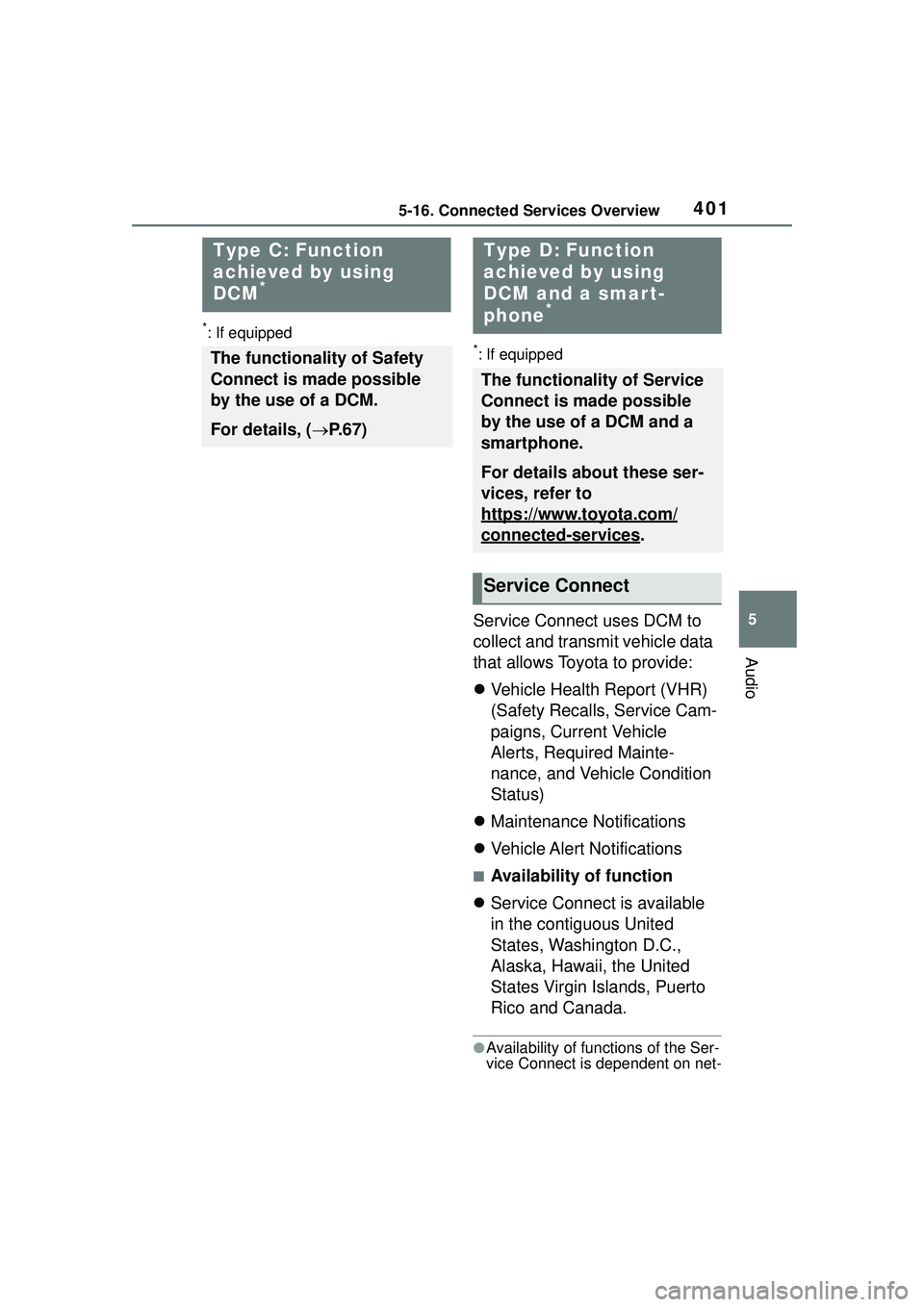
Service Connect uses DCM to
collect and transmit vehicle data
that allows Toyota to provide:
Vehicle Health Report (VHR)
(Safety Recalls, Service Cam-
paigns, Current Vehicle
Alerts, Required Mainte-
nance, and Vehicle Condition
Status)
Maintenance Notifications
Vehicle Alert Notifications
■Availability of function
Service Connect is available
in the contiguous United
States, Washington D.C.,
Alaska, Hawaii, the United
States Virgin Islands, Puerto
Rico and Canada.
●Availability of functions of the Ser-
vice Connect is dependent on net-
Type C: Function
achieved by using
DCM
*
The functionality of Safety
Connect is made possible
by the use of a DCM.
For details, ( P.67)
Type D: Function
achieved by using
DCM and a smar t-
phone
*
The functionality of Service
Connect is made possible
by the use of a DCM and a
smartphone.
For details about these ser-
vices, refer to
https://www.toyota.com/
connected-services.
Service Connect