2019 VOLVO XC60 TWIN ENGINE wiper blades
[x] Cancel search: wiper bladesPage 6 of 695
4
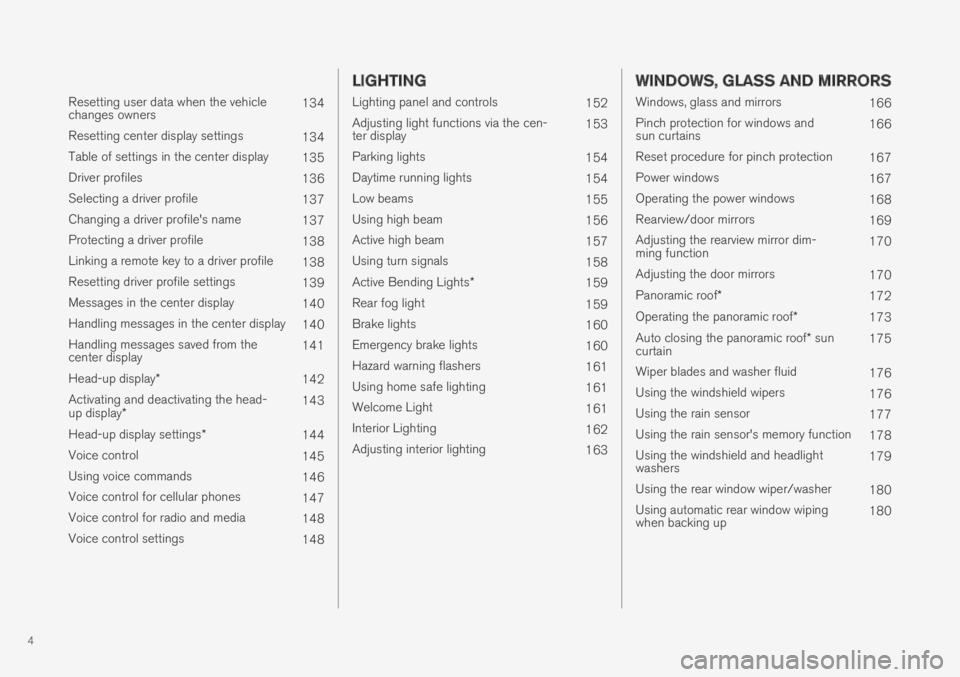
Resetting user data when the vehiclechanges owners134
Resetting center display settings134
Table of settings in the center display135
Driver profiles136
Selecting a driver profile137
Changing a driver profile's name137
Protecting a driver profile138
Linking a remote key to a driver profile138
Resetting driver profile settings139
Messages in the center display140
Handling messages in the center display140
Handling messages saved from thecenter display141
Head-up display*142
Activating and deactivating the head-up display*143
Head-up display settings*144
Voice control145
Using voice commands146
Voice control for cellular phones147
Voice control for radio and media148
Voice control settings148
LIGHTING
Lighting panel and controls152
Adjusting light functions via the cen-ter display153
Parking lights154
Daytime running lights154
Low beams155
Using high beam156
Active high beam157
Using turn signals158
Active Bending Lights*159
Rear fog light159
Brake lights160
Emergency brake lights160
Hazard warning flashers161
Using home safe lighting161
Welcome Light161
Interior Lighting162
Adjusting interior lighting163
WINDOWS, GLASS AND MIRRORS
Windows, glass and mirrors166
Pinch protection for windows andsun curtains166
Reset procedure for pinch protection167
Power windows167
Operating the power windows168
Rearview/door mirrors169
Adjusting the rearview mirror dim-ming function170
Adjusting the door mirrors170
Panoramic roof*172
Operating the panoramic roof*173
Auto closing the panoramic roof* suncurtain175
Wiper blades and washer fluid176
Using the windshield wipers176
Using the rain sensor177
Using the rain sensor's memory function178
Using the windshield and headlightwashers179
Using the rear window wiper/washer180
Using automatic rear window wipingwhen backing up180
Page 15 of 695
13
LOADING, STORAGE AND
PASSENGER COMPARTMENT
Passenger compartment interior588
Tunnel console589
Electrical outlets590
Using the electrical outlets592
Using the glove compartment593
Sun visors594
Cargo compartment595
Loading recommendations595
Roof loads and load carriers596
Grocery bag holders597
Load anchoring eyelets598
Rear seat ski hatch598
Installing and removing the cargocompartment cover*598
Operating the cargo compartment cover*600
Installing and removing the steelcargo grid*602
Installing and removing the cargo net*603
MAINTENANCE AND SERVICE
Volvo's service program608
Data transfer between vehicle andworkshop over Wi-Fi610
Download Center611
Handling system updates via Down-load Center611
Vehicle status612
Scheduling service and repairs613
Sending vehicle information to theworkshop614
Hoisting the vehicle616
Opening and closing the hood618
Climate control system service619
Replacing a windshield with head-updisplay*619
Engine compartment overview620
Engine oil621
Checking and filling engine oil622
Refilling coolant623
Replacing bulbs624
Start battery625
Hybrid battery629
Battery symbols630
Fuses and fuseboxes630
Replacing fuses631
Fuses in the engine compartment632
Fuses under the glove compartment636
Fuses in the cargo compartment639
Cleaning the interior643
Cleaning the center display643
Cleaning the head-up display*644
Cleaning fabric upholstery and ceil-ing liner645
Cleaning the seat belt645
Cleaning floor mats and inlay mats645
Cleaning leather upholstery646
Cleaning the leather steering wheel647
Cleaning interior plastic, metal andwood surfaces648
Cleaning the exterior648
Polishing and waxing649
Hand washing649
Automatic car washes651
High-pressure washing652
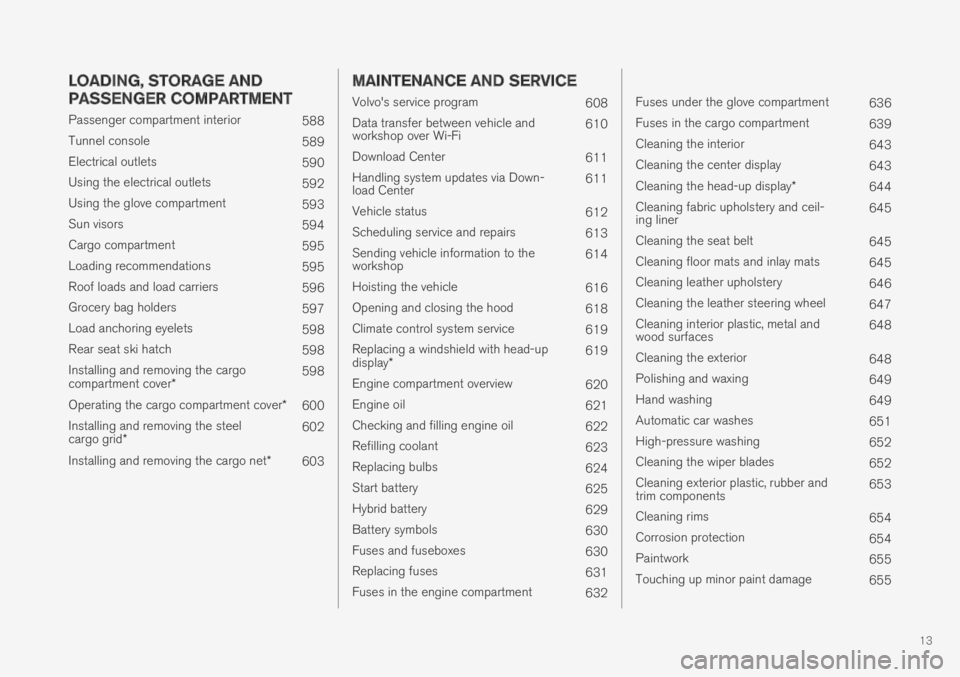
Cleaning the wiper blades652
Cleaning exterior plastic, rubber andtrim components653
Cleaning rims654
Corrosion protection654
Paintwork655
Touching up minor paint damage655
Page 16 of 695

14
Color codes656
Changing rear window wipers657
Replacing windshield wiper blades658
Windshield wipers in the service position659
Filling washer fluid660
SPECIFICATIONS
Type designations662
Dimensions665
Weights667
Towing capacity and tongue weight668
Engine specifications669
Engine oil specifications670
Coolant specifications671
Transmission fluid specifications671
Brake fluid specifications671
Fuel tank volume672
Air conditioning specifications672
Approved tire pressure673
INDEX
Index675
Page 46 of 695

||
SAFETY
44
Occupant safety reminders
How safely you drive doesn't depend on how oldyou are but rather on:
How well you see.
Your ability to concentrate.
How quickly you make decisions understress to avoid an accident.
The following suggestions are intended to helpyou cope with the ever changing traffic environ-ment.
Never drink and drive.
If you are taking any medication, consult yourphysician about its potential effects on yourdriving abilities.
Take a driver-retraining course.
Have your eyes checked regularly.
Keep your windshield and headlights clean.
Replace wiper blades when they start toleave streaks.
Take into account the traffic, road, andweather conditions, particularly with regard tostopping distance.
Never send text messages while driving.
Refrain from using or minimize the use of acell phone while driving.
Related information
Safety (p. 42)
Reporting safety defects (p. 44)
Recall information (p. 45)
Reporting safety defects
The following information will help you report anyperceived safety-related defects in your vehicle.
Reporting safety defects in the U.S.
If you believe that your vehicle has a
defect which could cause a crash or
could cause injury or death, you should
immediately inform the National High-
way Traffic Safety Administration
(NHTSA) in addition to notifying Volvo
Car USA, LLC. If NHTSA receives simi-
lar complaints, it may open an investi-
gation, and if it finds that a safety
defect exists in a group of vehicles, it
may order a recall and remedy cam-
paign. However, NHTSA cannot
become involved in individual problems
between you, your retailer, or Volvo Car
USA, LLC. To contact NHTSA, you may
either call the Auto Safety Hotline toll-
free at
1-888-327-4236
(TTY: 1-800-424-9153) or write to:
NHTSA, U.S. Department of Transpor-
tation, Washington D.C. 20590.
Page 178 of 695

WINDOWS, GLASS AND MIRRORS
* Option/accessory.176
Wiper blades and washer fluid
The wipers and the washer fluid are used toimprove visibility and the headlight pattern.
Washer fluid direct from the wiper blades andheating* of the wiper blades gives improvedvision.
When there is approximately 1 liter (1 qt) ofwasher fluid remaining, a message to refill willappear in the instrument panel.
Related information
Using the rain sensor (p. 177)
Using the windshield and headlight washers(p. 179)
Using automatic rear window wiping whenbacking up (p. 180)
Using the rain sensor's memory function(p. 178)
Using the rear window wiper/washer(p. 180)
Filling washer fluid (p. 660)
Windshield wipers in the service position(p. 659)
Replacing windshield wiper blades (p. 658)
Changing rear window wipers (p. 657)
Using the windshield wipers (p. 176)
Using the windshield wipers
The windshield wipers clean the windshield. Theright-side steering wheel lever is used to adjustwindshield wiper settings.
Right-hand steering wheel lever.
Thumb wheel, used to set rain sensor sensi-tivity and interval wiper speed.
Single sweep
Move the lever down and release for asingle sweep.
Wipers off
Move the lever to position 0 to turn offthe windshield wipers.
Interval wipers
Set the number of sweeps per time unitwith the thumb wheel when interval wip-ers are selected.
Continuous wipers
Move the lever upward for the wipers tooperate at normal speed.
Move the lever upward again for the wip-ers to operate at high speed.
CAUTION
Before activating the wipers, make sure thatthe wiper blades are not frozen in place andthat any snow or ice on the windshield andrear window has been scraped away.
CAUTION
Use plenty of washer fluid when the wipersclean the windshield. The windshield must bewet when the windshield wipers are working.
Related information
Using the rain sensor (p. 177)
Using the windshield and headlight washers(p. 179)
Using automatic rear window wiping whenbacking up (p. 180)
Wiper blades and washer fluid (p. 176)
Using the rain sensor's memory function(p. 178)
Using the rear window wiper/washer(p. 180)
Page 179 of 695

WINDOWS, GLASS AND MIRRORS
}}
177
Filling washer fluid (p. 660)
Windshield wipers in the service position(p. 659)
Replacing windshield wiper blades (p. 658)
Changing rear window wipers (p. 657)
Using the rain sensor
The rain sensor monitors the amount of water onthe windshield and automatically starts the wind-shield wipers. Rain sensor sensitivity can beadjusted using the thumb wheel on the right-hand steering wheel lever.
Right-hand steering wheel lever.
Rain sensor button
Thumb wheel, sensitivity/interval wiper speed
When the rain sensor is activated, the rainsensor symbol will be displayed in the instrumentpanel.
Activating the rain sensor
When the rain sensor is activated, the enginemust be running or the ignition must be in mode Ior II. The windshield wiper lever must also be inposition 0 or in the single sweep position.
Activate the rain sensor by pressing the rain sen-
sor button .
If the lever is pressed down, the wipers will makeadditional sweeps across the windshield.
Turn the thumb wheel upward for increased sen-sitivity and downward for decreased sensitivity.The wipers will make one extra sweep when thethumb wheel is turned upward.
Deactivate the rain sensor
Deactivate the rain sensor by pressing the rain sensor button or moving the lever upward toanother wiper mode.
The rain sensor is automatically deactivated inignition mode 0 or when the engine is switchedoff.
The rain sensor is also automatically deactivatedwhen the wiper blades are put in the serviceposition. The rain sensor will reactivate whenservice mode is switched off.
CAUTION
The windshield wipers may start inadvertentlyand be damaged in automatic car washes.Deactivate the rain sensor when the engine isrunning or when the ignition is in mode I or II.The symbol in the instrument panel will goout.
Page 180 of 695

||
WINDOWS, GLASS AND MIRRORS
178
Related information
Using the windshield and headlight washers(p. 179)
Using automatic rear window wiping whenbacking up (p. 180)
Wiper blades and washer fluid (p. 176)
Using the rain sensor's memory function(p. 178)
Using the rear window wiper/washer(p. 180)
Filling washer fluid (p. 660)
Windshield wipers in the service position(p. 659)
Replacing windshield wiper blades (p. 658)
Changing rear window wipers (p. 657)
Using the windshield wipers (p. 176)
Using the rain sensor's memoryfunction
The rain sensor monitors the amount of water onthe windshield and automatically starts the wind-shield wipers.
Activating/deactivating memory
function
The rain sensor's memory function can be set toactivate so that the rain sensor button does notneed to be pressed each time the engine isstarted:
1.Tap Settings in the Top view in the centerdisplay.
2.Tap My CarWipers.
3.Select Rain Sensor Memory to activate/deactivate the memory function.
Related information
Using the rain sensor (p. 177)
Using the windshield and headlight washers(p. 179)
Using automatic rear window wiping whenbacking up (p. 180)
Wiper blades and washer fluid (p. 176)
Using the rear window wiper/washer(p. 180)
Filling washer fluid (p. 660)
Windshield wipers in the service position(p. 659)
Replacing windshield wiper blades (p. 658)
Changing rear window wipers (p. 657)
Using the windshield wipers (p. 176)
Page 181 of 695

WINDOWS, GLASS AND MIRRORS
* Option/accessory.179
Using the windshield and headlightwashers
The windshield and headlight washers clean thewindshield and headlights. Use the right-sidesteering wheel lever to start the windshield andheadlight washers.
Starting the windshield and headlight
washers
Washing function, right-hand steering wheel lever.
–Move the right-hand steering wheel levertoward the steering wheel to start the wind-shield and headlight washers.
>After the lever is released, the wipersmake several extra sweeps.
CAUTION
Avoid activating the washer system when it isfrozen or the fluid reservoir is empty. Other-wise, there is a risk of damaging the pump.
Headlight washer *
To save washer fluid, the headlights are washedautomatically according to a defined intervalwhen the headlights are on.
Reduced washing
When there is about 1 liter (1 qt) of washer fluidleft in the reservoir and the Washer fluid Levellow, refill message is displayed in the instrument
panel together with the symbol, the washerfluid supply to the headlights is cut off. This is toprioritize windshield cleaning and visibilitythrough it. The headlights are only washed if highor low beam is on.
Related information
Using the rain sensor (p. 177)
Using automatic rear window wiping whenbacking up (p. 180)
Wiper blades and washer fluid (p. 176)
Using the rain sensor's memory function(p. 178)
Using the rear window wiper/washer(p. 180)
Filling washer fluid (p. 660)
Windshield wipers in the service position(p. 659)
Replacing windshield wiper blades (p. 658)
Changing rear window wipers (p. 657)
Using the windshield wipers (p. 176)