2019 TOYOTA SUPRA lock
[x] Cancel search: lockPage 190 of 456
190
Supra Owner's Manual3-1. CONTROLS
3Make sure that the key switch is
in the end position so that the
airbags are activated.
The front passenger airbags are
reactivated and can deploy cor-
rectly if the need arises.
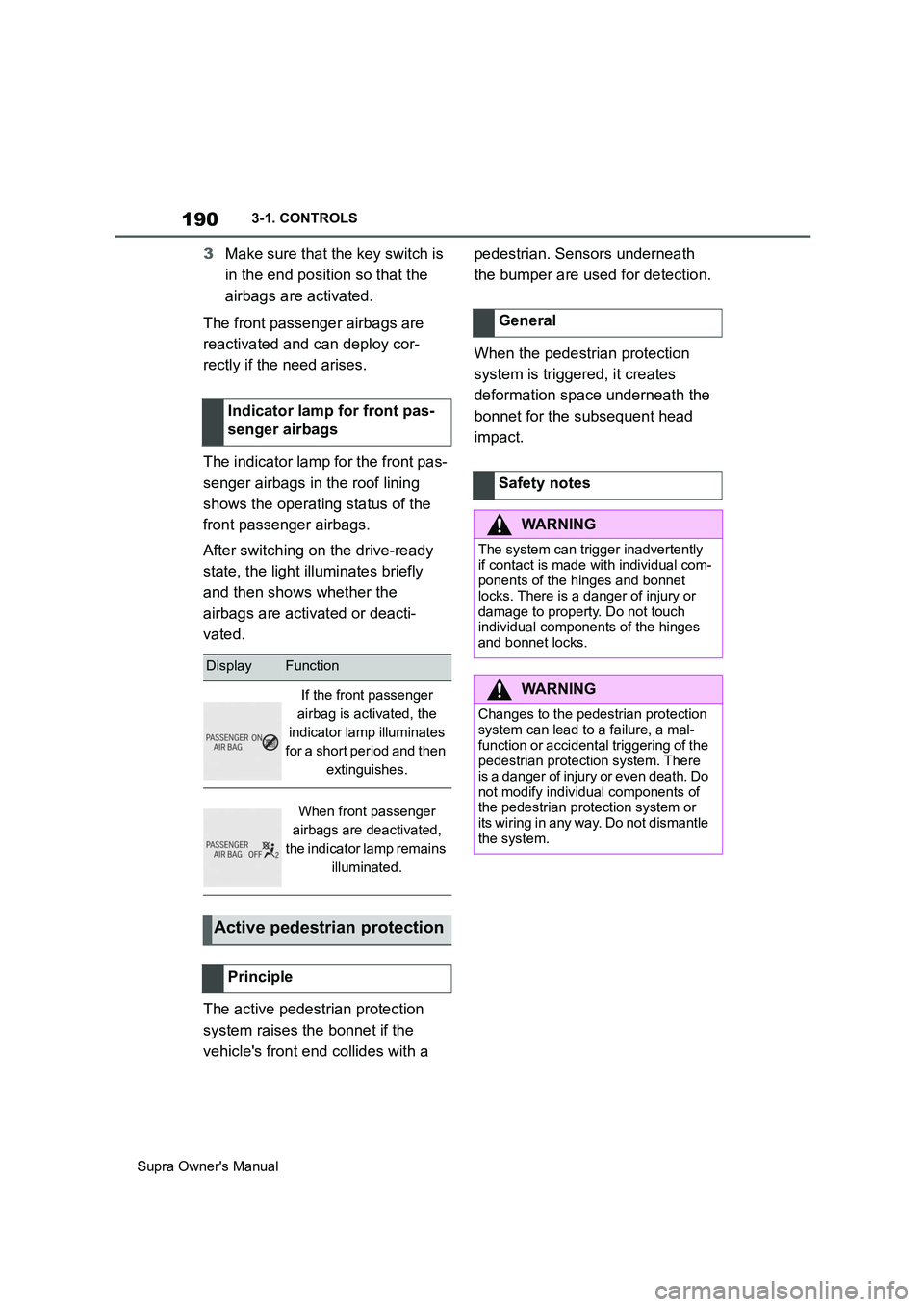
The indicator lamp for the front pas-
senger airbags in the roof lining
shows the operating status of the
front passenger airbags.
After switching on the drive-ready
state, the light illuminates briefly
and then shows whether the
airbags are activated or deacti-
vated.
The active pedestrian protection
system raises the bonnet if the
vehicle's front end collides with a pedestrian. Sensors underneath
the bumper are used for detection.
When the pedestrian protection
system is triggered, it creates
deformation space underneath the
bonnet for the subsequent head
impact. Indicator lamp for front pas-
senger airbags
DisplayFunction
If the front passenger
airbag is activated, the
indicator lamp illuminates
for a short period and then
extinguishes.
When front passenger
airbags are deactivated,
the indicator lamp remains
illuminated.
Active pedestrian protection
Principle
General
Safety notes
WARNING
The system can trigger inadvertently
if contact is made with individual com-
ponents of the hinges and bonnet
locks. There is a danger of injury or
damage to property. Do not touch
individual components of the hinges
and bonnet locks.
WARNING
Changes to the pedestrian protection
system can lead to a failure, a mal-
function or accidental triggering of the
pedestrian protection system. There
is a danger of injury or even death. Do
not modify individual components of
the pedestrian protection system or
its wiring in any way. Do not dismantle
the system.
Page 210 of 456
210
Supra Owner's Manual3-1. CONTROLS
4"Blind spot monitor"
5Select the desired setting.
"Off": no warning is output for this set-
ting.
The setting is saved for the cur-
rently used driver profile.
Via Toyota Supra Command:
1"My Vehicle"
2"Vehicle settings"
3"Steering wheel vibration"
4Select the desired setting.
The setting is accepted for all
Toyota Supra Safety Systems and
saved for the currently used driver
profile.
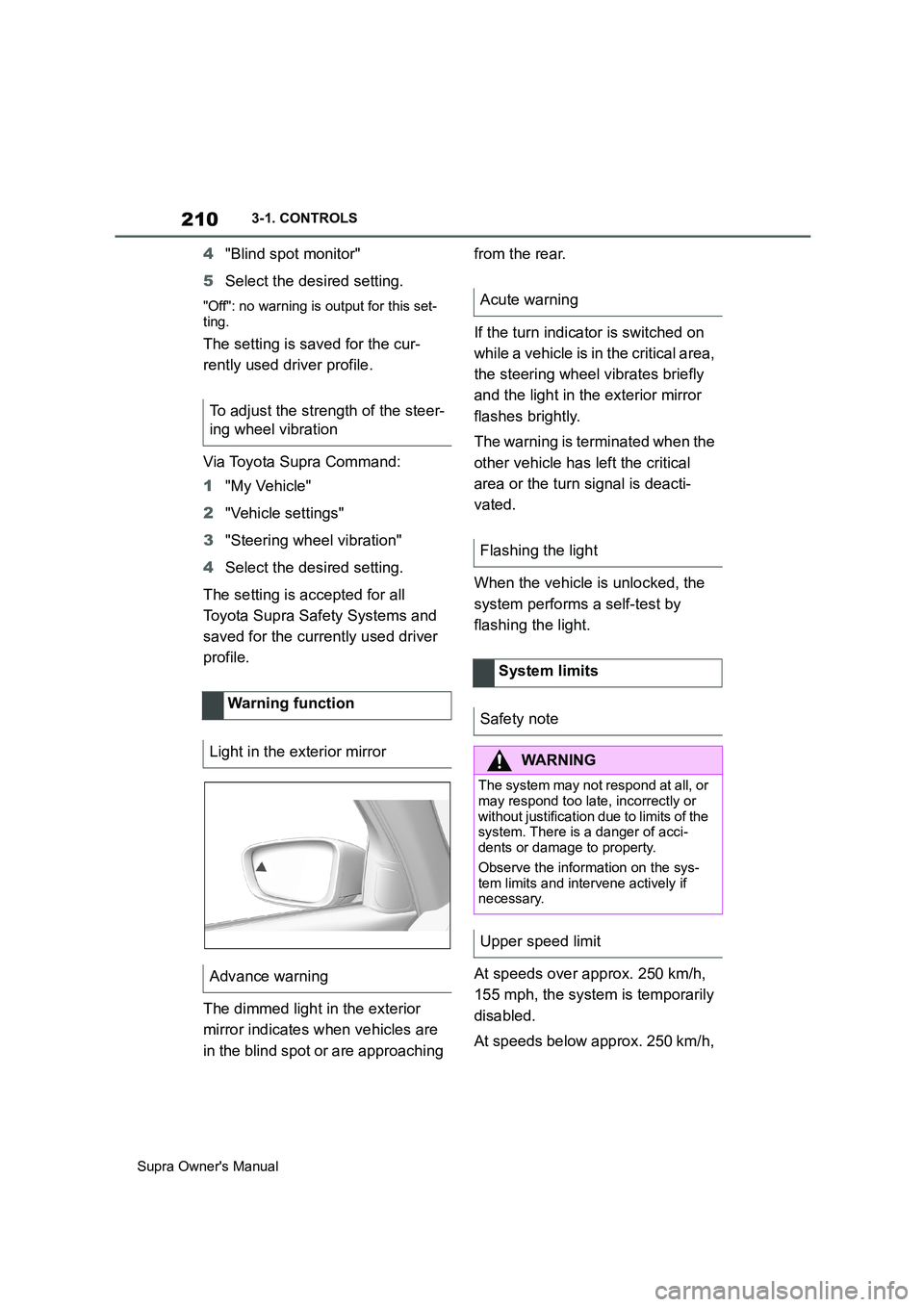
The dimmed light in the exterior
mirror indicates when vehicles are
in the blind spot or are approaching from the rear.
If the turn indicator is switched on
while a vehicle is in the critical area,
the steering wheel vibrates briefly
and the light in the exterior mirror
flashes brightly.
The warning is terminated when the
other vehicle has left the critical
area or the turn signal is deacti-
vated.
When the vehicle is unlocked, the
system performs a self-test by
flashing the light.
At speeds over approx. 250 km/h,
155 mph, the system is temporarily
disabled.
At speeds below approx. 250 km/h, To adjust the strength of the steer-
ing wheel vibration
Warning function
Light in the exterior mirror
Advance warning
Acute warning
Flashing the light
System limits
Safety note
WARNING
The system may not respond at all, or
may respond too late, incorrectly or
without justification due to limits of the
system. There is a danger of acci-
dents or damage to property.
Observe the information on the sys-
tem limits and intervene actively if
necessary.
Upper speed limit
Page 215 of 456
215
3
Supra Owner's Manual3-1. CONTROLS
CONTROLS
mph.
If a sporty driving style is
adopted, for example sharp
acceleration or fast cornering.
In active driving situations, for
example frequent lane changes.
In poor road conditions.
In strong crosswinds.
The system is reset approximately
45 minutes after the vehicle is
stopped, for example when taking a
break during a long motorway jour-
ney.This chapter describes all standard,
country-specific and special equip-
ment available for the model series.
It may therefore describe equip-
ment and functions which are not
installed in your vehicle, for exam-
ple on account of the optional
equipment selected or the country
specification. This also applies to
safety-relevant functions and sys-
tems. Please comply with the rele-
vant laws and regulations when
using the corresponding functions
and systems.
ABS prevents the wheels from lock-
ing when the brakes are applied.
Steering control is retained even in
the event of full braking, thereby
enhancing active road safety.
ABS is ready to operate each time
the engine is started.
Situations which the ABS cannot
operate sufficiently:
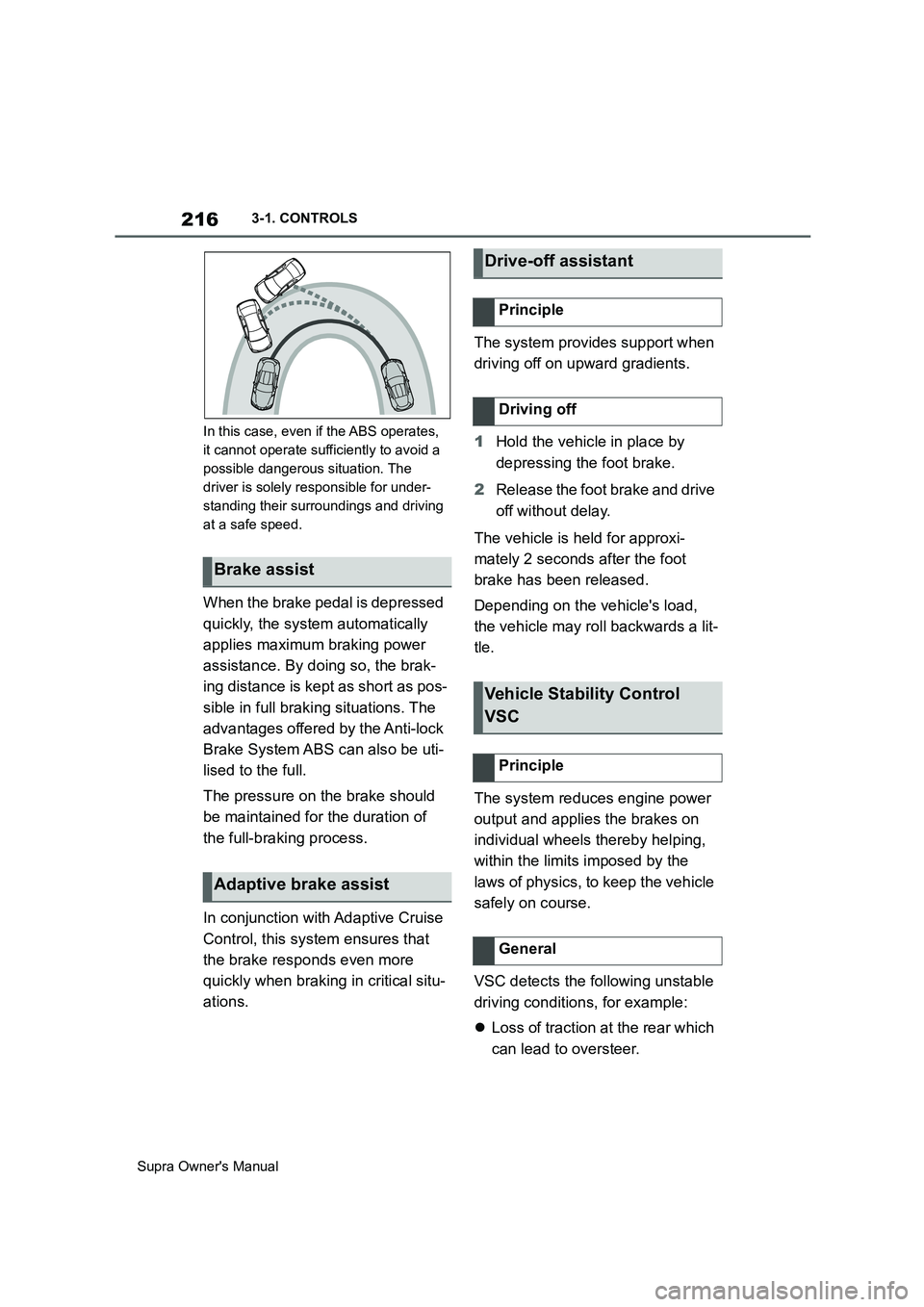
When entering a curve at an
excessively high rate of speedDriving Stability Control
Systems
Vehicle equipment
Anti-lock Brake System ABS
Page 216 of 456
216
Supra Owner's Manual3-1. CONTROLS
In this case, even if the ABS operates,
it cannot operate sufficiently to avoid a
possible dangerous situation. The
driver is solely responsible for under-
standing their surroundings and driving
at a safe speed.
When the brake pedal is depressed
quickly, the system automatically
applies maximum braking power
assistance. By doing so, the brak-
ing distance is kept as short as pos-
sible in full braking situations. The
advantages offered by the Anti-lock
Brake System ABS can also be uti-
lised to the full.
The pressure on the brake should
be maintained for the duration of
the full-braking process.
In conjunction with Adaptive Cruise
Control, this system ensures that
the brake responds even more
quickly when braking in critical situ-
ations.The system provides support when
driving off on upward gradients.
1Hold the vehicle in place by
depressing the foot brake.
2Release the foot brake and drive
off without delay.
The vehicle is held for approxi-
mately 2 seconds after the foot
brake has been released.
Depending on the vehicle's load,
the vehicle may roll backwards a lit-
tle.
The system reduces engine power
output and applies the brakes on
individual wheels thereby helping,
within the limits imposed by the
laws of physics, to keep the vehicle
safely on course.
VSC detects the following unstable
driving conditions, for example:
Loss of traction at the rear which
can lead to oversteer.
Brake assist
Adaptive brake assist
Drive-off assistant
Principle
Driving off
Vehicle Stability Control
VSC
Principle
General
Page 219 of 456
219
3
Supra Owner's Manual3-1. CONTROLS
CONTROLS
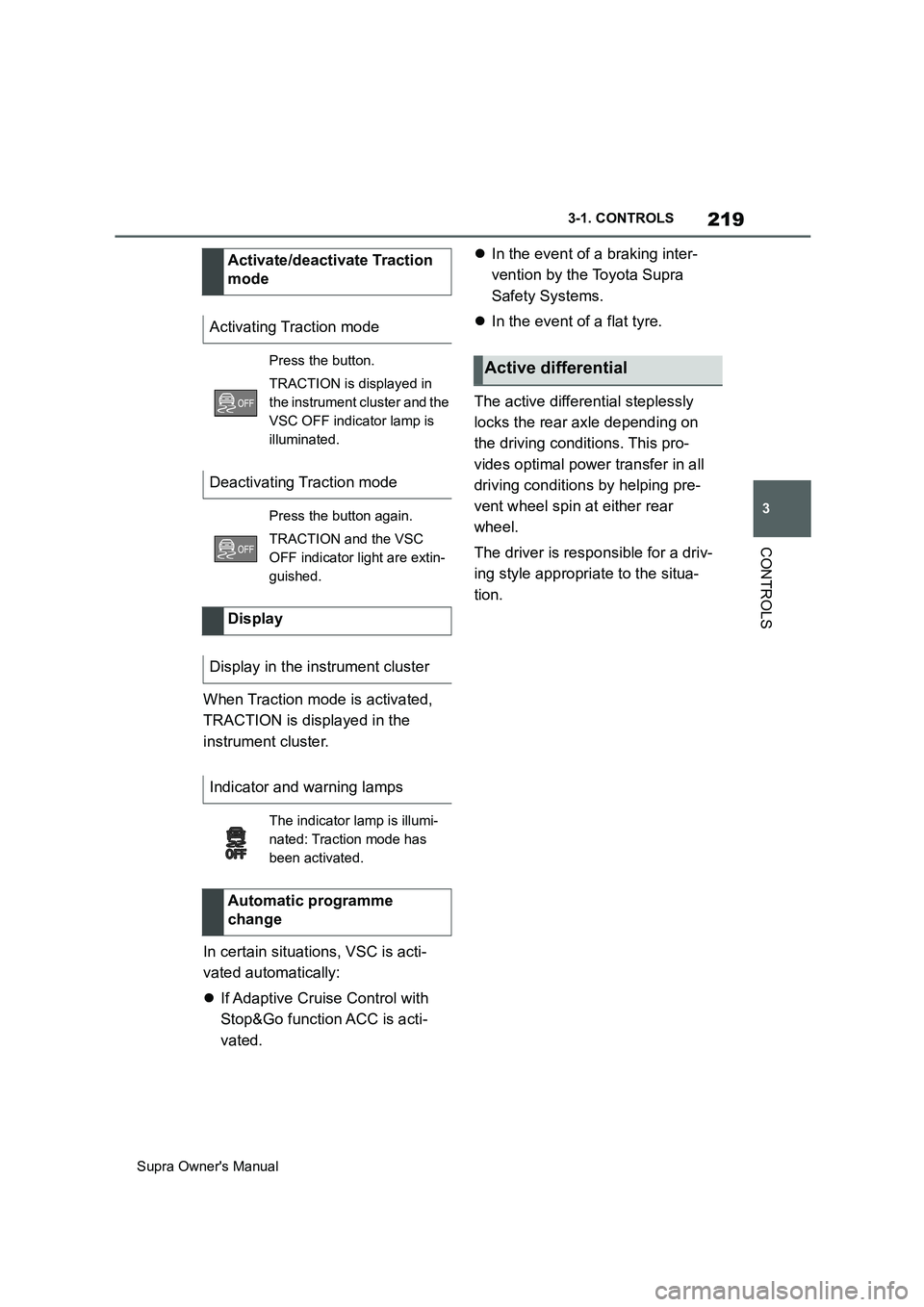
When Traction mode is activated,
TRACTION is displayed in the
instrument cluster.
In certain situations, VSC is acti-
vated automatically:
If Adaptive Cruise Control with
Stop&Go function ACC is acti-
vated.In the event of a braking inter-
vention by the Toyota Supra
Safety Systems.
In the event of a flat tyre.
The active differential steplessly
locks the rear axle depending on
the driving conditions. This pro-
vides optimal power transfer in all
driving conditions by helping pre-
vent wheel spin at either rear
wheel.
The driver is responsible for a driv-
ing style appropriate to the situa-
tion. Activate/deactivate Traction
mode
Activating Traction mode
Press the button.
TRACTION is displayed in
the instrument cluster and the
VSC OFF indicator lamp is
illuminated.
Deactivating Traction mode
Press the button again.
TRACTION and the VSC
OFF indicator light are extin-
guished.
Display
Display in the instrument cluster
Indicator and warning lamps
The indicator lamp is illumi-
nated: Traction mode has
been activated.
Automatic programme
change
Active differential
Page 251 of 456
251
3
Supra Owner's Manual3-1. CONTROLS
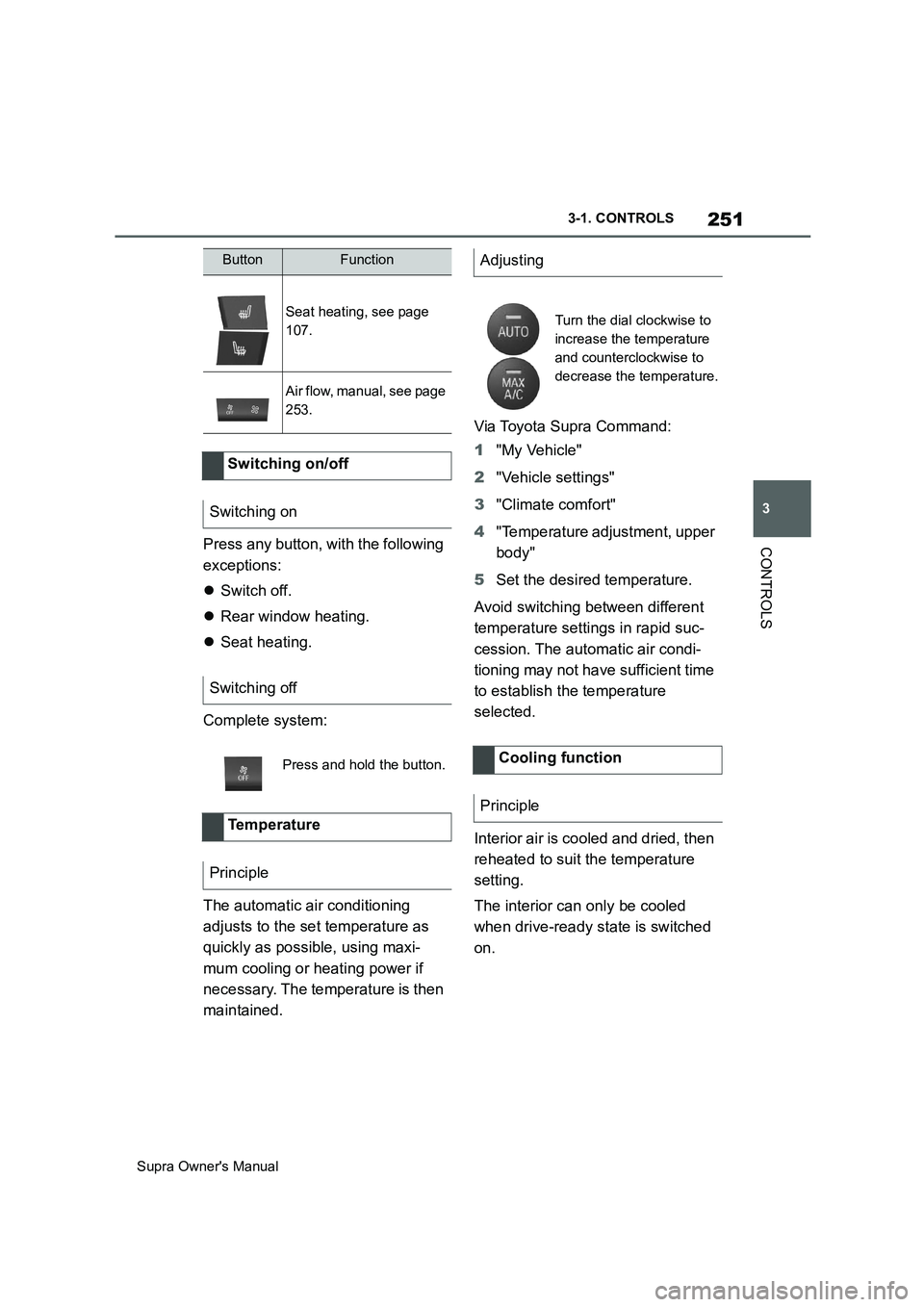
CONTROLSPress any button, with the following
exceptions:
Switch off.
Rear window heating.
Seat heating.
Complete system:
The automatic air conditioning
adjusts to the set temperature as
quickly as possible, using maxi-
mum cooling or heating power if
necessary. The temperature is then
maintained.Via Toyota Supra Command:
1"My Vehicle"
2"Vehicle settings"
3"Climate comfort"
4"Temperature adjustment, upper
body"
5Set the desired temperature.
Avoid switching between different
temperature settings in rapid suc-
cession. The automatic air condi-
tioning may not have sufficient time
to establish the temperature
selected.
Interior air is cooled and dried, then
reheated to suit the temperature
setting.
The interior can only be cooled
when drive-ready state is switched
on.
Seat heating, see page
107.
Air flow, manual, see page
253.
Switching on/off
Switching on
Switching off
Press and hold the button.
Te m p e r a t u r e
Principle
ButtonFunctionAdjusting
Turn the dial clockwise to
increase the temperature
and counterclockwise to
decrease the temperature.
Cooling function
Principle
Page 256 of 456
256
Supra Owner's Manual3-1. CONTROLS
tery. As a result, the maximum
activation time is restricted to protect
the battery. After the engine is started
or after driving a short distance, the
system will be available again.
Ensure that the date and time
are set correctly in the vehicle.
Open the side nozzles to allow
the air to enter the passenger
compartment.
The system can be switched on or
off in various ways.
The system switches off automati-
cally after a certain period of time. It
continues to run for a short time
after it has been switched off.
If the vehicle is in standby state, the
independent ventilation can be
switched on or off via the buttons of
the automatic air conditioning.
Press any button, except:
Rear window heating.
Seat heating.
Menu.
The system switches off after leav-
ing and locking the vehicle.
1"My Vehicle" 2"Vehicle settings"
3"Climate comfort"
4"Auxiliary ventilation"
5"Activate now"
To ensure a pleasant interior tem-
perature in the vehicle at the start
of the journey, it is possible to set
different departure times.
One-off departure time: the time
can be set.
System is switched on once.
Departure time with day of the
week: time and day of the week
can be set.
The system is switched on in good time
before the set departure time on the
required days of the week.
The departure time is preselected
in two steps:
Set departure times.
Activate departure time. Switching on/off directly
General
Using the button
Via Toyota Supra Command
Display
SymbolDescription
Symbol on the climate dis-
play.
Flashing: independent
ventilation is switched on.
Departure time
Principle
Page 260 of 456
260
Supra Owner's Manual3-1. CONTROLS
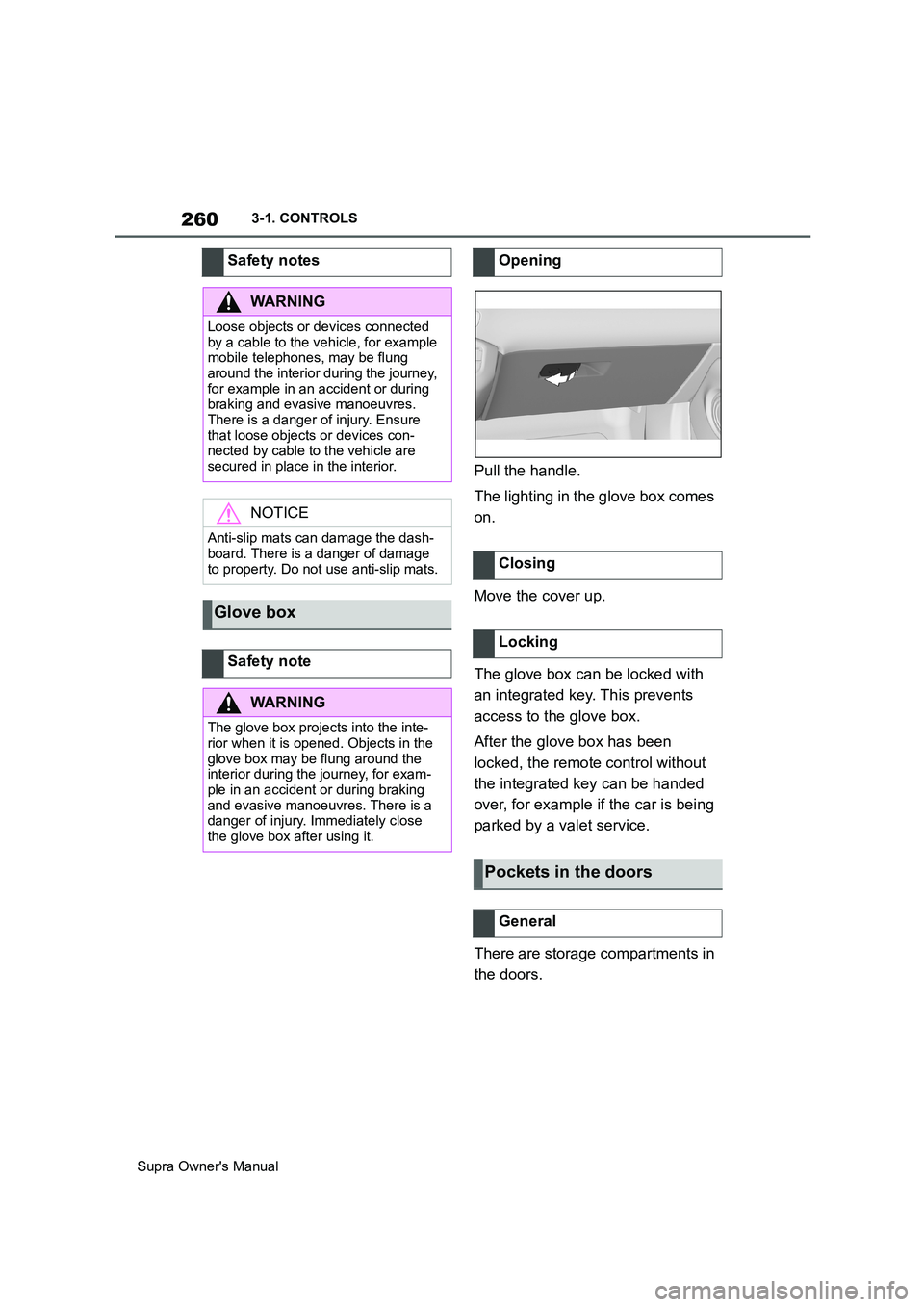
Pull the handle.
The lighting in the glove box comes
on.
Move the cover up.
The glove box can be locked with
an integrated key. This prevents
access to the glove box.
After the glove box has been
locked, the remote control without
the integrated key can be handed
over, for example if the car is being
parked by a valet service.
There are storage compartments in
the doors. Safety notes
WARNING
Loose objects or devices connected
by a cable to the vehicle, for example
mobile telephones, may be flung
around the interior during the journey,
for example in an accident or during
braking and evasive manoeuvres.
There is a danger of injury. Ensure
that loose objects or devices con-
nected by cable to the vehicle are
secured in place in the interior.
NOTICE
Anti-slip mats can damage the dash-
board. There is a danger of damage
to property. Do not use anti-slip mats.
Glove box
Safety note
WARNING
The glove box projects into the inte-
rior when it is opened. Objects in the
glove box may be flung around the
interior during the journey, for exam-
ple in an accident or during braking
and evasive manoeuvres. There is a
danger of injury. Immediately close
the glove box after using it.
Opening
Closing
Locking
Pockets in the doors
General