Welcome to the world of Mercedes-Benz
We urge you to read this Operator's Manualcarefully and familiarize yourself with the vehi-cle before driving. For your own safety and alonger vehicle life, follow the instructions andwarning notices in this Operator's Manual.Ignoring them could result in damage to thevehicle or personal injury to you or others.
Vehicle damage caused by failure to followinstructions is not covered by the Mercedes-Benz Limited Warranty.
The equipment or product designation of yourvehicle may vary depending on:
RModel
ROrder
RCountry specification
RAvailability
Mercedes-Benz therefore reserves the right tointroduce changes in the following areas:
RDesign
REquipment
RTechnical features
The equipment in your vehicle may thereforediffer from that shown in the descriptions andillustrations.
The following are integral components of thevehicle:
RPrinted Operator's Manual
RMaintenance Booklet
REquipment-dependent supplements
Keep these documents in the vehicle at alltimes. If you sell the vehicle, always pass alldocuments on to the new owner.
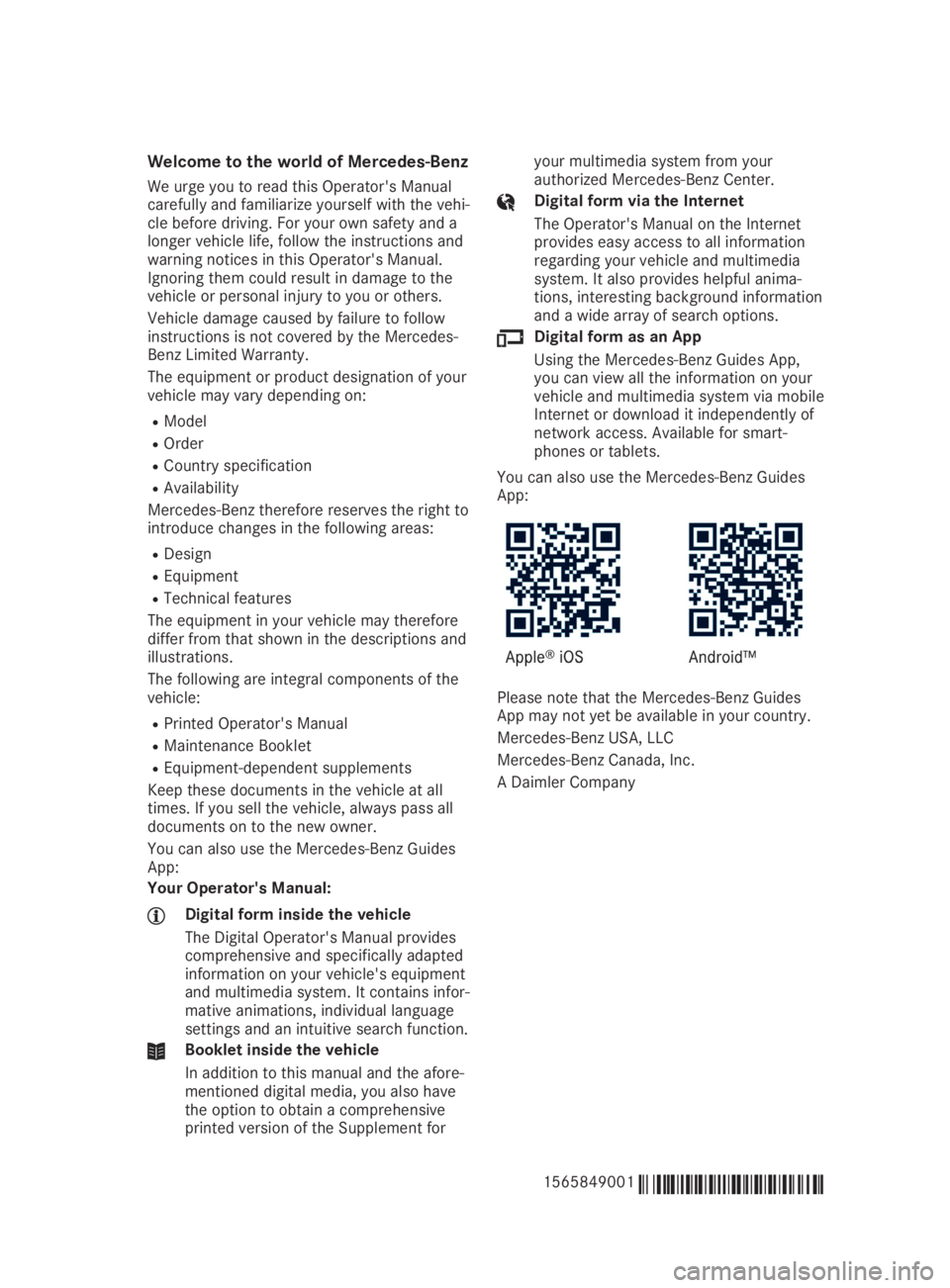
You can also use the Mercedes-Benz GuidesApp:
Your Operator's Manual:
Digital form inside the vehicle
The Digital Operator's Manual providescomprehensive and specifically adaptedinformation on your vehicle's equipmentand multimedia system. It contains infor-mative animations, individual languagesettings and an intuitive search function.
Booklet inside the vehicle
In addition to this manual and the afore-mentioned digital media, you also havethe option to obtain a comprehensiveprinted version of the Supplement for
your multimedia system from yourauthorized Mercedes-Benz Center.
Digital form via the Internet
The Operator's Manual on the Internetprovides easy access to all informationregarding your vehicle and multimediasystem. It also provides helpful anima-tions, interesting background informationand a wide array of search options.
Digital form as an App
Using the Mercedes-Benz Guides App,you can view all the information on yourvehicle and multimedia system via mobileInternet or download it independently ofnetwork access. Available for smart-phones or tablets.
You can also use the Mercedes-Benz GuidesApp:
Please note that the Mercedes-Benz GuidesApp may not yet be available in your country.
Mercedes-Benz USA, LLC
Mercedes-Benz Canada, Inc.
A Daimler Company
1565849001É1565849001EËÍ
Securing cargo..................................255
Selecting a gear
see Automatic transmission
Selector lever
Cleaning ......................................... 284
Sensors (cleaning instructions)....... 282
Service menu (on-board com-
puter)..................................................198
Service message
see ASSYST PLUS
Service products
Brake fluid ..................................... 337
Coolant (engine) ............................ 337
Engine oil ....................................... 336
Fuel ................................................ 334
Important safety notes .................. 334
Refrigerant (air-conditioning sys-
tem) ............................................... 338
Washer fluid ................................... 338
Setting a speed
see Cruise control
Setting the air distribution...............120
Setting the airflow............................ 120
Setting the date/time format
see also Digital Operator's Man-
ual ..................................................242
Setting the language
see also Digital Operator's Man-
ual ..................................................242
Setting the time
see also Digital Operator's Man-
ual ..................................................242
Settings
Factory (on-board computer) ......... 200
On-board computer ....................... 198
SETUP (on-board computer,
Mercedes-AMG vehicles).................. 201
Side impact air bag.............................46
Side marker lamp (display mes-
sage)................................................... 216
Side windows
Cleaning ......................................... 281
Convenience closing feature ............ 85
Convenience opening feature ..........84
Important safety information ........... 83
Opening/closing .............................. 84
Problem (malfunction) .....................86
Resetting .........................................86
Reversing feature .............................83
SIRIUS services
see also Digital Operator's Man-
ual .................................................. 242
Situation-dependent braking
assistance
Function/notes ................................ 63
Sliding sunroof
see Panorama roof with power
tilt/sliding panel
SmartKey
Changing the battery ....................... 72
Changing the programming .............71
Checking the battery .......................72
Convenience closing feature ............ 85
Convenience opening feature .......... 84
Display message ............................ 229
Door central locking/unlocking .......69
Important safety notes .................... 69
KEYLESS-GO start function .............. 71
Loss .................................................73
Mechanical key ................................ 71
Positions (ignition lock) ................. 125
Problem (malfunction) ..................... 73
Starting the engine ........................ 127
SmartKey positions (ignition
lock)....................................................125
SMS
see also Digital Operator's Man-
ual ..................................................242
Snow chains...................................... 307
Sockets
Center console .............................. 260
General notes ................................ 260
Luggage compartment ................... 260
Rear compartment ......................... 260
Sound
Switching on/off ........................... 243
Special seat belt retractor.................. 54
Specialist workshop............................ 27
Speed, controlling
see Cruise control
Speedometer
Activating/deactivating the addi-
tional speedometer ........................ 199
Digital ............................................ 193
In the Instrument cluster ................. 32
18Index