Page 723 of 777
722
RX350/RX350L_U 9-2. Customization
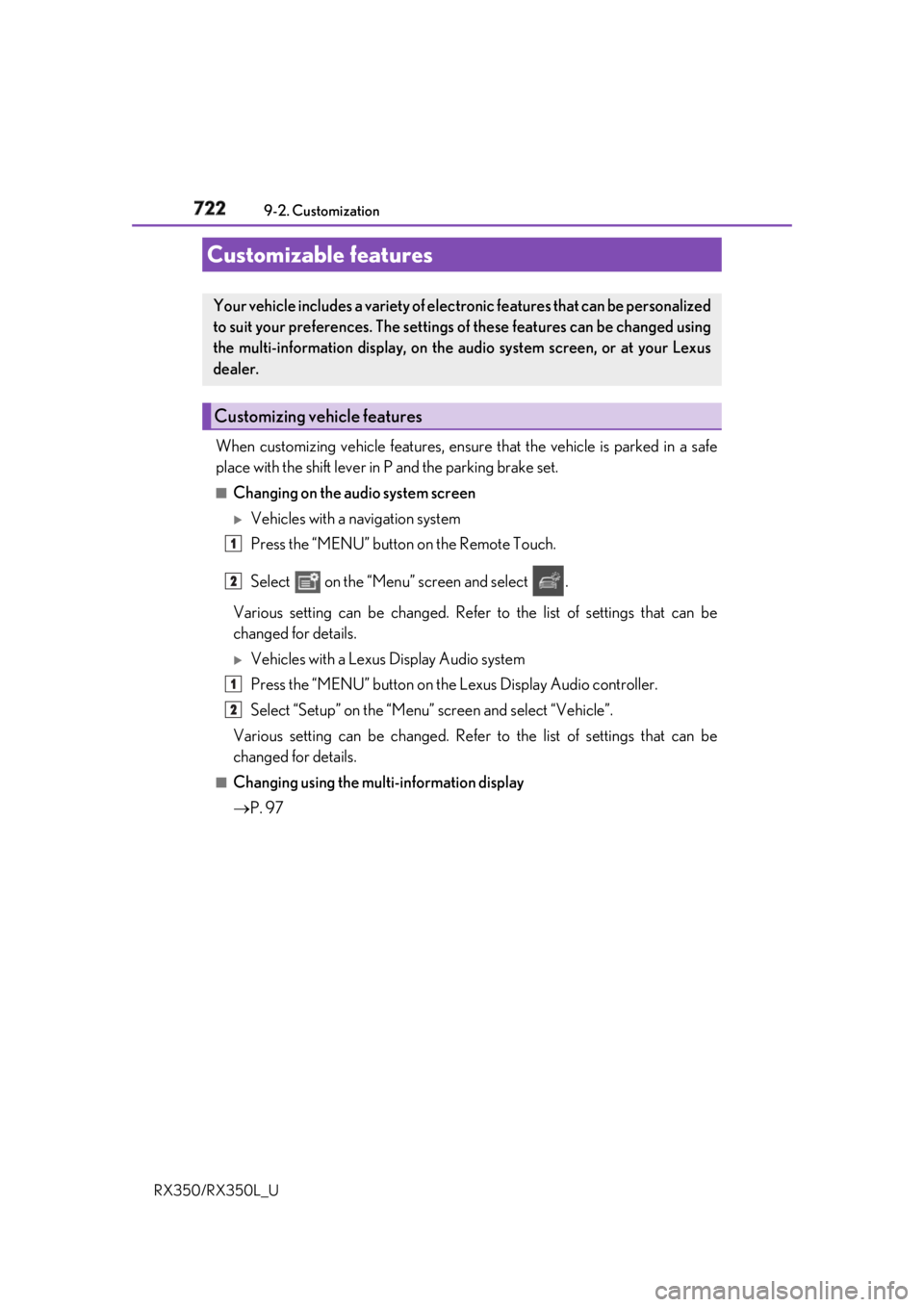
When customizing vehicle features, ensure that the vehicle is parked in a safe
place with the shift lever in P and the parking brake set.■
Changing on the audio system screen
Vehicles with a navigation system
Press the “MENU” button on the Remote Touch.
Select on the “Menu” screen and select .
Various setting can be changed. Refer to the list of settings that can be
changed for details.
Vehicles with a Lexus Display Audio system
Press the “MENU” button on the Lexus Display Audio controller.
Select “Setup” on the “Menu” screen and select “Vehicle”.
Various setting can be changed. Refer to the list of settings that can be
changed for details. ■
Changing using the multi-information display
P. 97Customizable features Your vehicle includes a variety of elec tronic features that can be personalized
to suit your preferences. The settings of these features can be changed using
the multi-information display, on the audio system screen, or at your Lexus
dealer.
Customizing vehicle features 1
2
1
2
Page 724 of 777
7239-2. Customization
9
Vehicle specifications
RX350/RX350L_U Some function settings are changed simultaneously with other functions being
customized. Contact your Lexu s dealer for further details.
Settings that can be changed on the audio system screen
Settings that can be changed by your Lexus dealer
Definition of symbols: O = Available, – =Not available ■
Gauges, meters and multi-information display ( P. 86, 90)
* 1
: The default setting varies according to countries.
* 2
:Except F SPORT modelsCustomizable Features 1
2
Function Default setting Customized setting
Language English French
O—
Spanish
Units
* 1
miles (MPG US) miles
(MPG Imperial)
O —
km (L/100 km)
km (km/ L)
Color
* 2
Color 1 Color 2
O —
Suggestion function On Off — O 1 2
Page 735 of 777
734 9-2. Customization
RX350/RX350L_U ■
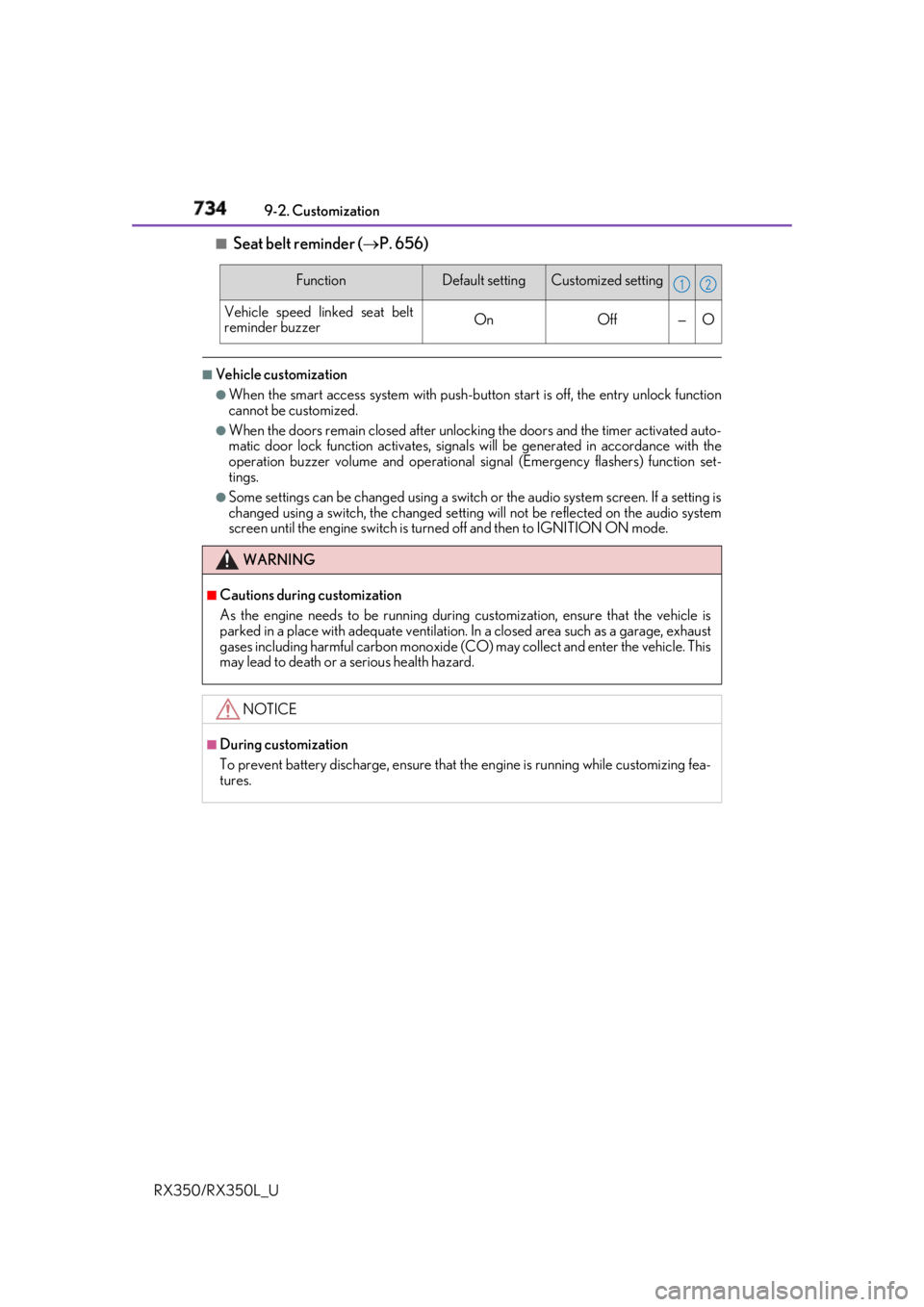
Seat belt reminder ( P. 656)■
Vehicle customization ●
When the smart access system with push-button start is off, the entry unlock function
cannot be customized. ●
When the doors remain closed after unlocking the doors and the timer activated auto-
matic door lock function activates, signals will be generated in accordance with the
operation buzzer volume and operational si gnal (Emergency flashers) function set-
tings. ●
Some settings can be changed using a switch or the audio system screen. If a setting is
changed using a switch , the changed setting will not be reflected on the audio system
screen until the engine switch is turn ed off and then to IGNITION ON mode.Function Default setting Customized setting
Vehicle speed linked seat belt
reminder buzzer On Off — O
WARNING ■
Cautions during customization
As the engine needs to be running during customization, ensure that the vehicle is
parked in a place with adequate ventilation. In a closed area such as a garage, exhaust
gases including harmful carbon monoxide (CO) may collect and enter the vehicle. This
may lead to death or a serious health hazard.
NOTICE ■
During customization
To prevent battery discharge, ensure that the engine is running while customizing fea-
tures. 1 2
