2015 FORD SUPER DUTY USB
[x] Cancel search: USBPage 391 of 470
"CD"
"Pause"
"Play"
"Play next track"
"Play previous track"
"Play track <1-512>"
"Repeat"
"Repeat folder"*
"Repeat off"
"Repeat track"
"Shuffle"
"Shuffle CD"*
"Shuffle folder"*
"Shuffle off"
"Help"
*This applies to WMA or MP3 files only.
SD Card Slot and USB Port
SD Card
Note:Your SD card slot is spring-loaded.To remove the SD card, press the card inand the system ejects it. Do not attempt topull the card to remove it as this could causedamage.
Note:The navigation system also uses thiscard slot. See Navigation (page 411).
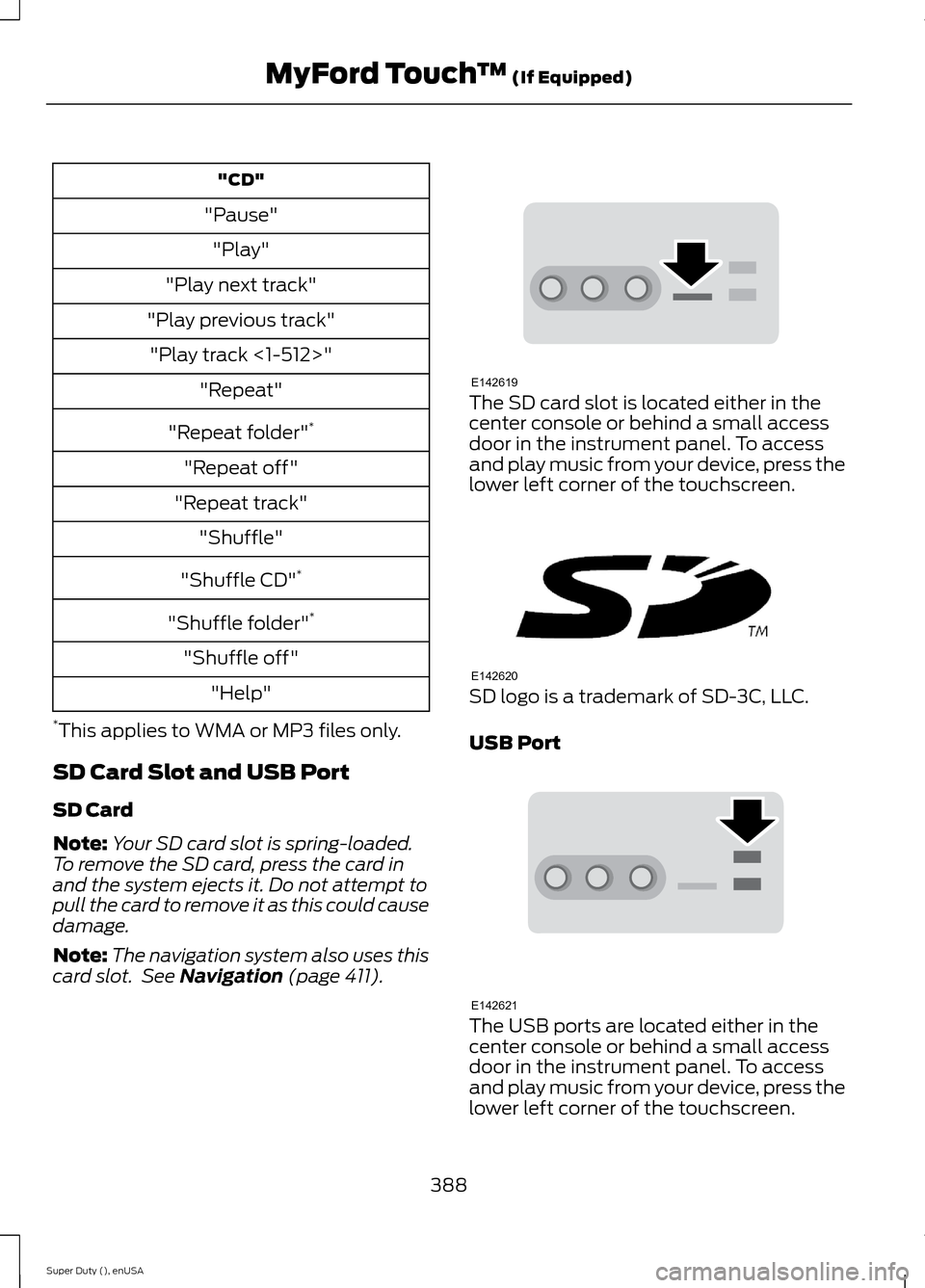
The SD card slot is located either in thecenter console or behind a small accessdoor in the instrument panel. To accessand play music from your device, press thelower left corner of the touchscreen.
SD logo is a trademark of SD-3C, LLC.
USB Port
The USB ports are located either in thecenter console or behind a small accessdoor in the instrument panel. To accessand play music from your device, press thelower left corner of the touchscreen.
388Super Duty (), enUSAMyFord Touch™ (If Equipped)E142619 E142620 E142621
Page 392 of 470
This feature allows you to plug in mediaplaying devices, memory sticks, flash drivesor thumb drives, and charge devices if theysupport this feature.
In order to playback video from your iPodor iPhone, you must have a specialcombination USB/RCA composite videocable (which you can buy from Apple).When you connect the cable to your iPodor iPhone, plug the other end into both theRCA jacks and the USB port.
Playing Music from Your Device
Note:The system is capable of indexing upto 30,000 songs.
Insert your device and select theSD Card or USB tab once thesystem recognizes it. You canthen select from the following options:
Repeat
This feature replays the currently playingsong or album.
Shuffle
Touch this button to play music on theselected album or folder in random order.
Similar Music
This feature allows you to choose musicsimilar to what is currently playing.
More Info
Touch this button to see disc informationsuch as current track, artist name, albumand genre.
Options
Touch this button to view and adjustvarious media settings.
Sound Settings allows you to adjustsettings for:
•Bass
•Midrange
•Treble
•Balance and Fade
•DSP (Digital Signal processing)
•Occupancy Mode
•Speed Compensated Volume.
Note:Your vehicle may not have all thesesound settings.
Media Player Settings allows you toselect more settings, which is under MediaPlayer. See Settings (page 366).
Device Information displays softwareand firmware information about thecurrently connected media device.
Update Media Index indexes your devicewhen you connect it for the first time andeach time the content changes (such asadding or removing tracks) to make sureyou have the latest voice commandsavailable for all media on the device.
Browse
This feature allows you to view thecontents of the device. It also allows youto search by categories, such as genre,artist or album.
If you want to view song information suchas Title, Artist, File, Folder, Album, andGenre, touch the on-screen album art.
You can also touch What’s Playing tohear how the system pronounces thecurrent band and song. This can be helpfulwhen using voice commands to make surethe system correctly plays your request.
389Super Duty (), enUSAMyFord Touch™ (If Equipped)E142611
Page 393 of 470
Playing Video from Your Device
To access and play video from your device,your vehicle's transmission must be inposition P with the ignition in accessorymode. See Starting and Stopping theEngine (page 132).
SD Card and USB Voice Commands
If you are listening to a USBdevice or an SD card, press thevoice button on the steeringwheel controls. When prompted, say anyof the following commands.
If you are not listening to a USB device oran SD card, press the voice button and,after the tone, say "USB" or "SD card",then any of the following commands.
"USB" or "SD CARD"
"Browse"*
"Next"
"Pause"
"Play"
"Play album
"Play all"
"Play artist
"Play audiobook
"Play author
"Play composer
"Play folder
"Play genre
"Play movie
"Play music video
"Play playlist
"USB" or "SD CARD"
"Play podcast
"Play podcast episode
"Play similar music"
"Play song
"Play TV show
"Play TV show episode
"Play video
"Play video podcast
"Play video podcast episode
"Play video playlist
"Previous"
"Repeat all"
"Repeat off"
"Repeat one"
"Shuffle"
"Shuffle album"
"Shuffle off"
"What's this?"
"Help"
* If you have said you would like to browseyour USB or SD card, the system promptsyou to specify what you would like tobrowse. When prompted, see the following"Browse" chart.** These commands are only available inUSB mode and are device-dependent.
390Super Duty (), enUSAMyFord Touch™ (If Equipped)E142599
Page 394 of 470
"BROWSE"
"Album
"All albums"
"All artists"
"All audiobooks"
"All authors"
"All composers"
"All folders"
"All genres"
"All movies"*
"All music videos"*
"All playlists"
"All podcasts"
"All songs"
"All TV shows"*
"All video playlists"*
"All video podcasts"*
"All videos"*
"Artist
"Audiobook
"Author
"Composer
"Folder
"Genre
"Playlist
"Podcast
"BROWSE"
"TV show
"Video
"Video playlist
"Video podcast
"Help"
* This command is only available in USBmode and is device-dependent.
Supported Media Players, Formatsand Metadata Information
SYNC is capable of hosting nearly anydigital media player, including iPod,Zune™, plays from device players, andmost USB drives. Supported audio formatsinclude MP3, WMA, WAV and AAC.
It is also able to organize your indexedmedia from your playing device bymetadata tags. Metadata tags, which aredescriptive software identifiers embeddedin the media files, provide informationabout the file.
If your indexed media files contain noinformation embedded in these metadatatags, SYNC may classify the emptymetadata tags as Unknown.
In order to playback video from your iPodor iPhone, you must have a specialcombination USB/RCA composite videocable (which you can buy from Apple).When you connect the cable to your iPodor iPhone, plug the other end into both theRCA jacks and the USB port.
Bluetooth Audio
Your system allows you to stream audioover your vehicle's speakers from yourconnected, Bluetooth-enabled cellularphone.
391Super Duty (), enUSAMyFord Touch™ (If Equipped)
Page 396 of 470
3.Press the lower left corner on thetouchscreen. Select either a tuned FMstation or a CD (if there is a CD alreadyloaded into the system).
4.Adjust the volume as desired.
5.Turn the portable music player on andadjust the volume to ½ the maximum.
6.Press the lower left corner on thetouchscreen. Select the A/V In tab.(You should hear audio from yourportable music player although it maybe low.)
7.Adjust the sound on your portablemusic player until it reaches the levelof the FM station or CD by switchingback and forth between the controls.
In order to playback video from your iPodor iPhone, you must have a specialcombination USB/RCA composite videocable (which you can buy from Apple).When you connect the cable to your iPodor iPhone, plug the other end into both theRCA jacks and the USB port.
Troubleshooting
•Do not connect the audio input jack toa line level output. The jack only workscorrectly with devices that have aheadphone output with a volumecontrol.
•Do not set the portable music player'svolume level higher than is necessaryto match the volume of the CD or FMradio as this causes distortion andreduces sound quality.
•If the music sounds distorted at lowerlistening levels, turn the portable musicplayer volume down. If the problempersists, replace or recharge thebatteries in the portable media player.
•Control the portable media player inthe same manner when used withheadphones, as the auxiliary input jackdoes not provide control (such as Playor Pause) over the attached portablemedia player.
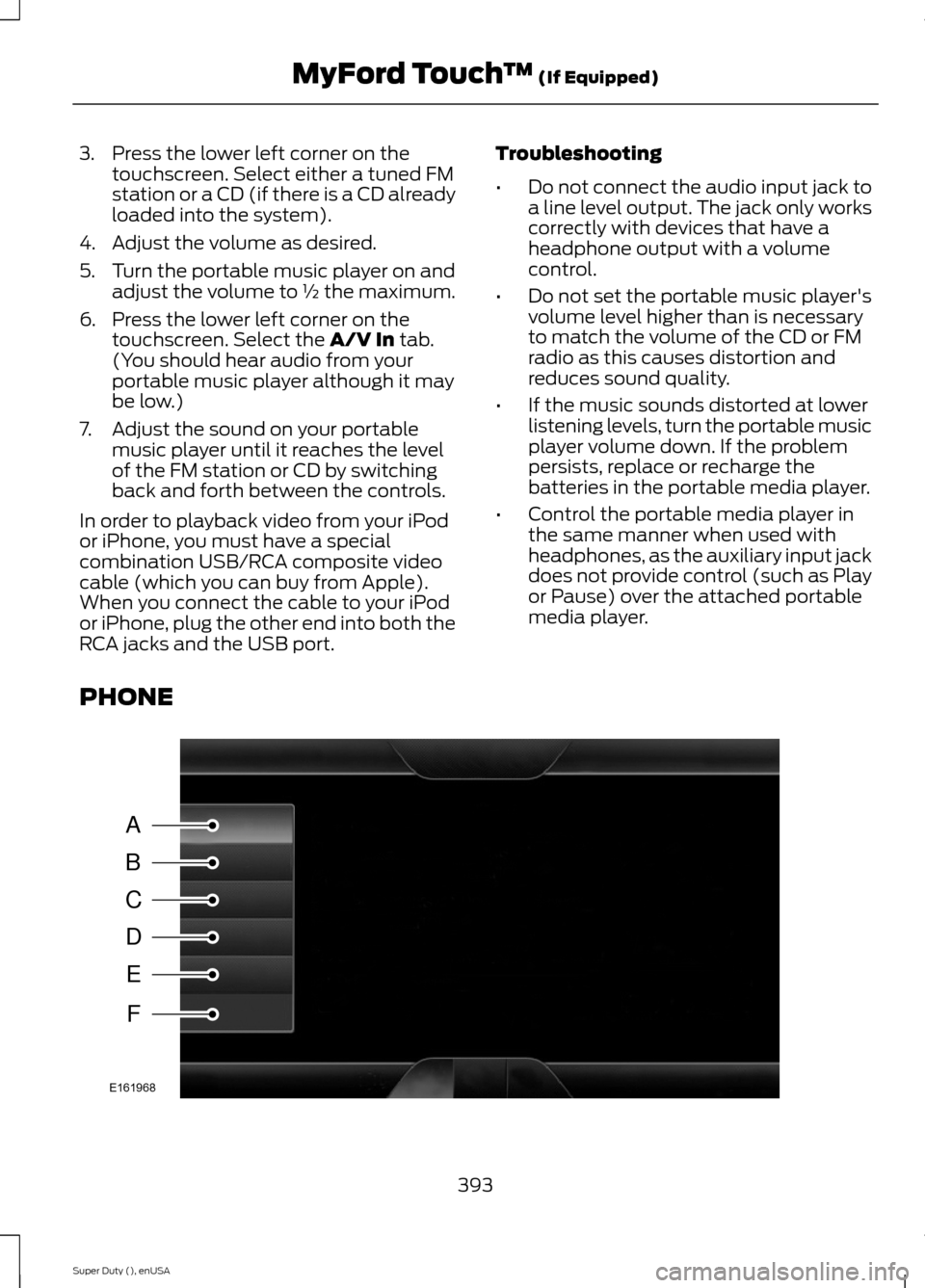
PHONE
393Super Duty (), enUSAMyFord Touch™ (If Equipped)ABCDEFE161968
Page 462 of 470
DRLSee: Daytime Running Lamps........................66
E
Economical Driving.....................................208Electronic Locking Differential................160Activating the Electronic LockingDifferential.......................................................160Emission Control System...........................141On-Board Diagnostics (OBD-II)....................142Readiness for Inspection/Maintenance(I/M) Testing....................................................142End User License Agreement..................423SYNC® End User License Agreement(EULA)..............................................................423Engine Block Heater....................................134Using the Engine Block Heater......................135Engine Coolant Check...............................236Adding Engine Coolant....................................237Checking the Engine Coolant........................236Recycled Engine Coolant................................238Severe Climates.................................................238What You Should Know About Fail-SafeCooling..............................................................238Engine ImmobilizerSee: Passive Anti-Theft System.....................58Engine Oil Check..........................................235Adding Engine Oil..............................................235Engine Oil Dipstick......................................235Engine Specifications.................................301Drivebelt Routing................................................301Entertainment...............................................376A/V Inputs............................................................392AM/FM Radio......................................................378Bluetooth Audio..................................................391Browsing Device Content................................376CD............................................................................387SD Card Slot and USB Port...........................388SIRIUS® Satellite Radio (IfActivated)........................................................383Supported Media Players, Formats andMetadata Information.................................391
Essential Towing Checks...........................193Before Towing a Trailer....................................203Dynamic Hitching Using the Rear ViewCamera System.............................................194Hitches....................................................................195Integrated Trailer Brake Controller..............198Launching or Retrieving a Boat or PersonalWatercraft (PWC)........................................205Safety Chains.......................................................197Trailer Brakes.......................................................198Trailer Lamps......................................................203Trailer Towing Connector................................194Using a Step Bumper (If Equipped)...........203When Towing a Trailer.....................................203Event Data RecordingSee: Data Recording..............................................9Export Unique Options..................................13Extended Service Plan (ESP).................438SERVICE PLANS (CANADA ONLY)............439SERVICE PLANS (U.S. Only).........................438Exterior Mirrors................................................70Clearance Lamps...................................................71Fold-Away Exterior Mirrors.................................71Heated Exterior Mirrors........................................71Memory Mirrors......................................................71Power Exterior Mirrors........................................70Telescoping Mirrors..............................................72
F
Fastening the Safety Belts..........................29Fastening the Cinch Tongue............................30Safety Belt Extension Assembly......................31Safety Belt Locking Modes...............................30Using Safety Belts During Pregnancy...........30Using the Safety Belt with Cinch Tongue(Front Center and Rear Center SeatsOnly)....................................................................29Floor Mats......................................................209Fog Lamps - FrontSee: Front Fog Lamps.........................................67Foot PedalsSee: Adjusting the Pedals.................................63Ford Credit..........................................................11(U.S. Only).................................................................11Four-Wheel Drive...........................................151Front Fog Lamps............................................67Front Seat Armrest.......................................119
459Super Duty (), enUSAIndex
Page 468 of 470
Towing..............................................................189Traction Control............................................165Principle of Operation.......................................165Trailer Sway Control....................................190Transfer Case Fluid Check........................243Transmission Code Designation............304Transmission..................................................144TransmissionSee: Transmission..............................................144Transporting the Vehicle..........................206
U
Under Hood Overview - 6.2L...................233Under Hood Overview - 6.8L..................234Universal Garage Door Opener.................121CAR2U® Home Automation System...........121HomeLink Wireless Control System............124USB Port...........................................................321Using Cruise Control....................................176Switching Cruise Control Off..........................176Switching Cruise Control On...........................176Using Four-Wheel Drive..............................1514WD Indicator Lights.........................................152Driving Off-Road With Truck and UtilityVehicles.............................................................155Electronic Shift-On-the-Fly (ESOF) 4WDsystem.................................................................151How Your Vehicle Differs From OtherVehicles.............................................................155Manual Shift On Stop (MSOS) 4WDsystem.................................................................151Using a Manual Shift On Stop (MSOS) 4wdsystem................................................................152Using the Electronic Shift on the Fly 4WDsystem...............................................................154Using Hill Descent Control........................170Hill descent modes............................................170Using MyKey With Remote StartSystems..........................................................52Using Snow Chains.....................................282Using Stability Control................................167AdvanceTrac® with Roll Stability Control™(RSC®)..............................................................167
Using SYNC™ With Your MediaPlayer............................................................345Accessing Your Play Menu.............................349Connecting Your Digital Media Player to theUSB Port..........................................................345Media Menu Features......................................348Media Voice Commands................................346System Settings..................................................351What's Playing?.................................................346Using SYNC™ With Your Phone.............327Accessing Features through the PhoneMenu...................................................................331Accessing Your Phone Settings....................334Making Calls........................................................330Pairing a Phone for the First Time...............328Pairing Subsequent Phones..........................328Phone Options during an Active Call.........330Phone Voice Commands................................328Receiving Calls...................................................330System Settings.................................................335Text Messaging...................................................333Using Traction Control................................165System Indicator Lights andMessages..........................................................166Using Voice Recognition...........................325Initiating a Voice Session................................325System Interaction and Feedback..............326Utilizing the Mediation/ArbitrationProgram (Canada Only).........................219
V
Vehicle Care...................................................256General Information.........................................256Vehicle Certification Label.......................303Vehicle Identification Number................303Vehicle Storage.............................................261Battery...................................................................262Body.........................................................................261Brakes.....................................................................262Cooling system...................................................262Engine....................................................................262Fuel system..........................................................262General...................................................................261Miscellaneous.....................................................262Removing Vehicle From Storage.................262Tires........................................................................262
465Super Duty (), enUSAIndex