Page 358 of 872
358 2-4. Using other driving systems
SIENNA_OM_OM45483U_(U)
CAUTION
■Cautions regarding the use of the system
The driver is solely responsible for safe driving. Always drive safely, taking
care to observe your surroundings.
●The Blind Spot Monitor function is a supplementary function which alerts
the driver that a vehicle is present in the blind spot. Do not overly rely on
the Blind Spot Monitor function. The function cannot judge if it is safe to
change lanes, therefore over reliance could cause an accident resulting in
death or serious injury.
● The Rear Cross Traffic Alert function is only an assist and is not a replace-
ment for careful driving. Driver must be careful when backing up, even
when using Rear Cross Traffic Alert function. The driver’s own visual con-
firmation of behind you and your vehicle is necessary and be sure there
are no pedestrians, other vehicles etc. before backing up. Failure to do\
so
could cause death or serious injury.
According to conditions, the system may not function correctly. Therefore
the driver’s own visual confirmation of safety is necessary.
Page 359 of 872
359
2-4. Using other
driving systems
2
When driving
SIENNA_OM_OM45483U_(U)
CAUTION
■Handling the radar sensor
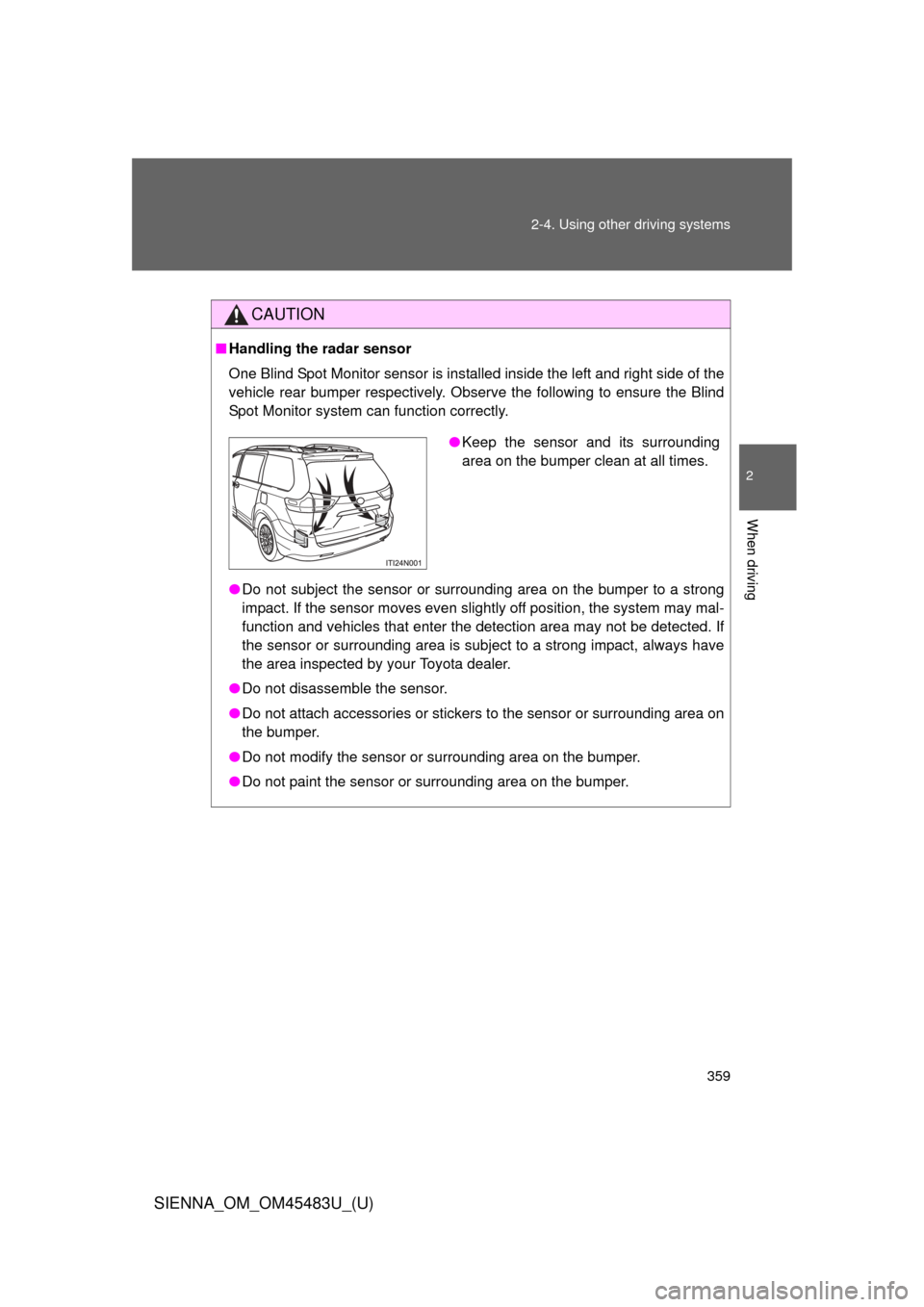
One Blind Spot Monitor sensor is installed inside the left and right side of the
vehicle rear bumper respectively. Observe the following to ensure the Blind
Spot Monitor system can function correctly.
●Do not subject the sensor or surrounding area on the bumper to a strong
impact. If the sensor moves even slightly off position, the system may mal-
function and vehicles that enter the detection area may not be detected. If
the sensor or surrounding area is subject to a strong impact, always have
the area inspected by your Toyota dealer.
● Do not disassemble the sensor.
● Do not attach accessories or stickers to the sensor or surrounding area on
the bumper.
● Do not modify the sensor or surrounding area on the bumper.
● Do not paint the sensor or surrounding area on the bumper.
●Keep the sensor and its surrounding
area on the bumper clean at all times.
Page 384 of 872

384 2-5. Driving information
SIENNA_OM_OM45483U_(U)●
Reversing with a trailer attached is difficult and requires practice.
Grip the bottom of the steering wheel and move your hand to the
left to move the trailer to the left. Move your hand to the right to
move the trailer to the right. (This is generally opposite to reversing
without a trailer attached.) Avoid sharp or prolonged turning. Have
someone guide you when reversing to reduce the risk of an acci-
dent.
● As stopping distance is increased when towing a trailer, vehicle-to-
vehicle distance should be increased. For each 10 mph (16 km/h) of
speed, allow at least one vehicle and trailer length.
● Avoid sudden braking as you may skid, resulting in the trailer jack-
knifing and a loss of vehicle control. This is especially true on wet
or slippery surfaces.
● Avoid jerky starts or sudden acceleration.
● Avoid jerky steering and sharp turns, and slow down before mak-
ing a turn.
● Note that when making a turn, th e trailer wheels will be closer than
the vehicle wheels to the inside of the turn. Compensate by making
a wider than normal turning radius.
● Slow down before making a turn, in crosswinds, on wet or slippery
surfaces, etc.
Increasing vehicle speed c an destabilize the trailer.
Page 390 of 872
390 2-5. Driving information
SIENNA_OM_OM45483U_(U)
CAUTION
■Trailer towing precautions
To tow a trailer safely, use extreme care and drive the vehicle in accordance
with the trailer’s characteristics and operating conditions. Failure to do so
could cause an accident resulting in death or serious injury. Vehicle stability
and braking performance are affected by trailer stability, brake setting and
performance, and the hitch. Your vehicle will handle differently when towing
a trailer.
■ To avoid accident or injury
●Do not exceed the TWR, unbraked TWR, GCWR, GVWR or GAWR.
● If the gross trailer weight is over 2000 lb. (907 kg), a sway control device
with sufficient capacity is required.
● Adjust the tongue weight within the appropriate range. Place heavier loads
as close to the trailer axle as possible.
● Do not exceed 65 mph (104 km/h), the posted towing speed limit or the
speed limit for your trailer as set forth in your trailer owner’s manual,
whichever is lowest. Slow down sufficiently before making a turn, in cross-
winds, on wet or slippery surface, etc. to help avoid an accident. If you
experience a vehicle-trailer instability from reducing a certain speed, slow
down and make sure you keep your vehicle speed under the speed of
which you experience the instability.
● Do not make jerky, abrupt or sharp turns.
● Do not apply the brakes suddenly as you may skid, resulting in jackknifing
and loss of vehicle control. This is especially true on wet or slippery sur-
faces.
● Do not exceed the trailer hitch assembly weight, gross vehicle weight,
gross axle weight and trailer tongue weight capacities.
Page 425 of 872
425
3-2. Using the audio system
3
Interior features
SIENNA_OM_OM45483U_(U)
Language settings (type B and C)
The language used for all voice guidance, voice recognition and mes-
sages may be changed.
Press .
Press that corresponds to “MORE”.
Press that corresponds to “LANG”.
Press that corresponds to the desired language.
For vehicles sold in the U.S.A.
“ENG” (English) or “ESP” (Spanish)
For vehicles sold in the Canada
“ENG” (English) or “FRAN” (French)
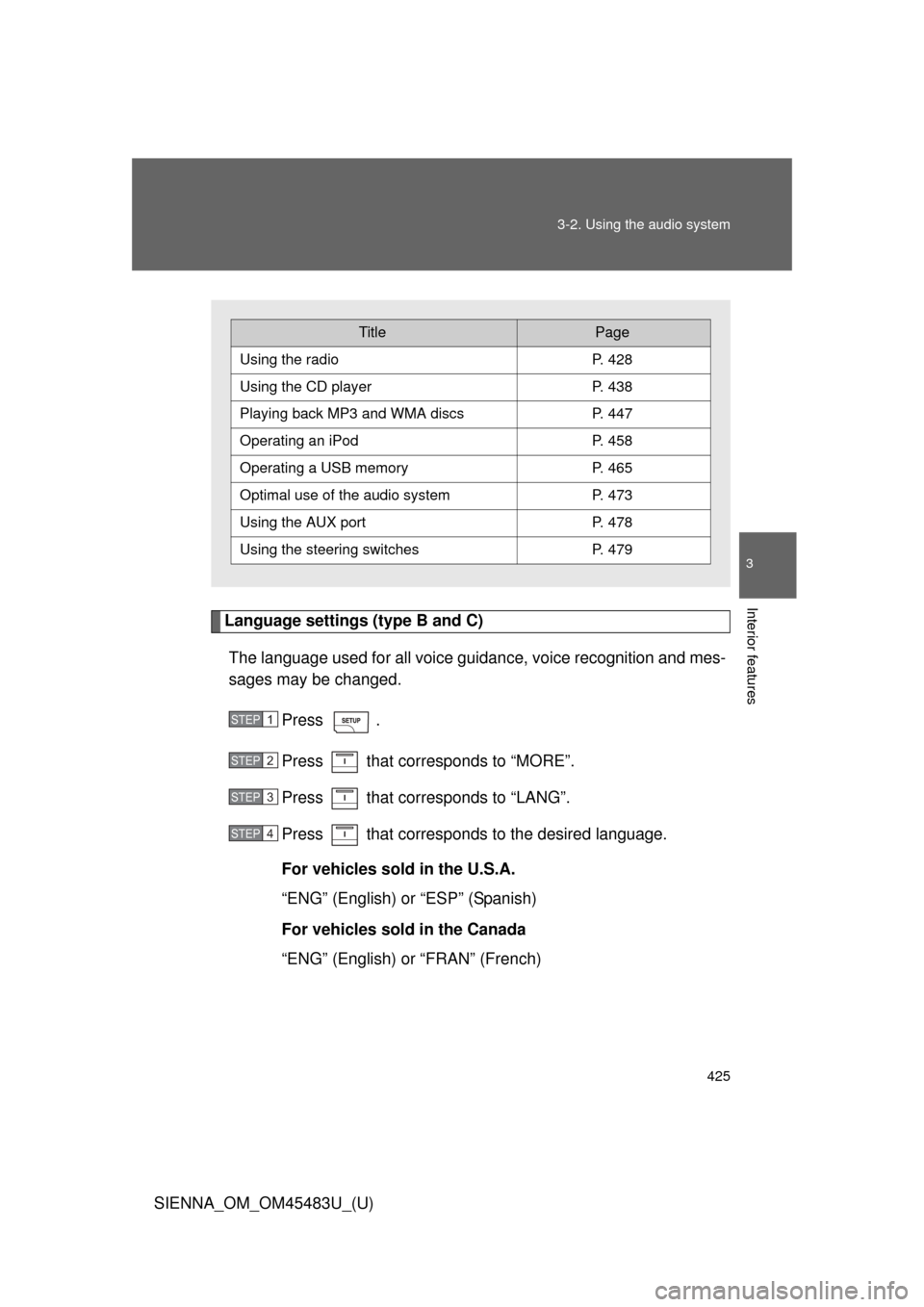
TitlePage
Using the radioP. 428
Using the CD playerP. 438
Playing back MP3 and WMA discs P. 447
Operating an iPodP. 458
Operating a USB memoryP. 465
Optimal use of the audio systemP. 473
Using the AUX port P. 478
Using the steering switchesP. 479
STEP1
STEP2
STEP3
STEP4
Page 434 of 872
434 3-2. Using the audio system
SIENNA_OM_OM45483U_(U)
Silencing the sound (type B and C)Press .
Press the button again to turn the system back on.
■ When the battery is disconnected (type A only)
All preset stations are erased.
■ Radio antenna type
●Detachable antenna (type A and B)
To remove a detachable antenna, carefully turn it counterclockwise.
● Wire antenna (type C)
The radio antenna is mounted inside the rear quarter window.
■ Reception sensitivity
●Type B and C Cargo loaded on the roof luggage carrier, especially
metal objects, may adversely affect the reception of XM
® Satellite Radio.
● Maintaining perfect radio reception at all times is difficult due to the con-
tinually changing position of the antenna, differences in signal strength
and surrounding objects, such as trains, transmitters, etc.
● Type C The radio antenna is mounted inside the rear quarter window.
To maintain clear radio reception, do not attach metallic window tinting or
other metallic objects to the antenna wire mounted inside the rear quarter
window.
Page 440 of 872
440 3-2. Using the audio system
SIENNA_OM_OM45483U_(U)■
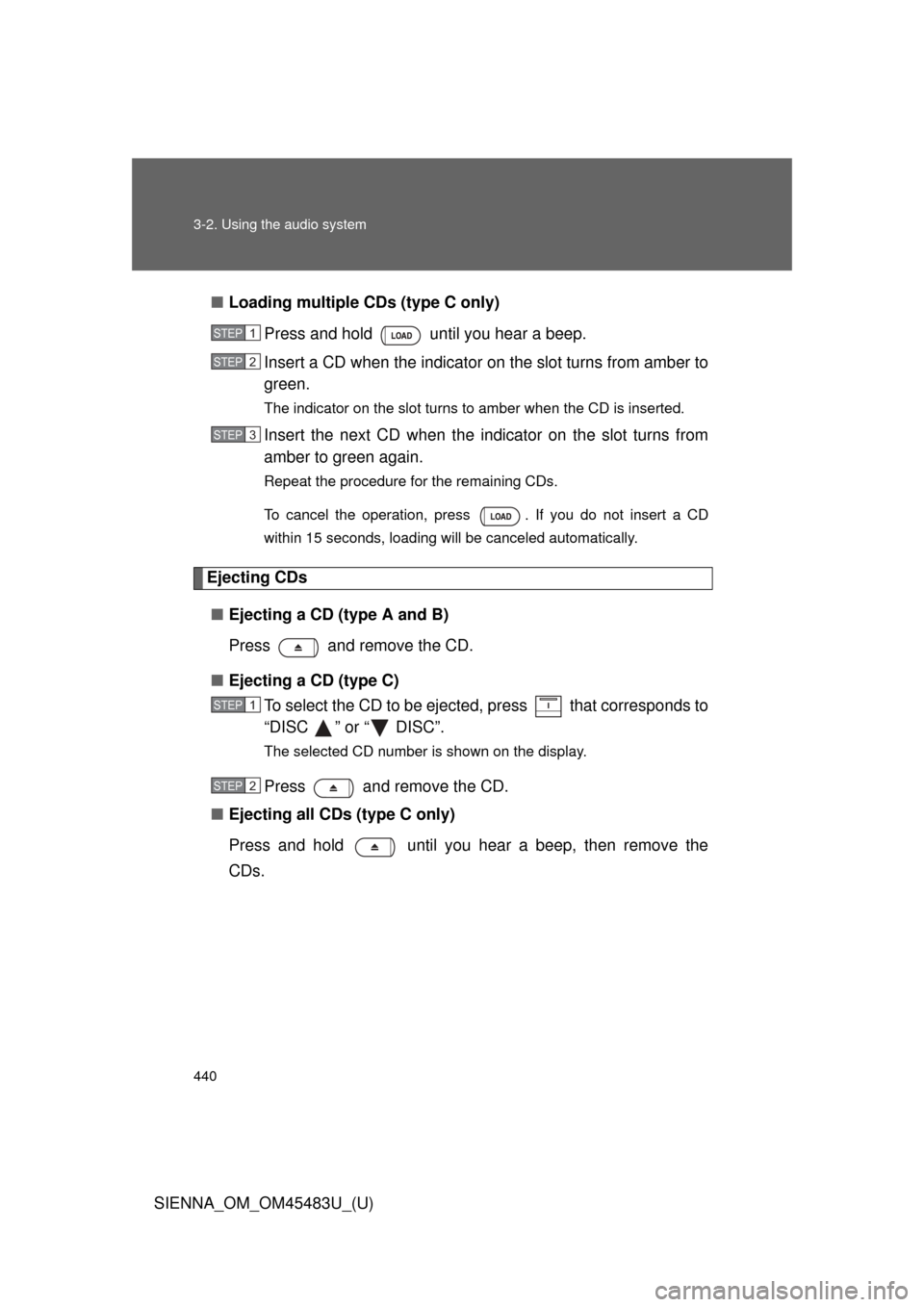
Loading multiple CDs (type C only)
Press and hold until you hear a beep.
Insert a CD when the indicator on the slot turns from amber to
green.
The indicator on the slot turns to amber when the CD is inserted.
Insert the next CD when the indicator on the slot turns from
amber to green again.
Repeat the procedure for the remaining CDs.
To cancel the operation, press . If you do not insert a CD
within 15 seconds, loading will be canceled automatically.
Ejecting CDs
■ Ejecting a CD (type A and B)
Press and remove the CD.
■ Ejecting a CD (type C)
To select the CD to be eject ed, press that corresponds to
“DISC ” or “ DISC”.
The selected CD number is shown on the display.
Press and remove the CD.
■ Ejecting all CDs (type C only)
Press and hold until you hear a beep, then remove the
CDs.
STEP1
STEP2
STEP3
STEP1
STEP2
Page 442 of 872
442 3-2. Using the audio system
SIENNA_OM_OM45483U_(U)
Selecting a CD (type C only)■ Selecting a CD to play
Press that corresponds to “DISC ” or “ DISC”.
■ Scanning loaded CDs
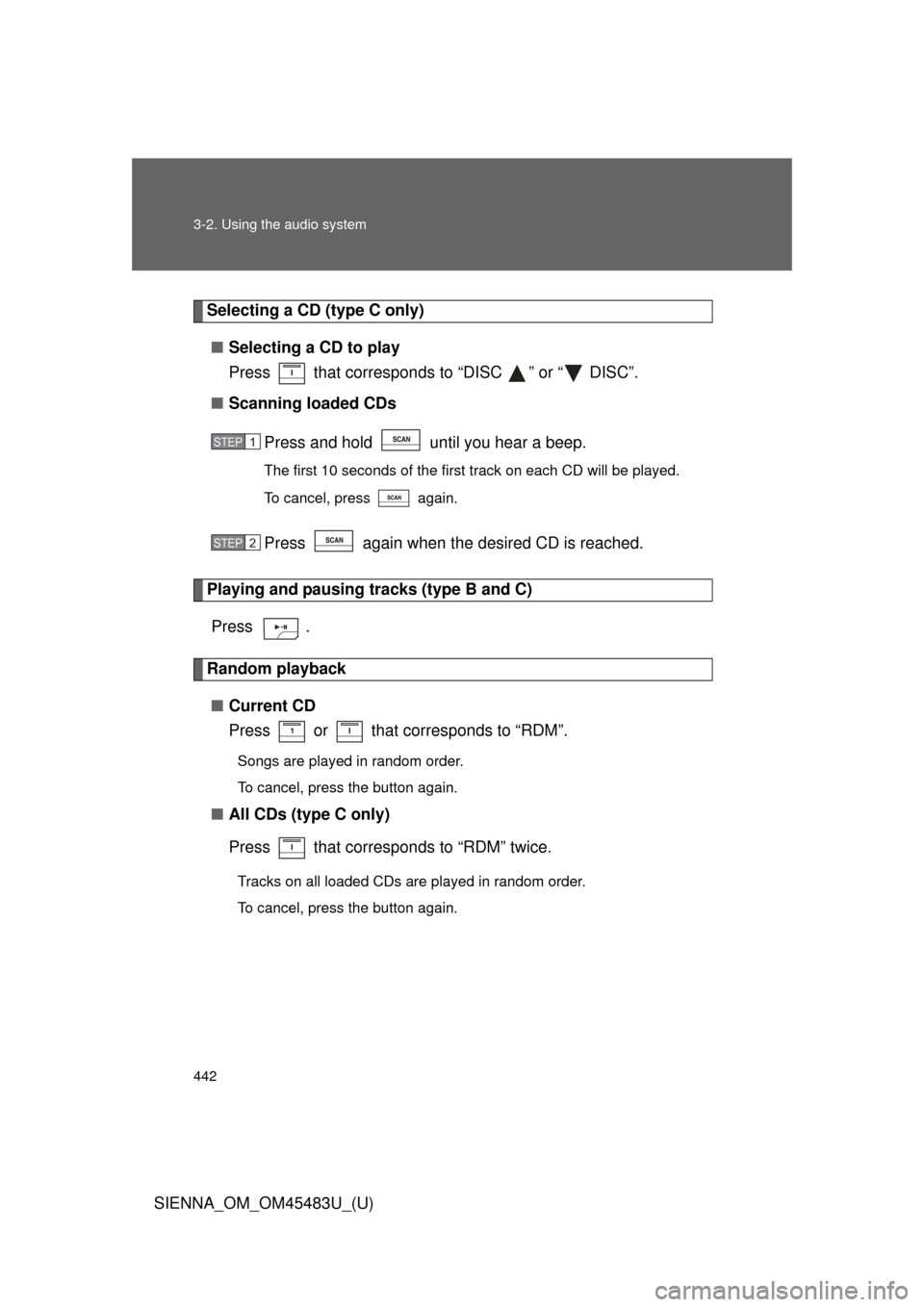
Press and hold until you hear a beep.
The first 10 seconds of the first track on each CD will be played.
To cancel, press again.
Press again when the desired CD is reached.
Playing and pausing tracks (type B and C)Press .
Random playback■ Current CD
Press or that corresponds to “RDM”.
Songs are played in random order.
To cancel, press the button again.
■All CDs (type C only)
Press that corresponds to “RDM” twice.
Tracks on all loaded CDs are played in random order.
To cancel, press the button again.
STEP1
STEP2