Hazard warning flasher
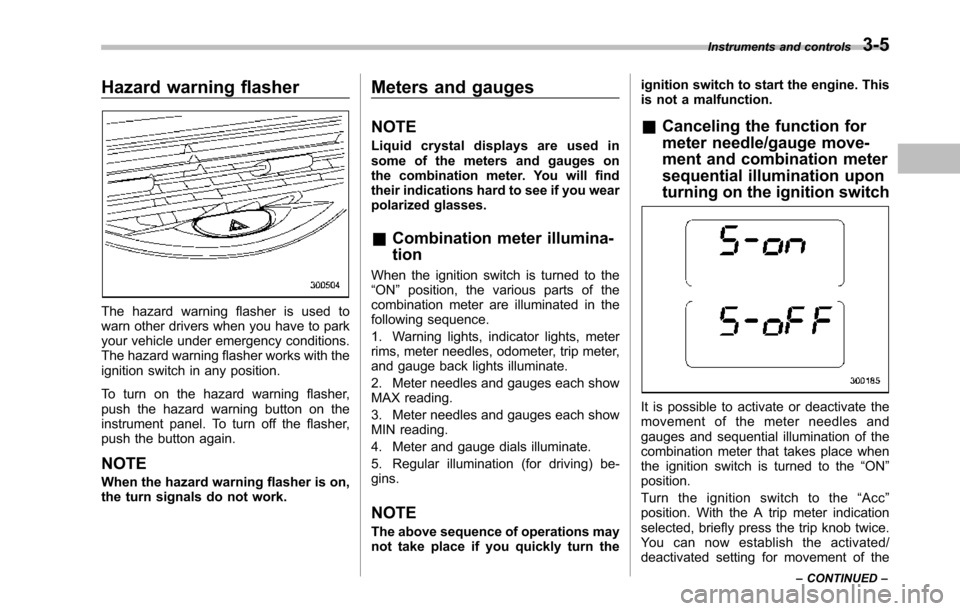
Thehazard warning flasher is used towarn other drivers when you have to parkyour vehicle under emergency conditions.The hazard warning flasher works with theignition switch in any position.
To turn on the hazard warning flasher,push the hazard warning button on theinstrumentpanel. To turn off the flasher,push the button again.
NOTE
When the hazard warning flasher is on,the turn signals do not work.
Meters and gauges
NOTE
Liquid crystal displays are used insome of the meters and gauges onthe combination meter. You will findtheir indications hard to see if you wearpolarized glasses.
&Combination meter illumina-
tion
When the ignition switch is turned to the“ON”position, the various parts of thecombinationmeter are illuminated in thefollowing sequence.
1. Warning lights, indicator lights, meterrims, meter needles, odometer, trip meter,and gauge back lights illuminate.
2. Meter needles and gauges each showMAX reading.
3. Meter needles and gauges each showMIN reading.
4. Meter and gauge dials illuminate.
5. Regular illumination (for driving) be-gins.
NOTE
The above sequence of operations maynot take place if you quickly turn the
ignition switch to start the engine. Thisis not a malfunction.
&Canceling the function for
meter needle/gauge move-
ment and combination meter
sequential illumination upon
turning on the ignition switch
It is possible to activate or deactivate themovement of the meter needles andgauges and sequential illumination of thecombination meter that takes place whenthe ignition switch is turned to the“ON”position.
Turn the ignition switch to the“Acc”position. With the A trip meter indicationselected, briefly press the trip knob twice.Yo u c a n n o w e s t a b l i s h t h e a c t i v a t e d /deactivated setting for movement of the
Instruments and controls3-5
–CONTINUED–
3-6Instruments and controls
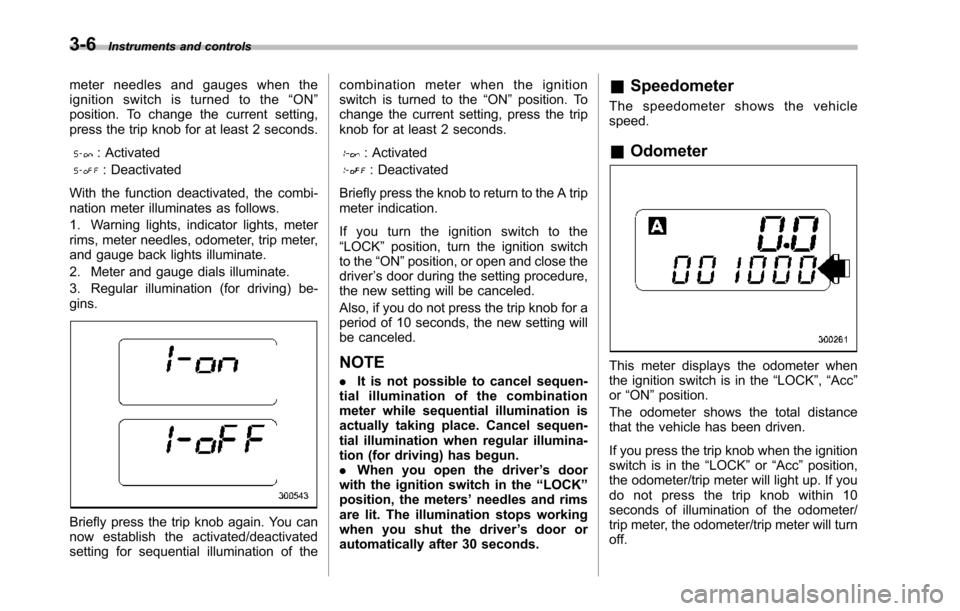
meter needles and gauges when theignition switch is turned to the“ON”position. To change the current setting,press the trip knob for at least 2 seconds.
: Activated
: Deactivated
With the function deactivated, the combi-nation meter illuminates as follows.
1. Warning lights, indicator lights, meterrims, meter needles, odometer, trip meter,and gauge back lights illuminate.
2. Meter and gauge dials illuminate.
3. Regular illumination (for driving) be-gins.
Briefly press the trip knob again. You cannow establish the activated/deactivatedsetting for sequential illumination of the
combination meter when the ignitionswitch is turned to the“ON”position. Tochange the current setting, press the tripknob for at least 2 seconds.
: Activated
: Deactivated
Briefly press the knob to return to the A tripmeter indication.
If you turn the ignition switch to the“LOCK”position, turn the ignition switchto the“ON”position, or open and close thedriver’s door during the setting procedure,the new setting will be canceled.
Also, if you do not press the trip knob for aperiod of 10 seconds, the new setting willbe canceled.
NOTE
.It is not possible to cancel sequen-tial illumination of the combinationmeter while sequential illumination isactually taking place. Cancel sequen-tial illumination when regular illumina-tion (for driving) has begun..When you open the driver’s doorwith the ignition switch in the“LOCK”position, the meters’needles and rimsare lit. The illumination stops workingwhen you shut the driver’s door orautomatically after 30 seconds.
&Speedometer
The speedometer shows the vehiclespeed.
&Odometer
This meter displays the odometer whenthe ignition switch is in the“LOCK”,“Acc”or“ON”position.
The odometer shows the total distancethatthe vehicle has been driven.
If you press the trip knob when the ignitionswitch is in the“LOCK”or“Acc”position,the odometer/trip meter will light up. If youdo not press the trip knob within 10seconds of illumination of the odometer/trip meter, the odometer/trip meter will turnoff.