Page 191 of 440
Function key: Effect
Day/night : define map display settings.
Day: map view remains in bright daytime design.
Night: map display remains in dark night time design.
Automatic: daytime or night time design of the map view changes as the low beam headlights are
switched on and off.
Page 194 of 440
Function key: Effect
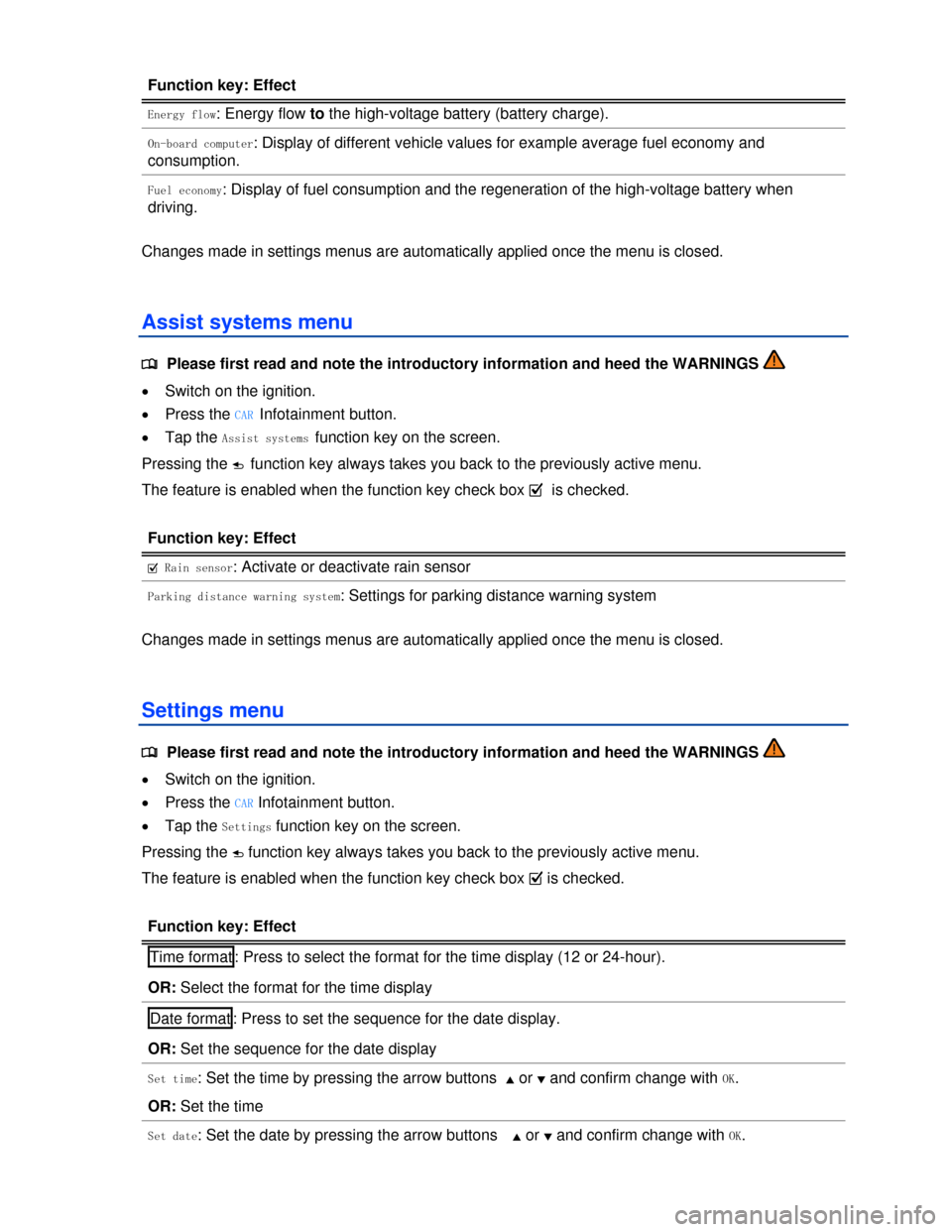
Energy flow: Energy flow to the high-voltage battery (battery charge).
On-board computer: Display of different vehicle values for example average fuel economy and
consumption.
Fuel economy: Display of fuel consumption and the regeneration of the high-voltage battery when
driving.
Changes made in settings menus are automatically applied once the menu is closed.
Assist systems menu
Page 195 of 440
Function key: Effect
OR: Set the date
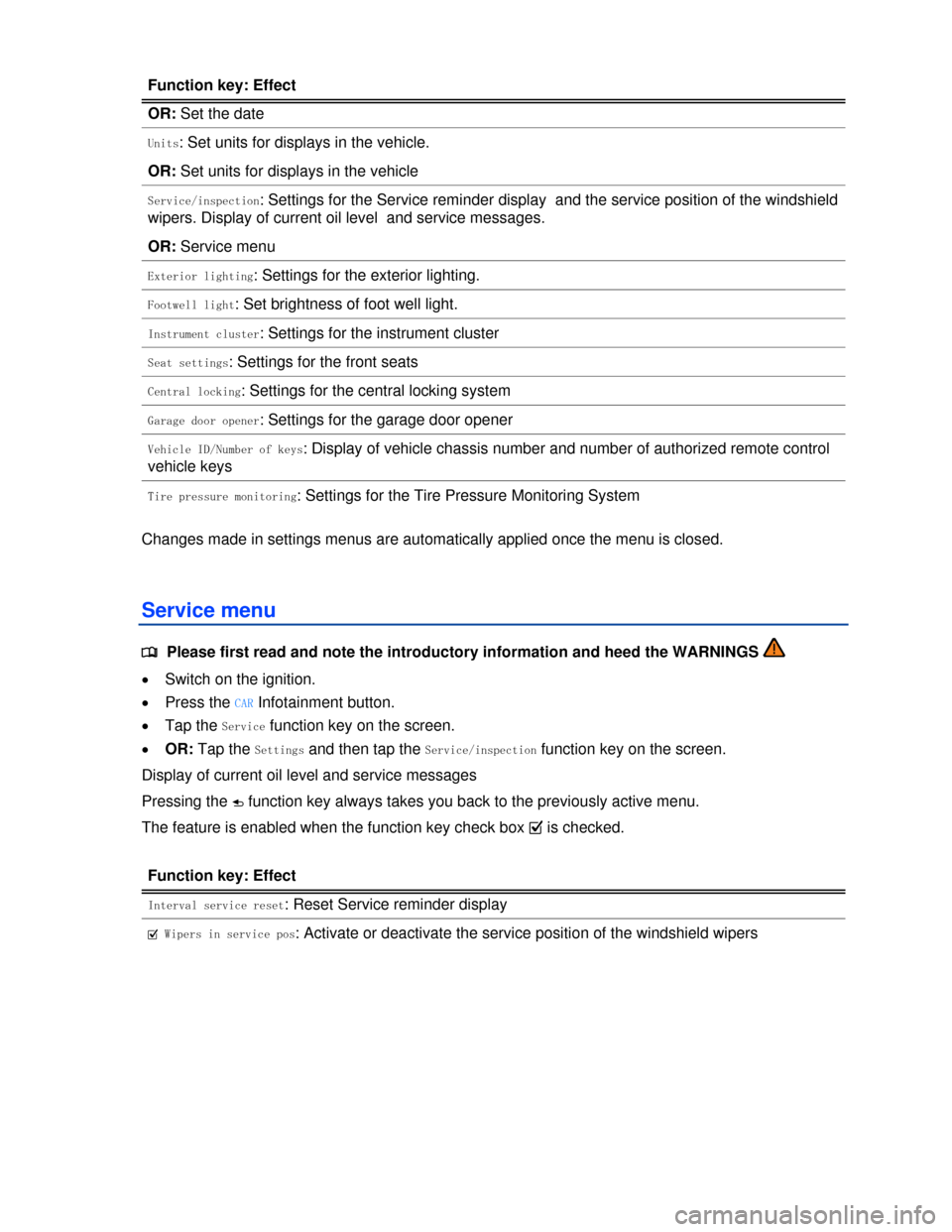
Units: Set units for displays in the vehicle.
OR: Set units for displays in the vehicle
Service/inspection: Settings for the Service reminder display and the service position of the windshield
wipers. Display of current oil level and service messages.
OR: Service menu
Exterior lighting: Settings for the exterior lighting.
Footwell light: Set brightness of foot well light.
Instrument cluster: Settings for the instrument cluster
Seat settings: Settings for the front seats
Central locking: Settings for the central locking system
Garage door opener: Settings for the garage door opener
Vehicle ID/Number of keys: Display of vehicle chassis number and number of authorized remote control
vehicle keys
Tire pressure monitoring: Settings for the Tire Pressure Monitoring System
Changes made in settings menus are automatically applied once the menu is closed.
Service menu
Page 204 of 440
Display: meaning
Antenna: Aerial fault. Please contact a Volkswagen dealership.
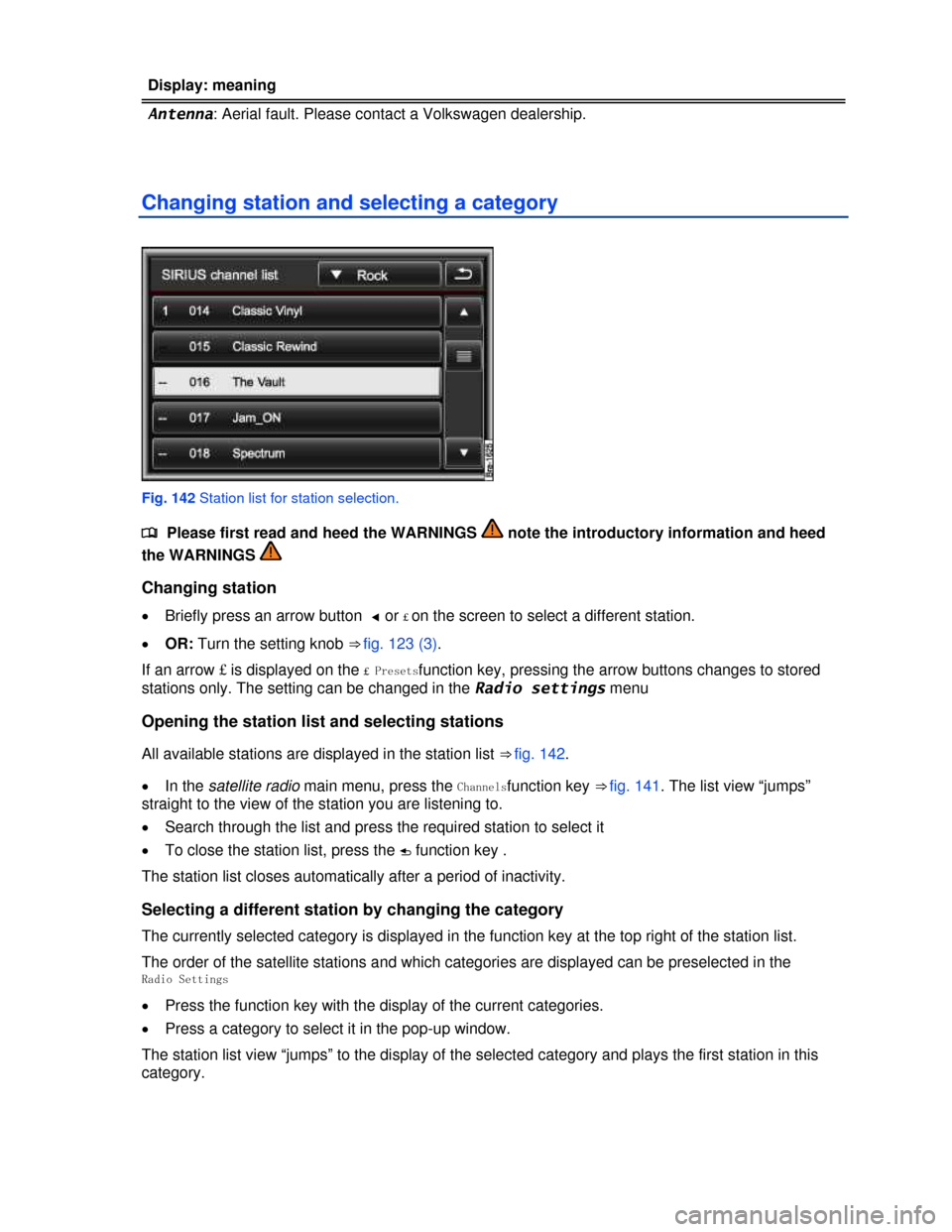
Changing station and selecting a category
Fig. 142 Station list for station selection.
Page 206 of 440

Function key: Effect
£ Station list: All available stations and channels can be browsed in sequence with the arrow
buttons.
£ Presets: Only stations and channels that are stored to station buttons can be browsed with the
arrow buttons.
Presets: Select the station buttons to be displayed
Press one of the functions buttons Presets x...xto display the desired group of station buttons in
the main menu RADIO.
= HD radio: HD radio is activated
Delete Presets: When Delete is pressed, all stations and channels stored to station buttons are deleted.
SIRIUS ID: Displays the Sirius ID
Sort stations: the station list shows all satellite stations as selected:
Station number : in the all categories view arranged according to channel number.
Category/Station name : in the category view arranged according to station name.
Category/Station no. : in the category view arranged according to channel number.
Station name : in the all categories view arranged according to station name.
Category filter: restrict selection of stations to certain categories.
If the check box in the = Category filter on function key is deactivated, all categories are
displayed and all stations can be selected.
Page 213 of 440
When the system is switched over to play a standard video DVD, the MEDIA main menu is opened
automatically as a Video DVD menu
Other video sources (such as AVI films) are played back like audio files only via the Audio menu .
Starting media mode
x Press the MEDIA Infotainment button ⇒ fig. 123.
Playback of the last media source played is continued if the data medium is still available in the
Infotainment System.
Depending on the selected media source, the MEDIA main menu is opened as an Audio menu or
Video menu ⇒ fig. 145.
If no media source is available, the MEDIA main menu cannot be opened.
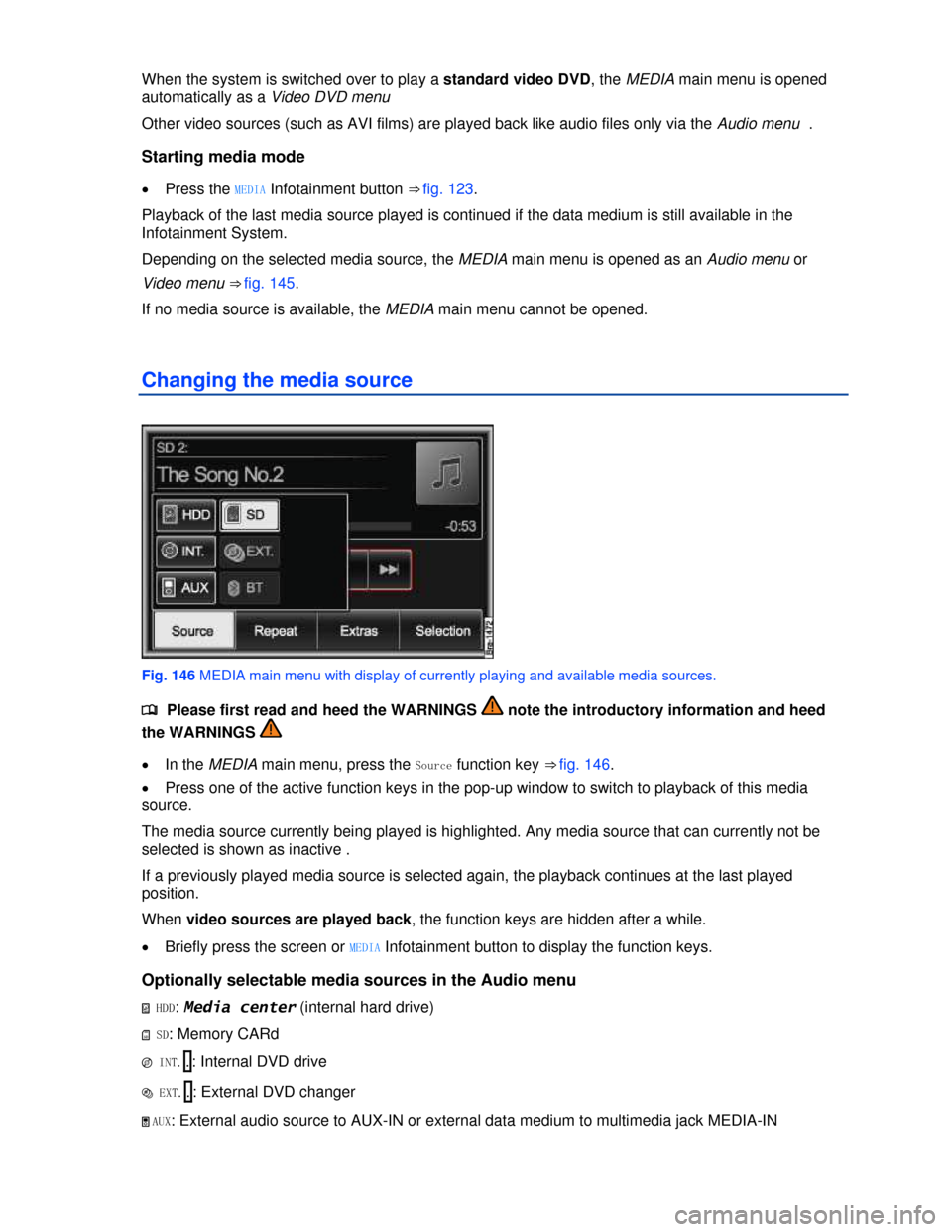
Changing the media source
Fig. 146 MEDIA main menu with display of currently playing and available media sources.
Page 217 of 440
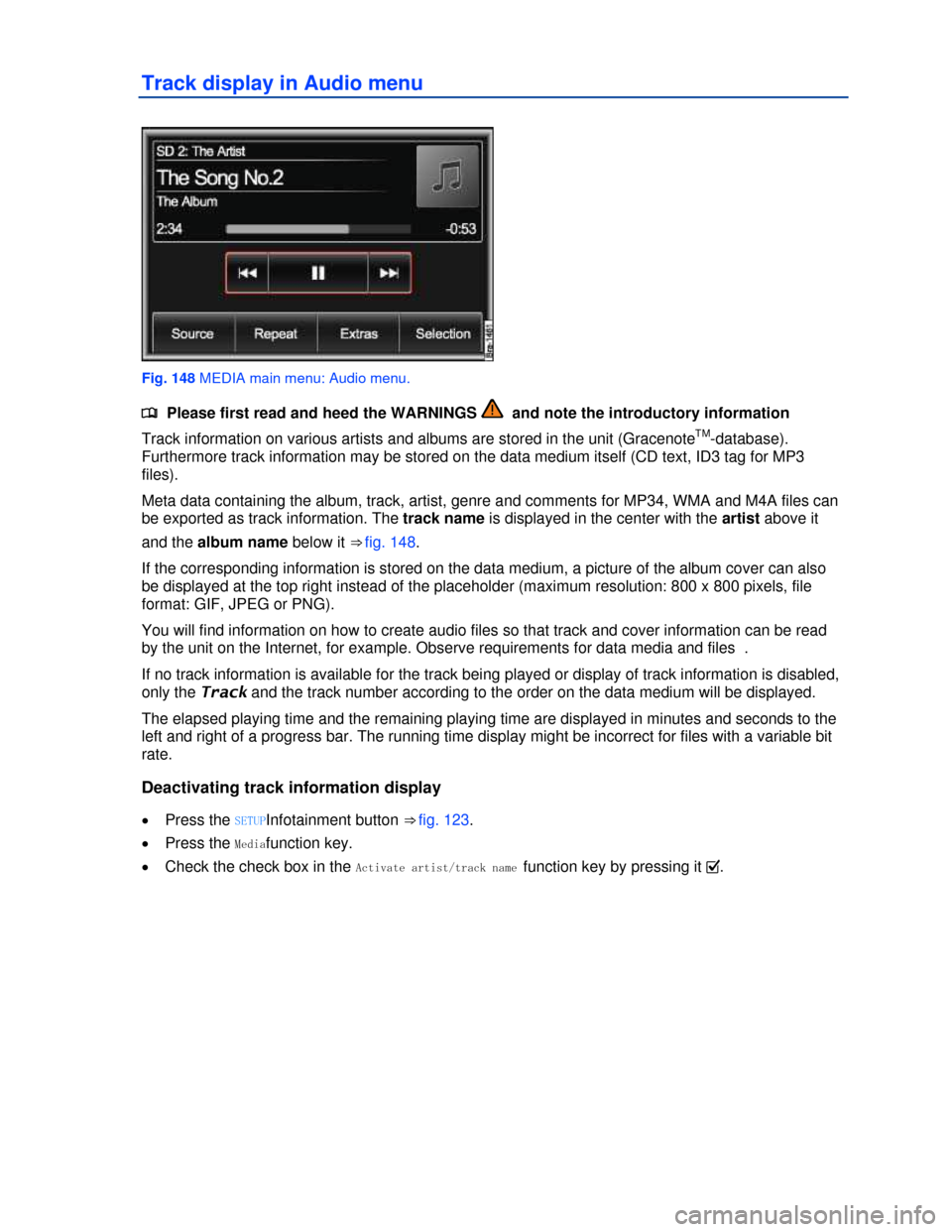
Track display in Audio menu
Fig. 148 MEDIA main menu: Audio menu.
Page 219 of 440
x Press the F function key to open the current folder's parent folder (for example : .F1).
The audio source and the folder currently opened are displayed in the title bar (in .: SD CARd and
folder F1.1).
Pressing the F function key several times switches from one folder to another until you reach the top
selection level of the data media.
If only the name of a data medium is displayed in the title bar, this means the root directory of the data
media is opened ⇒ fig. 153.
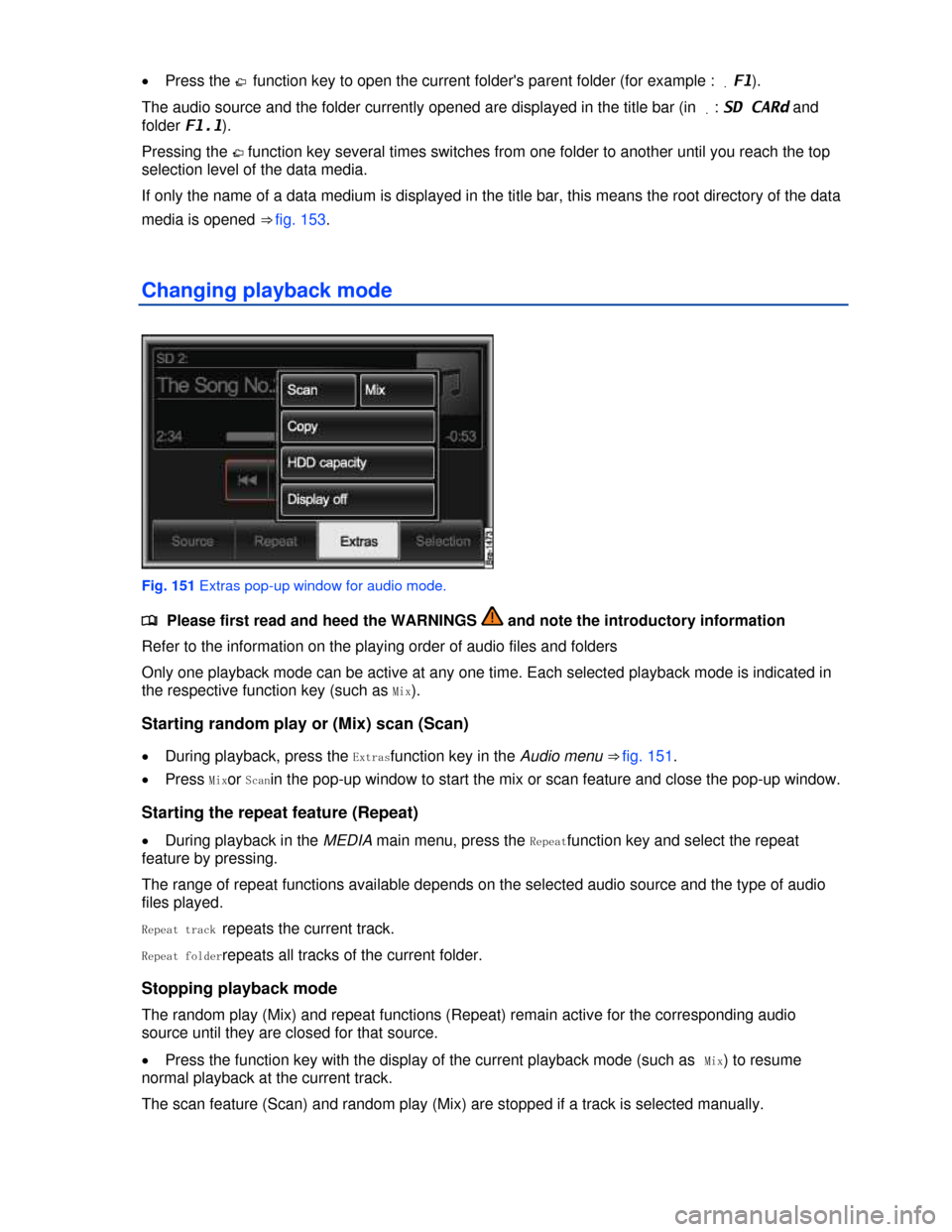
Changing playback mode
Fig. 151 Extras pop-up window for audio mode.