Page 152 of 380
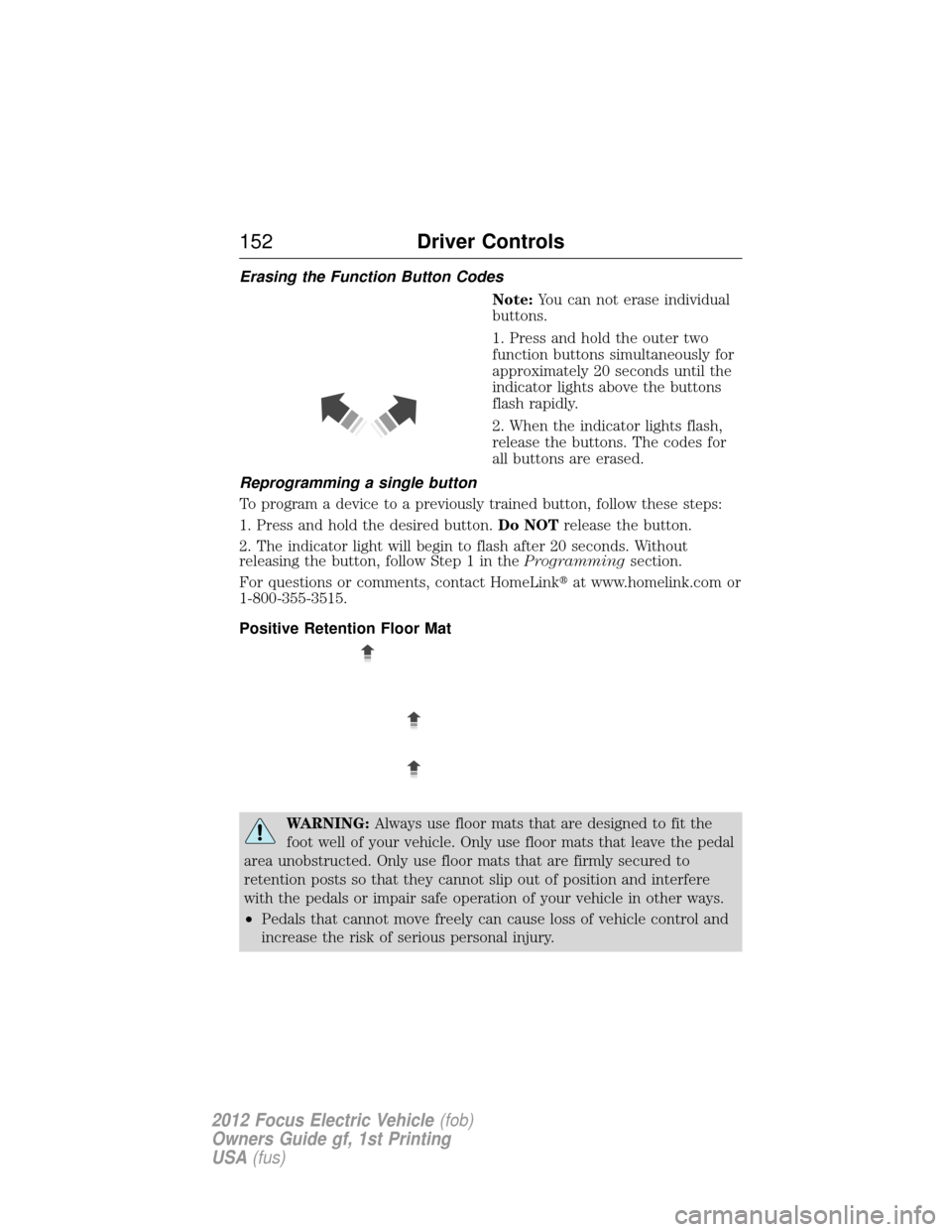
Erasing the Function Button CodesNote:You can not erase individual
buttons.
1. Press and hold the outer two
function buttons simultaneously for
approximately 20 seconds until the
indicator lights above the buttons
flash rapidly.
2. When the indicator lights flash,
release the buttons. The codes for
all buttons are erased.
Reprogramming a single button
To program a device to a previously trained button, follow these steps:
1. Press and hold the desired button. Do NOTrelease the button.
2. The indicator light will begin to flash after 20 seconds. Without
releasing the button, follow Step 1 in the Programmingsection.
For questions or comments, contact HomeLink� at www.homelink.com or
1-800-355-3515.
Positive Retention Floor Mat
WARNING: Always use floor mats that are designed to fit the
foot well of your vehicle. Only use floor mats that leave the pedal
area unobstructed. Only use floor mats that are firmly secured to
retention posts so that they cannot slip out of position and interfere
with the pedals or impair safe operation of your vehicle in other ways.
• Pedals that cannot move freely can cause loss of vehicle control and
increase the risk of serious personal injury.
152 Driver Controls
2012 Focus Electric Vehicle (fob)
Owners Guide gf, 1st Printing
USA (fus)
Page 153 of 380
WARNING(Continued)
•Always make sure that the floor mats are properly attached to the
retention posts in the carpet that are supplied with your vehicle.
Floor mats must be properly secured to both retention posts to
ensure mats do not shift out of position.
• Never place floor mats or any other covering in the vehicle foot well
that cannot be properly secured to prevent them from moving and
interfering with the pedals or the ability to control the vehicle.
• Never place floor mats or any other covering on top of already
installed floor mats. Floor mats should always rest on top of vehicle
carpeting surface and not another floor mat or other covering.
Additional floor mats or any other covering will reduce the pedal
clearance and potentially interfere with pedal operation.
• Check attachment of floor mats on a regular basis. Always properly
reinstall and secure floor mats that have been removed for cleaning
or replacement.
• Always make sure that objects cannot fall into the driver foot well
while the vehicle is moving. Objects that are loose can become
trapped under the pedals causing a loss of vehicle control.
• Failure to properly follow floor mat installation or attachment
instructions can potentially cause interference with pedal operation
causing loss of control of vehicle.
• To install floor mats, position the floor mat so that the eyelet is over
the retention post and press down to lock in.
• To remove the floor mat, reverse the installation procedure.
Driver Controls 153
2012 Focus Electric Vehicle(fob)
Owners Guide gf, 1st Printing
USA (fus)
Page 156 of 380
Once a key has been programmed you can access the following
information using the information display control:
•How many admin keys and MyKeys are programmed to the vehicle.
• The total distance the vehicle has been driven with a MyKey.
For vehicles equipped with Intelligent Access Key (push button start),
when both a MyKey and an Admin Intelligent Access key (fob) are present,
the admin fob will be recognized by the vehicle to start the vehicle.
Standard Settings
These settings cannot be changed.
•
Belt-Minder. This cannot be disabled and the five–minute timer does not
expire. The audio system is muted when MyKey Belt-Minder is activated.
• Early distance to stop. Warnings are displayed in the information display
control followed by an audible tone at 15 miles to stop.
• Driver assist features, if equipped on your vehicle, are forced on: Parking
aid, blind spot information system (BLIS) with cross traffic alert and the
collision warning system.
Optional Settings
These settings can be configured right after a MyKey is first created or
changed afterword with an admin key.
• Vehicle speed limit of 80 mph (130 km/h). Visual warnings are
displayed followed by an audible tone when vehicle speed has
reached 80 mph (130 km/h).
• Vehicle speed warning of 45, 55 or 65 mph (75, 90, or 105 km/h).
Visual warnings are displayed followed by an audible tone when the
preselected vehicle speed is exceeded.
• Audio system maximum volume of 45%. A message in the audio
system is displayed when attempting to exceed the limited volume.
• AdvanceTrac. The system cannot be turned off when Always-on has
been set.
Creating a MyKey
Use the information display control to create a MyKey
1. Hold the key next to the symbol on the right side of the steering column (or next to the back-up location on the right side of the
steering column) refer to Keyless startingin theDriving chapter for
backup slot location.
2. Turn the ignition on.
3. Access the main menu on the information display controls and select Settings, then MyKey by pressing OK or the > button.
4. Press OK to select Create.
156 Locks and Security
2012 Focus Electric Vehicle (fob)
Owners Guide gf, 1st Printing
USA (fus)
Page 173 of 380
FRONT SEATS
WARNING:Reclining the seatback can cause an occupant to
slide under the seat’s safety belt, resulting in severe personal
injuries in the event of a collision.
WARNING: Do not pile cargo higher than the seatbacks to
reduce the risk of injury in a collision or sudden stop.
WARNING: Before returning the seatback to its original position,
make sure that cargo or any objects are not trapped behind the
seatback. After returning the seatback to its original position, pull on
the seatback to ensure that it has fully latched. An unlatched seat may
become dangerous in the event of a sudden stop or collision.
WARNING: Never adjust the driver’s seat or seatback when the
vehicle is moving.
WARNING: Always drive and ride with your seatback upright
and the lap belt snug and low across the hips.
Adjustable head restraints
Your vehicle is equipped with front row head restraints that are vertically
adjustable.
WARNING: To minimize the risk of neck injury in the event of a
crash, the driver and passenger occupants should not sit in
and/or operate the vehicle, until the head restraint is placed in its
proper position. The driver should never adjust the head restraint while
the vehicle is in motion.
Seating and Safety Restraints 173
2012 Focus Electric Vehicle(fob)
Owners Guide gf, 1st Printing
USA (fus)
Page 174 of 380
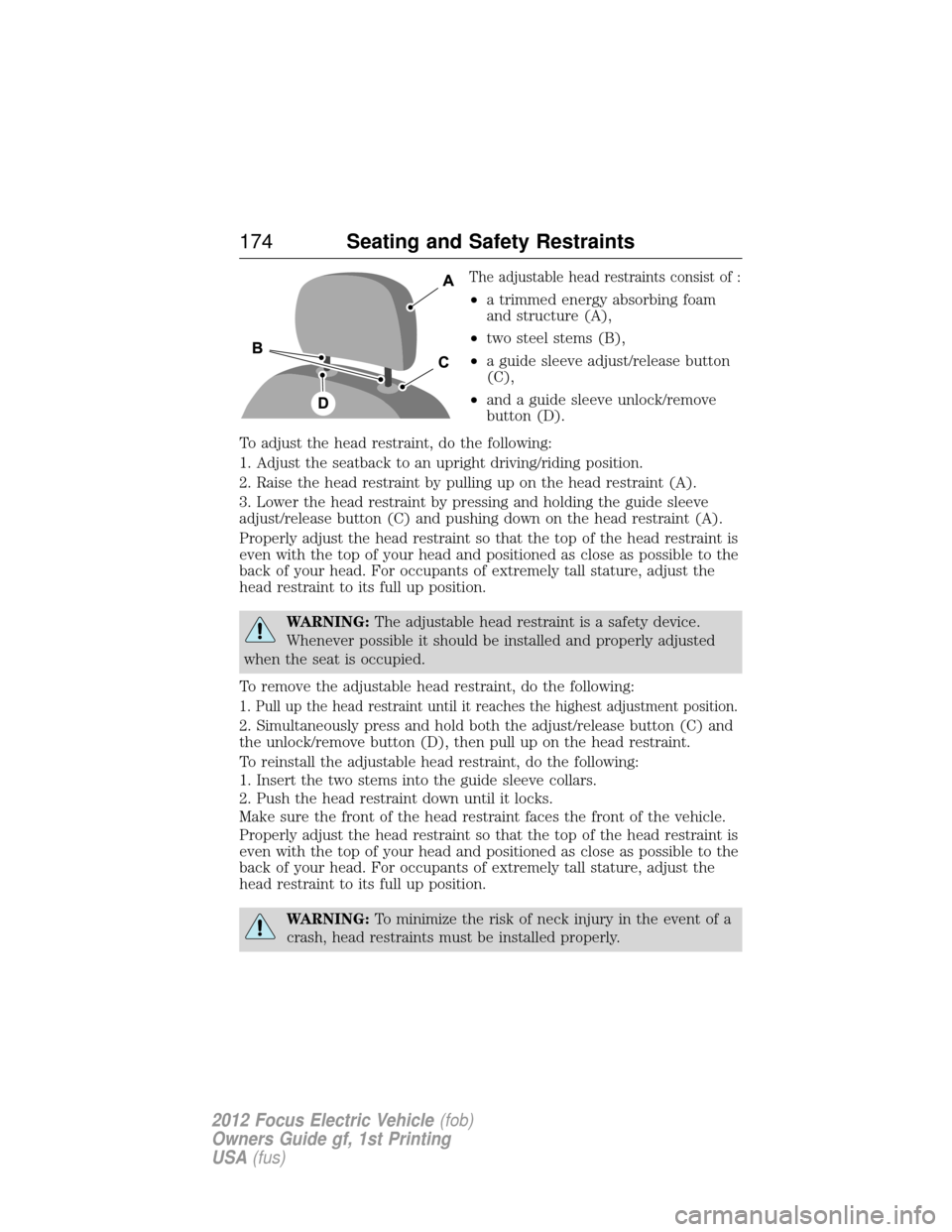
The adjustable head restraints consist of :
•a trimmed energy absorbing foam
and structure (A),
• two steel stems (B),
• a guide sleeve adjust/release button
(C),
• and a guide sleeve unlock/remove
button (D).
To adjust the head restraint, do the following:
1. Adjust the seatback to an upright driving/riding position.
2. Raise the head restraint by pulling up on the head restraint (A).
3. Lower the head restraint by pressing and holding the guide sleeve
adjust/release button (C) and pushing down on the head restraint (A).
Properly adjust the head restraint so that the top of the head restraint is
even with the top of your head and positioned as close as possible to the
back of your head. For occupants of extremely tall stature, adjust the
head restraint to its full up position.
WARNING: The adjustable head restraint is a safety device.
Whenever possible it should be installed and properly adjusted
when the seat is occupied.
To remove the adjustable head restraint, do the following:
1. Pull up the head restraint until it reaches the highest adjustment position.
2. Simultaneously press and hold both the adjust/release button (C) and
the unlock/remove button (D), then pull up on the head restraint.
To reinstall the adjustable head restraint, do the following:
1. Insert the two stems into the guide sleeve collars.
2. Push the head restraint down until it locks.
Make sure the front of the head restraint faces the front of the vehicle.
Properly adjust the head restraint so that the top of the head restraint is
even with the top of your head and positioned as close as possible to the
back of your head. For occupants of extremely tall stature, adjust the
head restraint to its full up position.
WARNING: To minimize the risk of neck injury in the event of a
crash, head restraints must be installed properly.
174 Seating and Safety Restraints
2012 Focus Electric Vehicle (fob)
Owners Guide gf, 1st Printing
USA (fus)
Page 175 of 380
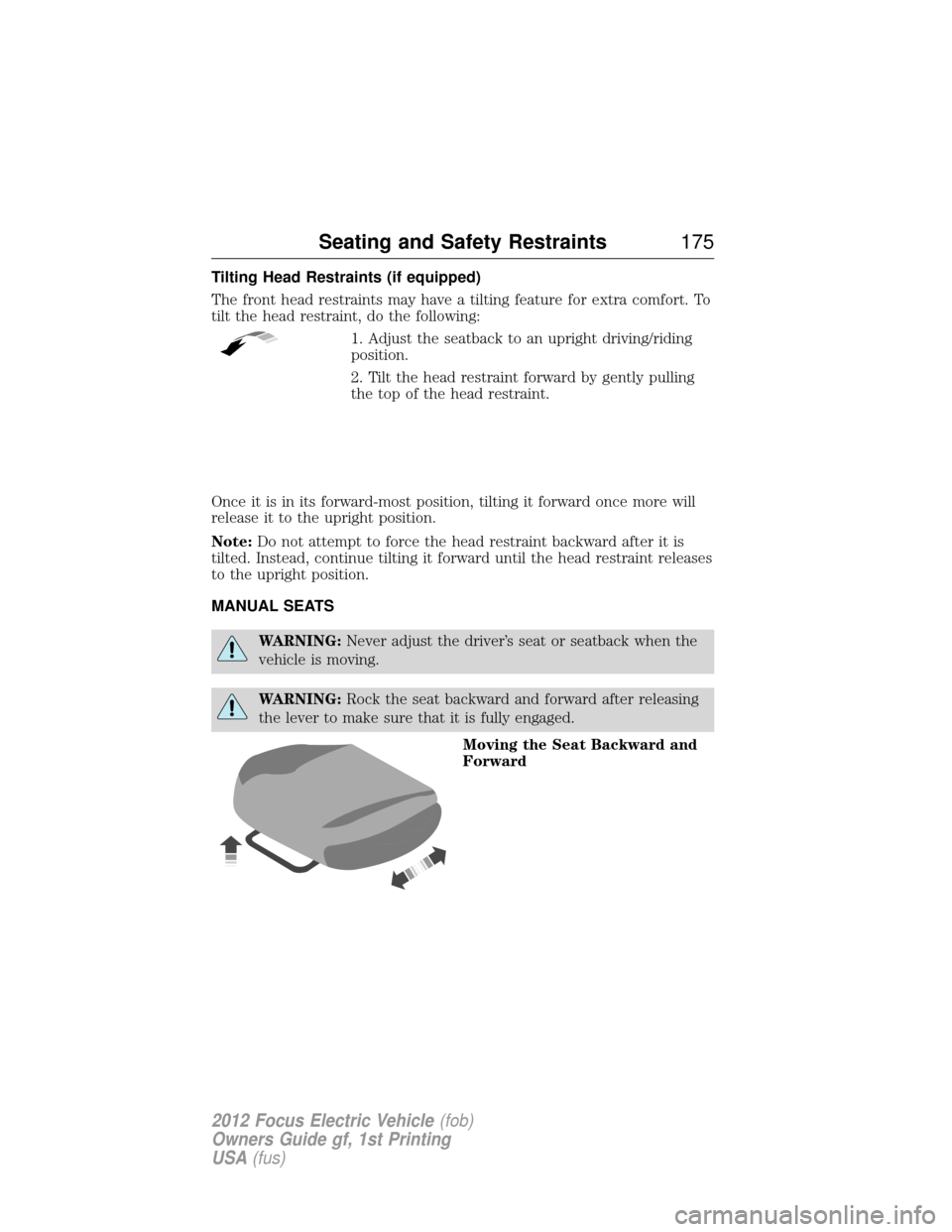
Tilting Head Restraints (if equipped)
The front head restraints may have a tilting feature for extra comfort. To
tilt the head restraint, do the following:1. Adjust the seatback to an upright driving/riding
position.
2. Tilt the head restraint forward by gently pulling
the top of the head restraint.
Once it is in its forward-most position, tilting it forward once more will
release it to the upright position.
Note: Do not attempt to force the head restraint backward after it is
tilted. Instead, continue tilting it forward until the head restraint releases
to the upright position.
MANUAL SEATS
WARNING: Never adjust the driver’s seat or seatback when the
vehicle is moving.
WARNING: Rock the seat backward and forward after releasing
the lever to make sure that it is fully engaged.
Moving the Seat Backward and
Forward
Seating and Safety Restraints 175
2012 Focus Electric Vehicle(fob)
Owners Guide gf, 1st Printing
USA (fus)
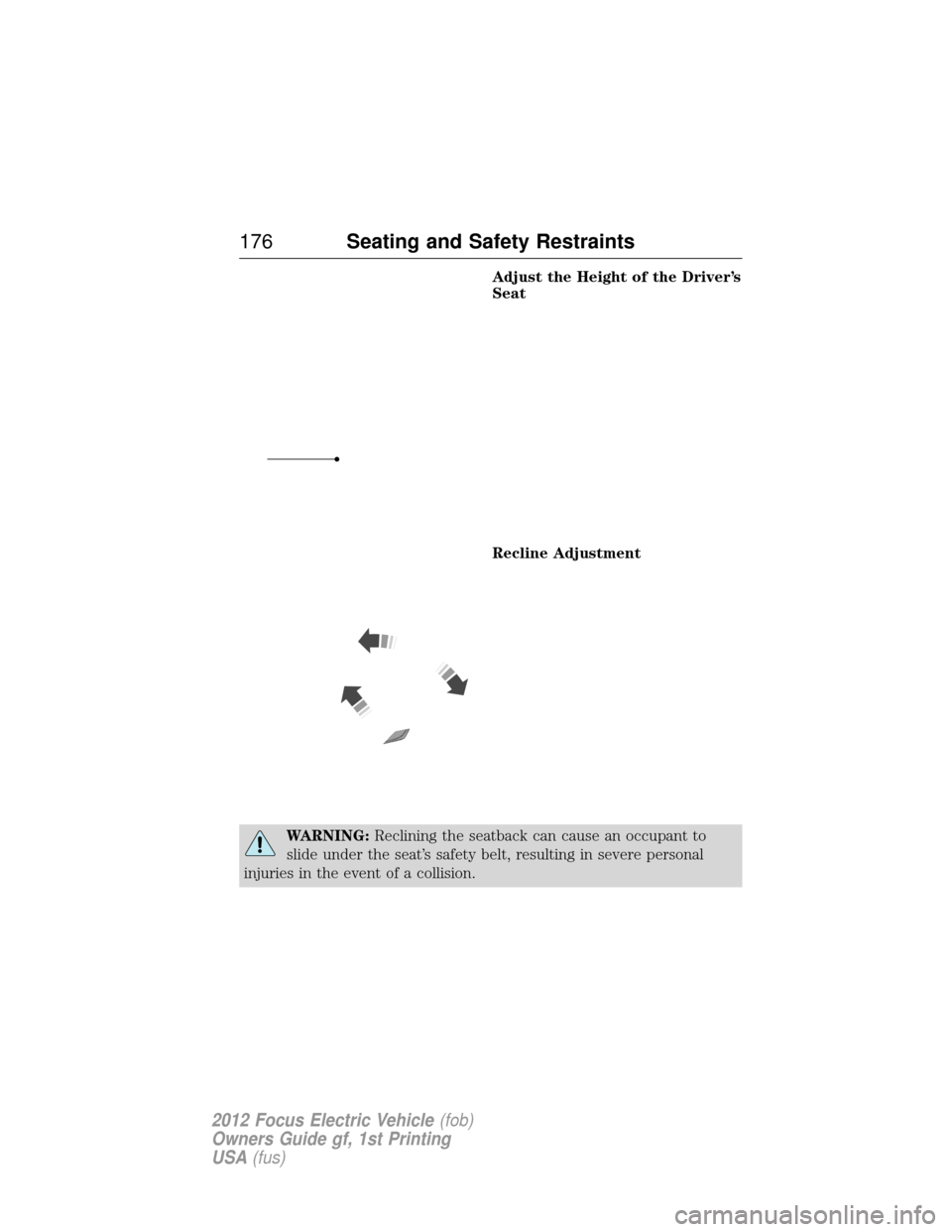
Page 176 of 380
Adjust the Height of the Driver’s
Seat
Recline Adjustment
WARNING:Reclining the seatback can cause an occupant to
slide under the seat’s safety belt, resulting in severe personal
injuries in the event of a collision.
176 Seating and Safety Restraints
2012 Focus Electric Vehicle (fob)
Owners Guide gf, 1st Printing
USA (fus)
Page 177 of 380
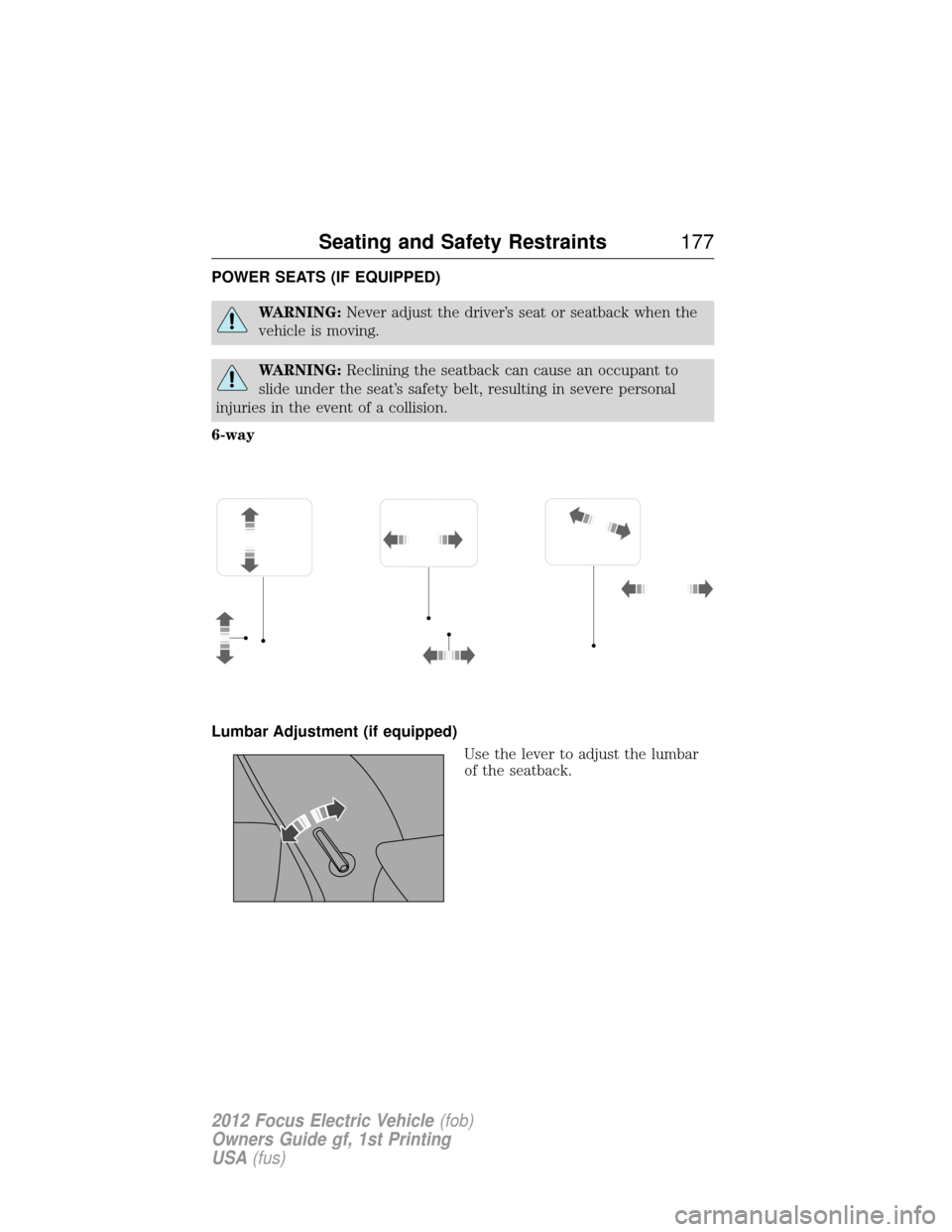
POWER SEATS (IF EQUIPPED)
WARNING:Never adjust the driver’s seat or seatback when the
vehicle is moving.
WARNING: Reclining the seatback can cause an occupant to
slide under the seat’s safety belt, resulting in severe personal
injuries in the event of a collision.
6-way
Lumbar Adjustment (if equipped) Use the lever to adjust the lumbar
of the seatback.
Seating and Safety Restraints 177
2012 Focus Electric Vehicle(fob)
Owners Guide gf, 1st Printing
USA (fus)