Page 277 of 563
275
3-3. Using the Bluetooth® audio system
3
Interior features
ES350_U
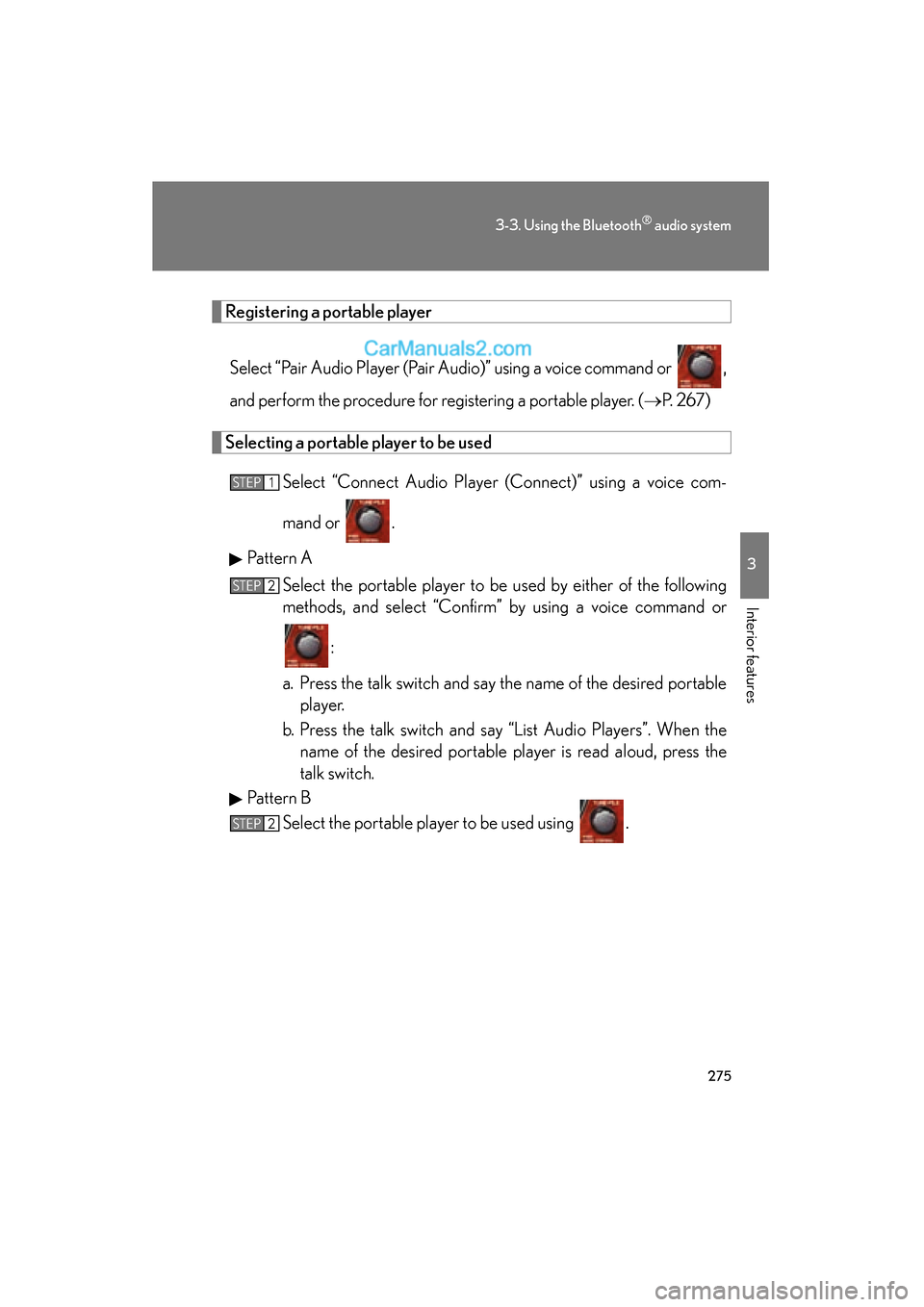
Registering a portable playerSelect “Pair Audio Player (Pair Audio)” using a voice command or ,
and perform the procedure for registering a portable player. ( →P. 2 6 7 )
Selecting a portable player to be used
Select “Connect Audio Player (Connect)” using a voice com-
mand or .
Pattern A Select the portable player to be used by either of the following
methods, and select “Confirm” by using a voice command or
:
a. Press the talk switch and say the name of the desired portable player.
b. Press the talk switch and say “List Audio Players”. When the name of the desired portable player is read aloud, press the
talk switch.
Pattern B Select the portable player to be used using .
STEP1
STEP2
STEP2
Page 278 of 563
276
3-3. Using the Bluetooth® audio system
ES350_UPattern A
Press the talk switch and say “From Car” or “From Audio player”,
and select “Confirm” by using a voice command or .
Pattern B
Select “From Car” or “From Audio”, using .
If “From Car” is selected, the portable player will be automatically con-
nected whenever the “ENGINE START STOP” switch is in either
ACCESSORY or IGNITION ON mode.
Changing the registered name of a portable player
Select “Change Name” using a voice command or .
Pattern A Select the name of the portable player to be changed by either of
the following methods, and select “Confirm” using a voice com-
mand or :
a. Press the talk switch and say the name of desired portableplayer.
b. Press the talk switch and say “List Audio Players”. When the name of the desired portable player is read aloud, press the
talk switch.
STEP3
STEP3
STEP1
STEP2
Page 279 of 563
277
3-3. Using the Bluetooth® audio system
3
Interior features
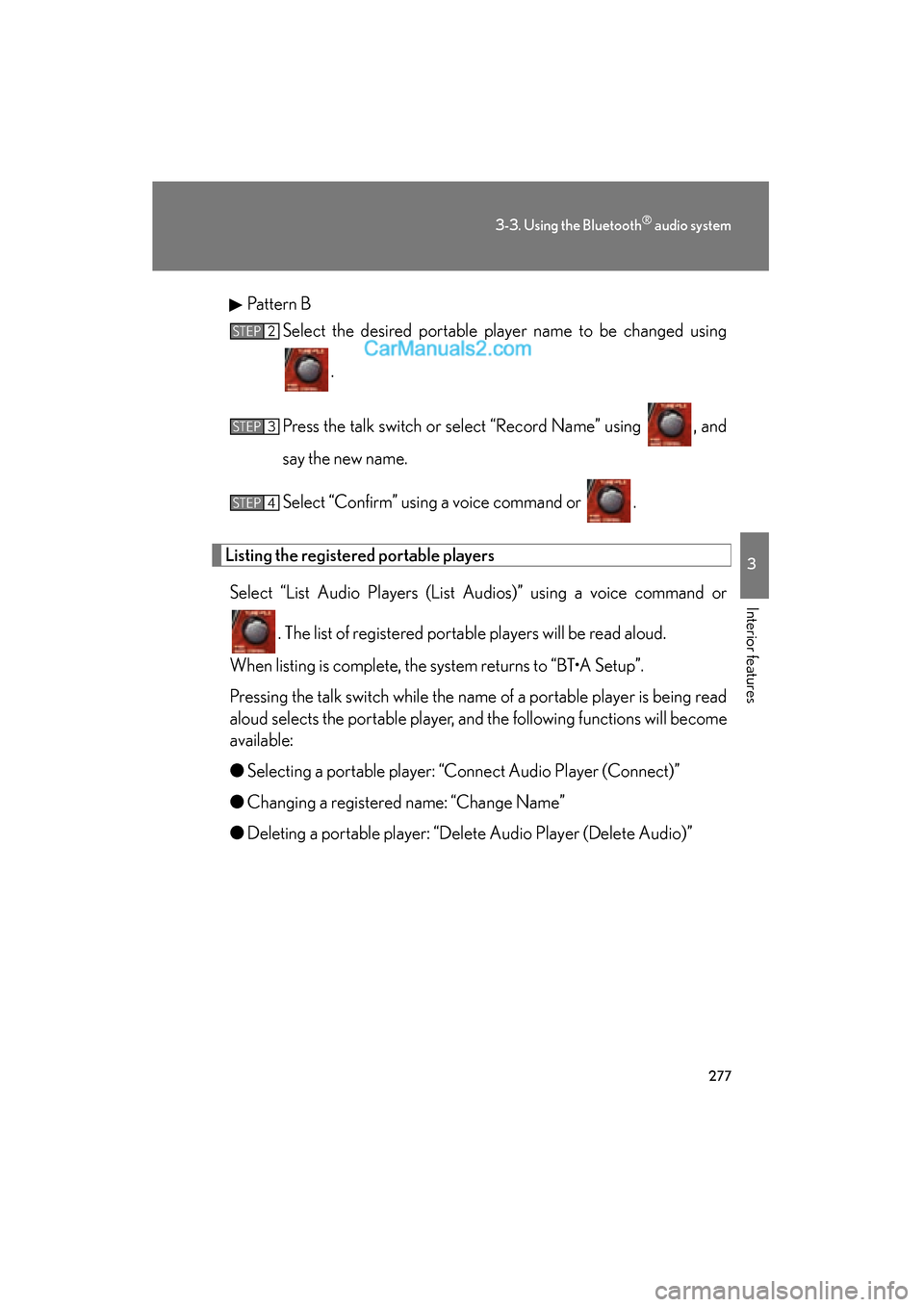
ES350_UPattern B
Select the desired portable player name to be changed using
.
Press the talk switch or select “Record Name” using , and
say the new name.
Select “Confirm” using a voice command or .
Listing the registered portable players Select “List Audio Players (List Audios)” using a voice command or
. The list of registered portable players will be read aloud.
When listing is complete, the system returns to “BT•A Setup”.
Pressing the talk switch while the name of a portable player is being read
aloud selects the portable player, and the following functions will become
available:
● Selecting a portable player: “Connect Audio Player (Connect)”
● Changing a registered name: “Change Name”
● Deleting a portable player: “Delete Audio Player (Delete Audio)”
STEP2
STEP3
STEP4
Page 280 of 563
278
3-3. Using the Bluetooth® audio system
ES350_U
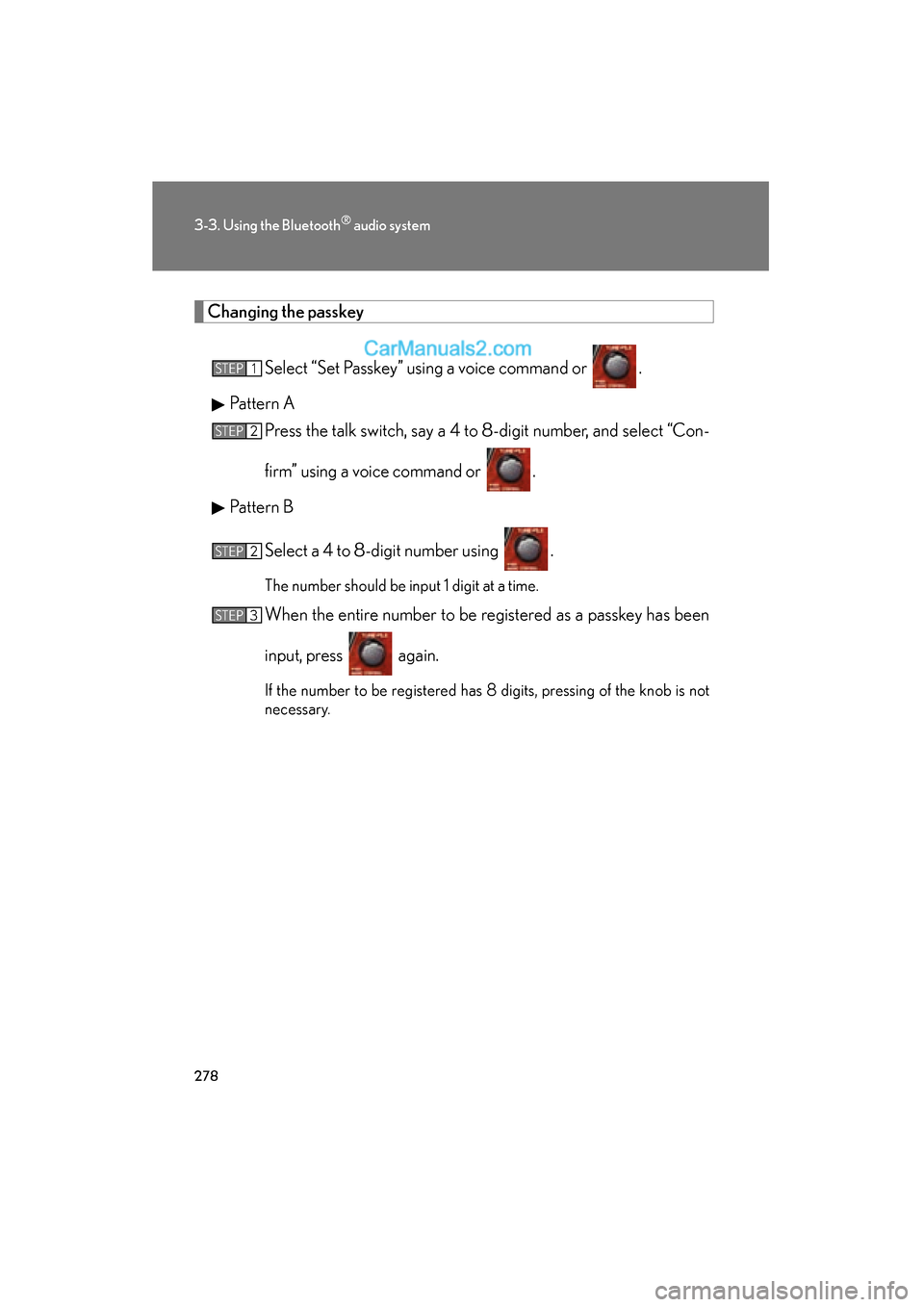
Changing the passkeySelect “Set Passkey” using a voice command or .
Pattern A Press the talk switch, say a 4 to 8-digit number, and select “Con-
firm” using a voice command or .
Pattern B
Select a 4 to 8-digit number using .
The number should be input 1 digit at a time.
When the entire number to be registered as a passkey has been
input, press again.
If the number to be registered has 8 digits, pressing of the knob is not
necessary.
STEP1
STEP2
STEP2
STEP3
Page 281 of 563
279
3-3. Using the Bluetooth® audio system
3
Interior features
ES350_U
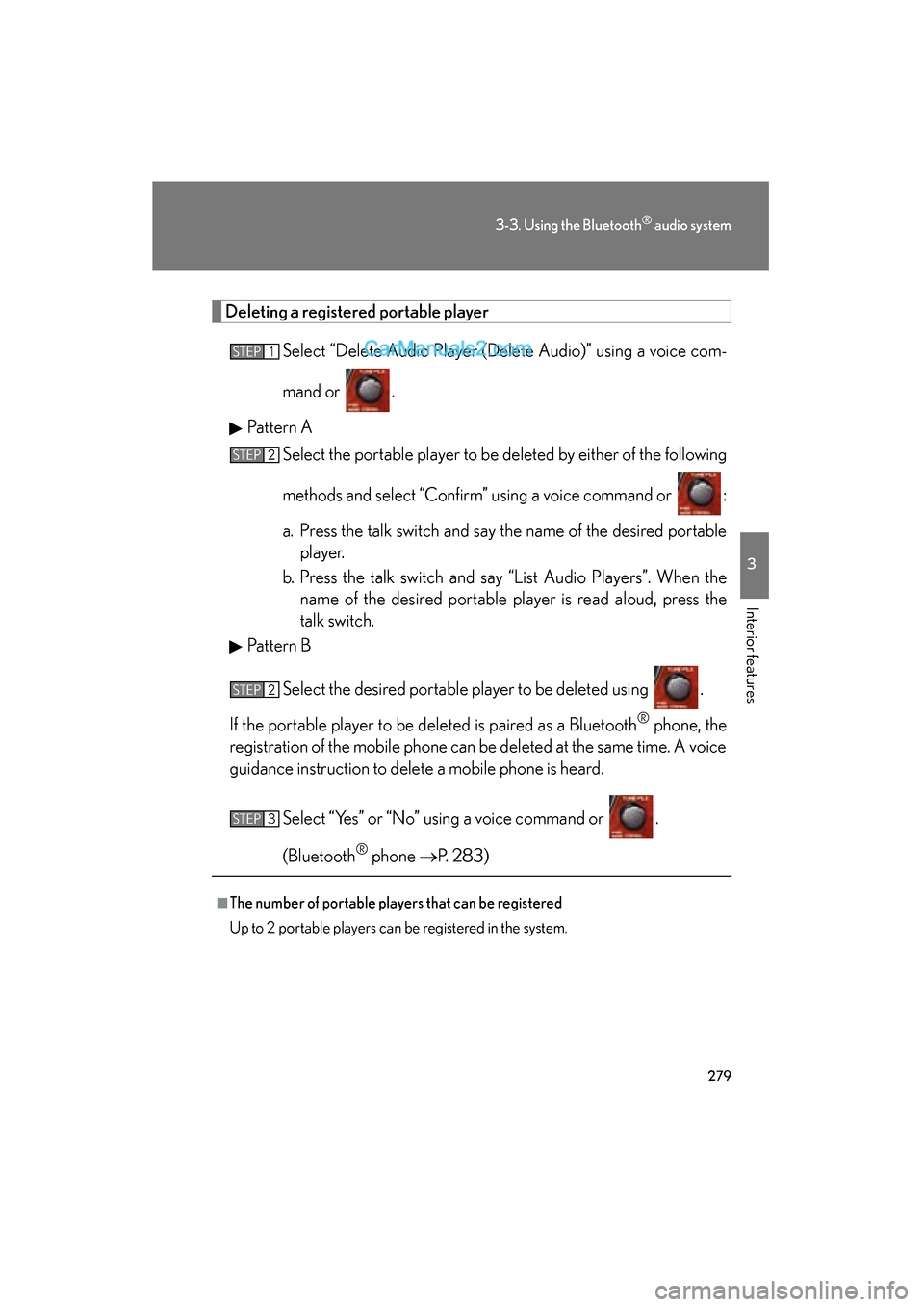
Deleting a registered portable playerSelect “Delete Audio Player (Delete Audio)” using a voice com-
mand or .
Pattern A Select the portable player to be deleted by either of the following
methods and select “Confirm” using a voice command or :
a. Press the talk switch and say the name of the desired portableplayer.
b. Press the talk switch and say “List Audio Players”. When the name of the desired portable player is read aloud, press the
talk switch.
Pattern B
Select the desired portable player to be deleted using .
If the portable player to be deleted is paired as a Bluetooth
® phone, the
registration of the mobile phone can be deleted at the same time. A voice
guidance instruction to delete a mobile phone is heard.
Select “Yes” or “No” using a voice command or .
(Bluetooth
® phone →P. 283)
■The number of portable players that can be registered
Up to 2 portable players can be registered in the system.
STEP1
STEP2
STEP2
STEP3
Page 284 of 563
282
3-4. Using the hands-free system (for mobile phone)
ES350_U
■Conditions under which the system will not operate
●If using a mobile phone that does not support Bluetooth®
●If the mobile phone is switched off
●If you are outside service range
●If the mobile phone is not connected
●If the mobile phone's battery is low
●If the mobile phone is behind the seat or in the glove box or console box
●If metal is covering or touching the phone
■When using the hands-free system
●The audio system and voice guidance are muted when making a call.
●If both parties speak at the same time, it may be difficult to hear.
●If the incoming call volume is overly loud, an echo may be heard.
●Try to face toward the microphone as much as possible when speaking.
●In the following circumstances, it may be difficult to hear the other party:
• When driving on unpaved roads
• When driving at high speeds
• When a window is open
• When the air conditioning is blowing directly on the microphone
• When the air conditioning is set to high
■When transferring ownership of the vehicle
Be sure to initialize the system to prevent the personal data from being improperly
accessed. (→P. 306)
■About Bluetooth®
Bluetooth is a registered trademark of
Bluetooth SIG. Inc.
Page 288 of 563
286
3-4. Using the hands-free system (for mobile phone)
ES350_U
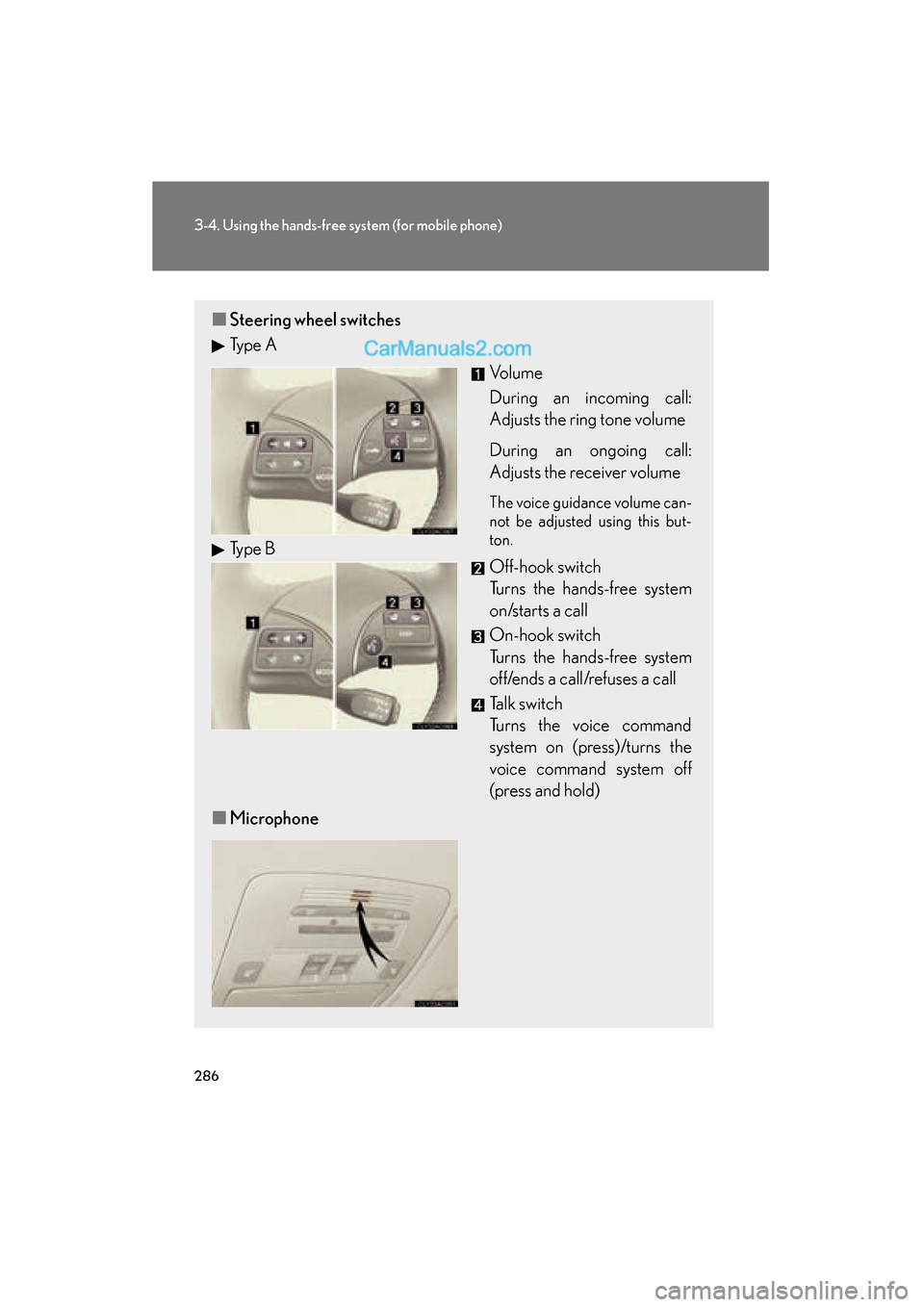
■Steering wheel switches
Ty p e A
Vo l u m e
During an incoming call:
Adjusts the ring tone volume
During an ongoing call:
Adjusts the receiver volume
The voice guidance volume can-
not be adjusted using this but-
ton.
Off-hook switch
Turns the hands-free system
on/starts a call
On-hook switch
Turns the hands-free system
off/ends a call/refuses a call
Talk switch
Turns the voice command
system on (press)/turns the
voice command system off
(press and hold)
■ Microphone
Type B
Page 289 of 563
287
3-4. Using the hands-free system (for mobile phone)
3
Interior features
ES350_U
Operating the system using voice commandsBy following voice guidance instructions output from the speaker, voice
commands enable to the operation of the hands-free system without the
need to check the display or operate .
■ Operation procedure when using voice commands
Press the talk switch and follow voice guidance instructions.
■ Auxiliary commands when using voice commands
The following auxiliary commands can be used when operating the
system using a voice command:
“Cancel”: Exits the hands-free system
“Repeat”: Repeats the previous voice guidance instruction
“Go back”: Returns to the previous procedure
“Help”: Reads aloud the function summary if a help comment is regis-
tered for the selected function