Page 290 of 563

288
3-4. Using the hands-free system (for mobile phone)
ES350_U
Using the hands-free system for the first time
Before using the hands-free system, it is necessary to register a mobile
phone in the system. The system will enter phone registration mode auto-
matically when starting the system with no mobile phone registered. Fol-
low the procedure below to register (pair) a mobile phone: Press the off-hook switch or the talk switch.
The introductory guidance and phone name registration instructions are
heard.
Select “Pair Phone” using a voice command or .
Register a phone name by either of the following methods.
a. Select “Record Name” by using , and say a name to beregistered.
b. Press the talk switch and say a name to be registered.
A voice guidance instruction to confirm the input is heard.
Select “Confirm” by using a voice command or .
A passkey is displayed and heard, and voice guidance instruction for
inputting the passkey into the mobile phone is heard. Input the passkey into the mobile phone.
Refer to the manual that comes with the mobile phone for the operation
of the phone.
Guidance for registration completion is heard.
If the mobile phone has a Bluetooth
® audio player, the audio player can
be registered at the same time. A voice guidance instruction to register a
Bluetooth
® audio player is heard.
STEP1
STEP2
STEP3
STEP4
STEP5
Page 295 of 563
293
3-4. Using the hands-free system (for mobile phone)
3
Interior features
ES350_U
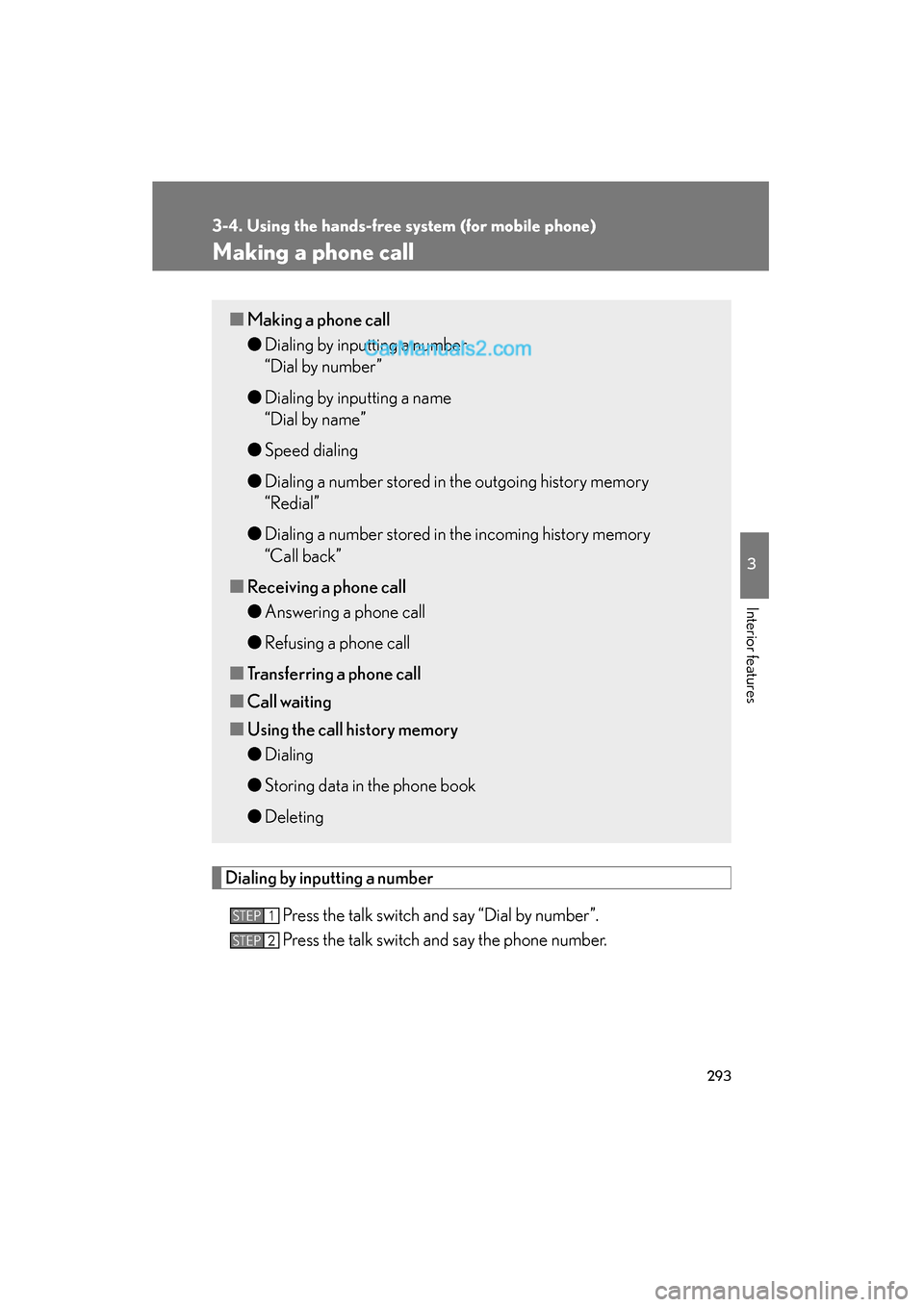
Making a phone call
Dialing by inputting a numberPress the talk switch and say “Dial by number”.
Press the talk switch and say the phone number.
■Making a phone call
●Dialing by inputting a number
“Dial by number”
● Dialing by inputting a name
“Dial by name”
● Speed dialing
● Dialing a number stored in the outgoing history memory
“Redial”
● Dialing a number stored in the incoming history memory
“Call back”
■ Receiving a phone call
●Answering a phone call
● Refusing a phone call
■ Transferring a phone call
■ Call waiting
■ Using the call history memory
●Dialing
● Storing data in the phone book
● Deleting
STEP1
STEP2
Page 296 of 563
294
3-4. Using the hands-free system (for mobile phone)
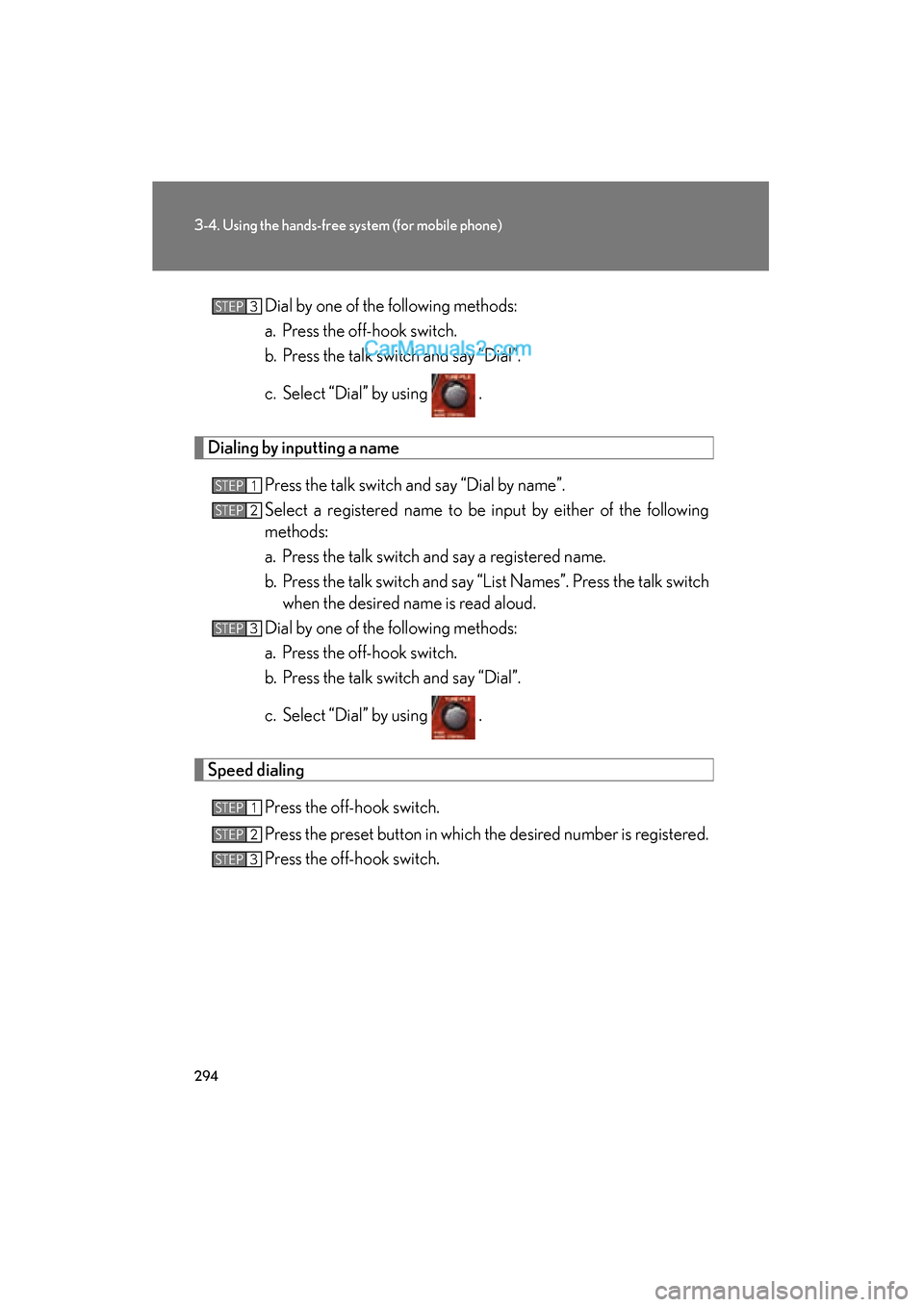
ES350_UDial by one of the following methods:
a. Press the off-hook switch.
b. Press the talk switch and say “Dial”.
c. Select “Dial” by using .
Dialing by inputting a name
Press the talk switch and say “Dial by name”.
Select a registered name to be input by either of the following
methods:
a. Press the talk switch and say a registered name.
b. Press the talk switch and say “List Names”. Press the talk switchwhen the desired name is read aloud.
Dial by one of the following methods:
a. Press the off-hook switch.
b. Press the talk switch and say “Dial”.
c. Select “Dial” by using .
Speed dialing
Press the off-hook switch.
Press the preset button in which the desired number is registered.
Press the off-hook switch.
STEP3
STEP1
STEP2
STEP3
STEP1
STEP2
STEP3
Page 297 of 563
295
3-4. Using the hands-free system (for mobile phone)
3
Interior features
ES350_U
When receiving a phone call■ Answering a phone call
Press the off-hook switch.
■ Refusing a phone call
Press the on-hook switch.
Transferring a phone call
A call can be transferred between the mobile phone and system while
dialing, receiving a call, or during a call. Use one of the following meth-
ods: a. Operate the mobile phone.
Refer to the manual that comes with the mobile phone for the operation
of the phone.
b. Press the off-hook switch*1.
c. Press the talk switch and say “Call Transfer”
*2.
*1: This operation can be performed only when transferring a call from the mobile phone to the system during a call.
*2: While the vehicle is in motion, a call cannot be transferred fromthe system to the mobile phone.
Call waiting
When a call is interrupted by an incoming call from a third party, the fol-
lowing options will become available:
● Answer the incoming call: Press the off-hook switch. (Press the off-
hook switch again as necessary to switch back and forth between
calls.)
● Refuse the incoming call: Press the on-hook switch.
Page 298 of 563
296
3-4. Using the hands-free system (for mobile phone)
ES350_U
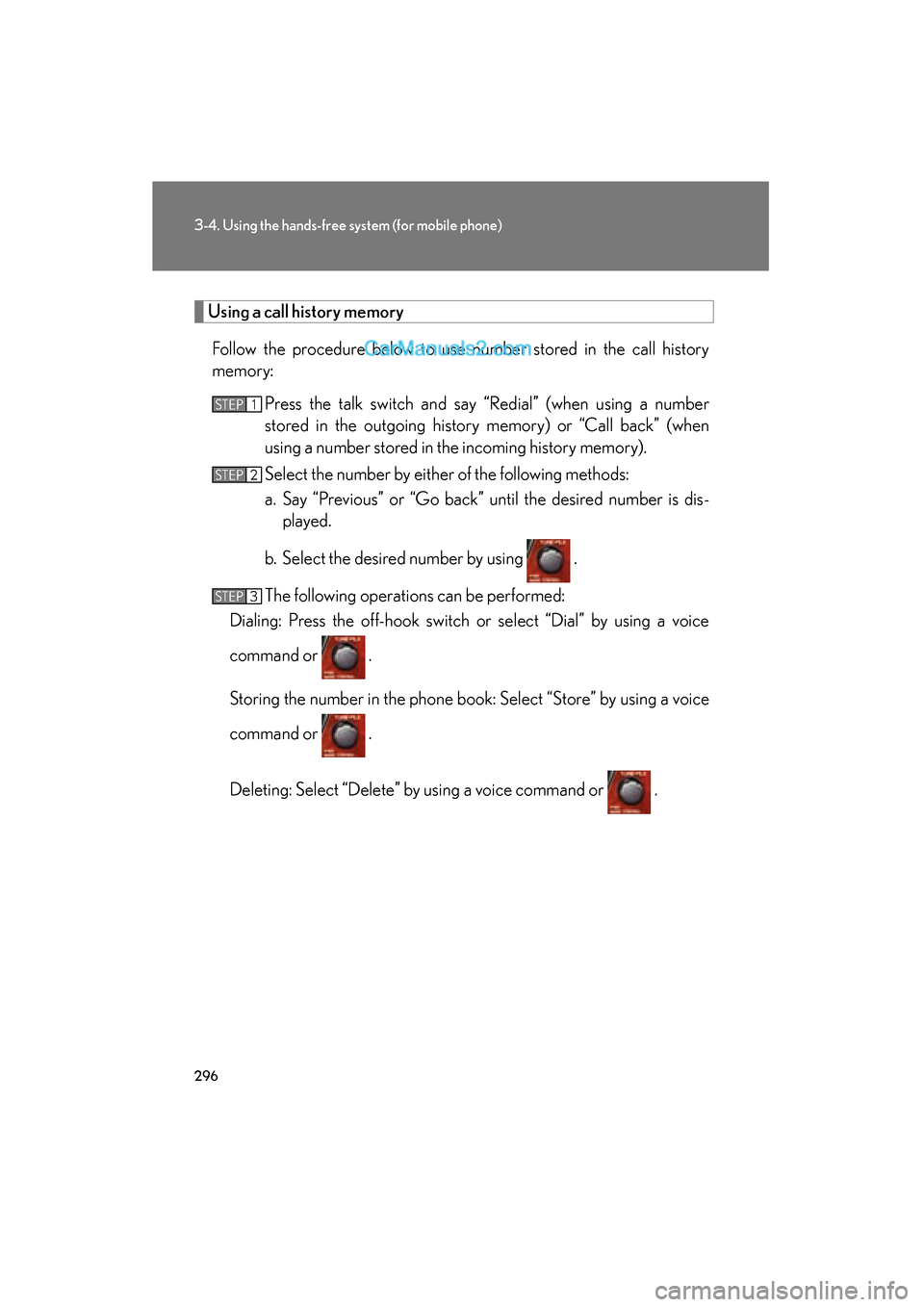
Using a call history memory
Follow the procedure below to use number stored in the call history
memory: Press the talk switch and say “Redial” (when using a number
stored in the outgoing history memory) or “Call back” (when
using a number stored in the incoming history memory).
Select the number by either of the following methods:
a. Say “Previous” or “Go back” until the desired number is dis-played.
b. Select the desired number by using .
The following operations can be performed:
Dialing: Press the off-hook switch or select “Dial” by using a voice
command or .
Storing the number in the phone book: Select “Store” by using a voice
command or .
Deleting: Select “Delete” by using a voice command or .
STEP1
STEP2
STEP3
Page 301 of 563
299
3-4. Using the hands-free system (for mobile phone)
3
Interior features
ES350_U
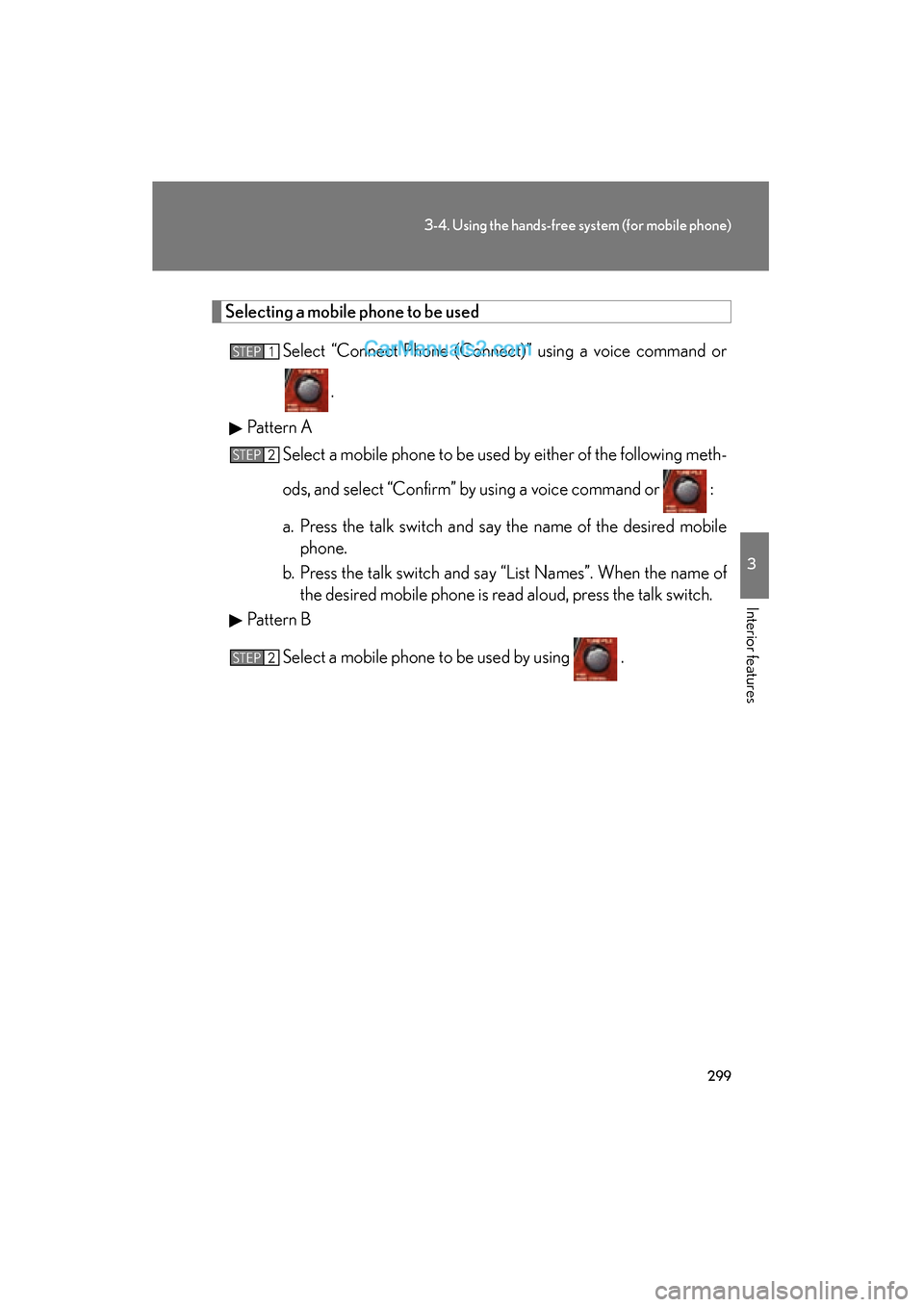
Selecting a mobile phone to be usedSelect “Connect Phone (Connect)” using a voice command or
.
Pattern A Select a mobile phone to be used by either of the following meth-
ods, and select “Confirm” by using a voice command or :
a. Press the talk switch and say the name of the desired mobilephone.
b. Press the talk switch and say “List Names”. When the name of the desired mobile phone is read aloud, press the talk switch.
Pattern B
Select a mobile phone to be used by using .
STEP1
STEP2
STEP2
Page 302 of 563
300
3-4. Using the hands-free system (for mobile phone)
ES350_U
Changing a registered name
Select “Change Name” by using a voice command or .
Pattern A Select the name of the mobile phone to be changed by either of
the following methods, and select “Confirm” using a voice com-
mand or :
a. Press the talk switch and say the name of the desired mobilephone.
b. Press the talk switch and say “List Names”. When the name of the desired mobile phone is read aloud, press the talk switch.
Pattern B
Select the desired mobile phone name to be changed using
.
Press the talk switch or select “Record Name” using , and
say the new name.
Select “Confirm” using a voice command or .
STEP1
STEP2
STEP2
STEP3
STEP4
Page 303 of 563
301
3-4. Using the hands-free system (for mobile phone)
3
Interior features
ES350_U
Listing the registered mobile phonesSelecting “List Names” by using a voice command or begins read-
ing aloud the list of the registered mobile phones.
When listing is complete, the system returns to “Phone Setup”.
Pressing the talk switch while the name of a mobile phone is being read
aloud selects the mobile phone, and the following functions will become
available:
● Selecting a mobile phone: “Connect Phone (Connect)”
● Changing a registered name: “Change Name”
● Deleting a mobile phone: “Delete Phone”
Changing the passkey
Select “Set Passkey” by using a voice command or .
Pattern A Press the talk switch, say a 4 to 8-digit number, and select “Con-
firm” using a voice command or .
Pattern B
Select a 4 to 8-digit number by using .
The number should be input 1 digit at a time.
When the entire number to be registered as a passkey has been
input, press once again.
If the number to be registered has 8 digits, pressing of the knob is not
necessary.
STEP1
STEP2
STEP2
STEP3