Page 286 of 722
�µ�µThe
SCAN f unction samples all the
tracks on the albumlist in the order
they were recorded. To activate this
f eature, press and release the SCAN
button. You will see ‘‘SCAN’’ in the
display. You will get a 10 second
sampling of each track in the list.
Press and hold the SCAN button to
get out of scan mode and play the
last track sampled.
You can also select the scan feature
from the menu items with the
selector knob (see page ). This f unction
samples the f irst track in each
albumlist in the order they are stored.
To activate the scan album feature,
press and release the SCAN button
repeatedly. You will see ‘‘D-SCAN’’
or ‘‘Scan Albums’’ in the display. You
will get a 10 second sampling of the
f irst track in each list. Press and hold
the SCAN button to get out of the
scan album mode and play the last
track sampled.
Pressing the selector knob turns of f
the scan or scan album f eature. Select ‘‘DELETE ALBUM’’ or
‘‘Delete Library Album,’’ then
press the selector knob.
You can also select the scan album
f eature f rom the menu items with
the selector knob (see page ).
Each time you press and release the
SCAN button, the mode changes
from scan track to scan album
feature, then to normal play. Press the SETUP button and turn
the selector knob to ‘‘CDL
SETUP’’ or ‘‘CD Library Setup.’’
Then press the selector knob.
The display will change to the
albumlist. Select the album that
you want to delete, press the
selector knob.
The conf irmation message is
displayed. Select ‘‘YES’’ to delete
album completely.
1.
2.
3.
4.
282
282
Playing CD L ibrary A udio (EX, EX-L models without navigation system)
SCAN TRK (Scan Tracks)SCAN AL BUM Deleting an Album
Features
283
10/07/17 10:12:21 31TK8600_288
2011 Odyssey
Page 292 of 722
�µEach time you press and
releasethe sideof theSKIPbar,
the system skips forward to the
beginning of the next track. Press
and release the side of the bar
to skip backward to the beginning of
the current track. Press it again to
skip to the beginning of the previous
track. Use the SKIP bar while an iPod is
playing to select passages and
change f iles.
To move rapidly within playing track,
press and hold either side ( or ) of the SKIP bar.
If the iPod indicator does not appear
in the audio display, check the
connections, and try to reconnect the
iPod a f ew times.
If the audio system still does not
recognize the iPod, the iPod may
need to be reset. Follow the
instructions that came with your
iPod, or you can f ind reset
instructions online at
The current f ile number and total of
the selected playable f iles are on the
display. It also shows the artist,
album and track (file) names on the
display.
Turning the selector knob to the
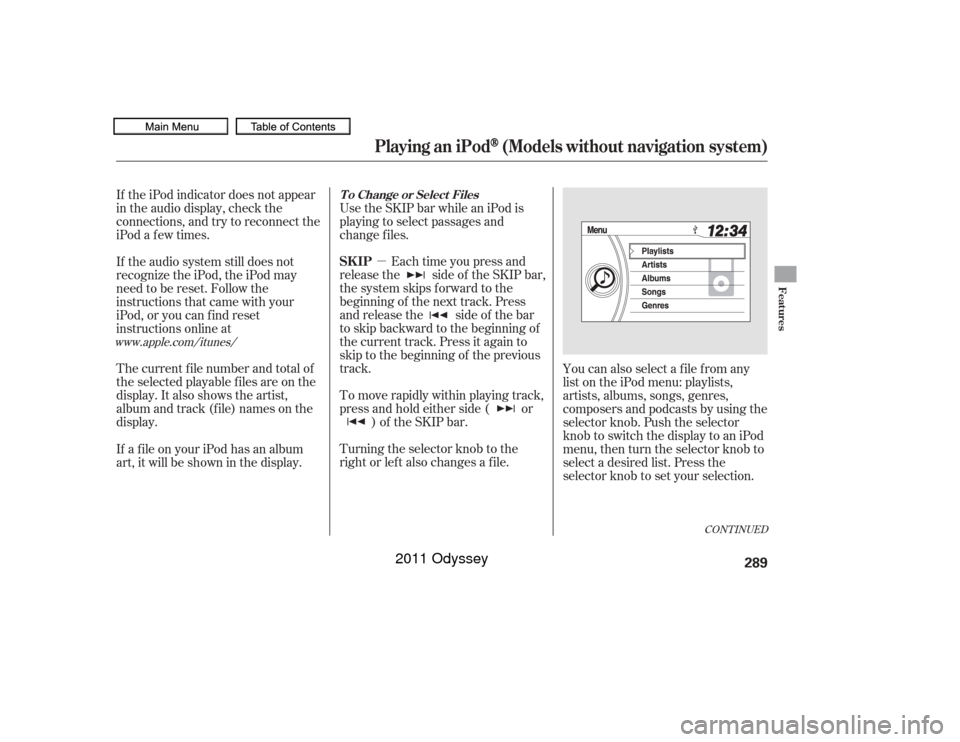
right or lef t also changes a f ile.You can also select a file from any
list on the iPod menu: playlists,
artists, albums, songs, genres,
composers and podcasts by using the
selector knob. Push the selector
knob to switch the display to an iPod
menu, then turn the selector knob to
select a desired list. Press the
selector knob to set your selection.
If a f ile on your iPod has an album
art, it will be shown in the display.
www.apple.com/
itunes/
CONT INUED
T o Change or Select FilesSK IP
Playing an iPod
(Models without navigation system)
Features
289
10/07/17 10:13:12 31TK8600_294
2011 Odyssey
Page 293 of 722
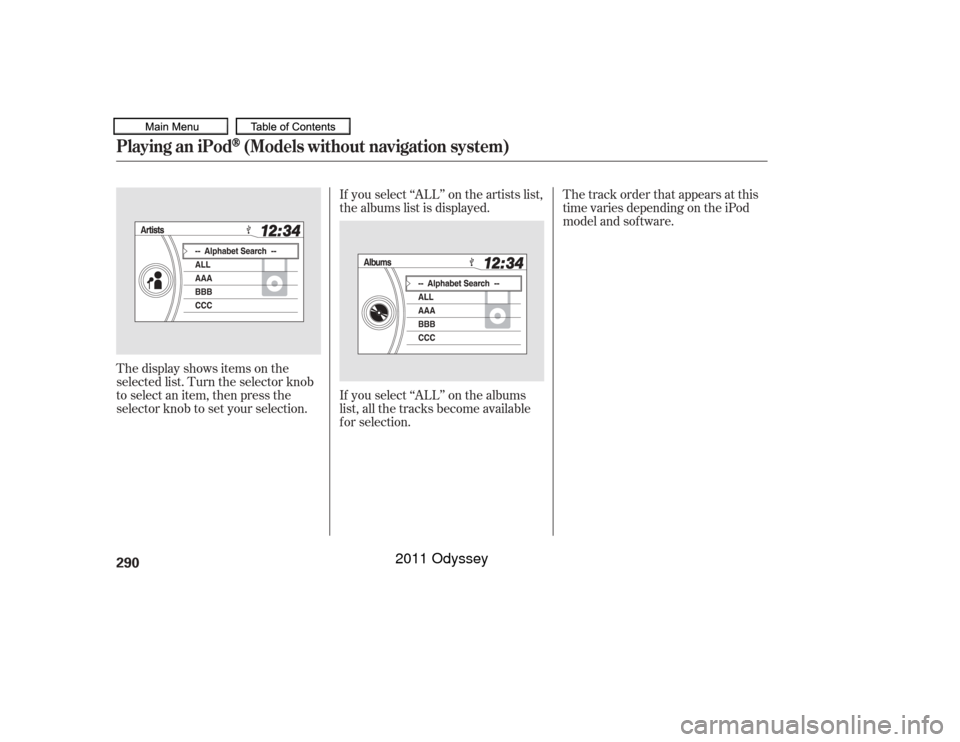
If you select ‘‘ALL’’ on the artists list,
the albums list is displayed.
If you select ‘‘ALL’’ on the albums
list, all the tracks become available
f or selection.
The display shows items on the
selected list. Turn the selector knob
to select an item, then press the
selector knob to set your selection. The track order that appears at this
time varies depending on the iPod
model and sof tware.
Playing an iPod
(Models without navigation system)
290
10/07/17 10:13:18 31TK8600_295
2011 Odyssey
Page 296 of 722
�Î
�ÎThe displayed message may
vary on models or versions. On
some models, there is no
message to disconnect.
You can disconnect the iPod at any
time when you see the ‘‘OK to
disconnect’’ message in the iPod
display. Always make sure you see
‘‘OK to disconnect’’ message in the
iPod display bef ore you disconnect it.
Make sure to f ollow the iPod’s
instructions on how to disconnect
the dock connector f rom the USB
adapter cable. You can also press the MODE
buttononthesteeringwheelto
change modes. To take the system out of the iPod
mode, press one of the other source
buttons than the USB/AUX button.
When a compatible audio unit is
connected to the auxiliary input jack,
press the USB/AUX button to select When you disconnect the iPod while
it is playing, the display shows No
Data.
If you reconnect the same iPod, the
system may begin playing where it
lef t of f , depending on what mode the
iPod is in when it is reconnected.If you see an error message in the
display, see page .
:
294
iPod
Error Messages
T o Stop Playing Your iPod
Disconnect ing an iPod
Playing an iPod
(Models without navigation system)
Features
293
10/07/17 10:13:38 31TK8600_298
select it.
2011 Odyssey
Page 300 of 722
Some devices cannot be powered
or charged via the USB adapter. If
this is the case, use the accessory
adapter to supply power to your
device.Some versions of MP3, WMA, or
AAC f ormat may not be supported. If
an unsupported f ile is f ound, the
audio unit displays UNSUPPORTED,
then skips to the next file.
In WMA or AAC format, DRM
(digital rights management) f iles
cannot be played. If the system f inds
a DRM f ile, the audio unit displays
UNPLAYABLE FILE, and then skips
to the next file.
The order of f iles in USB playback
maybedifferentfromtheorderof
f iles displayed in PC or other
devices etc. Files are played in the
orderstoredinUSBflashmemory
device.
Depending on the type and
number of f iles, it may take some
time bef ore they begin to play.
Depending on the sof tware the
f iles were made with, it may not be
possibletoplaysomefiles,or
displaysometextdata. We recommend backing up your
data bef ore playing a USB f lash
memory device.
Depending on the type of
encoding and writing sof tware
used, there may be cases where
character inf ormation does not
display properly.
CONT INUED
Playing a USB Flash Memory Device (Models without navigation system)
Features
297
Combining a low sampling f requency
with a low bitrate may result in
extremely degraded sound quality.
10/07/17 10:14:04 31TK8600_302
2011 Odyssey
Page 302 of 722
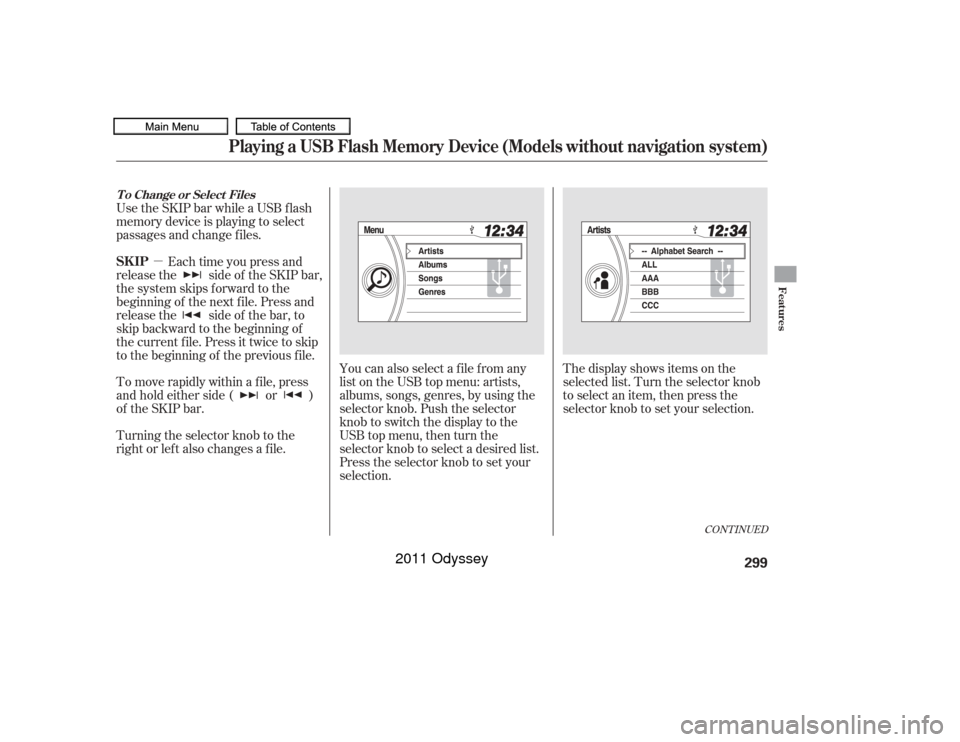
�µYou can also select a file from any
list on the USB top menu: artists,
albums, songs, genres, by using the
selector knob. Push the selector
knob to switch the display to the
USB top menu, then turn the
selector knob to select a desired list.
Press the selector knob to set your
selection. The display shows items on the
selected list. Turn the selector knob
to select an item, then press the
selector knob to set your selection.
Use the SKIP bar while a USB f lash
memory device is playing to select
passages and change f iles.
Each time you press and
releasethe sideof theSKIPbar,
the system skips forward to the
beginning of the next f ile. Press and
releasethe sideof thebar,to
skip backward to the beginning of
the current f ile. Press it twice to skip
to the beginning of the previous file.
To move rapidly within a f ile, press
andholdeitherside( or )
of the SKIP bar.
Turning the selector knob to the
right or lef t also changes a f ile.
CONT INUED
T o Change or Select FilesSK IP
Playing a USB Flash Memory Device (Models without navigation system)
Features
299
10/07/17 10:14:19 31TK8600_304
2011 Odyssey
Page 305 of 722
To take the system out of the USB
mode, press one of the other source
buttons than the USB/AUX button.
When a compatible audio unit is
connected to the auxiliary input jack,
press the USB/AUX button to select it.You can disconnect the USB f lash
memory device at any time even if
the USB mode is selected on the
audio system. Always f ollow the USB
f lash memory device’s instructions
when you remove it. When you disconnect the USB f lash
memory device while it is playing,
the display shows No Data.
To Stop Playing a USB Flash
Memory Device
Disconnect ing a USB Flash Memory
Device
Playing a USB Flash Memory Device (Models without navigation system)302
10/07/17 10:14:35 31TK8600_307
2011 Odyssey
Page 316 of 722
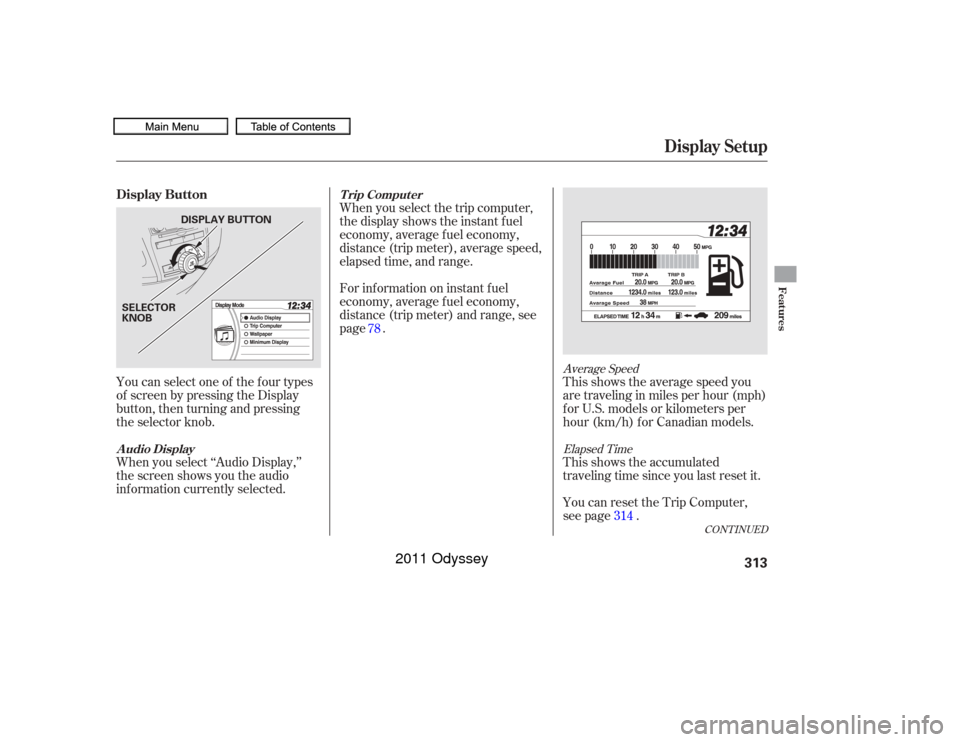
When you select the trip computer,
the display shows the instant f uel
economy, average f uel economy,
distance (trip meter), average speed,
elapsed time, and range.
For inf ormation on instant f uel
economy, average f uel economy,
distance (trip meter) and range, see
page .This shows the average speed you
are traveling in miles per hour (mph)
forU.S.modelsorkilometersper
hour (km/h) f or Canadian models.
This shows the accumulated
traveling time since you last reset it.
You can reset the Trip Computer,
see page .
You can select one of the f our types
of screen by pressing the Display
button, then turning and pressing
the selector knob.
When you select ‘‘Audio Display,’’
the screen shows you the audio
inf ormation currently selected.
314
78
Average Speed
Elapsed Time
CONT INUED
T rip Comput er
A udio Display
Display Setup
Display Button
Features
313
DISPLAY BUTTON
SELECTOR
KNOB
10/07/17 10:16:01 31TK8600_318
2011 Odyssey