2010 MERCEDES-BENZ SLS COUPE parking sensors
[x] Cancel search: parking sensorsPage 15 of 361
Operating (on-board computer)
.....235
Selecting amedium ....................... 175
Multifunction display ..........................62
Multifunction steering wheel .....62, 230
Overview .......................................... 28
Multisession CDs ............................... 166
Music Register .................................. .178
Copying musi cdata ....................... 181
MUSIC REGISTER
Deleting allm usic files................... 182
My address ........................................ 123N
Navigation Basi csettings .................................. 84
On-board computer .......................234
Navigation announcements .............116
Switching off .................................. 116
Switching on .................................. 116
North up orientation ...........................84
Notes on running in anew vehicle ..266 O
Odometer see Total distance recorde r........... 233
see Trip meter ....................... 233, 234
Off-map .............................................. 115
Off-road .............................................. 115
Oil Consumption ................................. 269
Topping up ..................................... 269
Oil level
Checking (dipstick) ........................269
On-board computer ...........................230
AMG menu ..................................... 241
Audi omenu ................................... 235
Convenience submenu ..................240
Display messages ..........................289
Factory settings ............................. 240
Instrument cluster submenu ..........238
Ligh tsubmenu ............................... 238
Navigation menu ............................ 234
Overview ........................................ 232
Service menu ................................. 237
Settings menu ............................... 238
Standard display submenu ............233 Telephone menu
............................ 236
Trip menu ...................................... 232
Vehicle submenu ........................... 240
Opening and closing .........................200
Acoustic confirmation ....................240
Operating system
see On-board computer
Orientation in direction of travel .......84
Outside temperature indicator ........230 P
Pain tcode .......................................... 348
Paintwork Cleaning ......................................... 283
Parking ............................................... 221
Parking aid Exterior mirror on the front-
passenger side ............................... 209
PARKTRONI C................................. 248
Parking brake
Display message ............................ 296
Electric parking brake ....................221
Parking position
Exterior mirror on the front-
passenger side ............................... 209
PARKTRONIC ...................................... 248
Activating/deactivating .................250
Malfunction ................................... .316
Range of the sensors .....................248
Warning displa y............................. 249
PASSENGE RAIRBAG OFF warning
lamp ............................................. 42, 307
PCMCIA memory card Ejecting .......................................... 171
Loading .......................................... 169
Permanent Speedtronic ....................247
Petrol Minimum grade .............................. 267
see Fuel
Phone book
Adding a numbe rto an address
book entry. .................................... 141
Calling up ....................................... 137
Creating anew entry ..................... 14012
Index BA 197 ECE RE 2010/6a; 1; 2, en-GB
sabbae uV ersion: 3.0.3.6
2010-05-07T14:19:43+02:00 - Seite 12
Page 251 of 361
Shortly before the store
dspeed is reached, it
appears in the multifunction display.
You cannot exceed the stored limit speed,
even if you depress the accelerator pedal
beyond the pressure point (kickdown).
Setting permanent SPEEDTRONIC
X Press the 0008or000E button to select the
Settings menu.
X Press 000Cor000F to highlight the Vehi‐
cle submenu and select with 000A.
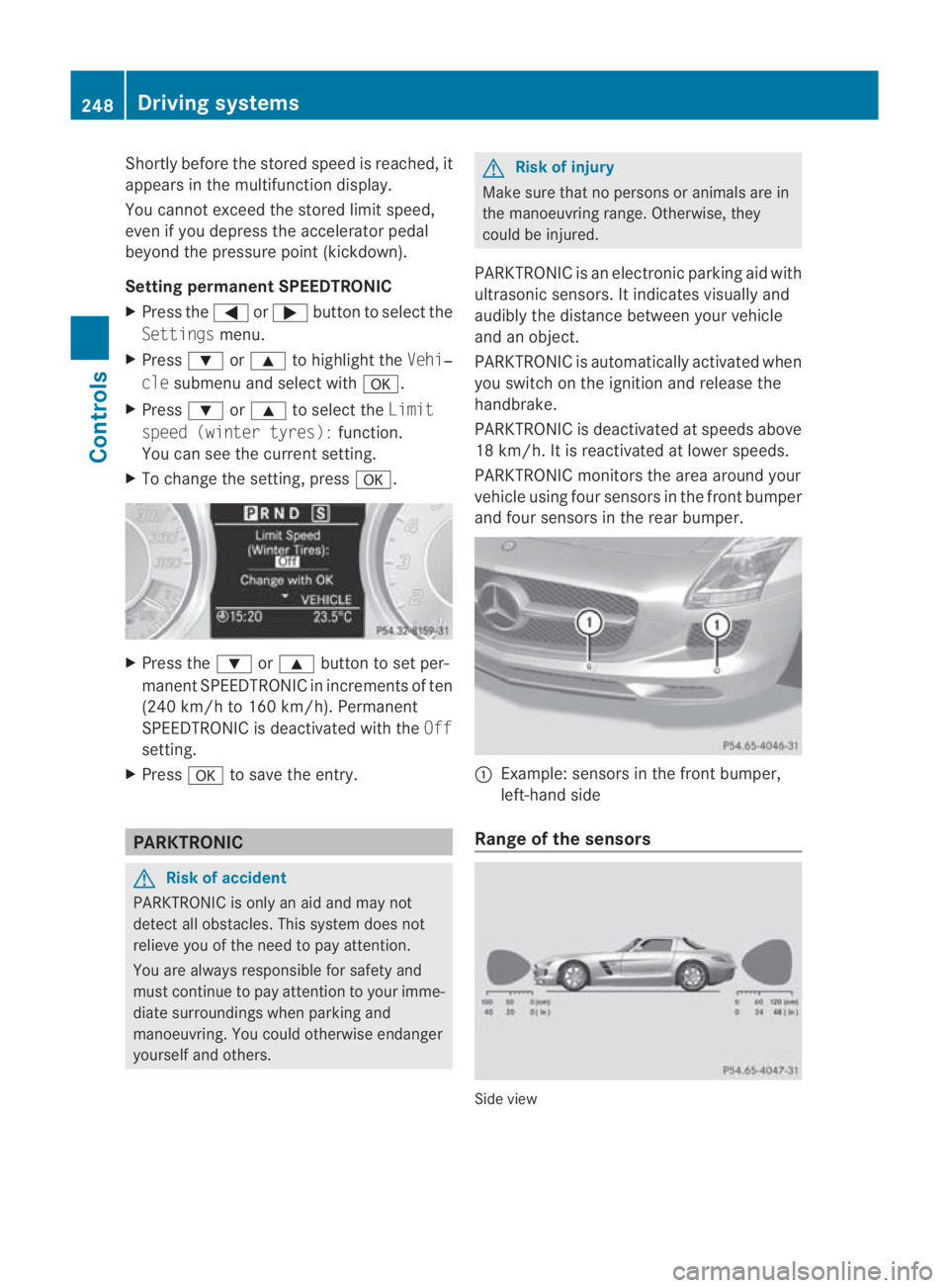
X Press 000Cor000F to select the Limit
speed (winter tyres): function.
You can see the current setting.
X To change the setting, press 000A.X
Press the 000Cor000F button to set per-
manent SPEEDTRONIC in increment sof ten
(240 km/h to 160 km/h). Permanent
SPEEDTRONIC is deactivated with the Off
setting.
X Press 000Ato save the entry. PARKTRONIC
G
Risk of accident
PARKTRONIC is only an aid and may not
detect all obstacles. This syste mdoes not
relieve you of the need to pay attention.
You are always responsible for safety and
must continue to pay attention to your imme-
diate surroundings when parking and
manoeuvring. You could otherwise endanger
yourself and others. G
Risk of injury
Make sure that no persons or animals are in
the manoeuvring range. Otherwise, they
could be injured.
PARKTRONIC is an electronic parking aid with
ultrasonic sensors. It indicates visually and
audibly the distance between your vehicle
and an object.
PARKTRONIC is automatically activated when
you switch on the ignition and release the
handbrake.
PARKTRONIC is deactivated at speeds above
18 km/h. It is reactivated at lower speeds.
PARKTRONIC monitors the area around your
vehicle using four sensors in the front bumper
and four sensors in the rear bumper. 0001
Example: sensors in the front bumper,
left-hand side
Range of the sensors Side view248
Driving systemsControls
BA 197 ECE RE 2010/6a; 1; 2, en-GB
sabbaeu
Version: 3.0.3.6 2010-05-07T14:19:43+02:00 - Seite 248
Page 252 of 361
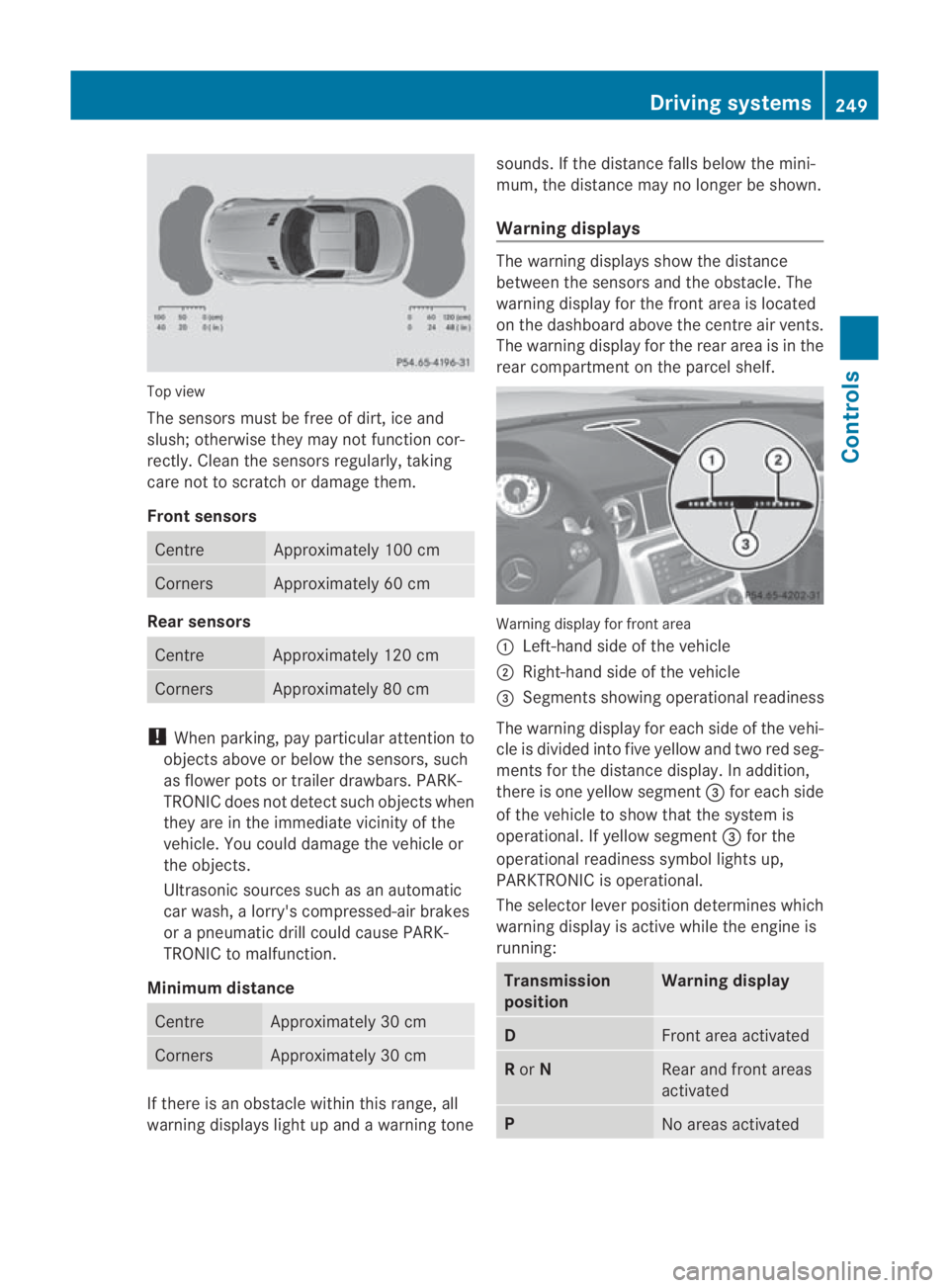
Top view
The sensors must be free of dirt, ice and
slush; otherwise they may not function cor-
rectly. Clean the sensors regularly, taking
care not to scratch or damage them.
Front sensors Centre Approximately 100 cm
Corners Approximately 60 cm
Rear sensors
Centre Approximately 120 cm
Corners Approximately 80 cm
!
When parking, pay particular attention to
objects above or below the sensors, such
as flower pots or trailer drawbars. PARK-
TRONIC does not detect such objects when
they are in the immediate vicinity of the
vehicle. You could damage the vehicle or
the objects.
Ultrasonic sources such as an automatic
car wash, a lorry's compressed-air brakes
or a pneumatic drill could cause PARK-
TRONIC to malfunction.
Minimum distance Centre Approximately 30 cm
Corners Approximately 30 cm
If there is an obstacle within this range, all
warning displays light up and a warning tone sounds. If the distance falls below the mini-
mum, the distance may no longer be shown.
Warning displays The warning displays show the distance
between the sensors and the obstacle. The
warning display for the front area is located
on the dashboard above the centre air vents.
The warning display for the rear area is in the
rear compartment on the parcel shelf.
Warning display for front area
0001
Left-hand side of the vehicle
0002 Right-hand side of the vehicle
0015 Segments showing operational readiness
The warning display for each side of the vehi-
cle is divided into five yellow and two red seg-
ments for the distance display .Inaddition,
there is one yellow segment 0015for each side
of the vehicle to show that the system is
operational. If yellow segment 0015for the
operational readiness symbol lights up,
PARKTRONIC is operational.
The selector lever position determines which
warning display is active while the engine is
running: Transmission
position Warning display
D
Front area activated
R
or N Rear and front areas
activated
P
No areas activatedDriving systems
249Controls
BA 197 ECE RE 2010/6a; 1; 2, en-GB
sabbaeu Version: 3.0.3.6 2010-05-07T14:19:43+02:00 - Seite 249 Z