Raise or lower the entire seat by moving the entirecontrol up or down.
SeePower Seats on page 2!4.
Power Lumbar
To increase lumbar support, press and hold the frontof the control. To decrease, press and hold the rear ofthe control.
To raise the height of the support, press and hold thetop of the control. To lower, press and hold the bottomof the control.
SeePower Lumbar on page 2!5.
Power Reclining Seatbacks
To recline the seatback, tilt the top of the controlrearward.
To bring the seatback forward, tilt the top of the controlforward.
SeePower Reclining Seatbacks on page 2!8.
1-8
Power Lumbar
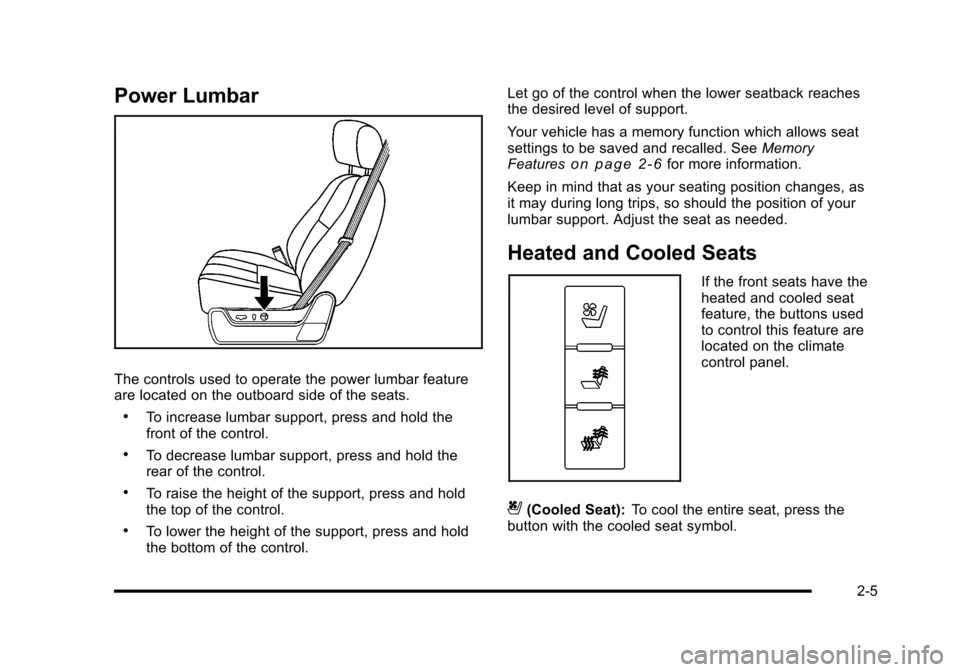
The controls used to operate the power lumbar featureare located on the outboard side of the seats.
.To increase lumbar support, press and hold thefront of the control.
.To decrease lumbar support, press and hold therear of the control.
.To raise the height of the support, press and holdthe top of the control.
.To lower the height of the support, press and holdthe bottom of the control.
Let go of the control when the lower seatback reachesthe desired level of support.
Your vehicle has a memory function which allows seatsettings to be saved and recalled. SeeMemoryFeatureso n p a g e 2!6for more information.
Keep in mind that as your seating position changes, asit may during long trips, so should the position of yourlumbar support. Adjust the seat as needed.
Heated and Cooled Seats
If the front seats have theheated and cooled seatfeature, the buttons usedto control this feature arelocated on the climatecontrol panel.
{(Cooled Seat):To cool the entire seat, press thebutton with the cooled seat symbol.
2-5