Page 251 of 578
�µ
CONT INUED
This f eature, when
activated, samples the first track in
each disc in order (the f irst f ile in
themainfolderoneachdiscinMP3
or WMA mode). To activate the disc
scan feature, press and release the
SCAN button repeatedly until
D-SCAN shows in the display. The
system will then play the f irst track/
f ile in the f irst main f older in the f irst
disc f or about 10 seconds. If you do
nothing, the system will then play
the f ollowing f irst track/f ile f or 10
seconds each. When it plays a track/
file that you want to continue
listening to, press and hold the
SCAN button again. Each time you press and release the
SCAN button, the mode changes
from scan, disc scan, then to normal
playing.
Each time you press and release the
SCAN button, the mode changes
f rom f ile scan, f older scan, disc scan,
then to normal playing.You can also eject the disc when the
ignition switch is of f .
When the f irst track in the last disc,
or the f irst f ile in the last main f older
in the last disc begins to play, the
disc scan mode will be canceled.
Pressing either side of the SKIP bar
or selecting a dif f erent f older with
the CATEGORY bar also turns off
the scan feature.
Press the eject button ( ) to
remove the disc. If you eject the disc,
but do not remove it f rom the slot,
the system will automatically reload
the disc af ter 10 seconds and begin
playing.
To play the radio when a disc is
playing, press the AM, FM, AM/FM,
or XM (if equipped) button. Press
the CD (CD/AUX on models with
XM satellite radio) button again to
switch back to the disc changer.
In MP3 or WMA mode
D-SCAN
To Stop Playing a Disc
Playing Discs (EX and EX-L models)
Features
247
�����—�����—�
���y�
�������������y���
�(�/���������y���������y
2009 Pilot
Page 252 of 578
If you turn the system of f while a
disc is playing, either with the
power/volume knob or by turning
of f the ignition switch, the disc will
stay in the drive. When you turn the
system back on, the disc will begin
playing where it lef t of f .
To remove the disc currently in play,
press the eject button. When a disc is
removed f rom a slot, the system
automatically begins the load
sequence so you can load another
disc in that position. If you do not
remove the disc f rom the changer
within 10 seconds, the disc will
reload into the slot. Then the system
returns to the previous mode (AM,
FM, or XM).To remove a different disc from the
changer,firstselectitwiththe
appropriate preset button. When that
disc begins playing, press the eject
button. Continue pressing the eject
button to remove all the discs from
the changer.
For inf ormation on how to handle
and protect compact discs, see page
.
You can also eject discs when the
ignition switch is of f . The disc that
was last selected is ejected f irst.
283
Protecting Discs
Removing Discs f rom t he In-dash
Disc Changer
Playing Discs (EX and EX-L models)
248
�����—�����—�
���y�
�������������y���
�(�/���������y���������y
2009 Pilot
Page 257 of 578
�µ
�µ
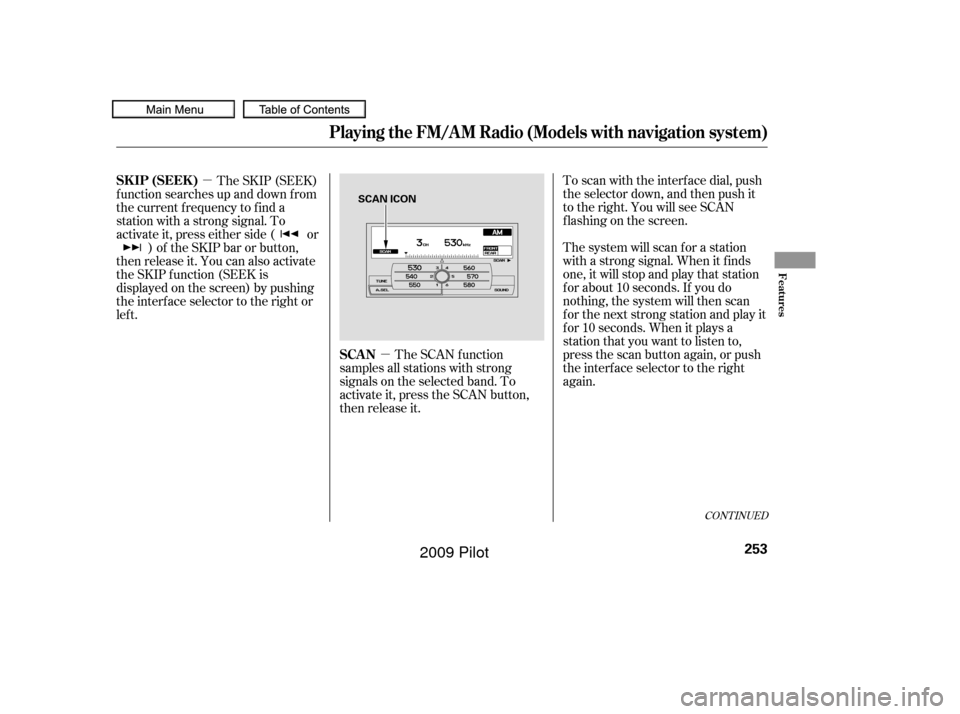
To scan with the interf ace dial, push
the selector down, and then push it
to the right. You will see SCAN
f lashing on the screen.
The system will scan f or a station
with a strong signal. When it f inds
one, it will stop and play that station
f or about 10 seconds. If you do
nothing, the system will then scan
f or the next strong station and play it
f or 10 seconds. When it plays a
station that you want to listen to,
press the scan button again, or push
the interface selector to the right
again.
The SCAN f unction
samples all stations with strong
signals on the selected band. To
activate it, press the SCAN button,
then release it.
The SKIP (SEEK)
f unction searches up and down f rom
the current f requency to f ind a
station with a strong signal. To
activate it, press either side ( or ) of the SKIP bar or button,
then release it. You can also activate
the SKIP function (SEEK is
displayed on the screen) by pushing
the interface selector to the right or
lef t.
CONT INUED
SCAN
SK IP (SEEK )
Playing the FM/A M Radio (Models with navigation system)
Features
253
SCAN ICON
�����—�����—�
���y�
������
������y���
�(�/���������y���������y
2009 Pilot
Page 258 of 578
�µ
�µ
If you are
traveling far from home and can no
longer receive your preset stations,
you can use the auto select feature to
find stations in the local area.
Each preset button or
preset icon can store one f requency
on AM and two f requencies on FM.
Select the desired band, AM or
FM. FM1 and FM2 let you store
twosetsof FMfrequencieswith
the preset buttons (on-screen
icons).
Usethetune,seek,orscan
function to tune the radio to a
desired station.
Press the preset button, and hold
it until you hear a beep. You can
also store f requencies with the
interf ace dial. Select the preset
icon you want to store the
f requency on, then press ENTER
on the interf ace selector, and hold
it f or more than 2 seconds.
Repeat steps 1 through 3 to store a
total of six stations on AM and
twelve stations on FM. You will see ‘‘0’’ displayed if auto
select cannot f ind a strong station f or
every preset button.
If you do not like the stations auto
select has stored, you can store
other f requencies on the preset
buttons (icons) as previously
described.
To turn of f auto select, press
ENTER on the interf ace selector or
press the A.SEL button again. This
restores the presets you originally
set.
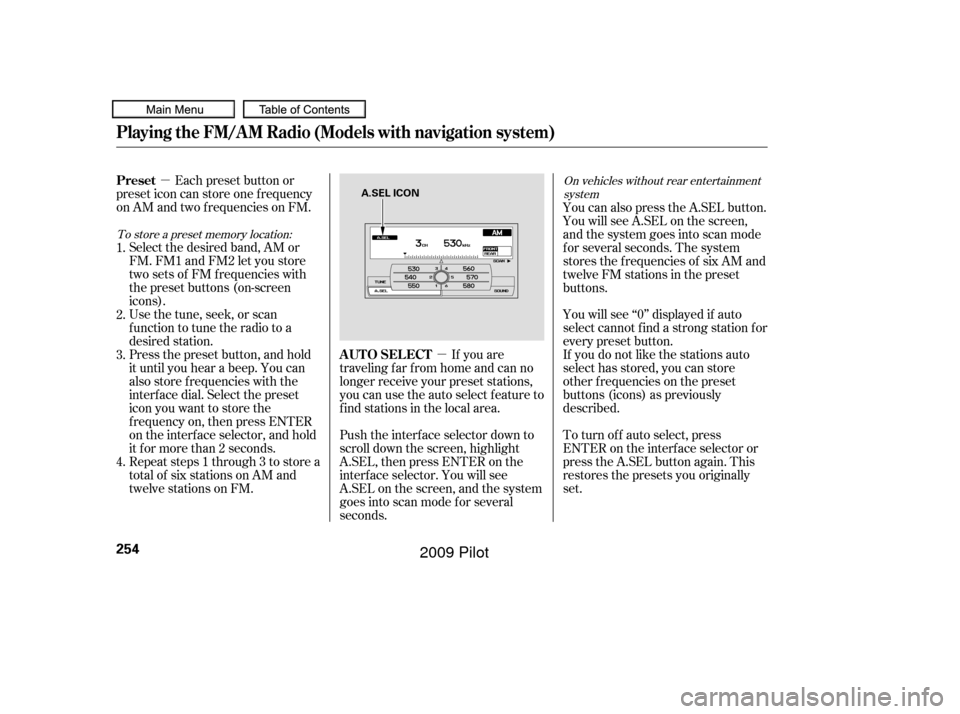
Push the interf ace selector down to
scroll down the screen, highlight
A.SEL, then press ENTER on the
interf ace selector. You will see
A.SEL on the screen, and the system
goes into scan mode f or several
seconds. You can also press the A.SEL button.
YouwillseeA.SELonthescreen,
and the system goes into scan mode
f or several seconds. The system
stores the f requencies of six AM and
twelve FM stations in the preset
buttons.
1.
2.
3.
4.
To store a preset memory location: On vehicles without rear entertainment
system
AUTO SELECT
Preset
Playing the FM/A M Radio (Models with navigation system)
254
A.SEL ICON
�����—�����—�
���y�
������
������y���
�(�/���������y���������y
2009 Pilot
Page 261 of 578
�µ�´
CONT INUED
If the system does not find a station,
‘‘NOTHING’’ will be blinking f or
about 5 seconds, then the system
goes back to the last selected station.
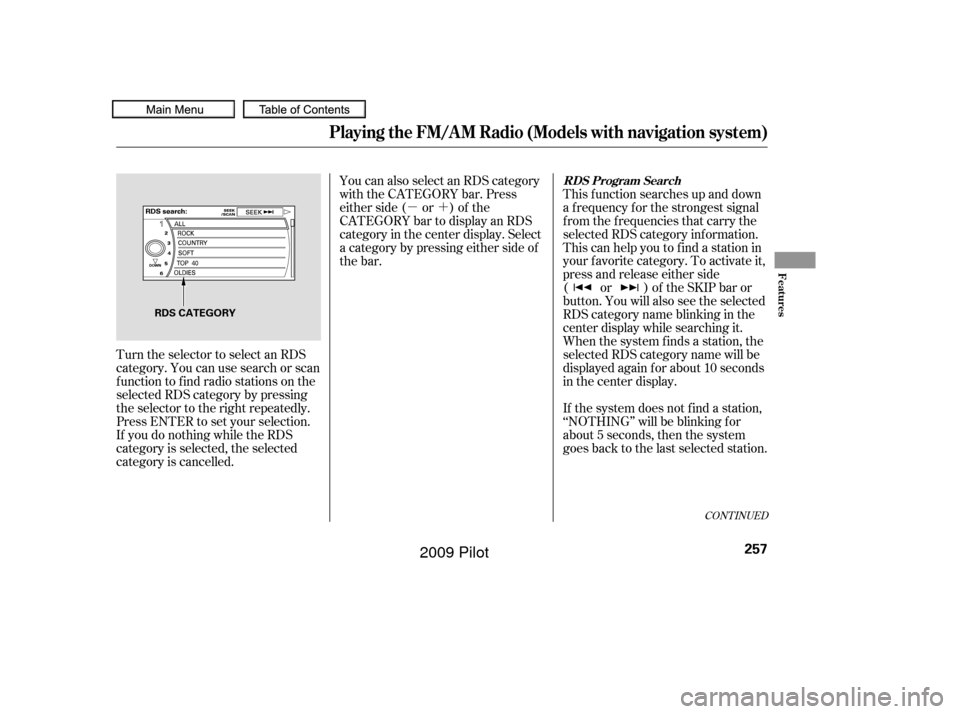
Turn the selector to select an RDS
category. You can use search or scan
function to find radio stations on the
selected RDS category by pressing
the selector to the right repeatedly.
Press ENTER to set your selection.
If you do nothing while the RDS
category is selected, the selected
category is cancelled. This f unction searches up and down
a f requency f or the strongest signal
f rom the f requencies that carry the
selected RDS category inf ormation.
This can help you to find a station in
your favorite category. To activate it,
press and release either side
( or ) of the SKIP bar or
button. You will also see the selected
RDS category name blinking in the
center display while searching it.
When the system finds a station, the
selected RDS category name will be
displayed again for about 10 seconds
in the center display.
You can also select an RDS category
with the CATEGORY bar. Press
either side ( or ) of the
CATEGORY bar to display an RDS
category in the center display. Select
a category by pressing either side of
the bar.
Playing the FM/A M Radio (Models with navigation system)
RDS Program Search
Features
257
RDS CATEGORY
�����—�����—�
���y�
�����������
�y���
�(�/���������y���������y
2009 Pilot
Page 262 of 578
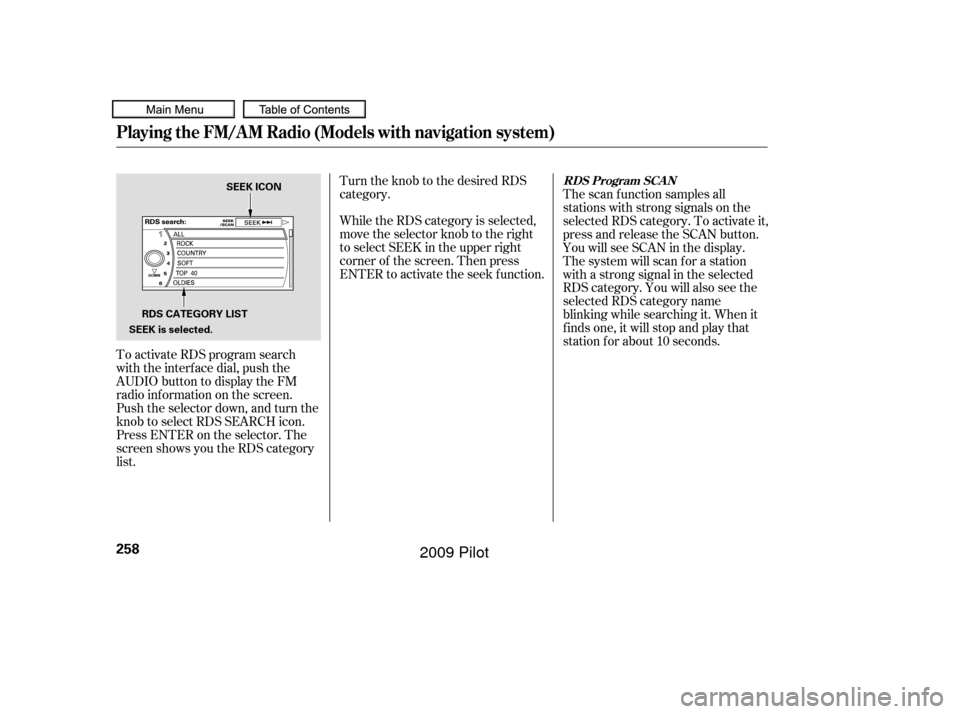
To activate RDS program search
with the interf ace dial, push the
AUDIO button to display the FM
radio inf ormation on the screen.
Push the selector down, and turn the
knob to select RDS SEARCH icon.
Press ENTER on the selector. The
screen shows you the RDS category
list.Turn the knob to the desired RDS
category.
While the RDS category is selected,
move the selector knob to the right
to select SEEK in the upper right
corner of the screen. Then press
ENTER to activate the seek f unction.
The scan f unction samples all
stations with strong signals on the
selected RDS category. To activate it,
press and release the SCAN button.
You will see SCAN in the display.
The system will scan f or a station
with a strong signal in the selected
RDS category. You will also see the
selected RDS category name
blinking while searching it. When it
f inds one, it will stop and play that
station f or about 10 seconds.
Playing the FM/A M Radio (Models with navigation system)
RDS Program SCAN
258
RDS CATEGORY LIST
SEEK is selected. SEEK ICON
�����—�����—�
���y�
�������������y���
�(�/���������y���������y
2009 Pilot
Page 263 of 578
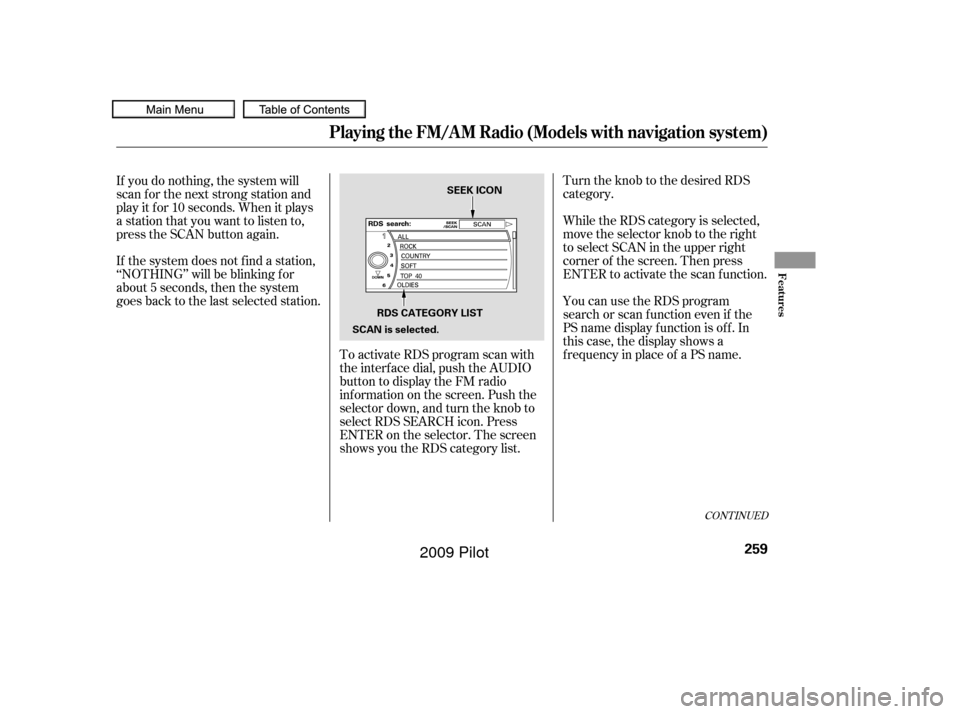
Turn the knob to the desired RDS
category.
To activate RDS program scan with
the interf ace dial, push the AUDIO
button to display the FM radio
inf ormation on the screen. Push the
selector down, and turn the knob to
select RDS SEARCH icon. Press
ENTER on the selector. The screen
shows you the RDS category list. While the RDS category is selected,
move the selector knob to the right
to select SCAN in the upper right
corner of the screen. Then press
ENTER to activate the scan function.
If you do nothing, the system will
scan f or the next strong station and
play it f or 10 seconds. When it plays
a station that you want to listen to,
press the SCAN button again.
If the system does not find a station,
‘‘NOTHING’’ will be blinking f or
about 5 seconds, then the system
goes back to the last selected station.
You can use the RDS program
search or scan f unction even if the
PS name display f unction is of f . In
this case, the display shows a
f requency in place of a PS name.
CONT INUED
Playing the FM/A M Radio (Models with navigation system)
Features
259
RDS CATEGORY LIST
SCAN is selected. SEEK ICON
�����—�����—�
���y�
���������
���y���
�(�/���������y���������y
2009 Pilot
Page 267 of 578
�µDolby
PL (ProLogic) II signal processing
creates multi-channel surround
sound f rom 2 channel stereo audio
sources. Dolby ProLogic II can only
be activated when listening to DISC
(CD-DA, MP3/WMA), XM Radio,
andAUX.WhenProLogicIIisactive,
‘‘PL II’’ is shown in the audio display. To set this f eature on or of f , select
Dolby PL II, and press ENTER on
the interf ace selector. Rotate the
interf ace dial to ON or OFF, and
press ENTER.
Manuf actured under license f rom
Dolby Laboratories. ‘‘Dolby’’,
‘‘ProLogic’’, and the double-D symbol
are trademarks of Dolby
Laboratories.The SVC mode controls the volume
based on vehicle speed. The f aster
you go, the louder the audio volume
becomes. As you slow down, the
audio volume decreases.
The SVC has f our modes: SVC OFF,
SVC LOW, SVC MID, and SVC
HIGH. The def ault setting is MID.
To change the SVC mode, select
SVC, then press ENTER on the
interf ace selector. The current
setting is shown on the screen. Turn
the interface knob to the desired
level, and enter your selection by
pressing ENTER on the interf ace
selector. If you f eel the sound is too
loud, choose low. If you f eel the
sound is too quiet, choose high.
Dolby PL (ProL ogic) IISpeed-sensit ive Volume
Compensat ion (SVC)
Playing the FM/A M Radio (Models with navigation system)
Features
263
�����—�����—�
���y�
�������������y���
�(�/���������y���������y
2009 Pilot