Page 174 of 578
Outside mirror positions can be
stored in the driving position
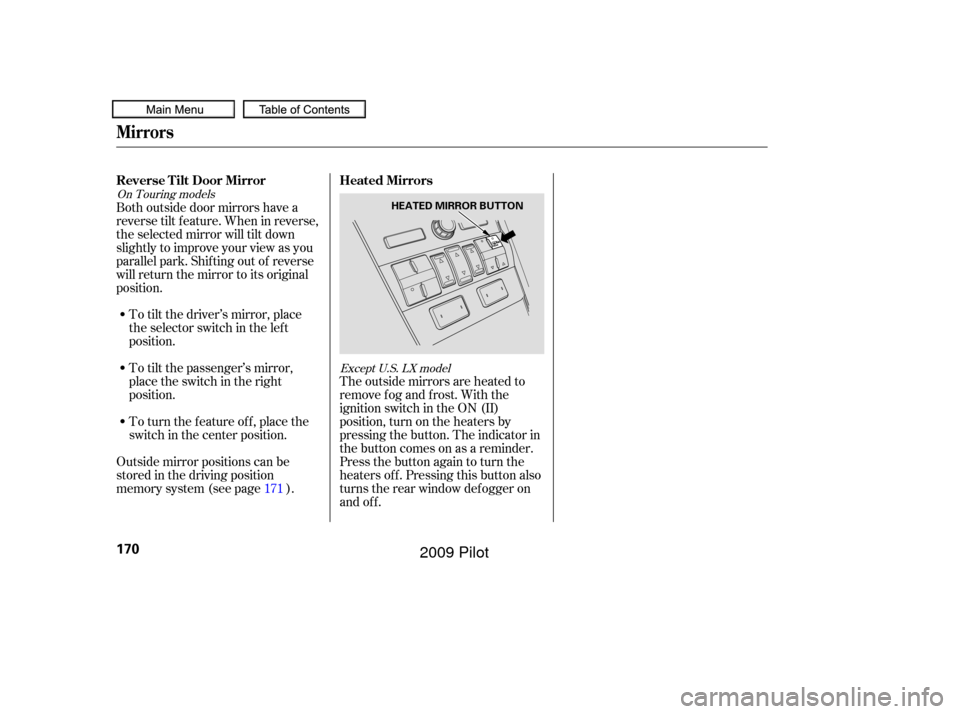
memory system (see page ).The outside mirrors are heated to
remove fog and frost. With the
ignition switch in the ON (II)
position, turn on the heaters by
pressing the button. The indicator in
the button comes on as a reminder.
Press the button again to turn the
heaters off. Pressing this button also
turns the rear window def ogger on
and off.
To turn the feature off, place the
switch in the center position. To tilt the passenger’s mirror,
place the switch in the right
position. To tilt the driver’s mirror, place
the selector switch in the left
position.
Both outside door mirrors have a
reverse tilt f eature. When in reverse,
the selected mirror will tilt down
slightly to improve your view as you
parallel park. Shif ting out of reverse
will return the mirror to its original
position.
171
On Touring models Except U.S. LX model
Mirrors
Reverse Tilt Door MirrorHeated Mirrors
170
HEATED MIRROR BUTTON
�����—�����—�
���y�
�����������
�y���
�(�/���������y���
�����y
2009 Pilot
Page 178 of 578
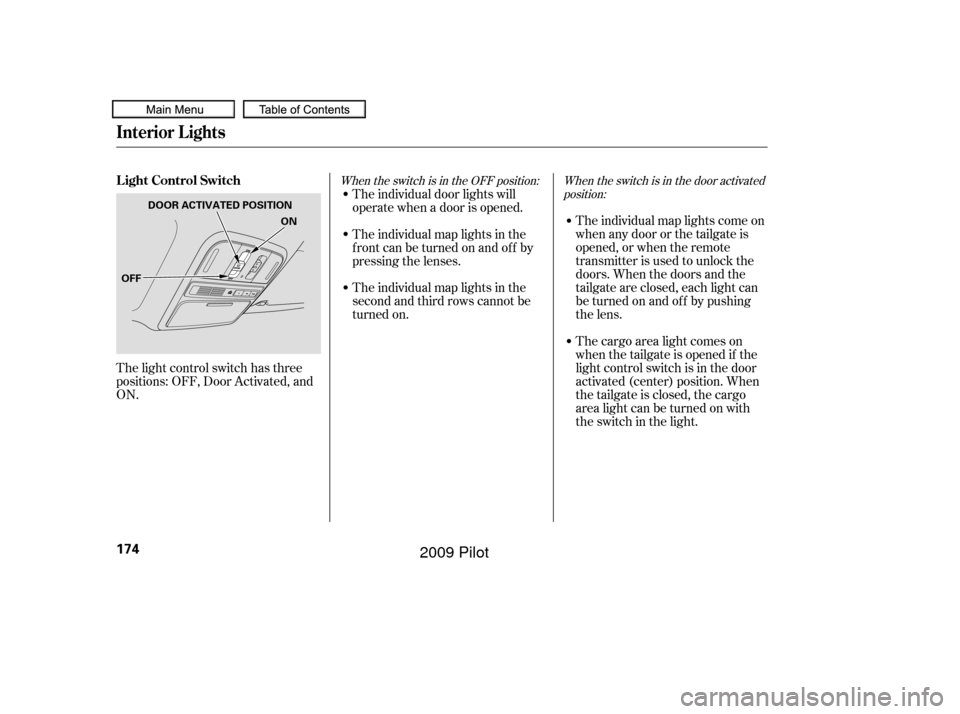
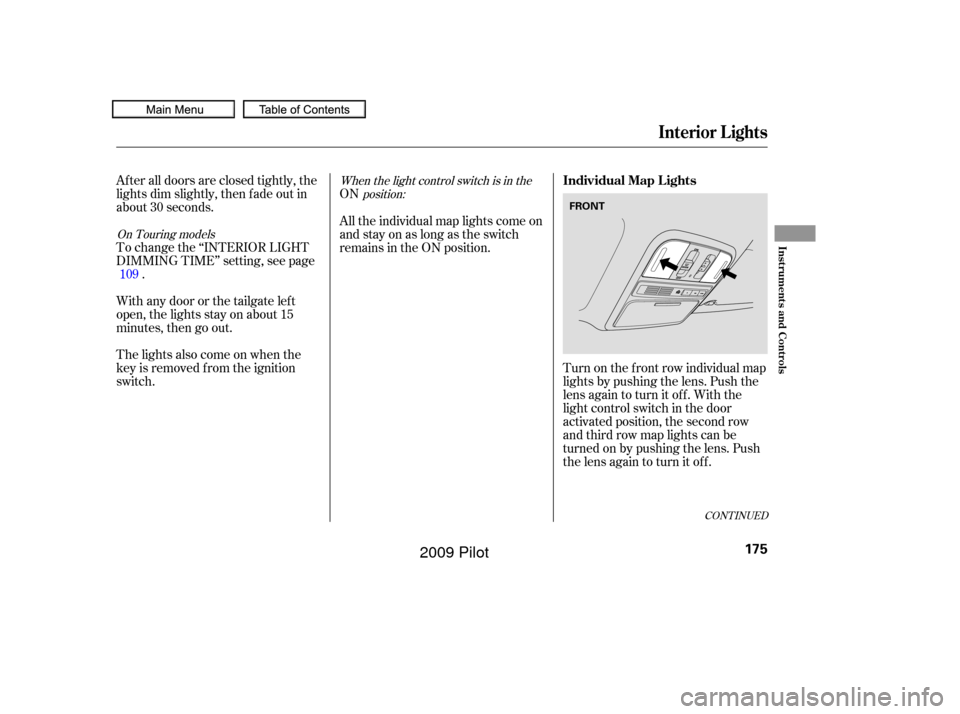
The light control switch has three
positions: OFF, Door Activated, and
ON.The individual map lights come on
when any door or the tailgate is
opened, or when the remote
transmitter is used to unlock the
doors. When the doors and the
tailgate are closed, each light can
be turned on and of f by pushing
the lens.
The cargo area light comes on
whenthetailgateisopenedif the
light control switch is in the door
activated (center) position. When
thetailgateisclosed,thecargo
arealightcanbeturnedonwith
the switch in the light.
The individual door lights will
operate when a door is opened.
The individual map lights in the
f ront can be turned on and of f by
pressing the lenses.
The individual map lights in the
second and third rows cannot be
turned on.
When the switch is in the door activated
position:
When the switch is in the OFF position:L ight Control Switch
Interior Lights
174
OFF ON
DOOR ACTIVATED POSITION
�����—�����—�
���y�
������
������y���
�(�/���������y���
�����y
2009 Pilot
Page 179 of 578
When the light control switch is in theposition:
On Touring models
ON
After all doors are closed tightly, the
lights dim slightly, then f ade out in
about 30 seconds.
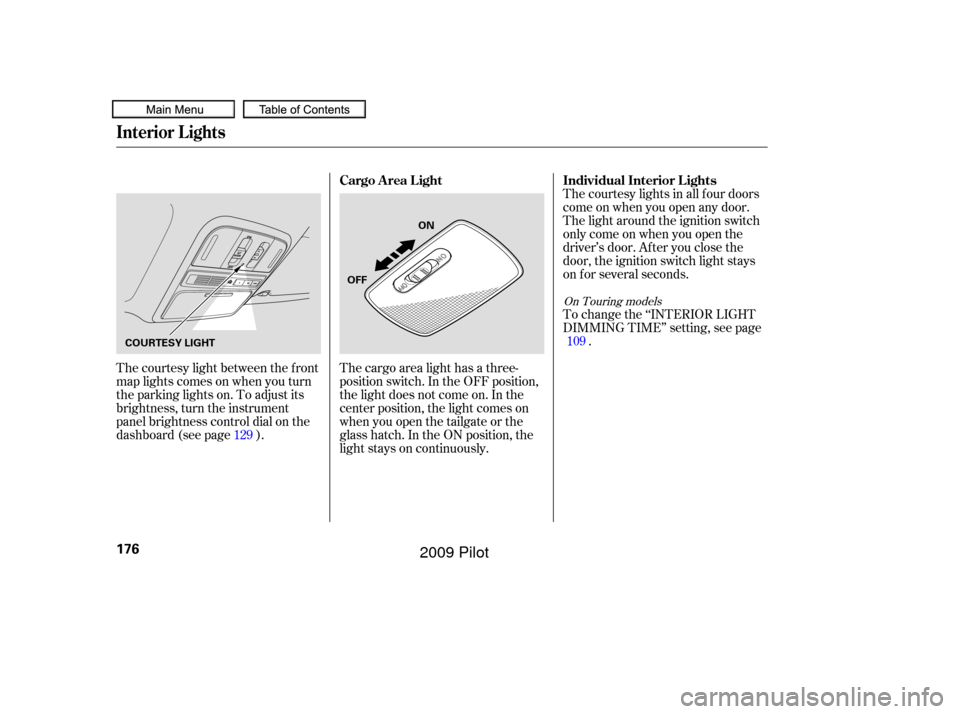
Turn on the f ront row individual map
lights by pushing the lens. Push the
lens again to turn it off. With the
light control switch in the door
activated position, the second row
and third row map lights can be
turned on by pushing the lens. Push
the lens again to turn it off.
To change the ‘‘INTERIOR LIGHT
DIMMING TIME’’ setting, see page
.
The lights also come on when the
key is removed f rom the ignition
switch. Withanydoororthetailgateleft
open, the lights stay on about 15
minutes, then go out. All the individual map lights come on
andstayonaslongastheswitch
remains in the ON position.
109
CONT INUED
Individual Map L ights
Interior Lights
Inst rument s and Cont rols
175
FRONT
�����—�����—�
���y�
������
��
���y���
�(�/���������y���
�����y
2009 Pilot
Page 180 of 578
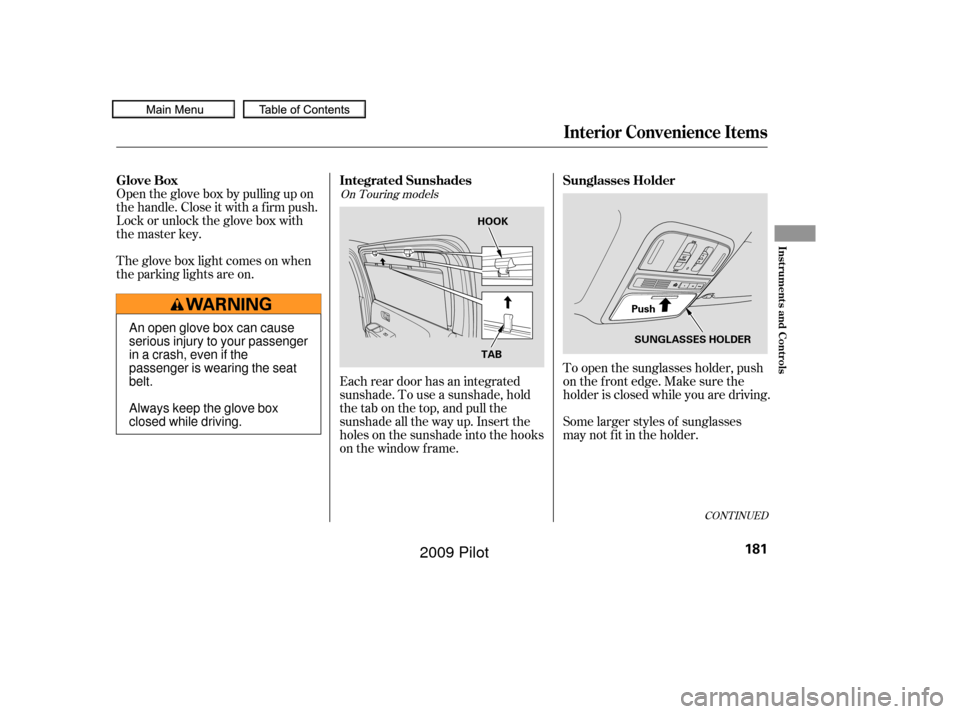
The courtesy light between the f ront
map lights comes on when you turn
the parking lights on. To adjust its
brightness, turn the instrument
panel brightness control dial on the
dashboard (see page ).The courtesy lights in all f our doors
come on when you open any door.
The light around the ignition switch
only come on when you open the
driver’s door. Af ter you close the
door, the ignition switch light stays
on f or several seconds.
To change the ‘‘INTERIOR LIGHT
DIMMING TIME’’ setting, see page
.
The cargo area light has a three-
position switch. In the OFF position,
the light does not come on. In the
center position, the light comes on
when you open the tailgate or the
glass hatch. In the ON position, the
light stays on continuously.
129 109
On Touring models
Individual Interior L ights
Cargo Area Light
Interior Lights
176
ON
OFF
COURTESY LIGHT
�����—�����—�
���y�
������
��
���y���
�(�/���������y���
���
�y
2009 Pilot
Page 185 of 578
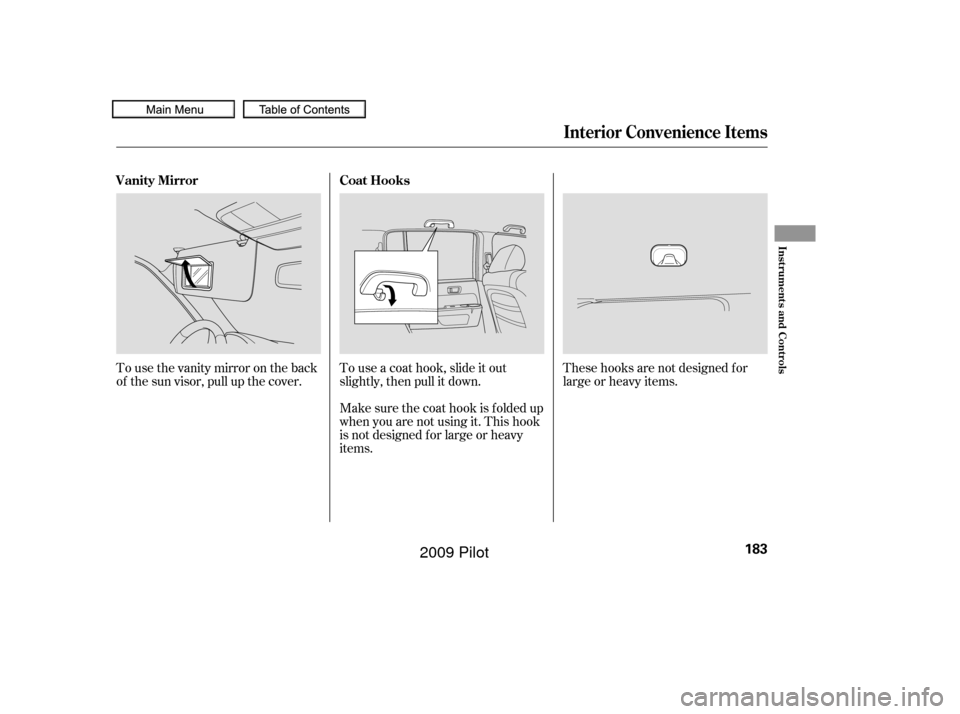
To open the sunglasses holder, push
on the f ront edge. Make sure the
holder is closed while you are driving.
Some larger styles of sunglasses
may not f it in the holder.
Each rear door has an integrated
sunshade. To use a sunshade, hold
the tab on the top, and pull the
sunshade all the way up. Insert the
holes on the sunshade into the hooks
on the window f rame.
Open the glove box by pulling up on
thehandle.Closeitwithafirmpush.
Lock or unlock the glove box with
the master key.
The glove box light comes on when
the parking lights are on.
CONT INUED
On Touring models
Interior Convenience Items
Sunglasses Holder
Integrated Sunshades
Glove Box
Inst rument s and Cont rols
181
TAB
HOOK
SUNGLASSES HOLDER
Push
An open glove box can cause
serious injury to your passenger
inacrash,evenifthe
passenger is wearing the seat
belt.
Always keep the glove box
closed while driving.
�����—�����—�
���y�
������
������y���
�(�/���������y���
�����y
2009 Pilot
Page 187 of 578
These hooks are not designed f or
large or heavy items.
Touseacoathook,slideitout
slightly, then pull it down.
Make sure the coat hook is f olded up
when you are not using it. This hook
is not designed f or large or heavy
items.
Tousethevanitymirrorontheback
of the sun visor, pull up the cover.
Interior Convenience Items
Coat Hooks
Vanity Mirror
Inst rument s and Cont rols
183
�����—�����—�
���y�
���������
���y���
�(�/���������y���
�����y
2009 Pilot
Page 189 of 578
CONT INUED
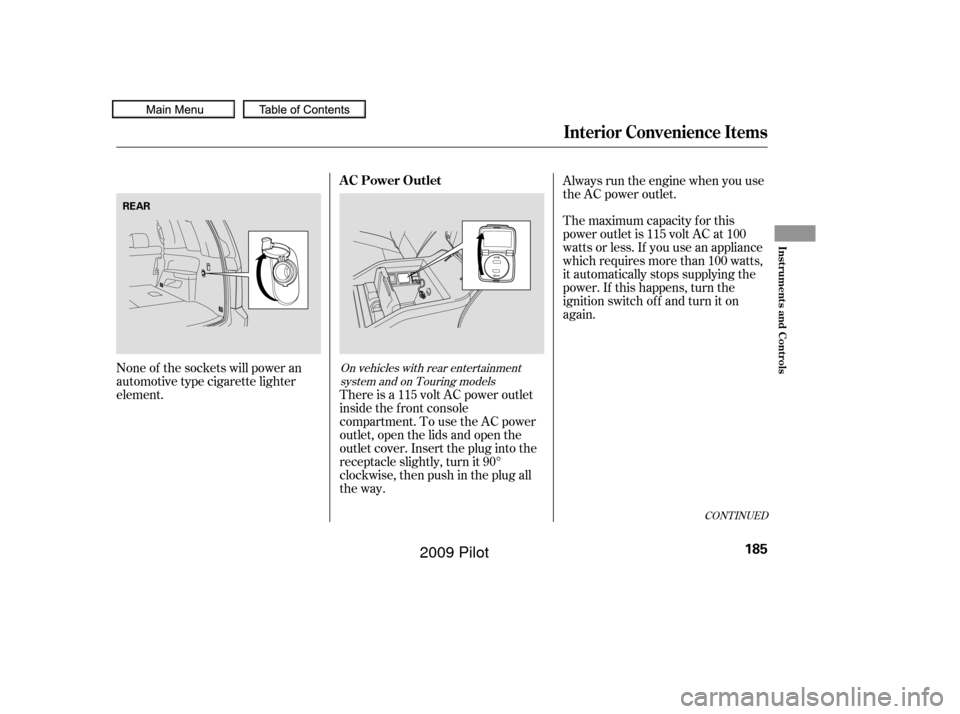
There is a 115 volt AC power outlet
inside the f ront console
compartment. To use the AC power
outlet, open the lids and open the
outlet cover. Insert the plug into the
receptacle slightly, turn it 90°
clockwise, then push in the plug all
the way.
None of the sockets will power an
automotive type cigarette lighter
element. Always run the engine when you use
the AC power outlet.
The maximum capacity f or this
power outlet is 115 volt AC at 100
watts or less. If you use an appliance
which requires more than 100 watts,
it automatically stops supplying the
power. If this happens, turn the
ignition switch of f and turn it on
again.
On vehicles with rear entertainment
system and on Touring models
Interior Convenience Items
AC Power Outlet
Inst rument s and Cont rols
185
REAR
�����—�����—�
���y�
�������������y���
�(�/���������y���
�����y
2009 Pilot
Page 190 of 578

The AC power outlet is not
designed f or electric appliances
which require high initial peak
wattage such as cathode-ray tube
type televisions, ref rigerators,
electric pumps, etc. It is also not
suitable f or devices that process
precise data such as medical
equipment or measuring instruments.
Any appliances that require an
extremely stable power supply such
as microcomputer-controlled electric
blankets, touch sensor lamps, etc.,
should not be connected to this
outlet. The hooks on the f loor of the cargo
area enable you to tie down items
stored in the back. Make sure all
stored items are secured bef ore
driving. The cargo net will separate the
storage area into two storage areas.
On the upper area, you can store
small and light items. You should
place heavy items in the lower
storage area. You can remove the
cargo net and store it under the
cargo f loor to make a larger cargo
area.
Interior Convenience Items
Cargo Hooks
Cargo Net
186
NOTE:
HOOK
�����—�����—�
���y�
�������������y���
�(�/���������y���
���
�y
2009 Pilot