Page 281 of 578
To replay the current track
continuously, press and release the
RPT button, or use the interface
selector to scroll down, select
TRACK REPEAT, and press ENTER
on the interf ace selector. As a
reminder, you will see REPEAT next
toTRACKonthescreenandRPTin
the audio display. To turn this
feature off, press and hold the RPT
button until you hear a beep, or
highlight TRACK REPEAT (if not
already highlighted), and press
ENTER on the interf ace selector
again.To replay the current disc
continuously, press the RPT button
repeatedly until you see D-RPT in
the audio display, or use the
interf ace selector to scroll down,
select DISC REPEAT, and press
ENTER on the interf ace selector. As
a reminder, you will see REPEAT
next to DISC on the screen and
D-RPT in the audio display. To turn
this feature off, press and hold the
RPT button until you hear a beep, or
highlight DISC REPEAT (if not
already highlighted), and press
ENTER on the interf ace selector
again.To play the tracks of the current disc
in random order, press and release
the RDM button, or use the interface
selector to scroll down, select
TRACK RANDOM, and press
ENTER on the interf ace selector. As
a reminder, you will see RANDOM
next to TRACK on the screen and
RDM in the audio display. To turn
this feature off, press and hold the
RDM button until you hear a beep,
or highlight TRACK RANDOM (if
not already highlighted), and press
ENTER on the interf ace selector
again.
Playing Discs (Models with navigation system)
T rack Repeat
Disc Repeat Random Play
Features
277
�����—�����—�
���y�
�������������y���
�(�/���������y���������y
2009 Pilot
Page 283 of 578
Changing and Selecting the Folders/Files
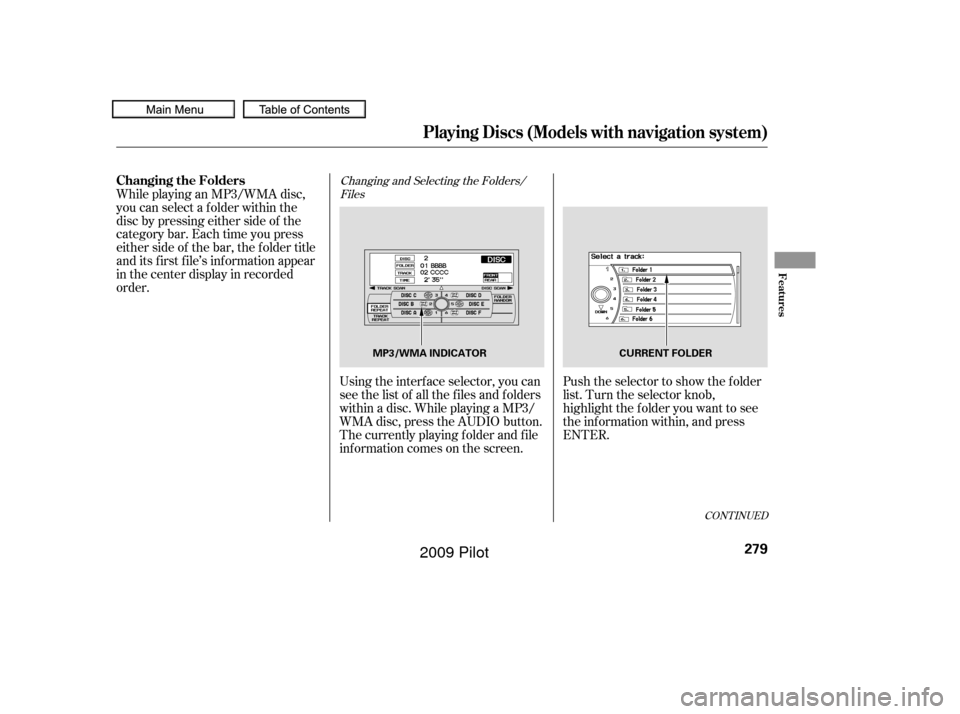
Using the interf ace selector, you can
see the list of all the f iles and f olders
within a disc. While playing a MP3/
WMA disc, press the AUDIO button.
The currently playing f older and f ile
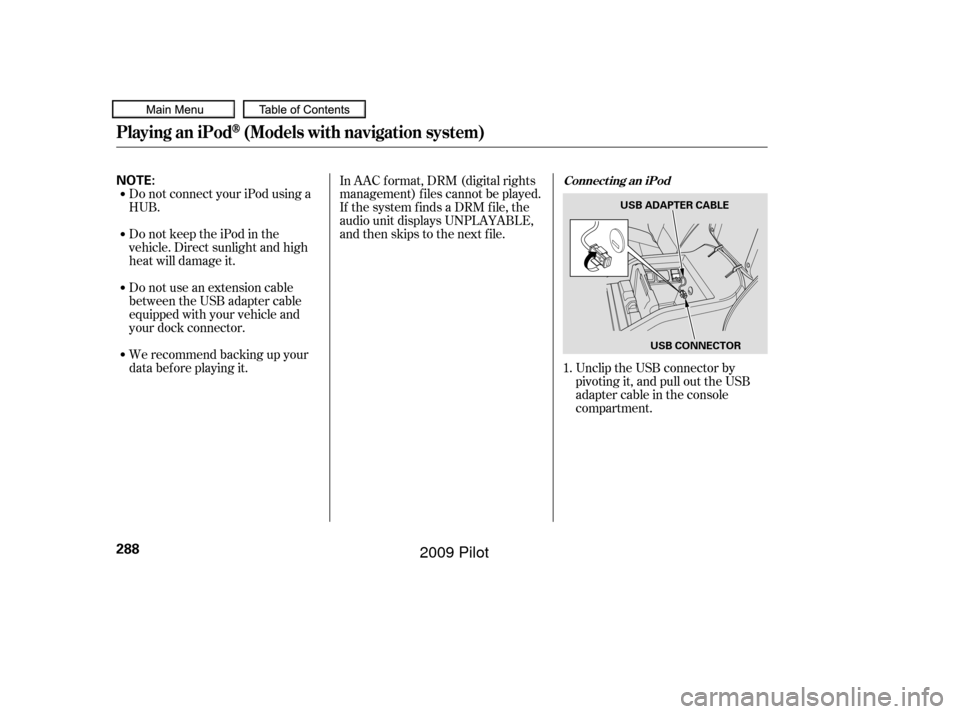
inf ormation comes on the screen. Push the selector to show the f older
list. Turn the selector knob,
highlight the f older you want to see
the information within, and press
ENTER.
While playing an MP3/WMA disc,
you can select a f older within the
disc by pressing either side of the
category bar. Each time you press
either side of the bar, the folder title
and its f irst f ile’s inf ormation appear
in the center display in recorded
order.
CONT INUED
Playing Discs (Models with navigation system)
Changing the Folders
Features
279
MP3/WMA INDICATOR
CURRENT FOLDER
�����—�����—�
���y�
�������������y���
�(�/���������y���������y
2009 Pilot
Page 284 of 578
This feature, when activated,
samples the f irst f ile of each f older
f or 10 seconds. To scan a f older,
press the SCAN button repeatedly
until you see F-SCAN in the audio
display. You will see SCAN next to
FOLDERandF-SCANintheaudio
display.
To listen to the rest of the folder,
press and hold the SCAN button
until you hear a beep. If you do not,
the system advances to the next
f older, plays 10 seconds of it, and
continues throughout the rest of the
f older same way. When the system
samples the f irst f ile of all f olders,
f older scan is canceled, and the last
f ile played comes back.
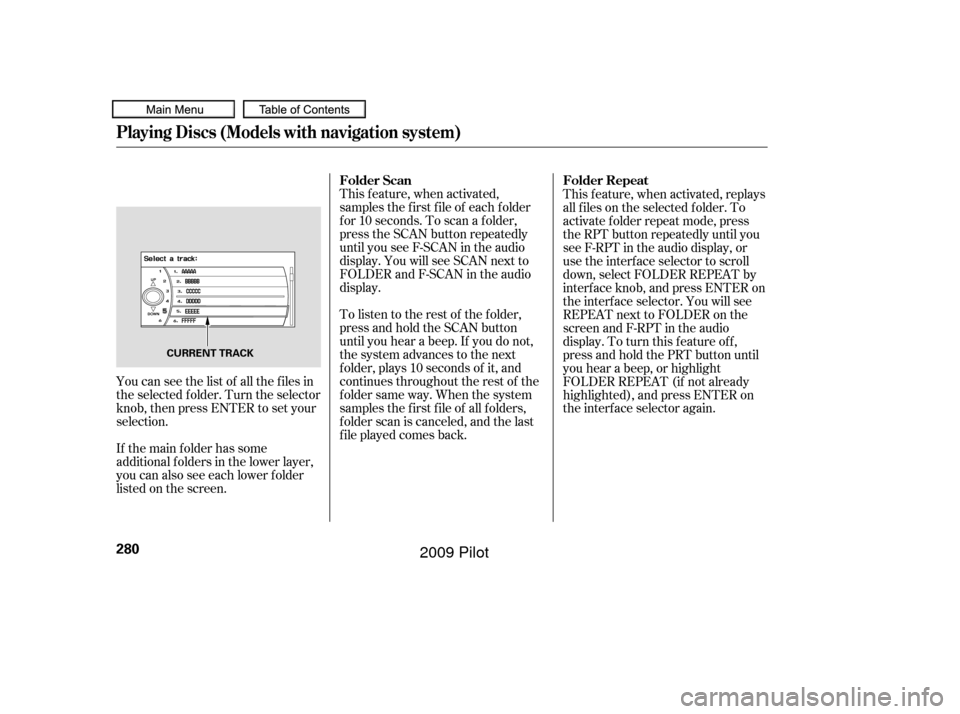
You can see the list of all the f iles in
the selected f older. Turn the selector
knob, then press ENTER to set your
selection.
If the main folder has some
additional f olders in the lower layer,
you can also see each lower folder
listedonthescreen. This f eature, when activated, replays
all f iles on the selected f older. To
activate f older repeat mode, press
the RPT button repeatedly until you
seeF-RPTintheaudiodisplay,or
use the interf ace selector to scroll
down, select FOLDER REPEAT by
interf ace knob, and press ENTER on
the interf ace selector. You will see
REPEAT next to FOLDER on the
screen and F-RPT in the audio
display. To turn this feature off,
press and hold the PRT button until
you hear a beep, or highlight
FOLDER REPEAT (if not already
highlighted), and press ENTER on
the interf ace selector again.
Playing Discs (Models with navigation system)
Folder Repeat
Folder Scan
280
CURRENT TRACK
�����—�����—�
���y�
�������������y���
�(�/���������y���������y
2009 Pilot
Page 285 of 578
To remove a dif f erent disc f rom the
changer,firstselectitbypressing
the corresponding number on the
preset button or turning the
interf ace knob, and pressing ENTER
on the interf ace selector. When that
disc begins playing, press the eject
button.
When you press the eject button
while listening to the radio, or with
the audio system turned of f , the disc
that was last selected is ejected.
Af ter that disc is ejected, pressing
the eject button again will eject the
next disc in numerical order. By
doing this six times, you can remove
all the discs f rom the changer.
You can also eject discs when the
ignition switch is of f :
To eject one disc, press and release
the eject button.
To eject all discs, press and hold the
eject button.
This f eature, when activated, plays in
the current f older in random order.
To activate folder random play, press
the RDM button; or use the interface
selector to scroll down, select
FOLDER RANDOM by interf ace
knob, and press ENTER on the
interf ace selector. You will see
RANDOM next to FOLDER on the
screen and F-RDM in the audio
display. To turn this feature off,
press and hold the RDM button until
you hear a beep, or highlight
FOLDER RANDOM (if not already
highlighted), and press ENTER on
the interf ace selector again.
To remove the disc that is currently
playing, press the eject button. You
will see ‘‘EJECT’’ in the audio display.
When you remove the disc f rom the
slot, the system begins the load
sequence so you can load another
disc. If you do not load another disc,
the load sequence is canceled, and
the system continues playing in the
previous mode.
If you do not remove the disc f rom
the slot, the system will reload the
disc af ter 10 seconds.
Playing Discs (Models with navigation system)
Removing Discs f rom the
Changer
Folder Random
Features
281
�����—�����—�
���y�
�������������y���
�(�/���������y���������y
2009 Pilot
Page 287 of 578
When using CD-R or CD-RW discs,
use only high quality discs labeled
f or audio use.
When recording a CD-R or
CD-RW, the recording must be
closedforittobeusedbythedisc
changer.When a disc is not being played,
store it in its case to protect it f rom
dust and other contamination. To
prevent warpage, keep discs out of
direct sunlight and extreme heat.
A new disc may be rough on the
inner and outer edges. The small
plastic pieces causing this roughness
can f lake of f and f all on the
recording surf ace of the disc,
causing skipping or other problems.
Remove these pieces by rubbing the
inner and outer edges with the side
of a pencil or pen.
Never try to insert f oreign objects in
the disc changer. Handle a disc by its edges; never
touch either surf ace. Do not place
stabilizer rings or labels on the disc.
These, along with contamination
f rom f inger prints, liquids, and f elt-
tip pens, can cause the disc to not
play properly, or possibly jam in the
drive.
To clean a disc, use a clean sof t cloth.
Wipe across the disc f rom the center
to the outside edge.
Play only standard, round, 5-inch
(12 cm) discs. Smaller or odd-
shaped discs may jam in the drive
or cause other problems.
Handle your discs properly to
prevent damage and skipping.
General Inf ormation
Protecting Discs
Protecting Your Discs
Features
283
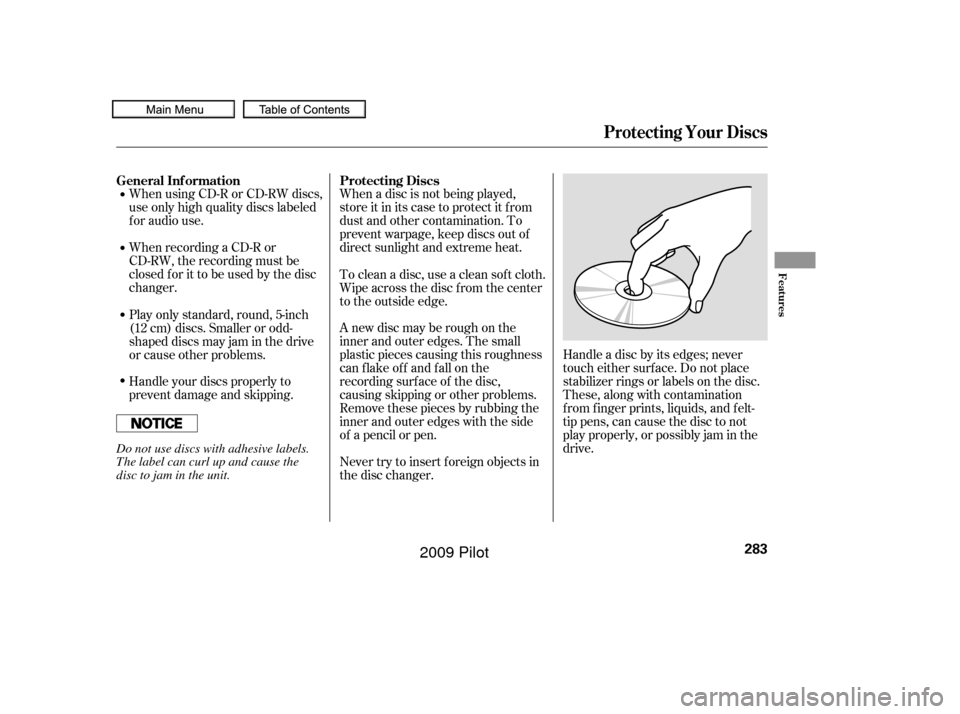
Do not use discs with adhesive labels.
The label can curl up and cause the
disc to jam in the unit.
�����—�����—�
���y�
�������������y���
�(�/���������y���������y
2009 Pilot
Page 292 of 578
Do not connect your iPod using a
HUB.
Do not use an extension cable
between the USB adapter cable
equipped with your vehicle and
your dock connector.
We recommend backing up your
data bef ore playing it.In AAC f ormat, DRM (digital rights
management) f iles cannot be played.
If the system finds a DRM file, the
audio unit displays UNPLAYABLE,
andthenskipstothenextfile.
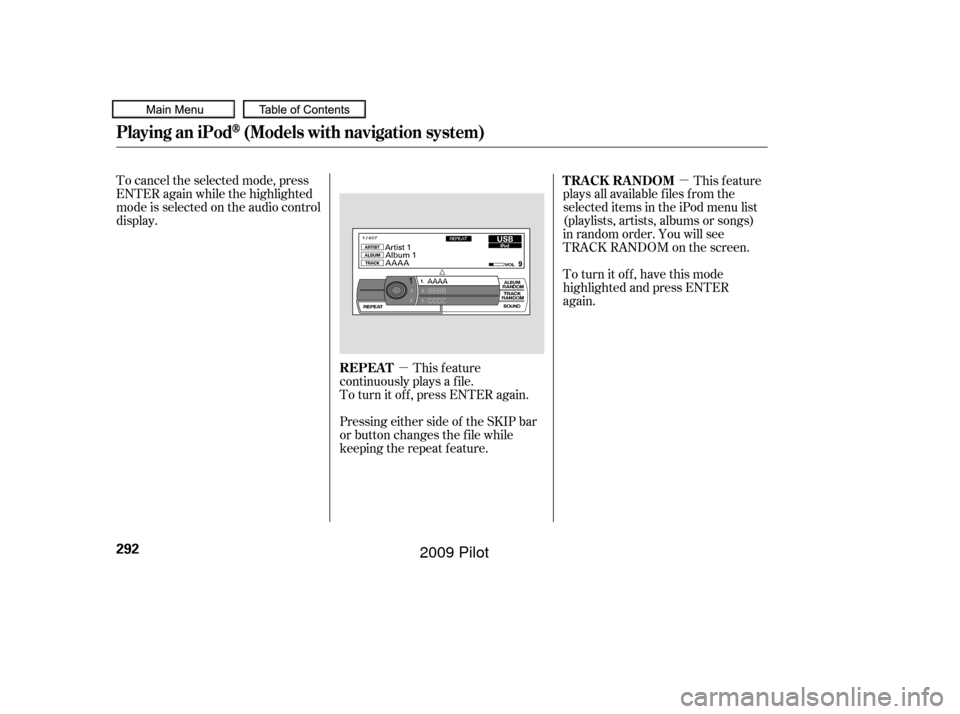
Unclip the USB connector by
pivoting it, and pull out the USB
adapter cable in the console
compartment.
DonotkeeptheiPodinthe
vehicle. Direct sunlight and high
heat will damage it.
1.
Connect ing an iPod
Playing an iPod(Models with navigation system)
288
NOTE:
USB ADAPTER CABLE
USB CONNECTOR
�����—�����—�
���y�
�������������y���
�(�/���������y���������y
2009 Pilot
Page 296 of 578
�µ�µ
To cancel the selected mode, press
ENTER again while the highlighted
mode is selected on the audio control
display.
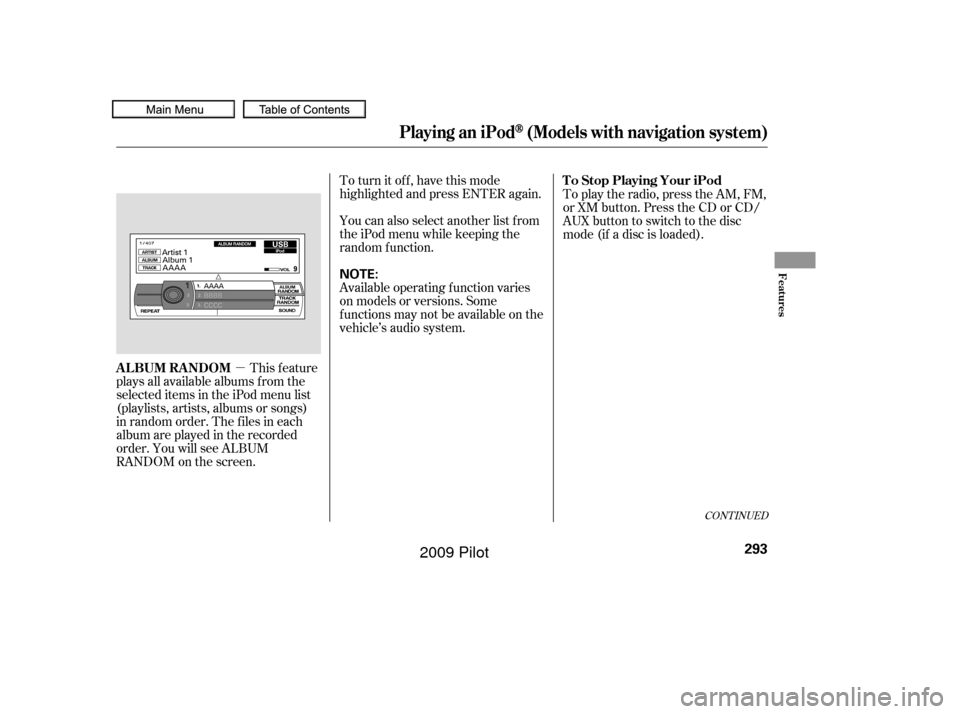
This feature
continuously plays a f ile.
To turn it off, press ENTER again. This feature
plays all available f iles f rom the
selected items in the iPod menu list
(playlists, artists, albums or songs)
in random order. You will see
TRACK RANDOM on the screen.
To turn it off, have this mode
highlighted and press ENTER
again.
Pressing either side of the SKIP bar
or button changes the f ile while
keeping the repeat f eature. REPEAT TRACK RANDOM
Playing an iPod(Models with navigation system)
292
�����—�����—�
���y�
�������������y���
�(�/���������y���������y
2009 Pilot
Page 297 of 578
�µTo turn it off, have this mode
highlighted and press ENTER again.
You can also select another list from
theiPodmenuwhilekeepingthe
random f unction.
Available operating f unction varies
on models or versions. Some
f unctions may not be available on the
vehicle’s audio system.
This feature
plays all available albums f rom the
selected items in the iPod menu list
(playlists, artists, albums or songs)
in random order. The f iles in each
album are played in the recorded
order. You will see ALBUM
RANDOM on the screen. To play the radio, press the AM, FM,
or XM button. Press the CD or CD/
AUX button to switch to the disc
mode (if a disc is loaded).
CONT INUED
T o Stop Playing Your iPod
ALBUM RANDOM
Playing an iPod(Models with navigation system)
Features
293
NOTE:
�����—�����—�
���y�
�������������y���
�(�/���������y���������y
2009 Pilot