Page 136 of 464
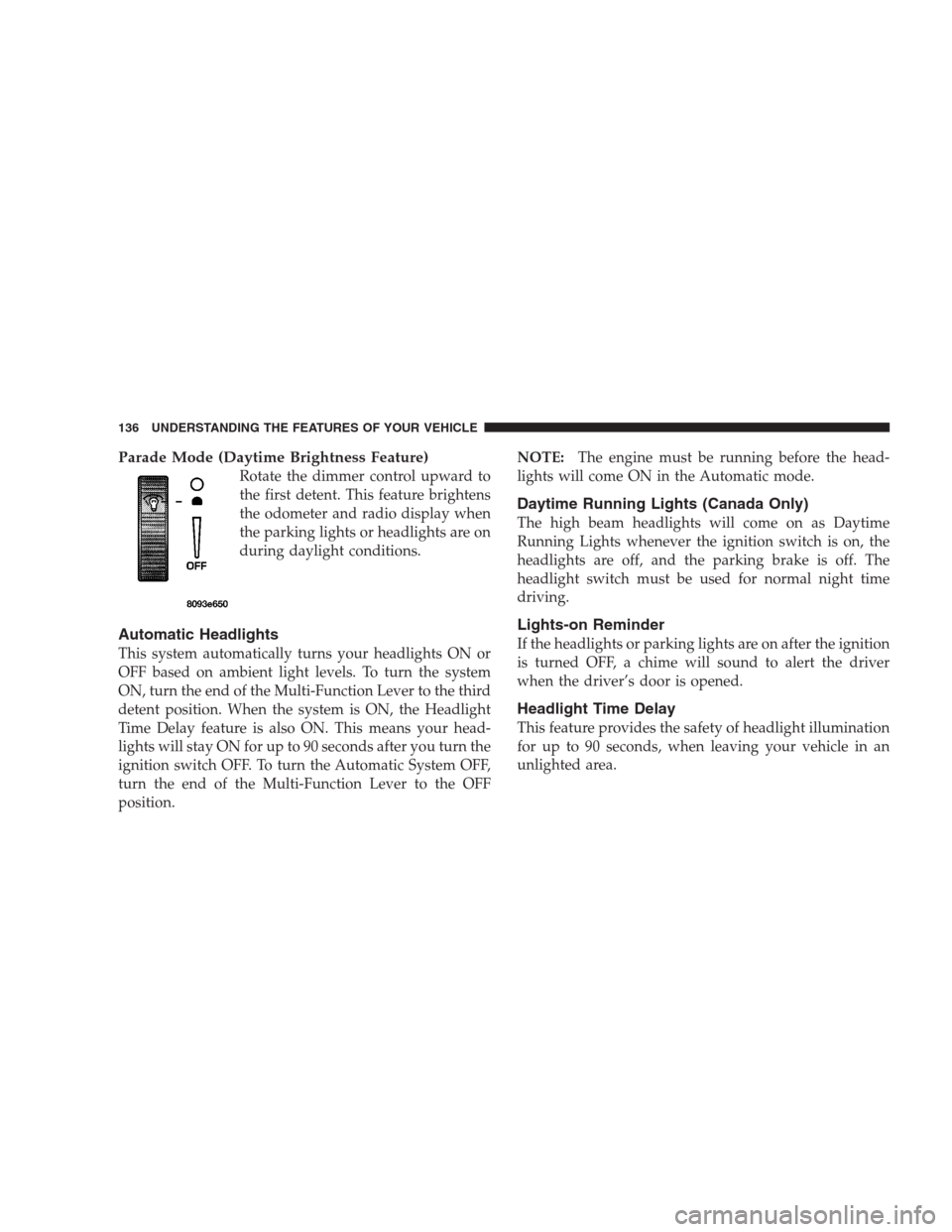
Parade Mode (Daytime Brightness Feature)
Rotate the dimmer control upward to
the first detent. This feature brightens
the odometer and radio display when
the parking lights or headlights are on
during daylight conditions.
Automatic Headlights
This system automatically turns your headlights ON or
OFF based on ambient light levels. To turn the system
ON, turn the end of the Multi-Function Lever to the third
detent position. When the system is ON, the Headlight
Time Delay feature is also ON. This means your head-
lights will stay ON for up to 90 seconds after you turn the
ignition switch OFF. To turn the Automatic System OFF,
turn the end of the Multi-Function Lever to the OFF
position.NOTE:The engine must be running before the head-
lights will come ON in the Automatic mode.
Daytime Running Lights (Canada Only)
The high beam headlights will come on as Daytime
Running Lights whenever the ignition switch is on, the
headlights are off, and the parking brake is off. The
headlight switch must be used for normal night time
driving.
Lights-on Reminder
If the headlights or parking lights are on after the ignition
is turned OFF, a chime will sound to alert the driver
when the driver’s door is opened.
Headlight Time Delay
This feature provides the safety of headlight illumination
for up to 90 seconds, when leaving your vehicle in an
unlighted area.
136 UNDERSTANDING THE FEATURES OF YOUR VEHICLE
Page 137 of 464
To activate the delay feature, turn off the ignition switch
while the headlights are still on. Then turn off the
headlights within 45 seconds. The 90 second delay inter-
val begins when headlight switch is turned off. If the
headlights or park lights are turned back on or the
ignition switch is turned on, the delay will be cancelled.
If the headlights are turned off before the ignition, they
will turn off in the normal manner.
NOTE:The lights must be turned off within 45 seconds
of turning the ignition off to activate this feature
Fog Lights — If Equipped
The front fog light switch is on the Multi-Function
Lever. To activate the front fog lights, turn on the
parking lights or the low beam headlights and pull
out the end of the Multi-Function Lever.NOTE:The fog lights will only operate with the head-
lights on low beam. Selecting high beam headlights will
turn off the fog lights.
Turn Signals
Move the Multi-Function Lever up or down and the
arrows on each side of the instrument cluster flash to
show proper operation of the front and rear turn signal
lights. You can signal a lane change by moving the lever
partially up or down without moving beyond the detent.
If either light has a very fast flash rate, check for a
defective outside light bulb. If an indicator fails to light
when the lever is moved, it would suggest that the fuse
or indicator bulb is defective.
UNDERSTANDING THE FEATURES OF YOUR VEHICLE 137
3
Page 143 of 464

NOTE:
•The Traction Control Indicator comes on each time the
ignition switch is turned ON. This will occur even if
you used the switch to turn the system OFF.
•The Traction Control system will make buzzing or
clicking sounds when in operation.
REAR PARK ASSIST SYSTEM — IF EQUIPPED
This system is used to help drivers determine if an
obstacle is in the way of the vehicle while it is backing up
in addition to the use of inside rearview and outside
mirrors.
When the driver selects Reverse the system scans for
objects behind the vehicle using four sensors located in
the rear bumper. Objects can be detected from up to 59
inches (150 cm). A warning display above the rear
window provides both visible and audible warnings
indicating the distance of the object.The warning display contains two sets of yellow and red
LEDs, one set to warn of obstacles behind the left rear of
the vehicle and the other set to warn of obstacles behind
the right rear of the vehicle. The driver can view the LEDs
either through the rear view mirror or by looking at the
display above the rear window.
Rear Park Assist Indicator
UNDERSTANDING THE FEATURES OF YOUR VEHICLE 143
3
Page 149 of 464
Press the switch rearward to move the pedals rearward
(toward the driver).
•The pedals can be adjusted with the ignition OFF.
•The pedals can be adjusted while driving.
•The pedalscannotbe adjusted when the vehicle is in R
(Reverse) or when the Speed Control is ON. A message
will be displayed in the Electronic Vehicle Information
Center (EVIC) if the pedals are attempted to be ad-
justed when the system is locked out (“Adjustable
Pedal Disabled — Cruise Control Engaged” or “Ad-
justable Pedal Disabled — Vehicle In Reverse”).NOTE:If your vehicle is equipped with memory seat
feature, your remote keyless entry transmitter or memory
seat buttons on the driver’s door panel can be used to
recall the adjustable pedals to saved positions.CAUTION!
Do not place any article under the adjustable pedals
or impede its ability to move as it may cause damage
to the pedal controls. Pedal travel may become
limited if movement is stopped by an obstruction in
the adjustable pedal’s path.
UNDERSTANDING THE FEATURES OF YOUR VEHICLE 149
3
Page 151 of 464
To Set At A Desired Speed:
When the vehicle has reached the desired speed, press
and release the “SET” button. Release the accelerator and
the vehicle will operate at the selected speed. The
CRUISE SET indicator located near the instrument clus-
ter odometer will illuminate showing the electronic
speed control is set.
NOTE:While in the AutoStick mode, Speed Control will
only function in third or fourth gear.
To Deactivate:
A soft tap on the brake pedal, pushing the “CANCEL”
button or normal braking while slowing the vehicle will
deactivate the speed control without erasing the memory.
Pushing the “ON/OFF” button to the OFF position or
turning off the ignition erases the speed memory.
To Resume Speed:
To resume a previously set speed, push and release the
“ACCEL/RESUME” button. Resume can be used at any
speed above 25 mph (40 km/h).
To Vary the Speed Setting:
When the speed control is set, speed can be increased by
pressing and holding the “ACCEL/RESUME” button.
When the button is released, a new set speed will be
established.
Tapping the “ACCEL/RESUME” button once will result
in a 2 mph (3 km/h) speed increase. Each time the button
is tapped, speed increases so that tapping the button
three times will increase speed by 6 mph (10 km/h), etc.
To decrease speed while speed control is set, press and
hold the “COAST” button. Release the button when the
desired speed is reached, and the new speed will be set.
UNDERSTANDING THE FEATURES OF YOUR VEHICLE 151
3
Page 155 of 464
WARNING!
Vehicle exhaust contains carbon monoxide, a danger-
ous gas. Do not run the vehicle’s exhaust while
training the transceiver. Exhaust gas can cause seri-
ous injury or death.
WARNING!
Your motorized door or gate will open and close
while you are training the Universal Transceiver. Do
not train the transceiver if people or pets are in the
path of the door or gate. A moving door or gate can
cause serious injury or death to people and pets or
damage to objects.
Programming HomeLink
NOTE:When programming a garage door opener, it is
advised to park outside the garage. Some vehicles may
require the ignition switch to be turned to the second (or
�Accessory�) position for programming and/or operation
of HomeLink. It is also recommended that a new battery
be placed in the hand-held transmitter of the device
being programmed to HomeLink for more efficient train-
ing and accurate transmission of the radio-frequency
signal.
The Electronic Vehicle Information Center (EVIC) fea-
tures a driver-interactive display which includes
HomeLink�system messages.
1. Press and hold the two outer HomeLink buttons, and
release only when the indicator light begins to flash or
the EVIC display shows “Channels Cleared” (after 20
seconds).Do nothold the buttons for longer than 30
UNDERSTANDING THE FEATURES OF YOUR VEHICLE 155
3
Page 161 of 464

Press and hold the “OPEN” button rearward to fully
open the sunroof. The sunroof can be stopped at any
position between closed and full open. Momentarily
pressing the “OPEN” button rearward will activate the
Express Open Feature, causing the sunroof to open
automatically.
Press and hold the “VENT” button to open the vent. The
sunroof can be stopped at any position between closed
and full vent. To close the sunroof from the vent position,
press and hold the “CLOSE” button forward. Releasing
the button will stop the movement of the sunroof and the
sunroof will remain in the partial vent position until the
button is pushed forward again.
NOTE:The power sunroof buttons remain active for up
to 45 seconds after the ignition button has been turned
off. Opening either front door will cancel this feature.Express Open Feature
The sunroof is equipped with an intermediate stop or
comfort stop position. This feature is designed to elimi-
nate wind buffeting at vehicle speeds between 20-40 mph
(32-64 km/h). To operate this feature, momentarily press
the “OPEN” button rearward to activate the Express
Open Feature and the glass will automatically stop at the
comfort stop position. Pressing the button rearward
again will fully open the sunroof.
During the Express Open operation, any movement of
the button will stop the sunroof and it will remain in a
partial open position. Again, momentarily pressing the
button rearward will activate the Express Open Feature.
UNDERSTANDING THE FEATURES OF YOUR VEHICLE 161
3
Page 162 of 464
To close the sunroof, press and hold the “CLOSE” button
forward. Again, any release of the button will stop the
movement and the sunroof will remain in a partial open
condition until the button is pushed forward again.
The sunshade can be opened manually. It will also open
as the sunroof opens. The sunshade cannot be closed if
the sunroof is open.WARNING!
•NEVER leave children alone in a vehicle. Occu-
pants, particularly unattended children, can become
entrapped by the power sunroof while operating
the power sunroof switch. Such entrapment may
result in serious injury or death. Don’t leave the
keys in the ignition. A child could operate power
windows, other controls, or move the vehicle
•In an accident, there is a greater risk of being
thrown from a vehicle with an open sunroof. You
could also be seriously injured or killed. Always
fasten your seat belt properly and make sure all
passengers are properly secured too.
•Do not allow small children to operate the sunroof.
Never allow fingers or other body parts, or any
object to project through the sunroof opening. In-
jury may result.
162 UNDERSTANDING THE FEATURES OF YOUR VEHICLE