Page 255 of 455
255
26p126
Ty p e 3
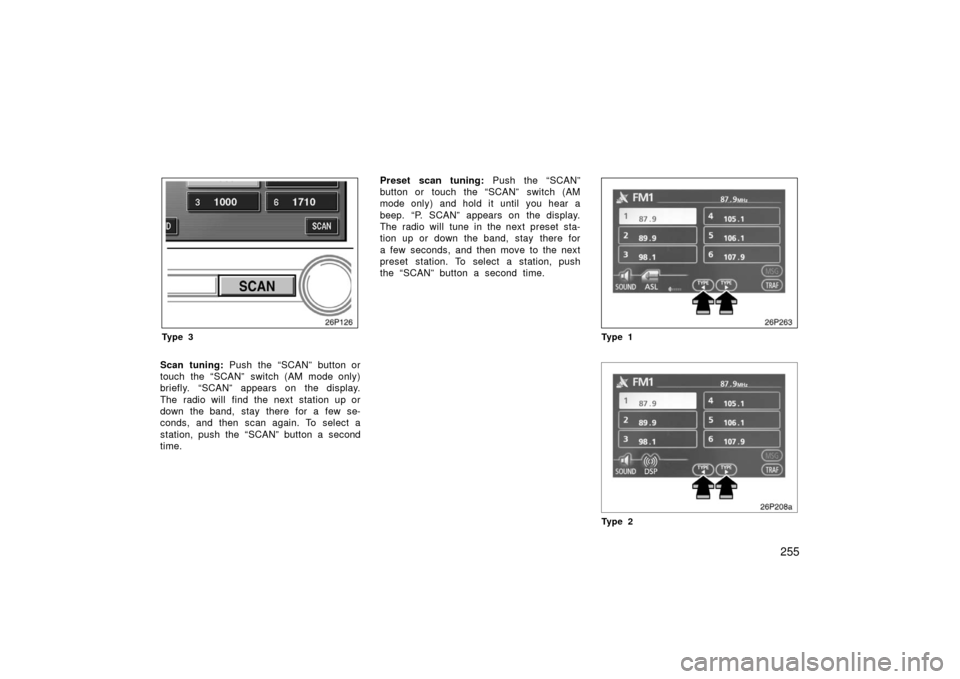
Scan tuning: Push the “SCAN” button or
touch the “SCAN” switch (AM mode only)
briefly. “SCAN” appears on the display.
The radio will find the next station up or
down the band, stay there for a few se-
conds, and then scan again. To select a
station, push the “SCAN” button a second
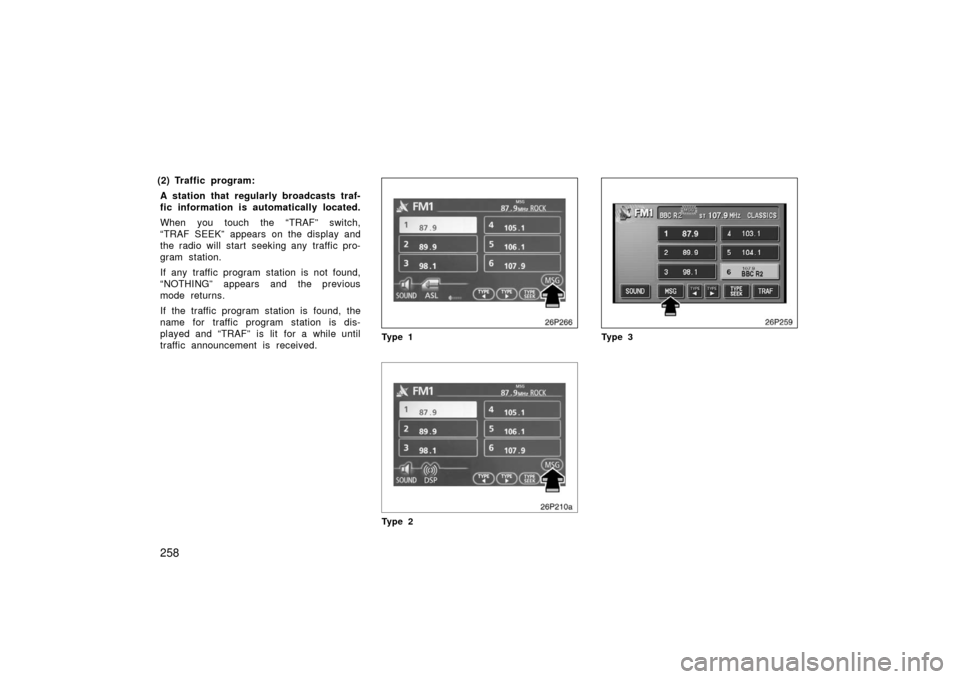
time. Preset scan tuning:
Push the “SCAN”
button or touch the “SCAN” switch (AM
mode only) and hold it until you hear a
beep. “P. SCAN” appears on the display.
The radio will tune in the next preset sta-
tion up or down the band, stay there for
a few seconds, and then move to the next
preset station. To select a station, push
the “SCAN” button a second time.
26p263
Ty p e 1
Ty p e 2
Page 258 of 455
258
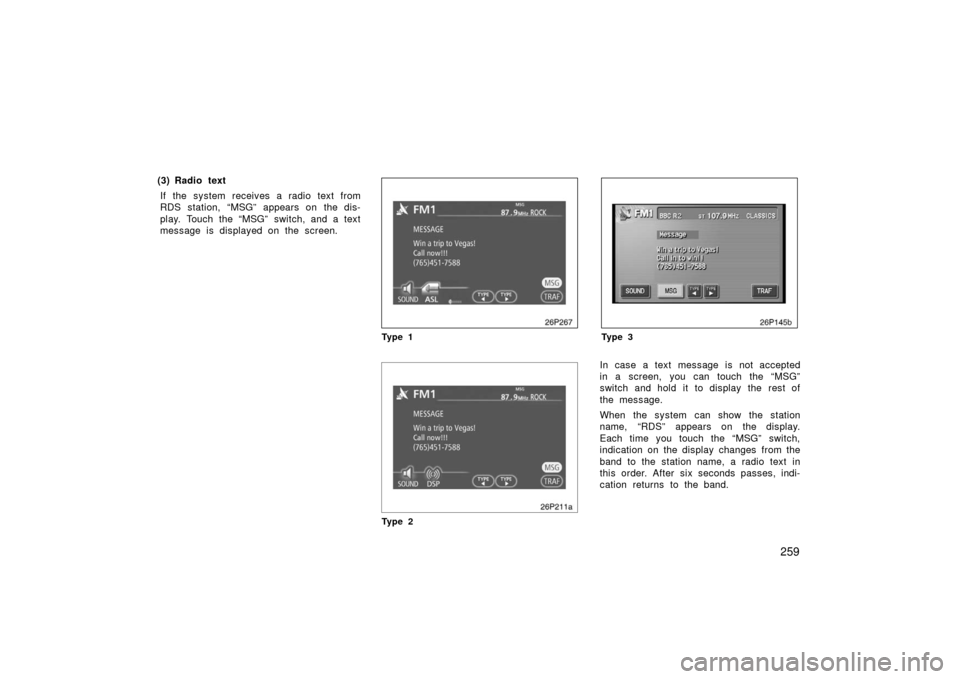
(2) Traffic program:A station that regularly broadcasts traf-
fic information is automatically located.
When you touch the “TRAF” switch,
“TRAF SEEK” appears on the display and
the radio will start seeking any traffic pro-
gram station.
If any traffic program station is not found,
“NOTHING” appears and the previous
mode returns.
If the traffic program station is found, the
name for traffic program station is dis-
played and “TRAF” is lit for a while until
traffic announcement is received.
26p266
Ty p e 1
Ty p e 2
26p259
Ty p e 3
Page 259 of 455
259
(3) Radio textIf the system receives a radio text from
RDS station, “MSG” appears on the dis-
play. Touch the “MSG” switch, and a text
message is displayed on the screen.
26p267
Ty p e 1
Ty p e 2
26p145b
Ty p e 3
In case a text message is not accepted
in a screen, you can touch the “MSG”
switch and hold it to display the rest of
the message.
When the system can show the station
name, “RDS” appears on the display.
Each time you touch the “MSG” switch,
indication on the display changes from the
band to the station name, a radio text in
this order. After six seconds passes, indi-
cation returns to the band.
Page 260 of 455
260
To listen to a satellite radio broadcast in
your vehicle, an additional genuine Toyota
satellite receiver and ant enna must be
purchased and installed, and the subscrip-
tion to the XM satellite radio is necessary.
(a) How to subscribe to an XM satellite radio
An XM satellite radio is a t uner designed
exclusively to receive broadcasts provided
under a separate subscription. Availability
is limited to the 48 contiguous states.
How to subscribe:
You must enter into a separate service
agreement with the XM radio in order to
receive satellite br oadcast programming in
the vehicle. Additional activation and ser-
vice subscription fees apply that are not
included in the purchase price of the ve-
hicle and optional digital satellite tuner.
For complete information on subscription
rates and terms, or to subscribe to the
XM radio, visit XM on the web at
www.xmradio.com
or call an XM’s Listener
Care at (800) 852− 9696. The XM radio
is solely responsible for the quality, avail-
ability and content of the satellite radio
services provided, which are subject to
the terms and conditions of the XM radio
customer service agreement. Customers should have their radio ID
ready; the radio ID can be found by se-
lecting the “channel 000” on the radio.
For details, see the “Displaying the radio
ID” that follows.
All fees and programming are the respon-
sibility of the XM satellite radio and are
subject to change.
Satellite tuner
technology notice:
Toyota satellite radio tuners are awarded
Type Approval Certificates from XM Satel-
lite Radio Inc. on “October 14, 2004” as
proof of compatibility with the services of-
fered by the XM satellite radio.
(b) Displaying the radio ID
Each XM tuner is identified with a unique
radio ID. You will need the radio ID when
activating XM service or when reporting a
problem.
If you select the “CH 000” using the
“TUNE·FILE” knob, the ID code of 8 al-
phanumeric characters appears. If you
select another channel, display of the ID
code is canceled. The channel (000) al-
ternates the display between the radio ID
and the specific radio ID code.
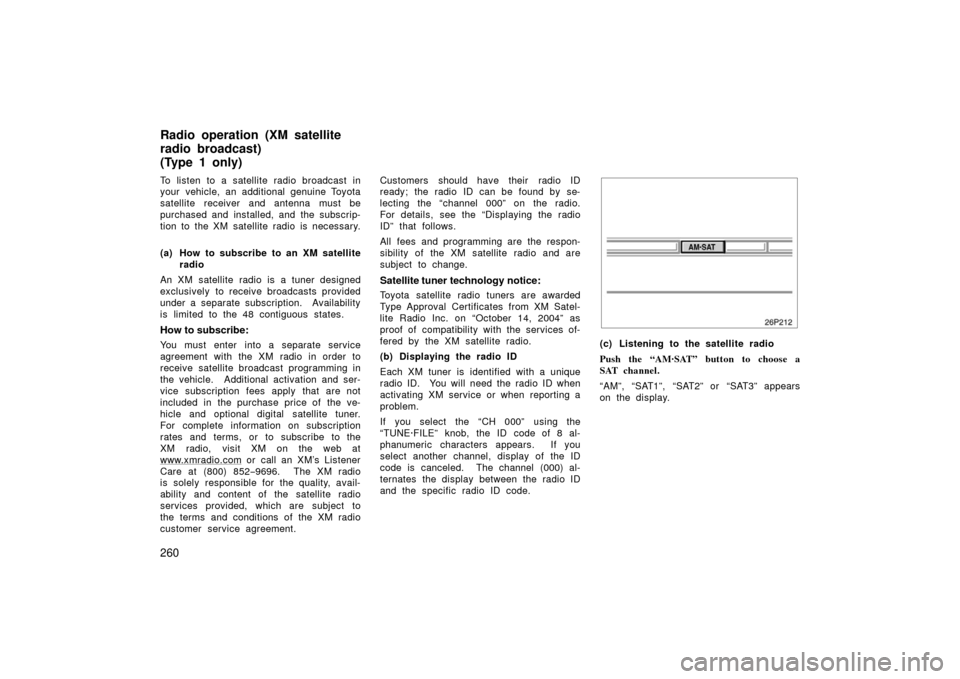
(c) Listening to the satellite radio
Push the “AM·SAT” button to choose a
SAT channel.
“AM”, “SAT1”, “SAT2” or “SAT3” appears
on the display.
Radio operation (XM satellite
radio broadcast)
(Type 1 only)
Page 262 of 455
262
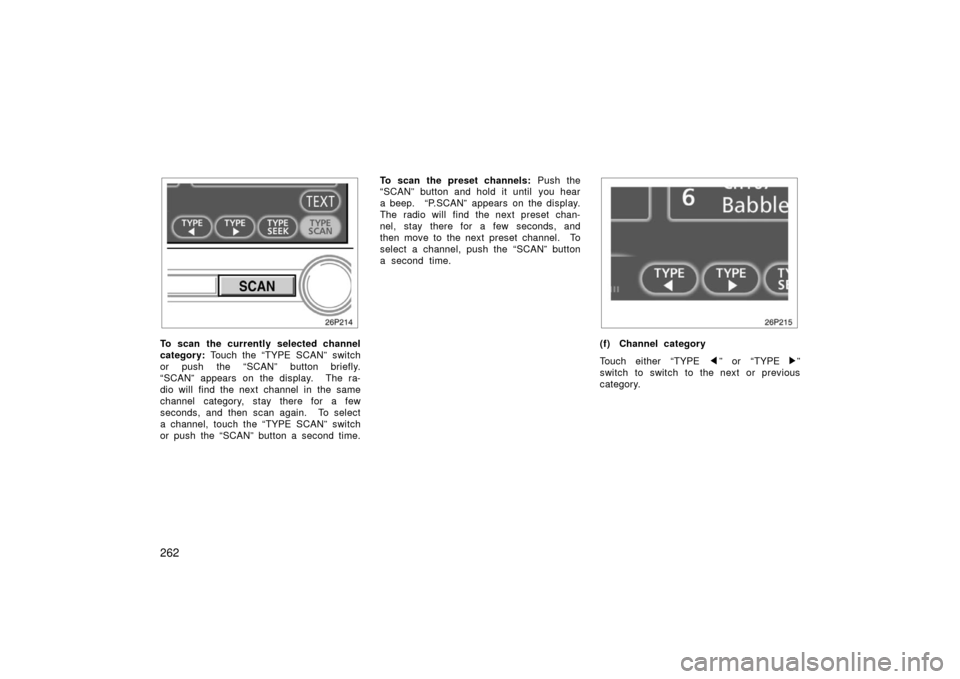
To scan the currently selected channel
category: Touch the “TYPE SCAN” switch
or push the “SCAN” button briefly.
“SCAN” appears on the display. The ra-
dio will find the next channel in the same
channel category, stay there for a few
seconds, and then scan again. To select
a channel, touch the “TYPE SCAN” switch
or push the “SCAN” button a second time. To scan the preset channels:
Push the
“SCAN” button and hold it until you hear
a beep. “P.SCAN” appears on the display.
The radio will find the next preset chan-
nel, stay there for a few seconds, and
then move to the next preset channel. To
select a channel, push the “SCAN” button
a second time.(f) Channel category
Touch either “TYPE
” or “TYPE ”
switch to switch to the next or previous
category.
Page 263 of 455
263
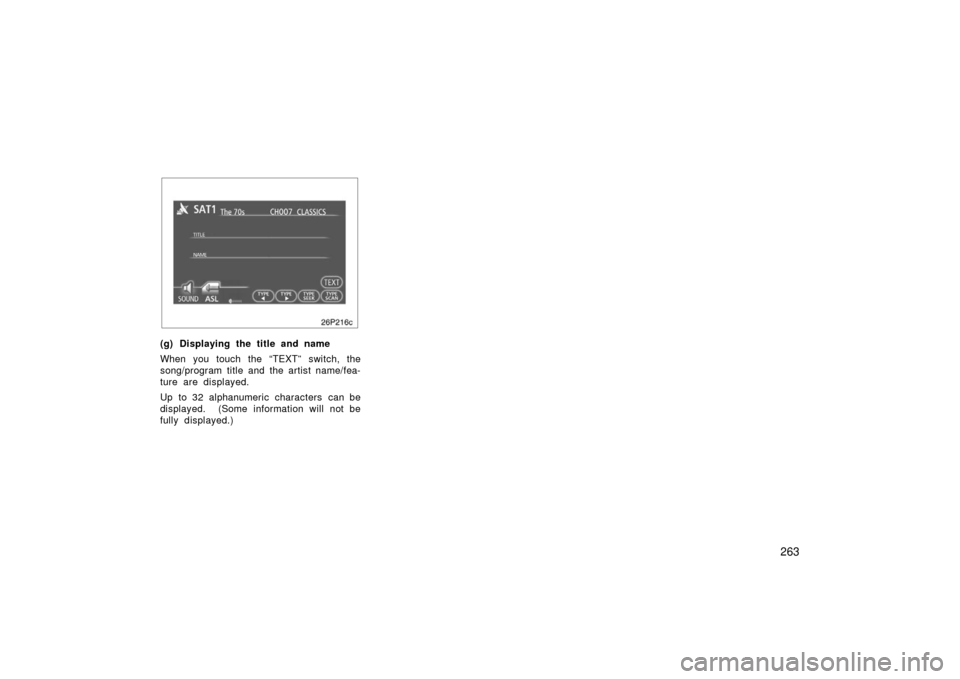
26p216c
(g) Displaying the title and name
When you touch the “TEXT” switch, the
song/program title and the artist name/fea-
ture are displayed.
Up to 32 alphanumeric characters can be
displayed. (Some information will not be
fully displayed.)
Page 264 of 455

264
(h) If the satellite radio tuner malfunctions
When problems occur with the XM tuner, a message will appear on the display. Referring to the table below to identify the problem,
take the suggested corrective action.
ANTENNAThe XM antenna is not connected. Check whether the XM antenna cable is att\
ached securely.
A short− circuit occurs in the antenna or the surrounding antenna cable. See a T\
oyota certified dealer.
UPDATING
You have not subscribed to the XM satellite radio. The radio is being up\
dated with the latest encryption
code. Contact the XM satellite radio for subscription information. Whe\
n a contact is canceled, you can
choose the “CH000” and all free −to− air channels.
The premium channel you selected is not authorized. Wait for about 2 seconds until the radio returns to
the previous channel or “CH001”. If it does not change automatica\
lly, select another channel. If you want
to listen to the premium channel, contact the XM satellite radio.
NO SIGNALThe XM signal is too weak at the current location. Wait until your vehicle reaches a location with a stron-
ger signal.
LOADINGThe unit is acquiring audio or program information. Wait until the unit has received the information.
OFF AIRThe channel you selected is not broadcasting any programming. Select an\
other channel.
−−−−−There is no song/program title or artist name/feature associated with th\
e channel at that time. No action
needed.
−−−The channel you selected is no longer available. Wait for about 2 seconds until the radio returns to the
previous channel or “CH001”. If it does not change automatically, select another channel.
The XM Listener Care Center is also available on the phone, please call (800) 852 −9696 during the following hours:
Monday – Saturday: 7 a.m. – 1 a.m. Sunday: 12 p.m – 12 a.m.
Page 266 of 455

266
(a) Inserting or ejecting compact disc
Ty p e 1 :
�Setting a single compact disc:
1. Push the “LOAD” button briefly.
The amber indicators at both ends of the
slot blinking. The amber blinking indicators
change to continuous green illumination. 2. Insert only one disc.
You can set a disc at the lowest empty
disc number.
After insertion, the set disc is automatical-
ly loaded.
If the label faces down, the disc cannot
be played. In this case, “CD CHECK” ap-
pears on the display.
If you need to insert the next disc, repeat
the same procedure to insert another disc.
�Setting all the discs:
1. Push the “LOAD” button until you hear a beep.
The amber indicators at both ends of the
slot blinking. The amber blinking indicators
change to continuous green illumination. 2. Insert only one disc.
The amber indicators blink. 3. Insert the next disc after the amber blinking indicators change to contin-
uous green illumination.
4. Repeat this procedure until you in- sert all the discs.
To cancel the operation, push the “LOAD”
button.
Your automatic changer can store up to 6
discs.
If you do not insert the discs within 15
seconds after pushing the “LOAD” button,
the operation will be canceled automatical-
ly.NOTICE
Do not insert one disc stacked on top
of another one or feed them in con-
tinuously, to prevent discs from get-
ting stuck in the player.
Compact disc player operation
( Typ e 1 an d Typ e 2)