Page 99 of 273

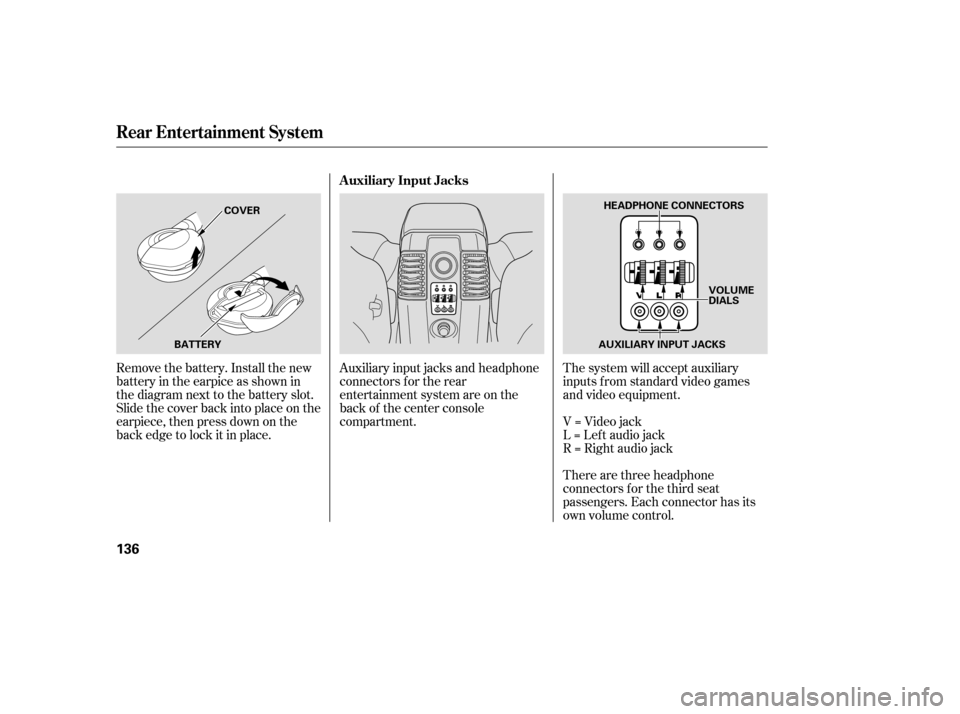
When this switch is in the position:When this switch is in the position: When the switch is in the
position:ON
All the individual map lights come
on.
None of the lights come on when a
door or the tailgate is opened. OFF
The individual map lights in the
f ront can be turned on and of f with
the switches next to the lights. The individual map lights in the
second and third rows cannot be
turned on.
Door
Activated The individual map lights come on
whenanydoororthetailgateis
opened, or when the remote
transmitter is used to unlock the
doors.
The individual map lights in the
second and third rows can be
turned on and of f by pressing the
lens. The tailgate light comes on when
you open the tailgate if the light
switch is in the ON position.
The lights go out about 6 seconds
after all the doors and the tailgate
are closed. With any door or the
tailgate lef t open, the lights stay
on about 3 minutes, then go out.
Lights
L ight Control Switch
Inst rument s and Cont rols
97
ON
DOOR
ACTIVATED
POSITION OFF
Page 101 of 273

The heating and air conditioning
systems in your vehicle provide a
comf ortable driving environment in
all weather conditions.
The standard audio system has
many f eatures. This section de-
scribes those f eatures and how to
use them.
Your vehicle has an anti-theft audio
system that requires a code number
to enable it.
The security system helps to dis-
courage vandalism and thef t of your
vehicle..............
Vents, Heating, and A/C . 100
.......................
Air Flow Buttons .101
.............................
Climate Control .104
.....................
Rear A/C Control .105
..........................
Playing the Radio .106
........................
Radio Reception .109
..................................
Playing a CD .111
......................
CD Changer .113, 114
.................
Protecting your CDs . 116
.....
CD Player Error Messages . 117
.
CD Changer Error Messages . 118
...............................
Playing a Tape .119
................
Remote Audio Controls . 122
.................
Radio Thef t Protection . 123..........................
Setting the Clock .124
........
Rear Entertainment System . 125
..................
DVD Specif ications . 134
............................
Security System .137
...............................
Cruise Control .138
HomeLink Universal ................................
Transceiver .140
On EX and EX-L models
Features
Features
99
Page 103 of 273
On LX modelsOn EX and EX-L models
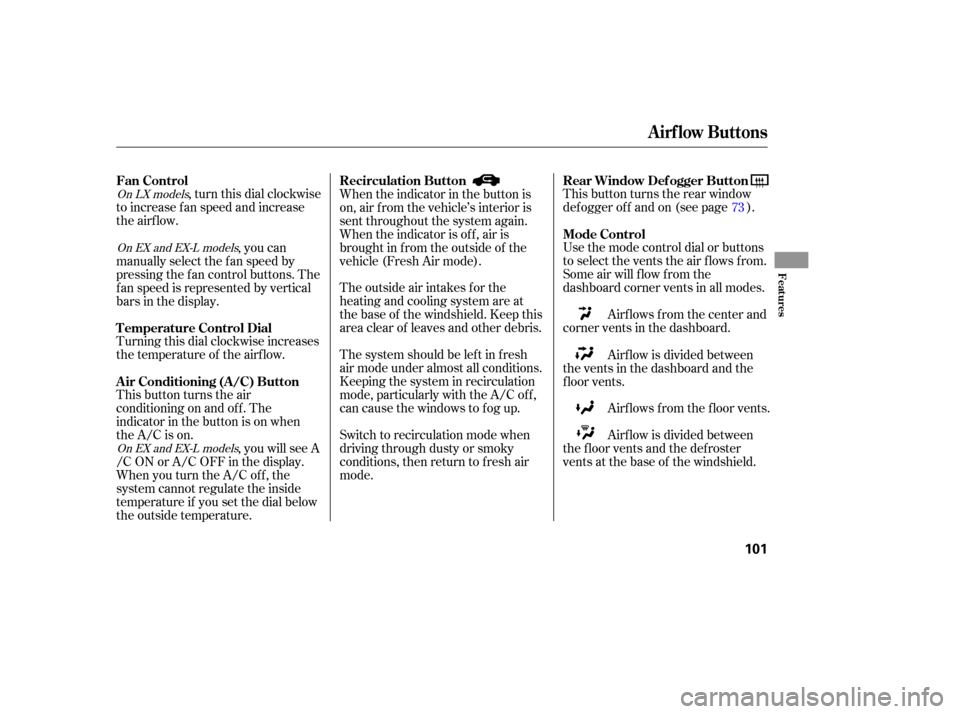
On EX and EX-L models, turn this dial clockwise
to increase f an speed and increase
the airflow.
Turning this dial clockwise increases
the temperature of the airflow.
This button turns the air
conditioning on and of f . The
indicatorinthebuttonisonwhen
the A/C is on. This button turns the rear window
def ogger of f and on (see page ).
Use the mode control dial or buttons
to select the vents the air flows from.
Some air will flow from the
dashboard corner vents in all modes.
Airflows from the center and
corner vents in the dashboard.
Airf lows f rom the f loor vents.
Thesystemshouldbeleftinfresh
air mode under almost all conditions.
Keeping the system in recirculation
mode, particularly with the A/C of f ,
can cause the windows to fog up. The outside air intakes f or the
heating and cooling system are at
the base of the windshield. Keep this
area clear of leaves and other debris.
Switch to recirculation mode when
driving through dusty or smoky
conditions, then return to fresh air
mode.
,youcan
manually select the f an speed by
pressing the f an control buttons. The
f an speed is represented by vertical
bars in the display.
, you will see A
/C ON or A/C OFF in the display.
When you turn the A/C of f , the
system cannot regulate the inside
temperature if you set the dial below
the outside temperature. When the indicator in the button is
on, air f rom the vehicle’s interior is
sent throughout the system again.
When the indicator is off, air is
brought in f rom the outside of the
vehicle (Fresh Air mode).
Airf low is divided between
the vents in the dashboard and the
f loor vents.
Airf low is divided between
the f loor vents and the def roster
vents at the base of the windshield. 73
Fan Control
T emperature Control Dial
Air Conditioning (A/C) Button Rear Window Def ogger Button
Mode Control
Recirculation Button
Airf low Buttons
Features
101
Page 126 of 273

�µ�´
Press and hold the CLOCK (SCAN/
RPT) button. Change the hours by
pressing the H (preset 4) button
until the numbers advance to the
desired time. Change the minutes by
pressing the M (preset 5) button
until the numbers advance to the
desired time. When you are f inished,
release the CLOCK button. If your vehicle’s battery is
disconnected or goes dead, you will
need to set the clock.
You can quickly set the time to the
nearest hour. If the displayed time is
bef ore the half hour, pressing and
holding the clock button, then
pressing the RESET (preset 6)
buttonsetstheclockbacktothe
previous hour. If the displayed time
is af ter the half hour, the clock sets
f orward to the beginning of the next
hour.
For example: 1:06 will reset to 1:00
1:52 will reset to 2:00 Therightdisplayshowsthetime
when the ignition is in the
ACCESSORY (I) or ON (II) position.
Press and hold the SET (TUNE)
button until the numbers f lash.
Change the hours by pressing the
H ( ) button until the numbers
advance to the desired time. Change
the minutes by pressing the M ( )
button until the numbers advance to
the desired time. When you are
finished, press the SET button again.
LX model
EX and EX-L models
Setting the Clock
124
SET
BUTTON CLOCK
H BUTTON
RESET
MH M BUTTON
CLOCK CLOCK BUTTON
LX MODEL
EX and EX-L
MODELS
Page 129 of 273
�Î
�Î
�µ
To operate the rear entertainment
system from the front panel, turn the
RR CTRL knob clockwise. The
amber RR LED comes on to show
that the control panel is enabled.
To play the radio or tape, the buttons
for the front entertainment system
have the same functions.
If aCDisloadedinthemainCD
player or CD changer, select CD/
CHG.If theCDisloadedinthe
lower player, select DVD/AUX.
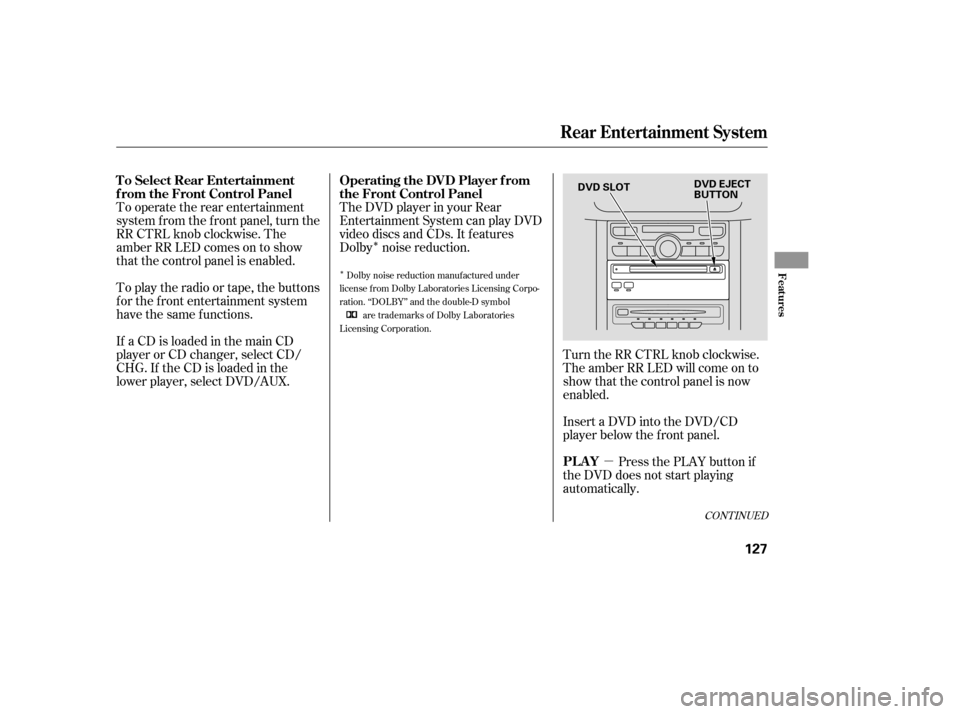
The DVD player in your Rear
Entertainment System can play DVD
video discs and CDs. It features
Dolby noise reduction.
Turn the RR CTRL knob clockwise.
The amber RR LED will come on to
show that the control panel is now
enabled.
Insert a DVD into the DVD/CD
player below the f ront panel.Press the PLAY button if
the DVD does not start playing
automatically.
Dolby noise reduction manuf actured under
license from Dolby Laboratories Licensing Corpo-
ration. ‘‘DOLBY’’ and the double-D symbol are trademarks of Dolby Laboratories
Licensing Corporation.
CONT INUED
Rear Entertainment System
To Select Rear Entertainment
f rom the Front Control Panel Operating the DVD Player f rom
the Front Control Panel
PL A Y
Features
127
DVD SLOTDVD EJECT
BUTTON
Page 135 of 273
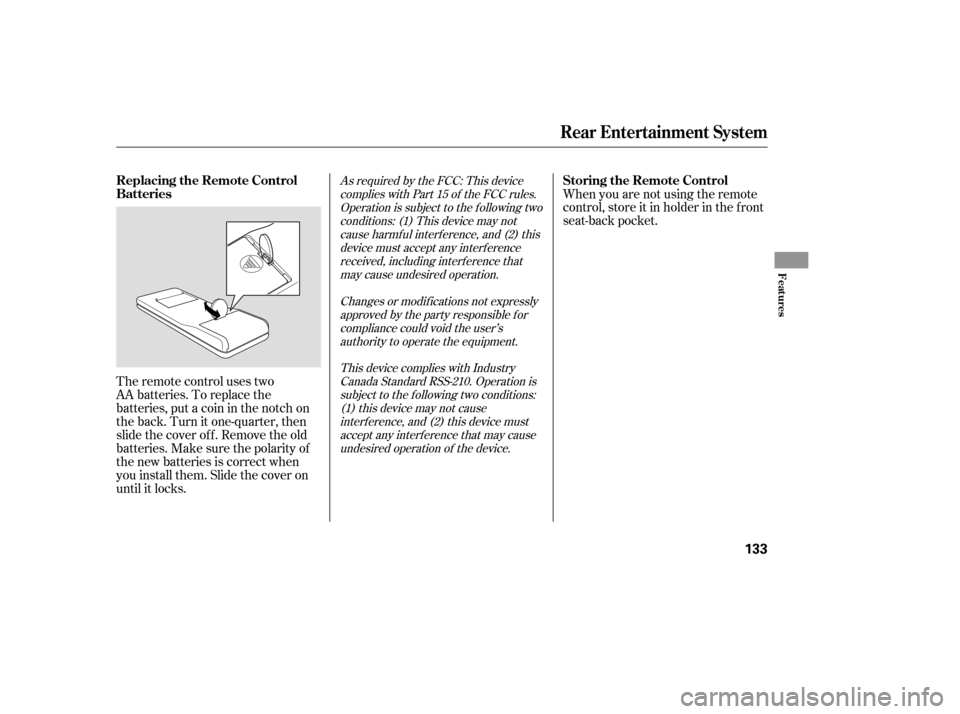
The remote control uses two
AA batteries. To replace the
batteries, put a coin in the notch on
the back. Turn it one-quarter, then
slide the cover of f . Remove the old
batteries.Makesurethepolarityof
the new batteries is correct when
you install them. Slide the cover on
until it locks.When you are not using the remote
control, store it in holder in the f ront
seat-back pocket.
As required by the FCC: This device
complies with Part 15 of the FCC rules.Operation is subject to the f ollowing twoconditions: (1) This device may notcause harmf ul interf erence, and (2) thisdevice must accept any interf erencereceived, including interf erence thatmay cause undesired operation.
Changes or modif ications not expresslyapproved by the party responsible f orcompliance could void the user’sauthority to operate the equipment.
This device complies with IndustryCanada Standard RSS-210. Operation issubject to the f ollowing two conditions:(1) this device may not causeinterf erence, and (2) this device mustaccept any interf erence that may causeundesired operation of the device.
Rear Entertainment System
Replacing the Remote Control
Batteries Storing the Remote Control
Features
133
Page 138 of 273
There are three headphone
connectors f or the third seat
passengers. Each connector has its
own volume control. The system will accept auxiliary
inputs f rom standard video games
and video equipment.
V=Videojack
L = Lef t audio jack
R = Right audio jack
Auxiliary input jacks and headphone
connectors f or the rear
entertainment system are on the
back of the center console
compartment.
Remove the battery. Install the new
battery in the earpice as shown in
the diagram next to the battery slot.
Slide the cover back into place on the
earpiece, then press down on the
back edge to lock it in place.
Rear Entertainment System
Auxiliary Input Jacks
136
AUXILIARY INPUT JACKS
BATTERY COVER
HEADPHONE CONNECTORS
VOLUME
DIALS
Page 139 of 273

The security system helps to protect
your vehicle and valuables f rom thef t.
The horn sounds and a combination
of headlights, parking lights, side
marker lights, and taillights f lash if
someone attempts to break into your
vehicle. This alarm continues for two
minutes, then the system resets. To
reset an alarm system bef ore the two
minutes have elapsed, unlock the
driver’s f ront door with the key or
the remote transmitter.Once the security system is set,
opening any door without using the
key or the remote transmitter, or the
hood, will cause it to alarm. It also
alarms if the radio is removed from
the dashboard or the wiring is cut.The security system will not set if
the hood, the tailgate, or any door is
not f ully closed. If the system will not
set, check the Door and Tailgate
Open Monitor on the instrument
panel (see page ) to see if the
doors and the tailgate are f ully
closed. Since it is not part of the
monitor display, manually check the
hood.
Do not attempt to alter this system
or add other devices to it.
The security system automatically
sets 15 seconds after you lock the
doors, hood, and the tailgate. For the
system to activate, you must lock the
doors f rom the outside with the key,
lock tab, door lock switch, or remote
transmitter. The security system
indicator next to the driver’s door
lock starts blinking immediately to
show you the system is setting itself . 62
On EX and EX-L models
Security System
Features
137
SECURITY SYSTEM INDICATOR