2004 CHEVROLET CORVETTE light
[x] Cancel search: lightPage 181 of 384
TRAC/ACT HNDLG – OFF:By pressing the Active
Handling System console button briefly, the driver can
turn the Traction Control and Active Handling Systems
off. The message TRAC/ACT HNDLG – OFF will be
displayed in the DIC, the instrument panel cluster light
will be on and a chime will sound. You can acknowledge
this message by pressing the RESET button. The
anti-lock brake systems remains on with the Traction
Control and Active Handling Systems off. You should
adjust your driving accordingly.
TRAC/ACT HNDLG – ON:If the Traction Control and
Active Handling Systems are off, pressing the Active
Handling System console button momentarily will
turn both systems on. The message TRAC/ACT
HNDLG – ON will be displayed temporarily in the DIC,
the instrument panel cluster light will be off and a
chime will sound.TRACTION SYS ACTIVE:When your Traction Control
System is limiting wheel spin, the TRACTION SYS
ACTIVE message will be displayed. Slippery road
conditions may exist if this message is displayed, so
adjust your driving accordingly. The message will
stay on for a few seconds after the Traction Control
System stops limiting wheel spin.
TRACTION SYSTEM – OFF:You will hear a single
quick tone when this message is displayed. This
message comes on and stays on when the Traction
Control System button on the console is pressed to turn
the system off. To acknowledge this message, press
RESET.
TRACTION SYSTEM – ON:This message is displayed
when you decide to turn on the Traction Control
System by pressing the switch on the console. This
message will shut off automatically on its own.
WARM UP COMPLETE:If you receive this message
and hear a chime, the system has completed the
functional check of the Active Handling System.
3-67
Page 185 of 384
Finding a Station
AM FM:Press this button to switch between FM1,
FM2, and AM. The display will show the selection.
TUNE:Press this knob lightly so it extends. Turn it to
select radio stations. Push the knob back into its stored
position when you are not using it.
oSEEKp:Press the right or the left arrow to go to
the next or to the previous station and stay there.
To scan stations, press and hold either SEEK arrow for
two seconds. SCAN will appear on the display. The
radio will go to a station, play for a few seconds, then go
on to the next station. Press either SEEK arrow again
to stop scanning.
The radio will only seek or scan stations with a strong
signal that are in the selected band.
P.SCAN (Preset Scan):Press this button to scan your
preset stations. P.SCAN will appear on the display.
The radio will go to the first preset station stored on the
pushbuttons, play for a few seconds, then go on to
the next preset station. Press P.SCAN again or one of
the pushbuttons to stop scanning presets.
The radio will only scan preset stations with a strong
signal that are in the selected band.
Setting Preset Stations
Up to 18 stations (six FM1, six FM2, and six AM) can be
programmed on the six numbered pushbuttons, by
performing the following steps:
1. Turn the radio on.
2. Press AM FM to select FM1, FM2, or AM.
3. Tune in the desired station.
4. Press AUTO TONE to select the equalization.
5. Press and hold one of the six numbered
pushbuttons. The sound will mute. When the sound
returns, release the pushbutton. Whenever that
numbered pushbutton is pressed, the station that
was set will return and the equalization that
was selected will be stored for that pushbutton.
6. Repeat the steps for each pushbutton.
3-71
Page 186 of 384
Setting the Tone (Bass/Treble)
BASS:To adjust the bass, press this knob lightly so it
extends. Turn the knob to increase or to decrease
the bass.
TREB (Treble):To adjust the treble, press this knob
lightly so it extends. Turn the knob to increase or
to decrease treble. If a station is weak or noisy,
decrease the treble.
Return these knobs to their stored positions when you
are not using them.
AUTO TONE (Automatic Tone):Press this button to
select customized equalization settings designed
for country/western, jazz, talk, pop, rock, and classical.
To return the bass and treble to the manual mode,
either press and release the AUTO TONE button until
the display goes blank or press and release the BASS or
TREB knob and turn it until the display goes blank.
Adjusting the Speakers (Balance/Fade)
BAL (Balance):To adjust the balance between the
right and the left speakers, press this knob lightly so it
extends. Turn the knob to move the sound toward
the right or the left speakers.
FADE:To adjust the fade between the front and the
rear speakers, press this knob lightly so it extends. Turn
the knob to move the sound toward the front or the
rear speakers.
Return these knobs to their stored positions when you
are not using them.
3-72
Page 191 of 384
Finding a Station
AM FM:Press this button to switch between FM1,
FM2, and AM. The display will show your selection.
TUNE:Press this knob lightly so it extends. Turn it to
select radio stations. Push the knob back into its stored
position when you are not using it.
oSEEKp:Press the right or the left arrow to go to
the next or to the previous station and stay there.
To scan stations, press either SEEK arrow for two
seconds. SCAN will appear on the display. The radio
will go to a station, play for a few seconds, then go on to
the next station. Press either SEEK arrow again to
stop scanning.
The radio will seek or scan only to stations that are in
the selected band and only to those with a strong signal.
P.SCAN (Preset Scan):Press this button to scan
your preset stations. P.SCAN will appear on the display.
The radio will go to the first preset station stored on
your pushbuttons, play for a few seconds, then go on to
the next preset station. Press P.SCAN again or one
of the pushbuttons to stop scanning presets.
The radio will scan only to preset stations that are in the
selected band and only to those with a strong signal.
Setting Preset Stations
The six numbered pushbuttons let you return to
your favorite stations. You can set up to 18 stations
(six FM1, six FM2, and six AM) by performing the
following steps:
1. Turn the radio on.
2. Press AM FM to select FM1, FM2, or AM.
3. Tune in the desired station.
4. Press AUTO TONE to select the equalization.
5. Press and hold one of the six numbered
pushbuttons. The sound will mute. When the sound
returns, release the pushbutton. Whenever you
press that numbered pushbutton, the station you set
will return and the equalization that you selected
will be automatically stored for that pushbutton.
6. Repeat the steps for each pushbutton.
3-77
Page 192 of 384
Setting the Tone (Bass/Treble)
BASS:To adjust the bass, press this knob lightly so it
extends. Turn the knob to increase or to decrease bass.
TREB (Treble):To adjust the treble, press this knob
lightly so it extends. Turn the knob to increase or
to decrease treble. If a station is weak or noisy, you
may want to decrease the treble.
Return these knobs to their stored positions when you
are not using them.
AUTO TONE (Automatic Tone):Press this button to
select customized equalization settings designed
for country/western, jazz, talk, pop, rock, and classical.
To return the bass and treble to the manual mode,
either press and release the AUTO TONE button until
the display goes blank or press and release the BASS or
TREB knob and turn it until the display goes blank.
Adjusting the Speakers (Balance/Fade)
BAL (Balance):To adjust the balance between the
right and the left speakers, press this knob lightly so it
extends. Turn the knob to move the sound toward
the right or the left speakers.
FADE:To adjust the fade between the front and the
rear speakers, press this knob lightly so it extends. Turn
the knob to move the sound toward the front or the
rear speakers.
Return these knobs to their stored positions when you
are not using them.
3-78
Page 202 of 384
Radio Reception
AM
The range for most AM stations is greater than for FM,
especially at night. The longer range, however, can
cause stations to interfere with each other. AM can pick
up noise from things like storms and power lines. Try
reducing the treble to reduce this noise.
FM
FM stereo will give you the best sound, but FM signals
will reach only about 10 to 40 miles (16 to 65 km).
Tall buildings or hills can interfere with FM signals,
causing the sound to come and go.
Care of Your Cassette Tape Player
A tape player that is not cleaned regularly can cause
reduced sound quality, ruined cassettes, or a damaged
mechanism. Cassette tapes should be stored in their
cases away from contaminants, direct sunlight, and
extreme heat. If they are not, they may not operate
properly or may cause failure of the tape player.
The tape player should be cleaned regularly after every
50 hours of use. The radio may display CLN to
indicate that the tape player has been used for 50 hours
without resetting the tape clean timer. If this message
appears on the display, the cassette tape playerneeds to be cleaned. It will still play tapes, but it should
be cleaned as soon as possible to prevent damage
to the tapes and player. If there is a reduction in sound
quality, try a known good cassette to see if the tape
or the tape player is at fault. If this other cassette has no
improvement in sound quality, clean the tape player.
For best results, use a scrubbing action, non-abrasive
cleaning cassette with pads which scrub the tape
head as the hubs of the cleaner cassette turn. The
recommended cleaning cassette is available through
your dealer.
The cut tape detection feature of the cassette tape
player may identify the cleaning cassette as a damaged
tape, in error. To prevent the cleaning cassette from
being ejected, use the following steps:
1. Turn the ignition on.
2. Turn the radio off.
3. Press and hold the TAPE AUX button for five
seconds. The tape symbol on the display will
flash for two seconds.
4. Insert the scrubbing action cleaning cassette.
5. Eject the cleaning cassette after the manufacturer’s
recommended cleaning time.
After the cleaning cassette is ejected, the cut tape
detection feature will be active again.
3-88
Page 203 of 384
A non-scrubbing action, wet-type cleaner which uses a
cassette with a fabric belt to clean the tape head
can be used. This type of cleaning cassette will not
eject on its own. A non-scrubbing action cleaner may not
clean as thoroughly as the scrubbing type cleaner.
The use of a non-scrubbing action, dry-type cleaning
cassette is not recommended.
After the player is cleaned, press and hold the EJECT
button for five seconds to reset the CLN indicator.
The radio will display --- or CLEANED to show the
indicator was reset.
Cassettes are subject to wear and the sound quality
may degrade over time. Always make sure the cassette
tape is in good condition before the tape player is
serviced.Care of Your CDs
Handle CDs carefully. Store them in their original cases
or other protective cases and away from direct
sunlight and dust. If the surface of a CD is soiled,
dampen a clean, soft cloth in a mild, neutral detergent
solution and clean it, wiping from the center to the edge.
Be sure never to touch the side without writing when
handling CDs. Pick up CDs by grasping the outer edges
or the edge of the hole and the outer edge.
Care of Your CD Player
The use of CD lens cleaners for CD players is not
advised, due to the risk of contaminating the lens of the
CD optics with lubricants internal to the CD mechanism.
Fixed Mast Antenna (Z06)
The fixed mast antenna can withstand most car washes
without being damaged. If the mast should ever
become slightly bent, straighten it out by hand. If the
mast is badly bent, replace it.
Check occasionally to make sure the mast is still
tightened to the rear quarter panel.
3-89
Page 211 of 384
Avoid needless heavy braking. Some people drive in
spurts — heavy acceleration followed by heavy
braking — rather than keeping pace with traffic. This is
a mistake. Your brakes may not have time to cool
between hard stops. Your brakes will wear out much
faster if you do a lot of heavy braking. If you keep pace
with the traffic and allow realistic following distances,
you will eliminate a lot of unnecessary braking.
That means better braking and longer brake life.
If your engine ever stops while you are driving, brake
normally but do not pump your brakes. If you do,
the pedal may get harder to push down. If your engine
stops, you will still have some power brake assist.
But you will use it when you brake. Once the power
assist is used up, it may take longer to stop and
the brake pedal will be harder to push.Anti-lock Brake System (ABS)
Your vehicle has anti-lock brakes. ABS is an advanced
electronic braking system that will help prevent a
braking skid.
When you start your engine and begin to drive away,
your anti-lock brake system will check itself. You
may hear a momentary motor or clicking noise while
this test is going on, and you may even notice that your
brake pedal moves a little. This is normal.
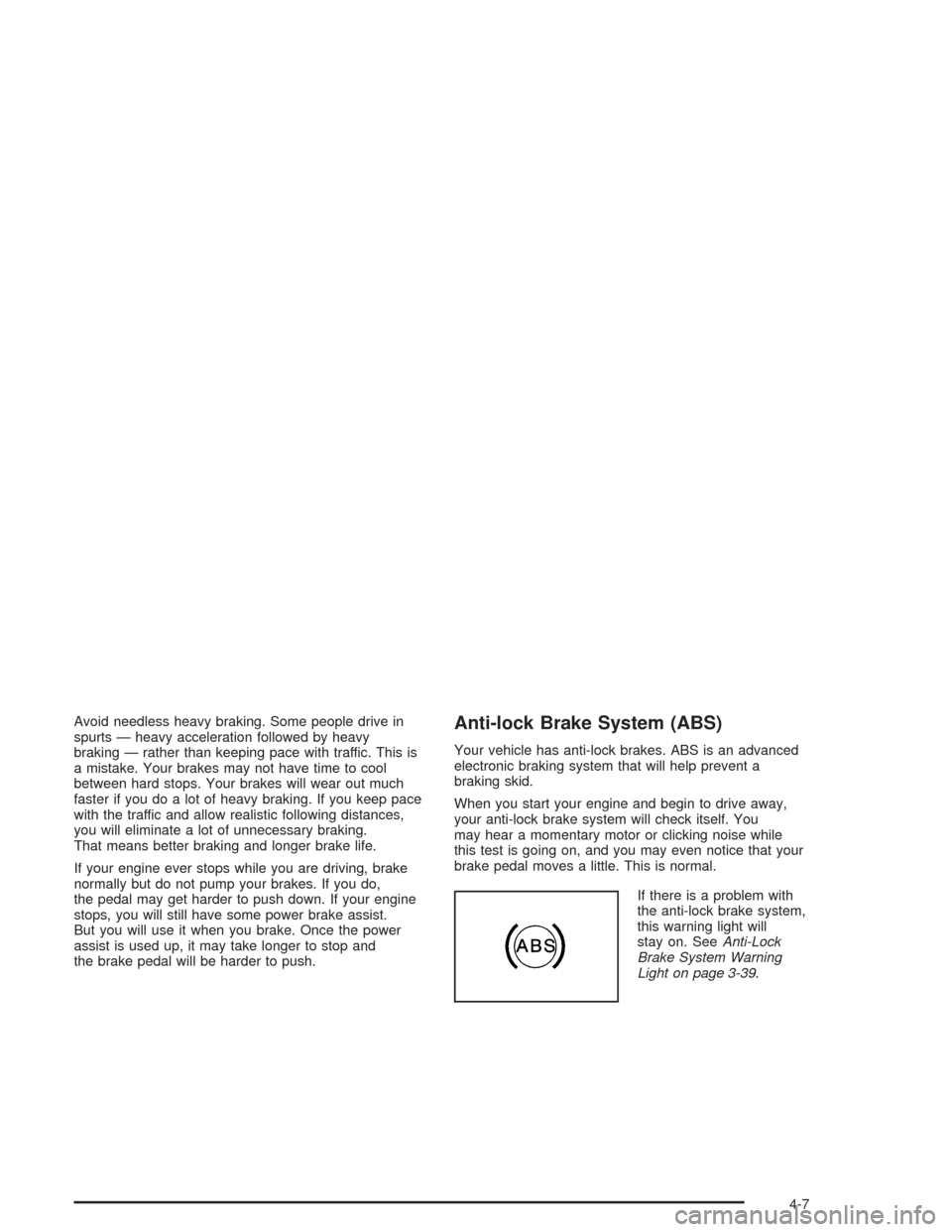
If there is a problem with
the anti-lock brake system,
this warning light will
stay on. SeeAnti-Lock
Brake System Warning
Light on page 3-39.
4-7