2003 BMW 760LI SEDAN display
[x] Cancel search: displayPage 180 of 229
BMW Assist
178
BMW Assist
To avoid posing an unnecessary
hazard, both to your own vehicle's
occupants and to other road users: never
attempt to use the controls or make adjust-
ments while operating the vehicle.<
Requirements
If the following requirements are met, you
can call up BMW Assist:
>Telephone is connected and switched
on
>The lock code has been entered
>The mobile communications network is
available
>GPS reception is assured.
The position of the vehicle can influ-
ence the mobile communications/
GPS reception. As a rule, mobile communi-
cations/GPS reception is only possible
under a clear sky.
When vehicle data is exchanged with the
BMW Service Center, a corresponding
message appears in the Control Display.<
Roadside Assistance of the
BMW Group
Here, you automatically dial the number of
the Roadside Assistance of the BMW
Group, your BMW center or BMW Cus-
tomer Relations.
To contact Roadside Assistance, for
example in the event of a breakdown:
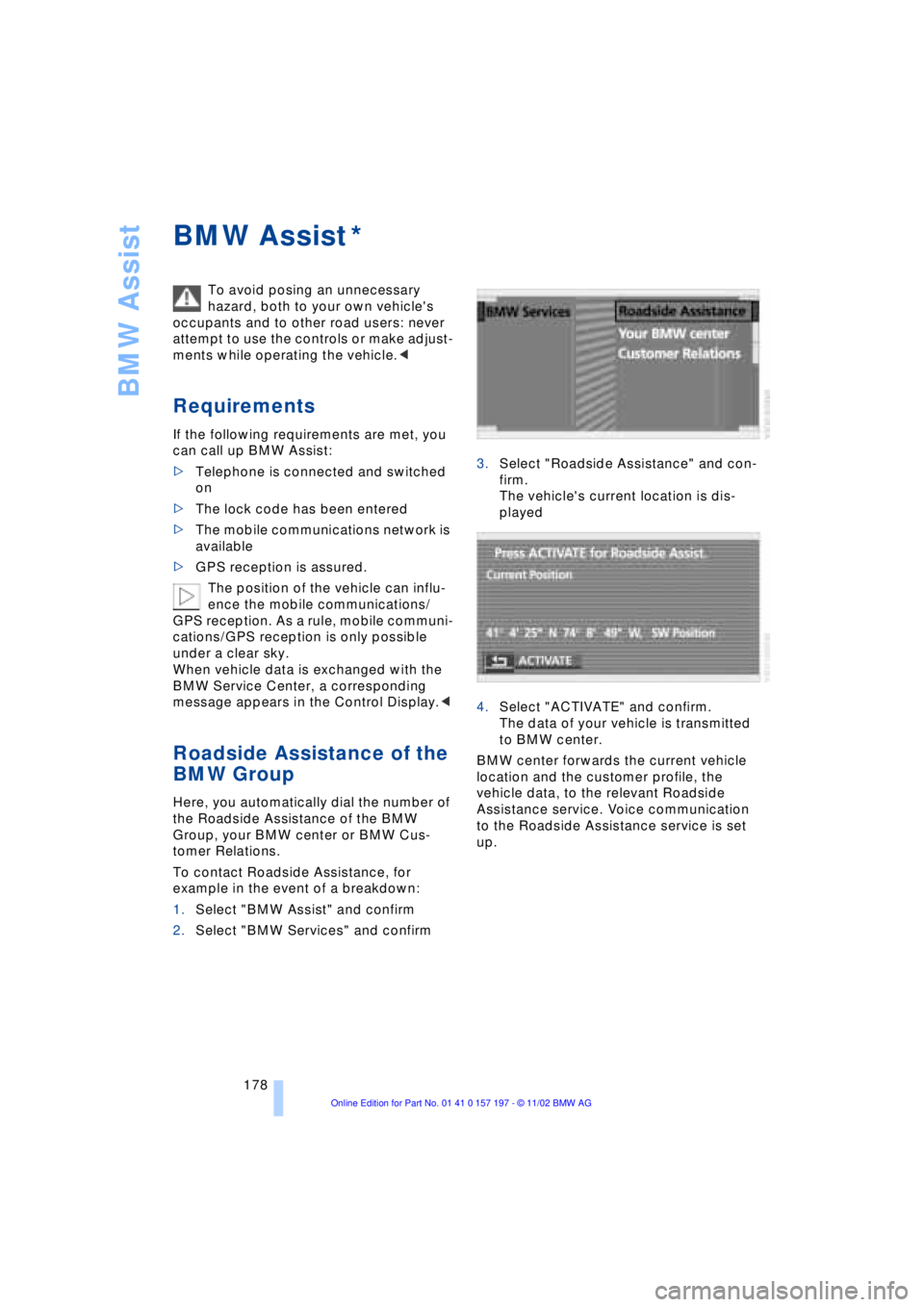
1.Select "BMW Assist" and confirm
2.Select "BMW Services" and confirm3.Select "Roadside Assistance" and con-
firm.
The vehicle's current location is dis-
played
4.Select "ACTIVATE" and confirm.
The data of your vehicle is transmitted
to BMW center.
BMW center forwards the current vehicle
location and the customer profile, the
vehicle data, to the relevant Roadside
Assistance service. Voice communication
to the Roadside Assistance service is set
up.
*
Page 190 of 229
Wheels and tires
188 The correct combination of wheels
and tires is a vital factor in ensuring
reliable operation of various vehicle sys-
tems such as ABS and DSC.
It is therefore important to ensure that tires
from a single manufacturer with a single
tread configuration are always mounted on
all vehicle wheels; after a flat tire, always
remember to have the specified wheel and
tire combination remounted on the vehicle
as soon as possible.<
Storage
Always store wheels and tires in a cool, dry
place with as little exposure to light as pos-
sible. Always protect tires against all con-
tact with oil, grease and fuels.
Special characteristics of
winter tires
Choosing the right tire
BMW recommends winter tires Ð M+S tires
for use in cold winter driving conditions.
Although all-season M+S tires provide
better winter traction than standard
summer tires with H, V, W and ZR speed
ratings, they generally fail to provide the
same levels of cold-weather performance
as winter tires.
When mounting, always install winter tires
of a single tread configuration and from a
single manufacturer on all four wheels to
ensure safe tracking and secure steering
response.
Observing speed ratings
Never exceed the maximum speed for
which the winter tires are rated.
Unprofessional attempts by laymen to ser-
vice tires can lead to damage and acci-
dents.
Have this work performed by skilled pro-
fessionals only. The technicians at your
BMW center will be glad to assist you with
the required professional knowledge and
specialized equipment.<
Tire condition, tire pressure
Because winter tires display a noticeable
loss in their ability to cope with cold-wea-
ther driving conditions once the tread
wears to below 0.16 in (4 mm), to ensure
continued safety you should always have
such tires replaced.
Always maintain the specified inflation
pressures in all tires, and remember to
have the wheel and tire assemblies bal-
anced every time either a wheel or a tire is
replaced.
Snow chains*
BMW only tests certain snow chains, clas-
sifies them as road-safe and approves
them. Consult your BMW center for more
information. BMW recommends only using
these approved, narrow-link snow chains.
These snow chains are approved exclusi-
vely for use in pairs on the rear wheels, and
should only be mounted on tires with the
dimensions 245/50 R 18. Observe the
manufacturer's instructions when installing
snow chains. Do not exceed a vehicle
speed of 30 mph (50 km/h) with the chains
mounted.
Page 195 of 229
At a glance
Controls
Driving tips
Communications
Navigation
Entertainment
Mobility
Reference
193
Maintenance
The BMW Maintenance
System
The BMW Maintenance System is desi-
gned to ensure that your vehicle will con-
tinue to furnish consistent reliability com-
bined with optimal safety. The service
schedule also includes operations related
to the vehicle's comfort and convenience
features, such as replacement of the filters
for the inside air. The ultimate object is to
furnish economical maintenance by provi-
ding the ideal service for your individual
vehicle.
Should the day come when you decide to
sell your BMW, you will find that a complete
dealer service history is an asset of inesti-
mable value.
CBS Condition Based Service
CBS is a more advanced version of the Ser-
vice Interval Display. Sensors combine with
highly-specialized algorithms to supply
service information that reflects your
vehicle's actual operating conditions more
precisely than ever before.
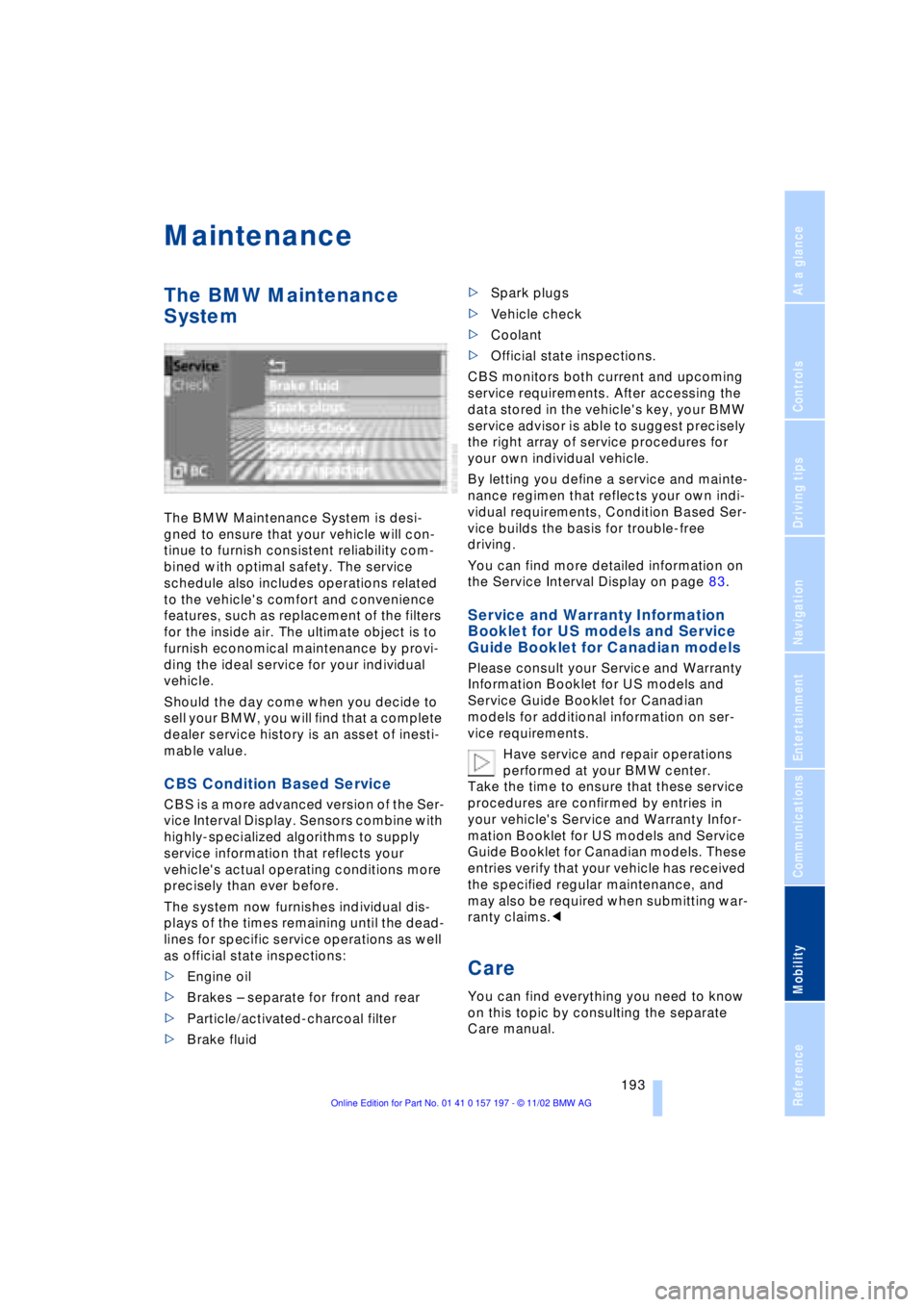
The system now furnishes individual dis-
plays of the times remaining until the dead-
lines for specific service operations as well
as official state inspections:
>Engine oil
>Brakes Ð separate for front and rear
>Particle/activated-charcoal filter
>Brake fluid >Spark plugs
>Vehicle check
>Coolant
>Official state inspections.
CBS monitors both current and upcoming
service requirements. After accessing the
data stored in the vehicle's key, your BMW
service advisor is able to suggest precisely
the right array of service procedures for
your own individual vehicle.
By letting you define a service and mainte-
nance regimen that reflects your own indi-
vidual requirements, Condition Based Ser-
vice builds the basis for trouble-free
driving.
You can find more detailed information on
the Service Interval Display on page 83.
Service and Warranty Information
Booklet for US models and Service
Guide Booklet for Canadian models
Please consult your Service and Warranty
Information Booklet for US models and
Service Guide Booklet for Canadian
models for additional information on ser-
vice requirements.
Have service and repair operations
performed at your BMW center.
Take the time to ensure that these service
procedures are confirmed by entries in
your vehicle's Service and Warranty Infor-
mation Booklet for US models and Service
Guide Booklet for Canadian models. These
entries verify that your vehicle has received
the specified regular maintenance, and
may also be required when submitting war-
ranty claims.<
Care
You can find everything you need to know
on this topic by consulting the separate
Care manual.
Page 203 of 229
Overview
Controls
Driving tips
Communications
Navigation
Entertainment
Mobility
Reference
201
To avoid short circuits, as well as pos-
sible fires and personal injury, always
disconnect the cable from the battery's
negative terminal before working on the
vehicle's electrical system.<
Battery switch
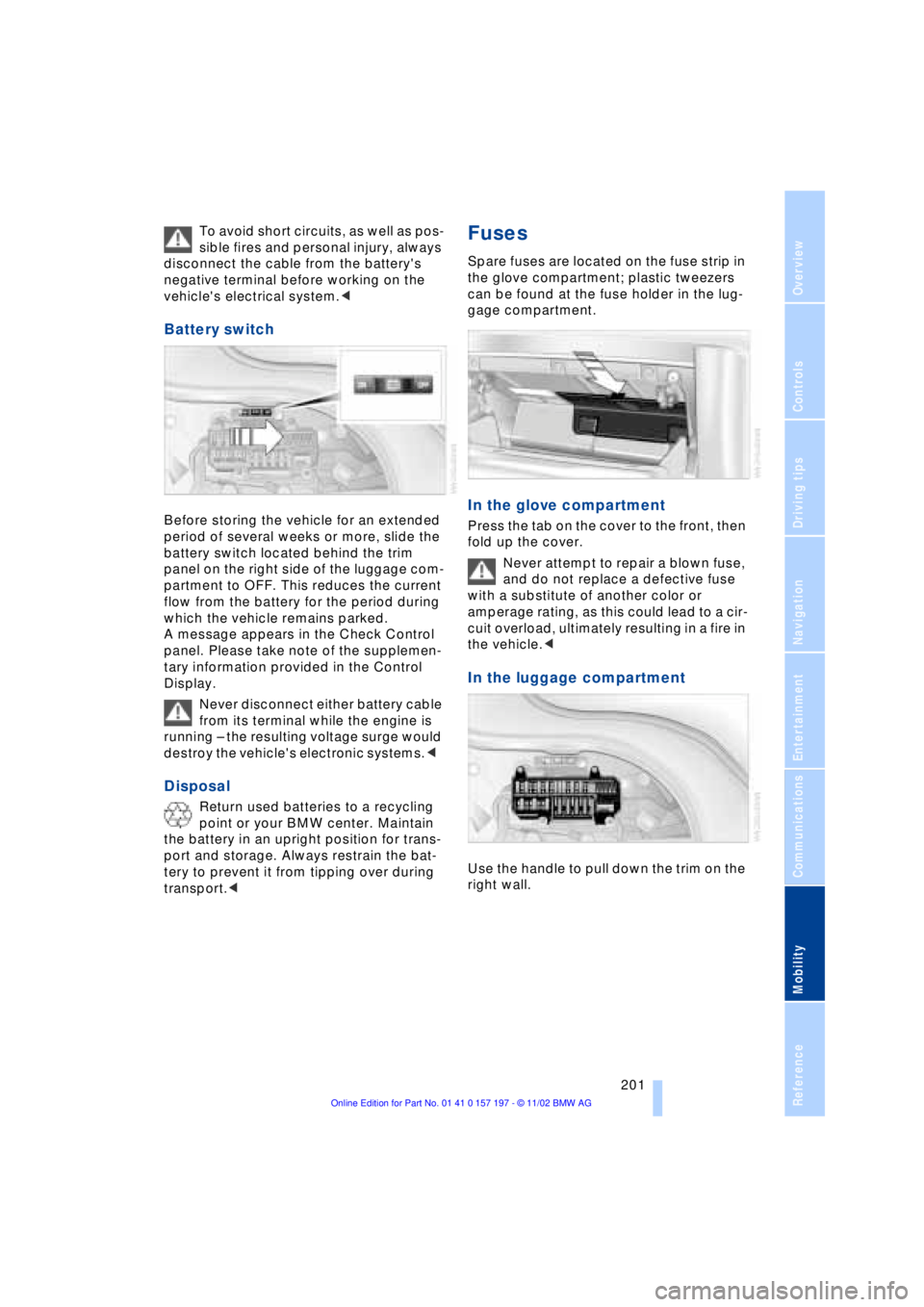
Before storing the vehicle for an extended
period of several weeks or more, slide the
battery switch located behind the trim
panel on the right side of the luggage com-
partment to OFF. This reduces the current
flow from the battery for the period during
which the vehicle remains parked.
A message appears in the Check Control
panel. Please take note of the supplemen-
tary information provided in the Control
Display.
Never disconnect either battery cable
from its terminal while the engine is
running Ð the resulting voltage surge would
destroy the vehicle's electronic systems.<
Disposal
Return used batteries to a recycling
point or your BMW center. Maintain
the battery in an upright position for trans-
port and storage. Always restrain the bat-
tery to prevent it from tipping over during
transport.<
Fuses
Spare fuses are located on the fuse strip in
the glove compartment; plastic tweezers
can be found at the fuse holder in the lug-
gage compartment.
In the glove compartment
Press the tab on the cover to the front, then
fold up the cover.
Never attempt to repair a blown fuse,
and do not replace a defective fuse
with a substitute of another color or
amperage rating, as this could lead to a cir-
cuit overload, ultimately resulting in a fire in
the vehicle.<
In the luggage compartment
Use the handle to pull down the trim on the
right wall.
Page 214 of 229
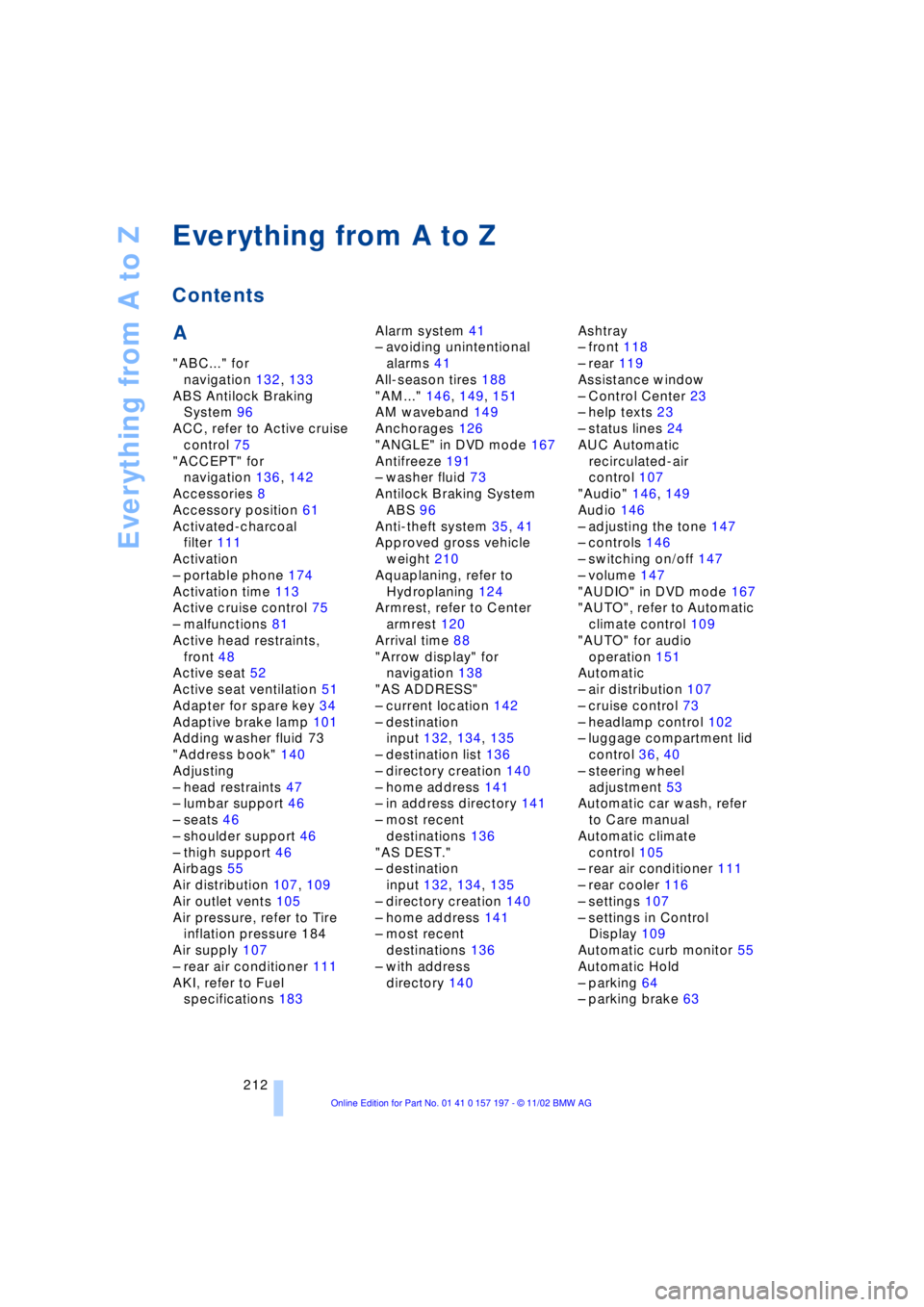
Everything from A to Z
212
A
"ABC..." for
navigation 132, 133
ABS Antilock Braking
System 96
ACC, refer to Active cruise
control 75
"ACCEPT" for
navigation 136, 142
Accessories 8
Accessory position 61
Activated-charcoal
filter 111
Activation
Ð portable phone 174
Activation time 113
Active cruise control 75
Ð malfunctions 81
Active head restraints,
front 48
Active seat 52
Active seat ventilation 51
Adapter for spare key 34
Adaptive brake lamp 101
Adding washer fluid 73
"Address book" 140
Adjusting
Ð head restraints 47
Ð lumbar support 46
Ð seats 46
Ð shoulder support 46
Ð thigh support 46
Airbags 55
Air distribution 107, 109
Air outlet vents 105
Air pressure, refer to Tire
inflation pressure 184
Air supply 107
Ð rear air conditioner 111
AKI, refer to Fuel
specifications 183Alarm system 41
Ð avoiding unintentional
alarms 41
All-season tires 188
"AM..." 146, 149, 151
AM waveband 149
Anchorages 126
"ANGLE" in DVD mode 167
Antifreeze 191
Ð washer fluid 73
Antilock Braking System
ABS 96
Anti-theft system 35, 41
Approved gross vehicle
weight 210
Aquaplaning, refer to
Hydroplaning 124
Armrest, refer to Center
armrest 120
Arrival time 88
"Arrow display" for
navigation 138
"AS ADDRESS"
Ð current location 142
Ð destination
input 132, 134, 135
Ð destination list 136
Ð directory creation 140
Ð home address 141
Ð in address directory 141
Ð most recent
destinations 136
"AS DEST."
Ð destination
input 132, 134, 135
Ð directory creation 140
Ð home address 141
Ð most recent
destinations 136
Ð with address
directory 140Ashtray
Ð front 118
Ð rear 119
Assistance window
Ð Control Center 23
Ð help texts 23
Ð status lines 24
AUC Automatic
recirculated-air
control 107
"Audio" 146, 149
Audio 146
Ð adjusting the tone 147
Ð controls 146
Ð switching on/off 147
Ð volume 147
"AUDIO" in DVD mode 167
"AUTO", refer to Automatic
climate control 109
"AUTO" for audio
operation 151
Automatic
Ð air distribution 107
Ð cruise control 73
Ð headlamp control 102
Ð luggage compartment lid
control 36, 40
Ð steering wheel
adjustment 53
Automatic car wash, refer
to Care manual
Automatic climate
control 105
Ð rear air conditioner 111
Ð rear cooler 116
Ð settings 107
Ð settings in Control
Display 109
Automatic curb monitor 55
Automatic Hold
Ð parking 64
Ð parking brake 63
Everything from A to Z
Contents
Page 216 of 229
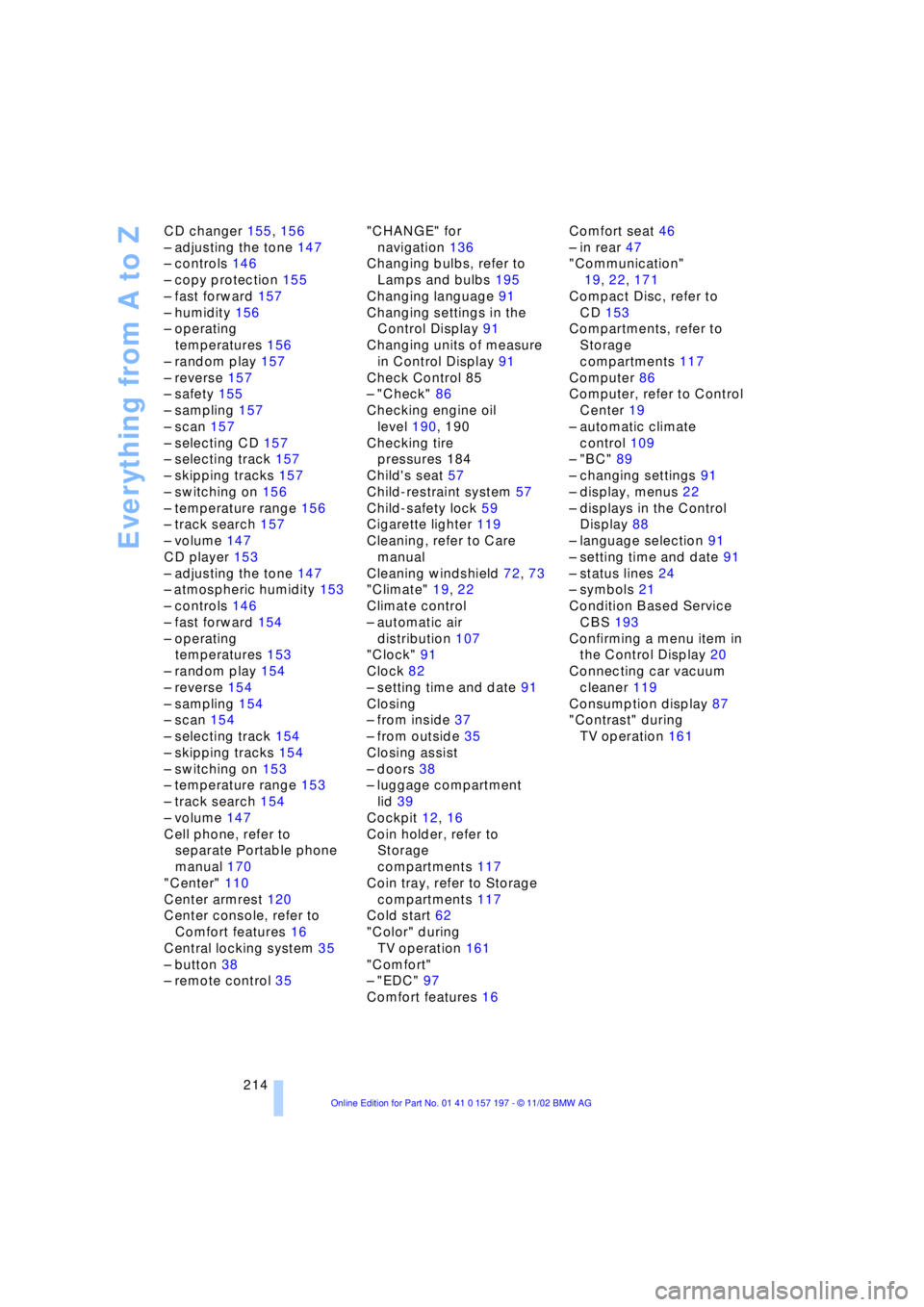
Everything from A to Z
214 CD changer 155, 156
Ð adjusting the tone 147
Ð controls 146
Ð copy protection 155
Ð fast forward 157
Ð humidity 156
Ð operating
temperatures 156
Ð random play 157
Ð reverse 157
Ð safety 155
Ð sampling 157
Ð scan 157
Ð selecting CD 157
Ð selecting track 157
Ð skipping tracks 157
Ð switching on 156
Ð temperature range 156
Ð track search 157
Ð volume 147
CD player 153
Ð adjusting the tone 147
Ð atmospheric humidity 153
Ð controls 146
Ð fast forward 154
Ð operating
temperatures 153
Ð random play 154
Ð reverse 154
Ð sampling 154
Ð scan 154
Ð selecting track 154
Ð skipping tracks 154
Ð switching on 153
Ð temperature range 153
Ð track search 154
Ð volume 147
Cell phone, refer to
separate Portable phone
manual 170
"Center" 110
Center armrest 120
Center console, refer to
Comfort features 16
Central locking system 35
Ð button 38
Ð remote control 35"CHANGE" for
navigation 136
Changing bulbs, refer to
Lamps and bulbs 195
Changing language 91
Changing settings in the
Control Display 91
Changing units of measure
in Control Display 91
Check Control 85
Ð "Check" 86
Checking engine oil
level 190, 190
Checking tire
pressures 184
Child's seat 57
Child-restraint system 57
Child-safety lock 59
Cigarette lighter 119
Cleaning, refer to Care
manual
Cleaning windshield 72, 73
"Climate" 19, 22
Climate control
Ð automatic air
distribution 107
"Clock" 91
Clock 82
Ð setting time and date 91
Closing
Ð from inside 37
Ð from outside 35
Closing assist
Ð doors 38
Ð luggage compartment
lid 39
Cockpit 12, 16
Coin holder, refer to
Storage
compartments 117
Coin tray, refer to Storage
compartments 117
Cold start 62
"Color" during
TV operation 161
"Comfort"
Ð "EDC" 97
Comfort features 16Comfort seat 46
Ð in rear 47
"Communication"
19, 22, 171
Compact Disc, refer to
CD 153
Compartments, refer to
Storage
compartments 117
Computer 86
Computer, refer to Control
Center 19
Ð automatic climate
control 109
Ð "BC" 89
Ð changing settings 91
Ð display, menus 22
Ð displays in the Control
Display 88
Ð language selection 91
Ð setting time and date 91
Ð status lines 24
Ð symbols 21
Condition Based Service
CBS 193
Confirming a menu item in
the Control Display 20
Connecting car vacuum
cleaner 119
Consumption display 87
"Contrast" during
TV operation 161
Page 217 of 229
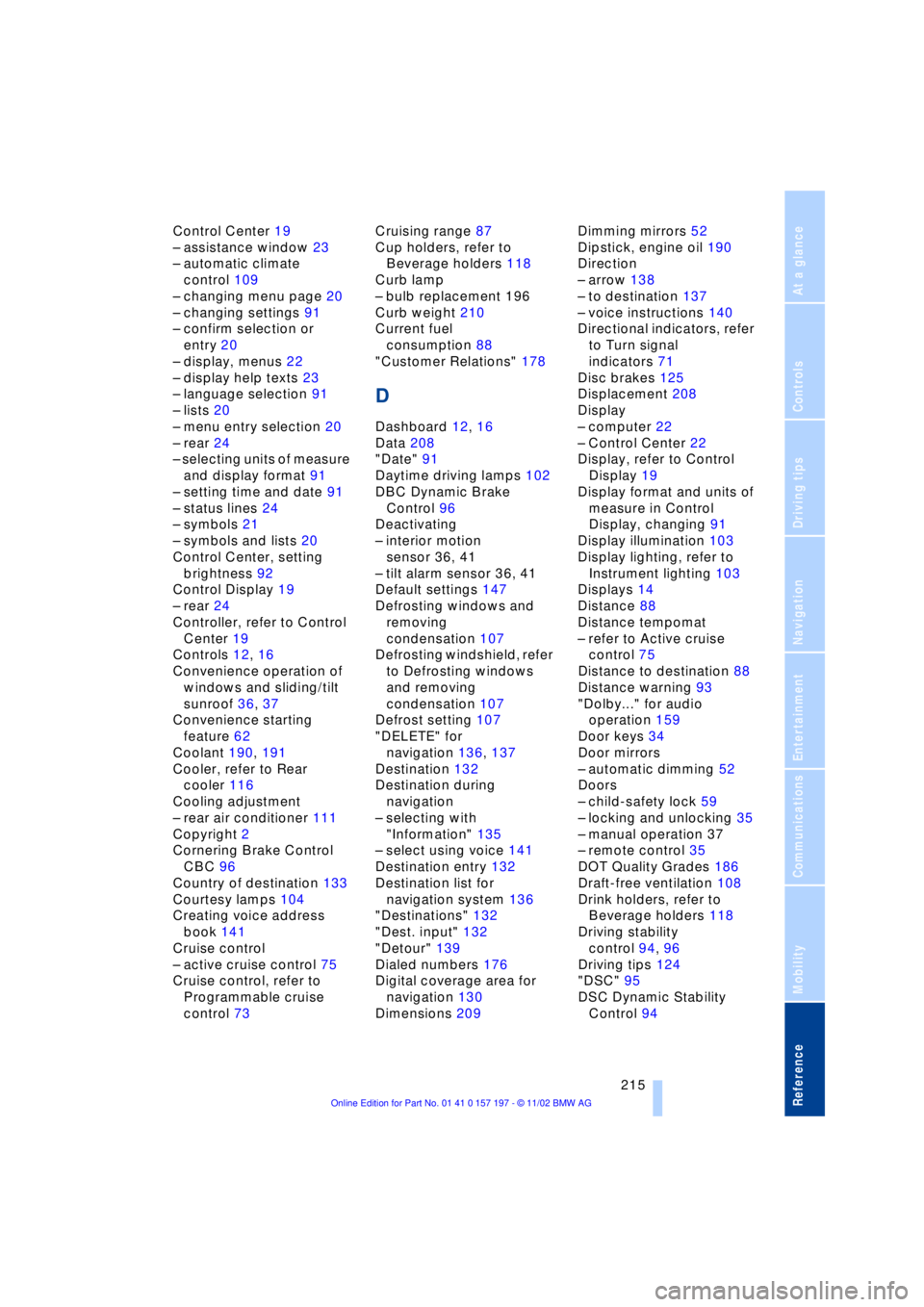
215
At a glance
Controls
Driving tips
Communications
Navigation
Entertainment
Mobility
Reference
Control Center 19
Ð assistance window 23
Ð automatic climate
control 109
Ð changing menu page 20
Ð changing settings 91
Ð confirm selection or
entry 20
Ð display, menus 22
Ð display help texts 23
Ð language selection 91
Ð lists 20
Ð menu entry selection 20
Ð rear 24
Ð selecting units of measure
and display format 91
Ð setting time and date 91
Ð status lines 24
Ð symbols 21
Ð symbols and lists 20
Control Center, setting
brightness 92
Control Display 19
Ð rear 24
Controller, refer to Control
Center 19
Controls 12, 16
Convenience operation of
windows and sliding/tilt
sunroof 36, 37
Convenience starting
feature 62
Coolant 190, 191
Cooler, refer to Rear
cooler 116
Cooling adjustment
Ð rear air conditioner 111
Copyright 2
Cornering Brake Control
CBC 96
Country of destination 133
Courtesy lamps 104
Creating voice address
book 141
Cruise control
Ð active cruise control 75
Cruise control, refer to
Programmable cruise
control 73Cruising range 87
Cup holders, refer to
Beverage holders 118
Curb lamp
Ð bulb replacement 196
Curb weight 210
Current fuel
consumption 88
"Customer Relations" 178
D
Dashboard 12, 16
Data 208
"Date" 91
Daytime driving lamps 102
DBC Dynamic Brake
Control 96
Deactivating
Ð interior motion
sensor 36, 41
Ð tilt alarm sensor 36, 41
Default settings 147
Defrosting windows and
removing
condensation 107
Defrosting windshield, refer
to Defrosting windows
and removing
condensation 107
Defrost setting 107
"DELETE" for
navigation 136, 137
Destination 132
Destination during
navigation
Ð selecting with
"Information" 135
Ð select using voice 141
Destination entry 132
Destination list for
navigation system 136
"Destinations" 132
"Dest. input" 132
"Detour" 139
Dialed numbers 176
Digital coverage area for
navigation 130
Dimensions 209Dimming mirrors 52
Dipstick, engine oil 190
Direction
Ð arrow 138
Ð to destination 137
Ð voice instructions 140
Directional indicators, refer
to Turn signal
indicators 71
Disc brakes 125
Displacement 208
Display
Ð computer 22
Ð Control Center 22
Display, refer to Control
Display 19
Display format and units of
measure in Control
Display, changing 91
Display illumination 103
Display lighting, refer to
Instrument lighting 103
Displays 14
Distance 88
Distance tempomat
Ð refer to Active cruise
control 75
Distance to destination 88
Distance warning 93
"Dolby..." for audio
operation 159
Door keys 34
Door mirrors
Ð automatic dimming 52
Doors
Ð child-safety lock 59
Ð locking and unlocking 35
Ð manual operation 37
Ð remote control 35
DOT Quality Grades 186
Draft-free ventilation 108
Drink holders, refer to
Beverage holders 118
Driving stability
control 94, 96
Driving tips 124
"DSC" 95
DSC Dynamic Stability
Control 94
Page 218 of 229

Everything from A to Z
216 "DTC" 95
DTC Dynamic Traction
Control 15, 95
"DVD" 146, 164
DVD changer 162
Ð adjusting picture 166
Ð adjusting the tone 147
Ð chapter search 166
Ð controls 146
Ð copy protection 162
Ð country codes 163
Ð DVD controller 164
Ð fast forward 165
Ð fast reverse 165
Ð freezing frame 166
Ð humidity 163
Ð media formats 162
Ð operating
temperatures 163
Ð safety 162
Ð searching for chapter 166
Ð selecting a track 165
Ð selecting camera
angle 167
Ð selecting DVD 165
Ð selecting language 167
Ð selecting picture
format 166
Ð selecting subtitles 167
Ð specific menu 167
Ð switching on 164
Ð temperature range 163
Ð volume 147
DVD Multimedia changer,
refer to DVD changer 162
Dynamic Brake Control
DBC 96
Dynamic Drive 97
Dynamic Stability Control
DSC 94
Dynamic Traction Control
DTC 15, 95
E
EBV Electronic brake-force
distribution 96
"EDC" 97
Ð "Comfort" 97
Ð "Sport" 97EDC Electronic Damping
Control 97
Electrical malfunction
Ð automatic transmission
lockout 70
Ð fuel filler door 182
Ð parking brake, emergency
use 65
Ð sliding/tilt sunroof 44
Electric power seats 46
Electric power windows 42
Electric seats 46
Electric steering wheel
adjustment 53
Electronic brake-force
distribution EBV 96
Electronic Damping Control
EDC 97
Electronic toll collection
device, refer to Entry/
pass tags 127
Emergency operation
Ð automatic transmission
lockout 70
Ð doors 37
Ð fuel filler door 182
Ð luggage compartment
lid 40
Ð parking brake 65
Ð sliding/tilt sunroof 44
Emergency SOS call 173
"Emissions inspection" 84
Energy Control 88
Engine compartment 190
"Engine coolant" 193
Engine coolant 190
"Engine oil" 193
Engine oil
Ð consumption 190
Ð grades 191
Engine oils 191
Engine output 208
Engine specifications 208
"Entertainment"
19, 22, 146
Entry/pass tags 127
Equalizer 147, 148
ESP, refer to DSC 94
Estimated time of arrival 88Extended vehicle storage,
refer to separate Care
manual
Exterior mirrors 52
Ð automatic dimming 52
"Extra"
Ð with rear air
conditioner 112
Ð with rear cooler 116
"Extra" in "Climate"
menu 109
F
Fader 147
"Fader" in sound system
operation 148
Failure of an electrical
accessory 201
"Fastest route" 137
Fastest route 137
Fault displays 85
Filler door 182
Filling the washer
reservoir 73
First-aid kit 202
Fittings, tow-starting and
towing 204
Flashlight 117
Flat Tire Monitor 98
Flat tires 186
"FM..." 146, 149, 151
FM waveband 149
Fog lamps 103
"Footwell" 110
Footwell lamps 104
Forward lamps 104
Front armrest 117
Front seat adjustment 45
Fuel 183
Fuel capacity 182
Fuel consumption
display 88
Fuel economy 88
Fuel filler door 182
Ð releasing in the event of
electrical defect 182
Fuel gauge 87
Fuel level display 87, 88
"Fuel reserve" 87
Fuel specifications 183