Page 204 of 432
3-32
Radio/Compact Disc Messages
(CAL ERR): This message is displayed when the radio
has not been calibrated properly for the vehicle. You
must return to the dealership for service.
(LOCKED): This message is displayed when the
THEFTLOCK
� system has locked up. You must
return to the dealership for service.
(Err): If you're driving on a very rough road or if it's
very hot, the disc may not play and Err (error) may
appear on the display. When the road becomes
smooth or the temperature returns to normal, the disc
should play. If the disc comes out, it could be one of
the following:
�The disc is upside down.
�It is dirty, scratched or wet.
�It is very humid. (If so, wait about an hour and
try again.)
If any error occurs repeatedly or if an error can't be
corrected, please contact your dealer.
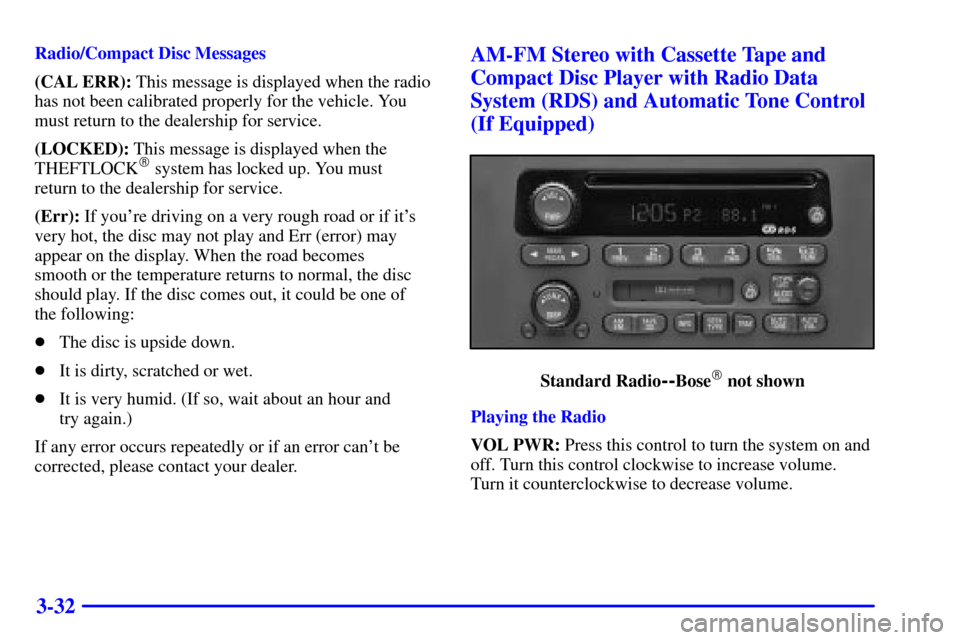
AM-FM Stereo with Cassette Tape and
Compact Disc Player with Radio Data
System (RDS) and Automatic Tone Control
(If Equipped)
Standard Radio--Bose� not shown
Playing the Radio
VOL PWR: Press this control to turn the system on and
off. Turn this control clockwise to increase volume.
Turn it counterclockwise to decrease volume.
Page 215 of 432

3-43
TUNE DISP: Press this control to see how long the
current track has been playing. ET and the elapsed time
will appear on the display. To change what is normally
shown on the display (track or elapsed time), press the
control until you see the display you want, then hold
the control for two seconds. The radio will produce
one beep.
AM FM: Press this button to play the radio when
a disc is in the player. The disc will stop but remain in
the player.
CD AUX: With a CD in the player and the radio
playing, press this button to play a CD. Press AM FM
to return to the radio when a CD is playing. The inactive
CD will remain safely inside the radio for
future listening.
EJT: Press this button to remove the disc. The
radio will play. Eject may be activated with either the
ignition or radio off. CDs may be loaded with the radio
and ignition off if this button is pressed first.Compact Disc Messages
(Err): If you're driving on a very rough road or if it's
very hot, the disc may not play and Err (error) may
appear on the display. When the road becomes smooth
or the temperature returns to normal, the disc should
play. If the disc comes out, it could be one of
the following:
�The disc is upside down.
�It is dirty, scratched or wet.
�It is very humid. (If so, wait about an hour
and try again.)
If any error occurs repeatedly or if an error can't be
corrected, please contact your dealer.
(CAL ERR): This message is displayed when the radio
has not been calibrated properly for the vehicle. You
must return to the dealership for service.
(LOCKED): This message is displayed when the
THEFTLOCK
� system has locked up. You must return
to the dealership for service.
Page 231 of 432

3-59
If your vehicle is equipped with the AM-FM Stereo with
Cassette Tape and Compact Disc Player with Radio Data
System (RDS) and Automatic Tone Control:
1. Turn the ignition to RUN or ACCESSORY.
2. Turn the radio off.
3. Press and hold the TAPE CD button for five seconds.
READY will appear on the display and a cassette
icon will flash for five seconds.
4. Insert the scrubbing action cleaning cassette.
5. Eject the cleaning cassette after the manufacturer's
recommended cleaning time.
When the cleaning cassette has been ejected, the broken
tape detection feature is active again.You may also choose a non-scrubbing action, wet-type
cleaner which uses a cassette with a fabric belt to clean
the tape head. This type of cleaning cassette will not
eject on its own. A non
-scrubbing action cleaner may
not clean as thoroughly as the scrubbing type cleaner.
The use of a non
-scrubbing action, dry-type cleaning
cassette is not recommended.
After you clean the player, press and hold the cassette
eject symbol or EJT button for five seconds to reset the
CLEAN indicator. The radio will display CLEANED to
show the indicator was reset.
Cassettes are subject to wear and the sound quality
may degrade over time. Always make sure the cassette
tape is in good condition before you have your tape
player serviced.
Page 242 of 432
4-10
The TRAC OFF light on the button will come on under
the following conditions:
�The Traction Assist System is turned off, either by
pressing the TAS on/off button or turning off the
automatic engagement feature of the TAS.
�The transmission is in FIRST (1); TAS will not
operate in this gear. This is normal.
�The vehicle is driven on an extremely rough road.
When the vehicle leaves the rough surface, slows
down or stops, the light will go off and TAS will
be on again. This is normal.
�A Traction Assist System, Anti
-Lock Brake System
or engine
-related problem has been detected and the
vehicle needs service.
The Traction Assist System, as delivered from the
factory, will automatically come on whenever you start
your vehicle. To limit wheel spin, especially in slippery
road conditions, you should always leave the system
on. But you can turn the TAS off if you ever need to.
You should turn the TAS off if your vehicle ever gets
stuck in sand, mud or snow and rocking the vehicle is
required. See ªRocking Your Vehicleº in the Index.
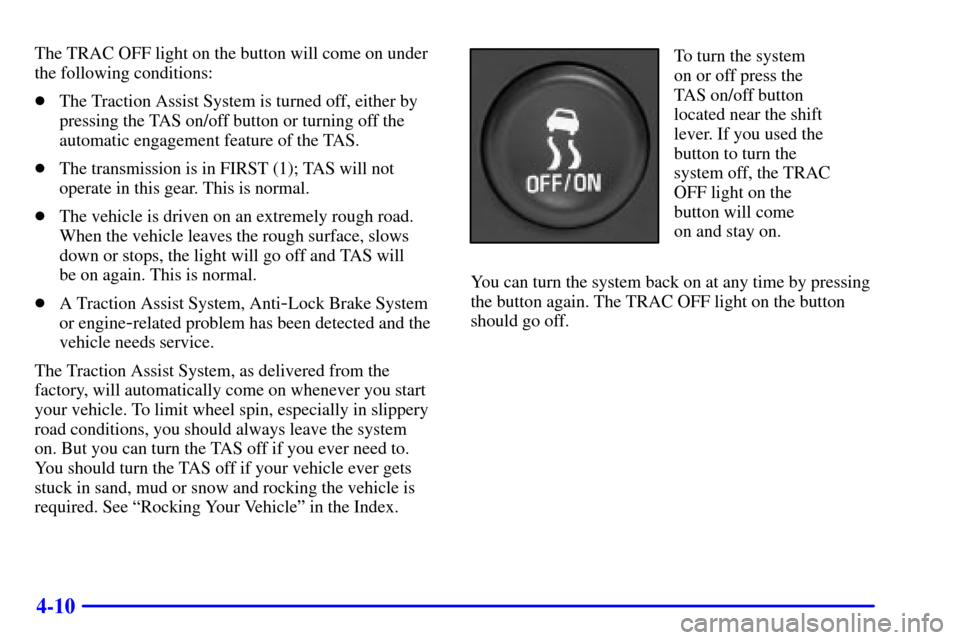
To turn the system
on or off press the
TAS on/off button
located near the shift
lever. If you used the
button to turn the
system off, the TRAC
OFF light on the
button will come
on and stay on.
You can turn the system back on at any time by pressing
the button again. The TRAC OFF light on the button
should go off.
Page 249 of 432
4-17 Before You Go Off-Roading
There are some things to do before you go out.
For example, be sure to have all necessary maintenance
and service work done. Check to make sure all
underbody shields (if so equipped) are properly
attached. Be sure you read all the information
about your four
-wheel-drive vehicle in this manual.
Is there enough fuel? Is the spare tire fully inflated?
Are the fluid levels up where they should be? What are
the local laws that apply to off
-roading where you'll
be driving? If you don't know, you should check with
law enforcement people in the area. Will you be on
someone's private land? If so, be sure to get the
necessary permission.
Loading Your Vehicle for Off-Road Driving
There are some important things to remember about
how to load your vehicle.
�The heaviest things should be on the load floor and
forward of your rear axle. Put heavier items as far
forward as you can.
�Be sure the load is secured properly, so driving on
the off
-road terrain doesn't toss things around.
CAUTION:
�Cargo on the load floor piled higher than
the seatbacks can be thrown forward
during a sudden stop. You or your
passengers could be injured. Keep cargo
below the top of the seatbacks.
�Unsecured cargo on the load floor can
be tossed about when driving over
rough terrain. You or your passengers
can be struck by flying objects. Secure
the cargo properly.
�Heavy loads on the roof raise the vehicle's
center of gravity, making it more likely to
roll over. You can be seriously or fatally
injured if the vehicle rolls over. Put heavy
loads inside the cargo area, not on the roof.
Keep cargo in the cargo area as far forward
and low as possible.
You'll find other important information in this manual.
See ªVehicle Loading,º ªLuggage Carrierº and ªTiresº
in the Index.
Page 262 of 432
4-30
If the water isn't too deep, then drive through it slowly.
At fast speeds, water splashes on your ignition system
and your vehicle can stall. Stalling can also occur if you
get your tailpipe under water. And, as long as your
tailpipe is under water, you'll never be able to start
your engine. When you go through water, remember
that when your brakes get wet, it may take you longer
to stop.
CAUTION:
Driving through rushing water can be dangerous.
Deep water can sweep your vehicle downstream
and you and your passengers could drown.
If it's only shallow water, it can still wash away
the ground from under your tires, and you could
lose traction and roll the vehicle over. Don't drive
through rushing water.
See ªDriving Through Waterº in the Index for more
information on driving through water.
After Off-Road Driving
Remove any brush or debris that has collected on the
underbody, chassis or under the hood. These accumulations
can be a fire hazard.
After operation in mud or sand, have the brake linings
cleaned and checked. These substances can cause
glazing and uneven braking. Check the body structure,
steering, suspension, wheels, tires and exhaust system
for damage. Also, check the fuel lines and cooling
system for any leakage.
Your vehicle will require more frequent service due to
off
-road use. Refer to the Maintenance Schedule for
additional information.
Page 270 of 432

4-38
The exit speed is usually posted.
Reduce your speed according to your speedometer, not
to your sense of motion. After driving for any distance
at higher speeds, you may tend to think you are going
slower than you actually are.
Before Leaving on a Long Trip
Make sure you're ready. Try to be well rested. If you
must start when you're not fresh
-- such as after a day's
work
-- don't plan to make too many miles that first
part of the journey. Wear comfortable clothing and shoes
you can easily drive in.
Is your vehicle ready for a long trip? If you keep it
serviced and maintained, it's ready to go. If it needs
service, have it done before starting out. Of course,
you'll find experienced and able service experts in
Chevrolet dealerships all across North America.
They'll be ready and willing to help if you need it.Here are some things you can check before a trip:
�Windshield Washer Fluid: Is the reservoir full?
Are all windows clean inside and outside?
�Wiper Blades: Are they in good shape?
�Fuel, Engine Oil, Other Fluids: Have you checked
all levels?
�Lamps: Are they all working? Are the lenses clean?
�Tires: They are vitally important to a safe,
trouble-free trip. Is the tread good enough for
long
-distance driving? Are the tires all inflated
to the recommended pressure?
�Weather Forecasts: What's the weather outlook
along your route? Should you delay your trip a short
time to avoid a major storm system?
�Maps: Do you have up
-to-date maps?
Page 271 of 432
4-39
Highway Hypnosis
Is there actually such a condition as ªhighway hypnosisº?
Or is it just plain falling asleep at the wheel? Call it
highway hypnosis, lack of awareness, or whatever.
There is something about an easy stretch of road with
the same scenery, along with the hum of the tires on the
road, the drone of the engine, and the rush of the wind
against the vehicle that can make you sleepy. Don't let
it happen to you! If it does, your vehicle can leave the
road in less than a second, and you could crash and
be injured.
What can you do about highway hypnosis? First, be
aware that it can happen.
Then here are some tips:
�Make sure your vehicle is well ventilated, with a
comfortably cool interior.
�Keep your eyes moving. Scan the road ahead
and to the sides. Check your mirrors and your
instruments frequently.
�If you get sleepy, pull off the road into a rest, service
or parking area and take a nap, get some exercise,
or both. For safety, treat drowsiness on the highway
as an emergency.
Hill and Mountain Roads
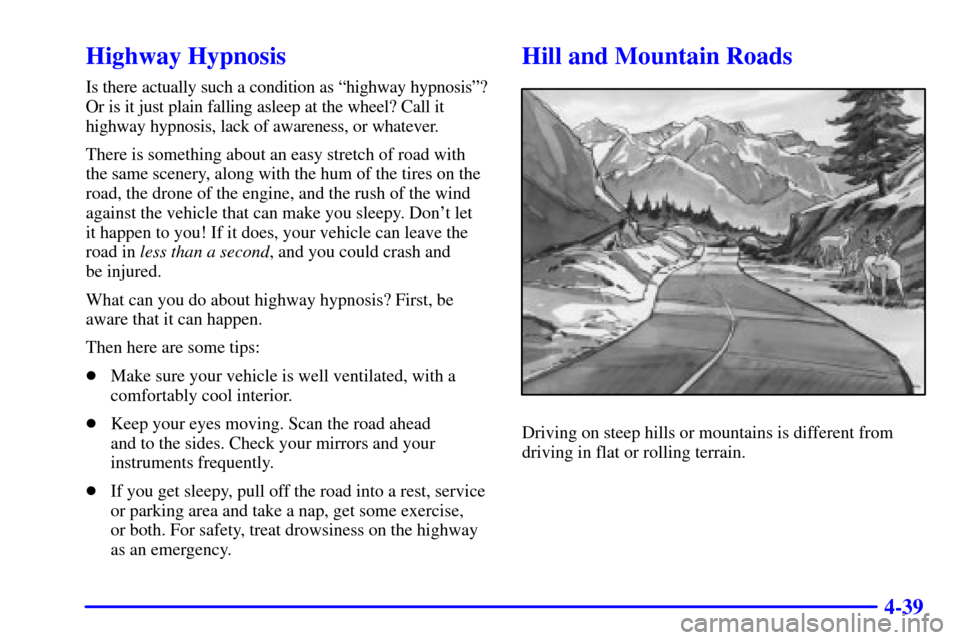
Driving on steep hills or mountains is different from
driving in flat or rolling terrain.