Page 4 of 432
Table of Contents
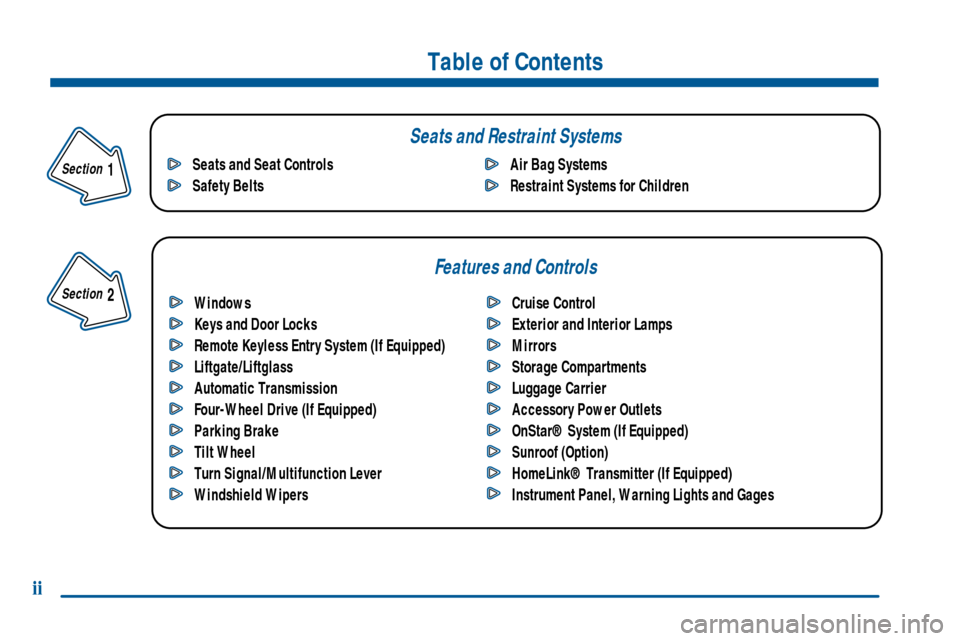
Windows
Keys and Door Locks
Remote Keyless Entry System (If Equipped)
Liftgate/Liftglass
Automatic Transmission
Four-Wheel Drive (If Equipped)
Parking Brake
Tilt Wheel
Turn Signal/Multifunction Lever
Windshield WipersCruise Control
Exterior and Interior Lamps
Mirrors
Storage Compartments
Luggage Carrier
Accessory Power Outlets
OnStar® System (If Equipped)
Sunroof (Option)
HomeLink® Transmitter (If Equipped)
Instrument Panel, Warning Lights and Gages Seats and Seat Controls
Safety BeltsAir Bag Systems
Restraint Systems for Children
Section
1
Section
2
Seats and Restraint Systems
Features and Controls
ii
Page 5 of 432
Comfort Controls and Audio Systems
Your Driving and the Road
Table of Contents (cont'd)
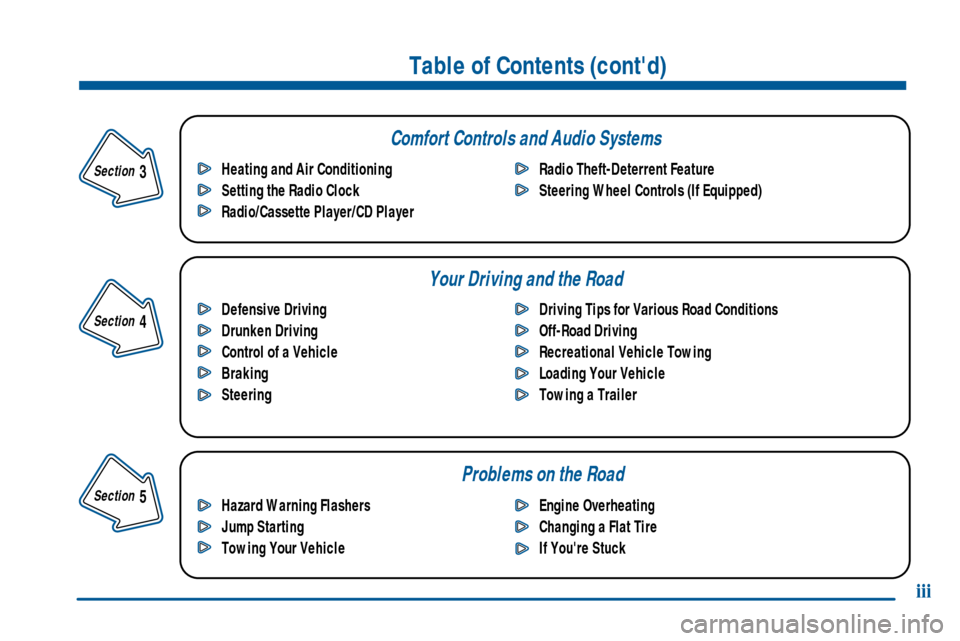
Defensive Driving
Drunken Driving
Control of a Vehicle
Braking
SteeringDriving Tips for Various Road Conditions
Off-Road Driving
Recreational Vehicle Towing
Loading Your Vehicle
Towing a Trailer Heating and Air Conditioning
Setting the Radio Clock
Radio/Cassette Player/CD PlayerRadio Theft-Deterrent Feature
Steering Wheel Controls (If Equipped)
Hazard Warning Flashers
Jump Starting
Towing Your VehicleEngine Overheating
Changing a Flat Tire
If You're Stuck
Problems on the Road
iii
Section
5
Section
4
Section
3
Page 10 of 432
viii
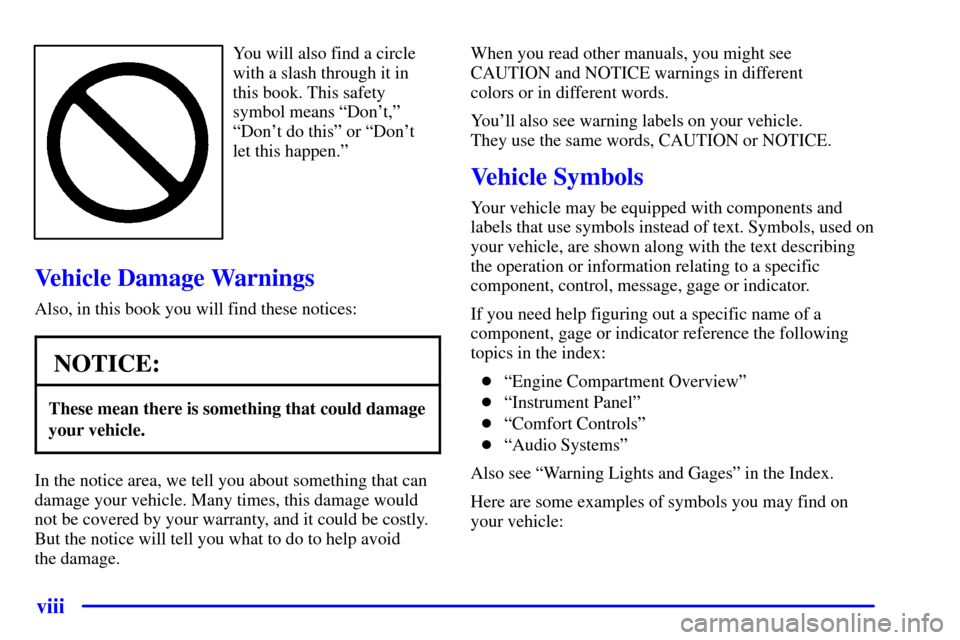
You will also find a circle
with a slash through it in
this book. This safety
symbol means ªDon't,º
ªDon't do thisº or ªDon't
let this happen.º
Vehicle Damage Warnings
Also, in this book you will find these notices:
NOTICE:
These mean there is something that could damage
your vehicle.
In the notice area, we tell you about something that can
damage your vehicle. Many times, this damage would
not be covered by your warranty, and it could be costly.
But the notice will tell you what to do to help avoid
the damage.When you read other manuals, you might see
CAUTION and NOTICE warnings in different
colors or in different words.
You'll also see warning labels on your vehicle.
They use the same words, CAUTION or NOTICE.
Vehicle Symbols
Your vehicle may be equipped with components and
labels that use symbols instead of text. Symbols, used on
your vehicle, are shown along with the text describing
the operation or information relating to a specific
component, control, message, gage or indicator.
If you need help figuring out a specific name of a
component, gage or indicator reference the following
topics in the index:
�ªEngine Compartment Overviewº
�ªInstrument Panelº
�ªComfort Controlsº
�ªAudio Systemsº
Also see ªWarning Lights and Gagesº in the Index.
Here are some examples of symbols you may find on
your vehicle:
Page 70 of 432
2-
2-1
Section 2 Features and Controls
Here you can learn about the many standard and optional features on your vehicle, and information on starting,
shifting and braking. Also explained are the instrument panel and the warning systems that tell you if everything is
working properly
-- and what to do if you have a problem.
2
-2 Windows
2
-4 Keys
2
-6 Door Locks
2
-10 Remote Keyless Entry System (If Equipped)
2
-13 Liftgate/Liftglass
2
-14 Theft
2
-16 Content Theft-Deterrent (If Equipped)
2
-17 Passlock�
2-18 New Vehicle ªBreak-Inº
2
-19 Ignition Positions
2
-20 Starting Your Engine
2
-21 Engine Coolant Heater (If Equipped)
2
-22 Automatic Transmission Operation
2
-26 Four-Wheel Drive (If Equipped)
2
-30 Parking Brake
2
-31 Shifting Into PARK (P)
2
-33 Shifting Out of PARK (P)
2
-33 Parking Over Things That Burn
2
-34 Engine Exhaust2
-34 Running Your Engine While You're Parked
2
-35 Locking Rear Axle
2
-36 Tilt Wheel
2
-36 Turn Signal/Multifunction Lever
2
-44 Exterior Lamps
2
-47 Interior Lamps
2
-49 Mirrors
2
-56 Storage Compartments
2
-61 Ashtrays and Cigarette Lighter
2
-62 Accessory Power Outlets
2
-63 OnStar� System (If Equipped)
2
-66 Sunroof (Option)
2
-67 HomeLink� Transmitter (If Equipped)
2
-70 Instrument Panel -- Your Information System
2
-72 Instrument Panel Cluster
2
-74 Warning Lights, Gages and Indicators
2
-89 Driver Information Center (DIC)
(If Equipped)
Page 99 of 432
2-30
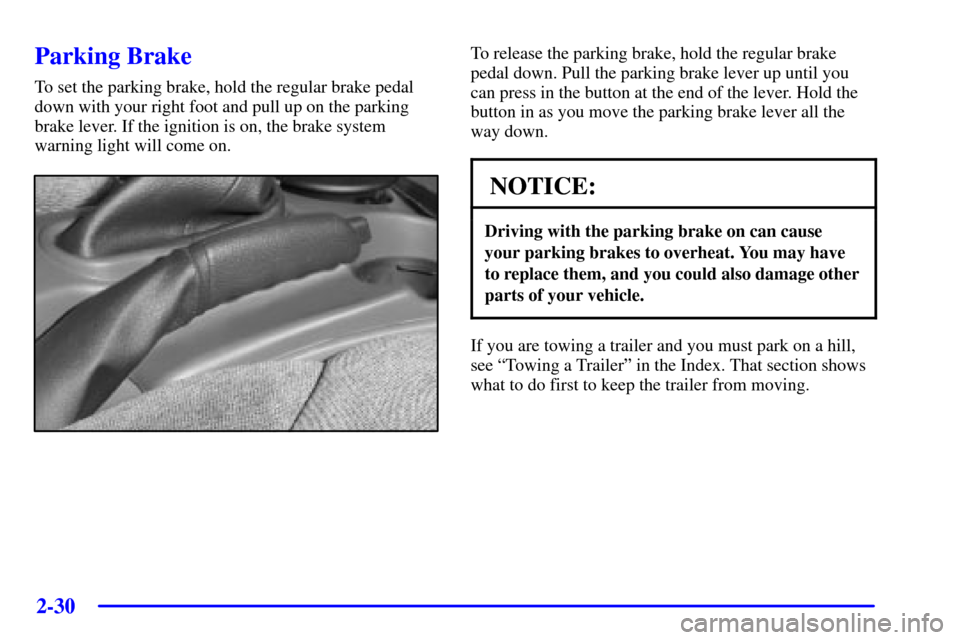
Parking Brake
To set the parking brake, hold the regular brake pedal
down with your right foot and pull up on the parking
brake lever. If the ignition is on, the brake system
warning light will come on.
To release the parking brake, hold the regular brake
pedal down. Pull the parking brake lever up until you
can press in the button at the end of the lever. Hold the
button in as you move the parking brake lever all the
way down.
NOTICE:
Driving with the parking brake on can cause
your parking brakes to overheat. You may have
to replace them, and you could also damage other
parts of your vehicle.
If you are towing a trailer and you must park on a hill,
see ªTowing a Trailerº in the Index. That section shows
what to do first to keep the trailer from moving.
Page 142 of 432
2-73
Speedometer and Odometer
Your speedometer lets you see your speed in both
miles per hour (mph) and kilometers per hour (km/h).
Your odometer shows how far your vehicle has been
driven, in either miles (used in the United States) or
kilometers (used in Canada).
The odometer mileage can be checked without the
vehicle running. Simply press the trip odometer button.
You may wonder what happens if your vehicle needs a
new odometer installed. The new one will be set to the
correct millage total of the old odometer.
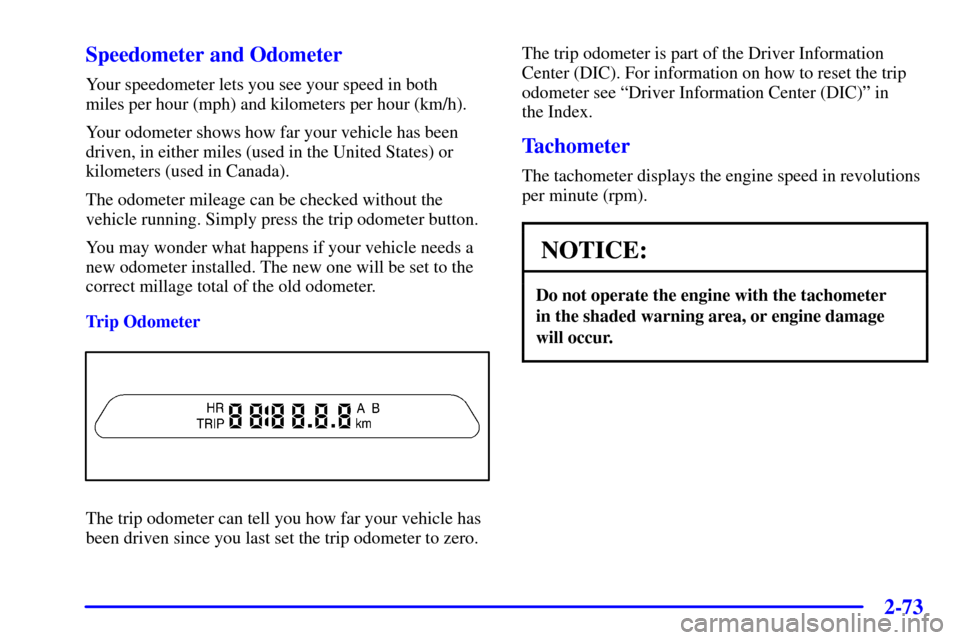
Trip Odometer
The trip odometer can tell you how far your vehicle has
been driven since you last set the trip odometer to zero.The trip odometer is part of the Driver Information
Center (DIC). For information on how to reset the trip
odometer see ªDriver Information Center (DIC)º in
the Index.
Tachometer
The tachometer displays the engine speed in revolutions
per minute (rpm).
NOTICE:
Do not operate the engine with the tachometer
in the shaded warning area, or engine damage
will occur.
Page 143 of 432
2-74
Warning Lights, Gages and Indicators
This part describes the warning lights and gages that
may be on your vehicle. The pictures will help you
locate them.
Warning lights and gages can signal that something is
wrong before it becomes serious enough to cause an
expensive repair or replacement. Paying attention to
your warning lights and gages could also save you or
others from injury.
Warning lights come on when there may be or is a
problem with one of your vehicle's functions. As you
will see in the details on the next few pages, some
warning lights come on briefly when you start the
engine just to let you know they're working. If you are
familiar with this section, you should not be alarmed
when this happens.
Gages can indicate when there may be or is a problem
with one of your vehicle's functions. Often gages and
warning lights work together to let you know when
there's a problem with your vehicle.
When one of the warning lights comes on and stays on
when you are driving, or when one of the gages shows
there may be a problem, check the section that tells you
what to do about it. Please follow this manual's advice.Waiting to do repairs can be costly
-- and even
dangerous. So please get to know your warning lights
and gages. They're a big help.
Your vehicle may also have a Driver Information Center
(DIC) that works along with the warning lights and
gages. See ªDriver Information Center (DIC) in
the Index.
Safety Belt Reminder Light
When the key is turned to RUN, a chime will come
on for about eight seconds to remind people to fasten
their safety belts, unless the driver's safety belt is
already buckled.
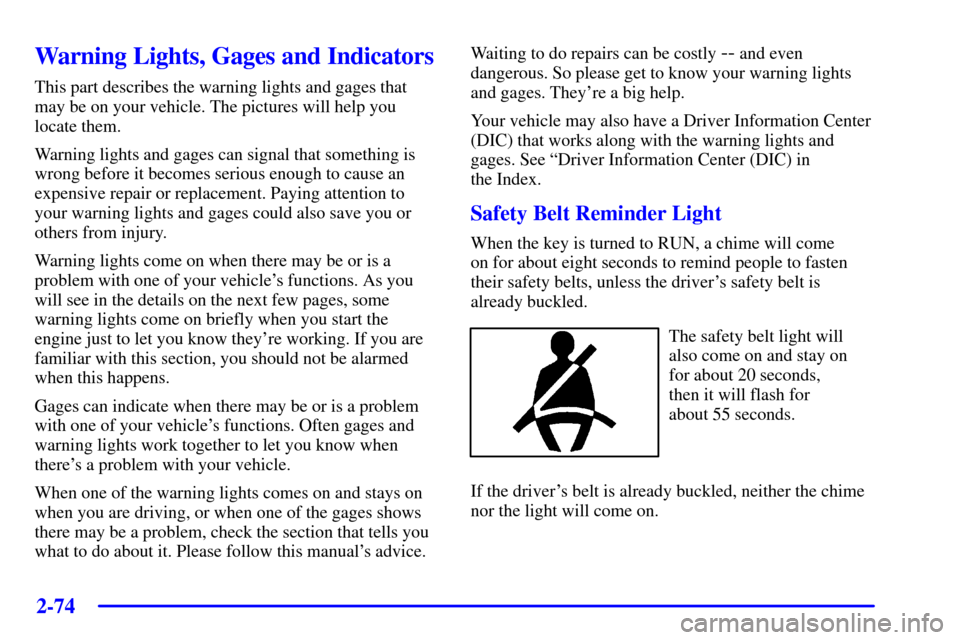
The safety belt light will
also come on and stay on
for about 20 seconds,
then it will flash for
about 55 seconds.
If the driver's belt is already buckled, neither the chime
nor the light will come on.
Page 145 of 432
2-76
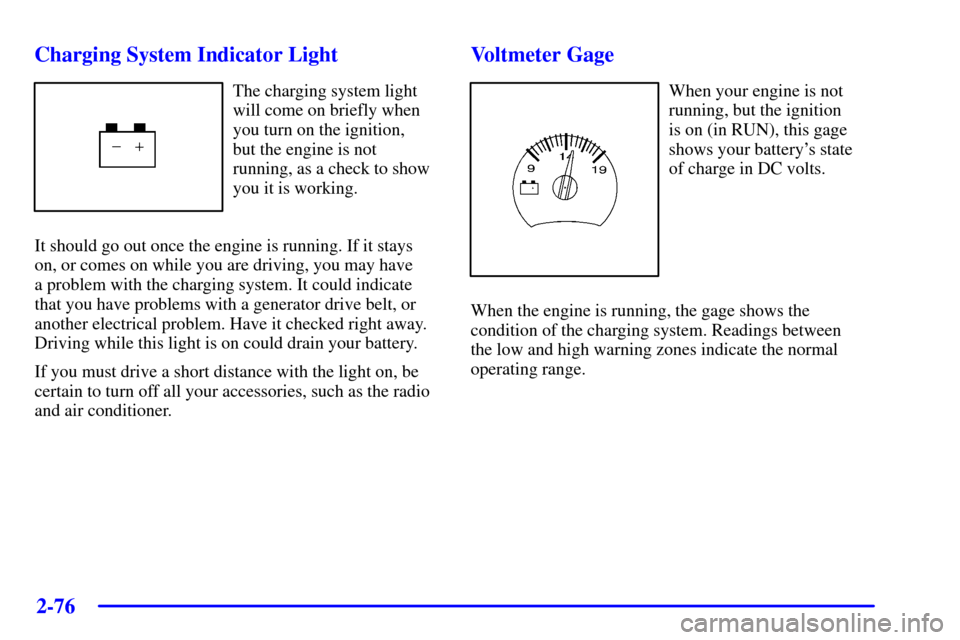
Charging System Indicator Light
The charging system light
will come on briefly when
you turn on the ignition,
but the engine is not
running, as a check to show
you it is working.
It should go out once the engine is running. If it stays
on, or comes on while you are driving, you may have
a problem with the charging system. It could indicate
that you have problems with a generator drive belt, or
another electrical problem. Have it checked right away.
Driving while this light is on could drain your battery.
If you must drive a short distance with the light on, be
certain to turn off all your accessories, such as the radio
and air conditioner.
Voltmeter Gage
When your engine is not
running, but the ignition
is on (in RUN), this gage
shows your battery's state
of charge in DC volts.
When the engine is running, the gage shows the
condition of the charging system. Readings between
the low and high warning zones indicate the normal
operating range.