Page 5 of 432
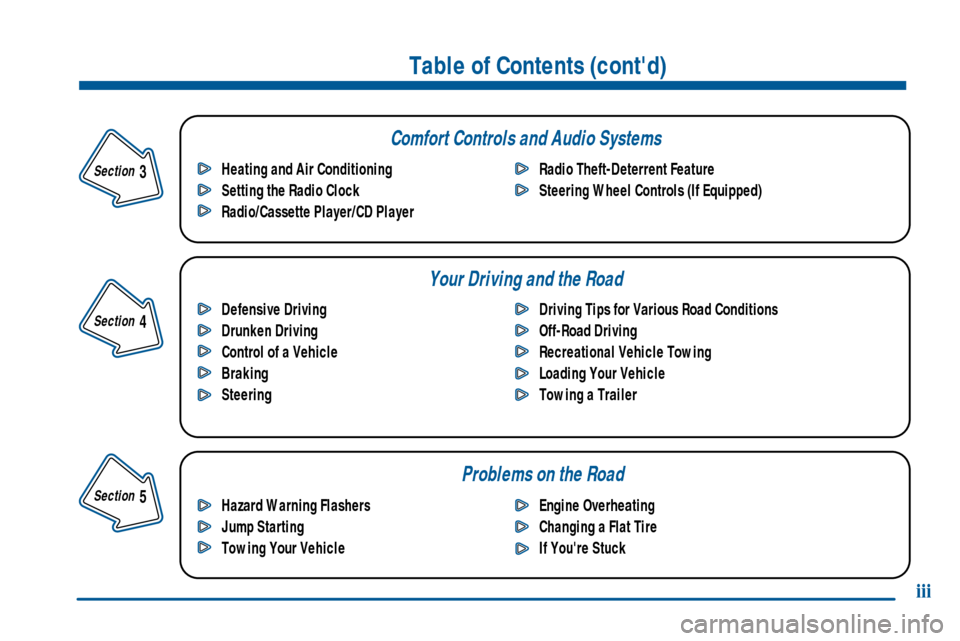
Comfort Controls and Audio Systems
Your Driving and the Road
Table of Contents (cont'd)
Defensive Driving
Drunken Driving
Control of a Vehicle
Braking
SteeringDriving Tips for Various Road Conditions
Off-Road Driving
Recreational Vehicle Towing
Loading Your Vehicle
Towing a Trailer Heating and Air Conditioning
Setting the Radio Clock
Radio/Cassette Player/CD PlayerRadio Theft-Deterrent Feature
Steering Wheel Controls (If Equipped)
Hazard Warning Flashers
Jump Starting
Towing Your VehicleEngine Overheating
Changing a Flat Tire
If You're Stuck
Problems on the Road
iii
Section
5
Section
4
Section
3
Page 10 of 432
viii
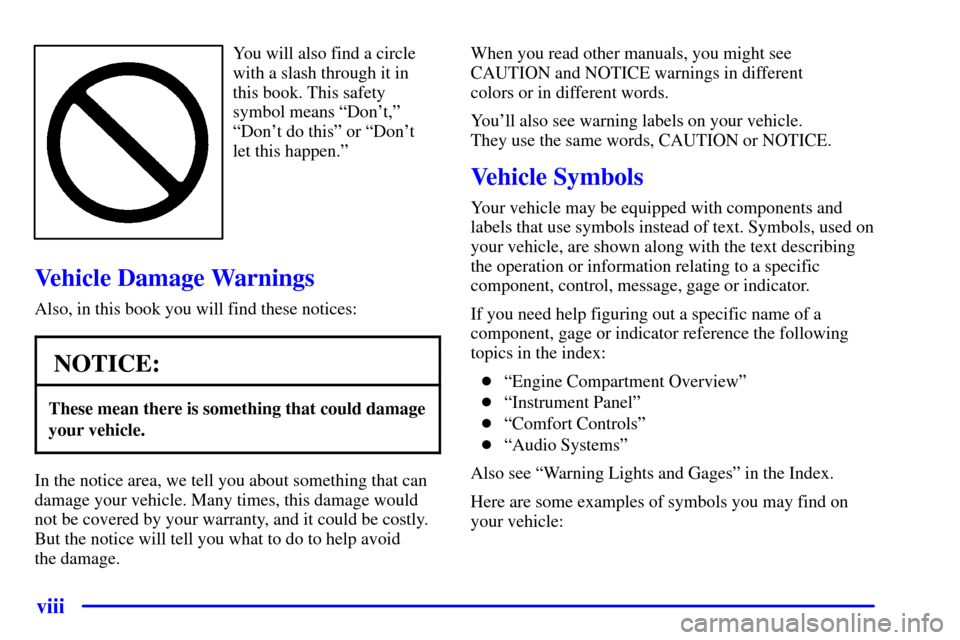
You will also find a circle
with a slash through it in
this book. This safety
symbol means ªDon't,º
ªDon't do thisº or ªDon't
let this happen.º
Vehicle Damage Warnings
Also, in this book you will find these notices:
NOTICE:
These mean there is something that could damage
your vehicle.
In the notice area, we tell you about something that can
damage your vehicle. Many times, this damage would
not be covered by your warranty, and it could be costly.
But the notice will tell you what to do to help avoid
the damage.When you read other manuals, you might see
CAUTION and NOTICE warnings in different
colors or in different words.
You'll also see warning labels on your vehicle.
They use the same words, CAUTION or NOTICE.
Vehicle Symbols
Your vehicle may be equipped with components and
labels that use symbols instead of text. Symbols, used on
your vehicle, are shown along with the text describing
the operation or information relating to a specific
component, control, message, gage or indicator.
If you need help figuring out a specific name of a
component, gage or indicator reference the following
topics in the index:
�ªEngine Compartment Overviewº
�ªInstrument Panelº
�ªComfort Controlsº
�ªAudio Systemsº
Also see ªWarning Lights and Gagesº in the Index.
Here are some examples of symbols you may find on
your vehicle:
Page 126 of 432
2-57
To delete messages, press the button with the square
on it while the message is playing. If you press and
hold the right arrow button and the circle button at the
same time for a half of a second, all of the messages will
be deleted.
Door Storage
You will find a storage compartment on each of the
front doors.
Front Storage Area (If Equipped)
If your vehicle has this console compartment, squeeze
the front lever while lifting the top to open it. You can
store cassettes and compact discs in the slots in front
of the compartment.
Your vehicle's console will be equipped with
cupholders located on the front and rear of the
storage compartment.
The console may also contain one or more of the
following components:
�Rear Seat Audio Controls
�Rear Seat Accessory Power Outlets
�Fan ControlFor more information on these components, please see
the Index for that item.
If your vehicle has the center armrest compartment, lift
the cover to expose the storage area which includes slots
for cassettes or compact discs..
Convenience Net (If Equipped)
You may have a convenience net in the rear of your
vehicle to help keep small items, like gloves and light
clothing, in place during sharp turns or quick stops
and starts.
The net is not designed to retain these items during
off
-road use. The net is not for larger, heavier items.
To use the convenience net, do the following:
1. Attach the upper loops to the retainers on either side
of the liftgate opening (the label should be in the
upper passenger's side corner, visible from the rear
of the vehicle).
2. Attach the lower hooks to the rear cargo tie downs
on the floor.
Page 132 of 432
2-63
OnStar� System (If Equipped)
OnStar is a vehicle communications system that offers a
variety of services and provides a hands
-free
communication link between you and the OnStar Center.
A service subscription agreement and fee are required in
order to receive OnStar service. Services are available
24 hours a day, 7 days a week. For more information,
call 1
-888-ONSTAR-7 (1-888-667-8277).
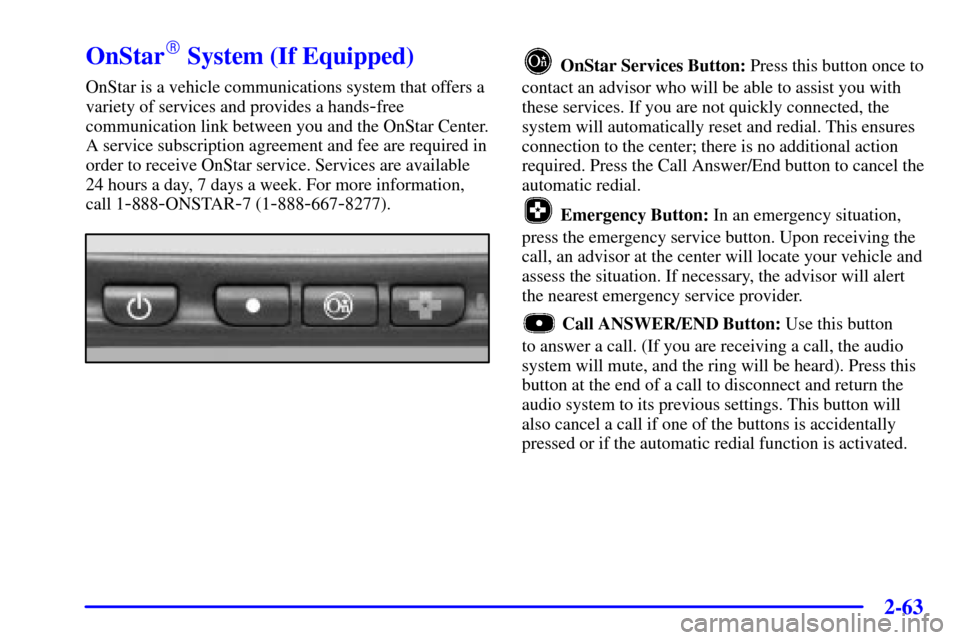
OnStar Services Button: Press this button once to
contact an advisor who will be able to assist you with
these services. If you are not quickly connected, the
system will automatically reset and redial. This ensures
connection to the center; there is no additional action
required. Press the Call Answer/End button to cancel the
automatic redial.
Emergency Button: In an emergency situation,
press the emergency service button. Upon receiving the
call, an advisor at the center will locate your vehicle and
assess the situation. If necessary, the advisor will alert
the nearest emergency service provider.
Call ANSWER/END Button: Use this button
to answer a call. (If you are receiving a call, the audio
system will mute, and the ring will be heard). Press this
button at the end of a call to disconnect and return the
audio system to its previous settings. This button will
also cancel a call if one of the buttons is accidentally
pressed or if the automatic redial function is activated.
Page 140 of 432
2-71
The main components of your instrument panel are the following:
A. Exterior Lamp Controls
B. Air Vents
C. Turn Signal/Multifunction Lever
D. Instrument Panel Cluster
E. Ignition Switch
F. Transfer Case Controls (If Equipped) or
Traction Control Button (If Equipped)
G. Rear Window Washer/Wiper
H. Audio SystemI. Comfort Controls
J. Hood Release
K. Ashtray
L. Shift Lever
M. Lighter
N. Accessory Power Outlet
O. Rear Window Defogger
P. Glove Box
Page 173 of 432
3-
3-1
Section 3 Comfort Controls and Audio Systems
In this section, you'll find out how to operate the comfort control and audio systems offered with your vehicle.
Be sure to read about the particular systems supplied with your vehicle.
3
-2 Comfort Controls
3
-8 Air Conditioning
3
-8 Heating
3
-8 Defogging and Defrosting
3
-9 Rear Window Defogger
3
-11 Ventilation System
3
-13 Audio Systems
3
-13 Setting the Clock
3
-13 AM-FM Stereo with Cassette Tape Player
with Radio Data System (RDS) and Automatic
Tone Control
3
-24 AM-FM Stereo with Compact Disc Player
with Radio Data System (RDS) and Automatic
Tone Control (If Equipped)
3
-32 AM-FM Stereo with Cassette Tape and
Compact Disc Player with Radio Data
System (RDS) and Automatic Tone Control
(If Equipped)3
-44 AM-FM Stereo with 6-Disc Compact Disc
Player with Programmable Equalization and
Radio Data System (RDS) (If Equipped)
3
-55 Rear Seat Audio (If Equipped)
3
-56 Theft-Deterrent Feature RDS Radios
3
-56 Audio Steering Wheel Controls (If Equipped)
3
-57 Understanding Radio Reception
3
-57 Tips About Your Audio System
3
-58 Care of Your Cassette Tape Player
3
-60 Care of Your Compact Discs
3
-60 Care of Your Compact Disc Player
3
-60 Fixed Mast Antenna
3
-60 Chime Level Adjustment
Page 182 of 432
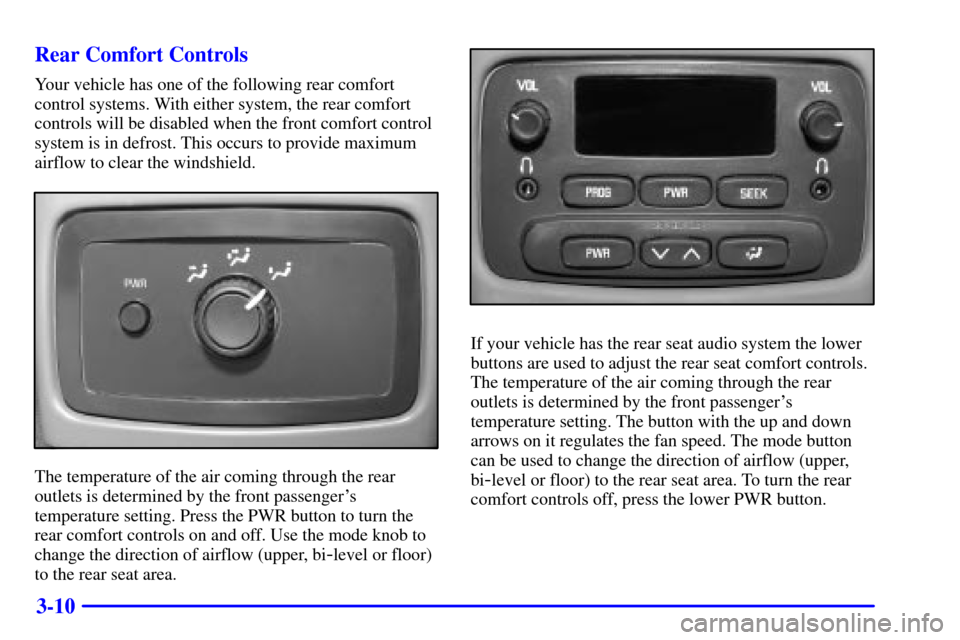
3-10 Rear Comfort Controls
Your vehicle has one of the following rear comfort
control systems. With either system, the rear comfort
controls will be disabled when the front comfort control
system is in defrost. This occurs to provide maximum
airflow to clear the windshield.
The temperature of the air coming through the rear
outlets is determined by the front passenger's
temperature setting. Press the PWR button to turn the
rear comfort controls on and off. Use the mode knob to
change the direction of airflow (upper, bi
-level or floor)
to the rear seat area.
If your vehicle has the rear seat audio system the lower
buttons are used to adjust the rear seat comfort controls.
The temperature of the air coming through the rear
outlets is determined by the front passenger's
temperature setting. The button with the up and down
arrows on it regulates the fan speed. The mode button
can be used to change the direction of airflow (upper,
bi
-level or floor) to the rear seat area. To turn the rear
comfort controls off, press the lower PWR button.
Page 185 of 432
3-13
Audio Systems
Your audio system has been designed to operate easily
and give years of listening pleasure. You will get the
most enjoyment out of it if you acquaint yourself with it
first. Find out what your audio system can do and how
to operate all its controls, to be sure you're getting the
most out of the advanced engineering that went into it.
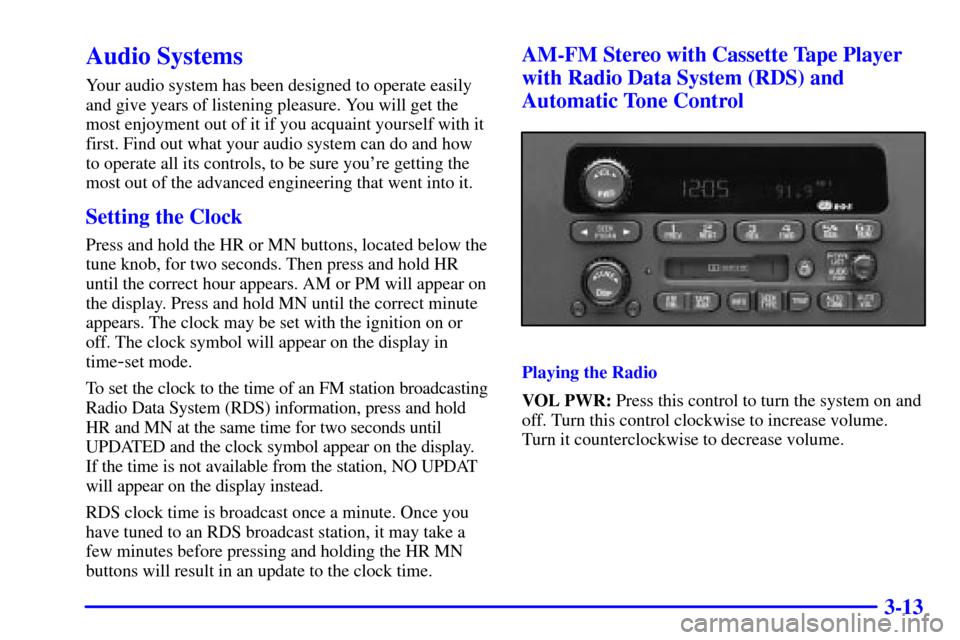
Setting the Clock
Press and hold the HR or MN buttons, located below the
tune knob, for two seconds. Then press and hold HR
until the correct hour appears. AM or PM will appear on
the display. Press and hold MN until the correct minute
appears. The clock may be set with the ignition on or
off. The clock symbol will appear on the display in
time
-set mode.
To set the clock to the time of an FM station broadcasting
Radio Data System (RDS) information, press and hold
HR and MN at the same time for two seconds until
UPDATED and the clock symbol appear on the display.
If the time is not available from the station, NO UPDAT
will appear on the display instead.
RDS clock time is broadcast once a minute. Once you
have tuned to an RDS broadcast station, it may take a
few minutes before pressing and holding the HR MN
buttons will result in an update to the clock time.
AM-FM Stereo with Cassette Tape Player
with Radio Data System (RDS) and
Automatic Tone Control
Playing the Radio
VOL PWR: Press this control to turn the system on and
off. Turn this control clockwise to increase volume.
Turn it counterclockwise to decrease volume.