A congenial climate
104
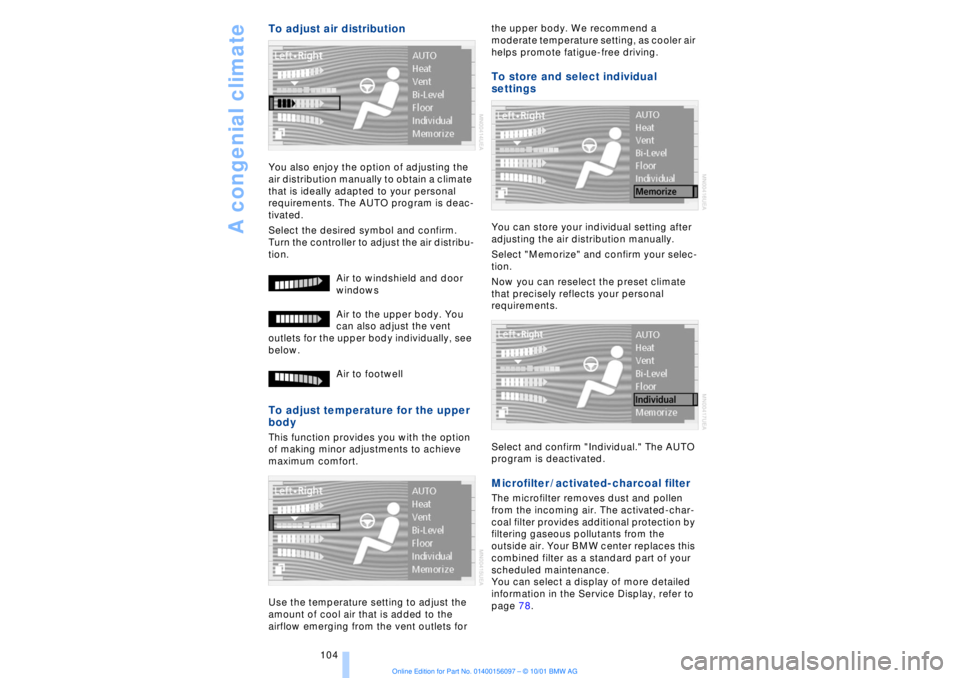
To adjust air distribution You also enjoy the option of adjusting the
air distribution manually to obtain a climate
that is ideally adapted to your personal
requirements. The AUTO program is deac-
tivated.
Select the desired symbol and confirm.
Turn the controller to adjust the air distribu-
tion.
Air to windshield and door
windows
Air to the upper body. You
can also adjust the vent
outlets for the upper body individually, see
below.
Air to footwell To adjust temperature for the upper
body This function provides you with the option
of making minor adjustments to achieve
maximum comfort.
Use the temperature setting to adjust the
amount of cool air that is added to the
airflow emerging from the vent outlets for the upper body. We recommend a
moderate temperature setting, as cooler air
helps promote fatigue-free driving.
To store and select individual
settings You can store your individual setting after
adjusting the air distribution manually.
Select "Memorize" and confirm your selec-
tion.
Now you can reselect the preset climate
that precisely reflects your personal
requirements.
Select and confirm "Individual." The AUTO
program is deactivated. Microfilter / activated-charcoal filter The microfilter removes dust and pollen
from the incoming air. The activated-char-
coal filter provides additional protection by
filtering gaseous pollutants from the
outside air. Your BMW center replaces this
combined filter as a standard part of your
scheduled maintenance.
You can select a display of more detailed
information in the Service Display, refer to
page 78.
At a glanceControlsDriving tipsCommunicationsNavigationEntertainmentMobilityReference
179
Maintenance The BMW Maintenance
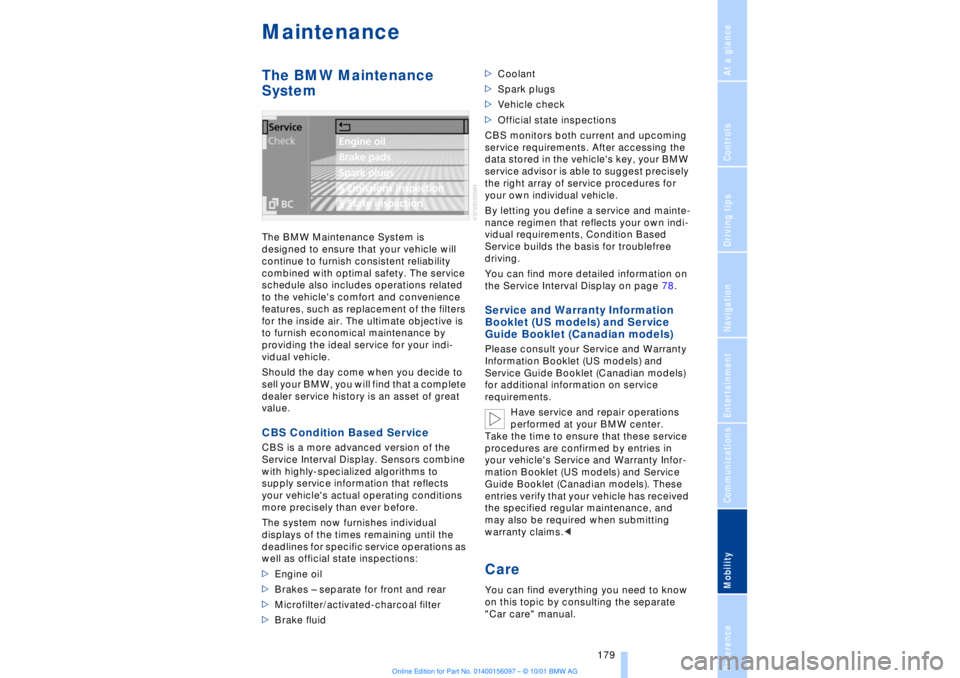
System The BMW Maintenance System is
designed to ensure that your vehicle will
continue to furnish consistent reliability
combined with optimal safety. The service
schedule also includes operations related
to the vehicle's comfort and convenience
features, such as replacement of the filters
for the inside air. The ultimate objective is
to furnish economical maintenance by
providing the ideal service for your indi-
vidual vehicle.
Should the day come when you decide to
sell your BMW, you will find that a complete
dealer service history is an asset of great
value. CBS Condition Based Service CBS is a more advanced version of the
Service Interval Display. Sensors combine
with highly-specialized algorithms to
supply service information that reflects
your vehicle's actual operating conditions
more precisely than ever before.
The system now furnishes individual
displays of the times remaining until the
deadlines for specific service operations as
well as official state inspections:
>Engine oil
>Brakes Ð separate for front and rear
>Microfilter/activated-charcoal filter
>Brake fluid >Coolant
>Spark plugs
>Vehicle check
>Official state inspections
CBS monitors both current and upcoming
service requirements. After accessing the
data stored in the vehicle's key, your BMW
service advisor is able to suggest precisely
the right array of service procedures for
your own individual vehicle.
By letting you define a service and mainte-
nance regimen that reflects your own indi-
vidual requirements, Condition Based
Service builds the basis for troublefree
driving.
You can find more detailed information on
the Service Interval Display on page 78.
Service and Warranty Information
Booklet (US models) and Service
Guide Booklet (Canadian models) Please consult your Service and Warranty
Information Booklet (US models) and
Service Guide Booklet (Canadian models)
for additional information on service
requirements.
Have service and repair operations
performed at your BMW center.
Take the time to ensure that these service
procedures are confirmed by entries in
your vehicle's Service and Warranty Infor-
mation Booklet (US models) and Service
Guide Booklet (Canadian models). These
entries verify that your vehicle has received
the specified regular maintenance, and
may also be required when submitting
warranty claims.< Care You can find everything you need to know
on this topic by consulting the separate
"Car care" manual.
195
At a glanceControlsDriving tipsCommunicationsNavigationEntertainmentMobilityReference
A"ABC..." for
navigation 126, 127
ABS (Antilock Brake
System) 91
"ACCEPT" for
navigation 130
Accessories 8
Activated-charcoal
filter 104
Activation
Ð mobile phone 162
Activation time 106
Active head restraints,
front 48
Active seat 52
Active seat ventilation 51
Adapter for spare key 34
Adaptive brake lamp 94
Adding oil to engine 176
Adding washer fluid 73
"Address book" 134
Adjusting thigh support 46
Airbags 55
Air distribution 100, 103
Airflow
Ð rear air conditioner 105
Air outlet vents 99
Air pressure 170
Ð see also tire inflation
pressure 170
Air supply 101
AKI, refer to Fuel
specifications 169
Alarm system 40
Ð avoiding unintentional
alarms 41
All-season tires 173
"AM..." 140, 143
AM waveband 143
Anchorages 120
Antifreeze 177
Ð coolant 177
Ð washer fluid 73Antilock Brake System
(ABS) 91
Anti-theft system 35
Approved gross vehicle
weight 194
Aquaplaning 118, 171
Armrest, see Center
armrest 113
Arrival time 83
"Arrow display" with navi-
gation system 132
"AS ADDRESS" at current
location 135
"AS ADDRESS" in address
directory 134, 135
"AS ADDRESS" with desti-
nation list 130
"AS ADDRESS" with
manual destination
entry 126
"AS ADDRESS" with map-
guided destination
selection 129
"AS ADDRESS" with recent
destinations 130
"AS DEST." with address
directory 134
"AS DEST." with manual
destination entry 126
"AS DEST." with map-
guided destination
selection 129
"AS DEST." with recent
destinations 130
Ashtray
Ð front 112
Assistance window, refer to
Control Center 23
Ð help texts 23
Ð status lines 24
AUC (Automatic recircula-
ted-air control) 101
Audio 140
"AUTO," refer to Automatic
climate control 103Automatic
Ð cruise control 73
Ð headlamp control 96
Ð luggage compartment lid
operation 36, 39
Ð steering wheel
adjustment 53
Automatic air
distribution 100
Automatic climate
control 99
Ð automatic air
distribution 100
Ð rear air conditioner 105
Ð rear cooler 110
Ð settings in Control
Display 103
Automatic curb monitor 54
Automatic Hold
Ð parking 64
Ð parking brake 63
Automatic recirculated-air
control (AUC) 101
Automatic transmission
with L mode 66
Automatic transmission
with Steptronic 69
"Auto P" 54, 64
"Auxiliary heater" 106
Average fuel
consumption 83
Average speed 83
Avoid false alarms 41
"Avoid motorway" 131
"Avoid route" 133
"Avoid sect." 133
"Avoid tolls" 131
Avoid unintentional
alarms 41
"A-Z" 163
BBackrest, adjusting 46, 47
Backrests, see Seats 45
Everything from A to ZContents