1998 CHEVROLET CORVETTE service
[x] Cancel search: servicePage 153 of 378
Downloaded from www.Manualslib.com manuals search engine If this message comes on while you are driving, you
may have a problem with the electrical charging system.
It could indicate that you have a loose or broken drive
belt
or another electrical problem. Have it checked right
away. Driving while this light is on could drain
your battery.
If you must drive a short distance with the message on,
be certain to turn
off your accessories, such as the radio
and air conditioner.
TRACTION SYS ACTIVE - : When your traction
control system is limiting wheel spin, the TRACTION
SYS ACTIVE message will be displayed. Slippery road
conditions may exist
if this message is displayed, so
adjust your driving accordingly. The message will stay
on for a few seconds after the traction control system
stops limiting wheel spin.
TRACTION SYSTEM-ON: This message is displayed
when you decide to turn on the TCS by pressing the
switch
on the console. This message will shut off
automatically on its own.
TRACTION SYSTEM-OFF: You will hear a single
quick tone when this message is displayed. This
message comes on and stays on when the TCS button on the console is pressed to turn the system
off. To
acknowledge this message, press
RESET.
SERVICE TRACTION SYSTEM - : If the SERVICE
TRACTION
SYS message is displayed when you are
driving, there is a problem with your Traction Control
System and your vehicle is in need
of service. When this
message is displayed, the system will not limit wheel
spin. Adjust your driving accordingly.
If you have the optional Active Handling System, the SERVICE ACTIVE
HNDLG message will also be
displayed and the instrument cluster car icon will also be
illuminated. The driver can acknowledge both messages
by pressing the reset button two times which
will also
turn
off the instrument cluster icon. When the service
messages are displayed, the computer controlled systems will not assist the driver in controlling the
vehicle. Have the system repaired as soon as possible.
Adjust your driving accordingly.
2-100
Page 154 of 378
Downloaded from www.Manualslib.com manuals search engine SERVICE RIDE CONTROL: This message is used to
indicate to the driver that the Selective Real Time
Damping (SRTD) system has detected a malfunction
and that the system must be serviced. The SERVICE
RIDE CONTROL message will always come on when a
failure is detected by the Selective Real Time Damping
system. If
a fault is present in the SRTD which causes
the shocks to be in their full soft condition, the
SERVICE RIDE CONTROL, SHOCKS
INOPERATIVE and MAXIMUM
80 MPH (129 km/h)
will display together. You will never get a SHOCKS
INOPERATIVE and MAXIMUM SPEED
80 MPH
(129
km/h) message without a SERVICE RIDE
CONTROLmessage.
SHOCKS INOPERATIVE: You will hear four chimes
when this message is displayed. To acknowledge that
you have read the message and to remove it from the
display, press RESET. The message will reappear every
10 minutes until this condition changes.
This message indicates that a malfunction is present in
the Selective Real Time Damping system which is
causing the shocks to be in their full soft mode. This is a
warning to the driver that the vehicle handling may be
affected. Have your vehicle serviced as soon as possible.
MAXIMUM SPEED 80 MPH (129 km/h): You will
hear four chimes when this message is displayed.
To
acknowledge the warning, press RESET. After you press
RESET, a message will reappear every
10 minutes until
this condition changes.
This message indicates that the vehicle speed will be limited to
80 mph (129 km/h) when the shock absorber
system has failed and the shocks are in their full
soft
mode. Have your vehicle serviced as soon as possible.
LOW COOLANT You will hear two chimes when this
message is displayed. To acknowledge the warning,
press RESET. After you press RESET, a message will
reappear and you will hear a chime every
10 minutes
until this condition changes.
This message indicates that the coolant in the system is
low. You may need to add coolant. See “Engine
Overheating” in the Index.
COOLANT OVER TEMP: You will hear four chimes
and the CHECK GAGES telltale
will come on when this
message is displayed. To acknowledge the warning,
press the RESET button. After you press the RESET
button, a message will be displayed and you will hear a chime every minute until this condition changes. If you
do not press RESET, the message will remain on the
digital display until the condition changes.
2-101
Page 155 of 378
Downloaded from www.Manualslib.com manuals search engine If the engine coolant exceeds 255 “F (124”C), this
message is displayed. If you have been operating your
vehicle under normal driving conditions, you should
pull off from
the road, stop your vehicle and turn off the
engine as soon as possible. You can monitor the coolant
temperature with the GAGES button on the DIC or the
engine coolant gage on the instrument panel cluster. See
“Engine Overheating” in the Index.
HIGH OIL TEMPERATURE REDUCE ENGINE
RPM: You will hear four chimes when this message is
displayed. To acknowledge the warning, press the
RESET button. After you press the RESET button, a
message will be displayed and you will hear a chime
every minute until this condition changes. If you do not
press RESET, the message will remain on the digital
display until the condition changes.
If the engine oil temperature exceeds
320°F (1 60” C),
this message is displayed. You should check the engine
coolant temperature and engine oil level. If your engine
is too hot, see “Engine Overheating’’ in the Index. Your
vehicle may need service,
so see your dealer. You can
monitor the oil temperature with the GAGES button on
the DIC.
HIGH TRANS TEMP: You will hear four chimes
when this message is displayed. To acknowledge this
warning, press the RESET button. After you press the
RESET button, the message will be displayed every
10 minutes until the condition changes. If you do not
press RESET, the message remains on the display until
the condition changes.
If the transmission fluid temperature rises above 263°F
(128°C) or rises rapidly, this message is displayed. The
transmission may shift gears or apply the torque
converter clutch to reduce the fluid temperature. Driving
aggressively or driving on long hills can cause the
transmission fluid temperature to be higher than normal.
If this message appears, you may continue to drive at a
slower speed. You should also monitor the transmission
fluid temperature and allow it to cool to at least 230°F
(1 10°C). The transmission fluid temperature can be
monitored with the GAGES button on the DIC. See
“Automatic Transmission Fluid” in the Index. You
should also check the engine coolant temperature.
If it is
also hot, see “Engine Overheating” in the Index.
If the HIGH TRANS TEMP message is displayed
during normal vehicle operation on flat roads, your
vehicle may need service. See your dealer for an
inspection.
2-102
Page 158 of 378
Downloaded from www.Manualslib.com manuals search engine HIGH TIRE PRESSURE - (LF, LR, RF, RR): YOU
will hear two chimes when this message is displayed. To
acknowledge the warning, press RESET. After you press
RESET, a message
will reappear and you will hear a
chime every
10 minutes until this condition changes. This
message indicates that the pressure in one of your tires is higher than
42 psi (290 Pa). Next to the HIGH TIRE
PRESSURE message,
you can see either LF (left front),
LR (left rear), RF (right front) or RR (right rear) to
indicate to you which tire is higher than
42 psi (290 Wa).
You can receive more than one tire pressure message at a
time. To read other messages that may have been sent at
the same time, press RESET.
If a tire pressure message
appears
on the DX, stop as soon as you can. Have the tire
pressures checked and set to those shown on your Tire
Loading Information Label. See “Extended
Mobility
Tires” and “Tire Inflation” in the Index.
SERVICE TIRE MON SYS: If this message comes on,
a part on the Tire Pressure Monitor (TPM) is not
working properly. If you drive your vehicle while any of
the four sensors are missing or hoperable, the warning
will come on in approximately
10 minutes. If all four
sensors are missing, the warning will come on in
approximately
15 to 20 minutes. (All the sensors would
be missing, for example, if you put different wheels on
your vehicle without transferring the sensors.) If the
warning comes
on and stays on, there may be a problem
with the TPM. See your dealer.
2-105
Page 187 of 378
Downloaded from www.Manualslib.com manuals search engine Care of Your Cassette Tape Player
A tape player that is not cleaned regularly can cause
reduced sound quality, ruined cassettes or a damaged
mechanism. Cassette tapes should be stored in their
cases away from contaminants, direct sunlight and
extreme heat. If they aren’t, they may not operate
properly or may cause failure of the tape player.
Your tape player should be cleaned regularly after every
50 hours of use. Your radio may display CLN to indicate
that you have used your tape player for
50 hours without
resetting the tape clean timer. If this message appears on
the display, your cassette tape player needs to be
cleaned. It will still play tapes, but you should clean it as
soon as possible to prevent damage to your tapes and
player.
If you notice a reduction in sound quality, try a
known good cassette to see
if it is the tape or the tape
player at fault.
If this other cassette has no improvement
in sound quality, clean the tape player. Cleaning may be done with a scrubbing action,
non-abrasive cleaning cassette with pads which scrub
the tape head as the hubs
of the cleaner cassette turn. It
is normal for the cassette to eject while cleaning. Insert
the cassette at least three times to ensure thorough
cleaning.
A scrubbing action cleaning cassette is
available through your dealership.
You may also choose a non-scrubbing action, wet-type
cleaner which uses a cassette with a fabric belt to clean
the tape head.
This type of cleaning cassette will not
eject and, it may not clean as thoroughly as the
scrubbing type cleaner.
After you clean the player, press and hold
EJECT for
five seconds to reset the CLN indicator. The radio will
display --- to show the indicator was reset.
Cassettes are subject to wear and the sound quality
may degrade over time. Always make sure the cassette tape
is in good condition before you have your tape
player serviced.
Page 200 of 378
Downloaded from www.Manualslib.com manuals search engine If your vehicle is in cruise control when the TCS system
begins to limit wheel spin, the cruise control will
automatically disengage. When road conditions allow
you to safely use it again, you may re-engage the cruise
control. (See “Cruise Control” in the Index.)
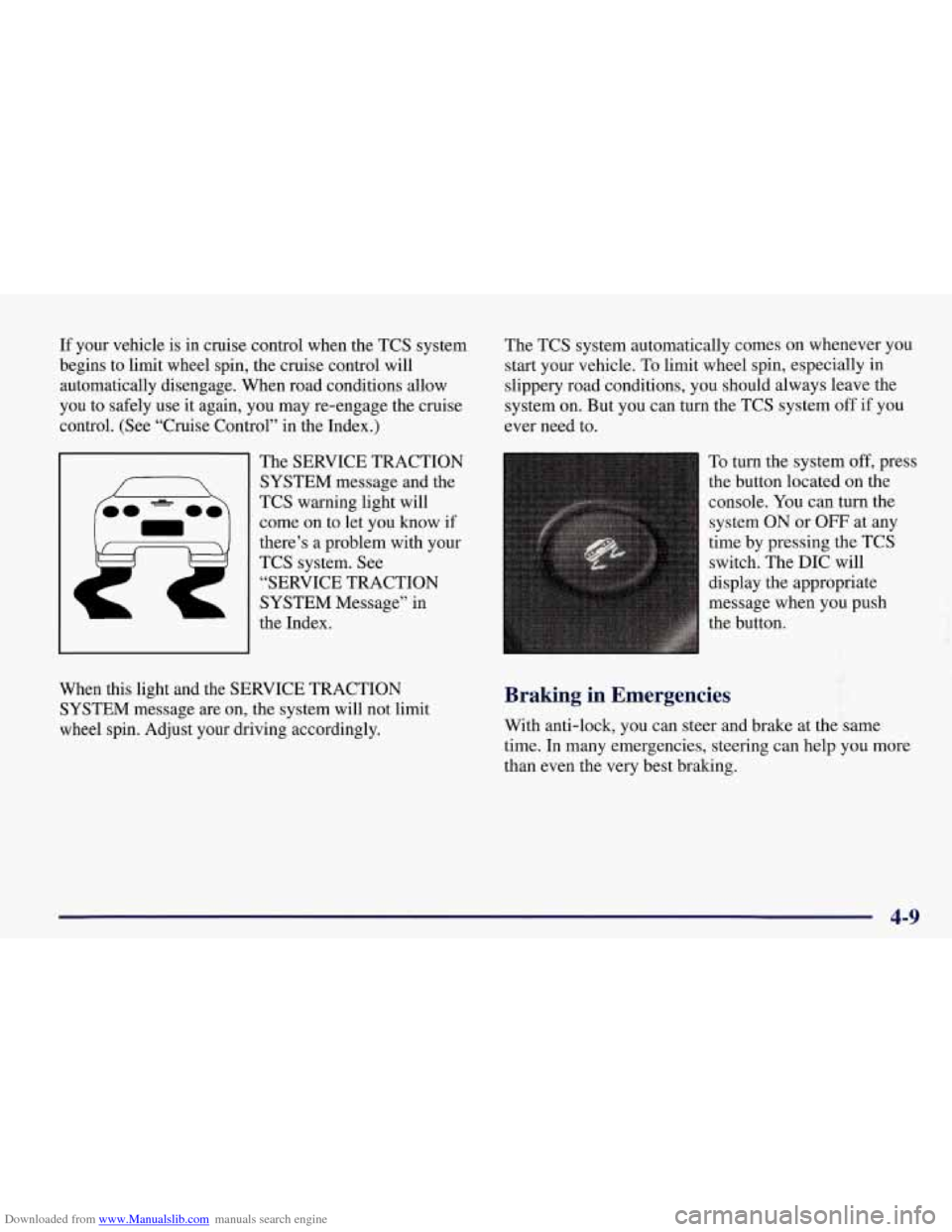
The SERVICE TRACTION
SYSTEM message and the
TCS warning light will
come on to let you know if
there’s
a problem with your
TCS system.
See
“SERVICE TRACTION
SYSTEM Message” in
the Index. The
TCS system automatically comes on whenever you
start your vehicle. To limit wheel spin, especially in
slippery road conditions, you should always leave the
system
on. But you can turn the TCS system off if you
ever need to.
To turn the system
off, press
the button located on the
console.
You can turn the
system ON
or OFF at any
time by pressing the TCS
switch. The DIC will
display the appropriate
message when you push
the button.
f
When this light and the SERVICE TRACTION
SYSTEM message are on, the system will not limit
wheel spin. Adjust your driving accordingly. Braking in Emergencies
With anti-lock, you can steer and brake at the same
time.
In many emergencies, steering can help you more
than even the very best braking.
4-9
Page 212 of 378
Downloaded from www.Manualslib.com manuals search engine The exit speed is usually posted.
Reduce your speed according to your speedometer, not
to your sense
of motion. After driving for any distance
at higher speeds, you may tend to think you are going slower than you actually are.
Before Leaving on a Long Trip
Make sure you’re ready. Try to be well rested. If you
must start when you’re not fresh
-- such as after a day’s
work
-- don’t plan to make too many miles that first part
of the journey. Wear comfortable clothing and shoes you
can easily drive in.
Is your vehicle ready for a long trip?
If you keep it
serviced and maintained, it’s ready
to go. If it needs
service, have it done before starting out. Of course,
you’ll find experienced and able service experts in
GM
dealerships all across North America. They’ll be ready
and willing to help if you need it. Here are some things you can check before a
trip:
0
0
0
0
0
0
0
Windshield Washer Fluid: Is the reservoir full? Are
all windows clean inside and outside?
Wiper Blades: Are they in good shape?
Fuel, Engine Oil, Other Fluids: Have you checked
all levels?
Lamps: Are they all working? Are the lenses clean?
Tires: They are vitally important to a safe,
trouble-free trip.
Is the tread good enough for
long-distance driving? Are the tires all inflated to the
recommended pressure?
Weather Forecasts: What’s the weather outlook
along your route? Should you delay your trip a short’
time to avoid a major storm system?
Maps: Do you have up-to-date maps?
4-21
Page 213 of 378
Downloaded from www.Manualslib.com manuals search engine Highway Hypnosis
Is there actually such a condition as “highway hypnosis”?
Or is it just plain falling asleep at the wheel?
Call it
highway hypnosis, lack of awareness, or whatever.
There is something about an easy stretch of road with the same scenery, along with the hum of the tires on the road,
the drone
of the engine, and the rush of the wind against
the vehicle that can make you sleepy. Don’t let it happen to you!
If it does, your vehicle can leave the road in less
than a second, and you could crash and be injured.
What can you do about highway hypnosis? First, be
aware that it can happen.
Then here are some tips:
0
0
0
Make sure your vehicle is well ventilated, with a
comfortably cool interior.
Keep your eyes moving. Scan the road ahead and to
the sides. Check your rearview mirrors and your
instruments frequently.
If you get sleepy, pull
off the road into a rest, service
or parking area and take a nap, get some exercise, or
both. For safety, treat drowsiness on the highway as
an emergency.
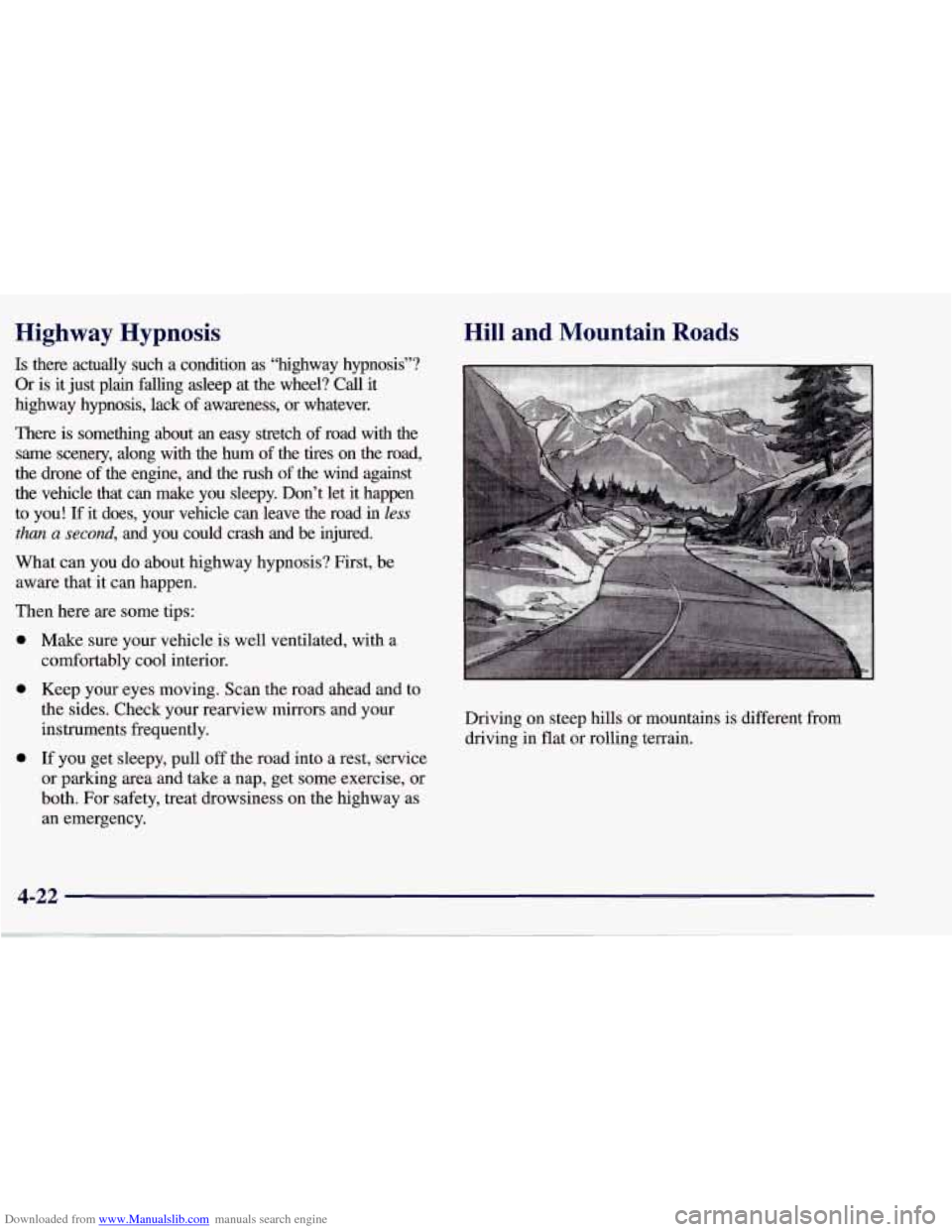
Hill and Mountain Roads
Driving on steep hills or mountains is different from driving in flat or rolling terrain.