1997 PONTIAC BONNEVILLE reset
[x] Cancel search: resetPage 60 of 405
If your vehicle is not equipped with Remote Keyless
Entry, use the following procedure to change modes:
1. Close all doors and turn the ignition on. Keep all
2. Press and hold the driver’s power door lock switch
3. Cycle the PARK (P) shift lever, starting in
doors closed throughout
this procedure.
though Step
3.
PARK (P), through the gear selections to advance by
one mode
for each cycle.
After the
first cycle, you will hear a door locking
action, which identifies the current mode.
4. Release the power door lock switch.
Delayed Locking (Option)
This feature lets the driver delay the actual locking of
the vehicle. When the power door lock switch is pressed
with
the key removed from the ignition and the driver’s
door open, a chime will sound three times to signal that
the delayed locking system is active. When all doors
have been closed, the doors will lock automatically after
five seconds. If any door is opened before this, the
five-second timer will reset itself once all the doors have
been closed again.
Pressing the door lock switch twice within two seconds
will override this feature.
The delayed locking feature can
be turned on or off for
each remote transmitter. Vehicles
are delivered with each
remote transmitter defaulted with delayed locking
off.
To turn the feature on:
1. Press and hold the power door lock switch
throughout this procedure. All the doors will lock.
2. Press the UNLOCK button on the remote transmitter.
The lock delay is still
off and all the doors will
remain locked.
3. Press the UNLOCK button on the remote transmitter
again. Lock delay
is now active and all the doors
will unlock.
4. Release the power door lock switch.
To turn this feature off, repeat the previous procedure.
ProCarManuals.com
Page 93 of 405
Windshield Washer Cruise Control
At the top of the turn signal/multifunction lever, there’s
a paddle with the word PUSH on it. To spray washer
fluid on the windshield, push the paddle for less than a
second. The wipers
will clear the window and either
stop or return to your preset speed. For more washer
cycles, push
and hold the paddle.
Some models have
a WASHER FLUID warning that
indicates if the fluid level in the windshield washer
reservoir is low.
See “Low Washer Fluid Warning Light”
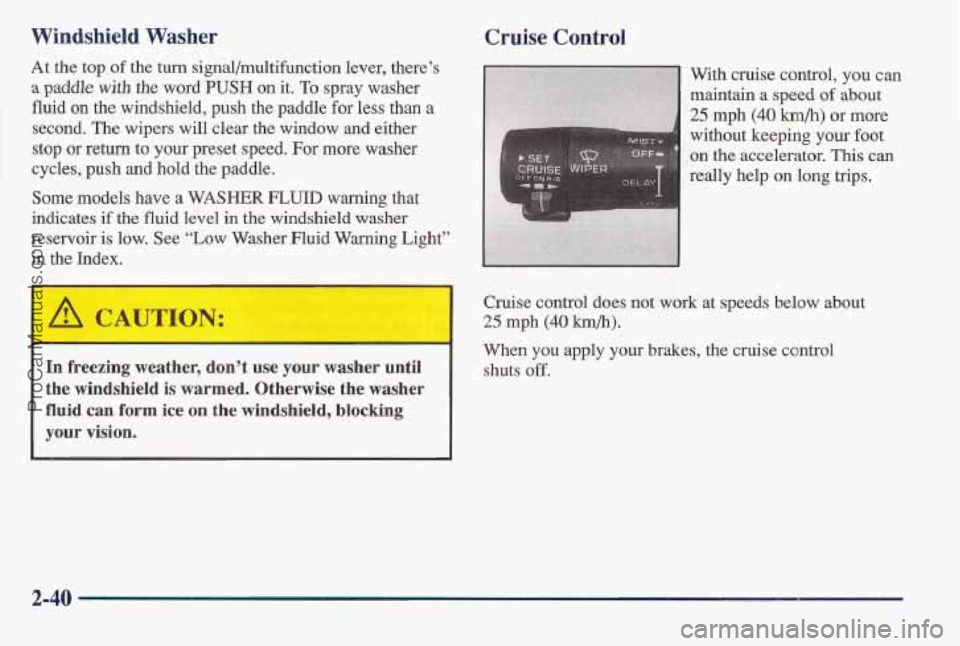
in the Index. With cruise control,
you can
maintain a speed
of about
25 mph (40 km/h) or more
without keeping your foot
~ on the accelerator. This can
really help on long trips.
4 Cruise control do’es not work at speeds below about
I
25 mph (40 km/h).
When you apply your brakes, the cruise control
In freezing weather, don’t use your washer until shuts off.
the windshi’eld is warmed, Otherwise the washer
fluid cam €orm ice on the windshield, blocking
your vision.
2-40 ~
ProCarManuals.com
Page 95 of 405
Resuming a Set Speed
Suppose you set your cruise control at a desired speed
and then you apply the brake, This, of course, shuts off
the cruise control. But you don’t need to reset it.
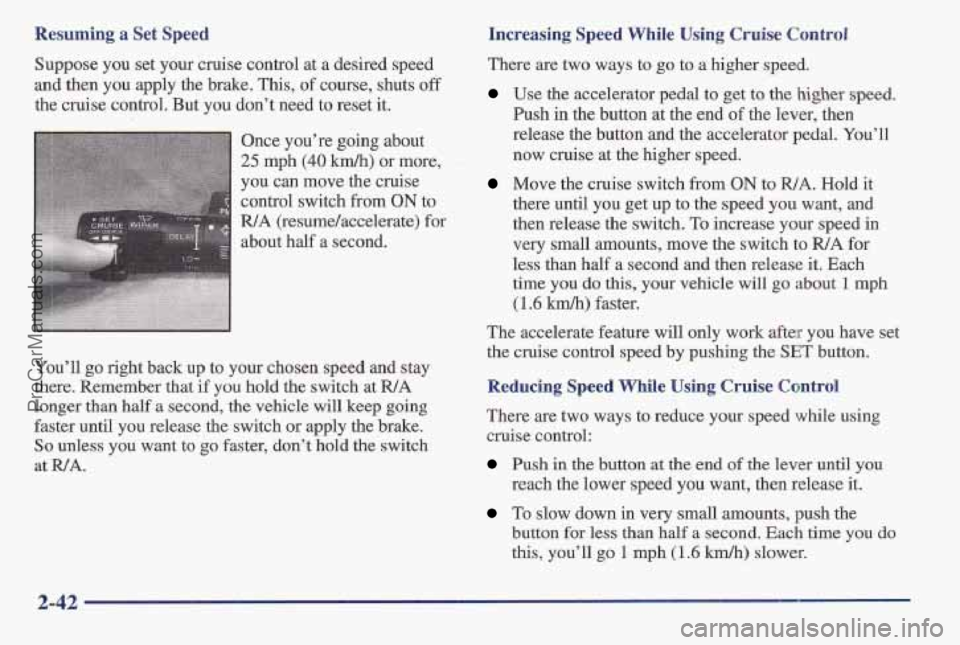
Once you’re going about
25 mph (40 km/y1) or more,
you can move the cruise
control switch from
ON to
R/A (resume/accelerate) for
about half a second.
You’ll
go right back up to your choisen speed and stay
there.
Remember that if you hold the switch at WA
longer than half a second, the vehicle will keep going
faster until you release the switch or apply the brake.
So unless you want to go faster, don’t hold the switch
at WA.
Increasing Speed While Using Cruise Control
There are two ways to go to a higher speed.
Use the accelerator pedal to get to the higher speed.
Push in the button at the end of the lever, then
release the button and the accelerator pedal. You’ll
now cruise at the higher speed.
Move the cruise switch from ON to WA. Hold it
there until you get up
to the speed you want, and
then release the switch. To increase your speed in
very small amounts, move the switch to
R/A for
less than half a second
and then release it. Each
time
YOU do this, your vehicle will go about 1 mph
(1.6 kmlh) faster.
The accelerate feature will only work after you have set
the cruise control speed
by pushing the SET button.
Reducing Speed While Using Cruise Control
There are two ways to reduce your speed while using
cruise control:
Push in the button at the end of the lever until you
reach the lower speed you want, then release it.
To slow down in very small amounts, push the
bmutton for less than half a second. Each time you do
this, you’ll go 1 rnph (1.6 km/h) slower.
2-42
ProCarManuals.com
Page 116 of 405
Speedometer and Odometer
Your speedometer lets you see your speed in both miles
per hour (mph) and kilometers per hour
(km/h). Your
odometer shows how far your vehicle has been driven,
in either miles (used in the United States) or kilometers
(used
in Canada).
The odometer and trip Odometer are displayed
in the
Driver Information Center on vehicles
so equipped.
Your Pontiac has a tamper resistant odometer. If you see
silver lines between the numbers, you’ll
know that
someone has probably tried to turn it back,
so the
numbers may not be true.
You may wonder what happens
if your vehicle needs a
new odometer installed.
If the new one can be set to the
mileage total of the old odometer, then it must be. But if
it can’t, then it’s set at zero and
a label must be put on
the driver’s door to show the old mileage reading when
the new odometer was installed.
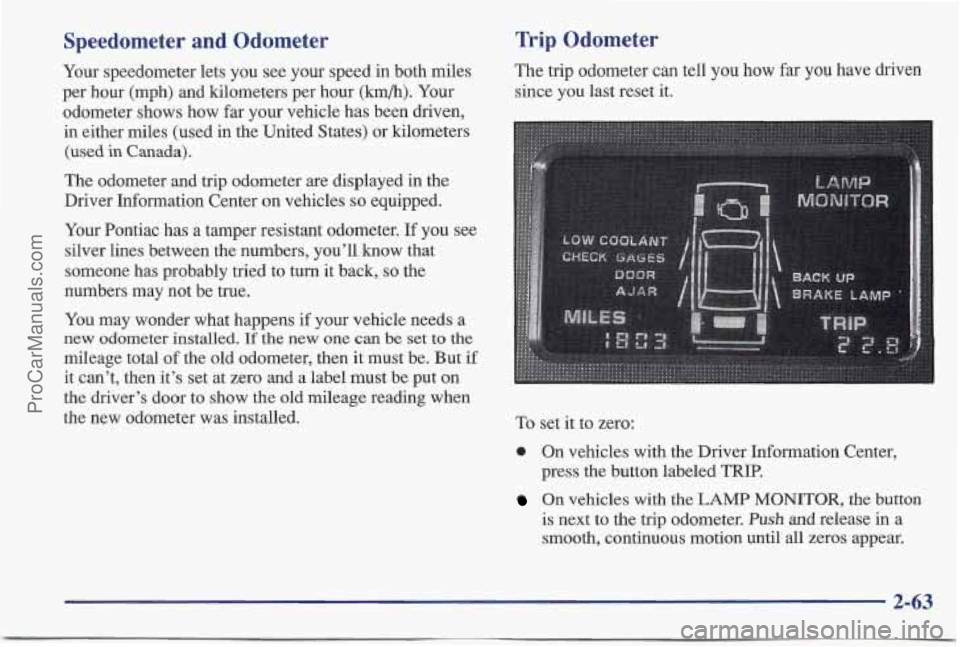
Trip Odometer
The trip odometer can tell you how far you have driven
since you last reset it.
To set it to zero:
0 On vehicles with the Driver Information Center,
press the button labeled
TRIP.
On vehicles with the LAMP MONITOR, the button
is next to the trip odometer.
Push and release in a
smooth, continuous motion until all zeros appear.
2-63
ProCarManuals.com
Page 121 of 405
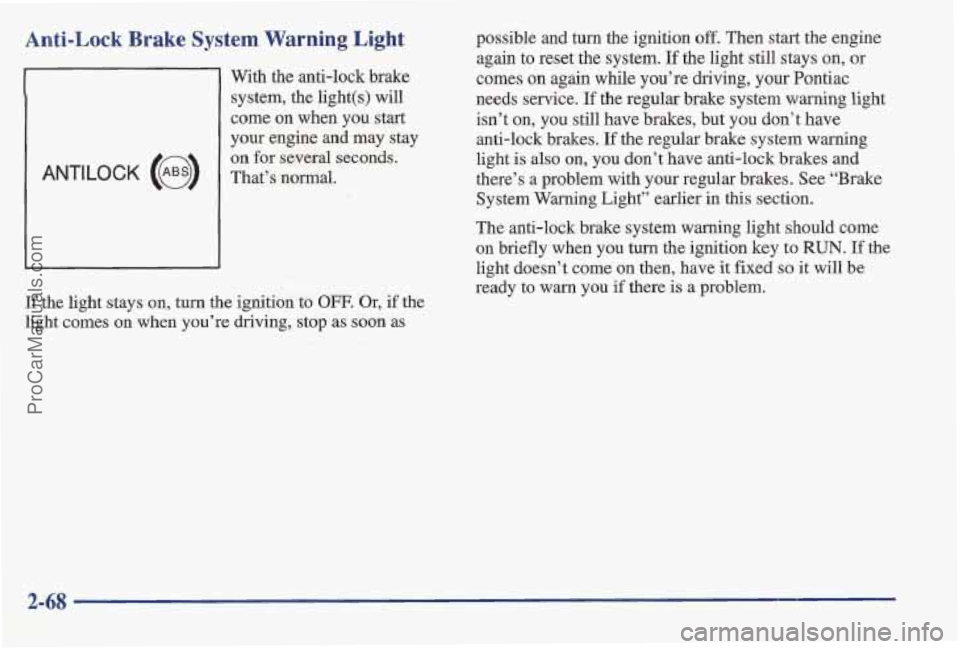
Anti-Lock Brake System Warning Light
With the anti-lock brake
system, the light(s) will
come
on when you start
your engine and
may stay
The anti-lock brake system warning light should come
on briefly when you turn the ignition key to
RUN. If the
light doesn’t come
on then, have it fixed so it will be
ready to warn you if there
is a problem.
If the light stays on, turn
the ignition to OFF. Or, if the
light comes on when you’re driving, stop as
soon as possible
and turn the ignition off. Then start the engine
again to reset the system.
If the light still stays on, or
comes on again while you’re driving, your Pontiac
needs service.
If the regular brake system warning light
isn’t on, you still have brakes, but you don’t have
anti-lock brakes.
If the regular brake system warning
light
Is also on, you don’t have anti-lock brakes and
there’s a problem with your regular brakes. See “Brake
System Warning Light” earlier in this section.
2-68
ProCarManuals.com
Page 152 of 405
Finding a Station AM-FM:
Press this button to switch between AM and
FM. The display shows your selection.
TUNE: Turn the lower knob to choose radio stations.
SEEK: Press the up or down arrow to go to the next
higher or lower station and stay there.
PUSHBUTTONS: The four numbered pushbuttons let
you return to your favorite stations.
You can set up to
14 stations (seven AM and seven FM). Just:
1. Turn the radio on.
2. Press AM-FM to select the band.
3. Tune in the desired station.
4. Press SET. (SET will appear on the display.)
5. Press one of the four numbered pushbuttons, within
five seconds. Whenever you press that numbered
pushbutton, the station you set will return.
6. Repeat the steps for each pushbutton. In
addition to the four stations already set, up to three
more stations may be preset on each band by pressing
two adjoining buttons at the same time. Just:
1. Tune in the desired station.
2. Press SET. (SET will appear on the display.)
3. Press any two adjoining pushbuttons at the same
time, within five seconds. Whenever you press the
same buttons, the station you set will return.
4. Repeat the steps for each pair of pushbuttons.
Setting the Tone
BASS:
Slide the lever up or down to increase or
decrease bass.
TREB: Slide the lever up or down to increase or
decrease
treble. If a station is weak or noisy, you may
want to decrease the treble.
Adjusting the Speakers
BALANCE:
Turn the control behind the upper knob to
move the sound to the left or right speakers. The middle
position balances the sound between the speakers.
FADE: Turn the control behind the lower bob to move
the sound to the front or rear speakers. The middle
position balances the sound between the speakers.
3-11
ProCarManuals.com
Page 156 of 405
AM-FM: Press this button to play the radio when a tape
is in the player.
TAPE/PLAY: Press this button to change to the tape
function when the radio is on. The tape symbol with
an
arrow will appear on the display when the tape is active.
To return to playing the radio, press the
AM-FM button.
EJECT Press this button to remove the tape. The radio
will play. EJECT may be activated with either the
ignition or radio off. Cassettes may be loaded with the
radio and ignition off if this button is pressed first.
If
you leave a cassette tape in the player while listening to
the radio, it may become warm.
CLN: If this message appears on the display, the
cassette tape player needs to be cleaned.
It will still play
tapes, but you should clean it as soon as possible to
prevent damage
to the tapes and player. See “Care of
Your Cassette Tape Player” in the Index. After you clean
the player, press and hold
EJECT for five seconds to
reset the
CLN indicator. The radio will display --- to
show the indicator was reset.
CD Adapter Kits
It is possible to use a CD adapter kit with your cassette
tape player after activating the bypass feature on your
tape player.
To activate the bypass feature, the ignition must be
on.
Turn your radio off. Press TAPE/PLAY and hold for
three seconds. After three seconds, the tape symbol in
the display will flash for two seconds indicating the
feature is active.
Turn the radio on and insert
the adapter.
This override feature will remain active until
EJECT
is pressed.
3-15
ProCarManuals.com
Page 159 of 405
NEXT (2): Press this button or the SEEK up arrow to
search for the next selection on the tape.
If you hold the
button, the player will continue moving forward through
the tape.
Yuur tape must have at least three seconds of
silence between each selection for NEXT or
SEEK to
work. The tape direction mow blinks during NEXT or
SEEK operation. Press NEXT or the SEEK up arrow to
stop searching. The sound will mute during NEXT or
SEEK operation.
PROG (3): Press this button to play the other side of
the tape.
(4): Press this button to reduce background noise.
Note that the double-D symbol will appear on the display.
Dolby00 Noise Reduction is manufactured under a
license from Dolby Laboratories Licensing Corporation,
Dolby and the double-D symbol are trademarks of
Dolby Laboratories Licensing Corporation.
REV (5): Press this button to reverse the tape rapidly.
Press it again
to return to playing speed. The radio will
play the last-selected station while the tape reverses.
You may select stations during REV operation by using
SEEK
or TUNE.
FWD (6): Press this button to advance quickly to
another part of the tape. Press the button again to return
to playing speed. The radio will play the l’ast-selected
station while the tape advances.
You may select stations
during
FWD operation by using SEEK or TUNE.
AM-’FM: Press this button to play the radio when a tape
is in the player.
TAPE/PLAY: Press this button to change to the tape
function when the radio is on. The tape symbol with an
arrow will appear on the display when the tape
is active.
To return to playing the radio, press the
AM-FM button.
EJECT: Press this button to remove the tape. The
radio will play. EJECT may be activated with either the
ignition or radio off, Cassettes may be loaded with the
radio
off if this button is pressed first. If you leave a
cassette tape in the player while listening to the radio, it
may become warm.
CLN: If this message appears on the display, the
cassette tape player needs to be cleaned. It will still play
tapes, but you should clean it as soon as possible to
prevent damage
to the tapes and player. See “Care of
Your Cassette Tape Player” in the Index. After you clean
the player, press and hold
EJECT for five seconds to
reset the CLN indicator. The radio will display --- to
show the indicator was reset.
3-18
ProCarManuals.com