Page 106 of 402
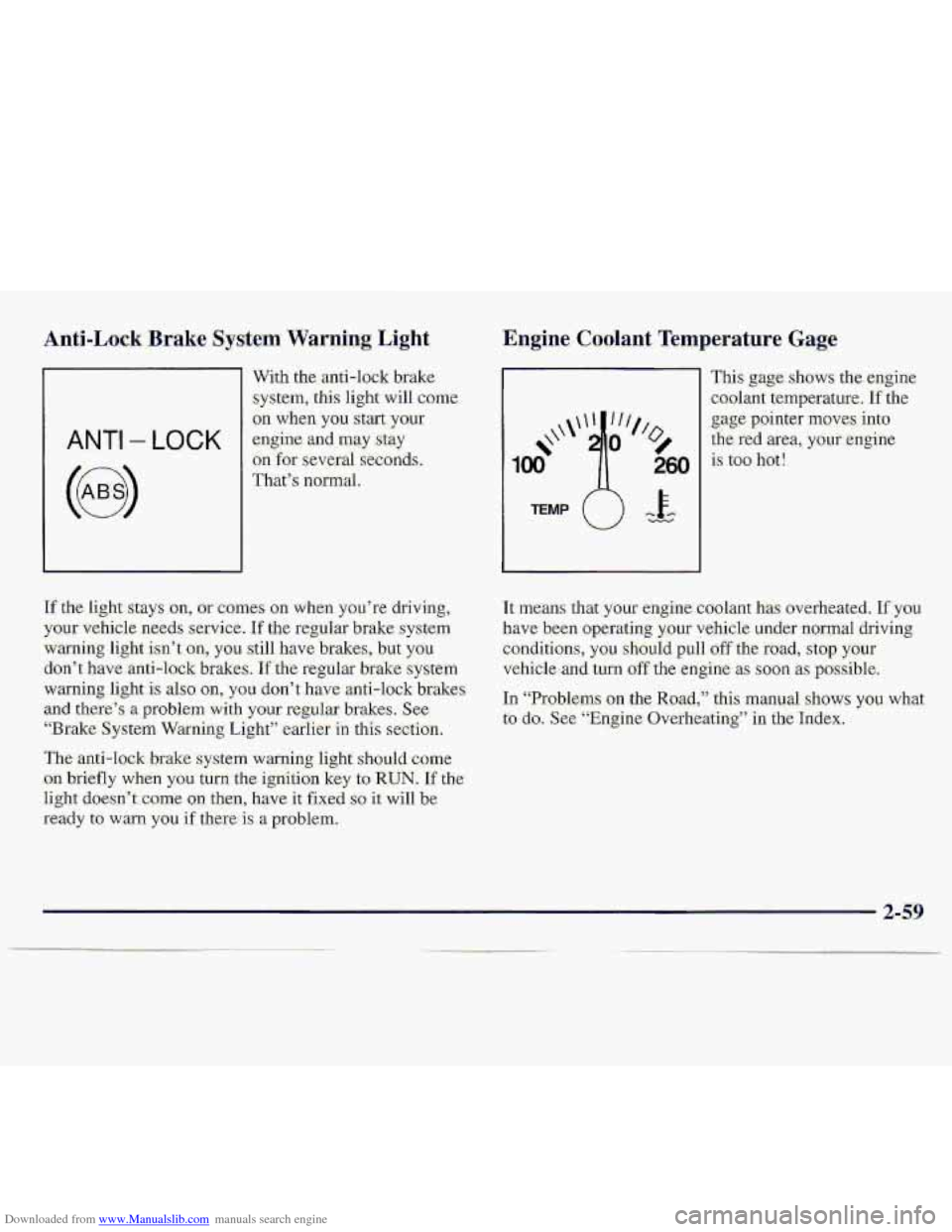
Downloaded from www.Manualslib.com manuals search engine Anti-Lock Brake System Warning., Light,
1
With the anti-lock brake
system, this Light will come
on when. yau start .youx
ANTI - LOCK engine and may stay
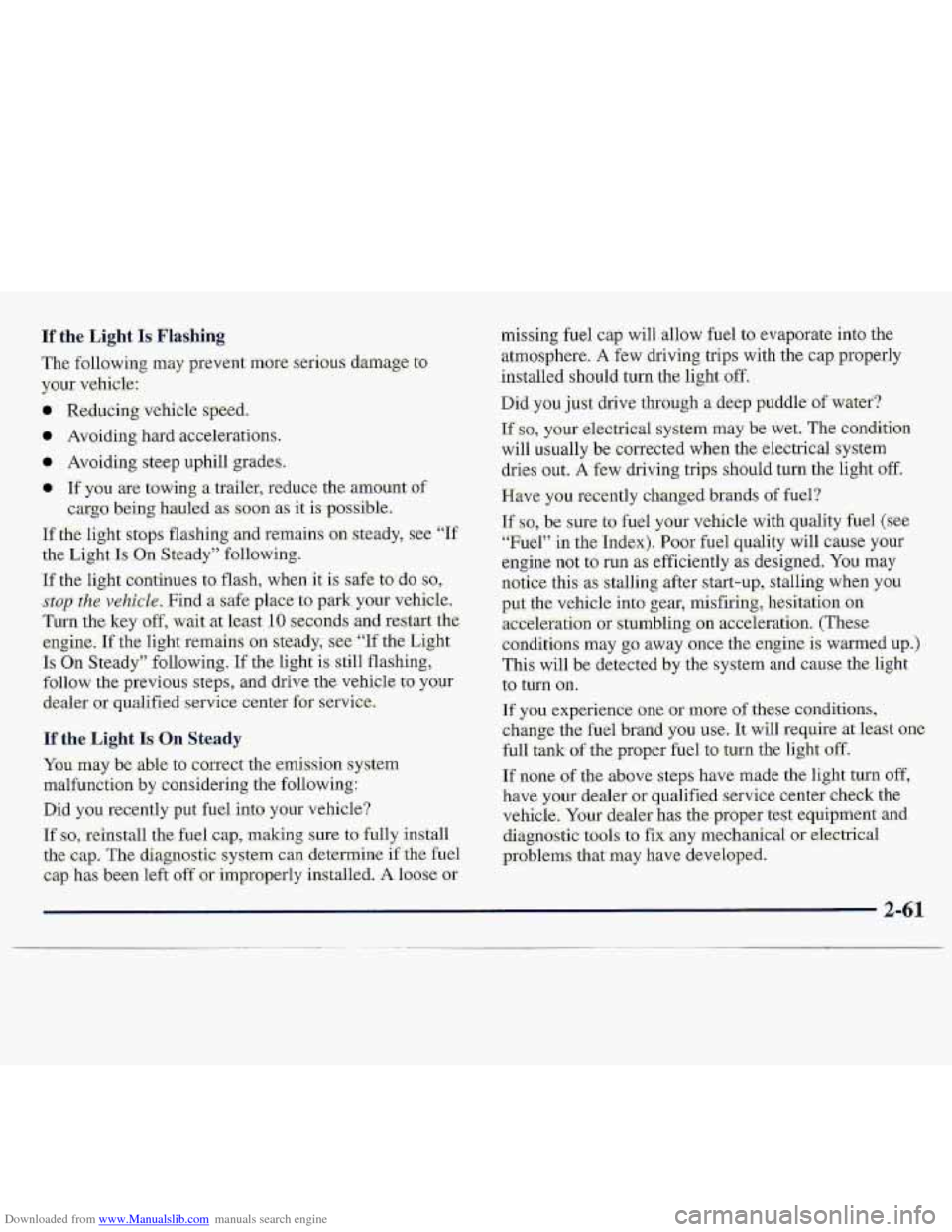
Engine Coolant Temperature -Gage
This gage shows the..engin-e
coolant temperature,
If the
moves -into
It means that your engine:co‘olant has overheated. Ifyou
have been operating your vehicle grrtder .normal driving
C.ondifions,
y~u should pull.off ‘the foad, stop your
vehicle. and tm off the engine as soon as possible.
In “Proble.ms on the Road,r’ this mangal shows you what
to do. See “Engine Ovefheittit~g” in the Index.
2-59
Page 107 of 402
Downloaded from www.Manualslib.com manuals search engine Malfunction Indicator Lamp
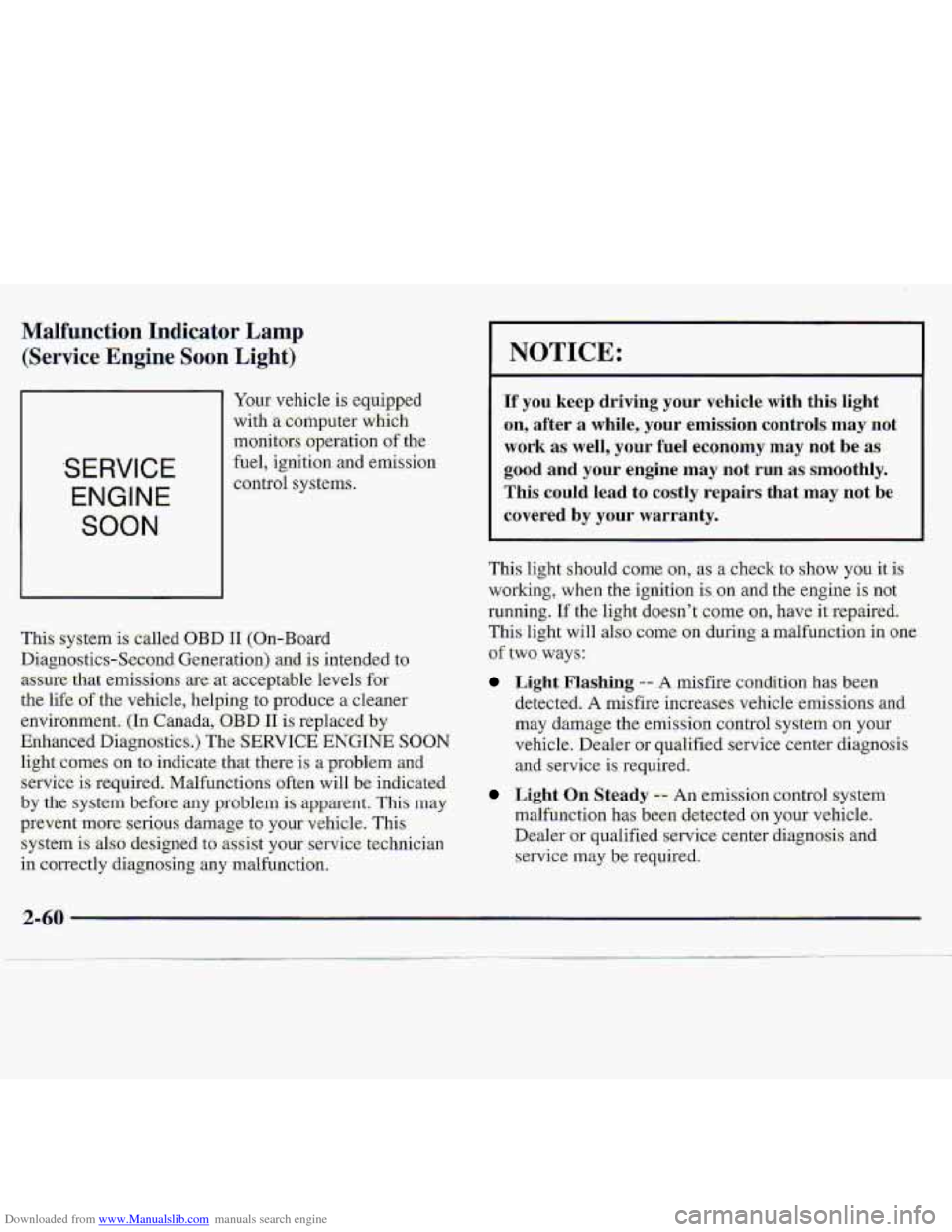
(Service Engine Soon Li-ght)'
SERVICE
ENGINE
SOON
Yaw vehicle is eq-uipped
with
a computer which
monitors
.operation of the
fuel, igniti.on and ernis-sion
control systems.
This .system
is called OBD I1 (On-Board
Diagnostics-Second Generation) and. is intended to
.assure that ernisstons are. at acceptable levels,fo.r
the
l-ife of the vehicle, helping to produce a clearier
environment,
(In Canada,:OBD I1 is replaced by
Enhanced Diqgnostics.)
The SERVICE ENGINE SOON
light comes on to indicate that there is a-problem..ancl
service is require-d. Malfunctions often will be indicated
by the system before .any proble,m is apparent. This may
prevent more serious. damage to your vehicle. This
system is al-so designed to assist your servi:ce:technician
in correctly di-agnosing any malfunction.
NOTICE:
If you keep driving your vehicle with this-light
on, ,after
a while,- your ernitision controls may not
work as: well, your fuel economy may not be as-
good and your engine may not run as. smoothly.
This could lead to. costly repairs that may not be
covered by your warranty.
This light should ceme on, as a check to show you it is
working, when the ignition is on and the engine is not
running.
If the light doesn't come an, have-it repaired.
This light will also come on during a malfuncti-on in one
of two ways:
Light Flashing -- A misfire condition has been
detected.
A misfire increases vehicle-emis-sions and
may damage the emission control-system on your
vehicle. Dealer
or qualified service center diagnosis
and service is'required.
L&ht On: Steady -- .An erni,ssion control system
malfunction
has been detected on your vehicle.
Dealer
or qualified service center diagnosis. and
service may b:e required.
Page 108 of 402
Downloaded from www.Manualslib.com manuals search engine If the Light Is-Flashing
The EolloMiling may prevent- mare. serious damage. to
your vehicle:
e Reducing vehicle speed.
0 Avoiding hard accekrations.
a Avoiding steep uphill grades.
If the L,ight Is On Steady
Y~u'may be able to correct the erni.ssion system
malfunction by considering the following:
Did you recently put fuel into your vehicle?
If so, reinstall the. fuel cap, making sure to' fully install
the :cap. The diagmstic. system.c.an determine ifthe fuel
ciap has been left off or improperly installed. A&ose ar
Page 110 of 402
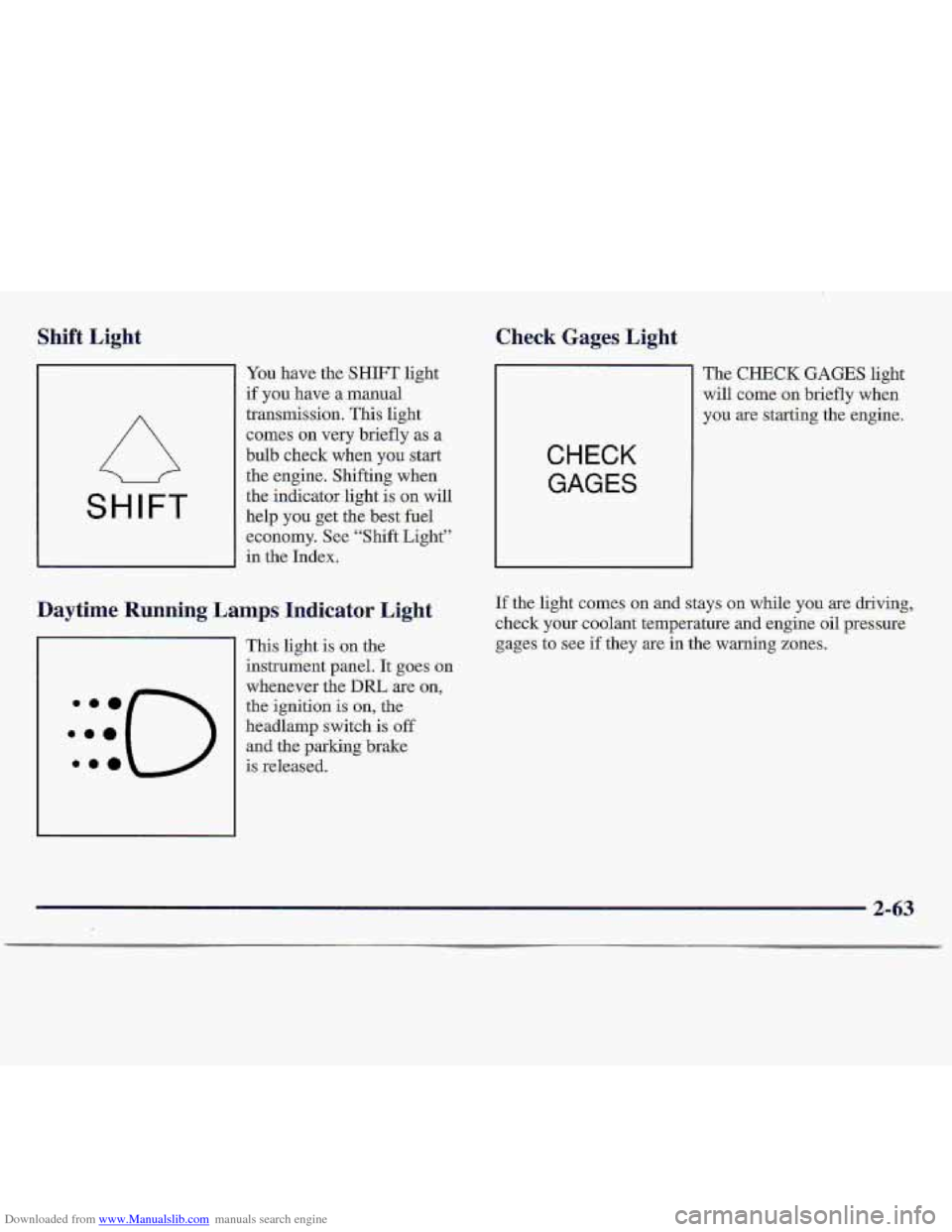
Downloaded from www.Manualslib.com manuals search engine Shift Light Check Gages Light.
SHIFT
You have the SHIFT light
if you have a manual
transmission. This light
comes- on very briefly as a
bulb check wh-en
you start
the engine. Shifting when
the indicator light is on will
help
you get the best fuel
economy. See “Shift Light”
in the Index.
Daytime Running Lamps Indicator Light
This light is ,on the
instrument panel. It goes on
whenever the
DIU are on,
the ignition is on, the
headlamp switch
is off
and the parking brake-
:::(-)
.ma is released.
CHECK
GAGES
The CHECK GAGES light
will come
on briefly when
y9u
are starting the engine.
If the light comes on and stays on while you are driving,
check
your coolant temperature and engine oil pressure
gages
to see if they are in the warning zones.
2-63
Page 122 of 402
Downloaded from www.Manualslib.com manuals search engine 1. Tune in the desired st.ation.
2. Press SET. (SET will .appear on the display.)
:3. Pres-s two ackjoini~ngpuslibuttixis at.tksame-time,
within
five .s&mds. Whenever you press the s-arne
two butto.ns, the statim yau set will return.
4: Repeat the s~~eps fox each. pair of pushhttons.
Sktting ths Tone
BASS.: $lid.e this lexr upr .down to,-increase or
decrease bass.
TREBLE: Slide this lever up,or down to- increase or
decrease .treble. If a stati0.n is we.& or noisy, y.ou:may
want to decrease the treble.
Playing a Cassette Tape
Your tape player is built to work best with tapes that are
30. to 45 minutes tong 0.n each si-&- Tapes longer than
that are- so thin they may not work well in this player.
Once the tape, is. playing, use the PWR-VOL, BAL Qnd
FADE knobs just as yob do for the radioi A lighted
arrow will-be displayed to show tape play direc.ti;on.
FORWARD: Press the arrow button in the direcrian that
the lighted arrow points to advance qui.c-kly
to another
part of the tape. Press STOP-EECT lightly to-stop
forwarding and play the tape.
REVERSE: Press the arrow button in the cppo.site
direction that the lighted arrow points
to reverse qGckly
to another part of the tape. Press STOP-EJECT lightly
to stop revefsing:and play the tape.
PROG: PESS. this knob to-go from: me si-de of the tape
to the other.
STOP-EJECT Press this button eo re.rnove the tape or
-stop 'phying the. tape ijn .ordet to play'the radio. Lf you
1e;ave a cassette tape in the player while :listening to the,
radio, it may :bec:ome w@m.
FADE: Turn the control behind. the hmL knob to move
the sound to the front or rear speakers. The .middle
position balances the souhd between the speakers.
3.4
Page 123 of 402
Downloaded from www.Manualslib.com manuals search engine AM-FM Stereo with Cassette Tape Player
and Equalizer (If Equipped)
.Playing the- Radio
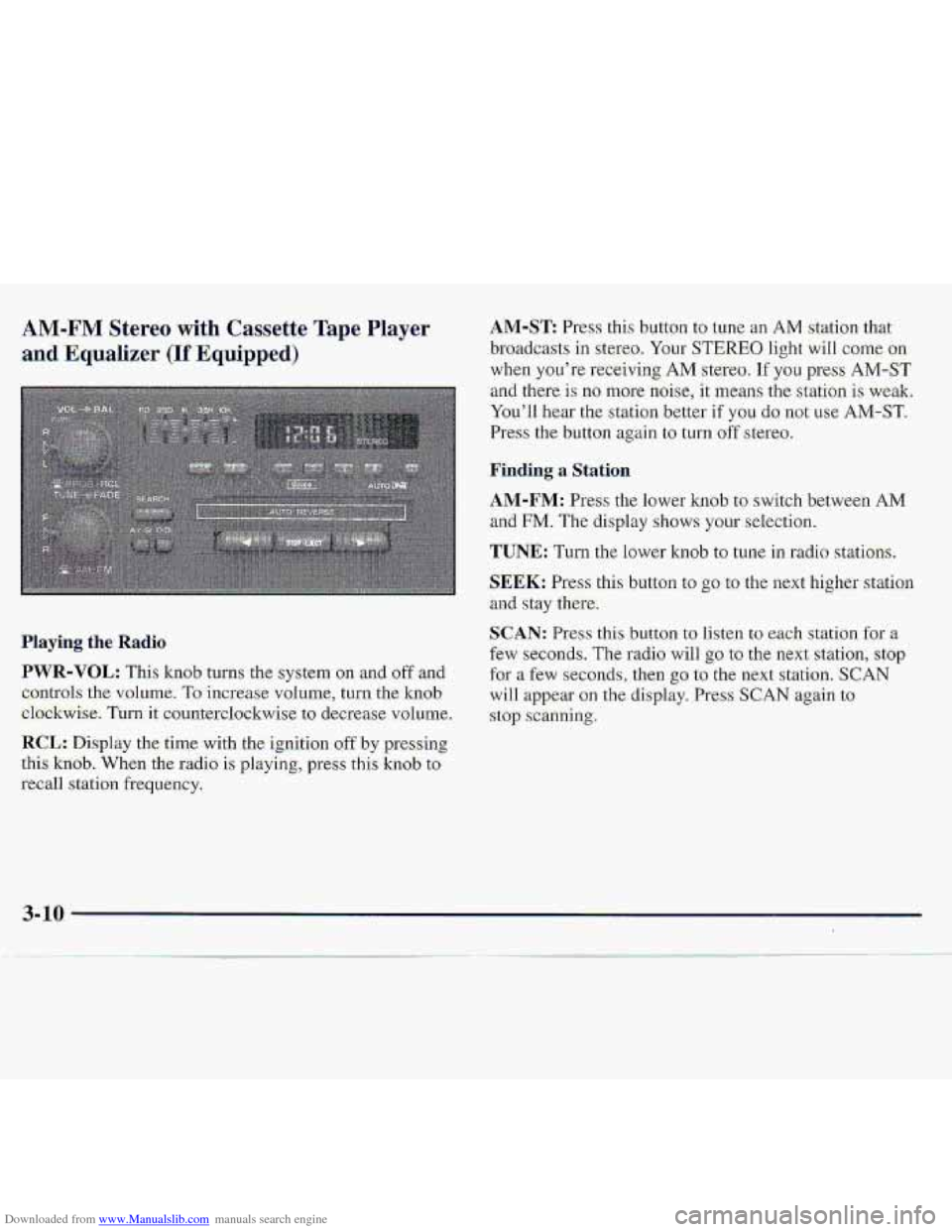
PWR-VOL: This knob turns the system on and oftand
c,ontrols
the vnl.ume. To increase volume, turn the knob
el.ockwise. Turnit counterdo-ckwise to decrease v~olurne.
RCL: Disp1.a~ the time with the ignition off by presshg
.this
kxiob. When the r.adio is playing, press this kn0.b to
recall station frequency.
AM-ST Press this button to tune an AM station that
..broadcasts
in ste.reo. Your STEREO. light wiIl come on
when you’re receiving AM stereo. If you press AM-ST
and there- is no more noise, it ‘means the station is weaki
You’ll hear
the st.at.ian bewr if YOU do not use AM-ST.
Press the button again to turn off stereo.
~Firrding a Station
AM-FM: Press the lower knob to switch between AM
and FM. The display shows your selection.
TUNE: Turn the lower knob to tune in .radio stations.
$EEK: Press this button to go to the ne-xt higher station
and stay there.
c,
SCAN: Pr.ess thisbutton to listen to each station fgr a
few seconds. The radio will go to the next statiofl, stop
for a few seconds, then go to the next station. SCAN
will appear-on the display. Press SCAN again to
.stop scanning.
Page 125 of 402
Downloaded from www.Manualslib.com manuals search engine SEARCH: .Press this; b.utton--to the recessed position..
Press the-lighted
arrow to skip tQ the-next..selection. Pres
the opposite
direction .~QW that knot: lighted to replay
the cun-ent'selection QY skip to the pTevious seIectim.
Cr02: This buttbn lets- you ser me system for the type or
casse.tte being used- :If you, we using chrome ow metal
tapes, pres the button in.
PROG: Press this knob to go fi-om one side of the tape
to
the other.
STOP-E JECE Press this button-to remove the tape-aii
stop playing, the tape in order t0 play the raaio. If you
leave a cassette tape in the player while listening to {he
fadio, it may become warm.
Your Delco system ma,y be able toxeceive C-QUAhd@
stereo broadcasts.. Many AM statiomaround the country
use C-QUAM to produce stereo althaugh some do
not.
C-QUAM is a re-gistered trademark of'.Motmo,la,
hc. If your Del.co system can get C-QUAM Sign.als,
your STEREO light will come on when you ae
receiving stere:o.
3-12
Page 126 of 402
Downloaded from www.Manualslib.com manuals search engine AM-FM Stereo with Compact Disc Player
and Automatic Tone Control (If Equipped)
Haying. the Radio
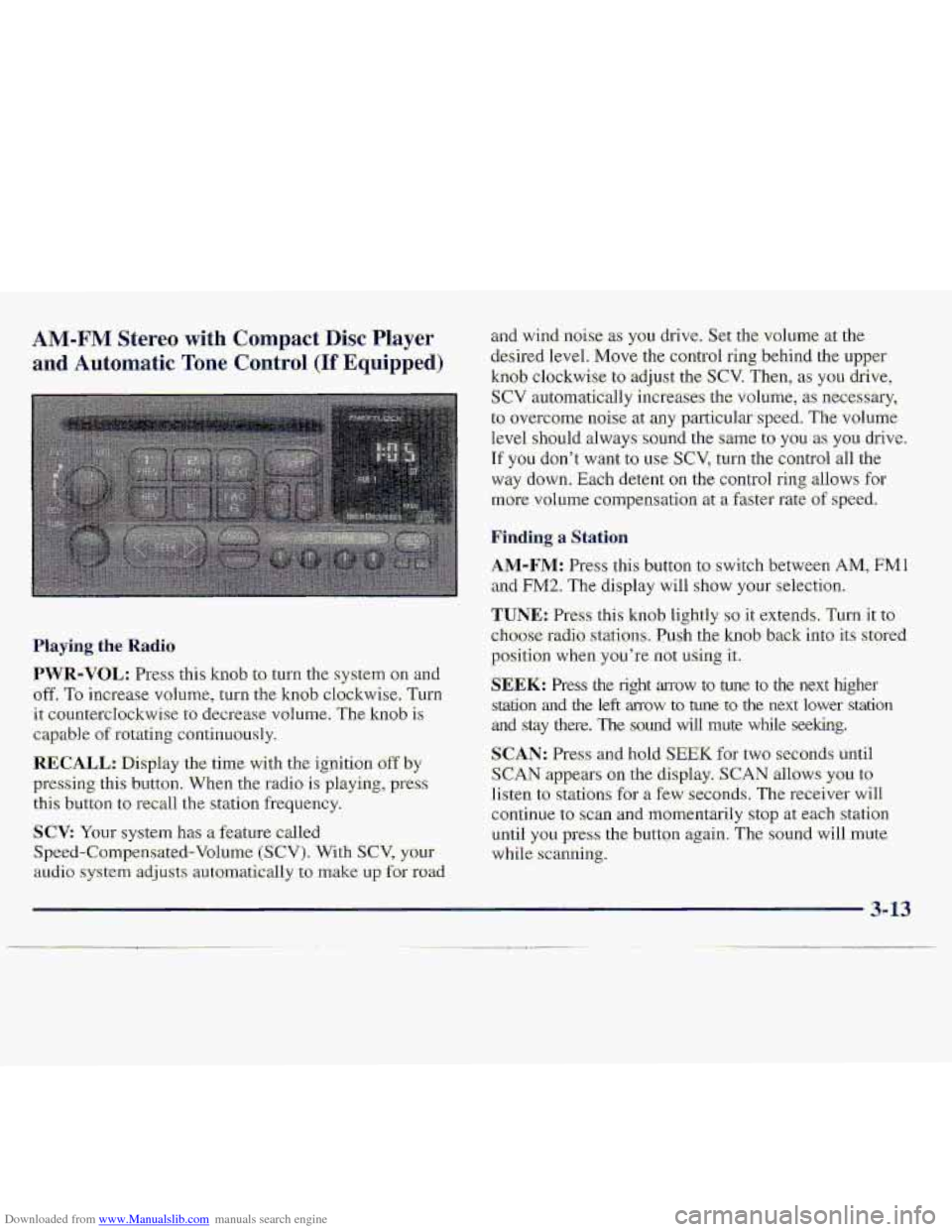
PWR-VOL: Press: this kmb to turn the system on an-d
off. To increase vohlme, turn the knob clockwise, Turn
it: countercIockwise to decrease volume. The knob is
capable of rotating continuously.
RECALL.: Display the time with the ignition off by
pressing thi-s button. When the radio is playing, press
this button to recall the station frequ.ency.
SCV: Your system has a feature called
Speed-Compensated-Volumc (SCV). With SCV, your
au.cli.0 system adjusts automat-ically t:, make u~,f~r road
and-wind .noise as you drive. Set the volume xthe
desired Ievel.
Move the control ring behind the upper
knob clockwise to adjust the SCV. Then; as you drive,
SCV automatically increases the volume, as necessary,
to overcome- noise at any particular speed. The volume
level
.should always sound the same to you as YOU. drive.
If you don't want to we SCV, turn. the control all the
way down. Each detent on the co.nt1-ol ring allows for
mo.re volume compensatio.n at -a fastm-ate of speed.
Finding a Station
AM-FM: Press this button to swi.tch between AM, FMl
and FM2. The display will show YOLII' selection.
TUNE.: Press this knob lightly so it extends. Turn it to
cho-ose radio. stations. Push the knob- back into its stored
position
when you're not using it..
SEEK: Press the right arrow to tune to the next higher
srdtion and the left mow to tune to the next lower station
and stay there. The sound wfl1 mute while seeking.
SCAN: Pres and hold; SEEK for two seconds until
S,CAN appears on the display. SCAN allows you to
Iisten to stations for a few seconds. The receiver will
continue to scan -and lmmentarily
stop at each station
until
you press the button again. The sound will mute
while.
scanning.
3- 13