Page 69 of 402
Downloaded from www.Manualslib.com manuals search engine When this light CoLmries on, you can shift to the next
higher
gear if weather;-road and, :traffic conditions let
you. Fa; the best fuel economy, accelerate slowly and
-:shift when the light..come,s on..
-Whil.e you accelerate, it is normal for the bght to go ,on
and off -if you quickly change the pwition of the
accelerator. Ignore
the-SHIFT .light when you downshift.
I
If you. skip more I in one gear when you
downshift, you could lose control of your vehicle.
;And y.ou could injure yourself or others. Don't shift
down more than om gear when you downshift.
If your vehicle has four-wheel drive and is equipped
with a
~znanual transmissim, disregard the shift light
when the- transfer
case is in 4LO.
Locking Rear Axle
If you. have this feature, your 1acking.rear axle- can give
you additional tracfim ~n snow, mud," ice, sand or
gravel. It. works like a standard axlemost ofthe the,
but when one
of the rear wheels- has no tractimand the
other
does, this €eatwe will allow the wheel with
traction to move .the vehicle.
Four-wheel Drive (If Equipped)
If your vehicle has. four-wheel drive, you-can send your
engine's dwi.ving power to all four wheels for extra
traction.
To shift QUt of tw-o-wheel drive and into
four-wheel drive, move the transfer case shift lever to
4HI or 4LO. You should use, 2HI-fix.xnost normal
driving conditions.
NOTICE:
~~~~ ~~~ ~~
Driving in the 4HI or 4L.O pusitions for a Icing.
time 0.n dry or wet pavement .could shorten the
life of. your vehicle's drivetrain.
2-22
Page 70 of 402
Downloaded from www.Manualslib.com manuals search engine Manual Transfer Case
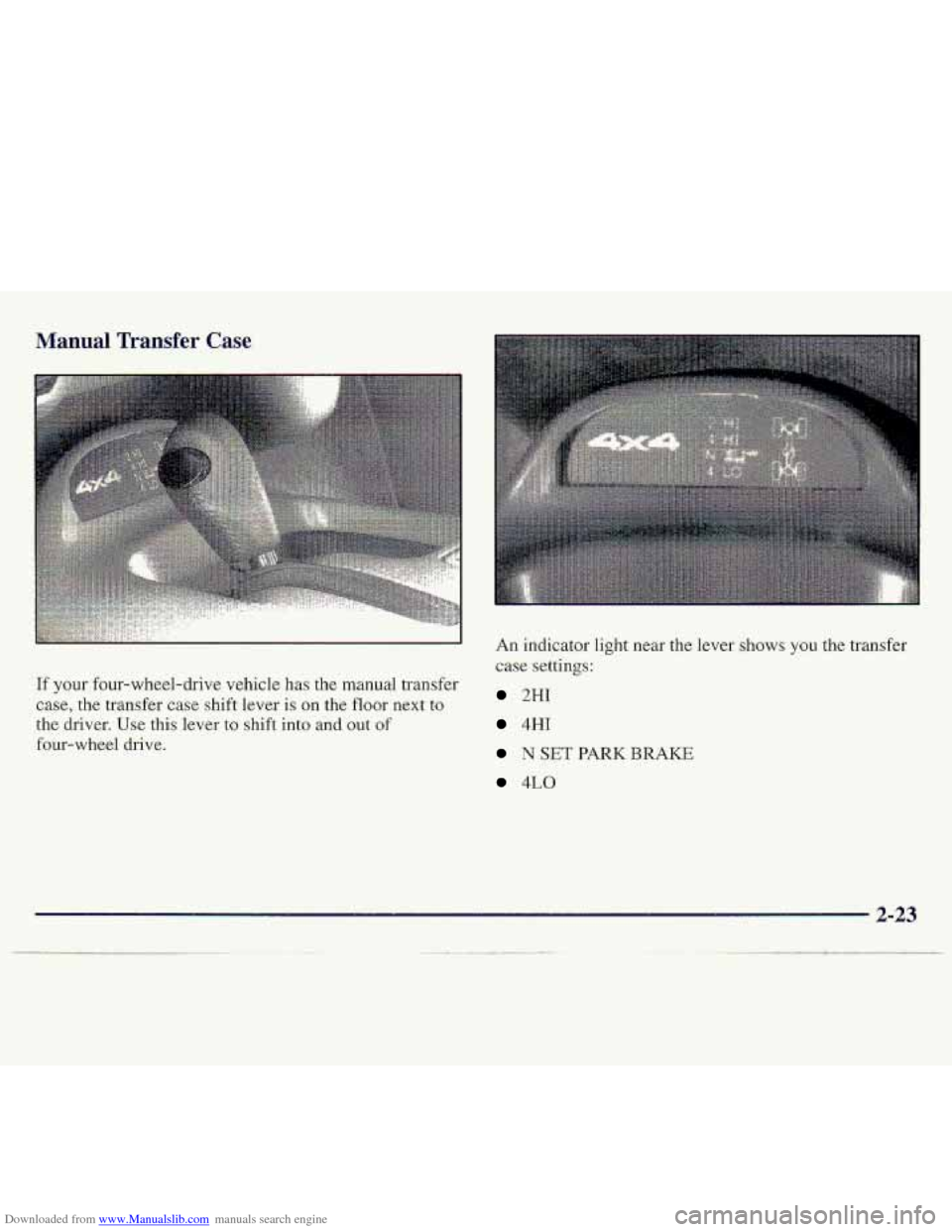
If your four-whd-.drive vehicle has the manual transfer
case, the transfer case
sh.ift lever is on the floor next to
the driver. Use this lever to shift into and out -of
four-wheel drive. An
indicator
light near the
case
,settings:
2HI
4HI
N SET PARK BRAKE
4LO
2-23
Page 83 of 402
Downloaded from www.Manualslib.com manuals search engine Express-Down Window
The driver’s window switch also-has an express-down
feature that dows
you -to lower if witho-ut holding the
window switch. Hold the driver% window switch down for
more
than a half a se.cond..to activate the expressdown
feature. Lightly tap
the switch-to open the window slightly.
The express-down feature can
be interrupted at aily time
by pressing the up mow -end of the switch.
S.wing-Out Windows (Extended C,ab)
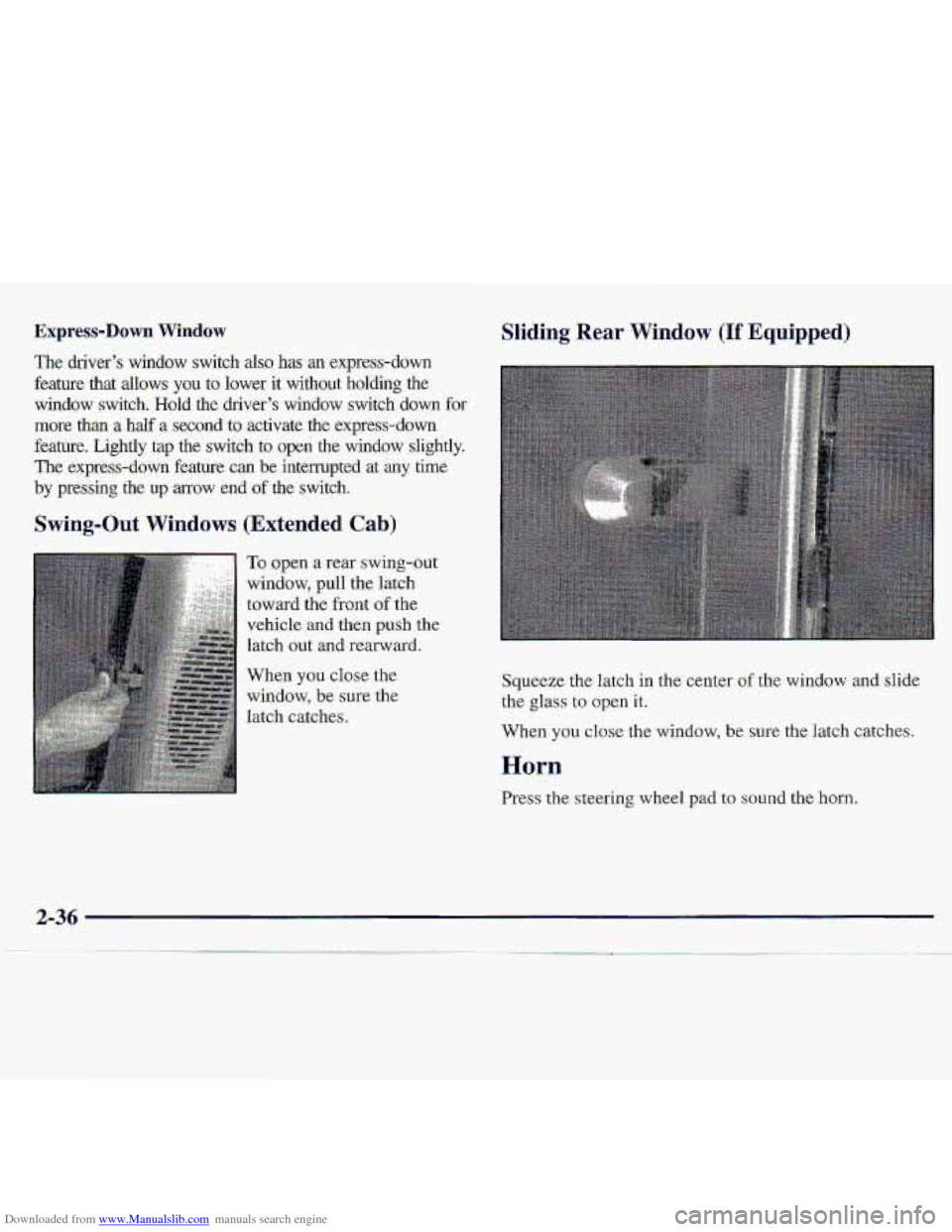
To open ‘a rear swing-out
window, pull the latch
toward the front
of the.
vehicle .and then push .the
htch out and rearward.
Whg.n you close the
window, be sure the
latch catches.
Sliding Rear Window (If Equipped)
Squeeze the latch in. the center of the window and slide
the glass to open it.
When
you close- the window, be sure the latch catches.
Horn
Press the steering wheel pad to sound the horn.
Page 85 of 402
Downloaded from www.Manualslib.com manuals search engine Turn and Lane Change Si,gnak
The turn signal has two upward (fat right) and- two
ciownwa~d
(for left) p??sitions. Tbese positions allow you
to signal a turn 0.r a.lane. change:
To signal -a turn, move the lever all the way up or down.
When the turn is finished, the lever will return aut~omatically.
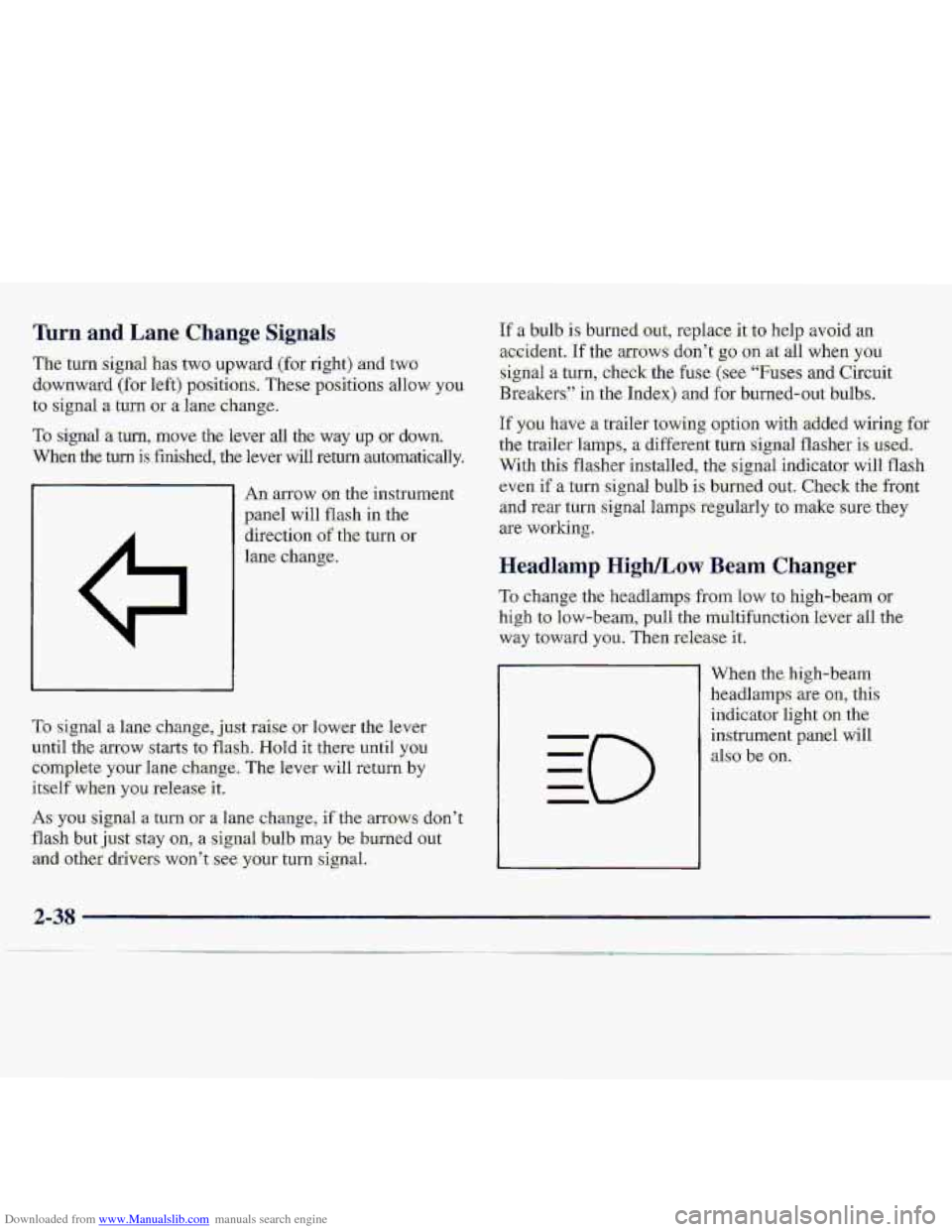
An anow on. the instrume
panel will flash in the
direction
of the- turn or
lane change.
If a bulb is: burned.out, replace it.t-o help avoid an
acc.ident. If the arfows don’t g.0 on at all when you
sign-a1 a turn, check the fuse (see “Fu-se.s and Circuit
Breakersl’ in the .Ind.ex) and for burned-oat bulbs.
If you have n trailer towing option with -added wiring, for
the. traiier%mps, a d-ifferent turn :signal flasher is used.
With this flashes installed, the signal. indicator will flash
even if a.tum
signal bulb is burllid OW. Check the-ffont
an.d rear turn signal lamps -regularly tu make sure. they
are working.
Headl-amp High/Low Beam Changer
To change the headlamps from low to high-beam or
high to low-beam, pull the multifunction lever all the
way t.oward you. Then release it.
To signa1 a Lane change, j,ust raise- or lower the. lever
until the arrow starts to flash. Hold it there until you
Complete your lane,c,hangc, The kevei- will return by
itself when you release it.
As you signal a turn -or a lane c,hange, if the armws don’t
flash but just sxay on, a signal buIb may be burned Gut
arid other. drivers won’t ,see. your turn signal.. When the.’hi.gh-beam
headlamps are
on,. this
indicator
light .OM the
instrument pgniJ will
dso be on.
..
2-38
Page 86 of 402
Downloaded from www.Manualslib.com manuals search engine Windshield. Wipers
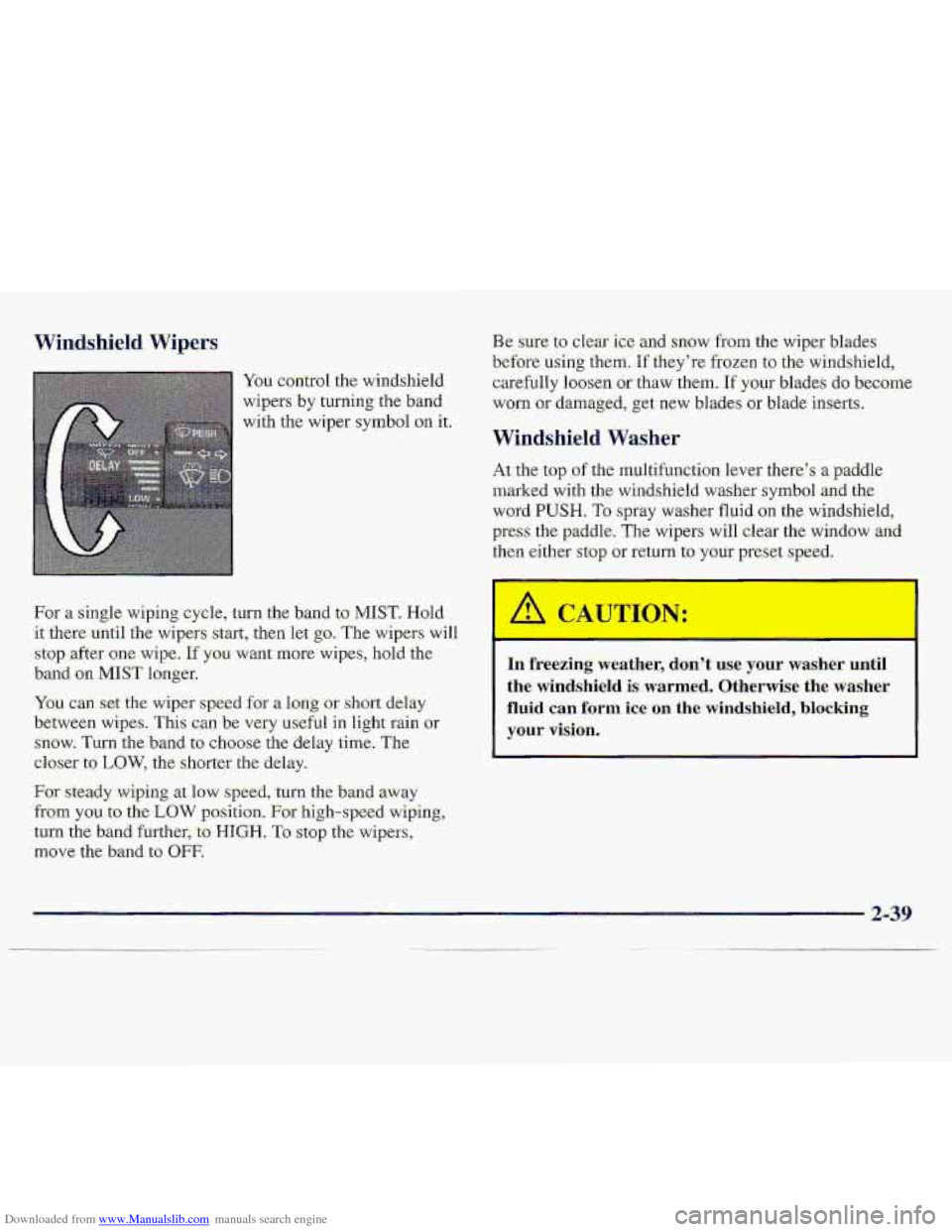
You control the windshield
wipers
by twning the band
with the wiper
symbol on it.
For
a single wiping. cycle, turn the band to MIST. Hold
it;[email protected]
the- w-ipers s-tart, then let go. Th,e wipers wilI
stop ,after one ,wipe. If you want more wipe.$, hold 'the
,band on M1.S.T longer.
You can: sex the wiper speed for a l.oq 'or short delay
between wipes. This can be very useful in light rain or
snow.
Turn the'band to choose the delay time; The
closer
to LOW, the shorter the delay.
For steady wiping at low speed, -turn .the band away
from you. to .the LOW ppsition. For high-speed wiping,,
tui-n the band further, to HIGH. To s.top the wipers,
move the band-to OFF.
Be sure to clear ic.e and snQw f'som the wiper blades
before using them. 'If they're frozen to the windshield,
careftilly loosen.
or thaw them. If your blades do become
worn
or damaged, get new blades or blade inserts.
Windshield Washes
At the top .of the multifumtion.le.ver therc's a p-addle
marked with the windshield washer
symbol and the
word PUSH. To spray washer fluid on the windshield,
press the paddle. The wipers will clear the window and.
then either stop or return to your preset speed.
I
I
10 freezing weather, don't- use your washer. until
the windshield is warmed. Otherwise the washer
fluid can. form ice on the windshield, blocking
your vision.
Page 89 of 402
Downloaded from www.Manualslib.com manuals search engine Incrleasing Speed While Using Cruise Control
There are two ways to..go: to a hi.gher speed:
U.se the ac.cel:eratsr pedal to get to the higher speed.
press the :button at the md of the lever, then reIea.se
the button and the accelerator p.edal. You'll now
cruise-at the higher
speed.
0 'Move the cruise switch froin ON to R/A. Hold it
tlwe until
y0.u get up to the speed you want, and
then
release tkswitch. (To increase your speed in
very small amounts, move the switch to
WA. Each
time you dcj this, your vehicle will g.o about 1 mph
1.4 kdh) faster;)
Reducing Speed While Using- Cruise C-ontrol
Press in the. hutton- at the endof ,the lever until you reach
the lower s.peed you want, then release it.
To slaw down in very small amounts., press the button
for
.less than a half a second. Each time you do: this,
you'll go 1 mph (1.6 km/h) slower.
Passing Another Vehicle While Using. .Cruise Contml
Use the :accelerator pe.dal to increase pur speed. When
you take your foot off the pedal, yQur vehicle will slow
down to the cmise control -speed you
set earlier:
Using Cruise. Control an Hills
How well your cruise control will work an hills depeads
upon your spee"d, load .and the steepmss of the hills.
When going. up steep
hills, you may want to step on the
accelerator pedal to maintain'your speed. When
going
downhill, you may have to bcake o? shift tba lower gear
to keep your speed down. Of course, applying the brake-
takes you out of cruise control. Many-drivers find this to
b,e too much trouble and don't use cruise cc -01 on
steep. hills.
Ending Cruise Controf
Th.ere.are. two ways to.turn off the cruise control:
O Step lightly on the brake, pedal or push .the clutch
pedal, if you have a manual transmission.
0 Move the cruise switch to OFF.
Erasing Speed Memory
When you turn off the cruise control or the ignition,
your c.ruise control set speed mernmy is erased.
2-42
Page 90 of 402
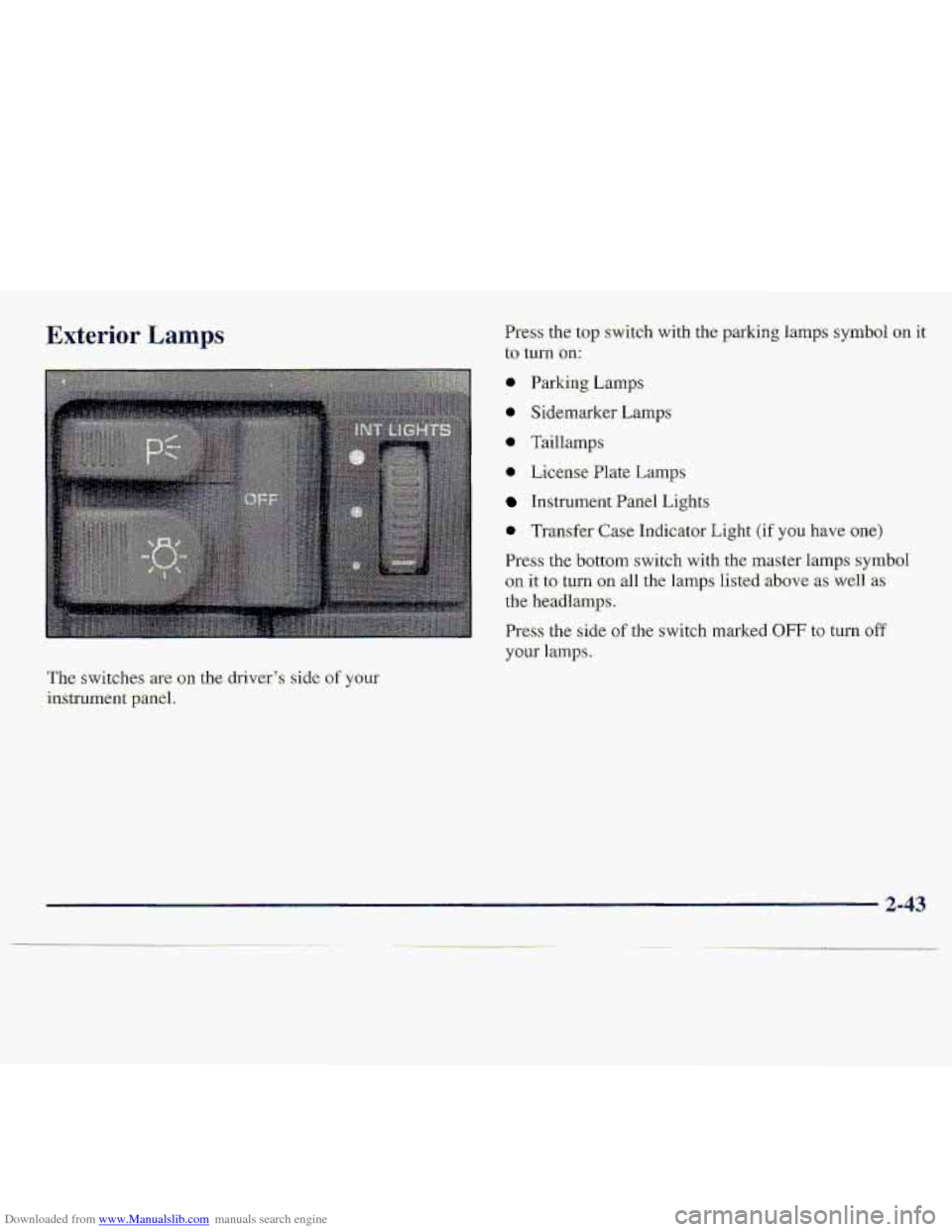
Downloaded from www.Manualslib.com manuals search engine Exterior Lamps Press the top sWitdl1 with the parking lamps symbol on it
to turn on:
@ Parking Lmps
0 Sidemarker Lamps
* Taillamp
0 License Plate Lamps
hstrument Panel Lights
0 Trmsfer Case Indicator Light (if you hgve one)
Press the bottom switch with the master 1,amps symbol
on it to tun. gn all the lamps listed -above as weli 'as
the headlamps.
Press the side of the switch marked OFF to-turn off
your 1a.mp.s.
The switches-are on the driver',$ side of your
instrument -panel.
2-43
Page 91 of 402
Downloaded from www.Manualslib.com manuals search engine Lamps On Reminder
Aren&idertone will sound when your headlamps or.
pzi&irig:.lamps ,-and interior lamps are turned on and your
ignition is
in OFF, LOCK -or ACCESS-'ORY To turn the
to.ne off, press the OFF switch.
Daytime Running Lamps,
Daytime Running Lamps (DRL) can make it easier for
dthezs to- s-eethe front of your vehicle during the day.
DRL can be helpful in many different driving
amditions,
but they can, be especially helpful in the
short periods after- dawn and before sunset.
The DRL;syste;m will make your headlamps come on at
reduced brightness when:
* the ignition is on,
the headlamp switchis off and
tkparking brake. is released.
When the DRL are on, only your he-adlamps will be on.
The taillamp, sidemarker md other lamps wan't be on,
The. instrument panel won't be lit up either.
When it begins to get dark, your DRL ifidicator light: is a
reminder to turn yoar headlamp switch .on. The other
lamp3 that come on with your headlamps will al9.0
Come on.
When you 'turn the headlmp switch .off7 the regular
lamps will g.0 off, arld:your he.adlanipS will change. to
the reduced brightness
of DRL.
Tcr: idle your vehicle with the.DRL off, set .the paking,
brake. The DRL will stay off until yab release- the
p.arking
brake,
As with any vehiclej yau:sho.uld turn on the regular
headla-mp. system. when ycwneed it.
2-44