1997 CADILLAC ELDORADO index
[x] Cancel search: indexPage 187 of 361
Downloaded from www.Manualslib.com manuals search engine . . . .. ,. ..
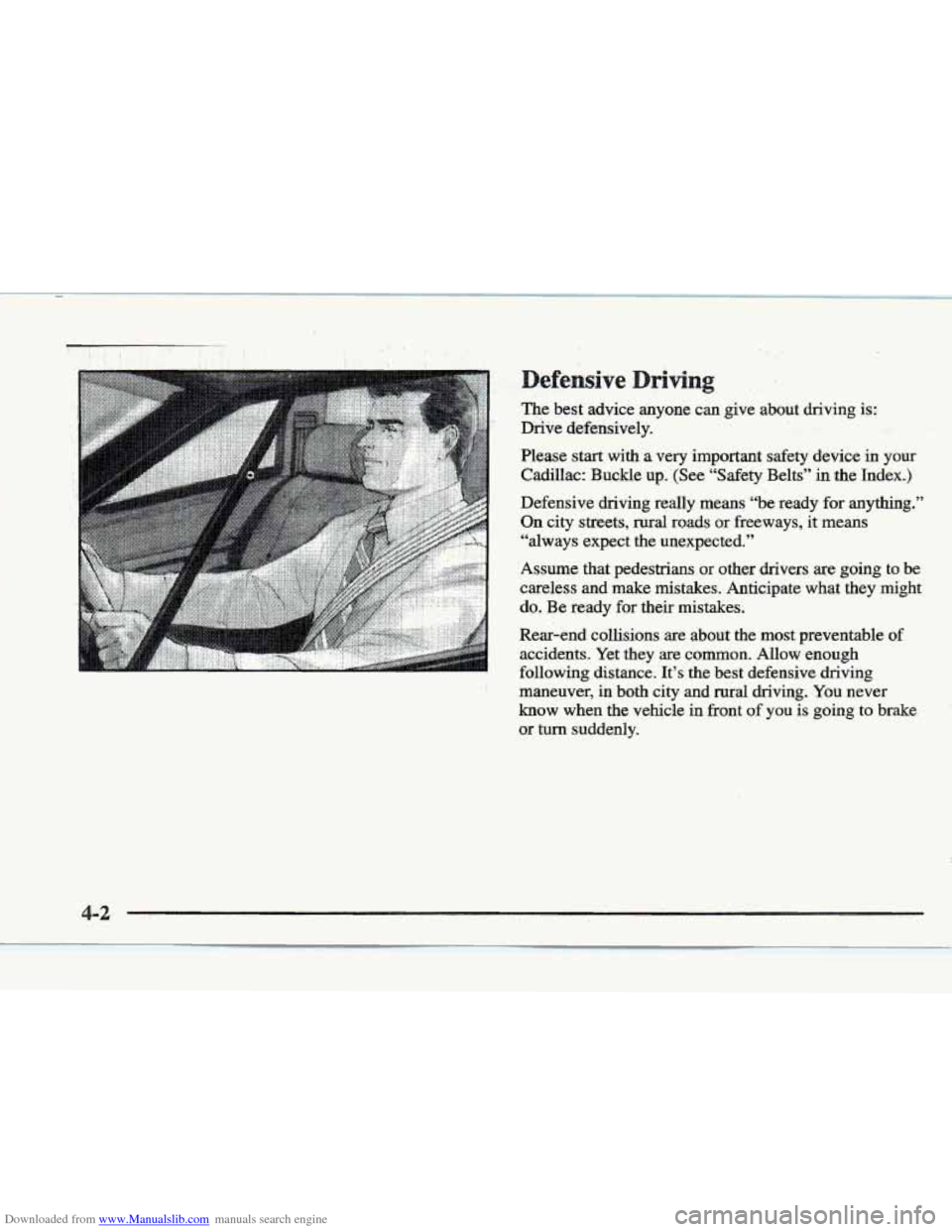
efensive
The best advice anyone can give about driving is:
Drive defensively.
Please start
with a very important safety device in your
Cadillac: Buckle up. (See “Safety Belts” in the Index.)
Defensive driving really means “be ready
for anything.”
On city streets, rural roads or freeways, it means
“always expect the unexpected.”
Assume that pedestrians or other drivers
are going to be
careless and make mistakes. Anticipate what they might
do. Be ready
for their mistakes.
Rear-end collisions are about the most preventable
of
accidents. Yet they are common. Allow enough
following distance. It’s the best defensive driving
maneuver, in both city and rural driving. You never
know when the vehicle in front
of you is going to brake
or
turn suddenly.
Page 194 of 361
Downloaded from www.Manualslib.com manuals search engine Remember: Anti-lock doesn’t change the time you need
to get your foot up to the brake pedal
or always decrease
stopping distance. If you get too close to the vehicle
in
front of you, you won’t have time to apply your brakes
if that vehicle suddenly slows or stops. Always leave
enough room up ahead
to stop, even though YOU have
anti-lock brakes.
using Anti-Lock
Don’t pump the brakes. Just hold the brake pedal down
and
let anti-lock work for YOU. You may hear the
anti-lock pump or motor operate, and feel
the brake
pedal pulsate, but this is normal.
Your vehicle has a traction control system that limits wheel
spin.
This is especially useful in slippery road conditions.
The system operates only
if it senses that one or both of
the front wheels are spinning or beginning to lose traction.
When
this happens, the system works the front brakes and
reduces engine power to limit wheel spin.
The TRACTION
ENGAGED message will display on
the Driver Information Center when the traction control
system is limiting wheel spin. See “Driver Information
Center Messages”
in the Index. You may feel or hear the
system working, but this is normal.
If your vehicle is in cruise control when the traction
control system begins to limit wheel spin, the cruise
control will automatically disengage. When road
Conditions allow you
to safely use it again, you may
re-engage the cruise control. (See “Cruise Control” in
the Index.)
This warning light will
come
on to let you know if
there’s a problem with your
traction control system.
See “Traction Control System Warning Light” in the
Index. When this
warning light is on, the system will not
limit wheel
spin. Adjust your driving accordingly.
The traction control system automatically comes on
whenever you start your vehicle.
To liHnit wheel spin,
especially in slippery
road conditions, you should
always leave
the system on. But you can turn the
traction control system
off if you ever need to. (You
Page 195 of 361
Downloaded from www.Manualslib.com manuals search engine should turn the system off if your vehicle ever gets stuck
in sand, mud,
ice or snow. See “Rocking Your Vehicle”
in the Index.)
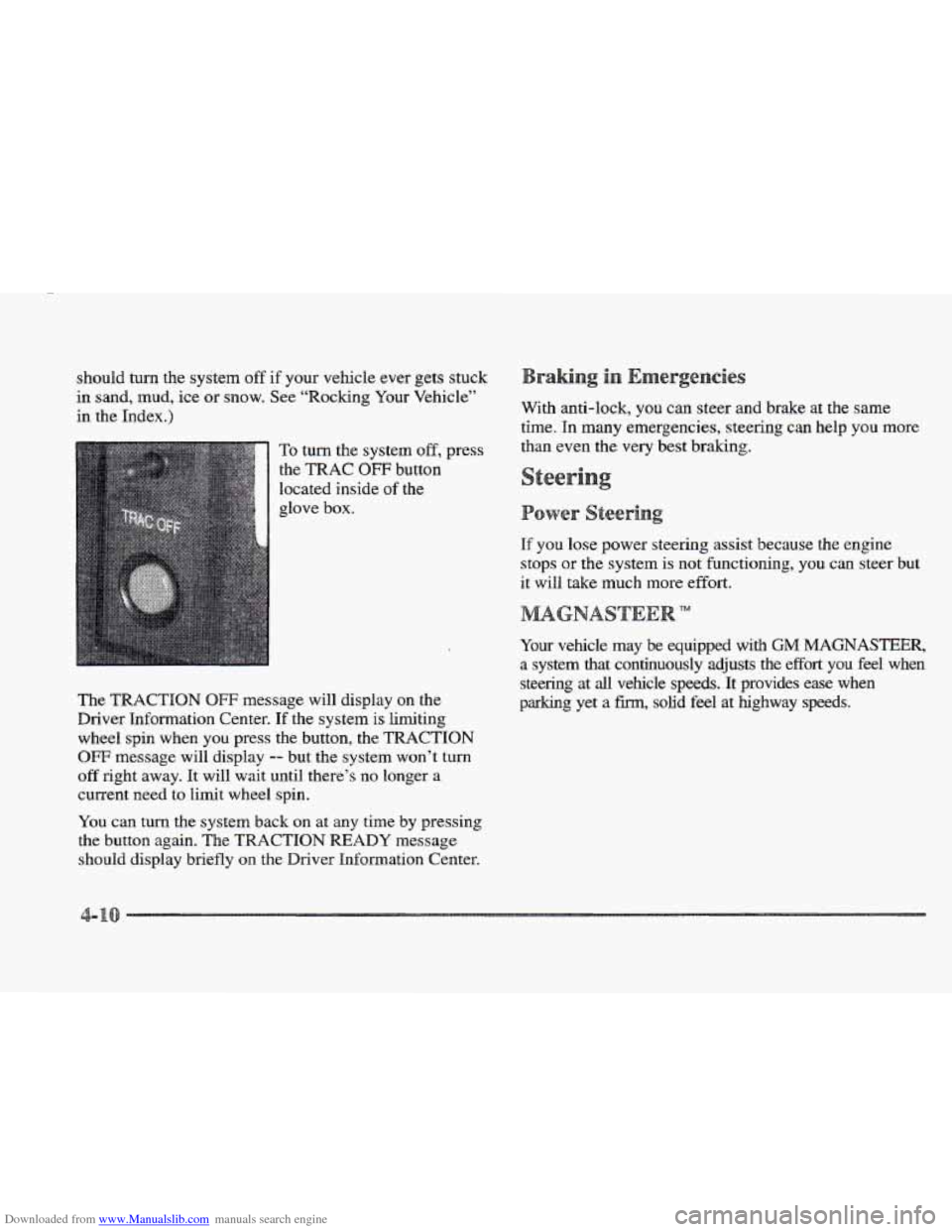
To turn the system off, press
the TRAC OFF button
located inside
of the
glove box.
The
TRACTION OFF message will display on the
Driver Information Center.
If the system is limiting
wheel spin when you press the button, the TRACTIQN
OFF message will display -- but the system won’t turn
off right away. It will wait until there’s no longer a
current need to limit wheel spin.
You can turn the system back on at any time
by pressing
the button again. The
TRACTION READY message
should display briefly
on the Driver Infomation Center. With
anti-lock,
you can steer and brake at the same
time.
In many emergencies, steering can help you more
than even the very best braking.
If you lose power steering assist because the engine
stops or the system is not functioning, you can steer but
it will take much more effort.
TM
Your vehicle may be equipped with GM MAGNASTEER,
a system that continuously adjusts the effort you feel when
steering at all vehicle speeds. It provides ease when
parking yet a
fm, solid feel at highway speeds.
Page 196 of 361
Downloaded from www.Manualslib.com manuals search engine It’s important to take curves at a reasonable speed.
A lot of the “driver lost control” accidents mentioned on
the news happen on curves. Here’s why:
Experienced driver
or beginner, each of us is subject to
the same laws
of physics when driving on curves. The
traction
of the tires against the road surface makes it
possible for the vehicle to change its path when you turn
the front wheels.
If there’s no traction, inertia will keep
the vehicle going in the same direction.
If you’ve ever
tried
to steer a vehicle on wet ice, you’ll understand this.
The traction
you can get in a curve depends on the
condition
of your tires and the road surface, the angle at
which the curve is banked and your speed. While you’re
in a curve, speed is the one factor you can control.
Suppose you’re steering
through a sharp curve. Then you
suddenly accelerate.
Both control systems -- steering and
acceleration
-- have to do their work where the tires meet
the road. Adding the sudden acceleration can demand too
much
of those places. You can lose control. Refer to
“Traction Control System”
in the Index. What should
you do if this ever happens? Ease up on the
accelerator pedal, steer the vehicle the way you want it
to
go, and slow down.
If you have the Eldorado
ETC, you may see the
STABILITY SYS ENGAGED message on the Driver
Information Center. See “Stability Engaged Message”
in
the Index.
Speed limit signs near curves warn that you should
adjust your speed.
Of course, the posted speeds are
based on good weather and road conditions. Under less
favorable conditions you’ll want to go slower.
If you
need to reduce your speed as you approach a
curve, do
it before you enter the curve, while your front
wheels are straight ahead.
Try to adjust your speed so you can “drive” through the
curve. Maintain a reasonable, steady speed. Wait to
accelerate until
you are out of the curve, and then
accelerate gently into the straightaway.
Page 200 of 361
Downloaded from www.Manualslib.com manuals search engine In a skid, a driver can lose control of the vehicle.
Defensive drivers avoid most skids by taking reasonable
care suited to existing conditions, and by not “overdriving”\
those conditions. But skids are always possible.
The
three types of skids correspond to your Cadillac’s
three control systems.
In the bralung skid, your wheels
aren’t rolling. In the steering or cornering shd, too
much speed or steering in
a curve causes tires to slip and
lose cornering force. And
in the acceleration skid, too
much throttle causes the driving wheels to spin.
A cornering skid is best handled by easing your foot off
the accelerator pedal.
Remember: Any traction control system helps avoid
only the acceleration
skid.
If your traction control system is off, then an
acceleration
skid is also best handled by easing your
foot
off the accelerator pedal.
If your vehicle starts to slide, ease your foot
off the
accelerator pedal
and quickly steer the way you want the
vehicle to
go. If you start steering quickly enough, your
vehicle may straighten out. Always
be ready for a
second skid
if it occurs. If you
have
the Eldorado ETC, you may see the
STABILITY
SYS ENGAGED message on the Driver
Information Center. See “Stability Engaged Message”
in
the Index.
Of course, traction is reduced when water, snow, ice,
gravel or other material is on
the road. For safety, you’ll
want to slow down and adjust your driving
to these
conditions.
It is important to slow down on slippery
surfaces because stopping distance will be longer and
vehicle control more limited.
While driving on a surface with reduced traction, try
your best to avoid sudden steering, acceleration or
braking (including engine braking by shifting to a lower
gear). Any sudden changes could cause the tires to
slide. You may not realize the surface
is slippery until
your vehicle
is skidding. Learn to recognize warning
clues
-- such as enough water, ice or packed snow on
the road to make a “mirrored surface” -- and slow
down when you have any doubt.
Remember: Any anti-lock brake system
(ABS) helps
avoid only the braking
skid.
Page 205 of 361
Downloaded from www.Manualslib.com manuals search engine Hydroplaning is dangerous. So much water can build up
under your tires that they can actually ride on the water.
This can happen if the road is wet enough and you’re
going fast enough. When your vehicle
is hydroplaning,
it has little or no contact with the road.
Hydroplaning doesn’t happen often. But it can if your
tires do not have much tread or if the pressure in one or
more is low. It
can happen if a lot of water is standing on
the road. If you can see reflections from trees, telephone
poles
or other vehicles, and raindrops “dimple” the
water’s surface, there could be hydroplaning.
Hydroplaning usually happens at higher speeds. There
just isn’t a hard
and fast rule about hydroplaning. The
best advice
is to slow down when it is raining.
ter
~~
NOTICE:
If you drive too quickly through deep puddles or
standing water, water can come in through your
engine’s air intake and badly damage your
engine. Never drive through
water that is slightly
lower than the underbody
of your vehicle. If you
can’t
avoid deep puddles ~r standing water, drive
through them very ~llowlgr.
e Besides slowing down, allow some extra following
distance.
And be especially careful when you pass
another vehicle. Allow yourself more
clear room
ahead, and be prepared
to have your view restricted
by road spray.
“Tires”
in the Index.)
@ Have good tires with proper tread depth. (See
Page 212 of 361
Downloaded from www.Manualslib.com manuals search engine Most of the time, those places where your tires meet the
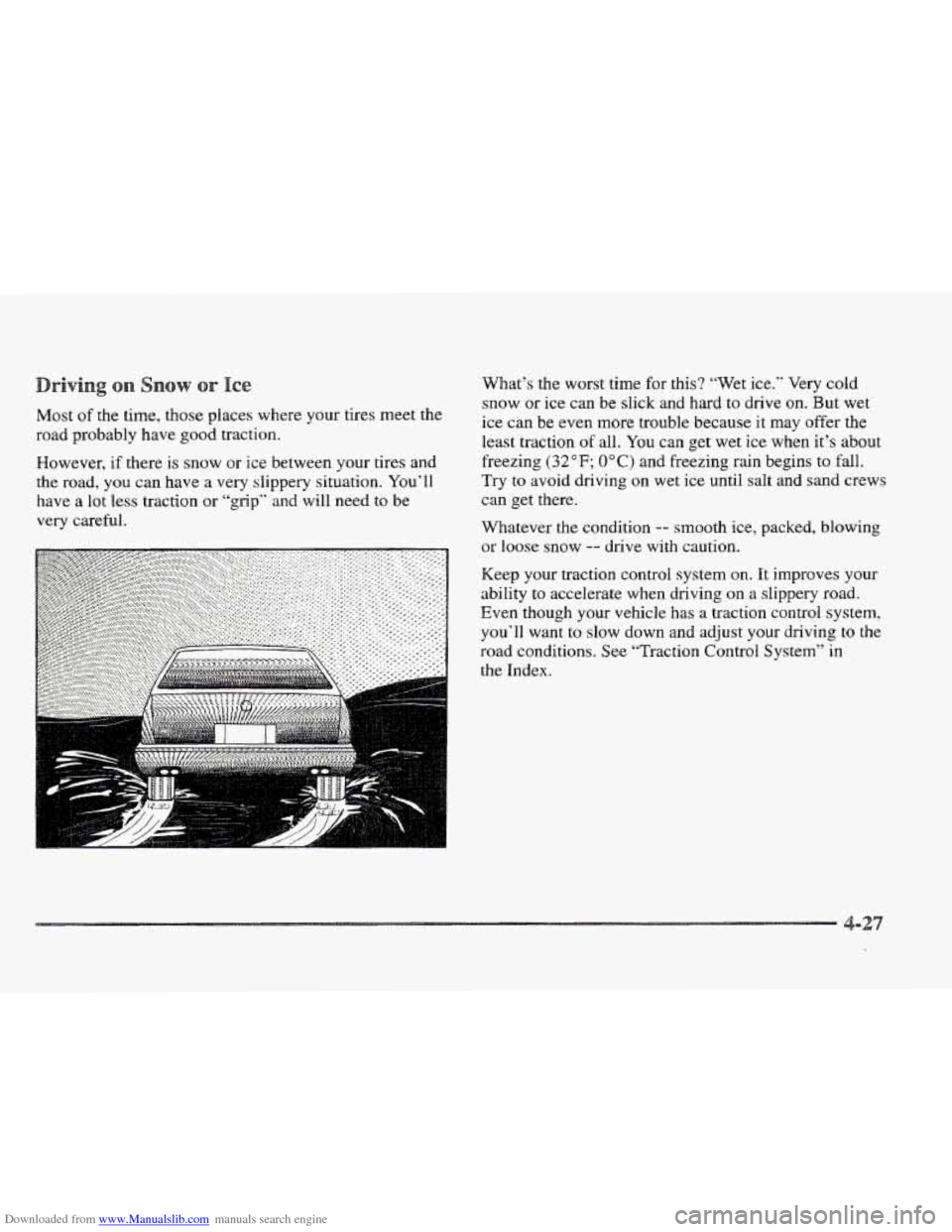
road probably have good traction.
However,
if there is snow or ice between your tires and
the road, you can have a
very slippery situation. You’ll
have a lot
less traction or “grip” and will need to be
very careful. What’s the worst time
for this? ‘“ret ice.” Very cold
snow or ice can be slick and hard to drive
on. But wet
ice can be even more trouble because
it may offer the
least traction
of all. You can get wet ice when it’s about
freezing
(32” F; OOC) and freezing rain begins to fall.
Try to avoid driving on wet ice until salt and sand crews
can get there.
Whatever
the condition -- smooth ice, packed, blowing
or loose snow
-- drive with caution.
Keep your traction control system
on. It improves your
ability to accelerate when driving on
a slippery road.
Even though your vehicle has
a traction control system,
you’ll want
to slow down and adjust your driving to the
road conditions. See “Traction Control System” in
the Index.
Page 213 of 361
Downloaded from www.Manualslib.com manuals search engine Your anti-lock brakes improve your vehicle’s stability
when you make
a hard stop on a slippery road. Even
though yonhave the anti-lock braking system, you’ll
want to begin stopping sooner than you would
on dry
pavement. See “Anti-Lock’’ in the Index.
Allow greater following distance
on any
slippery road.
Watch for slippery spots. The road might be fine
until
you hit a spot that’s covered with ice. On an
otherwise clear road, ice patches may appear in
shaded areas where the sun can’t reach:
around
clumps of trees, behind buildings or under bridges.
Sometimes the surface
of a curve or an overpass may
remain icy when
the surrounding roads are clear. If
you see a patch of ice ahead of you, brake before you
are
on it. Try not to brake while you’re actually on
the ice, and avoid sudden steering maneuvers.
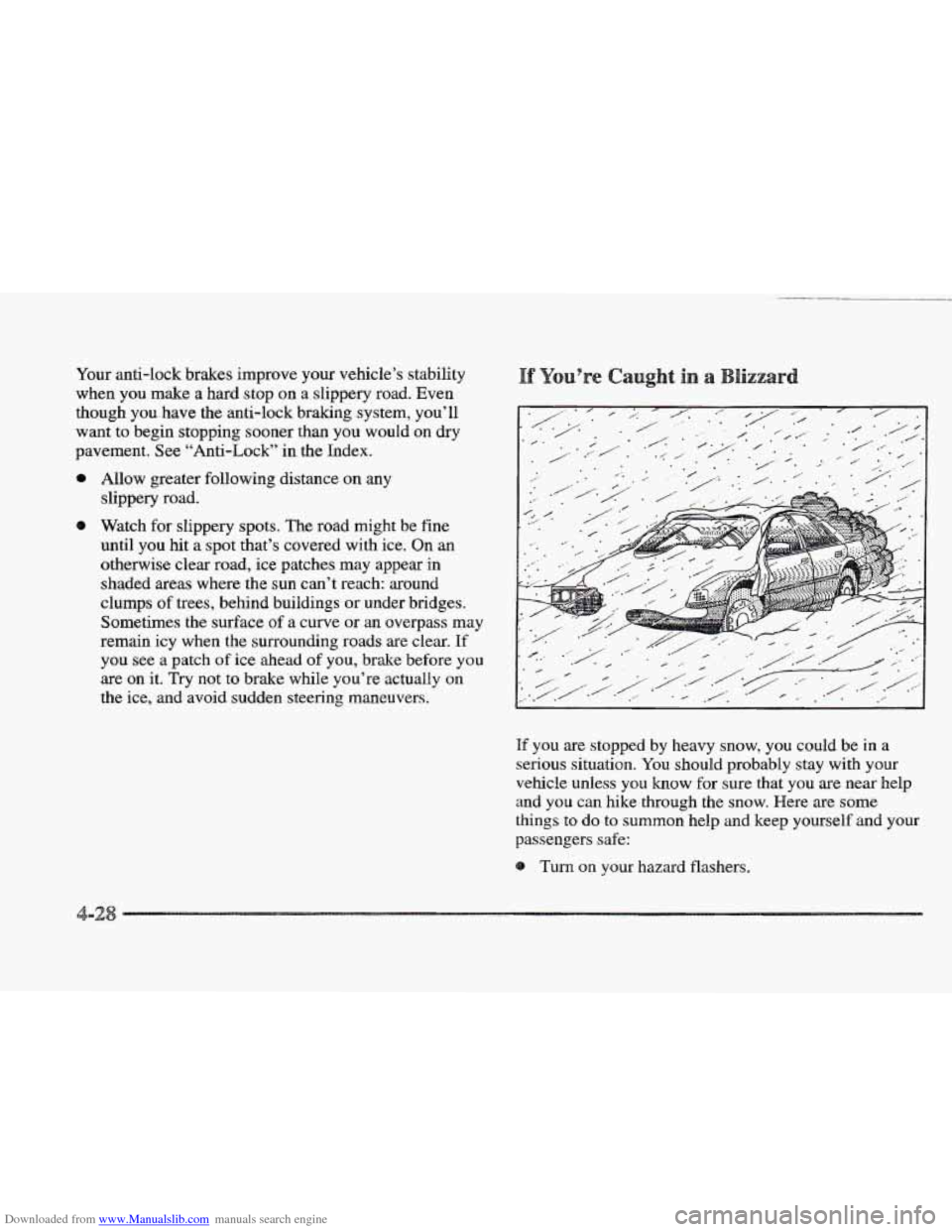
If you are stopped by heavy snow, you could be in a
serious situation.
You should probably stay with your
vehicle unless you know for sure that you
are near help
and
you can hike through the snow. Here are some
things to do to summon help and keep yourself and your
passengers
safe:
Turn on your hazard flashers.
-2