1997 CADILLAC ELDORADO stabil
[x] Cancel search: stabilPage 152 of 361
Downloaded from www.Manualslib.com manuals search engine SERVICE RIDE CONTROL - 84: This message is
displayed to indicate that the suspension system is not
operating properly.
To correct this problem, have your
vehicle serviced at your Cadillac dealership.
SERVICE STEERING SYSTEM - 127: This message
is displayed when
a problem has been detected in the
MAGNASTEER” variable effort steering system.
Service is required.
A single chime will also sound when
this message is displayed.
SERVICE TRANSMISSION - 100: If a problem is
detected with the transaxle, this message will appear.
Have your vehicle checked by your Cadillac dealership.
SPEED SENSOR FAULT - 109: A circuit problem with
the vehicle speed sensor will trigger
this message to appear.
Wave your Cadillac dealership service
your vehicle.
STABILITY ENGAGED - 55: If you have the Eldorado
Touring Coupe (ETC), you may see the
STABILlTY
ENGAGED message on the Driver Information Center. It
means that
an advanced, computer-controlled system has
come on to help your Caddlac continue to
go in the
direction in which you’re steering. This stability
enhancement system activates when
the computer senses
that your Cadillac is just starting to spin,
as it might if you
hit a patch of ice or other slippery spot on the road. When
the system is on, you may hear a noise
or feel a vibration
in the brake pedal. This is normal. When the
STABILITY ENGAGED message is on,
you
should continue
to steer in the direction you want to go.
The system is designed
to help you in bad weather or
other difficult driving situations by malung the most of
whatever road conditions will perrnit. If the STABILITY
ENGAGED message comes on, you’ll know that
something has caused your Cadillac to start to spin,
so
you should consider slowing down.
STABILITY REDUCED - 54: If you ever see the
STABILITY REDUCED message, it means there may
be a problem with your stability enhancement system.
If you see this message, try to reset the system (stop;
turn
off the engine; then start the engine again). If the
STABILITY REDUCED message still comes on,
however, it means there is a problem, so you should
see your Cadillac dealer for service.
STARTING DISABLED DUE TO THEFT SYSTEM
REMOVE IGNITION KEY - 33: This message will
appear when
the Personalized Automotive Security
System (PASS-Key
11) senses that an improper ignition
key is being used
to try to start the vehicle. Check the
ignition key for damage.
If it is damaged, it may need
to be replaced.
If you see no damage, clean the pellet
contacts with a soft cloth or napkin. Remove the ignition
key and wait
for the DIC to display WAIT 3 MINUTES.
The instrument panel cluster will then run a timer and
change
the messages to WAIT 2 MINUTES, WAIT
Page 196 of 361
Downloaded from www.Manualslib.com manuals search engine It’s important to take curves at a reasonable speed.
A lot of the “driver lost control” accidents mentioned on
the news happen on curves. Here’s why:
Experienced driver
or beginner, each of us is subject to
the same laws
of physics when driving on curves. The
traction
of the tires against the road surface makes it
possible for the vehicle to change its path when you turn
the front wheels.
If there’s no traction, inertia will keep
the vehicle going in the same direction.
If you’ve ever
tried
to steer a vehicle on wet ice, you’ll understand this.
The traction
you can get in a curve depends on the
condition
of your tires and the road surface, the angle at
which the curve is banked and your speed. While you’re
in a curve, speed is the one factor you can control.
Suppose you’re steering
through a sharp curve. Then you
suddenly accelerate.
Both control systems -- steering and
acceleration
-- have to do their work where the tires meet
the road. Adding the sudden acceleration can demand too
much
of those places. You can lose control. Refer to
“Traction Control System”
in the Index. What should
you do if this ever happens? Ease up on the
accelerator pedal, steer the vehicle the way you want it
to
go, and slow down.
If you have the Eldorado
ETC, you may see the
STABILITY SYS ENGAGED message on the Driver
Information Center. See “Stability Engaged Message”
in
the Index.
Speed limit signs near curves warn that you should
adjust your speed.
Of course, the posted speeds are
based on good weather and road conditions. Under less
favorable conditions you’ll want to go slower.
If you
need to reduce your speed as you approach a
curve, do
it before you enter the curve, while your front
wheels are straight ahead.
Try to adjust your speed so you can “drive” through the
curve. Maintain a reasonable, steady speed. Wait to
accelerate until
you are out of the curve, and then
accelerate gently into the straightaway.
Page 200 of 361
Downloaded from www.Manualslib.com manuals search engine In a skid, a driver can lose control of the vehicle.
Defensive drivers avoid most skids by taking reasonable
care suited to existing conditions, and by not “overdriving”\
those conditions. But skids are always possible.
The
three types of skids correspond to your Cadillac’s
three control systems.
In the bralung skid, your wheels
aren’t rolling. In the steering or cornering shd, too
much speed or steering in
a curve causes tires to slip and
lose cornering force. And
in the acceleration skid, too
much throttle causes the driving wheels to spin.
A cornering skid is best handled by easing your foot off
the accelerator pedal.
Remember: Any traction control system helps avoid
only the acceleration
skid.
If your traction control system is off, then an
acceleration
skid is also best handled by easing your
foot
off the accelerator pedal.
If your vehicle starts to slide, ease your foot
off the
accelerator pedal
and quickly steer the way you want the
vehicle to
go. If you start steering quickly enough, your
vehicle may straighten out. Always
be ready for a
second skid
if it occurs. If you
have
the Eldorado ETC, you may see the
STABILITY
SYS ENGAGED message on the Driver
Information Center. See “Stability Engaged Message”
in
the Index.
Of course, traction is reduced when water, snow, ice,
gravel or other material is on
the road. For safety, you’ll
want to slow down and adjust your driving
to these
conditions.
It is important to slow down on slippery
surfaces because stopping distance will be longer and
vehicle control more limited.
While driving on a surface with reduced traction, try
your best to avoid sudden steering, acceleration or
braking (including engine braking by shifting to a lower
gear). Any sudden changes could cause the tires to
slide. You may not realize the surface
is slippery until
your vehicle
is skidding. Learn to recognize warning
clues
-- such as enough water, ice or packed snow on
the road to make a “mirrored surface” -- and slow
down when you have any doubt.
Remember: Any anti-lock brake system
(ABS) helps
avoid only the braking
skid.
Page 213 of 361
Downloaded from www.Manualslib.com manuals search engine Your anti-lock brakes improve your vehicle’s stability
when you make
a hard stop on a slippery road. Even
though yonhave the anti-lock braking system, you’ll
want to begin stopping sooner than you would
on dry
pavement. See “Anti-Lock’’ in the Index.
Allow greater following distance
on any
slippery road.
Watch for slippery spots. The road might be fine
until
you hit a spot that’s covered with ice. On an
otherwise clear road, ice patches may appear in
shaded areas where the sun can’t reach:
around
clumps of trees, behind buildings or under bridges.
Sometimes the surface
of a curve or an overpass may
remain icy when
the surrounding roads are clear. If
you see a patch of ice ahead of you, brake before you
are
on it. Try not to brake while you’re actually on
the ice, and avoid sudden steering maneuvers.
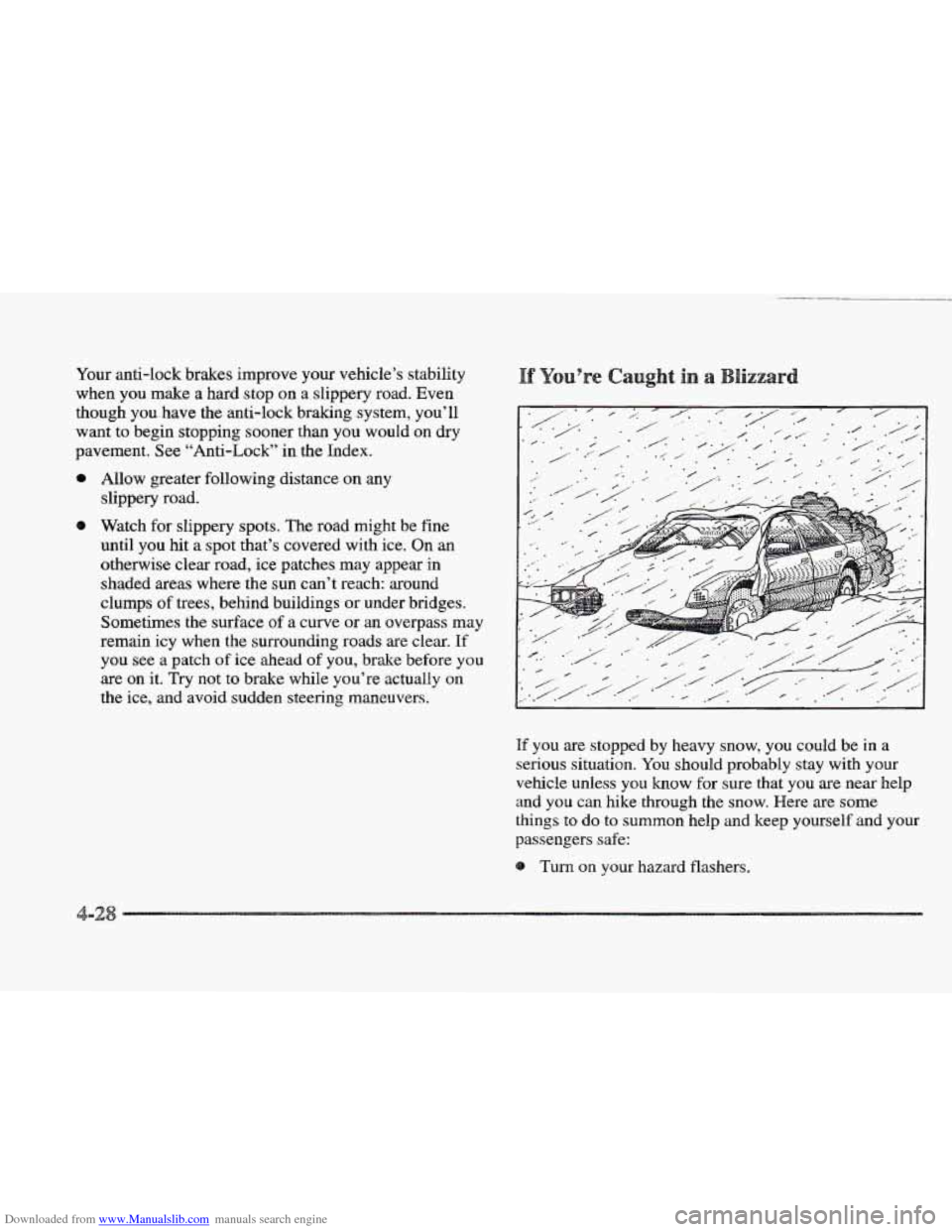
If you are stopped by heavy snow, you could be in a
serious situation.
You should probably stay with your
vehicle unless you know for sure that you
are near help
and
you can hike through the snow. Here are some
things to do to summon help and keep yourself and your
passengers
safe:
Turn on your hazard flashers.
-2
Page 355 of 361

Downloaded from www.Manualslib.com manuals search engine Stability Engaged Message ....................... 2-89
Stability Reduced Message
....................... 2-89
Stains. Cleaning
........................... 6.47. 6.48
Ignition
Key Message ........................ 2-89
Starting Your Engine
............................ 2-21
Steam
........................................ 5-17
Steering
...................................... 4-10
Column Shift Lever ........................... 2-28
In Emergencies
............................... 4- 12
Magnasteer TM ................................ 4- 10
Power
...................................... 4-10
Tips
........................................ 4-11
Wheel Controls
.......................... 3-9, 3-25
Wheel, Tilt
.................................. 2-34
Stop Engine
- Engine Overheated Message .......... 2-90
Stop Engine Low Oil Pressure Message
............. 2-90
Storage Compartments
........................... 2-55
Storage, Vehicle
................................ 6-30
Stuck: In Sand, Mud, Ice or Snow
.................. 5-37
Sunvisors
.................................... 2-57
Sunglasses Storage Compartment
.................. 2-55
Sunroof
....................................... 2-59
Supplemental Inflatable Restraint
.................. 1-2 1
Surge Tank, Coolant
............................. 5-21
Surge Tank Pressure Cap
......................... 6-24
Starting
Disabled Due
to Theft System Remove
... Symbols, Vehicle ................................ x111
Tachometer .................................. 2-69
Taillamps. Bulb Replacement
..................... 6-36
TapePlayerCare
............................... 3-26
Telephone. Cellular
............................. 2-58
Temperature Controls
......................... 3.2. 3-3
Theft ......................................... 2-15
Theft Security Override
.......................... 2-17
Theft System Problendcar May Not Restart Message
. . 2-90
Theft-Deterrent Alarm System
.................... 2-16
Thermostat
.................................... 6-24
Third Gear. Automatic Transaxle
................... 2-25
Tilt Steering Wheel
............................. 2-34
Time. Setting the
................................ 3-9
Tire Loading
................................... 4-30
Alignment and Balance
........................ 6-44
BuyingNew
................................. 6-42
Chains
..................................... 6-45
Changing a Flat
.............................. 5-26
Cleaning
.................................... 6-51
Compact Spare ............................... 5-36
Inflation
.................................... 6-39
Inspection and Rotation
........................ 6-40
Loading
.................................... 4-30
Pressure
.................................... 6-39
Temperature
................................. 6-43
Traction
.................................... 6-43
Treadwear
................................... 6-43
Uniform Quality Grading
....................... 6-43
Wear Indicators
.............................. 6-41
Wheel Replacement
........................... 6-44
When It’s Time for New
....................... 6-41
Top Speed Fuel Cut-Off Message
.................. 2-90
TopStrap
..................................... 1-34
TorqueLock
................................... 2-30
TowingaTrailer
................................ 4-32
Tire-Loading
Information Label
................... 4-30
Tires
......................................... 6-38
Torque, Wheel Nut
......................... 5-33, 6-65
Towing
Your Vehicle ............................. 5-9
8-10