1997 BUICK PARK AVENUE ignition
[x] Cancel search: ignitionPage 124 of 420
Astroroof (If Equipped)
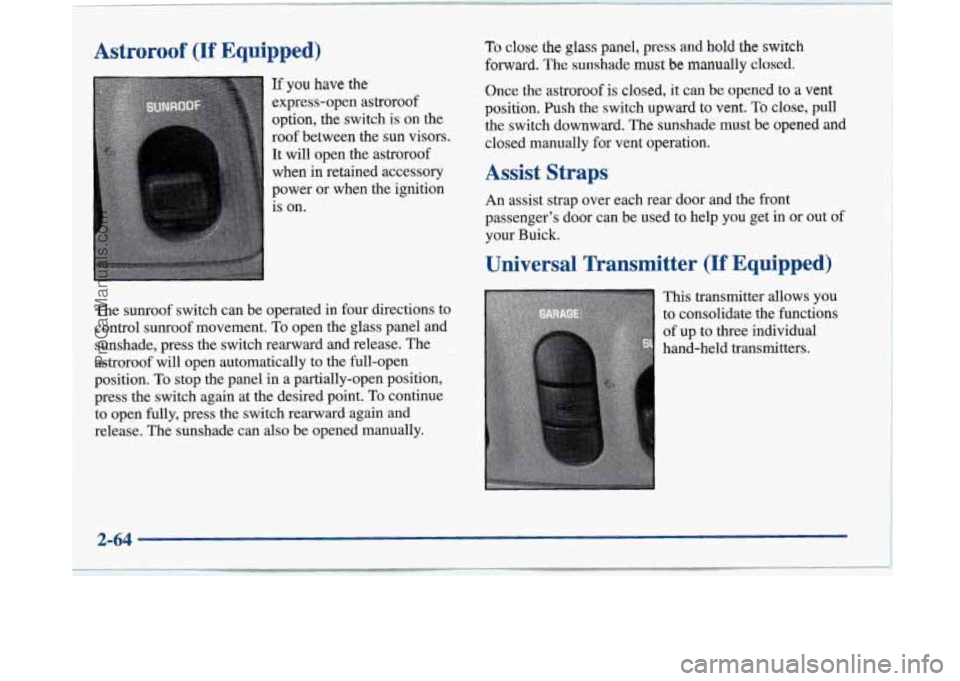
If you have the
express-open astroroof
option, the switch is on the
roof between the sun visors.
It will open the astroroof
when in retained accessory
power or when the ignition
is on.
To close the glass panel, press and hold the switch
forward. The sunshade must be manually closed,
Once
the astroroof is closed, it can be opened to a vent
position. Push the switch upward to vent.. To close, pull
the switch downward. The sunshade must be opened and
closed manually for vent operation.
Assist Straps
An assist strap over each rear door and the front
passenger’s door can be used to help you get in or out of
your Buick.
Universal Transmitter (If Equipped)
The sunroof switch can be operated in four directions to
control sunroof movement. To open the
glass panel and
sunshade, press the switch rearward and release. The
astroroof will open automatically to the full-open
position. To stop the panel in a partially-open position,
press the switch again at the desired point. To continue
to open fully, press the switch rearward again and
release. The sunshade can also be opened manually. This
transmitter allows you
to consolidate the functions
of up to three individual
hand-held transmitters.
2-64
ProCarManuals.com
Page 129 of 420
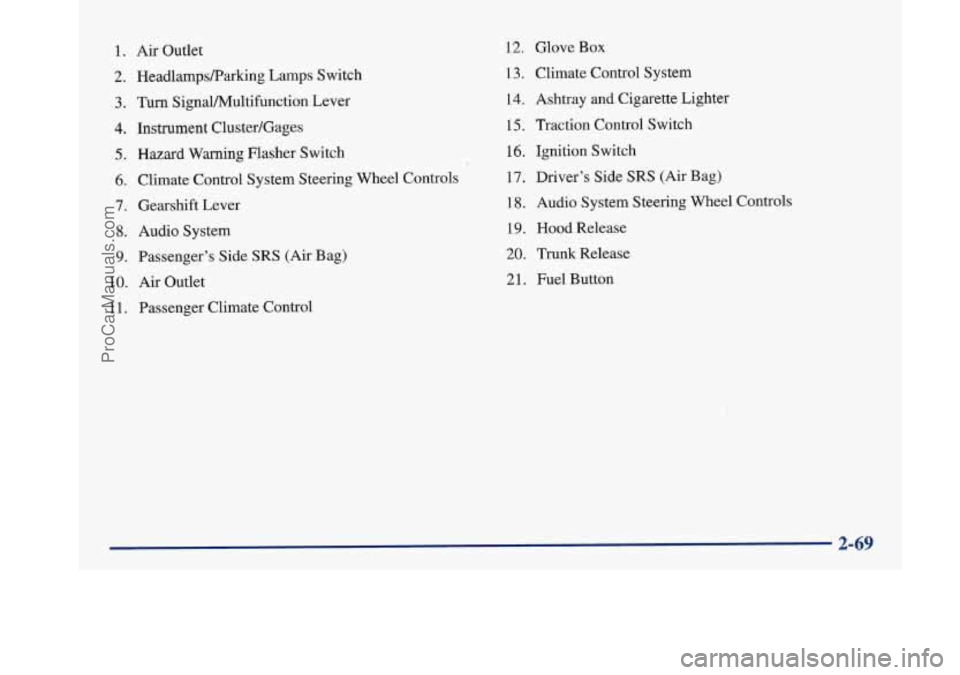
1. Air Outlet
2. HeadlampsRarking Lamps Switch
3. Turn SignaVPv4ultifunction Lever
4. Instrument Cluster/Gages
5. Hazard Warning Flasher Switch
6. Climate Control System Steering Wheel Controls
7. Gearshift Lever
8. Audio System
9. Passenger’s Side SRS (Air Bag)
10.
Air Outlet
1 1. Passenger Climate Control
12. Glove Box
13. Climate Control System
14. Ashtray
and Cigarette Lighter
15, Traction Control Switch
16. Ignition Switch
17. Driver’s Side
SRS (Air Bag)
18. Audio System Steering Wheel Controls
19. Hood Release
20. Trunk Release
21. Fuel Button
ProCarManuals.com
Page 134 of 420

Air Bag Readiness Light
There is an air bag readiness light on the instrument
panel, which shows
AIR BAG. The system checks the
air bag’s electrical system for malfunctions. The light
tells you if there is an electrical problem. The system
check includes the air bag sensors, the air bag modules,
the wiring and the crash sensing and diagnostic module.
For more information on the air bag system, see “Air
Bag” in the Index.
AIR
BAG
This light will come on
when you start your engine,
and it will flash for a few
seconds. Then the light
should
go out. This means
the system is ready.
If the air bag readiness light stays on after you start the
engine or comes on when you are driving, your air bag
system may not work properly. Have your vehicle
serviced right away. The
air bag readiness light should flash for a few
seconds when you turn the ignition key to
RUN. If the
light doesn’t
come on then, have it fixed so it will be
ready to
warn you if there is problem.
Battery Warning Light
VOLT
When you turn the key to
RUN, this light will come
on briefly, to show the
battery charging system
is working.
When the light goes off and stays off, the charging
system is working.
If the light stays on, a chime will sound indicating you
need service, and you should take your Buick
to the
dealer at once. To save your battery until you
get there,
turn off all accessories and turn
off your climate
control system.
2-74
~
ProCarManuals.com
Page 135 of 420

Brake System Warning Light
Your Buick’s hydraulic brake system is divided into two
parts. If one part isn’t working, the other part can still
work and stop you. For good braking, though, you need
both parts working well.
If the warning light comes on, there could be a brake
problem. Have your brake system inspected right away.
BRAKE
This light should come on
when you turn the key to
RUN. If it doesn’t come on
then, have
it fixed so it will
be ready to warn you if
there’s a problem.
I I
Your brake system may not be working properly
if the brake system warning light is on. Driving with the brake system warning light on can lead
to an accident. If the light is still on after you’ve pulled off the road and stopped carefully, have
the vehicle towed for service.
When the ignition is on, the brake system warning light will also come on when you set your parking
brake. The light will stay on if your parking brake
doesn’t release fully. If you try to drive off with the
parking brake set, a chime will also come on until you
release the parking brake.
If the light and chime stay on
after your parking brake
is fully released, it means you
have a brake problem.
If the light and chime come on while you are driving,
pull
off the road and stop carefully. You may notice that
the pedal is harder to push. Or, the pedal may go closer
to the floor. It may take longer to stop. If the light is still
on, have the vehicle towed for service. (See “Towing
Your Vehicle” in the Index.)
2-75
ProCarManuals.com
Page 136 of 420

Anti-Lock Brake System Warning Light
With the anti-lock brake
system, the light(s) will
come on when you start
your engine and may stay
on for several seconds.
That’s normal.
If the light stays on and the chime sounds, turn the
ignition to
OFF. Or, if the light comes on and the chime
sounds when you’re driving, stop as soon as possible
and turn the ignition
off. Then start the engine again to
reset the system. If the light still stays on and the chime
sounds, or the light comes on again while you’re
driving, your Buick needs service.
If the regular brake
system warning light isn’t on, you still have brakes,
but you don’t have anti-lock brakes. If the regular
brake system warning light is also on, you don’t have
anti-lock brakes and there’s a problem with your regular
brakes. See “Brake System Warning Light” earlier in
this section. The
anti-lock brake system warning light should come
on briefly when you turn the ignition
key to RUN. If the
light doesn’t
come on then, have it fixed so it will be
ready
to warn you if there is a problem.
Traction Control System Warning Light
(Option)
TRAC
OFF
This warning light should
come
on briefly as you start
the engine. If the warning
light doesn’t come
on then,
have it fixed
so it will be
ready to warn you if there’s
a problem.
If it stays on, or comes on when you’re driving, there
may be a problem with your traction control system and
your vehicle may need service. When this warning light
is on, the system will not limit wheel spin. Adjust your
driving accordingly.
2-76
~
ProCarManuals.com
Page 138 of 420

Malfunction Indicator Lamp
(Service Engine Soon Light)
SERVICE
ENGINE
SOON
Your Buick is equipped
with a computer which
monitors operation
of the
fuel, ignition and emission
control systems.
This system
is called OBD I1 (On-Board
Diagnostics-Second Generation) and is intended to
assure that emissions are at acceptable levels for the life
of the vehicle, helping to produce a cleaner
environment. (In Canada,
OBD I1 is replaced by
Enhanced Diagnostics.) The SERVICE ENGINE
SOON
light comes on and a chime will sound to indicate that
there is a problem and service
is required. Malfunctions
often will be indicated by the system before any
problem is apparent. This may prevent more serious
damage to your vehicle. This system is also designed to
assist your service technician in correctly diagnosing
any malfunction.
1 NOTICE:
If you keep driving your vehicle with this light
on, after a while, your emission controls may not
work as well, your fuel economy may not be as
good and your engine may not run as smoothly.
This could lead to costly repairs that may not be
covered by your warranty.
This light should come on, as a check to show you it is
working, when the ignition is
on and the engine is not
running. If the light doesn’t come on, have it repaired.
This light will also come on during
a malfunction in one
of
two ways:
0 Light Flashing -- A misfire condition has been
detected.
A misfire increases vehicle emissions and
may damage the emission control system on your
vehicle. Dealer or qualified service center diagnosis
and service is required.
0 Light On Steady -- An emission control system
malfunction has been detected on your vehicle.
Dealer or qualified service center diagnosis and
service may be required.
ProCarManuals.com
Page 141 of 420
Service Vehicle Soon Light
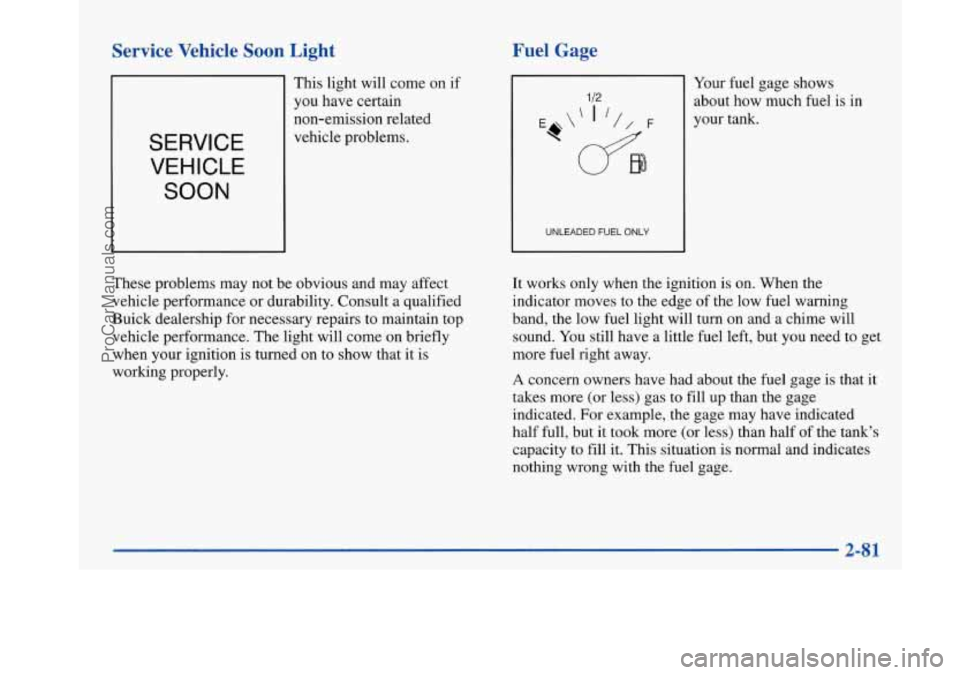
SERVICE
VEHICLE SOON
This light will come on if
you have certain
non-emission related
vehicle problems.
I
These problems may not be obvious and may affect
vehicle performance or durability. Consult a qualified
Buick dealership for necessary repairs to maintain top
vehicle performance. The light will come on briefly
when your ignition is turned on to show that it is
working properly.
Fuel Gage
UNLEADED FUEL ONLY
Your fuel gage shows
about how much fuel is in
your tank.
It works only when the ignition is on. When the
indicator moves to the edge of the low fuel warning
band, the low fuel light will turn on and a chime will
sound. You still have a little fuel left, but you need to get
more fuel right away.
A concern owners have had about the fuel gage is that it
takes more (or less) gas to fill up than the gage indicated.
For example, the gage may have indicated
half full, but it took more
(or less) than half of the tank's
capacity to fill it. This situation is normal and indicates
nothing wrong with the fuel gage.
2-81
ProCarManuals.com
Page 144 of 420

To clean the HUD lens, spray household glass cleaner
on a soft, clean cloth. Gently wipe
and dry the HUD
lens. Do not spray cleaner directly on the lens to avoid
cleaner leaking inside the unit.
If the ignition is on and you can’t see the HUD image,
check to see
if
The headlamps are on.
Something is covering the HUD unit.
The HUD dimmer control is adjusted properly.
The HUD image is adjusted to the proper height.
A fuse is blown. See “Fuses and Circuit Breakers” in
the Index.
Keep in mind that your windshield is part of the HUD
system. If you ever have to have your windshield
replaced, be sure to get one that is designed for HUD or
your HUD image may look blurred or out of focus.
Driver Information Center (DIC)
(If Equipped)
Your Park Avenue may be equipped with a Driver
Information Center (DIC). The DIC will display
information about how your vehicle is functioning,
as well as warning messages if a system problem
is detected. The
following buttons
are
on the DIC control panel
which
is located to the left
of the steering column:
ODOKRIP: Use this button to display your total and
trip miles.
FUEL INFO: Press this button to display fuel
information such as, fuel used, fuel range and fuel
economy.
GAGE INFO: Use this button to display oil pressure,
oil life, coolant temperature, tire pressure and battery
information.
RESET: This button, used along with other buttons,
will reset system functions.
ENGMET: Use this button to change the display
between English and metric units.
ProCarManuals.com