1997 BUICK PARK AVENUE ignition
[x] Cancel search: ignitionPage 98 of 420
Rain Sense Wipers (If Equipped)
This system automatically operates the wipers by
monitoring the amount of moisture on the windshield.
There is a sensor that controls the operation of this
feature mounted toward the passenger’s side windshield
interior, behind the rearview mirror.
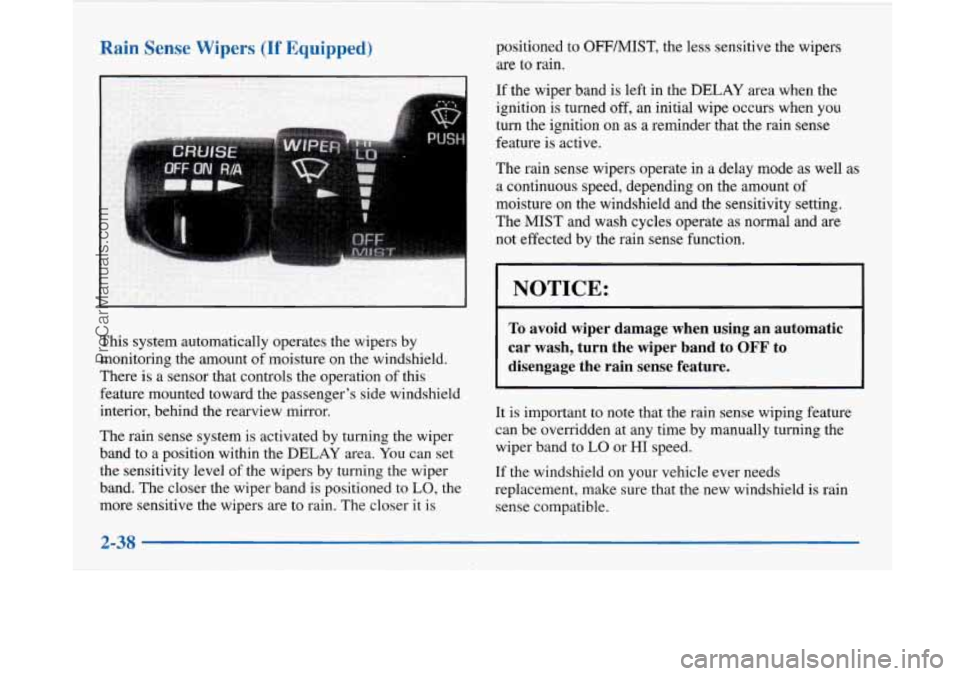
The rain sense system is activated by turning the wiper
band to a position within the
DELAY area. You can set
the sensitivity level of the wipers by turning the wiper
band. The closer the wiper band is positioned to
LO, the
more sensitive the wipers are to rain. The closer it is positioned to
OFFMIST, the
less sensitive the wipers
are to rain.
If the wiper band is left in the DELAY area when the
ignition is turned
off, an initial wipe occurs when you
turn the ignition on as a reminder that the rain sense
feature
is active.
The rain sense wipers operate in a delay mode as well as
a continuous speed, depending on the amount of
moisture on the windshield and the sensitivity setting.
The MIST and wash cycles operate as normal and are
not effected by the rain sense function.
NOTICE:
To avoid wiper damage when using an automatic
car wash, turn the wiper band to
OFF to
disengage the rain sense feature.
It is important to note that the rain sense wiping feature
can be overridden at any time by manually turning the
wiper band
to LO or HI speed.
If the windshield on your vehicle ever needs
replacement, make sure that the new windshield
is rain
sense compatible.
2-38
ProCarManuals.com
Page 103 of 420
Reducing Speed While Using Cruise Control
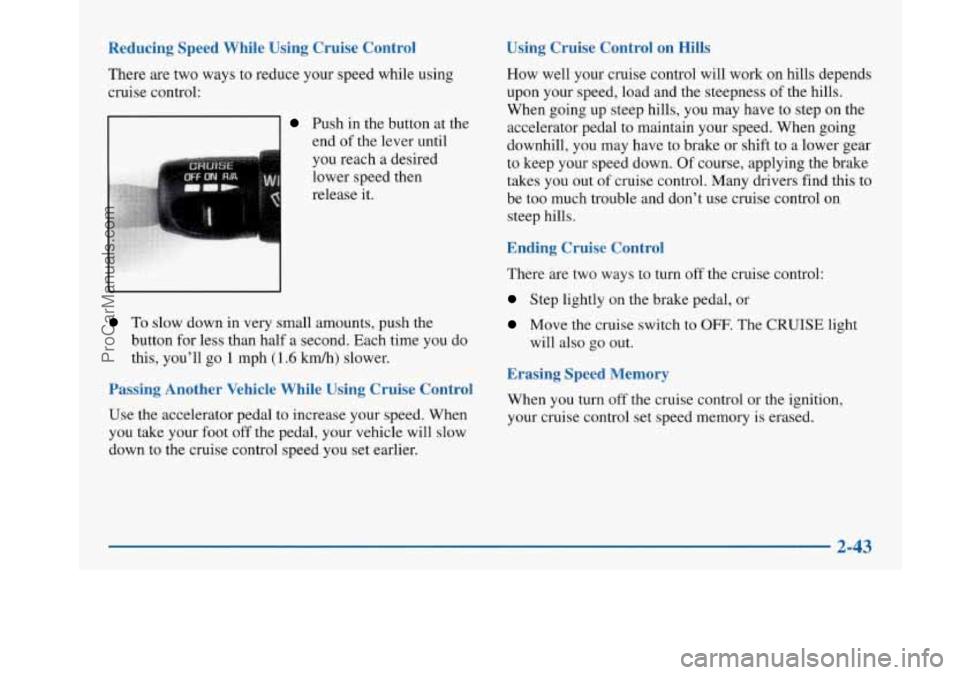
There are two ways to reduce your speed while using
cruise control:
Push in the button at the end of the lever until
you reach a desired
lower speed then
release it.
To slow down in very small amounts, push the
button for less than half a second. Each time you do
this, you’ll
go 1 mph (1.6 km/h) slower.
Passing Another Vehicle While Using Cruise Control
Use the accelerator pedal to increase your speed. When
you take your foot off the pedal, your vehicle will slow
down to the cruise control speed you set earlier.
Using Cruise Control on Hills
How well your cruise control will work on hills depends
upon your speed, load and the steepness of the hills.
When going up steep hills, you may have to step on the
accelerator pedal to maintain your speed. When going
downhill, you may have to brake or shift to a lower gear
to keep your speed down.
Of course, applying the brake
takes you out of cruise control. Many drivers find this to
be too much trouble and don’t use cruise control
on
steep hills.
Ending Cruise Control
There are two ways to turn off the cruise control:
Step lightly on the brake pedal, or
Move the cruise switch to OFF. The CRUISE light
will also go out.
Erasing Speed Memory
When you turn off the cruise control or the ignition,
your cruise control set speed memory is erased.
2-43
ProCarManuals.com
Page 104 of 420
Exterior Lamps
Headlamps
Headlamps
Taillamps
Parking Lamps
License Lamps
Sidemarker Lamps
0 Instrument Panel Lights
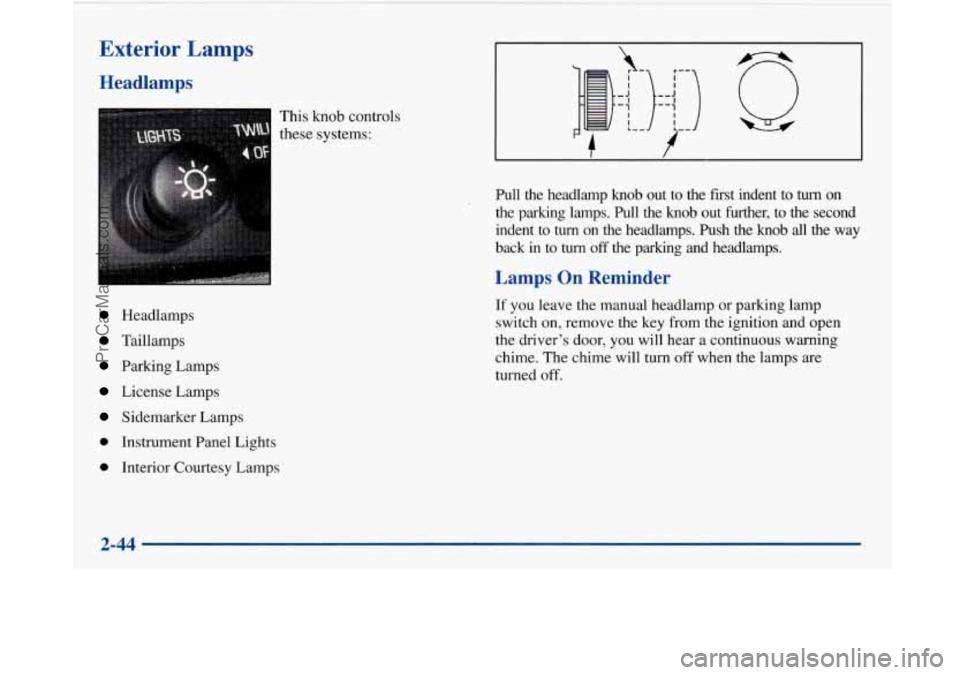
0 Interior Courtesy Lamps This knob
controls
these systems:
I I ,_ J I '-1 I I L-
,-
)::Jl)
'- #--
Pull the headlamp knob out to the first indent to turn on
the parking lamps. Pull the knob out further,
to the second
indent to
turn on the headlamps. Push the knob all the way
back in to
turn off the parking and headlamps.
Lamps On Reminder
If you leave the manual headlamp or parking lamp
switch on, remove the key from the ignition and open
the driver's door, you will hear a continuous warning
chime. The chime will turn
off when the lamps are
turned
off.
2-44
ProCarManuals.com
Page 105 of 420
Daytime Running 1 .rmps
Daytime Running Lamps (vrCL) can make it easier for
others to see the front of your vehicle during the day.
DRL can be helpful in many different driving
conditions, but they can be especially helpful in the
short periods after dawn and before sunset.
A light sensor on top of the instrument panel monitors
the exterior light level for the operation of DRL and
twilight sentinel,
so be sure it isn’t covered.
The
DRL system will make your high-beam headlamps
come on at reduced brightness in daylight when:
0 The ignition is on,
0 The headlamp switch is off and
0 The transaxle is not in PARK (P).
When DRL are on, only your high-beam headlamps will
be on. The parking lamps, taillamps, sidemarker and
other lamps won’t be on. Your instrument panel won’t
be lit up either. When
it’s dark enough outside, your high-beam
headlamps will change to low-beam headlamps at full
brightness. The other lamps that turn on with your
headlamps will also
turn on. When it’s bright enough
outside, the regular lamps will turn
off, and your
high-beam headlamps change to the reduced brightness
of DRL.
To idle your vehicle with the DRL off, shift the
transaxle into PARK
(P). The DRL will stay off until
you shift out of PARK
(P).
To turn off all exterior lighting at night when you are
parked, turn off the headlamps and move the twilight
sentinel control to the left into the detent in the slider
control. When released, the control will return to the
Twilight Sentinel minimum delay position and the lights
will turn
off.
As with any vehicle, you should turn on the regular
headlamp system when you need it.
Cornering Lamps
The cornering lamps are designed to come on when you
signal a turn. This will provide more light for cornering
at night.
ProCarManuals.com
Page 106 of 420
Twilight Sentinel Interior Lamps
Instrument Panel Intensity Control
Instrument panel light brightness can be adjusted by
rotating the headlamp
knob clockwise.
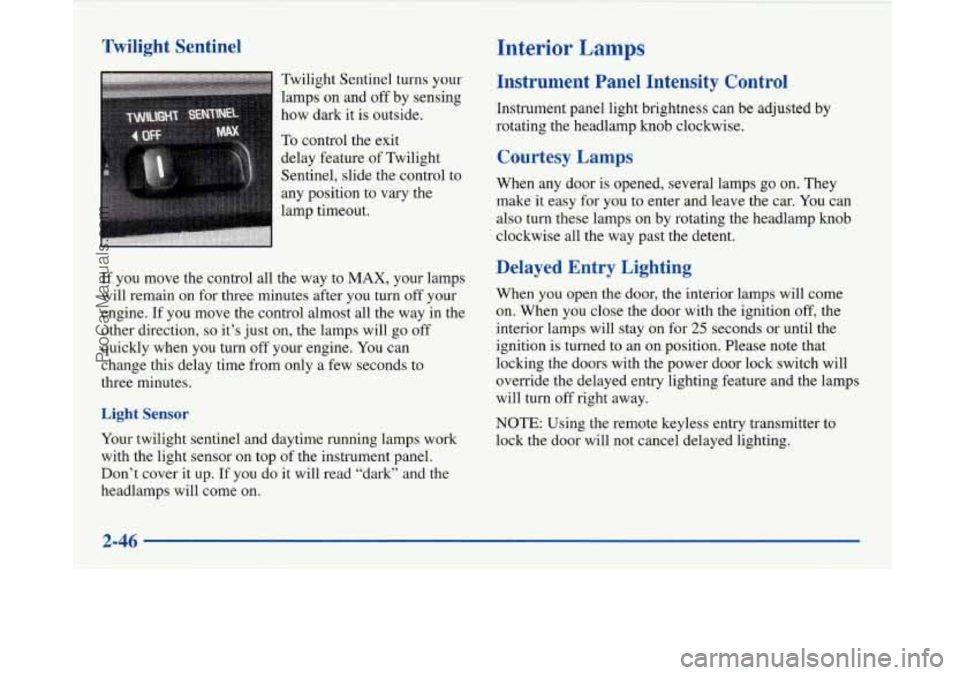
Twilight
Sentinel turns your
lamps on and
off by sensing
how dark
it is outside.
To control the exit
delay feature of Twilight
Sentinel, slide the control to
any position to vary the
lamp timeout.
If you move the control all the way to MAX, your lamps
will remain on for three minutes after you turn off your
engine.
If you move the control almost all the way in the
other direction,
so it’s just on, the lamps will go off
quickly when you
turn off your engine. You can
change this delay time from only a few seconds to
three minutes.
Light Sensor
Your twilight sentinel and daytime running lamps work
with the light sensor on top of the instrument panel.
Don’t cover it up. If you do
it will read “dark” and the
headlamps will come on.
Courtesy Lamps
When any door is opened, several lamps go on. They
make it easy for
you to enter and leave the car. You can
also turn these lamps on by rotating the headlamp knob
clockwise all the way past the detent.
Delayed Entry Lighting
When you open the door, the interior lamps will come
on. When you close the door with the ignition
off, the
interior lamps will stay on for
25 seconds or until the
ignition is turned to an on position. Please note that
locking the doors with the power door lock switch will
override the delayed entry lighting feature and the lamps
will turn off right away.
NOTE: Using the remote keyless entry transmitter to
lock the door will not cancel delayed lighting.
2-46
ProCarManuals.com
Page 107 of 420
Theater Dimming
This feature allows for a three to five-second fade out of
the courtesy lamps instead
of immediate turn off.
Delayed Exit Lighting
With this feature, the interior lamps will come on for
25 seconds after you remove the key from the ignition.
This will give you time to find the door pull handle or
lock switches.
Illuminated Entry System
When you open either front door or press the UNLOCK
button on the remote keyless entry transmitter, the
lamps inside your vehicle will turn on. These lamps
will turn
off after about 40 seconds. These lamps will
also turn
off if you start the engine or activate the power
door locks.
Perimeter Lighting
When the UNLOCK button on the Remote Keyless
Entry transmitter is pressed, the daytime running lamps
(high-beams at reduced intensity), parking lamps and
back-up lamps will come on if it is dark enough outside
according to the twilight sentinel. This feature
will only be activated when the security
feedback feature is programmed to be in modes
1, 3 or 5
on the transmitter. Modes 0,2 and 4 do not respond with
exterior lights flashing when unlocking the vehicle
so
perimeter lighting will not be active.
This feature can be prograrnmed'on or off for
each transmitter.
To turn the feature
off
1. Press and hold the door lock switch on the door
throughout this procedure. All doors will lock.
2. Press the instant alarm button on the transmitter to
enter the programming mode. Perimeter lighting
remains on at this time and the horn will chirp
two times.
3. Press the instant alarm button on the key transmitter
again. Perimeter lighting is disabled and the horn
will chirp one time.
4. Release the door lock switch. The perimeter lighting
feature is now off.
NOTE: Pressing the UNLOCK button repeatedly may
cause the back-up lamps to turn on.
2-47
ProCarManuals.com
Page 109 of 420
Rear Reading Lamps Glove Box Lamp
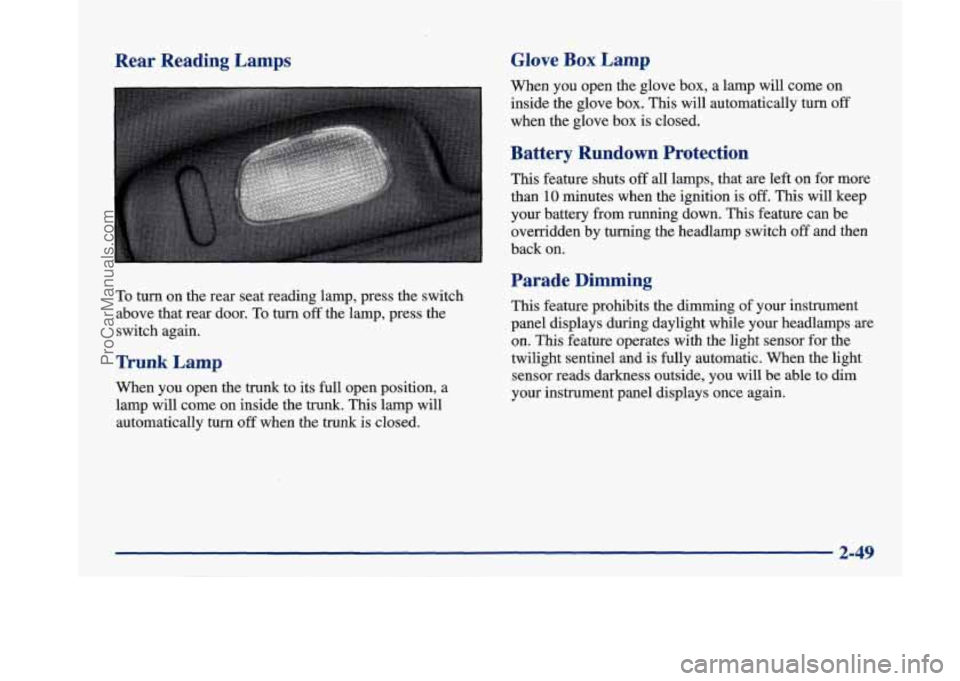
To turn on the rear seat reading lamp, press the switch
above that rear door.
To turn off the lamp, press the
switch again.
Trunk Lamp
When you open the trunk to its full open position, a
lamp will come on inside the trunk. This lamp will
automatically turn
off when the trunk is closed. When
you open the glove box, a lamp will come on
inside the glove box. This will automatically turn
off
when the glove box is closed.
Battery Rundown Protection
This feature shuts off all lamps, that are left on for more
than
10 minutes when the ignition is off. This will keep
your battery from running down.
This feature can be
overridden by turning the headlamp switch
off and then
back on.
Parade Dimming
This feature prohibits the dimming of your instrument
panel displays during daylight while your headlamps
are
on. This feature operates with the light sensor for the
twilight sentinel and is fully automatic. When the light
sensor reads darkness outside, you will be able to dim
your instrument panel displays once again.
2-49
ProCarManuals.com
Page 112 of 420
At night, when the glare is too high, the mirror will
gradually darken to reduce glare (this change may
take a
few seconds). The mirror will return to its clear daytime
state when the glare is reduced.
Setting the Mirror
OFF: This setting turns off the dayhight function and
compass. The mirror will stay in the day mode.
M: This turns on the dayhight portion of the mirror to
automatically reduce glare.
C/M: This setting turns on the compass in addition to
the dayhight function. The letter
or letters displayed in
the top right corner of the mirror indicate the direction
in which you are traveling.
Time Delay
This feature prevents rapid changing of the mirror from
the night mode to the day mode as you drive under
lights and through traffic.
Reverse Gear Day Mode
The reverse mode is another important feature of the
electrochromic mirror. When the
shift lever is placed in
REVERSE (R), the mirror changes to the day mode. This
gives you a bright image in the mirror as you back up.
Cleaning the Photocells
Use a cotton swab and glass cleaner to clean the
photocells when necessary.
Compass Calibration
Once the compass is calibrated, it does not need to be
recalibrated as long as the mirror is left in your vehicle
and the vehicle remains in the same geographical zone.
To calibrate the compass:
1. Set the switch on the mirror control to C/M.
2. Turn the vehicle ignition switch on. If the letter C
is not displayed in the mirror compass window, hold
the
CAL switch for more than 10 seconds. To hold
in the
CAL switch, insert a paper clip into the small
hole on the bottom
of the mirror housing. The
display will show a number first, but keep holding
until the letter
C appears.
360-degree circle at less than
5 mph (8 km/h) until
the display reads a compass direction.
3. For
quick calibration, drive the vehicle in a
For normal calibration, drive the vehicle on
your everyday routine, and the compass will
eventually calibrate.
2-52
ProCarManuals.com