1996 CHEVROLET ASTRO radio
[x] Cancel search: radioPage 138 of 372

P.SCAN: The preset scan button lets you scan through
your favorite stations stored on your pushbuttons. Select
either the
AM, FMl or FM2 mode and then press
€?SCAN. It will scan through each station stored on your
pushbuttons and stop for
a few seconds before continuing
to scan through all of the pushbuttons. Press P.SCAN
again or one
of the pushbuttons to stop scanning to listen
to a specific preset station. PSCAN will light up on the
display while in
this mode. If one of the stations stored on
a pushbutton is too weak for the location you are in, the
radio display
will show the channel number (Pl-P6) for
several seconds before advancing
to the next preset station.
Setting the Tone
BASS:
Press lightly on this knob to release it from its
stored position. Turn the knob clockwise to increase the
bass and counterc.lockwise
to decrease the bass. When
the BASS control is rotated, the AUTO TONE setting
will change to MAN. Push the knob back in to its stored
position when done.
TREB: Press lightly on the TREB knob to release it
from its stored position. Turn the knob clockwise to
increase the treble and counterclockwise to decrease the
treble. When the TREB control is rotated,-the AUTO
TONE setting will change to MAN. Push the knob back
in to its stored position when done.
Adjusting the Speakers
BAL: Press this button to remove the control from its
stored position.
Turn the control clockwise to adjust
sound to the right speakers and counterclockwise to
adjust sound to the left speakers. Press the button again
to return BAL to its stored position.
FADE: Press this button to remove the control from
its stored position. Turn the control clockwise to adjust
the sound to
the front and counterclockwise for rear
speakers. Press the button again to return
FADE to its
stored position.
Playing a Cassette Tape
Your 'tape player is built to work best with tapes that are
30 to 45 minutes long on each side. Tapes longer than
that are
so thin they may not work well in this player.
To load a cassette tape with the ignition off, press
EJECT or RECALL. Then, insert the cassette tape.
If the ignition is on but the radio is 'off,
the tape will
begin playing.
'The player automatically senses if the cassette tape is
metal or CrO2 and adjusts for best playback sound.
For metal tapes, the double-D symbol will appear
on
the display.
3-14
Page 139 of 372
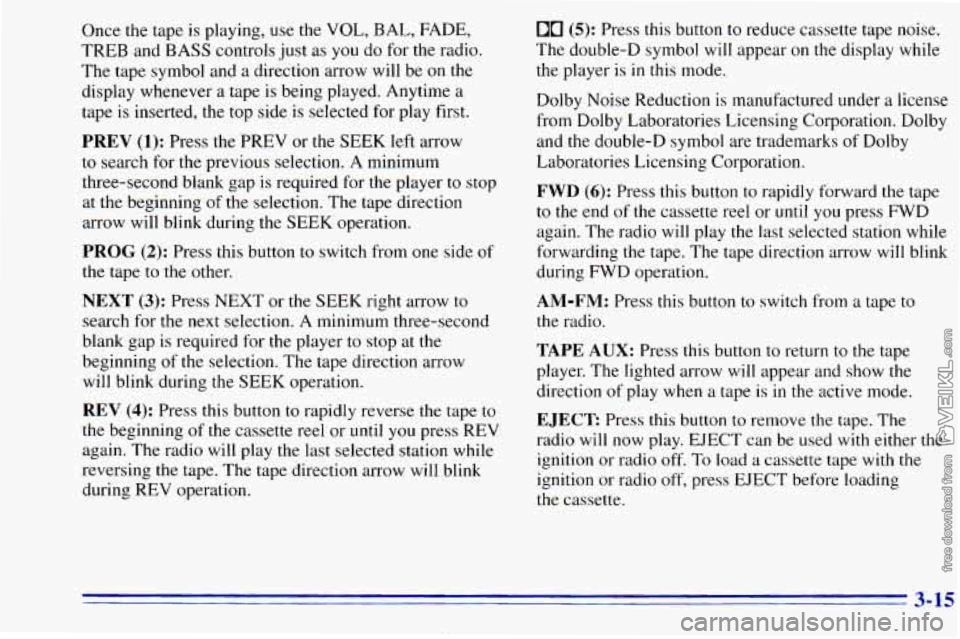
Once the tape is playing, use the VOL, BAL, FADE,
TREB and BASS controls just as
you do for the radio.
The tape symbol and
a direction arrow will be on the
display whenever
a tape is being played. Anytime a
tape is inserted, the top side is selected for play first.
PREV (1); Press the PREV or the SEEK left arrow
to search for the previous selection. A minimum
three-second blank gap is required for the player
to stop
at the beginning of the selection. The tape direction
arrow will blink during the SEEK operation.
PROG (2): Press this button to switch from one side of
the tape to the other.
NEXT (3): Press NEXT or the SEEK right arrow to
search for the next selection. A minimum three-second
blank gap is required for the player to stop at
the
beginning of the selection. The tape direction arrow
will blink during
the SEEK operation.
REV (4): Press this button to rapidly reverse the tape to
the beginning
of the cassette reel or until you press REV
again. The radio will play the last selected station while
reversing
the tape. The tape direction arrow will blink
during REV operation.
00 (5): Press this button to reduce cassette tape noise.
The double-D symbol will appear
on the display while
the player
is in this mode.
Dolby Noise Reduction is manufactured under
a license
from Dolby Laboratories Licensing Corporation. Dolby
and the double-D symbol are trademarks of Dolby
Laboratories Licensing Corporation.
FWD (6): Press this button to rapidly forward the tape
to the end of
the cassette reel or until you press FWD
again. The radio will play
the last selected station while
forwarding the tape. The tape direction arrow will blink
during FWD operation.
AM-FM: Press this button to switch from a tape to
the radio.
TAPE AUX: Press this button to return to the tape
player. The lighted arrow will appear and show the
direction of play when a tape is in the active mode.
EJECT Press this button to remove the tape. The
radio will now play. EJECT can be used
with either the
ignition
or radio off, To load a cassette tape with the
ignition or radio off, press EJECT before loading
the cassette.
3-15
Page 140 of 372
CLN: This message may appear on the display. If it
does, your cassette tape player needs to be cleaned. It
will still play tapes, but
you should clean it as soon as
possible to prevent damage to your tapes and player.
See “Care of Your Cassette Tape Player’’
in the Index.
After you clean the player, press and hold EJECT for
five seconds to reset the CLN indicator. The radio will
display --- to show the indicator was reset.
CD Adapter Kits
Although this is not a recommended practice, it is
possible
to use a CD adapter kit with your cassette
tape player.
The adapter
kit cassette should begin playing like a
regular audio cassette tape once inserted. If the cassette
immediately ejects, turn the radio off, turn the ignition on
and press and hold the TAPE
AUX button until the tape
icon flashes on the display. Insert the adapter cassette
again. It will power up the radio and begin playing.
This override routine
will remain active until EJECT
is pressed.
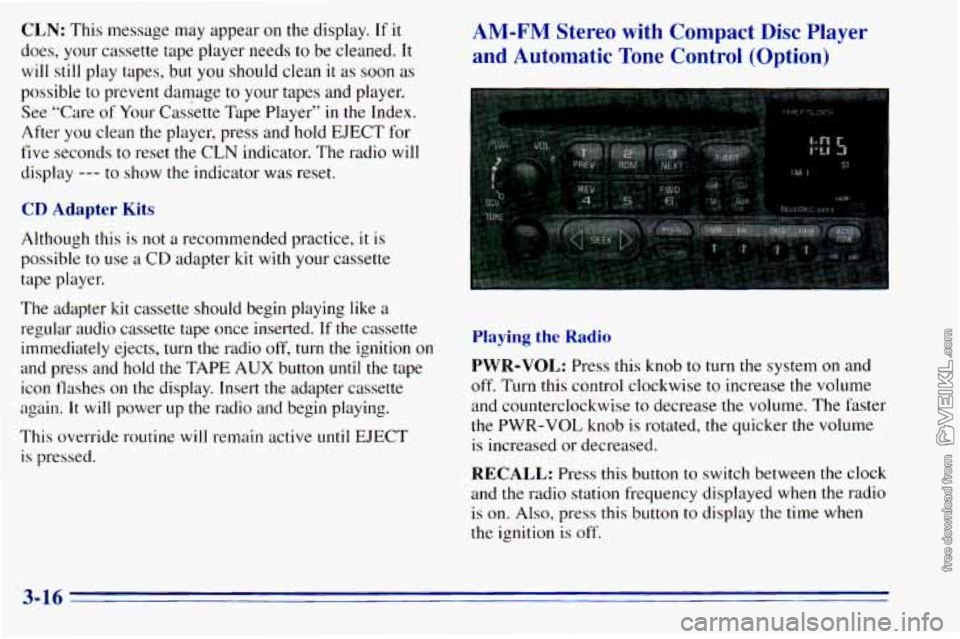
AM-FM Stereo with Compact Disc Player
and Automatic Tone Control (Option)
Playing the Radio
PWR-VOL: Press this knob to turn the system on and
off. Turn this control clockwise to increase the volume
and counterclockwise to decrease the volume. The faster
the PWR-VOL knob
is rotated, the quicker the volume
is increased or decreased.
RECALL: Press this button to switch between the clock
and the radio station frequency displayed when the radio is on.
Also, press this button to display the time when
the ignition is off.
3-16
Page 142 of 372
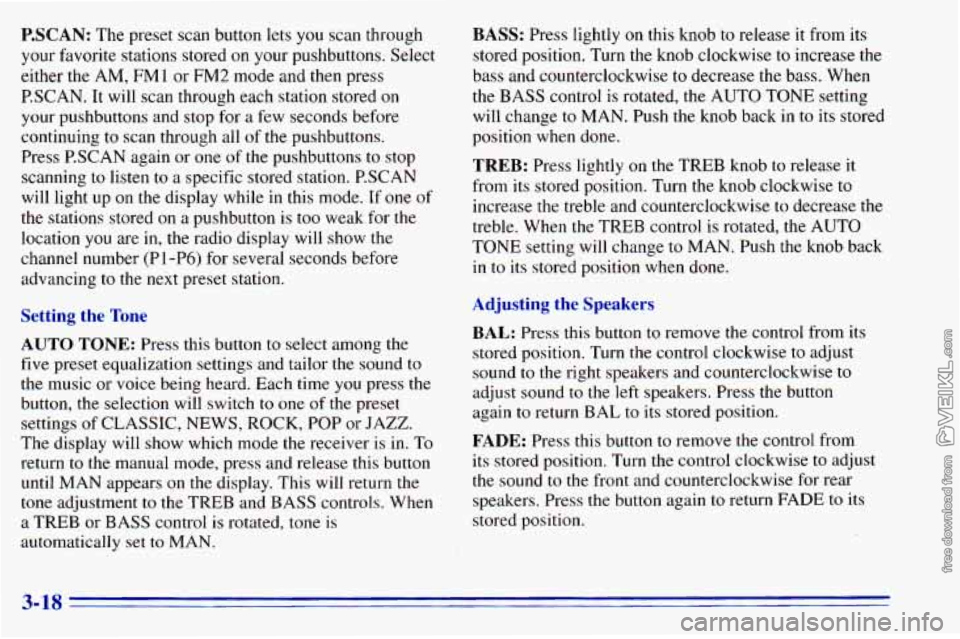
P.SCAN: The preset scan button lets you scan through
your favorite stations stored on your pushbuttons. Select
either the AM,
FMl or FM2 mode and then press
P.SCAN. It will scan through each station stored on
your pushbuttons and stop for a few seconds before
continuing to scan through all of the pushbuttons.
Press P.SCAN again or one
of the pushbuttons to stop
scanning to listen to a specific stored station. PSCAN
will light up on the display while in this mode. If one of
the stations stored
on a pushbutton is too weak for the
location you are in, the radio display will show the
channel number (Pl-P6)
for several seconds before
advancing
to the next preset station.
Setting the Tone
AUTO TONE: Press this button to select among the
five preset equalization settings and tailor the sound to
the music or voice being heard. Each time you press the
button, the selection will switch
to one of the preset
settings
of CLASSIC, NEWS, ROCK, POP or JAZZ.
The display will show which mode the receiver
is in. To
return to the manual mode, press and release this button
until MAN appears
on the display. This will return the
tone adjustment to the TREB and BASS controls. When
a TREB or BASS control is rotated, tone
is
automatically set to MAN.
BASS: Press lightly on this knob to release it from its
stored position. Turn
the knob clockwise to increase the
bass and counterclockwise
to decrease the bass. When
the
BASS control is rotated, the AUTO TONE setting
will change to MAN. Push
the knob back in to its stored
position when done.
TREB: Press lightly on the TREB knob to release it
from its stored position. Turn the knob clockwise to
increase the treble and counterclockwise to decrease the
treble. When the TREB control is rotated, the AUTO
TONE setting will change to MAN. Push the knob back
in to its stored position when done.
Adjusting the Speakers
BAL: Press this button to remove the control from its
stored position. Turn
the control clockwise to adjust
sound to the right speakers and counterclockwise to
adjust sound
to the left speakers. Press the button
again to return BAL
to its stored position.
FADE: Press this button to remove the control from
its stored position. Turn the control clockwise to adjust
the sound to the front and counterclockwise for rear
speakers. Press the button again
to return FADE to its
stored position.
3-18
Page 144 of 372

FWD (6): Press and hold this button to advance rapidly
within a track. You will hear the disc selection play at
high speed while you press the FWD button. This allows Playing a Cassette in the Remote Cassette
Tape Player (Option)
you to listen and find out when the disc is at the desired
selection. Release FWD to resume playing.
AM-FM: While in the CD mode, press this button to
stop playing the CD and play the radio. The CD symbol
will still display but the word CD will be replaced with
either AM, FMl or
FM2. (If the radio is turned off,
the disc stays in the player and will resume playing at
the point where it stopped.)
CD AUX: To switch between the player and the radio
when a disc is playing, press the AM-FM button.
To
return to the player, press CD AUX. When a disc is
playing,
the letters CD and the CD symbol will appear
on the display. (If the radio is turned off, the disc stays
in the player and will resume playing at the point where
it stopped.)
EJECT: Press this button to eject the disc from the
player and play the radio. When the same or a new disc
is inserted, the disc will start playing
on track one. If a
compact disc is
left sitting in the opening for more than
a few seconds, the player will pull
the CD back in. The
radio will continue playing. When the
ignition is off,
press this button to load a CD.
If you have an AM-FM Stereo Audio Compact Disc
Automatic Tone Control System that includes a remote
cassette player, the cassette player is located in the
center
of the instrument panel.
Your tape player is built
to work best with tapes that are
30 to 45 minutes long on each side. Tapes longer than
that are
so thin they may not work well in this player.
To load a cassette tape with
the ignition off, first press
EJECT on the remote player. Then, insert the cassette
tape. The tape will play
if the ignition is on but the radio
is off.
3-20
Page 145 of 372
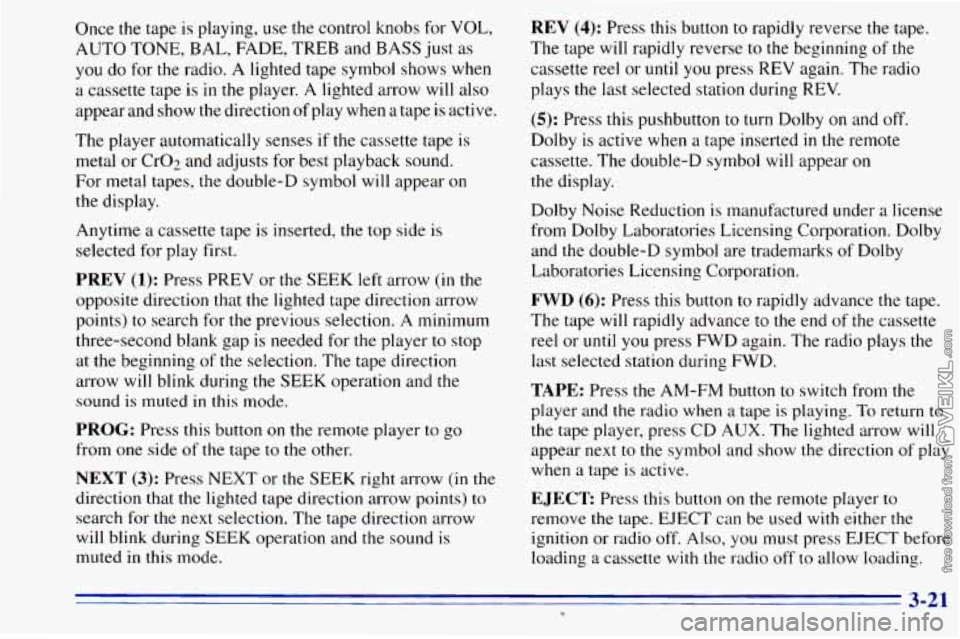
Once the tape is playing, use the control knobs for VOL,
AUTO TONE, BAL, FADE, TREB and BASS just as
you do for the radio. A lighted tape symbol shows when
a cassette tape is in
the player. A lighted arrow will also
appear and show the direction of play when a tape is active.
The player automatically senses if the cassette tape is
metal or
002 and adjusts for best playback sound.
For metal tapes, the double-D symbol will appear on
the display.
Anytime a cassette tape is inserted,
the top side is
selected for play first.
PREV (1): Press PREV or the SEEK left arrow (in the
opposite direction that the lighted tape direction arrow
points) to search for the previous selection.
A minimum
three-second blank gap is needed for the player to stop
at the beginning of the selection. The tape direction
arrow will blink during the SEEK operation and the
sound is muted in this mode.
PROG: Press this button on the remote player to go
from one side
of the tape to the other.
NEXT (3): Press NEXT or the SEEK right arrow (in the
direction that
the lighted tape direction arrow points) to
search for the next selection. The tape direction arrow
will blink during SEEK operation and the sound
is
muted in this mode.
REV (4): Press this button to rapidly reverse the tape.
The tape will rapidly reverse
to the beginning of the
cassette reel or until you press REV again. The radio
plays the last selected station during REV.
(5): Press this pushbutton to turn Dolby on and off.
Dolby is active
when a tape inserted in the remote
cassette. The double-D symbol will appear
on
the display.
Dolby Noise Reduction
is manufactured under a license
from Dolby Laboratories Licensing Corporation. Dolby
and the double-D symbol are trademarks
of Dolby
Laboratories Licensing Corporation.
FWD (6): Press this button to rapidly advance the tape.
The tape will rapidly advance to the end
of the cassette
reel or until you press FWD again. The radio plays the
last selected station during FWD.
TAPE: Press the AM-FM button to switch from the
player and
the radio when a tape is playing. To return to
the tape player, press CD AUX. The lighted arrow will
appear next to
the symbol and show the direction of play
when a tape is active.
EJECT Press this button on the remote player to
remove the tape. EJECT can be used with either the
ignition or radio off. Also,
you must press EJECT before
loading a cassette with the radio off
to allow loading.
3-21 U
Page 146 of 372
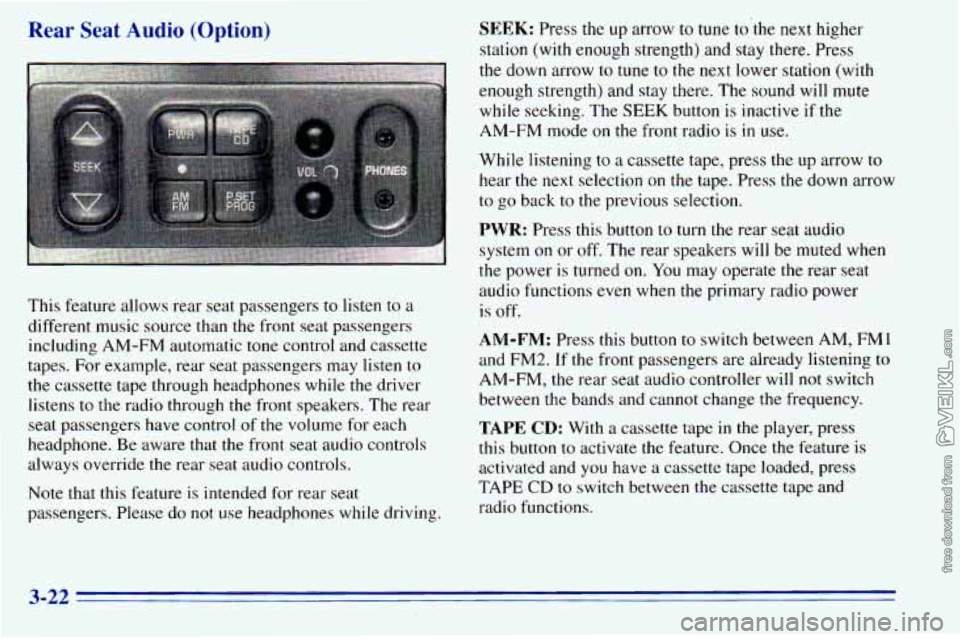
Rear Seat Audio (Option)
This feature allows rear seat pas - - -- - :rs to listen to a
different music source than the iron1 seat passengers including AM-FM automatic tone control and cassette
tapes. For example, rear seat passengers may listen
to
the cassette tape through headphones while the driver
listens to
the radio through the front speakers. The rear
seat passengers have control
of the volume for each
headphone. Be aware that the front seat audio controls
always override the rear seat audio controls.
Note that this feature is intended for rear seat
passengers. Please do
not use headphones while driving.
SEEK: Press the up arrow to tune to’the next higher
station (with enough strength) and stay
there. Press
the down arrow to tune to the next lower station (with
enough strength) and stay there. The sound will mute
while seeking. The SEEK button
is inactive if the
AM-FM mode
on the front radio is in use.
While listening to a cassette tape, press the up arrow to
hear the next selection on the tape. Press the down arrow
to go back to the previous selection.
PWR: Press this button to turn the rear seat audio
system
on or off. The rear speakers will be muted when
the power is turned on. You may operate
the rear seat
audio functions even when the primary radio power
is off.
AM-FM: Press this button to switch between AM, FM1
and FM2. If the front passengers are already listening to
AM-FM, the rear seat audio controller will not switch
between
the bands and cannot change the frequency.
TAPE CD: With a cassette tape in the player, press
this button to activate the feature. Once
the feature is
activated and
you have a cassette tape loaded, press
TAPE CD to switch between the cassette tape and
radio functions.
3-22
Page 147 of 372
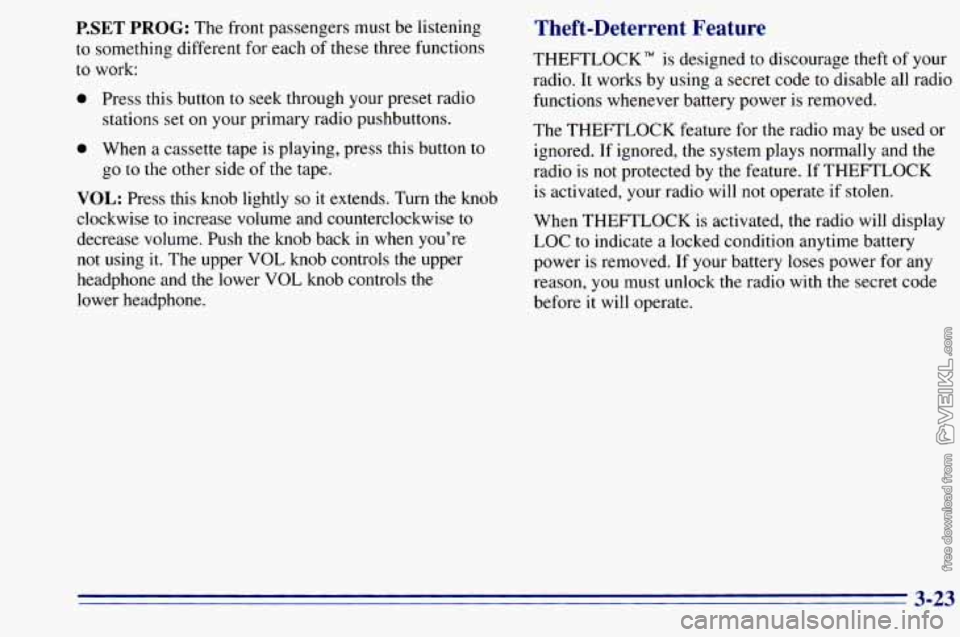
P.SET PROG: The front passengers must be listening
to something different for each of these three functions
to work:
0 Press this button to seek through your preset radio
stations set on your primary radio pushbuttons.
0 When a cassette tape is playing, press this button to
go to the other side of the tape.
VOL: Press this knob lightly so it extends. Turn the knob
clockwise to increase volume and counterclockwise to
decrease volume. Push the
knob back in when you're
not using
it. The upper VOL knob controls the upper
headphone and the lower
VOL knob controls the
lower headphone.
Theft-Deterrent Feature
THEFTLOCK" is designed to discourage theft of your
radio. It works by using a secret code to disable all radio
functions whenever battery power is removed.
The THEFTLOCK feature for the radio may be used or
ignored. If ignored,
the system plays normally and the
radio is not protected by the feature. If THEFTLOCK
is activated, your radio
will not operate if stolen.
When THEFTLOCK is activated, the radio will display
LOC to indicate a locked condition anytime battery
power is removed. If your battery loses power for any
reason, you must unlock the radio with the secret code
before
it will operate.
3-23