1996 CADILLAC ELDORADO air condition
[x] Cancel search: air conditionPage 154 of 354
Downloaded from www.Manualslib.com manuals search engine To avoid blowing cold air in cold weather, the system will
delay
turning on the fan until warm air is available. The
length
of delay depends on the outside air temperature,
engine coolant temperature or the time since the engine
was last started. As the coolant warms up, the blower fan
speed will gradually increase and air will flow from the
heater outlets, with some airflow to the windshield to
prevent fogging under most normal conditions.
If you leave your vehicle, the system will remember the
control setting the next time you start your engine,
except for recirculation and defrost. Each ignition cycle
cancels recirculation, whereas, DEmROST will change
to
AUTO when the ignition is shut off and then turned
back on.
You may manually adjust the air delivery mode or fan
speed.
/.I A/C: This setting directs airflow through the
A@
middle instrument panel outlets.
A@
BI-LEVEL: This setting directs air into your
vehicle in two ways. Cool air is directed to the upper portion
of your body through the middle instrument
panel outlets while warmed air is directed to the floor.
‘fl HEATER/DEFROST: This setting directs air to
the floor outlets and toward the windshield.
w.
0
vH HEATER: This setting directs warmed air
through the floor outlets. Some warm air is diverted to
the windshield to minimize fogging.
DEFROST Press this button to quickly remove
fog or frost from the windshield. This setting sends most
of the airflow to the windshield with only a small
amount to the floor outlets.
@ DE-ICE (Option): Pressing this button helps to
remove ice or frost from the windshield. See “Heated
Windshield” later in this section.
DEFOG: Press this button to divide the air between the
windshield and the heater outlets. This is useful when
fog appears on the windshield or side glass due to
sudden rain or snowy conditions. This feature is not
available with the heated windshield option.
Page 155 of 354
Downloaded from www.Manualslib.com manuals search engine sf FAN SPEEDS: Press the button with the fan
symbol until AUTO is displayed on the screen. At this
setting, the fan speed is automatically controlled. If
it is
cold outside, the blower may not run in the maximum
high fan speed right away.
The system checks the
temperature of the engine coolant to assure it is warm
enough
to provide heat. When the engine coolant is
warm, the controller allows the fan to gradually increase
to a higher speed. This prevents cold air from blowing
into the passenger compartment.
If you want the blower
fan at a high speed, press the up arrow button until you
see
HIGH on the display. If you want the fan speed to be
automatic, but you like the
fm speed to be higher than
the AUTO setting, press the fan symbol button until
HIGH AUTO is shown on the display. If you want the
blower fan at a low speed, press the down arrow button
until
LOW is shown on the display. If you want the fan
speed to run lower than the AUTO setting, press the
button until
LOW AUTO is shown on the display.
OFF: Press this button to turn the system off. Fresh
air will continue
to flow through the vehicle, and the
system will try to maintain the previously set
temperature. The outside temperature will show
on
the display when the system is OFF.
AC: Press this button to turn the air conditioning on and
off. The system will cool and dehumidify the air inside
the vehicle. In the AUTO mode, the display will show
that AC is active, but the air conditioning compressor
only operates when the system determines
it is needed.
RECIRCULATION: Press this button to limit the
amount
of fresh air entering your vehicle. This is helpful
when you are trying to cool the air quickly or limit odors
entering your vehicle. In the AUTO mode, the system
will use recirculation as necessary
to cool the air.
Pressing the recirculation button will change the
operation to
a manual mode and the air will recirculate
non-stop. Press this button again to turn
off the
recirculation feature.
If you notice the windows fogging, press the
recirculation button to exit the recirculation mode.
DUAL TEMPERATURE CONTROL: With
this feature, the right front passenger can control the
temperature of heated air for his/her own zone. The
passenger can select
a four degree warmer or cooler
temperature from the driver's setting.
To turn the system
on, press the PASS/TEMP button. Press the up arrow
to increase the temperature and press the down arrow
to
decrease the climate setting. Pressing the OFF button
will turn
off the dual-zone Function.
Page 156 of 354

Downloaded from www.Manualslib.com manuals search engine Air Conditioning Heating
On
hot days, open the windows long enough to let hot
inside air escape. This reduces the time it takes for your
vehicle to cool down. Then keep your windows closed
for the air conditioner to work its best.
With the ECC system, press the AUTOECON button
to assist in cooling air and in maintaining proper airflow.
Adjust the temperature to a comfortable setting by
pressing the blue button to cool your vehicle and
pressing the red button to warm your vehicle. Press the
fan button arrows up or down to adjust the fan speed.
If you have the dual-zone system, press the AC button
to turn the system on and then select the proper MODE
to direct airflow. The system will cool and dehumidify
the air inside the vehicle. Also while in the AUTO
mode, the system will use recirculation as necessary to
cool the air. You may also need to adjust the interior
temperature. Turn the TEMP knob clockwise to increase
the temperature and counterclockwise to decrease
temperature. Adjust the fan speed as needed.
When the air conditioner is on, you may sometimes
notice slight changes in your vehicle’s engine speed
and power. This is normal because. the system is
designed to cycle the compressor on and
off to keep the
desired temperature. With
the ECC system, press the AUTOECON button
to direct airflow out of the floor outlets and to help save
fuel. Adjust the temperature, if necessary,
by pressing
the blue button to decrease temperature and pressing the
red button to increase temperature. Also remember to
adjust the fan speed by pressing the up
or down arrow.
If you have the dual-zone system, press the MODE
button to select heater. This will direct airflow out of the
floor outlets. Adjust the interior temperature to your
comfort level by turning the
TEMP knob clockwise to
increase temperature and counterclockwise to decrease
temperature. If the fan speed needs adjusting, press the
up or down arrow.
With each system, outside air will be brought in and
sent through the floor outlets. The heater works best
if you keep
your windows closed while using it.
3-9
1
Page 157 of 354

Downloaded from www.Manualslib.com manuals search engine ventilation Systl
Your Cadillac’s flow-through ventilation system
supplies outside air into the ve.hicle when
it is moving.
Outside air will
also enter the vehicle when the heater
or the air conditioning fan is running.
The front outlets are located in the center and at each
side of
the instrument panel. You can ad-just the
direction
of airflow by moving the center control levers
or you can stop the airflow by moving the lever located
on each side
of the outlets downward. The direction
of airflow for the rear seats can also be
adjusted.
Move the FAN lever to adjust the blower speed
from LO to HI. Move the VENT lever to direct airflow
toward the upper or
tloor outlets.
Page 198 of 354
Downloaded from www.Manualslib.com manuals search engine Of course, traction is reduced when water, snow, ice, Driving at Night
gravel or other material is on the road. For safety, you’ll
want to slow down and adjust your driving to these
conditions. It is important to slow down on slippery
surfaces because stopping distance will be longer and
vehicle control more limited.
While driving on a surface with reduced traction, try
your best to avoid sudden steering, acceleration or
braking (including engine braking by shifting to a lower
gear). Any sudden changes could cause the tires to
slide. You may not realize the surface is slippery until
your vehicle is skidding. Learn to recognize warning
clues
-- such as enough water, ice or packed snow on
the road to make a “mirrored surface”
-- and slow
down when you have any doubt.
Remember: Any anti-lock brake system
(ABS) helps
avoid only the braking skid.
I’
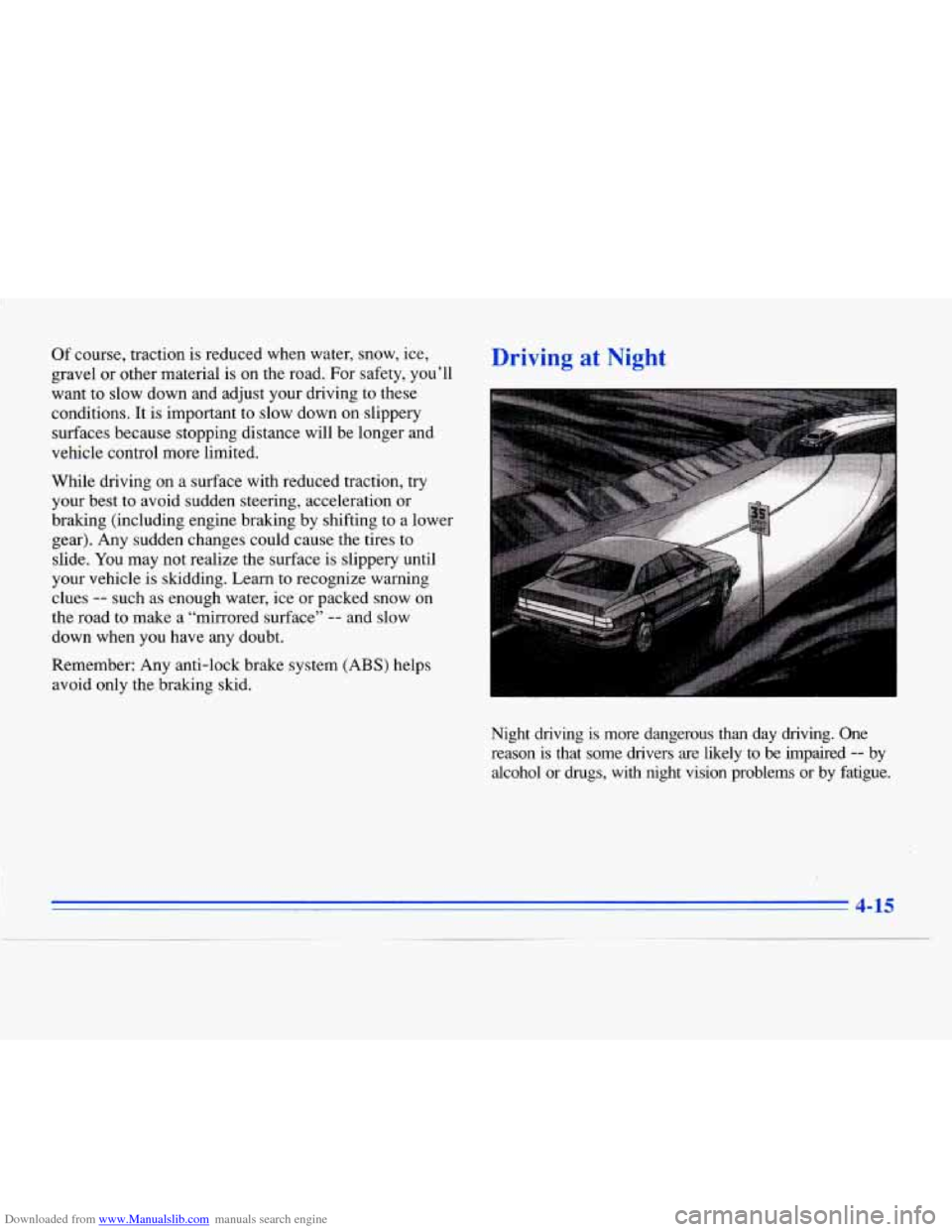
Night driving is more dangerous than day driving. One
reason
is that some drivers are likely to be impaired -- by
alcohol or
drugs, with night vision problems or by fatigue.
4-15
Page 236 of 354
Downloaded from www.Manualslib.com manuals search engine Engine Overheating
You will find an ENGINE COOLANT HOT-IDLE
ENGINE message or a
STOP ENGINE ENGINE
OVERHEATED message
on the DIC. There is also an
engine temperature warning light on the instrument
panel. See “Engine Temperature Warning Light”
in the
Index.
Overhe 1 Engine Ootection Operating
Mode
Should a low coolant condition exist and the message
STOP ENGINE ENGINE OVERHEATED is displayed,
an overheat protection mode which alternates firing
groups
of four cylinders helps prevent engine damage.
This operating mode allows your vehicle to be driven
to a safe place in
an emergency; you may drive up to
50 miles (80 km). Towing a trailer in the overheat
protection mode should be avoided.
NOTICE:
After driving in the Overheated Engine
Protection Operating
Mode, to avoid engine
damage, allow the engine to cool before
attempting any repair. The engine oil may be
severely degraded. Change the oil and reset the
oil life indicator. See “Engine Oil, When to Change” in the Index.
5-15
Page 238 of 354
Downloaded from www.Manualslib.com manuals search engine If No Steam Is Coming From Your Engine
If you get the overheat warning but see or hear no
steam, the problem may not be too serious. Sometimes
the engine can get a little too hot when you:
Climb a long hill on a hot day.
Stop after high-speed driving.
Idle for long periods in traffic.
Tow a trailer.
If you get the overheat warning with no sign of steam,
try this for
a minute or so:
1. Turn off your air conditioner.
2. Dial temperature control to the highest heat setting
and open the window, as necessary. If you no longer have me overheat warning, you can
drive.
Just
to be safe, drive slower for about 10 minutes.
If the warning doesn’t come back on, you can drive
normally.
If the warning continues, pull over, stop and park your
vehicle right away.
If there’s still no sign of steam,
you can idle the engine
for
two or three minutes while you’re parked, to see if
the warning stops. But then,
if you still have the
warning,
turn ofthe engine and get everyone out of the
vehicle
until it cools down. Also, see “Overheated
Engine Protection Operating Mode” listed previously
in
this section.
You may decide not to lift the hood
but to get service
help right away.
3. If you’re in a traffic jam, shift to NEUTRAL (N);
otherwise, shift to the highest gear while
driving
-- OVERDRIVE (a) or THIRD (3).
5-17
1
Page 261 of 354

Downloaded from www.Manualslib.com manuals search engine You can be injured and your vehicle could be
damaged if you try to do service work on a
vehicle without knowing enough about it.
Be sure you have sufficient knowledge,
experience, and the proper replacement
parts and tools before you attempt any
vehicle maintenance task.
0 Be sure to use the proper nuts, bolts and
other fasteners. “English’ and “metric”
fasteners can be easily confused. If you use
the wrong fasteners, parts can later break
or fall off. You could be hurt.
Fuel
Use premium unleaded gasoline rated at 91 octane or
higher. At a minimum, it should meet specifications
ASTM
D4,814 in the United States and CGSB 3.5-M93
in Canada. Improved gasoline specifications have been
i ~ developed by the American Automobile Manufacturers
Association (AAMA) for. better vehicle performance
and engine protection. Gasolines meeting the
AAMA
specification could provide improved driveability and
emission control system protection compared
to other
gasolines.
Be sure the posted octane for premium is at least 91. If
the octane is less than 91, you may get a heavy knocking
2
noise when you drive. (In an emergency, you may be
able to use
a lower octane -- as low as 87 -- if heavy
knocking does not occur.)
If you’re using 91 or higher
octane unleaded gasoline and you still hear heavy
knocking, your engine needs service.
If your vehicle is certified to meet California Emission Standards (indicated on the underhood tune-up label),
it is designed to operate on fuels that meet California
specifications.
If such fuels are not available in states
adopting California emissions standards, your vehicle
will operate satisfactorily on fuels meeting federal
specifications, but emission control system performance
may be affected. The malfunction inbcator lamp on
your instrument panel may
turn on and/or your vehicle
may fail a smog-check test.
If this occurs, return to your
authorized Cadillac dealer for diagnosis to determine the
cause
of failure. In the event it is determined that the
cause of the condition is the type of fuels used, repairs
may not be covered by your warranty.
6-2