1995 CHEVROLET MONTE CARLO lock
[x] Cancel search: lockPage 94 of 324
Downloaded from www.Manualslib.com manuals search engine Ashtrays and Lighter
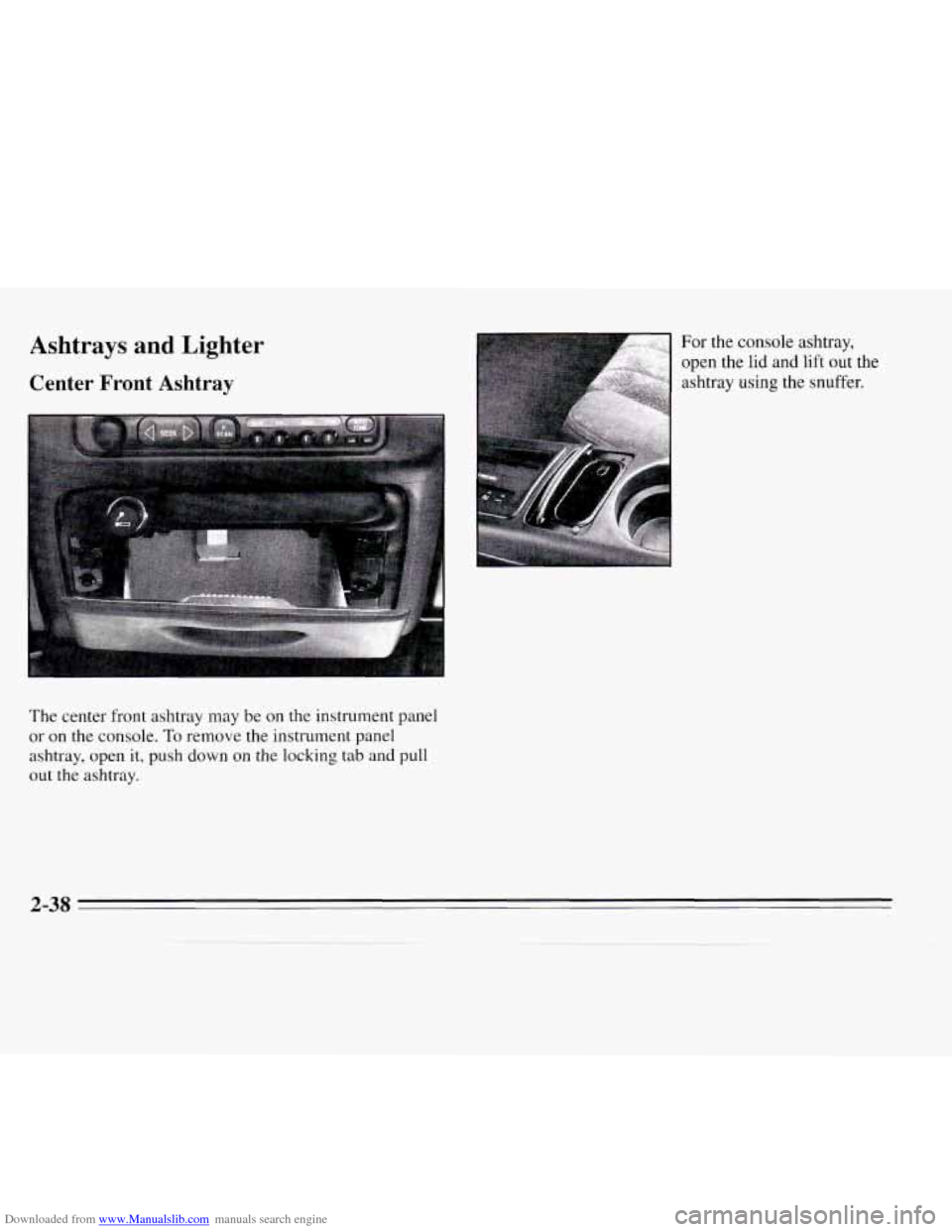
Center Front Ashtray
The center front ashtray may be on the instrument panel
or on
the console. To remove the instrument panel
ashtray, open it, push down on the locking tab
and pull
out the ashtray. For the
console ashtray,
open the
lid and lift out the
ashtray
using the snuffer.
2-38
Page 101 of 324
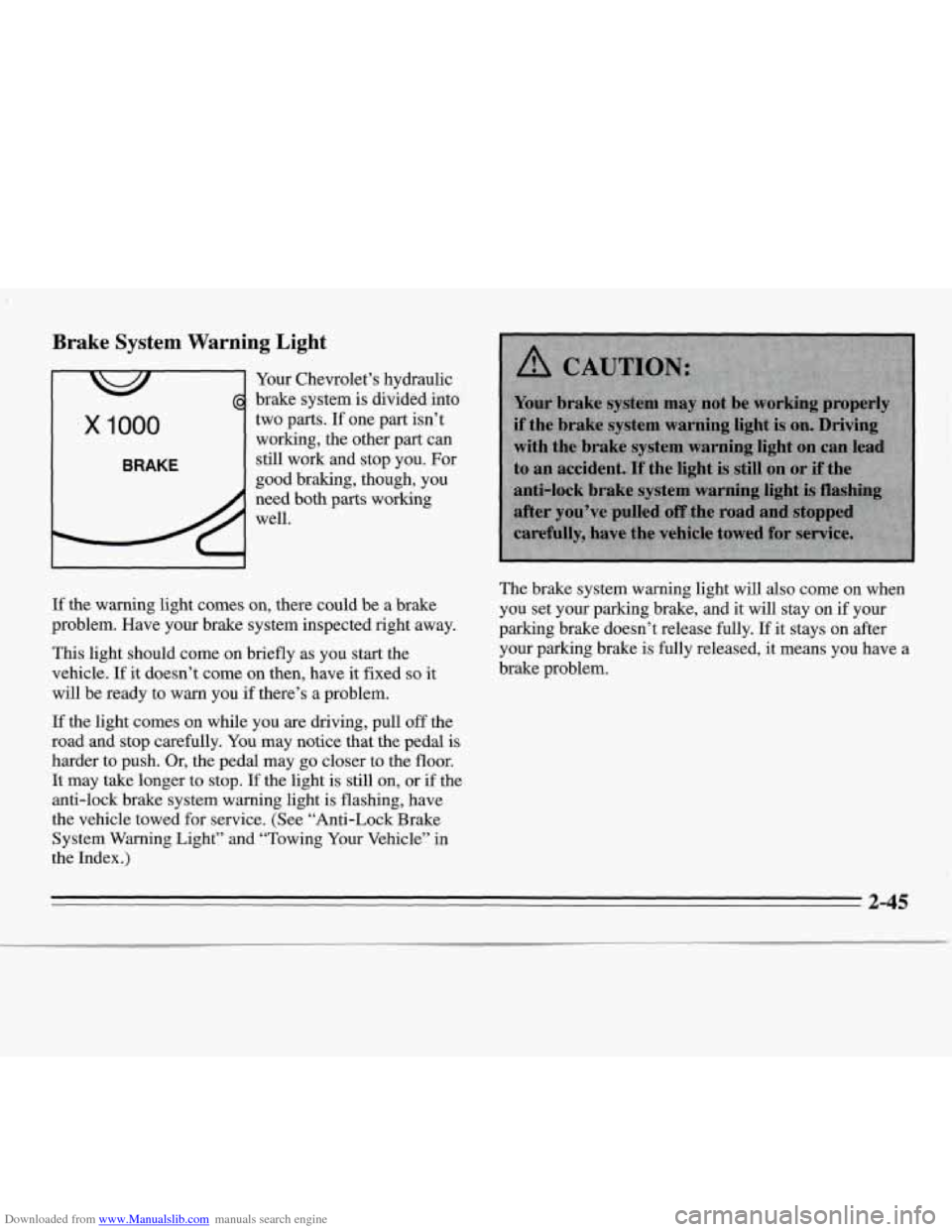
Downloaded from www.Manualslib.com manuals search engine Brake System Warning Light
Your Chevrolet’s hydraulic
brake system is divided into
x 1000
BRAKE
two parts. If one part isn’t
working, the other part can
still work and stop you. For
good braking, though, you
need both parts working
well.
If the warning light comes on, there could be a brake
problem. Have your brake system inspected right away.
This light should come on briefly as you start the
vehicle.
If it doesn’t come on then, have it fixed so it
will be ready to warn you if there’s a problem. The
brake system warning light
will also come on when
you set your parking brake,
and it will stay on if your
parking brake doesn’t release fully.
If it stays on after
your parking brake is fully released, it means you have a
brake problem.
If the light comes on while you are driving, pull off the
road and stop carefully. You may notice that the pedal is
harder to push. Or, the pedal may go closer to the floor.
It may take longer to stop.
If the light is still on, or if the
anti-lock brake system warning light is flashing, have
the vehicle towed
for service. (See “Anti-Lock Brake
System
Warning Light” and “Towing Your Vehicle” in
the Index.)
2-45
Page 102 of 324
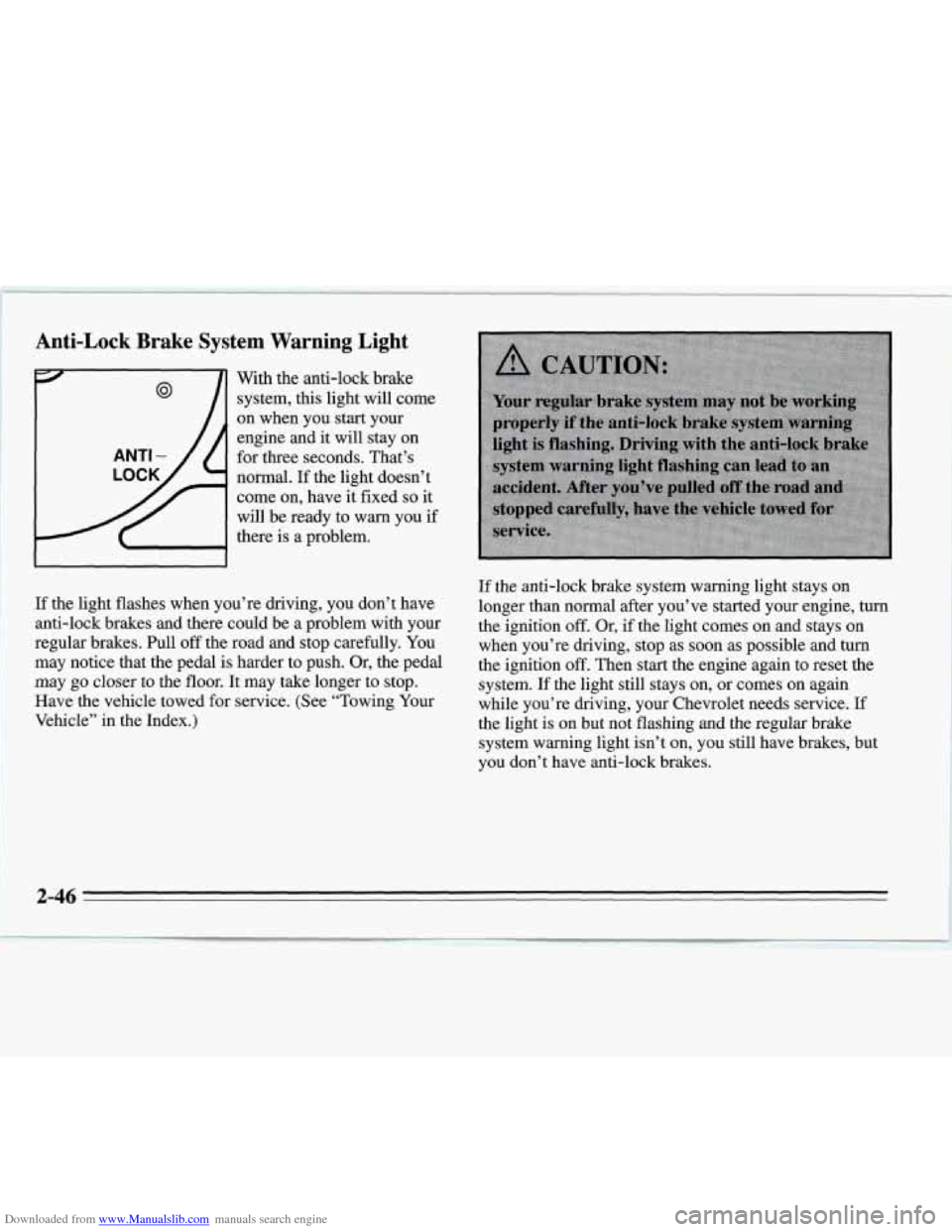
Downloaded from www.Manualslib.com manuals search engine Anti-Lock Brake System Warning Light
With the anti-lock brake
system,
this light will come
on when you start your
engine and
it will stay on
@
ANTI - for three seconds. That’s
normal.
If the light doesn’t
come on, have it fixed
so it
will be ready to warn you
if
there is a problem.
If the light flashes when you’re driving, you don’t have
anti-lock brakes and there could be a problem with your
regular brakes. Pull
off the road and stop carefully. You
may notice that the pedal is harder to push. Or, the pedal
may go closer to the floor. It may take longer to stop.
Have the vehicle towed for service. (See “Towing Your
Vehicle” in the Index.)
If the anti-lock brake system warning light stays on
longer than normal after you’ve started your engine, turn
the ignition
off. Or, if the light comes on and stays on
when you’re driving, stop as
soon as possible and tum
the ignition off. Then start the engine again to reset the
system.
If the light still stays on, or comes on again
while you’re driving, your Chevrolet needs service.
If
the light is on but not flashing and the regular brake
system warning light isn’t on, you still have brakes, but
you don’t have anti-lock brakes.
Page 103 of 324
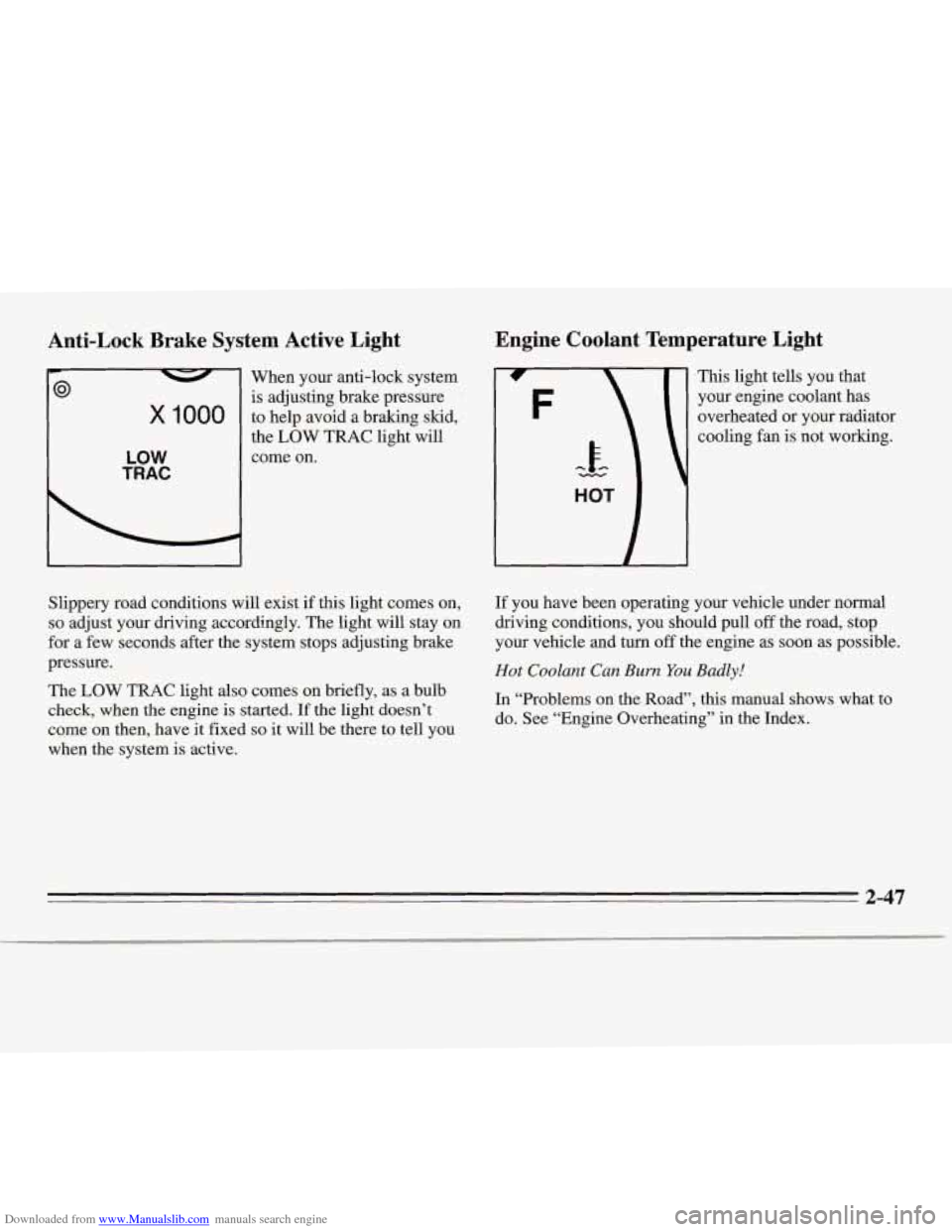
Downloaded from www.Manualslib.com manuals search engine Anti-Lock Brake System Active Light
x 1000
LOW
TRAC
When your anti-lock system
is adjusting brake pressure
to help avoid a braking skid,
the
LOW TRAC light will
come on.
Engine Coolant Temperature Light
This light tells you that
your engine coolant has
overheated
or your radiator
cooling
fan is not working.
Slippery road conditions will exist if this light comes on,
so adjust your driving accordingly. The light will stay on
for a few seconds after the system stops adjusting brake
pressure.
The
LOW TRAC light also comes on briefly, as a bulb
check, when the engine is started.
If the light doesn’t
come on then, have
it fixed so it will be there to tell you
when the system is active. If you
have been operating your vehicle under normal
driving conditions, you should pull
off the road, stop
your vehicle and
turn off the engine as soon as possible.
Hot Coolant Can Burn You Badly!
In “Problems on the Road”, this manual shows what to
do. See “Engine Overheating” in the Index.
2-47
Page 112 of 324

Downloaded from www.Manualslib.com manuals search engine System Controls
Fan Knob
The knob with the fan symbol selects the force of air
you want. To
turn the fan off, turn the knob to OFF.
Temperature Control
If your system does not have the auxiliary temperature
control option, the right knob changes the temperature
of the air coming through the system. Turn this knob
toward red (clockwise) for warmer air. Turn it toward
blue (counterclockwise) for cooler air.
If your system does have the auxiliary temperature
control option, the center levers change the temperature
of the air coming through the system. The DRIV lever
sets the temperature for the driver and rear seat
passengers, and the
PASS lever sets the temperature for
the front seat passenger.
Mode Knob
The left knob has several settings to control the direction
of air flow. For each setting, set the temperature
to a
comfortable setting.
MAX: This setting recirculates much of the air inside
your vehicle and sends
it through the instrument panel
outlets.
A/C: This setting brings in outside air and directs it
through the instrument panel outlets.
'fl BI-LEVEL: This setting brings in the outside
air and directs it two ways. Half of the air is directed
through the instrument panel outlets. Most of
the
remaining air is directed through the floor ducts and a
little to the defrost and side window vents.
fl VENT This setting brings in outside air and
directs it through the instrument panel outlets.
+fl FLOOR: This setting sends most of the air
through the ducts near the floor. The rest comes out of
the defrost and side window vents.
+' DEFOG: This setting allows half of the air to go
to the floor ducts and half to the defrost and side
window vents.
9 DEFROST This setting directs most of the air
through the defrost and side window vents. Some of the
air goes to the floor ducts.
I,.
e.
.
w.
3-2
Page 115 of 324
Downloaded from www.Manualslib.com manuals search engine Audio Systems
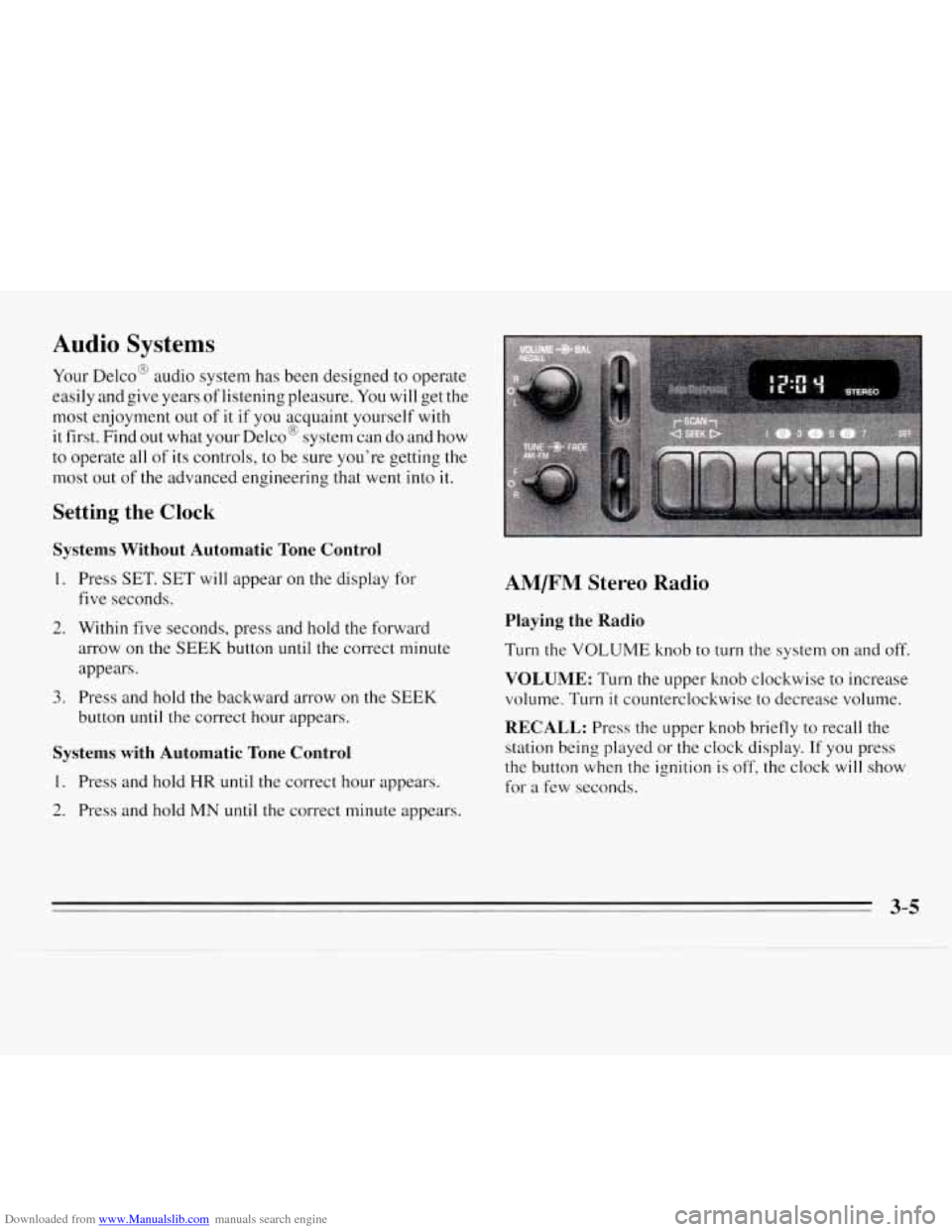
Your Delco@ audio system has been designed to operate
easily and give years of listening pleasure.
You will get the
most enjoyment out
of it if you acquaint yourself with
it first. Find
out what your Delco@ system can do and how
to operate all
of its controls, to be sure you’re getting the
most out
of the advanced engineering that went into it.
Setting the Clock
Systems Without Automatic Tone Control
1.
2.
3.
Press SET. SET will appear on the display for
five seconds.
Within five seconds, press and hold the forward
arrow on the
SEEK button until the correct minute
appears.
Press and hold
the backward arrow on the SEEK
button until the correct hour appears.
Systems with Automatic Tone Control
1. Press and hold HR until the correct hour appears.
2. Press and hold MN until the correct minute appears.
AM/FM Stereo Radio
Playing the Radio
Turn the VOLUME knob to turn the system on and off.
VOLUME: Turn the upper knob clockwise to increase
volume. Turn
it counterclockwise to decrease volume.
RECALL: Press the upper knob briefly to recall the
station being played
or the clock display. If you press
the button when the ignition is
off, the clock will show
for a few seconds.
Page 118 of 324
Downloaded from www.Manualslib.com manuals search engine REV: Press this button to reverse the tape rapidly. Press
it again to return
to playing speed. The radio will play
while the tape reverses.
FWD: Press this button to advance quickly to another
part of the tape. Press the button again to return to
playing speed. The radio will play while the tape
advances.
PROGRAM: Press the upper knob to change the side of
the tape that is playing.
EJECT Press this button to remove the tape. The radio
will play.
Cln: This message may appear on the display. If it does,
your cassette tape player needs to be cleaned. It will still
play tapes, but you should clean
it as soon as possible to
prevent damage
to your tapes and player. See “Care of
Your Cassette Tape Player” in the Index. After you clean
the player, press and hold EJECT for five seconds to
reset the Cln indicator.
“- - -” will appear in the display
to show the indicator was reset.
AM/FM Stereo Radios with Automatic Tone
Control
If your Chevrolet has a radio with Automatic Tone
Control,
the instructions below will explain how to use
the radio. To find out if your radio has Automatic Tone
Control, look for an AUTO TONE button. If the system
has one, you have Automatic Tone Control. If not,
see
the systems explained earlier in this section.
Playing the Radio
Press the PWR knob to turn the system on and off.
VOL: Turn this knob clockwise to increase volume.
Turn it counterclockwise to decrease volume.
SCV: Your system has a feature called
speed-compensated volume (SCV). With SCV, your
audio system makes up for road noise by getting louder
as you drive faster. The control behind the upper knob
has SCV positions. The top position has a higher
maximum volume and gets louder faster than the middle
two positions. If you don’t want to use SCV, turn the
control all the way down.
RECALL: Press this button to recall the station being
played. If you press the button when the ignition is off,
the clock will show for a few seconds.
3-8
Page 123 of 324
Downloaded from www.Manualslib.com manuals search engine AM FM: Press this button to play the radio when a disc
is in the player. The letters
CD will go off the display.
CD AUX: Press this button to change to the disc
function when the radio is on.
CD will appear on the
display when the disc is active.
EJECT Press this button to remove the disc. The radio
will play.
If you turn off the ignition or radio with
a disc in the
player,
it will stay in the player. When you turn on the
ignition or system, the disc will start playing where
it
was stopped. If you press EJECT but don’t remove the
disc within
25 seconds, the player will pull the disc back
in
to protect it.
THEFTLOCK TM
Your system has this feature if it shows THEFTLOCK
on its face. THEFTLOCK is a theft-deterrent feature
that can
be used or ignored. If you ignore it, your system
will play normally. If you use it, your system can’t be
turned on if it is stolen because
it locks anytime battery
power is removed. To unlock it,
a code must be entered.
These instructions
will tell you how to enter a code into
your system. They
also tell you how to unlock the
system with your code and how to shut off the
THEFTLOCK system.
Entering a Code
1. Write down any number from 000 to 1999. This is
your code.
2. Turn the ignition to ACC or RUN.
3. Turn the radio off.
4. Press the 1 and 4 preset buttons at the same time and
hold until
“- - -7’ shows on the display.
You now have only 15 seconds between each of the
following steps.
5. Press MN and “OOO” will appear on the display.
6. Press MN again and hold until the last two digits of
your code appear.
7. Press and hold HR until the first digit or digits of
your code appear.
8. Press AM FM after you make sure the code matches
the one you wrote down. “rEP” will appear on the
display, meaning you should repeat Steps
5 through 7.
should appear on the display, meaning your system is
secured. If your ignition is off, THEFTLOCK will
flash in the display.
Store the paper with your code written on it
in a safe
place (not
in your vehicle).
9. After you repeat the steps, press AM FM. SEC
3-13