1995 CHEVROLET MONTE CARLO lock
[x] Cancel search: lockPage 124 of 324
Downloaded from www.Manualslib.com manuals search engine Unlocking the System
If battery power is removed for any reason, LOC will
appear on the display when power is reapplied.
You will
need to enter your code to unlock the system. You have
only
15 seconds between each of the following steps.
Disabling THEFTLOCK
If you want to turn off THEFTLOCK, you will need to
enter your code. If
you lose or forget your code, see
your dealer.
1. Turn the ignition on and the radio off.
2. Press the 1 and 4 preset buttons at the same time and
hold until
SEC shows on the display.
1. Turn the ignition on. LOC will appear on the display.
2. Press MN and “000” will appear on the display.
3. Press MN again and hold until the last two digits of
your code appear.
your code appear.
4. Press and hold HR until the first digit or digits of
5. Press AM FM after you make sure the code matches
the one you wrote down. SEC should appear on the
display, meaning you can now use your system, and
it is secured. If LOC appears, you entered the wrong
code and the system is still locked.
If you lose
or forget your code and cannot unlock the
system, contact your dealer.
You now have only 15 seconds between each of the
following steps.
3. Press
MN and “000” will appear on the display.
4. Press MN again and hold until the last two digits of
your code appear.
5. Press and hold HR until the first digit or digits of
your code appear.
6. Press AM FM after you make sure the code matches
the one you wrote down.
“- - -” should appear on the
display, meaning your system is unsecured.
If SEC
appears, you entered the wrong code and the system
is still secured.
3-14
Page 134 of 324
Downloaded from www.Manualslib.com manuals search engine Avoid needless heavy braking. Some people drive
in spurts
-- heavy acceleration followed by heavy
braking
-- rather than keeping pace with traffic. This
is a mistake. Your brakes may
not have time to cool
between hard stops. Your brakes will wear out much
faster if you do a
lot of heavy braking. If you keep pace
with
the traffic and allow realistic following distances,
you will eliminate a lot of unnecessary braking. That
means better braking and longer brake life.
If your engine ever stops while you’re driving, brake
normally but don’t pump your brakes. If you do, the
pedal may get harder to push down. If your engine
stops, you will still have some power brake assist. But
you will use it when you brake. Once the power assist is
used up,
it may take longer to stop and the brake pedal
will be harder to push.
Anti-Lock Brakes (ABS)
Your Chevrolet has an advanced electronic braking
system that will help prevent a braking skid.
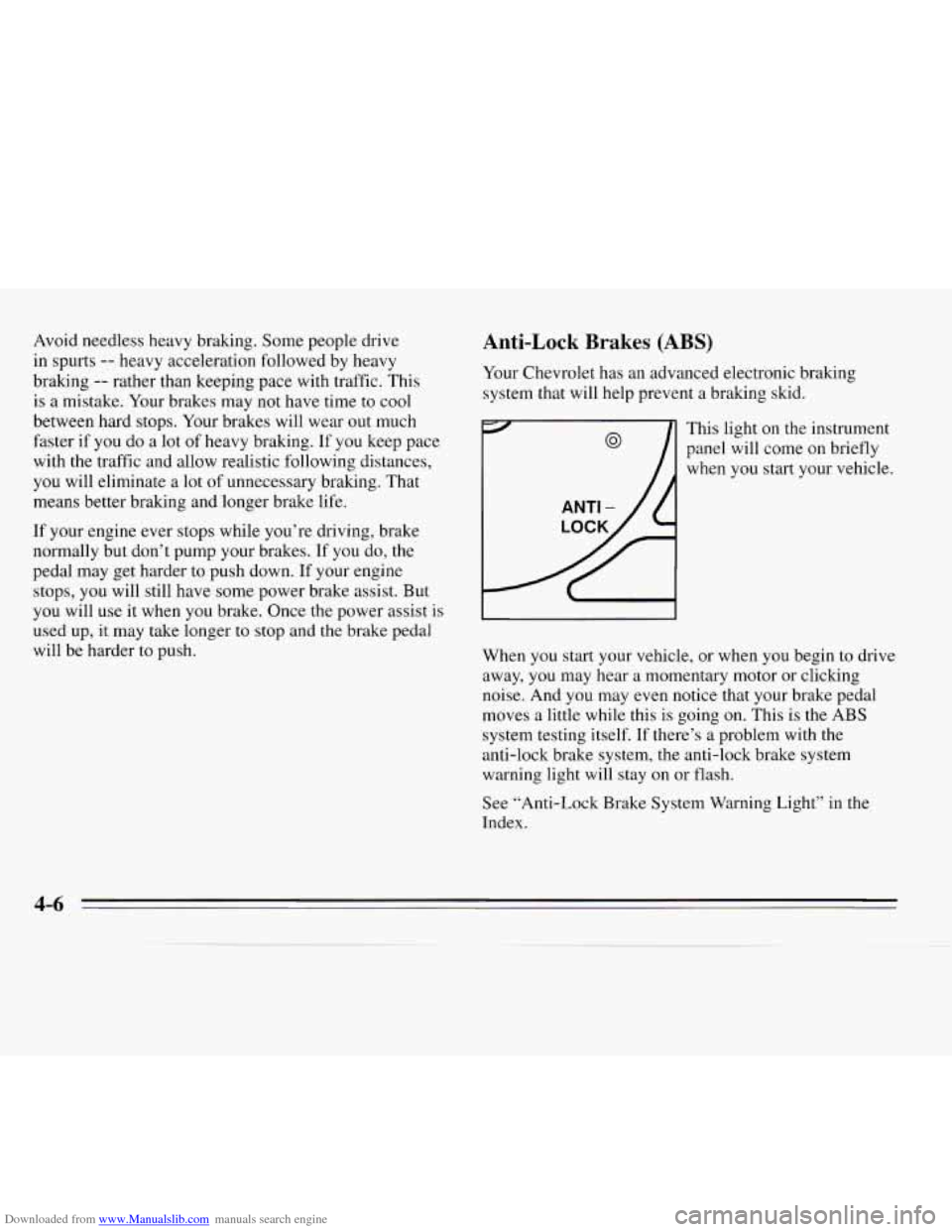
ANTI -
LOCI
This light
panel will
when you on the
instrument
come on briefly
start your vehicle.
When you start your vehicle,
or when you begin to drive
away, you may hear a momentary motor or clicking
noise. And you may even notice that your brake pedal
moves a little while this
is going on. This is the ABS
system testing itself.
If there’s a problem with the
anti-lock brake system, the anti-lock brake system
warning light will stay on or flash.
See “Anti-Lock Brake System Warning Light’’ in the
Index.
4-6
Page 135 of 324
Downloaded from www.Manualslib.com manuals search engine The anti-lock system can change the brake pressure faster
than any driver could. The computer is programmed to
make the
most of available tire and road conditions.
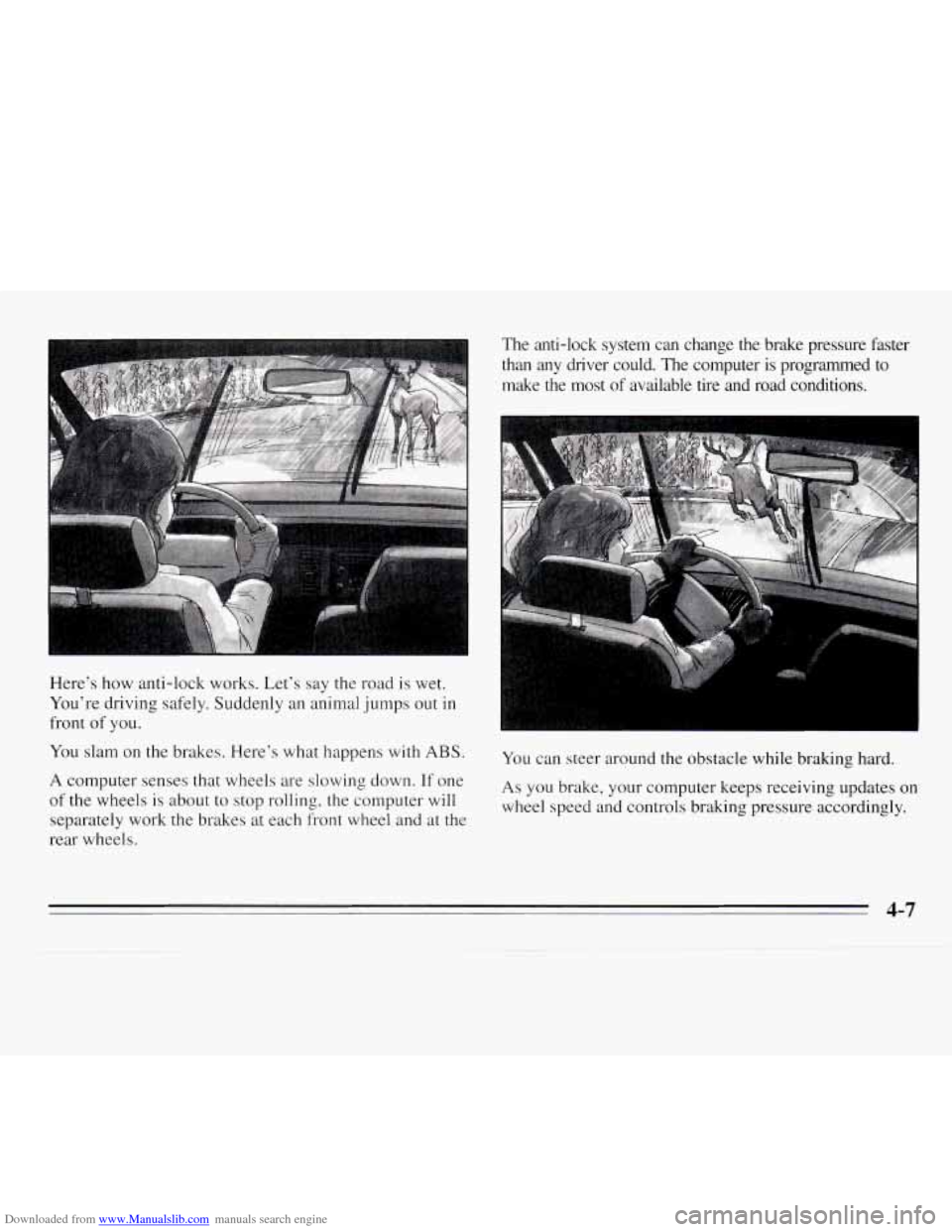
Here’s how anti-lock works. Let’s say the road is wet.
You’re driving safely. Suddenly an animal jumps out
in
front of you.
You slam on the brakes. Here’s what happens with
ABS.
A computer senses that wheels are slowing down. If one
of the wheels
is about to stop rolling, the computer will
separately work the brakes at each front wheel and at the
rear wheels.
You can steer around the obstacle while braking hard.
As you brake, your computer keeps receiving updates on
wheel speed and controls braking pressure accordingly.
4-7
Page 136 of 324
Downloaded from www.Manualslib.com manuals search engine Remember: Anti-lock doesn’t change the time you need
to get your foot up to the brake pedal. If you get too
close to the vehicle in front of you, you won’t have time
to apply your brakes if that vehicle suddenly slows or
stops. Always leave enough room up ahead
to stop, even
though
you have anti-lock brakes.
To Use Anti-Lock
Don’t pump the brakes. Just hold the brake pedal down
and let anti-lock work for you.
You may feel the system
worhng, or you may notice some noise, but this is
normal. When your anti-lock system
is adjusting brake
pressure to help avoid a braking skid, the
LOW TRAC
light will come on. See “Anti-Lock Brake System
Active Light” in the Index.
Braking in Emergencies
Use your anti-lock braking system when you need to.
With anti-lock, you can steer and brake at the same
time.
In many emergencies, steering can help you more
than even the
very best braking.
Steering
Power Steering
If you lose power steering assist because the engine
stops or the system is not functioning, you can steer but
it will take much more effort.
Steering Tips
Driving on Curves
It’s important to take curves at a reasonable speed.
A
lot of the “driver lost control” accidents mentioned on
the news happen on curves. Here’s why:
Experienced driver
or beginner, each of us is subject to
the same laws of physics when driving on curves. The
traction of the tires against the road surface makes
it
possible for the vehicle to change its path when you turn
the front wheels. If there’s no traction, inertia will keep
the vehicle going in the same direction. If you’ve ever
tried to steer
a vehicle on wet ice, you’ll understand this.
Page 138 of 324
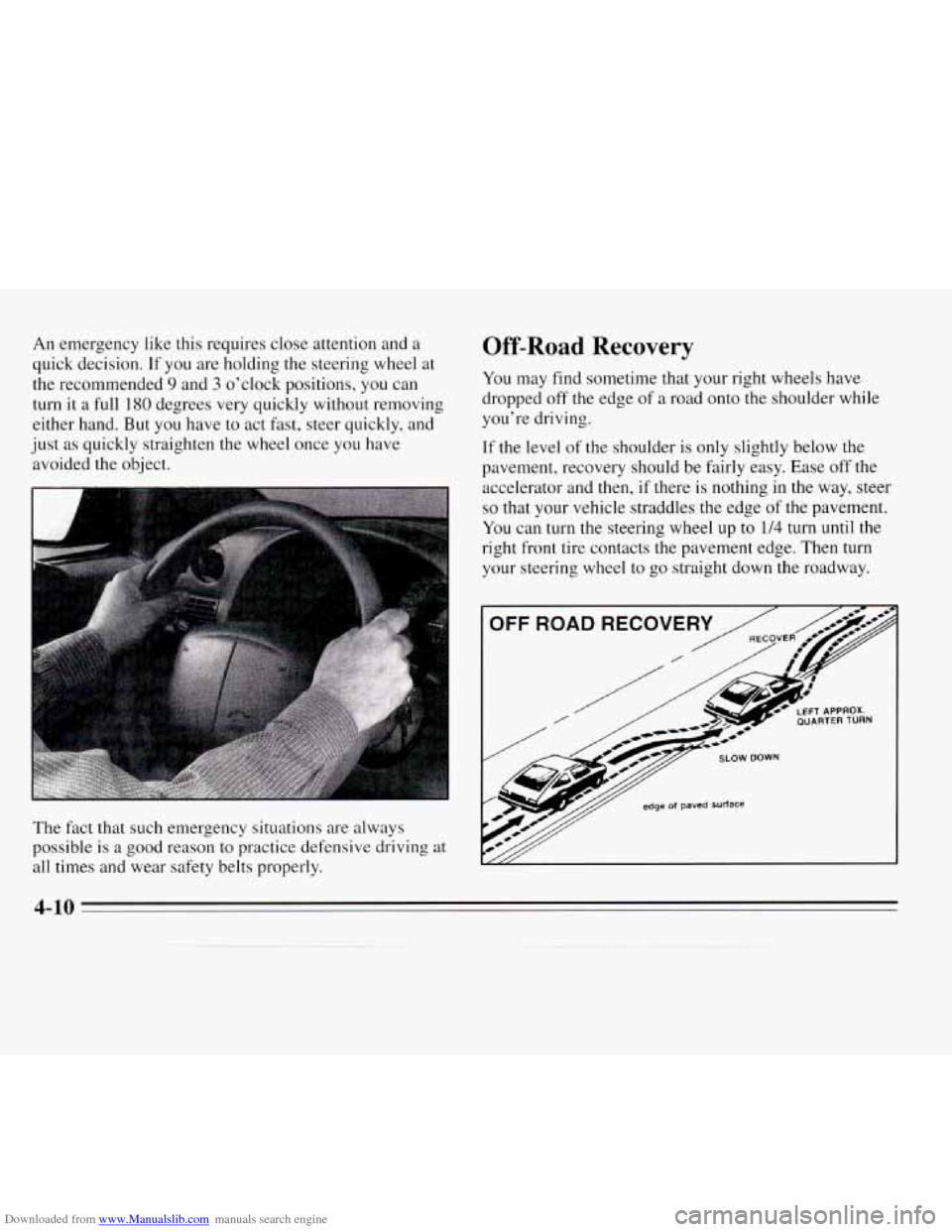
Downloaded from www.Manualslib.com manuals search engine An emergency like this requires close attention and a
quick decision. If you are holding the steering wheel at
the recommended
9 and 3 o’clock positions, you can
turn it a full
180 degrees very quickly without removing
either hand. But you have
to act fast, steer quickly, and
just
as quickly straighten the wheel once you have
avoided the object.
The fact that such emergency situations are always
possible is
a good reason to practice defensive driving at
all times and wear safety belts properly.
Off-Road Recovery
You may find sometime that your right wheels have
dropped off the edge of
a road onto the shoulder while
you’re driving.
If the level of the shoulder is only slightly below the
pavement, recovery should be fairly easy. Ease
off the
accelerator and then, if there is nothing in the way, steer
so that your vehicle straddles the edge of the pavement.
You can turn the steering wheel up to 1/4 turn until the
right front tire contacts the pavement edge. Then
turn
your steering wheel to go straight down the roadway.
4-10
Page 141 of 324
Downloaded from www.Manualslib.com manuals search engine A cornering skid and an acceleration skid are best
handled by easing your foot off the accelerator pedal.
If your vehicle starts to slide, ease your foot off
the
accelerator pedal and quickly steer the way you want the
vehicle to go. If you start steering quickly enough, your
vehicle may straighten out. Always be ready for a
second skid if it occurs.
Of course, traction is reduced when water, snow, ice,
gravel, or other material is on the road. For safety,
you’ll
want to slow down and adjust your driving to these
conditions. It is important to slow down on slippery
surfaces because stopping distance will be longer and
vehicle control more limited.
While driving on
a surface with reduced traction, try your
best to avoid sudden steering, acceleration, or braking
(including engine braking by shifting to a lower gear).
Any sudden changes could cause the tires to slide.
You
may not realize the surface is slippery until your vehicle
is skidding. Learn to recognize warning clues
-- such
as enough water, ice or packed snow on the road to make
a “mirrored surface”
-- and slow down when you
have any doubt.
Remember: Any anti-lock brake system
(ABS) helps
avoid only
the braking skid.
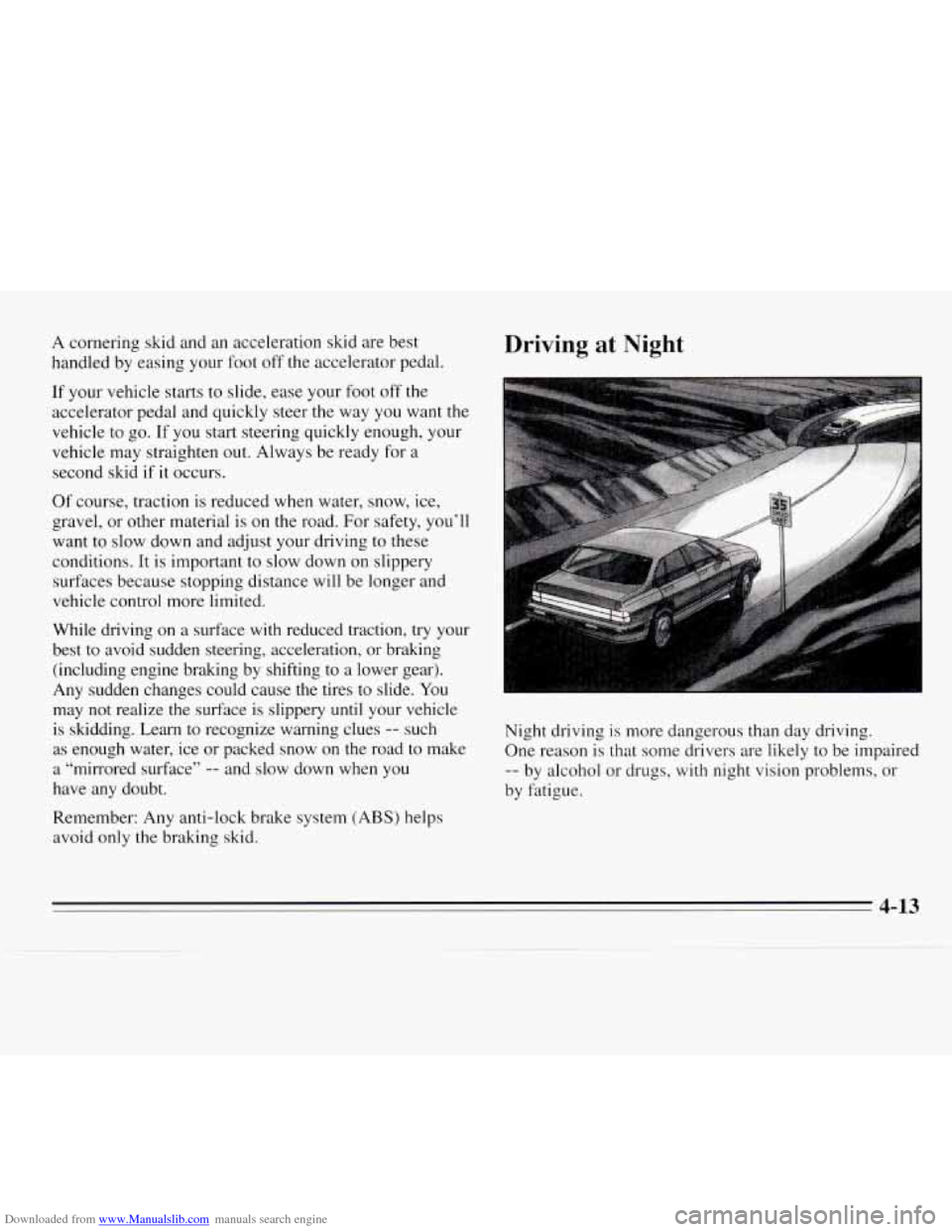
Driving at Night
F _+--
Night driving is more dangerous than day driving.
One reason is that some drivers are likely to be impaired
-- by alcohol or drugs, with night vision problems, or
by fatigue.
4-13
Page 151 of 324
Downloaded from www.Manualslib.com manuals search engine Driving on Snow or Ice
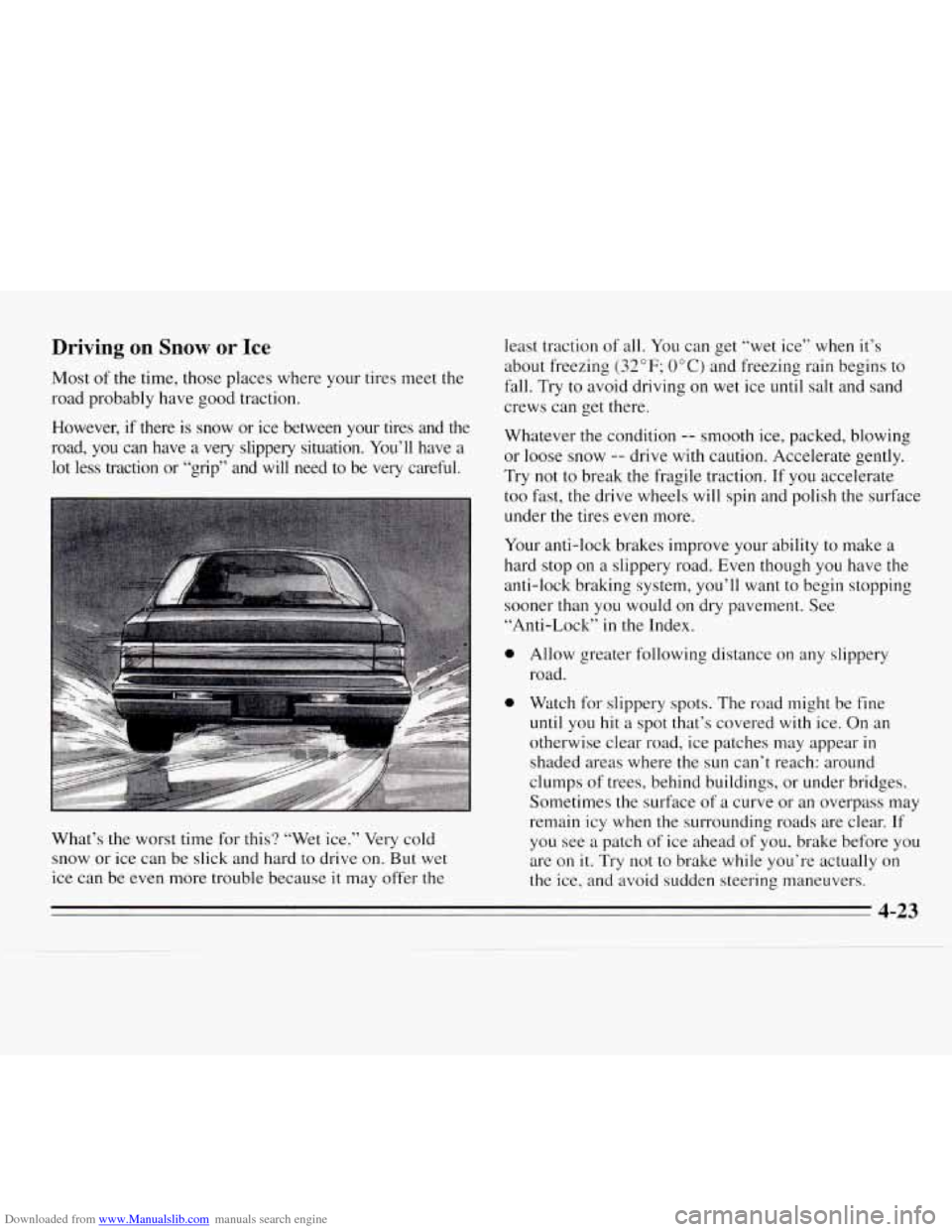
Most of the time, those places where your tires meet the
road probably have good traction.
However, if there is snow or ice between your tires and the
road, you can have a very slippery situation. You’ll have a
lot less traction or “grip” and will need to be very careful.
What’s the worst time for this? “Wet ice.” Very cold
snow or ice can be slick and hard
to drive on. But wet
ice can be even more trouble because it may offer the least traction
of all. You can get “wet ice” when it’s
about freezing
(32” F; OOC) and freezing rain begins to
fall. Try
to avoid driving on wet ice until salt and sand
crews can get there.
Whatever the condition
-- smooth ice, packed, blowing
or loose snow
-- drive with caution. Accelerate gently.
Try not to break the fragile traction. If you accelerate
too fast, the drive wheels will spin and polish the surface
under the tires even more.
Your anti-lock brakes improve your ability to make a
hard stop
on a slippery road. Even though you have the
anti-lock braking system, you’ll want to begin stopping
sooner than you would on dry pavement. See
“Anti-Lock”
in the Index.
0
0
Allow greater following distance on any slippery
road.
Watch for slippery spots. The road might be fine
until you hit a spot that’s covered with ice. On an
otherwise clear road, ice patches may appear
in
shaded areas where the sun can’t reach: around
clumps of trees, behind buildings, or under bridges.
Sometimes the surface
of a curve or an overpass may
remain icy when the surrounding roads are clear. If
you see
a patch of ice ahead of you, brake before you
are
on it. Try not to brake while you’re actually on
the ice, and avoid sudden steering maneuvers.
4-23
Page 159 of 324
Downloaded from www.Manualslib.com manuals search engine Hitches Safety Chains
It’s
important to have the correct hitch equipment.
Crosswinds, large trucks going by, and rough roads are
a
few reasons why you’ll need the right hitch. Here are
some rules to follow:
e
e
Will you have to make any holes in the body of your
vehicle when you install
a trailer hitch? If you do,
then be sure to seal the holes later when you remove
the hitch.
If you don’t seal them, deadly carbon
monoxide (CO) from your exhaust can get into your
vehicle (see “Carbon Monoxide”
in the Index). Dirt
and water can, too.
The bumpers on your vehicle are not intended for
hitches. Do not attach rental hitches or other
bumper-type hitches to them. Use only
a
frame-mounted hitch that does not attach to the
bumper.
You should always attach chains between your vehicle
and your trailer. Cross the safety chains under the tongue
of the trailer
so that the tongue will not drop to the road
if it becomes separated from the hitch. Instructions
about safety chains may be provided by the hitch
manufacturer or by the trailer manufacturer. Follow the
manufacturer’s recommendation for attaching safety
chains and do not attach them to the bumper. Always
leave just enough slack
so you can turn with your rig.
And, never allow safety chains to drag on the ground.
Trailer Brakes
Because you have anti-lock brakes, do not try to tap into
your vehicle’s brake system. If you do, both brake
systems won’t work well, or at
all.
4-3 1