Page 90 of 380
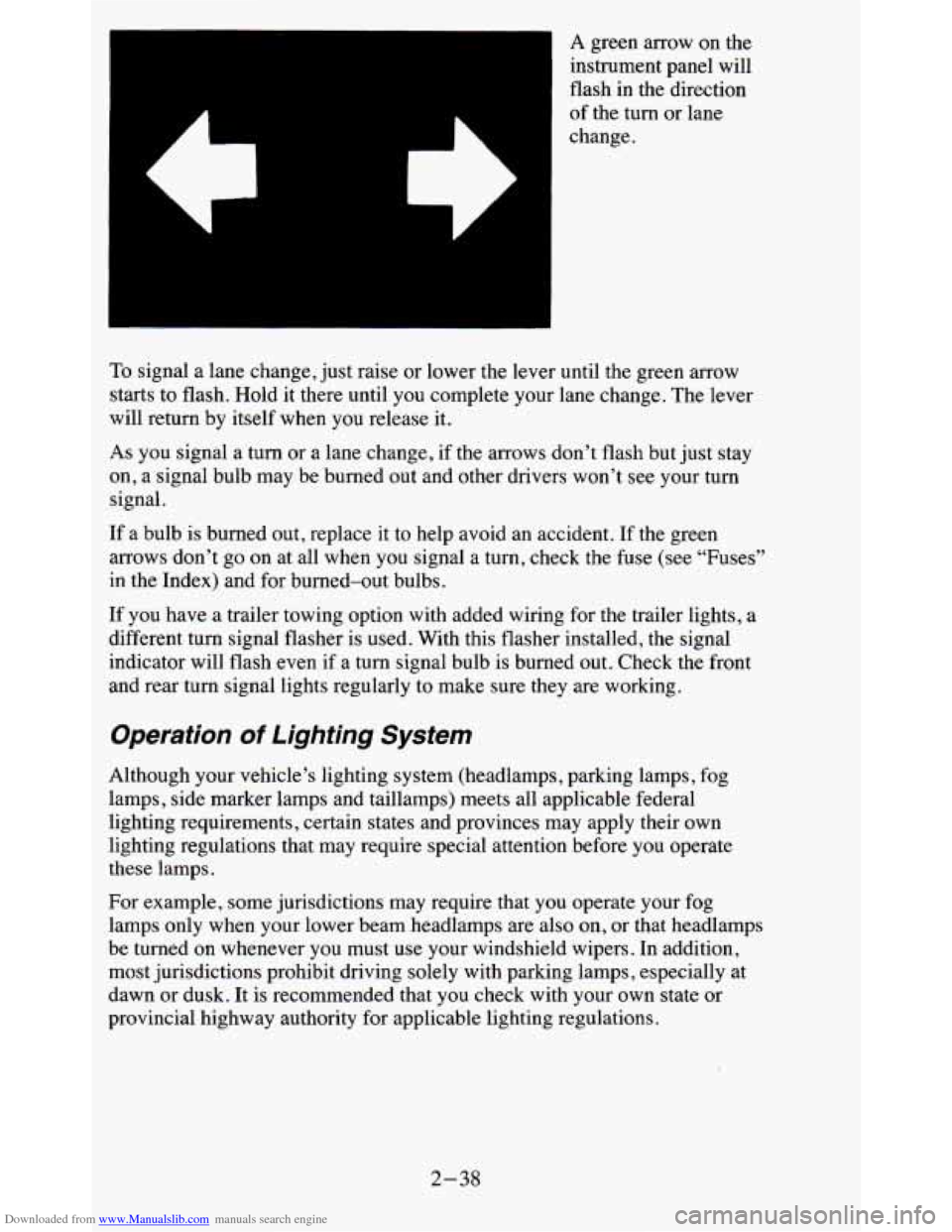
Downloaded from www.Manualslib.com manuals search engine A green arrow on the
instrument panel will
flash
in the direction
of the turn or lane
change.
To signal a lane change, just raise or lower the lever until the green arrow
starts to flash. Hold it there until you complete your lane change. The lever
will return by itself when you release it.
As you signal a turn or a lane change, if the arrows don’t flash but just stay
on, a signal bulb may be burned out and other drivers won’t see your turn
signal.
If a bulb is burned out, replace it to help avoid an accident. If the green
arrows don’t go on at all when
you signal a turn, check the fuse (see “Fuses”
in the Index) and for burned-out bulbs.
If you have a trailer towing option with added wiring for the trailer lights, a
different turn signal flasher is used. With this flasher instal\
led, the signal
indicator will flash even if
a turn signal bulb is burned out. Check the front
and rear turn signal lights regularly to make sure they are w\
orking.
Operation of Lighting System
Although your vehicle’s lighting system (headlamps, parking lamps, fog
lamps, side marker lamps and taillamps) meets all applicable federal
lighting requirements, certain states and provinces may apply their own
lighting regulations that may require special attention before you operate
these lamps.
For example, some jurisdictions may require that you operate your fog
lamps only when your lower beam headlamps are also on,
or that headlamps
be turned on whenever you must use your windshield wipers. In \
addition,
most jurisdictions prohibit driving solely with parking lamps, especially at
dawn or dusk. It is recommended that you check with your own state or
provincial highway authority for applicable lighting regulations.
2-38
Page 91 of 380
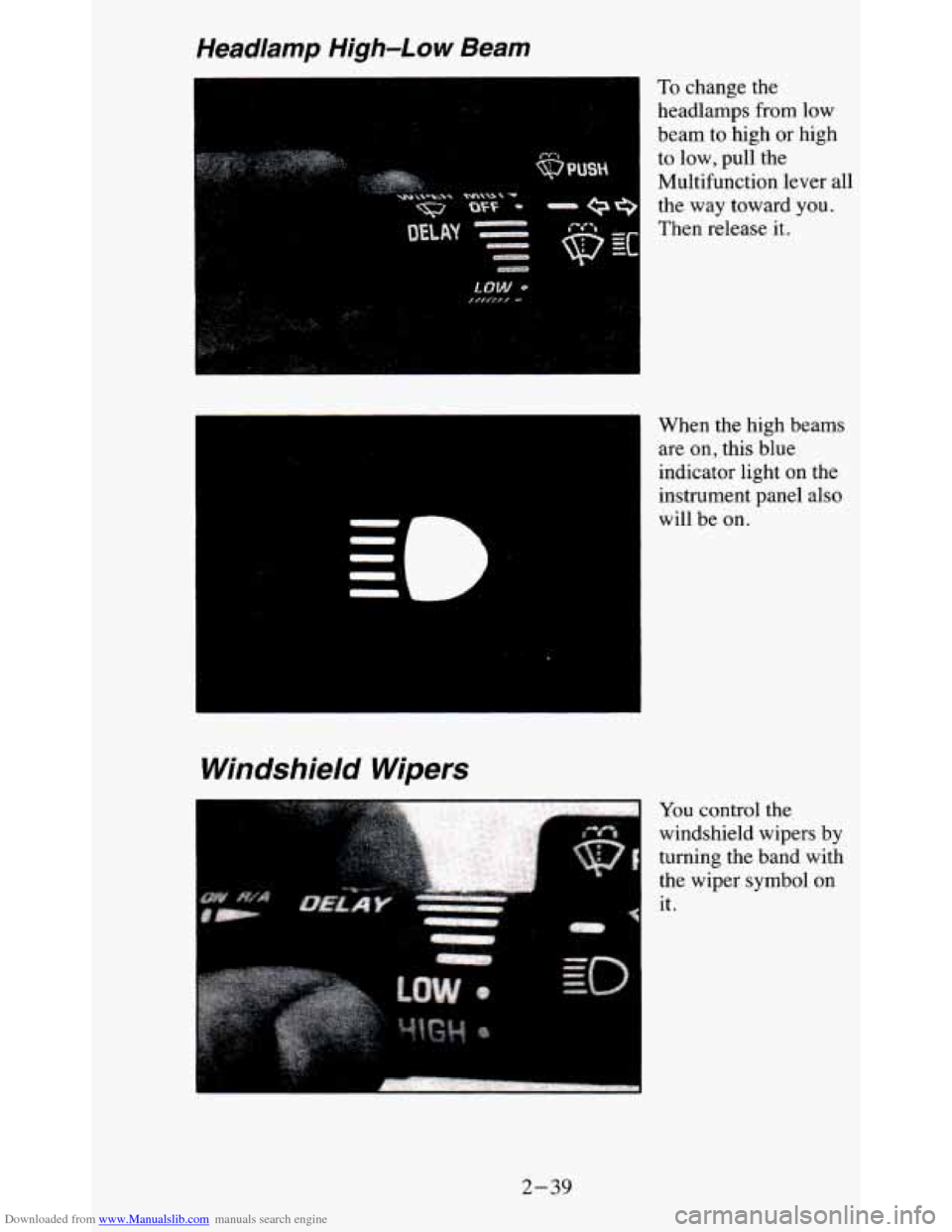
Downloaded from www.Manualslib.com manuals search engine To change the
headlamps from low
beam to high or high
to low, pull the
Multifunction lever all
the
way toward you.
Then release it.
When the high beams are on, this blue
indicator light on the
instrument panel also
will be on.
Windshield Wipers
--
QI
You control the
windshield wipers by
turning the band with
the wiper symbol on
it.
2-39
Page 104 of 380
Downloaded from www.Manualslib.com manuals search engine Outside Mirrors
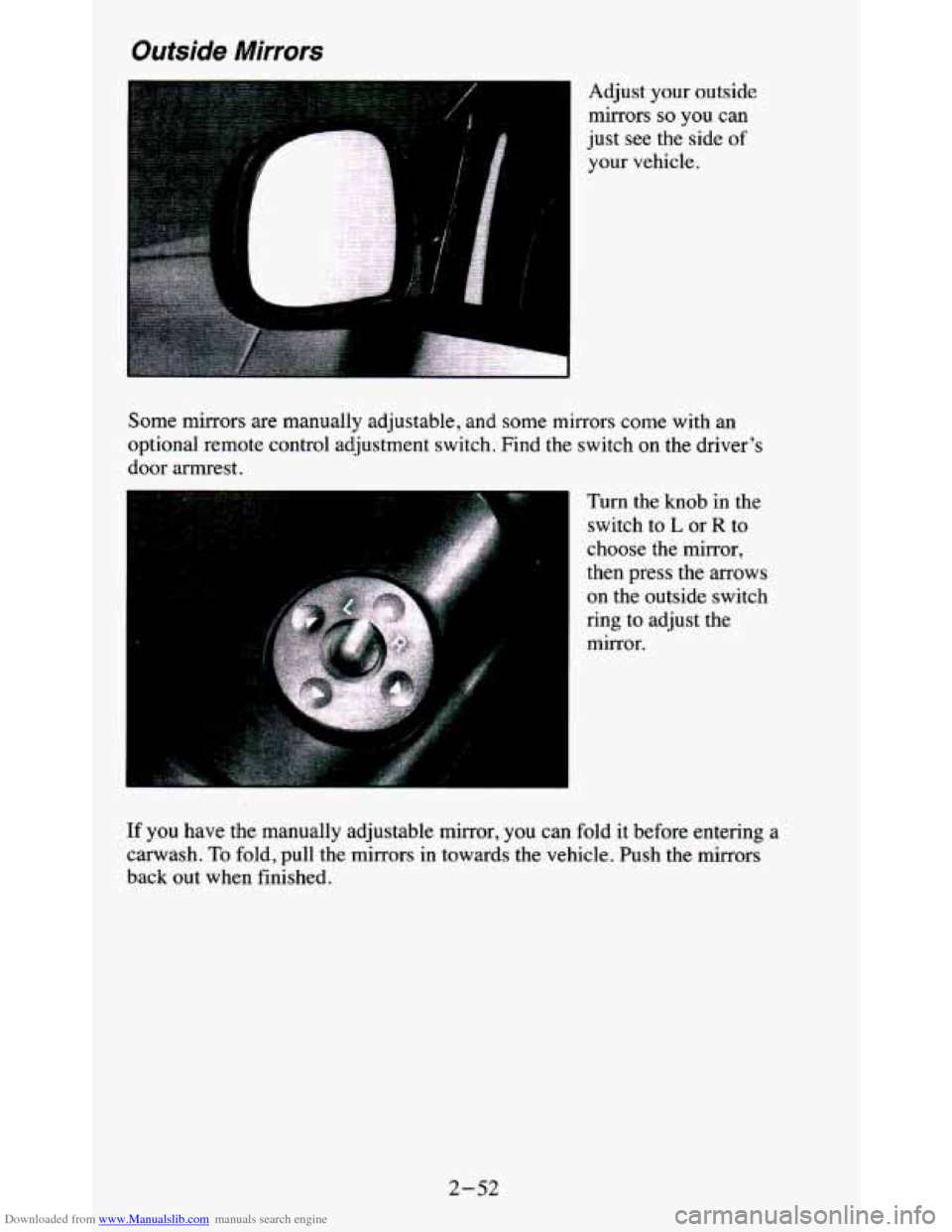
Adjust your outside mirrors
so you can
just see
the side of
your vehicle.
Some mirrors are manually adjustable, and
some mirrors come with an
optional remote control adjustment switch. Find the switch
on the driver’s
door armrest.
Turn the knob in the
switch
to L or R to
choose the mirror,
then press the arrows
on the outside switch
ring to adjust the mirror.
If you have the manually adjustable mirror, you can fold it before entering a
canvash. To fold, pull the mirrors in towards the vehicle. Push the mirrors
back out when finished.
2-52
Page 108 of 380
Downloaded from www.Manualslib.com manuals search engine Storage Compartments
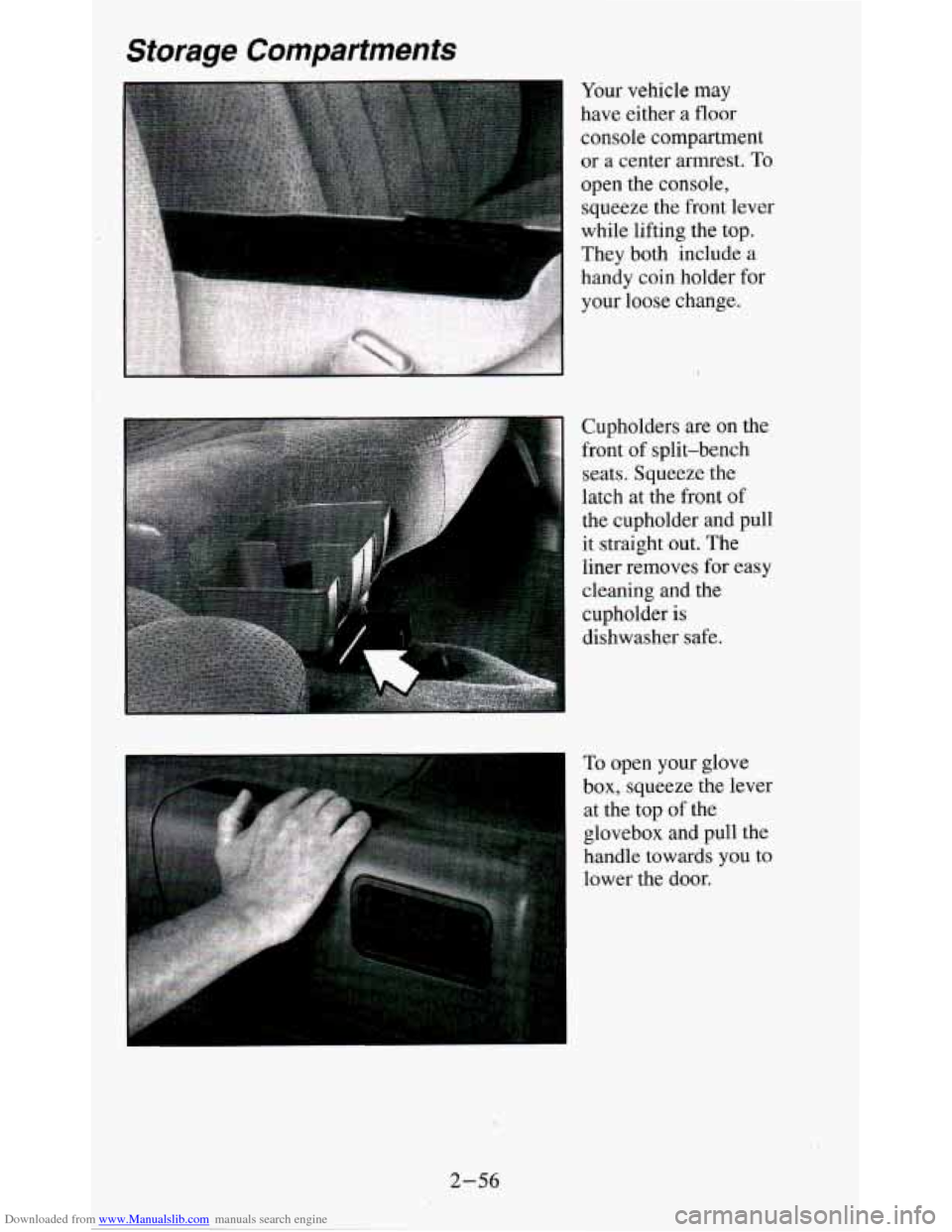
Cupholders are on the
front of split-bench
seats. Squeeze the
latch at the front of
the cupholder and pull
it straight out. The
liner removes
for easy
cleaning and the
cupholder is
dishwasher safe.
To open your glove
box, squeeze the lever
at the top of the
glovebox and pull the
handle towards
you to
lower the door.
2-56
Page 122 of 380
Downloaded from www.Manualslib.com manuals search engine You will see this light flash for a few seconds when you turn your ignition
to
RUN or START. Then the light should go out. This means the system is
ready.
If the air bag readiness light doesn’t come on when you start your vehicle,
or stays on,
or comes on when you are driving, your air bag system may not
work properly. Have your vehicle serviced right away.
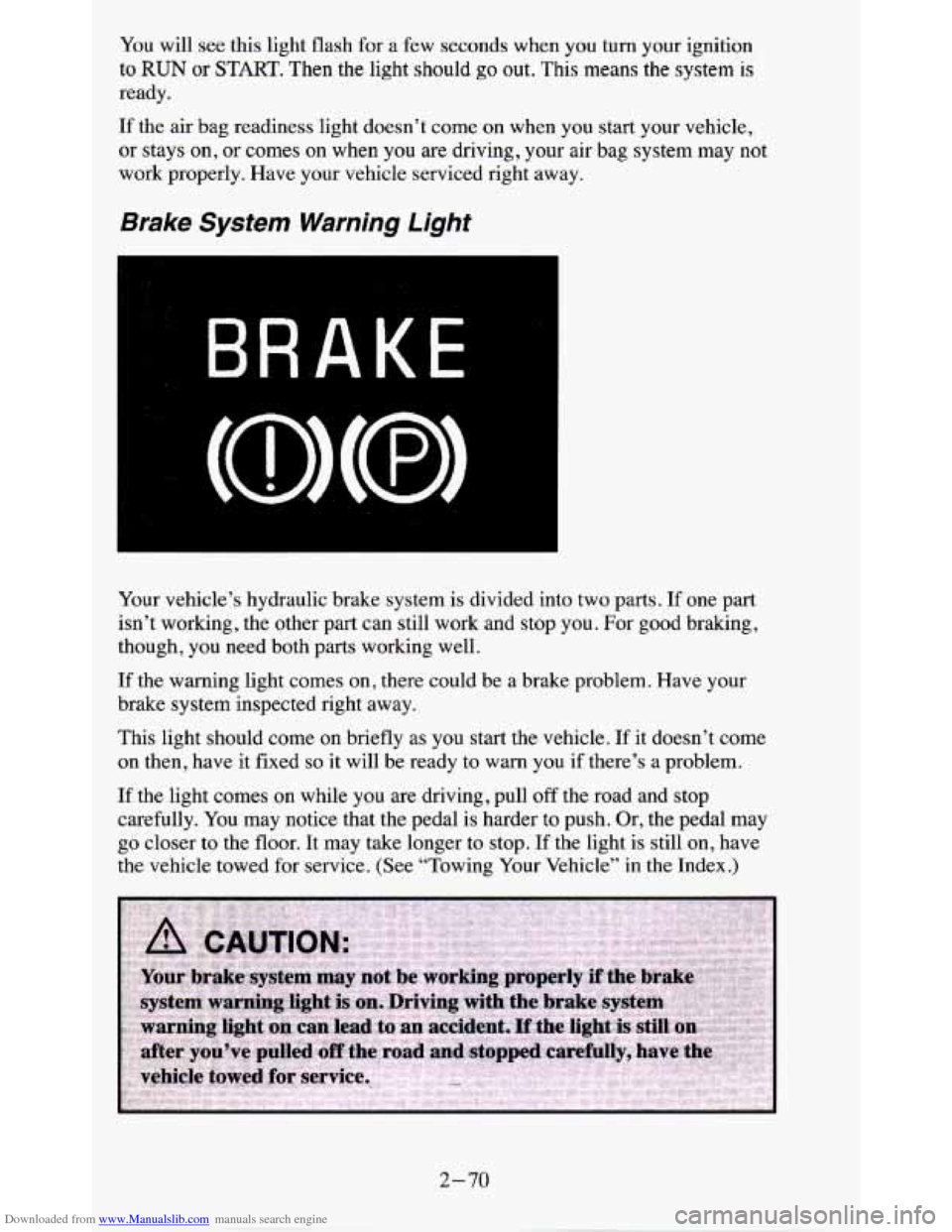
Brake System Warning Light
Your vehicle’s hydraulic brake system is divided into two parts. If one part
isn’t working, the other part can still work and stop
you. For good braking,
though, you need both parts working well.
If the warning light comes on, there could be a brake problem. Have your
brake system inspected right away.
This light should come on briefly
as you start the vehicle. If it doesn’t come
on then, have it fixed
so it will be ready to warn you if there’s a problem.
If the light comes on while you are driving, pull off the road and stop
carefully. You may notice that the pedal
is harder to push. Or, the pedal may
go closer to the floor. It may take longer to stop.
If the light is still on, have
the vehicle towed for service. (See “Towing Your Vehicle” in
the Index.)
2-70
Page 135 of 380
Downloaded from www.Manualslib.com manuals search engine Comfort Controls & Audio Systems
Section
U
In this section you'll find out how to operate the comfort control systems
and audio systems offered with your vehicle. Be sure to read about the
particular system supplied with your vehicle.
Comfort Controls
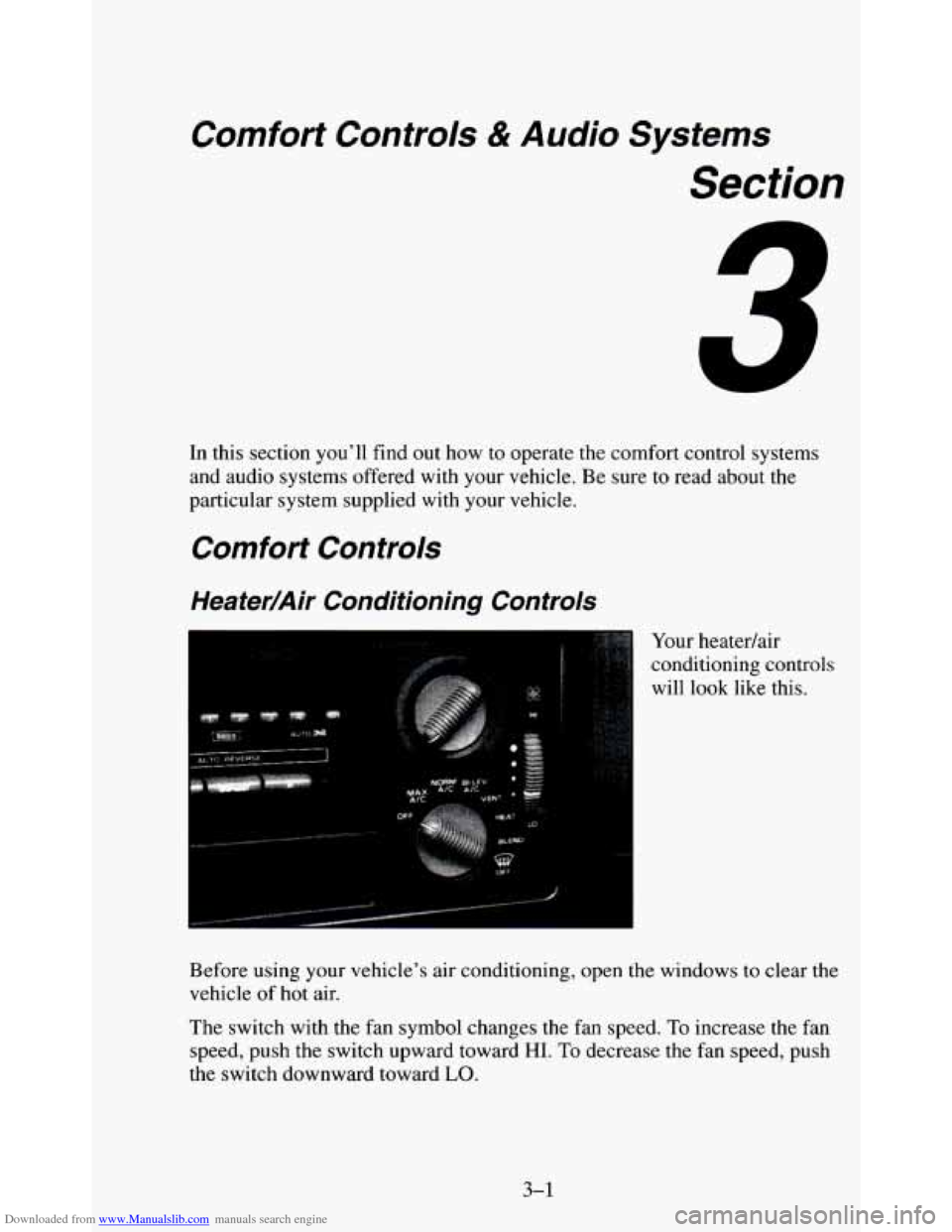
Heater/Air Conditioning Controls
, ..,.. Your heatedair
conditioning controls
will look like this.
Before using your vehicle's air conditioning, open the windows to clear the
vehicle of
hot air.
The switch with the fan symbol changes the fan speed, To increase the fan
speed, push the switch upward toward HI. To decrease the fan speed, push
the switch downward toward
LO.
3-1
Page 190 of 380
Downloaded from www.Manualslib.com manuals search engine Recreational Vehicle Towing (Four- Wheel
Drive Only)
If your vehicle has four-wheel drive, you may tow it behind another vehicle
providing it
does not have the optional electronic shift transfer case or
all-wheel drive.
Do not tow the vehicle by the rear bumper bar.
NOTICE:
Recreational vehicle towing is not recommended for vehicles
with the optional electronic shift transfer case or all-wheel d\
rive
because the transfer cases have
no neutral position.
Before towing, you should:
1. Set the parking brake firmly.
2. Place the automatic transmission in PARK (P) or the manual
transmission in the lowest gear (FIRST).
3. Firmly attach the vehicle being towed to the tow vehicle. Refe\
r to the
hitch manufacturer’s instructions.
4. Place the transfer case shift lever in NEUTRAL (N).
NOTICE:
Removal of either propeller shaft is unnecessary.
~~ ~~
1. Release the parking brake only after the vehicle being towed i\
s firmly
attached to the tow vehicle.
4-36
Page 191 of 380
Downloaded from www.Manualslib.com manuals search engine 2. Insert the ignition key into the ignition switch and turn it one notch
forward of the
LOCK position. This places the key into the OFF
position, which unlocks the steering column while preventing battery
drain. Unlocking the steering column
will allow for proper movement
of the front wheeldtires during towing.
I NOTICE:
I You should exercise extra care whenever towing another vehicle. \
Loading Your Vehicle
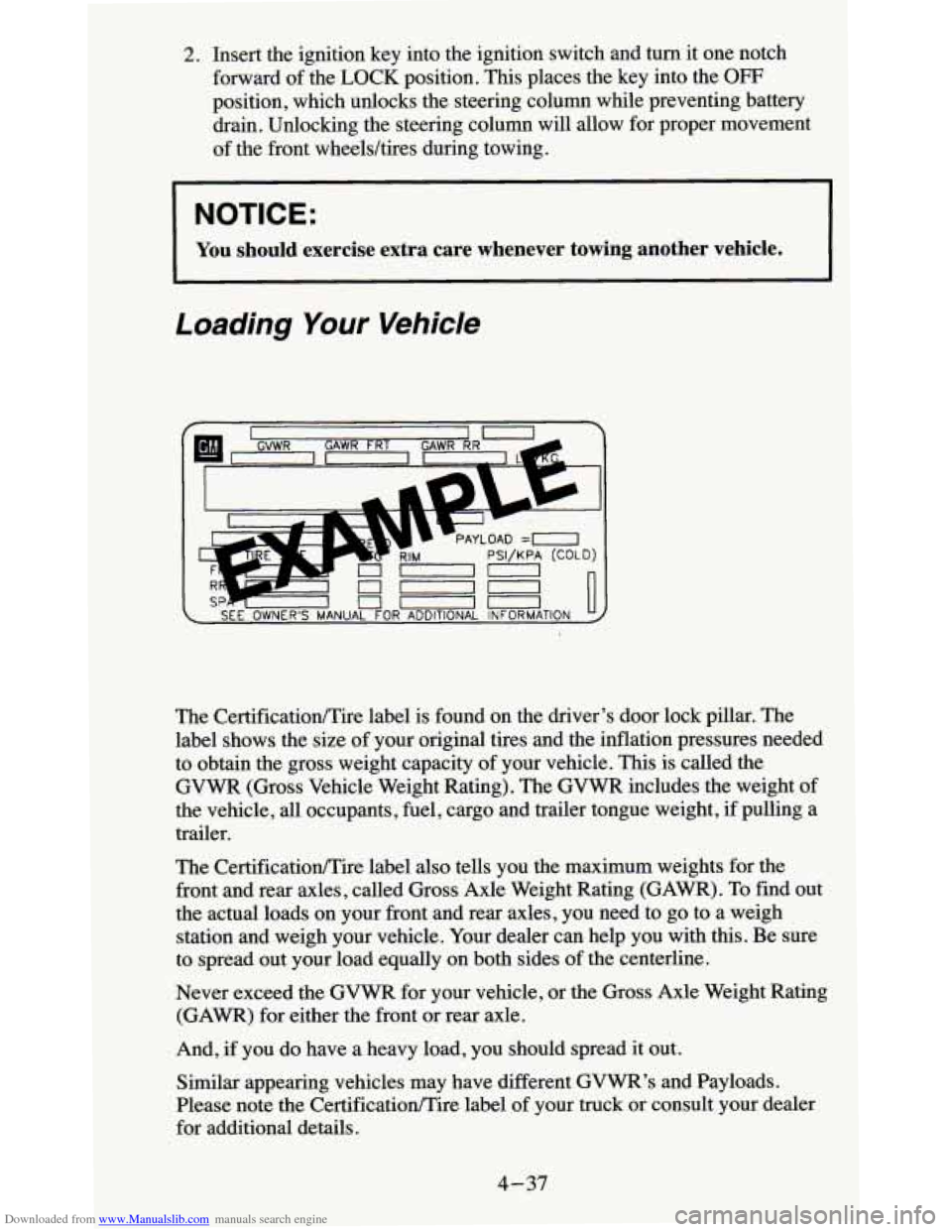
The CertificationEire label also tells you the maximum weights for the
front and rear axles, called Gross Axle Weight Rating (GAWR). To find out
the actual loads on your front and rear axles, you need to go to a weigh
station and weigh your vehicle. Your dealer can help
you with this. Be sure
to spread out your load equally on both sides
of the centerline.
Never exceed the
GVWR for your vehicle, or the Gross Axle Weight Rating
(GAWR) for either the front or rear axle.
And, if you do have
a heavy load, you should spread it out.
Similar appearing vehicles may have different
GVWR’s and Payloads.
Please note the CertificationEire label
of your truck or consult your dealer
for additional details.
4-37