1995 CHEVROLET ASTRO CARGO VAN check engine
[x] Cancel search: check enginePage 134 of 342
Downloaded from www.Manualslib.com manuals search engine If the disc player is very hot, or if you’re driving on a very rough road, a
disc may come out or just
not play. If you see the word HOT on the display,
the disc player is
too hot to play the disc. Press RCL to make the word HOT
go
off the display.
When things get back to normal, the disc should play again. If the disc
comes back out, check whether:
The disc is upside down.
It is dirty, scratched, or wet.
Too much moisture is in the air. (If there is, wait about one hour and try
again.)
RCL
- Press RCL to see what track is playing. Press it again within 5
seconds to see how long it has been playing. The track number also appears
when you change the volume or when a new track starts to play.
COMP
- Press the COMP button to make soft and loud passages more
nearly equal in volume. “COMP” will appear in the display while using this
control.
RDM
- The RDM button means random and when it is pressed, it causes
the CD mechanism to play the tracks in a random order rather than in the
sequential
1, 2’3 order. “RDM” will appear in the display while using this
control.
To return to normal sequence, press RDM again.
REV
- Press and hold the REV button to quickly return to a favorite
passage. Release it to display the passage. The counter reading will be
displayed while using this control.
FWD
- Press and hold the FWD button to advance quickly within a track.
Release it to resume playing. Watch the display
to stop at a specific passage.
SCAN
- Press SCAN to sample each track for approximately 10 seconds.
Scanning will continue until the RDM, SCAN
or any other motion button is
pressed again.
PREV
- Hold the PREV (4 SEEK) button, or press it more than once, and
the disc will return to previous tracks.
NEXT - Press NEXT (SEEK ,) to hear the next track now instead of
waiting until the present track is finished. If you hold this button or press it
more than once, the disc will advance further.
ST-PL
- Press ST-PL (Stop-Play) to make the disc stop and the radio
play. Press ST-PL again to restart the disc at the point where it stopped.
Press PWR or turn the ignition key
off to stop the disc player. The disc stays
in the player and will resume playing at the point where it stopped.
Press EJCT to eject the disc and make
the radio play. The disc will start at
track
1 when you reinsert it.
3-16
Page 137 of 342
Downloaded from www.Manualslib.com manuals search engine To help avoid hearing loss or damage:
1. Adjust the volume control to the lowest setting.
2. Increase volume slowly until you hear comfortably and clearly.
NOTICE:
Before you add any sound equipment to your vehicle - like a
tape player, CB radio, mobile telephone or two-way radio - be
sure you can add what you want.
If you can, it’s very important
to do it properly. Added sound equipment may interfere with the
operation
of your vehicle’s engine, Delco@ radio or other
systems, and even damage them. And, your vehicle’s systems
may interfere with the operation
of sound equipment that has
been added improperly.
So, before adding sound equipment, check with your dealer and
be sure to check Federal rules covering mobile radio and
telephone units.
Care of Your Cassette Player and Tape
A tape player that is not cleaned regularly is subject to reduced sound
quality, ruining
the cassette, or damaging the mechanism. Tape cassettes that
are not properly stored
in their plastic cases away from contaminants, direct
sunlight, and extreme heat, may not operate properly and could cause
premature failure
of the tape player.
Your tape player should be cleaned with every
50 hours of use to provide
optimum performance. Your radio may display “Cln” (Clean)
to indicate
that you have used your tape player for
50 hours without re-setting the tape
clean timer. If you notice a reduction
in sound quality, regardless of when
the tape player was last cleaned, try playing
a different cassette to see if the
tape or tape player is at fault. If
the second cassette results in no
improvement
in sound quality, try cleaning the tape player.
Proper tape player cleaning should be done with a scrubbing action,
non-abrasive cleaning cassette. This is a wet-type cleaning system that uses
a cleaning cassette with pads which scrub the tape head as the hubs of the
cleaner cassette turn. To properly clean your tape player, follow instructions
with the cleaning cassette. If
you use this type of cleaner, the radio may
display an error and eject the cartridge. This is normal and is the result of an
added feature
in the tape player that detects broken tapes. If an error occurs,
you will need to insert the cleaning cassette at least
3 times to thoroughly
clean the tape player.
3-19
Page 138 of 342
Downloaded from www.Manualslib.com manuals search engine You may prefer to use a non-scrubbing action, wet-type cleaner. This type
of cleaner uses a fabric belt to clean the tape head. This type of cleaner
cassette will not
cause an error, but it may not clean the tape player as
thoroughly
as the scrubbing type cleaner.
A scrubbing action cleaner cassette is available through your retailer (SPO
12344600).
Cassettes are subject to wear and the sound quality may degrade over time.
Always verify that the cassette tape
is in good condition and the tape player
is clean before obtaining service on your tape player.
NOTICE:
Cassette tape adapter kits for portable CD players will not work
in your cassette player. These adapters will cause the radio t\
o
display an error and the adapter cassette
will be ejected.
Care of Compact Discs
Handle discs carefully. Store them in their original cases or other protective
cases and away from direct sunlight and dust. If
the surface of a disc is
soiled, dampen a clean, soft cloth
in a mild, neutral detergent solution and
clean it, wiping from
the center to the edge.
Be sure never
to touch the signal surface when handling discs. Pick up discs
by grasping the outer edges
or the edge of the hole and the outer edge.
Antenna Care
The fixed mast antenna can withstand most car washes without being
damaged. If the mast should ever become slightly bent,
you can straighten it
out by hand. If the mast
is badly bent, as it might be by vandals, you should
replace it.
Check every once in a while
to be sure the mast is still tightened to the
fender.
3-20
Page 148 of 342
Downloaded from www.Manualslib.com manuals search engine 0
0
0
0
0
0 0
0
Watch for traffic signs, pavement markings, and lines. If you can see a
sign up ahead that might indicate a turn or an intersection, delay your
pass.
A broken center line usually indicates it’s all right to pass
(providing the road ahead is clear). Never cross a solid line on your
side of the lane or a double solid line, even if the road seems empty
of
approaching traffic.
Do not get too close to the vehicle you want to pass while you’re
awaiting
an opportunity. For one thing, following too closely reduces
your
area of vision, especially if you’re following a larger vehicle.
Also, you won’t have adequate space if the vehicle ahead suddenly
slows or stops. Keep back a reasonable distance.
When it looks like a chance
to pass is coming up, start to accelerate but
stay in the right lane and don’t get too close. Time your move
so you
will be increasing speed as the time comes to move into the other lane.
If the way is clear to pass, you will have a “running start” that more
than makes up for the distance you would lose by dropping back. And
if something happens
to cause you to cancel your pass, you need only
slow down and drop back again and wait for another opportunity.
If other cars are lined up to pass a slow vehicle, wait your turn. But
take care that someone isn’t trying to pass
you as you pull out to pass
the slow vehicle. Remember
to glance over your shoulder and check
the blind spot.
Check your mirrors, glance over your shoulder, and start your left lane
change signal before moving out of the right lane
to pass. When you
are far enough ahead of the passed vehicle to see its front in your inside
mirror, activate your right lane change signal and move back into the
right lane. (Remember that your right outside mirror is convex. The
vehicle you just passed may seem to be farther away from
you than it
really is.)
Try not to pass more than one vehicle at a time on two-lane roads.
Reconsider before passing
the next vehicle.
Don’t overtake a slowly moving vehicle too rapidly. Even though the
brake lights are not flashing, it may be slowing down or starting
to turn.
If you’re being passed, make it easy for the following driver to get
ahead of you. Perham vou
can ease a little to the ripht.
4-10
Page 151 of 342
Downloaded from www.Manualslib.com manuals search engine You can be temporarily blinded by approaching lights. It can take a second
or two, or even several seconds, for your eyes
to readjust to the dark. When
you are faced with severe glare (as from a driver who doesn’t lower the high
beams, or a vehicle with misaimed headlamps), slow down a little. Avoid
staring directly into
the approaching lights.
Keep your windshield and all the glass
on your vehicle clean - inside and
out. Glare at night is made much worse by dirt on the glass. Even the inside
of the glass can build up a film caused by dust. Dirty glass makes lights
dazzle and flash more than clean glass would, making the pupils
of your
eyes contract repeatedly.
Remember that your headlamps light up far less
of a roadway when you are
in a turn or curve. Keep your eyes moving; that way, it’s easier to pick out
dimly lighted objects. Just as your headlamps should be checked regularly
for proper aim,
so should your eyes be examined regularly. Some drivers
suffer from night blindness
- the inability to see in dim light - and aren’t
even aware of it.
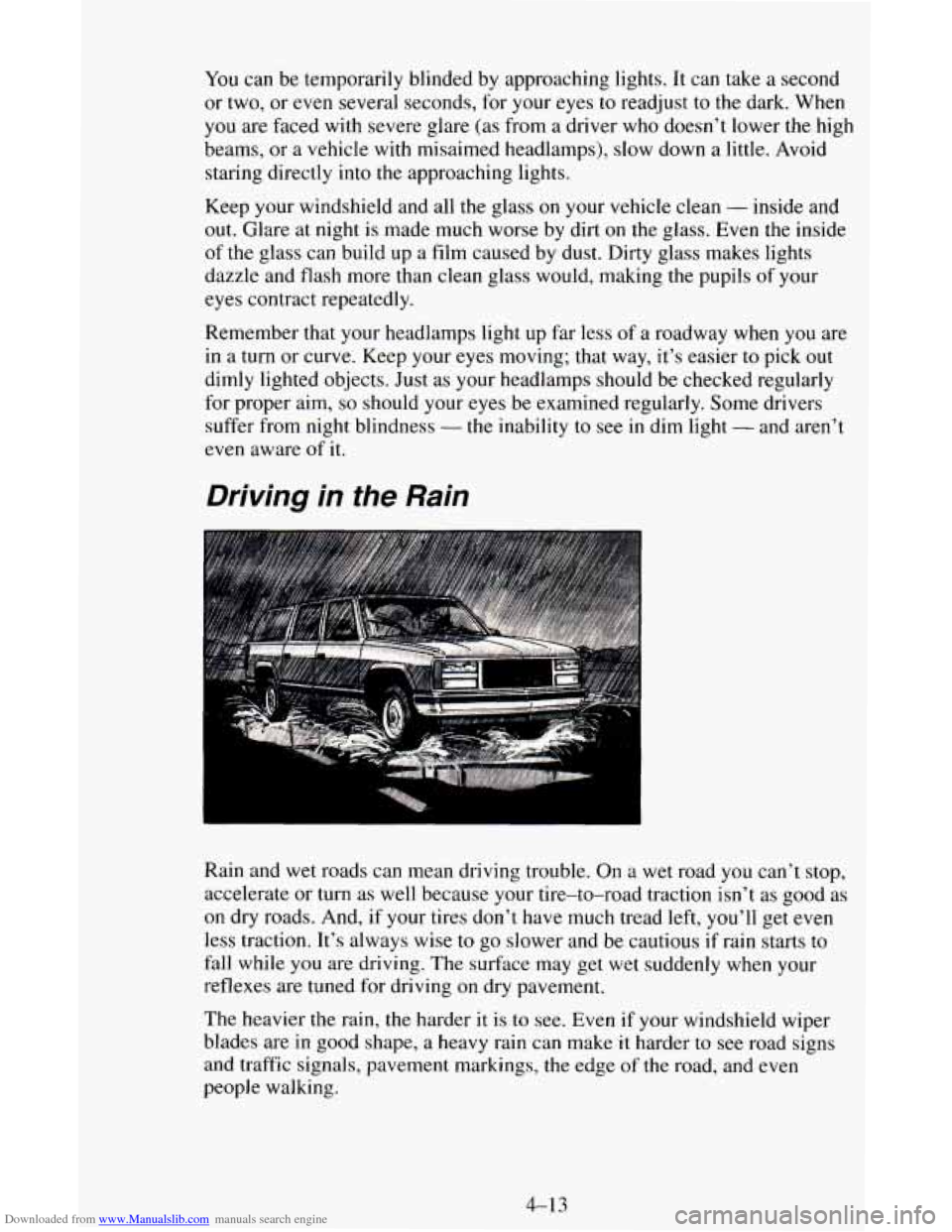
Driving in the Rain
Rain and wet roads can mean driving trouble. On a wet road you can’t stop,
accelerate or turn as well because your tire-to-road traction
isn’t as good as
on dry roads. And, if your tires don’t have much tread left, you’ll get even
less traction. It’s always wise
to go slower and be cautious if rain starts to
fall while you are driving. The surface may get wet suddenly when your
reflexes are tuned
for driving on dry pavement.
The heavier the rain, the harder
it is to see. Even if your windshield wiper
blades are
in good shape, a heavy rain can make it harder to see road signs
and traffic signals, pavement markings, the edge
of the road, and even
people walking.
4-13
Page 153 of 342
Downloaded from www.Manualslib.com manuals search engine Some Other Rainy Weather Tips
Turn on your low-beam headlamps - not just your parking lamps -
0 Besides slowing down, allow some extra following distance. And be
to help make you more visible to others.
especially careful when you pass another vehicle. Allow yourself more
clear room ahead, and be prepared to have your view restricted by road
spray.
Have good tires with proper tread depth. (See “Tires” in the Index.)
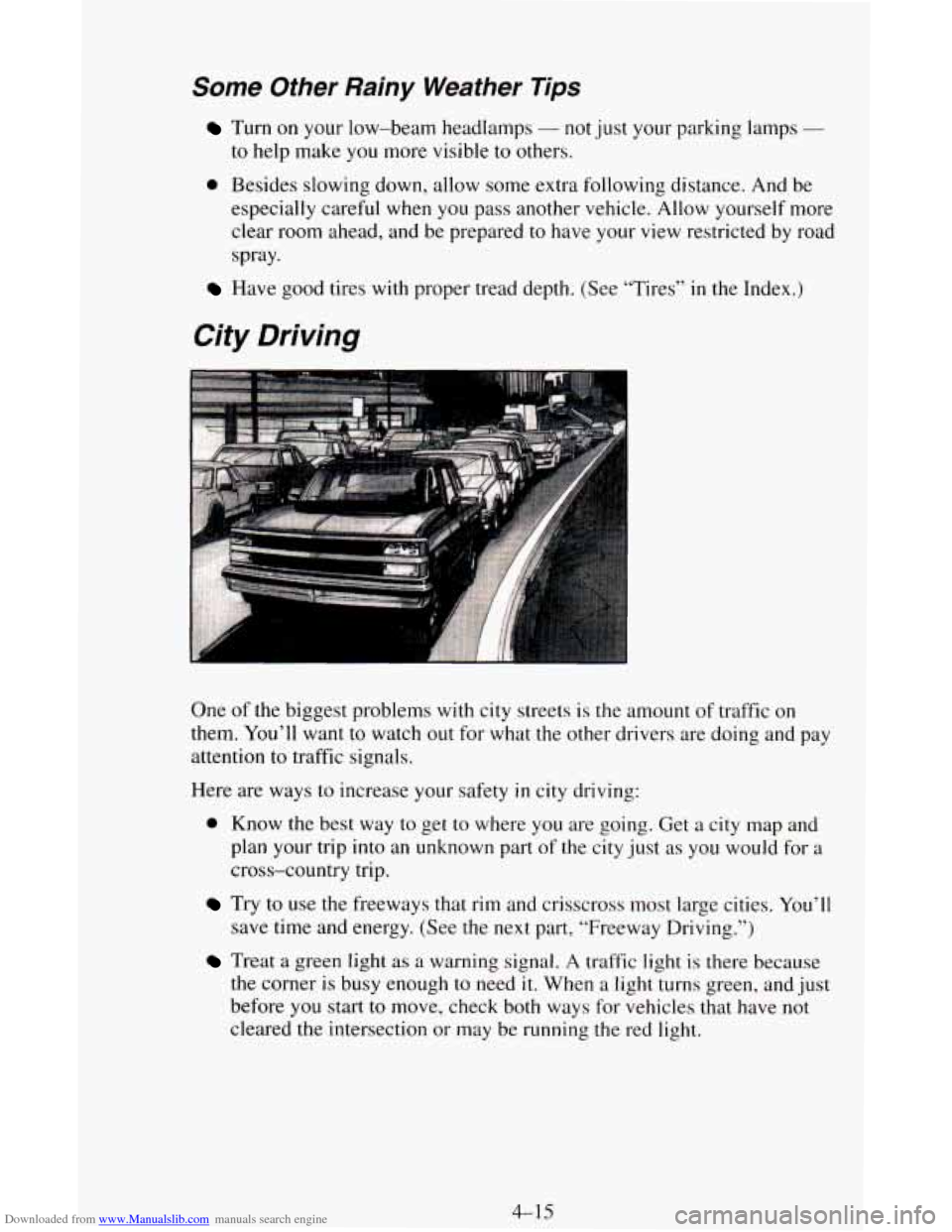
City Driving
a
One of the biggest problems with city streets is the amount of traffic on
them. You’ll want to watch out for what the other drivers are doing and pay
attention
to traffic signals.
Here are ways to increase your safety
in city driving:
0 Know the best way to get to where you are going. Get a city map and
plan your trip into an unknown part
of the city just as you would for a
cross-country trip.
save time and energy. (See the next part, “Freeway Driving.”)
Treat a green light as a warning signal. A traffic light is there because
the corner is busy enough to need
it. When a light turns green, and just
before
you start to move, check both ways for vehicles that have not
cleared the intersection or may be running
the red light.
Try to use the freeways that rim and crisscross most large cities. You’ll
4-15
Page 154 of 342
Downloaded from www.Manualslib.com manuals search engine Freeway Driving
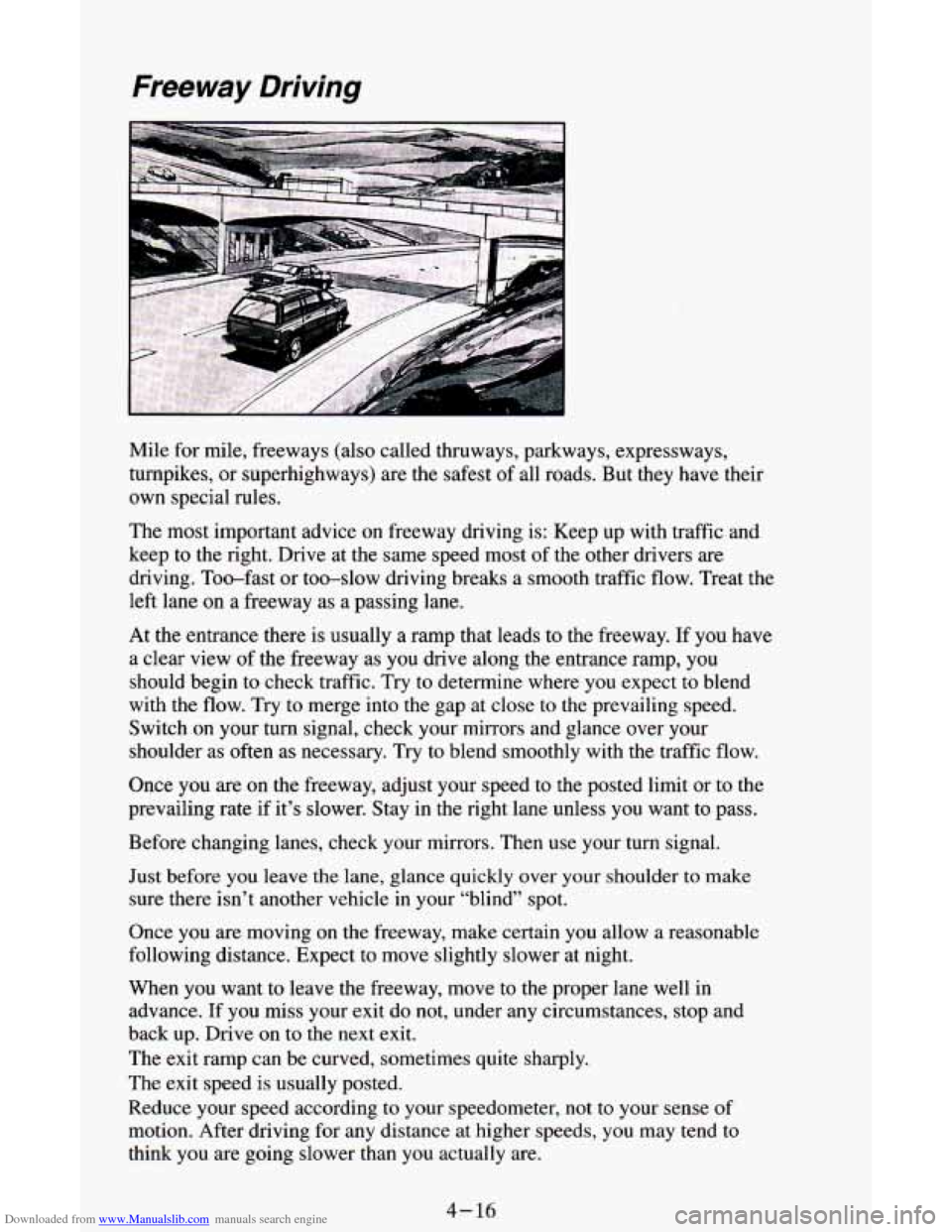
Mile for mile, freeways (also called thruways, parkways, expressways,
turnpikes, or superhighways) are the safest of all roads. But they have their
own special rules.
The most important advice on freeway driving is: Keep up with traffic and
keep to the right. Drive at the same speed most of the other drivers are
driving. Too-fast or too-slow driving breaks a smooth traffic flow. Treat the
left
lane on a freeway as a passing lane.
At
the entrance there is usually a ramp that leads to the freeway. If you have
a clear view of the freeway as you drive along the entrance ramp, you
should begin to check traffic. Try to determine where you expect to blend
with the flow. Try to merge into the gap at close to the prevailing speed.
Switch on your turn signal, check your mirrors and glance over your
shoulder as often as necessary. Try to blend smoothly with the traffic flow.
Once you are
on the freeway, adjust your speed to the posted limit or to the
prevailing rate if it’s slower. Stay in the right lane unless you want to pass.
Before changing lanes, check your mirrors. Then use your turn signal.
Just before you leave the lane, glance quickly over your shoulder
to make
sure there isn’t another vehicle in your “blind” spot.
Once you are moving on the freeway, make certain you allow
a reasonable
following distance. Expect to move slightly slower at night.
When
you want to leave the freeway, move to the proper lane well in
advance.
If you miss your exit do not, under any circumstances, stop and
back up. Drive on to the next exit.
The exit ramp can be curved, sometimes quite sharply.
The exit speed is usually posted.
Reduce your speed according to your speedometer, not to your sense of
motion. After driving for any distance at higher speeds, you may tend to
think you are going slower than you actually are.
4- 16
Page 155 of 342
Downloaded from www.Manualslib.com manuals search engine Before Leaving on a Long Trip
Make sure you’re ready. Try to be well rested. If you must start when you’re
not fresh
- such as after a day’s work - don’t plan to make too many
miles that first
part of the journey. Wear comfortable clothing and shoes you
can easily drive in.
Is your vehicle ready for a long trip?
If you keep it serviced and maintained,
it’s ready to go. If it needs service, have it done before starting out. Of
course, you’ll find experienced and able service experts in
GM dealerships
all across North America. They’ll be ready and willing to help if you need
it.
Here are some things you can check before a trip:
Windshield Washer Fluid: Is the reservoir full? Are all windows clean
inside and outside?
Wiper Blades: Are they in good shape?
0 Fuel, Engine Oil, Other Fluids: Have you checked all levels?
0 Lights: Are they all working? Are the lenses clean?
Tires: They are vitally important to a safe, trouble-free trip. Is the tread
good enough for long-distance driving? Are the tires all inflated to the
recommended pressure?
Should you delay your trip a short time to avoid a major storm system?
Weather Forecasts: What’s the weather outlook along your route?
Maps: Do you have up-to-date maps?
High way Hypnosis
Is there actually such a condition as “highway hypnosis”? Or is it just plain
falling asleep at the wheel? Call it highway hypnosis, lack
of awareness, or
whatever.
There is something about an easy stretch of road with the same scenery,
along with the hum
of the tires on the road, the drone of the engine, and the
rush of the wind against the vehicle that can make you sleepy. Don’t let it
happen to you! If it does, your vehicle can leave the road in
less than a
second, and you could crash and be injured.
What can you do about highway hypnosis? First, be aware that it can
happen.
4- 17