1995 CADILLAC ELDORADO change time
[x] Cancel search: change timePage 220 of 395

Downloaded from www.Manualslib.com manuals search engine NOTICE:
Pulling a trailer improperly can damage your vehicle and result
in costly repairs not covered by your warranty. To pull a trailer
correctly, follow the advice in this part, and see your Cadillac
dealer for important information about towing a trailer with
your vehicle.
Your vehicle can tow a trailer if it is equipped with the Northstar 4.6L
engine and proper trailer towing equipment. To identify what the vehicle
trailering capacity
is for your vehicle, you should read the information in
“Weight of the Trailer” that appears later in this section. But trailering is
different than just driving your vehicle by itself. Trailering means changes
in handling, durability, and fuel economy. Successful, safe trailering takes
correct equipment, and it has to be used properly.
That’s the reason for this part. In it are many time-tested, important
trailering tips and safety rules. Many
of these are important for your
safety and that
of your passengers. So please read this section carefully
before you pull
a trailer.
Load-pulling components such as the engine, transaxle, wheel assemblies,
and tires are forced to work harder against the drag
of the added weight.
The engine is required
to operate at relatively higher speeds and under
greater loads, generating extra heat. What’s more, the trailer adds
considerably
to wind resistance, increasing the pulling requirements.
If You Do Decide To Pull A nailer
If you do, here are some important points.
e There are many different laws, including speed limit restrictions,
having to do with trailering. Make sure your rig will
be legal, not only
where you live but
also where you’ll be driving. A good source for this
information can be state or provincial police.
Consider using a sway control.
4-33
Page 274 of 395
Downloaded from www.Manualslib.com manuals search engine Engine Oil Additives
c
Don’t add anything to your oil. Your Cadillac dealer is ready to advise if
you think something should be added.
When to Change Engine Oil
Your Cadillac has an “Oil Life Indicator.” This feature will let you know
when to change your oil and filter
-- usually between 3,000 miles (5 000
km) and 7,500 miles (12 500 km) since your last oil change. Under severe
conditions, the indicator may come
on before 3,000 miles (5 000 km).
Never drive your vehicle more
than 7,500 miles (12 500 km) or 12 months
without an oil change.
The system won’t detect dust in the oil.
So, if you drive in a dusty area, be
sure to change your oil every
3,000 miles (5 000 km) or sooner if the
CHANGE OIL
SOON light comes on. Remember to reset the Oil Life
Indicator when the
oil has been changed. For more information, see “Oil
Life Indicator” in the Index.
How to Reset the Oil Life Indicator
After the oil has been changed, display the OIL LIFE LEFT message by
pressing the INFORMATION button. Then press and hold the
RESET
button until the display shows “loo”. This resets the oil life index. The
message will remain off until the next
oil change is needed. The
percentage
of oil life remaining may be checked at any time by pressing
the INFORMATION button several times until the OIL LIFE LEFT
message appears. For more information on the
Oil Life Index feature, see
“Oil Life Index” in the Index.
Engine Coolant Heater
An engine coolant heater can be a big help if you have to park outside in
very cold weather, 0°F (-18OC) or colder. If your vehicle has this option,
see “Engine Coolant Heater” in the Index.
6- 15
Page 278 of 395

Downloaded from www.Manualslib.com manuals search engine Push the two tabs and
' pivot the top half to
~ separate the air
cleaner.
Once you have
replaced the air cleaner
filter, reverse the steps
to reassemble
and
install back into your
vehicle.
AUTOMTIC TMSAXLE FLUID
When to Check and Change
A good time to check your automatic transaxle fluid level is when the
engine oil
is changed. Refer to the Maintenance Schedule to determine
when to change your fluid.
6-19
Page 291 of 395
Downloaded from www.Manualslib.com manuals search engine NOTICE:
Continuing to drive with worn-out brake pads could result in
costly brake repair.
Some driving conditions or climates may cause a brake squeal when the
brakes are first applied
or lightly applied. This does not mean something
is wrong
with your brakes.
Brake linings should always be replaced as complete axle sets.
Brake Pedal Travel
See your dealer if the brake pedal does not return to normal height, or if
there is a rapid increase in pedal travel. This could bc a sign of brake
trouble.
Brake Adjustment
Every time you apply the brakes, with or without the vehicle moving, your
brakes adjust for wear.
Replacing Brake System Parts
The braking system on a modern vehicle is complex. Its many parts have
to be
of top quality and work wcll together if the vehicle is to have really
good braking. Vehicles
we design and test have top-quality GM brake
parts in them,
as your Cadillac does when it is new. When you replace
parts of your braking system
-- for example, when your brake linings wear
down and
you have to have new ones put in -- be sure you get new
genuine
GM replacement parts. If you don’t, your brakes may no longer
work properly. For example,
if someone puts in brake linings that are
wrong for your vehicle,
the balance between your front and rear brakes
can change
-- for the worse. The braking performance you’ve come to
expect can change in many
other ways if someone puts in the wrong
replacement brake parts.
6-32
Page 368 of 395
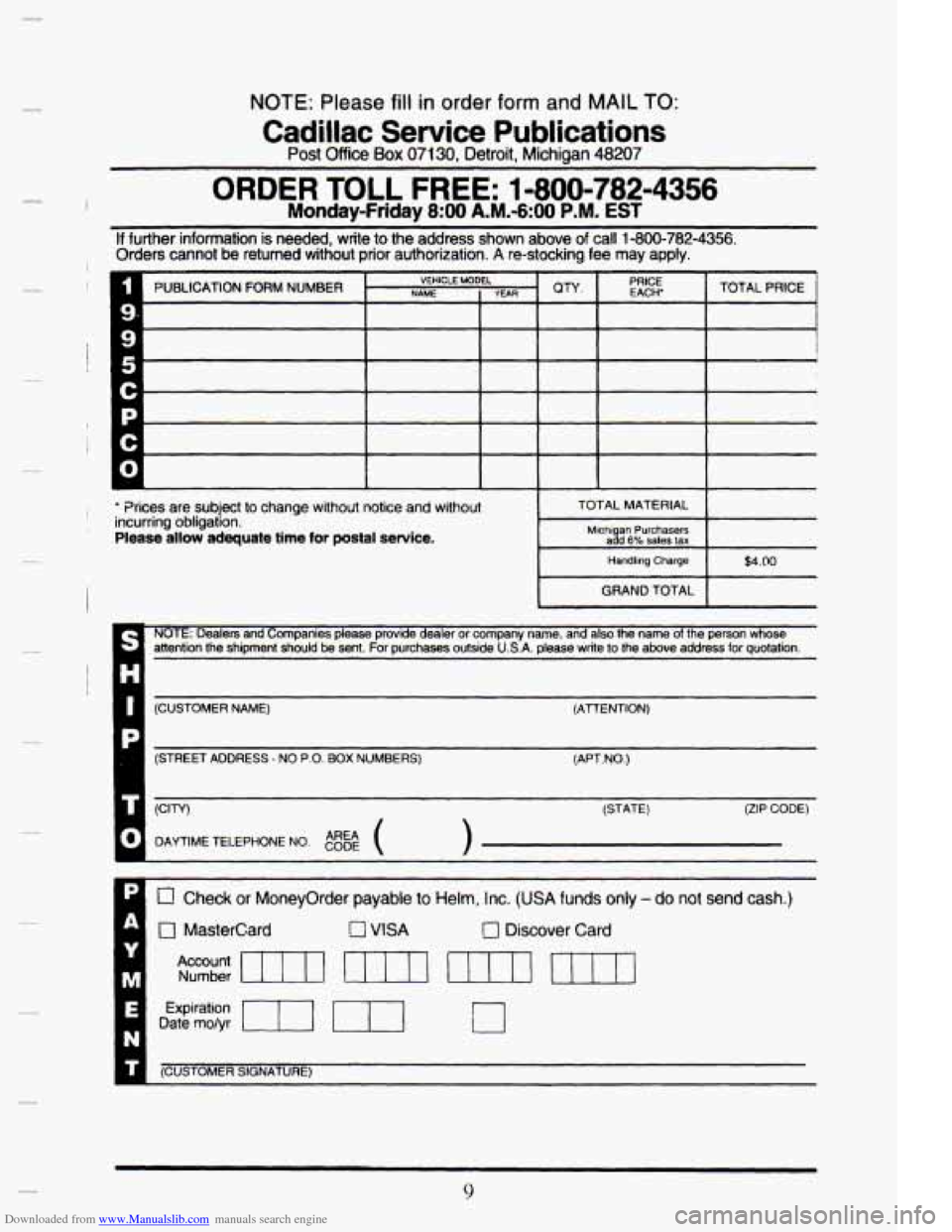
Downloaded from www.Manualslib.com manuals search engine NOTE: Please fill in order form and MAIL TO:
Post Office Box 07130, Detroit, Michigan 48207
Cadillac Service Publications
n ORDER TOLL FREE: 1-800-782-4356
Monday-Friday 8:OO A.M.-6:00 P.M. EST
If further information is needed, write to the address shown above of call 1-800-782-4356. Orders cannot be returned without prior authorization. A re-stocking fee may apply.
Prices are subject to change without notice and without TOTAL MATERIAL incurring obligation.
Please allow adequate time for postal service.
Handling Charge $4.00
GRAND TOTAL
NOTE: Dealers and Companies please provide dealer or company name, and also the name of the person whose - attention the shipment should be sent. For purchases outside U.S.A. please write to the above address for quotation.
I
(CUSTOMER NAME) (ATfENTtON)
1 (STREET ADDRESS - NO P.O. BOX NUMBERS)
(APT.NO.)
(STATE)
(ZIP CODE)
0 Check or Moneyorder payable to Helm, Inc. (USA funds only - do not send cash.)
0 MasterCard 0 VISA 0 Discover Card
Account Number rn m 11111 m
Expiration ml Date mo/yr
(~US AER SIGNATURE) --
9
Page 385 of 395
Downloaded from www.Manualslib.com manuals search engine Horn ............................................. 2-37
Hydroplaning
...................................... 4-19
I
If You’re Stuck: In Sand. Mud. Ice or Snow ............. 5-31
Ignition Key Positions
............................... 2-19
Ignition Switch
..................................... 2-19
Illuminated Entry System
............................. 2-6
Information Button. Driver Information Center ......... 2-84
Instrument
Panel Cluster ............................ 2-69
Analog
......................................... 2-70
Canadian Analog
................................ 2-70
Digital
......................................... 2-69
Instrument Panel Intensity Control
.................... 2-50
Instrument Panel. Cleaning
.......................... 6-55
Interior Lamps ...................................... 2-50
J
Jack. Tire ......................................... 5-23
Jump Starting ....................................... 5-3
Keyless Entry System
......................... 2.7.2.8. 2.9
Keys .............................................. 2-1
L
Lamp Housings. Exterior ............................ 6-34
Lamps
............................................ 2-49
Cornering
...................................... 2-52
Daytime Running
................................ 2-53
Lamp. Malfunction Indicator
......................... 2-78
Lamp. Underhood
.................................. 2-52
Fog ............................................ 2-51
Interior
........................................ 2-50
On Reminder ................................... 2-50
Reading ........................................ 2-54
RearFog ....................................... 2-52
Lane Change Indicator
.............................. 2-39
Larger Children. Safety Belt Use
...................... 1-48
Latches.
Front Seatback .............................. 1-6
Leaving Your Vehicle ................................ 2-6
. ._
8